4 Best Practices for Your Outlook HTML Signature Template
Establishing a strong brand presence in email communications is essential for organizations seeking to build trust and foster engagement. With the right
Sophie Grant
Email Signature Specialist, Scribe
Introduction
Establishing a strong brand presence in email communications is essential for organizations seeking to build trust and foster engagement. With the right practices, an Outlook HTML signature can serve as a powerful tool for reinforcing brand identity and enhancing professional image. Despite the potential benefits, many organizations find it challenging to create cohesive email signatures that resonate across different platforms. This inconsistency can lead to a diluted brand image and missed opportunities for engagement.
How can organizations effectively design, manage, and personalize their email signatures to not only reflect their brand but also drive engagement? This article explores four best practices that can ensure organizations' email signatures not only reflect their brand but also enhance engagement and drive results.
Establish Brand Consistency in Your HTML Signature
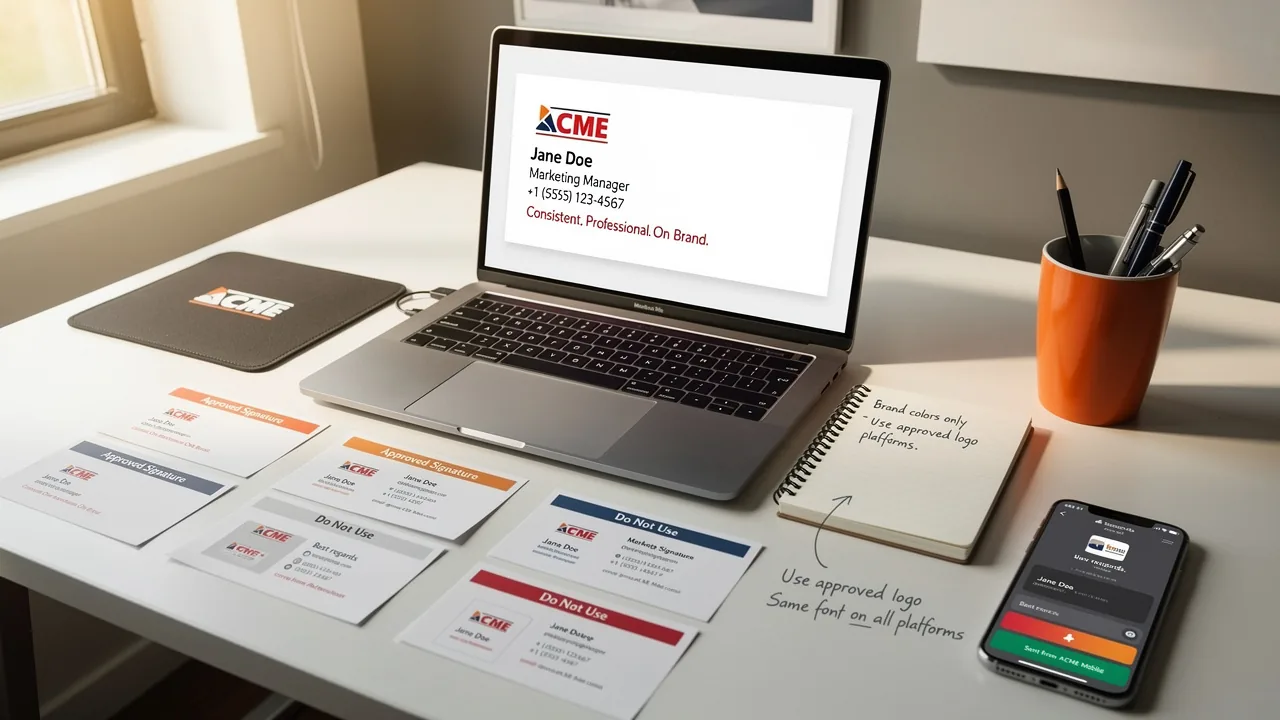
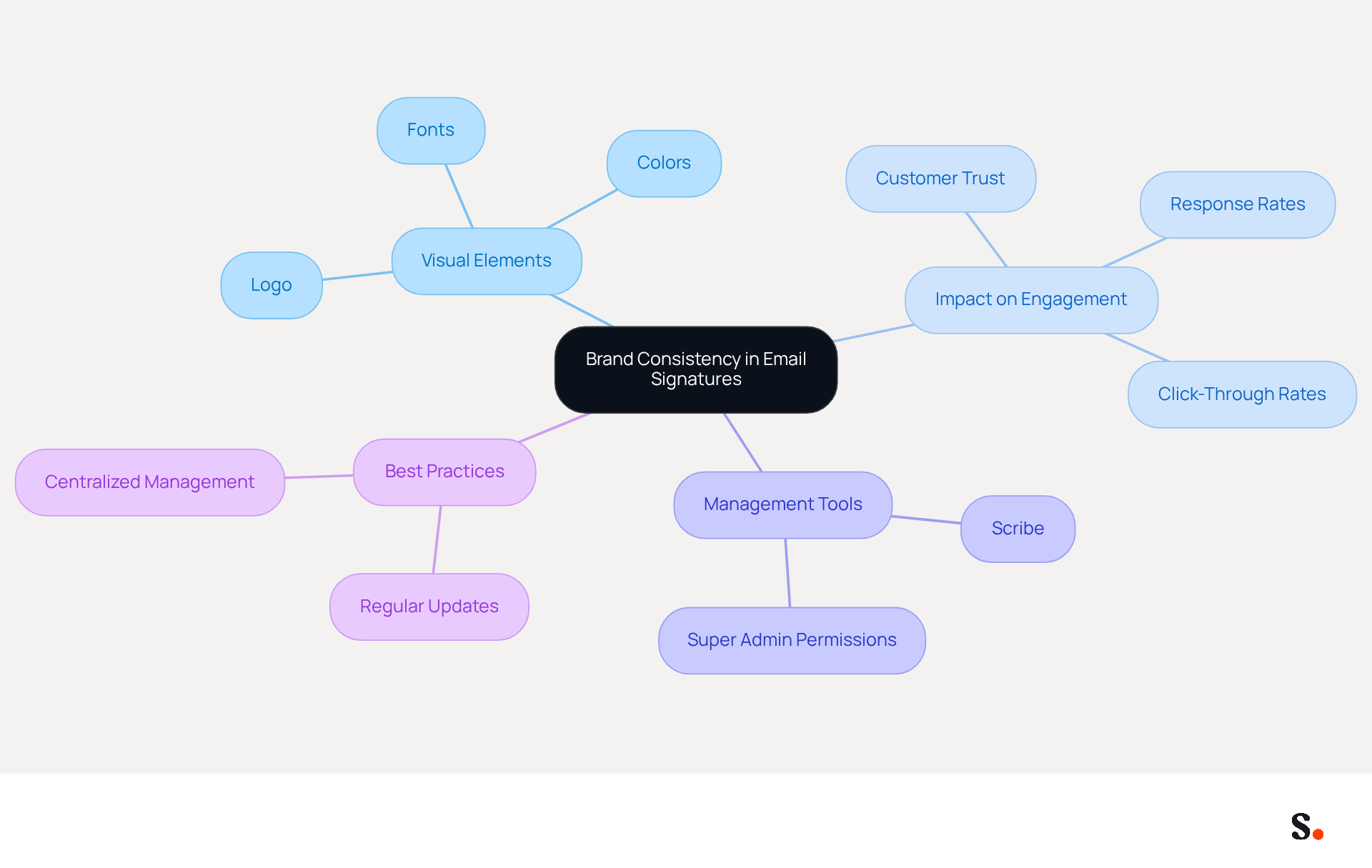
To ensure your email communications reflect your brand accurately, start by incorporating your company’s logo, colors, and fonts. A standardized layout that mirrors your visual identity is essential. Ensuring that all team members utilize the same template not only enhances professionalism but also reinforces brand recognition. For instance, organizations that maintain consistent branding across their correspondence have reported significant improvements in customer trust and engagement, with branded communications driving a 22% increase in response rates and a 15% rise in click-through rates to company websites.
Scribe makes it easy to automate signature synchronization across your team with just one click. This requires granting permission to Scribe to connect with your service provider, which can only be done by a Super Admin. Any updates made in your business phone system or messaging provider are reflected in real-time, ensuring that your branding remains consistent and current. Scribe's SOC 2 Type II compliance guarantees that your data is protected, allowing you to manage digital identifiers with confidence.
It's essential to regularly review and update your personal mark to keep up with branding changes and marketing campaigns. In fact, 44.4% of professionals update their email details 2-4 times a year, while 31.6% do so only once every few years, highlighting the importance of proactive management. Companies that fail to refresh their branding elements risk misrepresenting their current image and may lose customer trust. As companies expand, maintaining consistency in their identity can become challenging, yet it is vital for customer loyalty and trust. By following best practices, such as centralized management of digital identifiers with Scribe, businesses can effectively transform each message into a powerful branding opportunity. Ultimately, neglecting brand consistency can jeopardize customer relationships and trust.
Design and Personalize Your HTML Signature Template
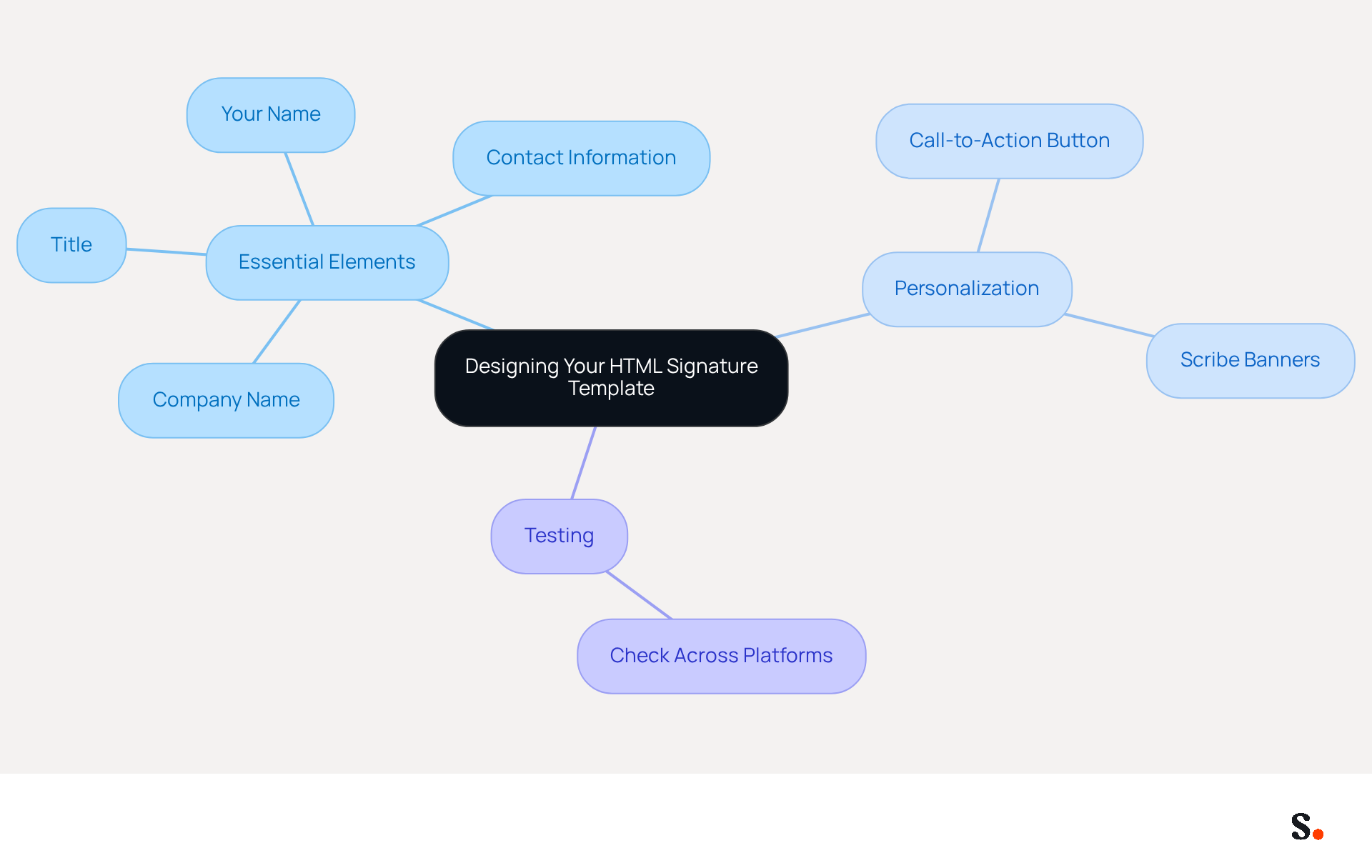
When crafting your outlook html signature template, clarity and simplicity should be your foremost priorities. A tidy layout, ideally no wider than 600 pixels, ensures compatibility across devices, especially since over 60% of business correspondence is accessed on mobile devices.
Essential elements to include are:
- Your name
- Title
- Company name
- Contact information
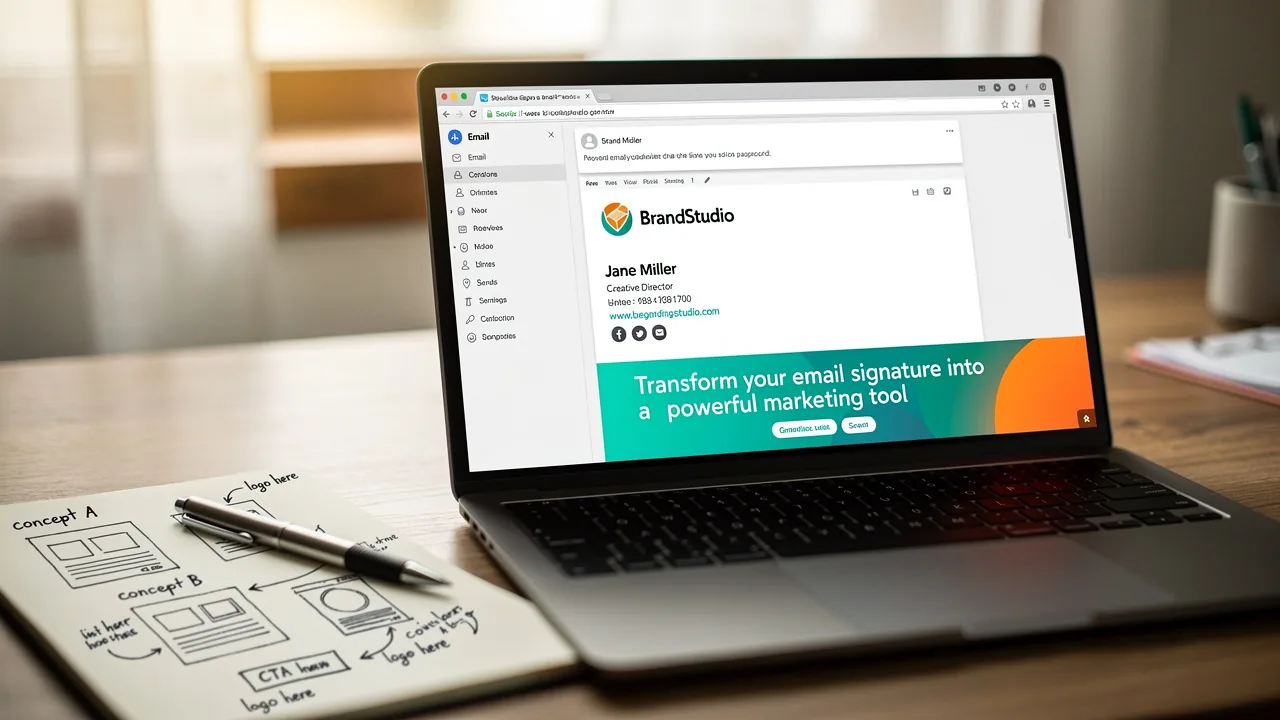
Personalization can significantly enhance engagement; adding a unique call-to-action button can significantly enhance engagement, as it directs recipients to your website or social media. With Scribe, you can easily create personalized banners that enhance engagement.
Testing your design across various messaging platforms is essential to ensure it displays correctly, as design flaws can lead to miscommunication, undermining professional interactions. By following these guidelines, businesses can enhance their professional image and leverage an Outlook HTML signature template as a powerful marketing tool.
Leverage Automation for Efficient Signature Management
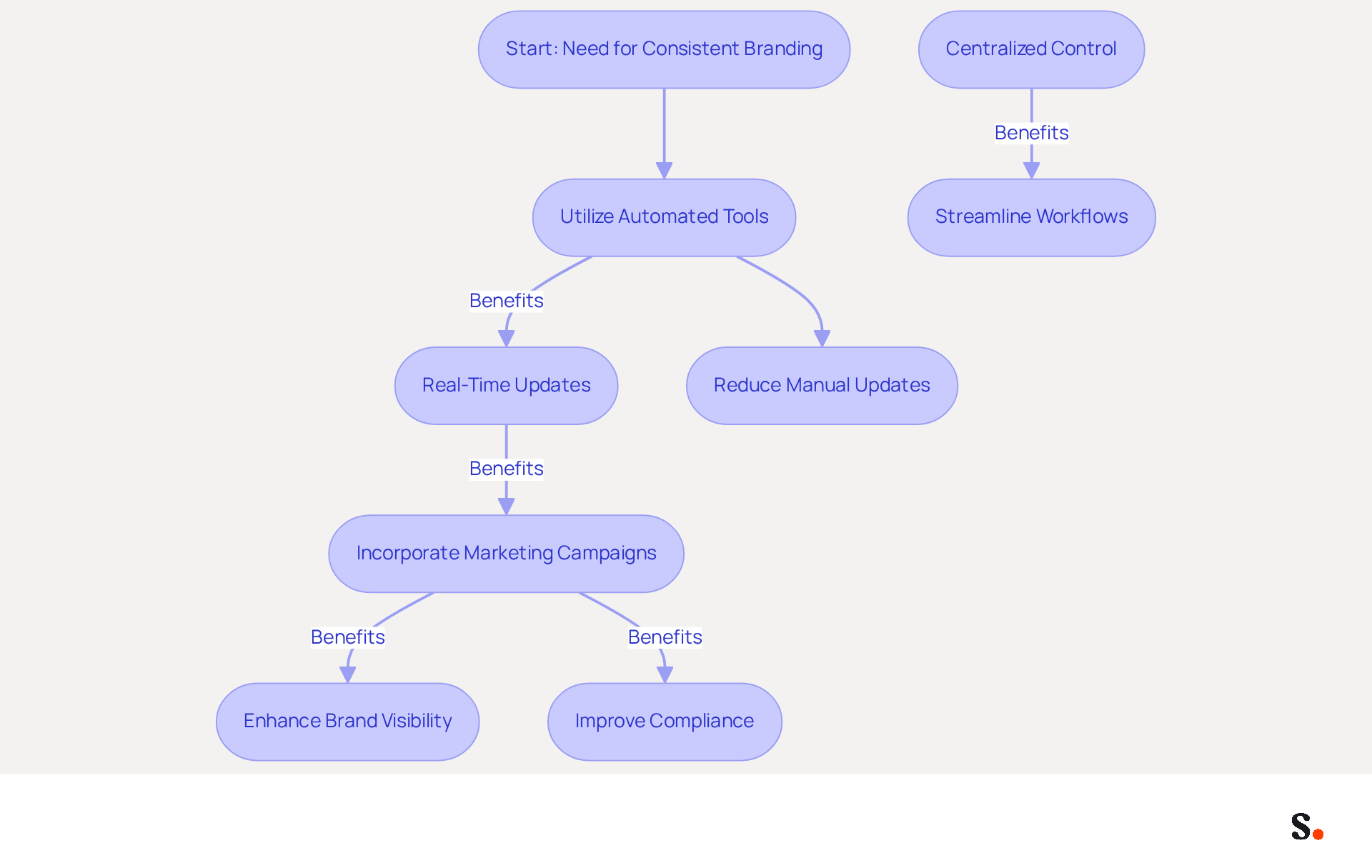
Inconsistent branding can undermine an organization's credibility, making the automated management of the Outlook HTML signature template crucial. Utilizing automated tools for managing the Outlook HTML signature template and other branding elements across your organization is essential for maintaining brand consistency and operational efficiency. Platforms like Scribe enable businesses to update their marks in real-time with a single click, ensuring that all employees reflect the latest branding. This automation eliminates the need for manual updates, reducing the risk of inconsistencies that arise when employees manage their own identifiers.
Furthermore, automation enables the incorporation of marketing campaigns directly into digital identifiers, improving their impact on audience engagement. For example, promotional banners can be scheduled to appear in email footers during specific campaigns, enhancing visibility and engagement. This method not only converts each message into a marketing opportunity but also strengthens brand identity across all communications.
In 2026, organizations are increasingly prioritizing centralized control and automated campaigns, acknowledging that automated digital identifiers can save IT teams time and streamline workflows. By automating document management, companies can ensure compliance with legal standards while reducing the administrative burden on IT and marketing teams. Case studies show that businesses utilizing automation report significant enhancements in efficiency and perception, with 76% of marketers observing that customized digital identifiers increase trust in the sender.
Furthermore, Scribe's integration with Aircall guarantees that any modifications made in Aircall configurations are automatically reflected in digital identifiers, further improving consistency across the organization. Marketing managers can benefit from Scribe's Affiliate Program, earning a 50% commission and offering a $30 credit to new subscribers, promoting brand consistency in digital branding. As electronic communication identifiers evolve into measurable interaction channels, adopting automation is no longer merely a trend but a necessity for businesses aiming to optimize their communications and drive engagement.
Test and Optimize Your HTML Signature for Compatibility
Thorough testing of your HTML email footer is essential to ensure optimal performance across various email clients, including Outlook, Gmail, and Apple Mail. Utilizing tools such as Litmus or Email on Acid allows for comprehensive previews of your email footer across various clients, ensuring optimal rendering and layout. Many email footers fail to engage recipients due to common mistakes, making HTML code optimization essential.
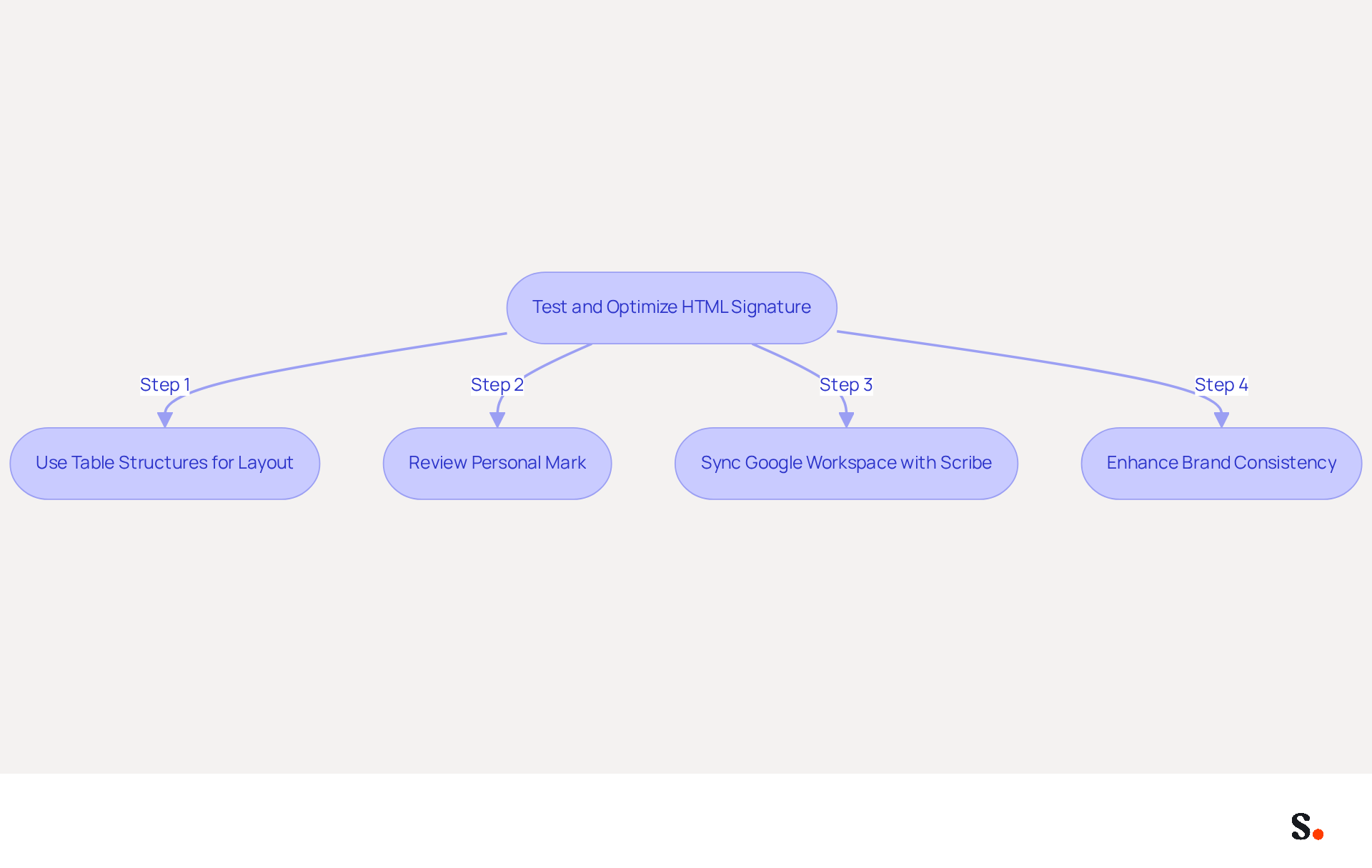
- Use table structures instead of CSS for layout, as this approach ensures better compatibility across various clients.
- Consistently review your personal mark to make changes based on input and evolving client standards, ensuring a smooth experience for all recipients.
- Additionally, syncing Google Workspace with Scribe streamlines updates, automatically reflecting changes in teammates' email signatures.
- This proactive approach not only enhances brand consistency but also significantly improves recipient engagement.
Conclusion
A professional and consistent email signature is essential for organizations striving to enhance brand identity and communication effectiveness. Implementing best practices for Outlook HTML signatures helps businesses accurately reflect their brand and engage recipients.
Key strategies discussed include:
- Maintaining brand consistency through standardized templates
- Leveraging automation for efficient signature management
- Rigorously testing signatures for compatibility across various email clients
Tools like Scribe simplify signature updates and ensure compliance with important security standards, including SOC 2 Type II, GDPR, and CCPA, allowing organizations to manage their branding with confidence.
With rapid changes in digital communication, many organizations struggle to maintain brand consistency and operational efficiency in their email signatures. By adopting these strategies, organizations can not only improve customer trust but also gain a competitive edge in the market. Organizations that fail to prioritize their email signature management risk losing valuable branding opportunities in an increasingly competitive landscape.
Frequently Asked Questions
Why is brand consistency important in email communications?
Brand consistency in email communications is essential as it enhances professionalism and reinforces brand recognition. Organizations that maintain consistent branding have reported significant improvements in customer trust and engagement, including a 22% increase in response rates and a 15% rise in click-through rates to company websites.
How can I ensure my email signature reflects my brand accurately?
To ensure your email signature reflects your brand accurately, incorporate your company’s logo, colors, and fonts. Use a standardized layout that mirrors your visual identity and ensure all team members utilize the same template.
What role does Scribe play in maintaining email signature consistency?
Scribe automates signature synchronization across your team with just one click, ensuring that all updates made in your business phone system or messaging provider are reflected in real-time. This helps maintain consistent and current branding.
Who can grant permission for Scribe to connect with the service provider?
Only a Super Admin can grant permission for Scribe to connect with your service provider.
How often should I review and update my email signature?
It is essential to regularly review and update your email signature to keep up with branding changes and marketing campaigns. Statistics show that 44.4% of professionals update their email details 2-4 times a year, while 31.6% do so only once every few years.
What are the risks of not maintaining brand consistency?
Failing to maintain brand consistency can lead to misrepresentation of a company's current image, which may result in a loss of customer trust and jeopardize customer relationships.
How does Scribe ensure data protection while managing digital identifiers?
Scribe's SOC 2 Type II compliance guarantees that your data is protected, allowing you to manage digital identifiers with confidence.
List of Sources
- Establish Brand Consistency in Your HTML Signature
- The impact of email signatures on your branding (https://signitic.com/en/resources/the-impact-of-email-signatures-on-your-branding)
- Why Email Signatures Must Be In Your 2026 Marketing Plan | Rocketseed (https://rocketseed.com/blog/what-are-the-biggest-email-trends-for-2026)
- How to manage brand consistency in email marketing - Emma (https://myemma.com/blog/how-to-manage-brand-consistency-in-email-marketing)
- 40+ Email Signature Statistics for 2026 (Data + Insights) (https://wavecnct.com/blogs/email-signature-statistics)
- Email Signature Design Trends in 2026: What Works and What to Drop (https://bulksignature.com/blog/email-signature-design-trends)
- Design and Personalize Your HTML Signature Template
- Research Recap: Branded Email Signatures Increase Company Recognition, Trust - Demand Gen Report (https://demandgenreport.com/industry-news/research-recap-branded-email-signatures-increase-company-recognition-trust/47252)
- Email Signature Design Trends in 2026: What Works and What to Drop (https://bulksignature.com/blog/email-signature-design-trends)
- Top 10+ best practices for email signatures design in 2026 (https://mysignature.io/blog/email-signature-best-practices)
- The Complete Email Signature Guide 2026: Best Practices and Policy (https://opensense.com/complete-email-signature-guide)
- Best practices for business email signatures in 2026 (https://bybrand.io/blog/best-practices)
- Leverage Automation for Efficient Signature Management
- 40+ Email Signature Statistics for 2026 (Data + Insights) (https://wavecnct.com/blogs/email-signature-statistics)
- How to Automate Email Signatures for Effective Marketing Campaigns (https://scribe-mail.com/en-US/blog/how-to-automate-email-signatures-for-effective-marketing-campaigns)
- Email Signature Trends 2026: Centralized Control & Automation | SIGNandGO posted on the topic | LinkedIn (https://linkedin.com/posts/signngo_email-signature-trends-to-watch-in-2026-activity-7401523471786217473-zAVL)
- Automating Email Signatures: How IT Teams Streamline Processes & Reduce Risk (https://exclaimer.com/blog/streamlining-it-processes-automated-email-signatures)
- Maximizing Efficiency with Automated Email Signatures for Internal and External Communications | Crossware365 (https://crossware365.com/blog/maximizing-efficiency-with-automated-email-signatures-for-internal-and-external-communications)
- Test and Optimize Your HTML Signature for Compatibility
- 4 Best Practices for a Modern Email Signature That Engages (https://scribe-mail.com/en-US/blog/4-best-practices-for-a-modern-email-signature-that-engages)
- Email Signature Best Practices for 2026 (+ 15 Pro Examples) (https://wavecnct.com/blogs/email-signature-best-practices-2026)
- 21 Best Email Testing Tools in 2026 [Hand-Picked] (https://mailtrap.io/blog/email-testing-tools)
- Industry Leading Email Testing | Litmus (https://litmus.com/email-testing)
- Company Email Signature Management (2026) (https://hubspot.com/email-signature-generator/email-signature-management)
Get started with Scribe
Build a professional email signature
Free 14-day trial — no credit card.