4 Best Practices for an Effective Email Signature for Personal Assistants
An email signature is not merely a digital sign-off; it is a critical component that can either enhance or undermine a personal assistant's professionalism. By
Sophie Grant
Email Signature Specialist, Scribe
Introduction
An email signature is not merely a digital sign-off; it is a critical component that can either enhance or undermine a personal assistant's professionalism. By incorporating essential elements such as:
- Contact information
- Branding
- Strategic calls to action
personal assistants can significantly improve their engagement with recipients. Personal assistants often struggle to keep their email signatures updated, which can lead to miscommunication and a lack of professionalism.
What best practices can personal assistants adopt to create impactful email signatures that not only reflect their professionalism but also foster stronger connections with recipients?
Identify Essential Elements for Your Email Signature
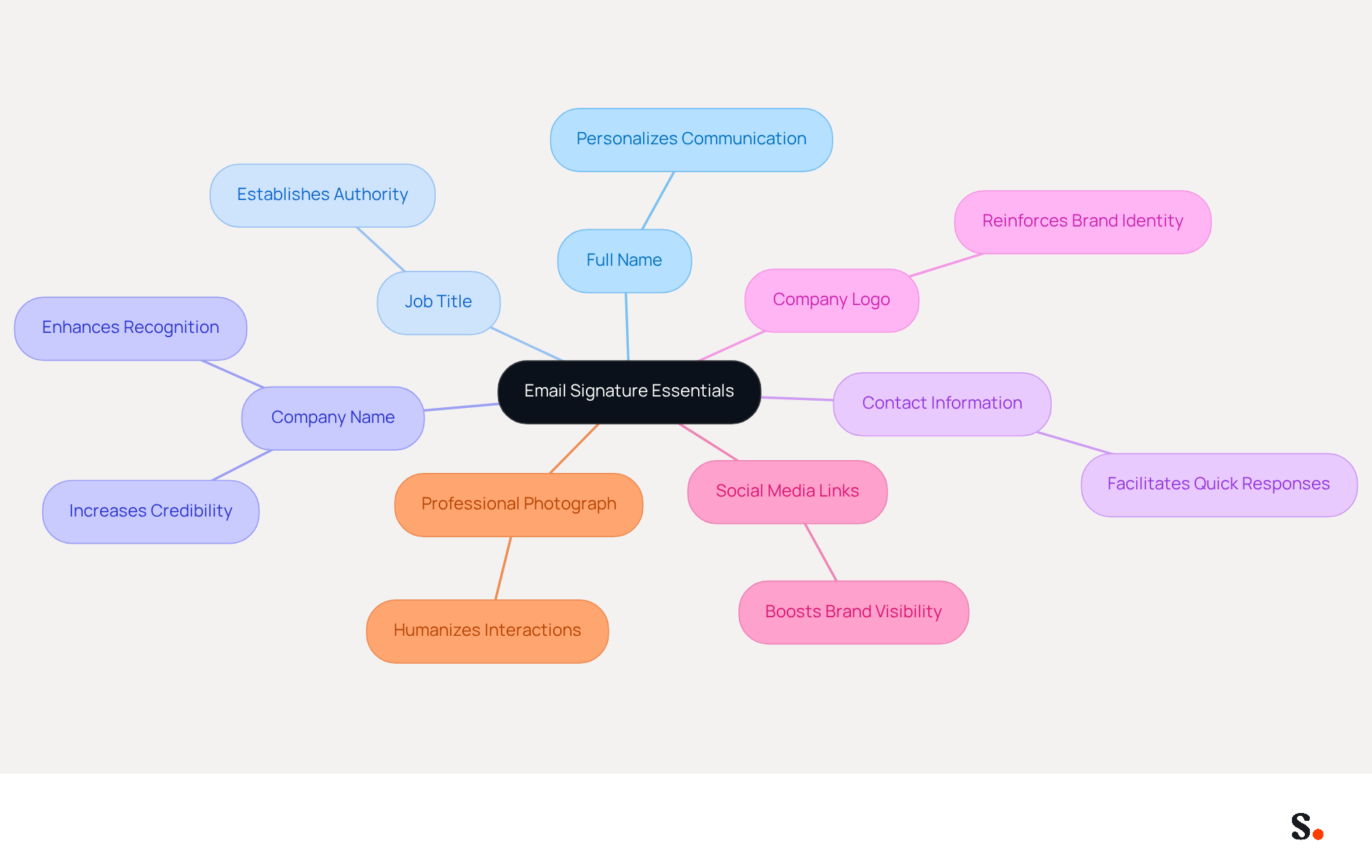
An email signature for personal assistants is crucial to convey professionalism and facilitate effective communication. An effective email signature should encompass several essential elements:
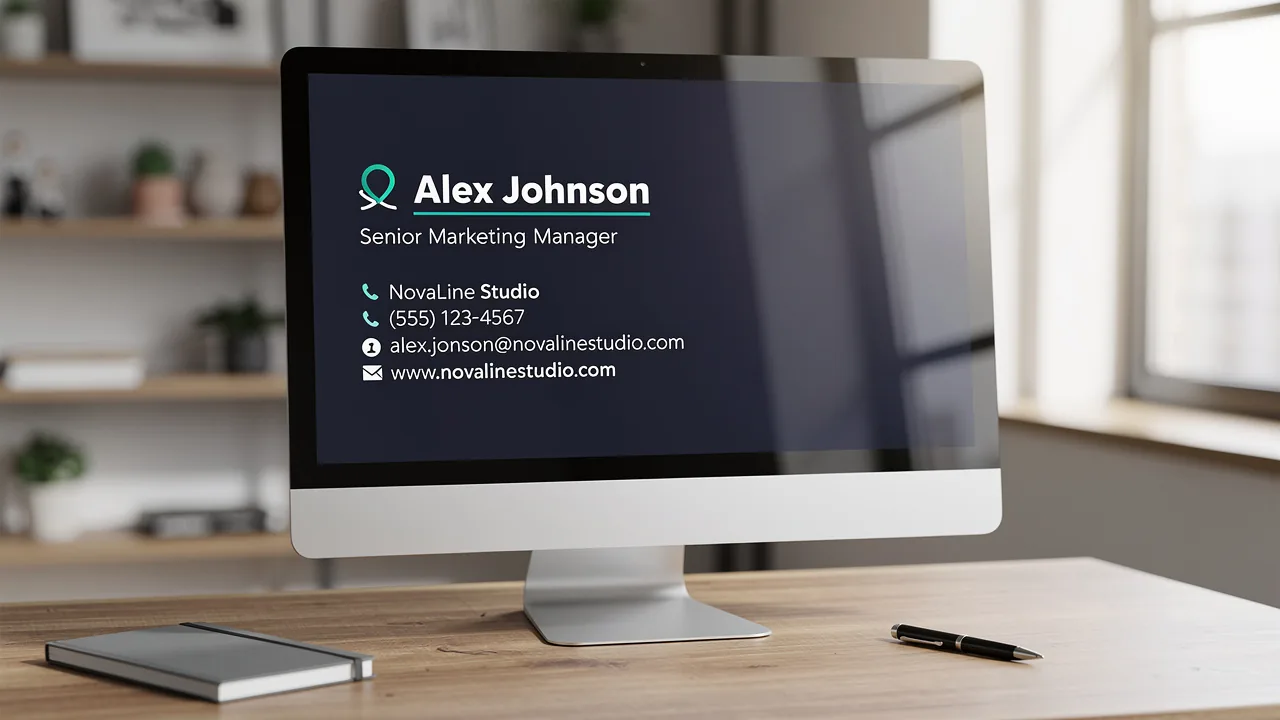
- Full Name: Clearly state your first and last name to personalize the communication, fostering a connection with recipients.
- Job Title: Include your position, such as 'Executive Assistant to [Executive's Name]', to establish authority and clarify your role within the organization.
- Company Name: Mention the organization you represent to enhance recognition and credibility. Including a company logo reinforces this recognition, as statistics indicate that 76% of individuals report heightened trust in messages featuring branded identifiers.
- Contact Information: Provide a direct phone number and contact address, ensuring easy communication and quick responses from recipients.
- Company Logo: Incorporate the company logo to reinforce identity and professionalism in your communications.
- Social Media Links: If applicable, adding social media icons to your emails can help grow your network and boost brand visibility.
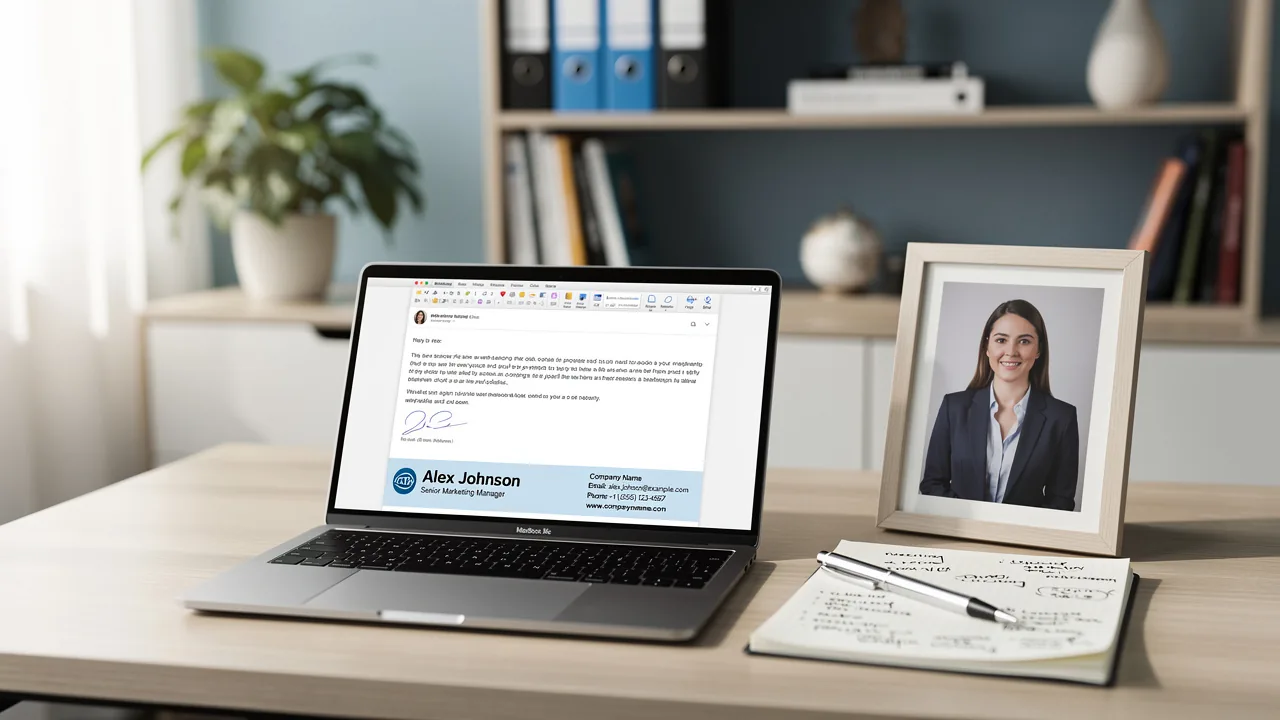
- Professional Photograph: Including a professional image in your correspondence helps humanize interactions and enhances professionalism, making communication feel more personal.
Furthermore, utilizing Scribe's automated synchronization features guarantees that your digital identifiers are consistently updated with the most recent information from your business phone system, including smooth integration with Aircall. This not only saves time but also enhances your professional image. With Scribe's SOC 2 Type II compliance, you can trust that your data is secure while managing digital identifiers efficiently. These components not only deliver essential details but also enhance your professional presence, particularly when included in an email signature for personal assistant, making it easier for recipients to recognize and trust the sender.
Design a Visually Appealing and On-Brand Signature
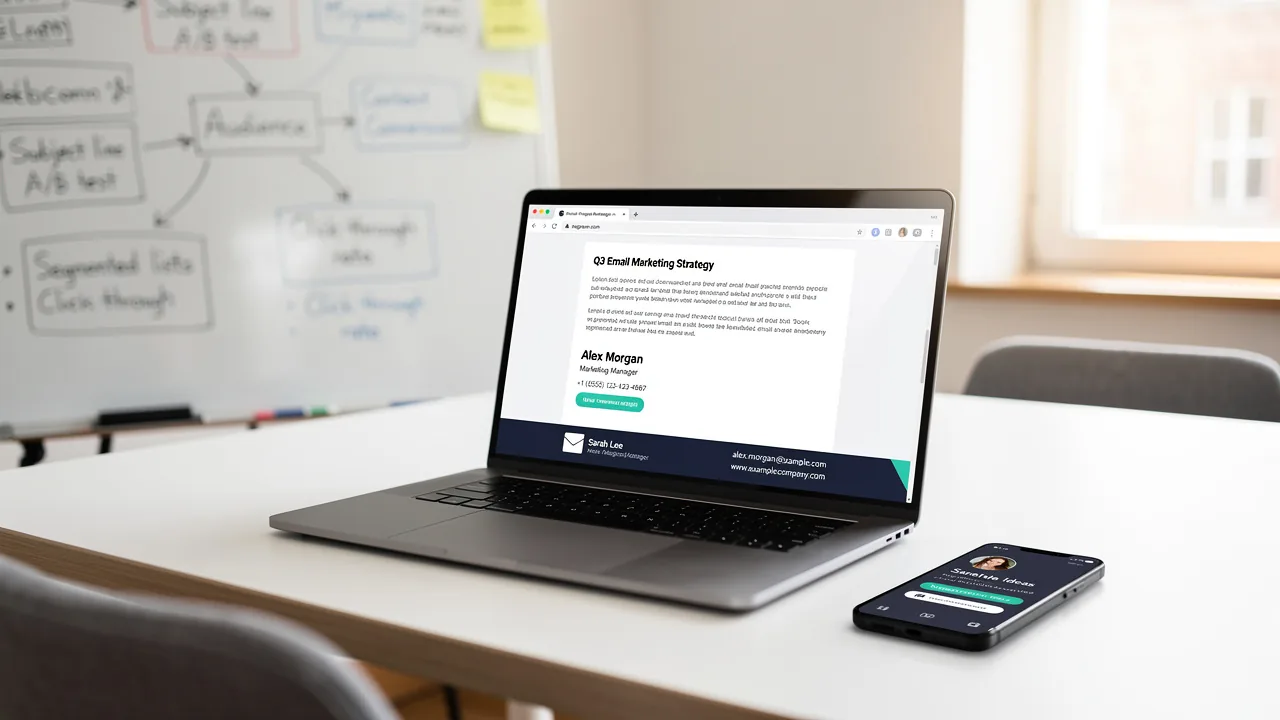
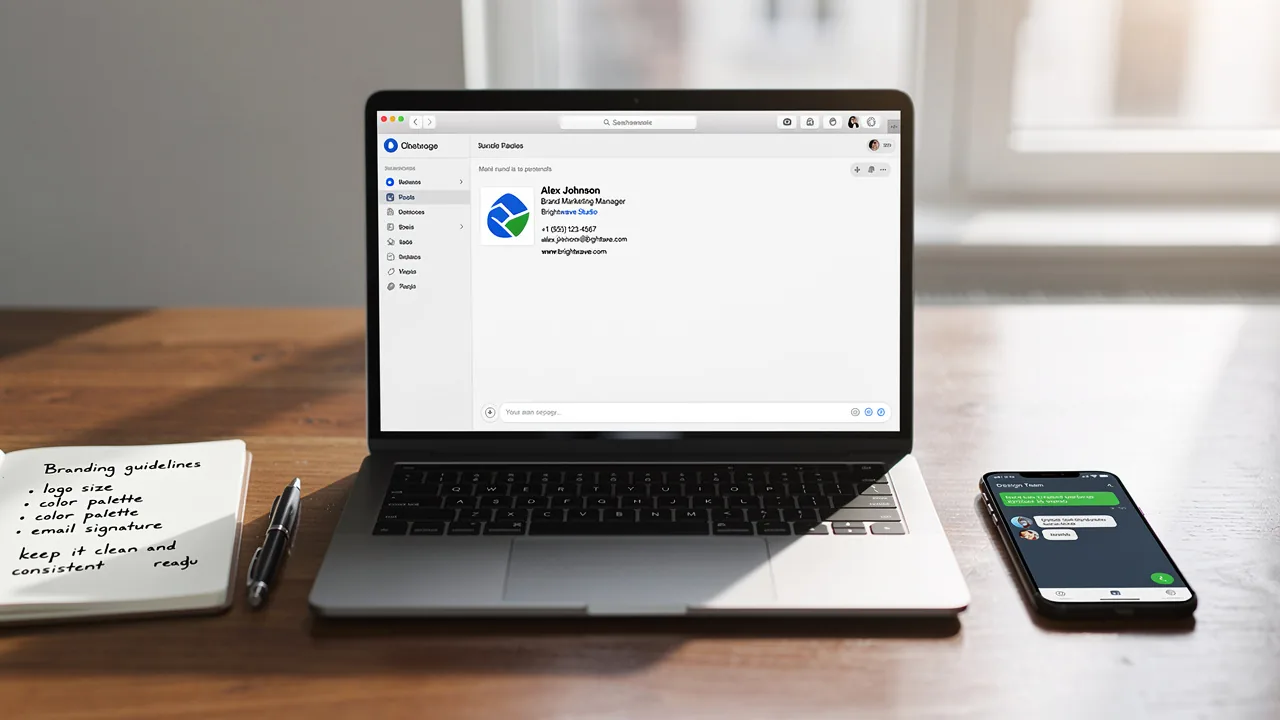
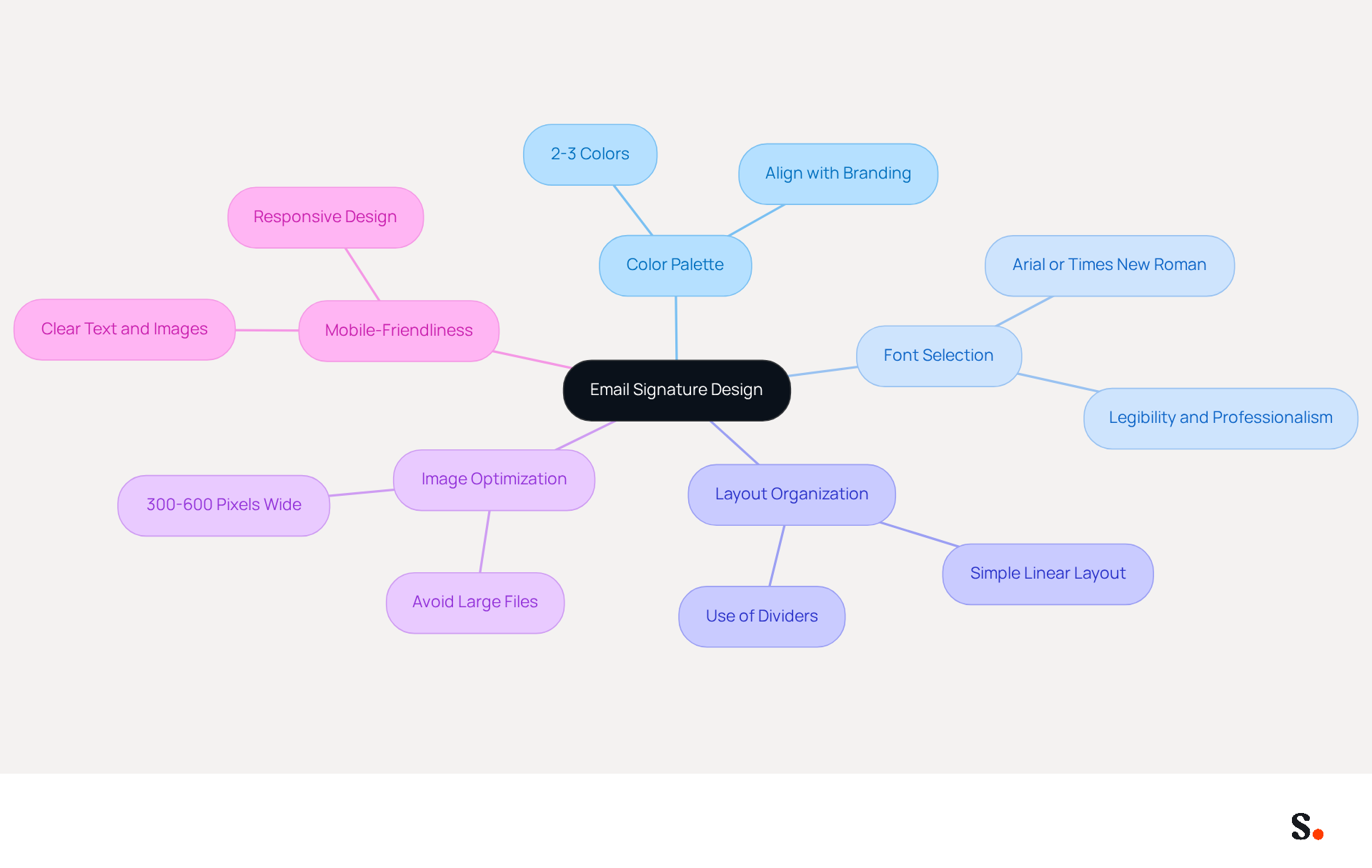
Creating a visually appealing email signature for personal assistant is essential for effective communication and brand representation. A well-chosen color palette that aligns with your company's branding is essential for creating an effective email signature for personal assistant. Sticking to 2-3 colors not only maintains a clean look but also reinforces brand recognition, enhancing memorability.
Selecting a legible font that conveys professionalism is vital for ensuring your email signature for personal assistant is taken seriously. Standard fonts like Arial or Times New Roman are recommended for their readability and familiarity, making your signature easily understood.
An effective email signature for personal assistant organizes elements to guide the reader's eye and maintain clarity. A simple, linear layout is often most effective for an email signature for personal assistant, helping to focus attention on essential information. Incorporating dividers can enhance organization without cluttering the design.
Optimize images, like logos, for email to avoid loading issues and ensure clarity. Recommended sizes are 300-600 pixels wide and 150-200 pixels high to maintain clarity and avoid display problems on various devices. An email signature for personal assistant that includes a company logo strengthens brand recognition and significantly impacts how recipients perceive your professionalism.
A mobile-friendly design for your email footer is essential for effective communication across devices. With 41% of messages accessed on mobile devices, ensuring that your closing is adaptable and that text and images are clear on smaller screens is crucial.
By prioritizing these design elements, you can significantly enhance your email communication and brand perception.
Incorporate Call-to-Action Elements for Engagement
To maximize the effectiveness of your email signature, consider integrating strategic call-to-action elements that drive engagement:
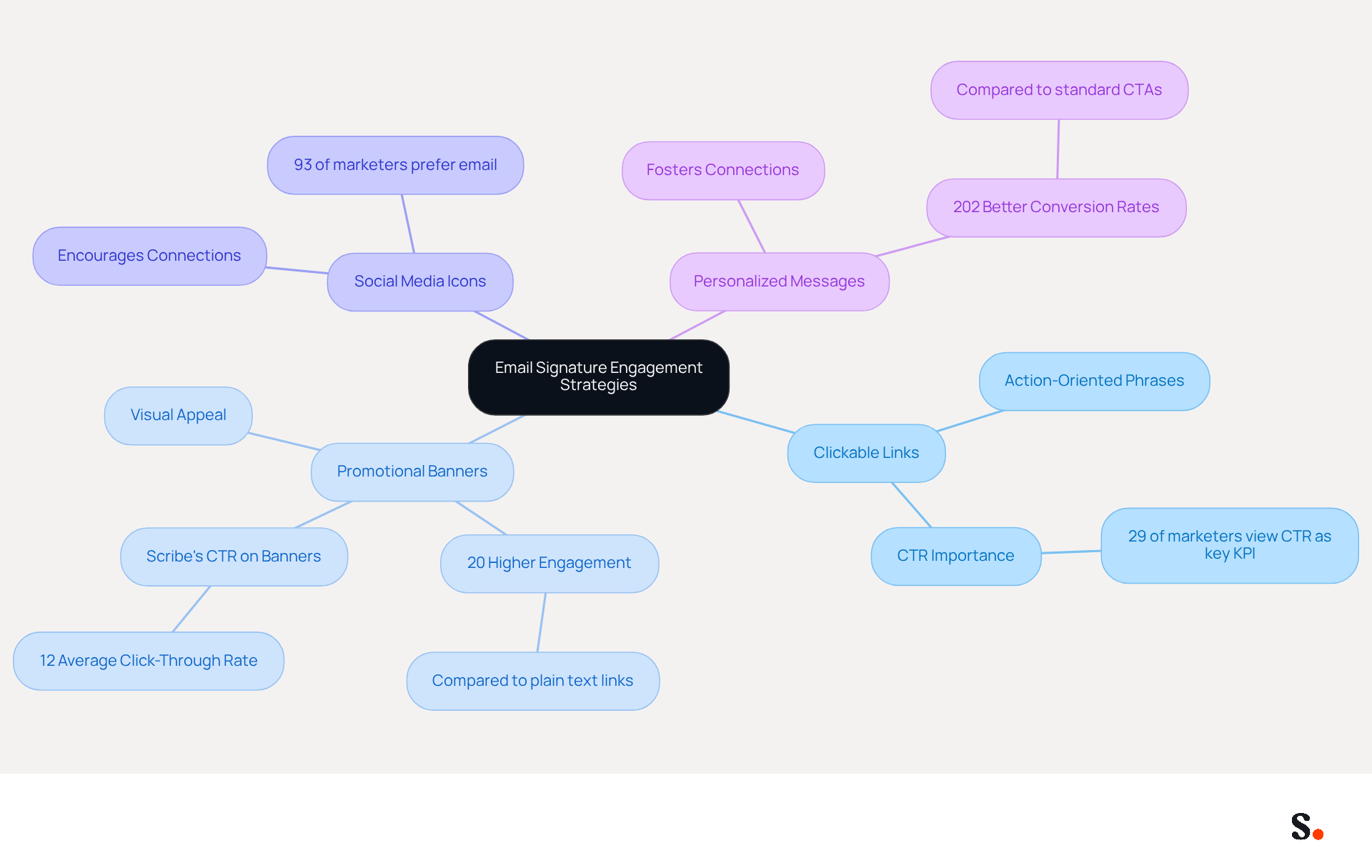
- Clickable Links: Integrate links that allow recipients to schedule meetings, download resources, or visit your company website. Use clear, action-oriented phrases such as 'Book a Meeting' or 'Download Our Brochure' to encourage interaction. Research indicates that 29% of marketing professionals view clickthrough rate (CTR) as the key performance indicator for marketing communications, highlighting the importance of effective CTAs.
- Promotional Banners: If relevant, add a small banner to promote current offers or events. Make sure it catches the eye but doesn’t overwhelm the reader. For instance, a study by XYZ Research found that visually rich content in email footers resulted in 20% higher engagement than plain text links. Scribe's average click-through rate on signature banners is 12%, demonstrating the potential impact of well-designed promotional elements.
- Social Media Icons: Encourage recipients to connect on social media by including icons linked to your professional profiles. This strategy can help build a broader network and enhance brand visibility. According to a survey conducted by Litmus in January 2025, nearly 93% of marketers prefer using electronic mail as a medium to distribute their content, making social media integration a valuable addition.
- Personalized Messages: Occasionally include a brief, personalized message or quote that reflects your company culture or values. Without personalization, many emails go unnoticed, leading to missed opportunities for connection. This personal touch can foster connections and improve response rates, as personalized CTAs convert 202% better than standard ones, according to HubSpot data.
By implementing these strategies, you can expect to see a measurable increase in engagement and connection with your audience. Furthermore, syncing your Google Workspace with Scribe enables automatic updates to your messages, ensuring that any modifications in your team’s details, such as the auto-fill feature for teammates' information, are reflected without manual input. This not only saves time but also maintains brand consistency across all communications. Additionally, Scribe adheres to security standards such as SOC 2 Type II, GDPR, and CCPA, enhancing trust in your management of digital identities. Continuous A/B testing of these elements is recommended to determine what resonates best with your audience, as different approaches may yield varying results. Ultimately, the right combination of these elements can transform your email signature into a powerful tool for engagement and connection.
Maintain and Update Your Signature Regularly
To maintain a strong professional presence, it is crucial to keep your email signature for personal assistant updated and relevant.
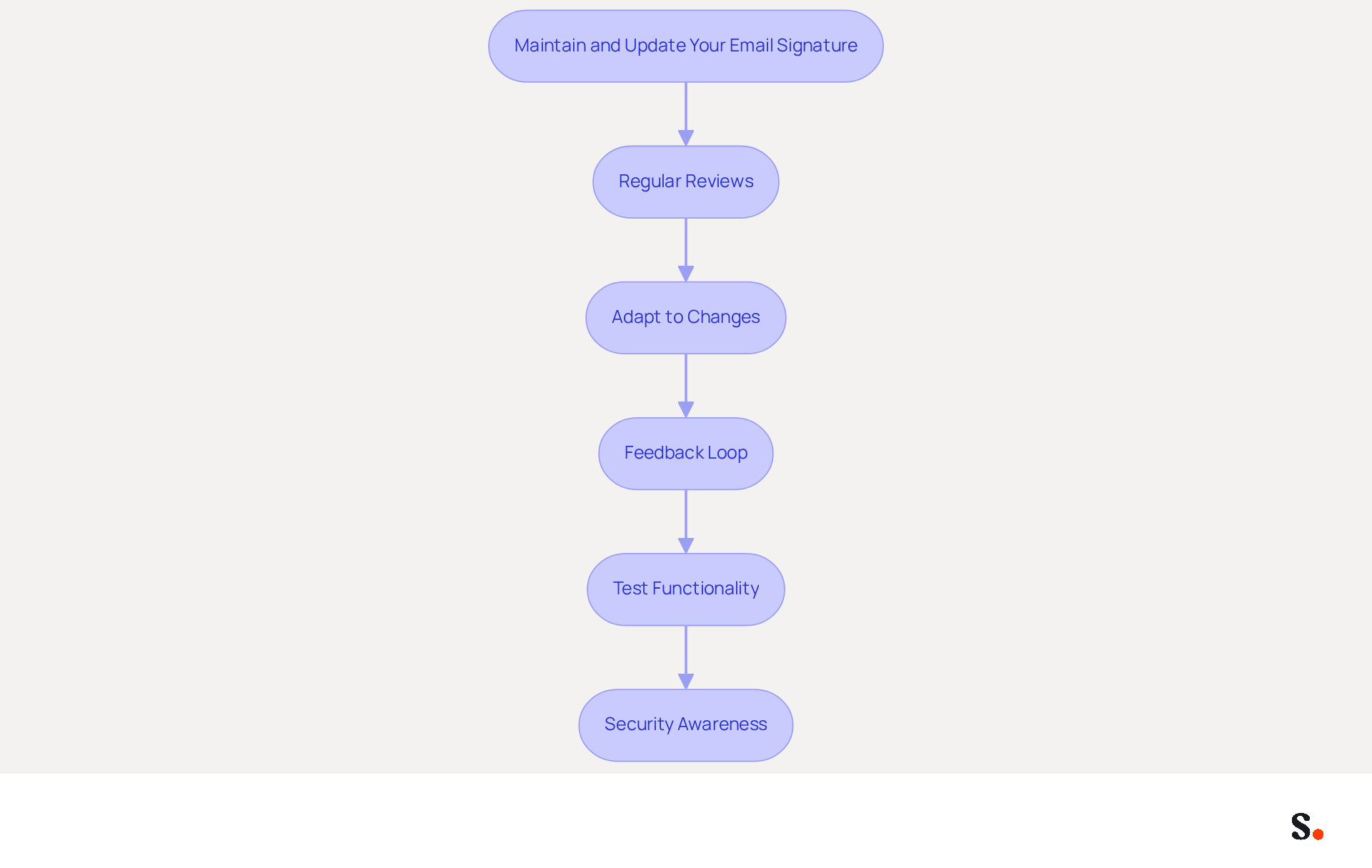
- Regular Reviews: Schedule periodic reviews of your email signature to ensure all information is current, including job titles, contact details, and branding elements. Regular updates are essential, as many professionals struggle to keep their contact details updated, leading to potential miscommunication. With Scribe's automated email management, you can streamline this process, ensuring that all changes made in your email provider directory are automatically synced with Scribe.
- Adapt to Changes: If there are modifications in your role, company branding, or contact information, update your email footer promptly to reflect these adjustments. This practice not only maintains accuracy but also reinforces brand consistency, which is essential for effective communication. Scribe allows for seamless updates, ensuring your mark aligns with your current role and branding.
- Feedback Loop: Consider asking colleagues or supervisors for their thoughts on how effective your email footer is. Insights from peers can highlight areas for improvement, ensuring your identity aligns with organizational goals and audience expectations. Utilizing Scribe's features can help you gather and implement this feedback efficiently.
- Test Functionality: Regularly test all links and calls-to-action (CTAs) in your email to ensure they work correctly and lead to the intended destinations. Given that dynamic digital identifiers have a click-through rate of 4%, significantly higher than the 2.5% for standard marketing messages, ensuring functionality can maximize engagement and drive traffic to your website. Scribe's automated updates help maintain these links, reducing the risk of outdated information.
- Security Awareness: Be mindful of the security risks associated with electronic communications, such as phishing and spoofing. Regularly updating your email footer not only enhances professionalism but also helps mitigate these risks by ensuring that your contact information and branding are accurate and up-to-date. This platform is compliant with SOC 2 Type II, guaranteeing the security of your data while you manage your correspondence.
By maintaining an up-to-date email signature for personal assistant with Scribe, marketing managers can uphold a professional image and ensure seamless communication with recipients, ultimately enhancing brand visibility and trust. An outdated email signature not only risks miscommunication but can also undermine your professional reputation.
Conclusion
An effective email signature is crucial for personal assistants, as it establishes professionalism and enhances communication clarity. By incorporating key elements such as full name, job title, company name, and contact information, personal assistants can create a signature that conveys authority and enhances brand recognition. Utilizing tools like Scribe ensures that these elements are consistently updated and compliant with security standards, allowing for a seamless professional image.
The article highlights several best practices, including:
- The importance of a visually appealing design that aligns with company branding
- The integration of strategic call-to-action elements to drive engagement
- The necessity of regular updates to maintain relevance
By focusing on these aspects, personal assistants can significantly improve their email communication and foster stronger connections with recipients. Additionally, leveraging Scribe's automated features can streamline the management of digital identifiers, ensuring that all information remains accurate and up-to-date.
In the end, a well-crafted email signature can be a game-changer for personal assistants, making their professional presence felt and fostering meaningful interactions. By prioritizing design, engagement strategies, and regular maintenance, personal assistants can transform their email signatures into impactful assets that reflect their professionalism and commitment to effective communication. By adopting these best practices, personal assistants not only enhance their own branding but also contribute significantly to their organization's success.
Frequently Asked Questions
Why is an email signature important for personal assistants?
An email signature is crucial for personal assistants as it conveys professionalism and facilitates effective communication.
What essential elements should be included in an email signature?
An effective email signature should include the following elements: Full Name, Job Title, Company Name, Contact Information, Company Logo, Social Media Links, and a Professional Photograph.
How does including a full name in an email signature benefit communication?
Including a full name personalizes the communication, fostering a connection with recipients.
What role does the job title play in an email signature?
The job title establishes authority and clarifies the personal assistant's role within the organization.
Why is it important to mention the company name in an email signature?
Mentioning the company name enhances recognition and credibility, and including a company logo can further reinforce this recognition.
How can contact information in an email signature facilitate communication?
Providing a direct phone number and contact address ensures easy communication and quick responses from recipients.
What is the benefit of including social media links in an email signature?
Adding social media icons can help grow your network and boost brand visibility.
How does a professional photograph enhance an email signature?
Including a professional image humanizes interactions and enhances professionalism, making communication feel more personal.
What features does Scribe offer to improve email signature management?
Scribe offers automated synchronization features that ensure digital identifiers are consistently updated with the most recent information from your business phone system.
How does Scribe ensure data security while managing digital identifiers?
Scribe is SOC 2 Type II compliant, which guarantees that your data is secure while managing digital identifiers efficiently.
List of Sources
- Identify Essential Elements for Your Email Signature
- 4 Best Practices for an Effective Email Signature for Executive Assistants (https://scribe-mail.com/en-US/blog/4-best-practices-for-an-effective-email-signature-for-executive-assistants)
- Email Signatures for Personal Assistant - Top Tips - NEWOLDSTAMP (https://newoldstamp.com/solutions/email-signature-for-personal-assistant)
- An assistant's guide to professional email signatures | Signitic (https://signitic.com/en/resources/email-signature-assistant)
- Email signature for a personal assistant: examples and best practices (https://bybrand.io/blog/personal-assistant)
- Design a Visually Appealing and On-Brand Signature
- Email Signature Best Practices - NEWOLDSTAMP (https://newoldstamp.com/blog/email-signature-best-practices)
- 10 email signature design examples | Canva (https://canva.com/learn/best-email-signature-design)
- Top 10+ best practices for email signatures design in 2026 (https://mysignature.io/blog/email-signature-best-practices)
- constantcontact.com (https://constantcontact.com/blog/email-signature-branding)
- Email Signature Design Guide: Best Practices and Examples (https://designmodo.com/email-signature)
- Incorporate Call-to-Action Elements for Engagement
- How to Create Effective CTA Email Signatures That Drive Conversions? - RoundPie (https://theroundpie.com/blog.html/2021/09/27/how-to-create-effective-cta-email-signatures-that-drive-conversions)
- The Ultimate Guide to Email Signature Call-to-Action - NEWOLDSTAMP (https://newoldstamp.com/blog/the-ultimate-guide-to-email-signature-call-to-action)
- Email call to action best practices: The complete guide [2026] — Stripo.email (https://stripo.email/blog/email-call-action-best-practices-examples)
- Create Effective CTA Email Signatures (Examples & Templates) (https://wisestamp.com/examples/cta-email-signature)
- CTAs lead the way in email engagement tactics (https://emarketer.com/content/ctas-lead-way-email-engagement-tactics)
- Maintain and Update Your Signature Regularly
- Email signature statistics: Why every business should optimize their email signatures — Stripo.email (https://stripo.email/blog/email-signature-statistics-why-every-business-should-optimize-their-email-signatures)
- Did You Know Your Email Signature Could be a Security Weak Point? - Oklahoma Society of CPAs (https://oscpa.com/news/990e5e16-6ad4-4ff4-91bb-236c7634b1f6:did-you-know-your-email-signature-could-be-a-security-weak-point)
- Email Signature Best Practices (https://uschamber.com/co/grow/thrive/email-signature-best-practices)
- Why Are Email Signatures Key to Brand Awareness? | QuickMail (https://quickmail.com/role-of-email-signatures-in-brand-awareness)
- Optimise Your Email Signatures: Strategic Tips & Tools | Crossware365 (https://crossware365.com/blog/optimise-your-email-signatures-strategic-tips-tools)
Get started with Scribe
Manage signatures across your whole team
Free 14-day trial — no credit card.