4 Best Practices for Image Size in Gmail Signatures
Crafting a professional email signature presents a challenge that goes beyond mere formality; it is essential for effective communication and brand
Sophie Grant
Email Signature Specialist, Scribe
Introduction
Crafting a professional email signature presents a challenge that goes beyond mere formality; it is essential for effective communication and brand representation. With the majority of emails now being accessed on mobile devices, understanding the best practices for image size in Gmail signatures is crucial for ensuring clarity and engagement. Yet, how can organizations effectively balance aesthetics with functionality across different devices? This article delves into essential strategies for selecting the optimal image dimensions, file sizes, and formats, empowering marketing teams to enhance their email signatures and maintain brand consistency across all communications.
Determine Optimal Image Dimensions for Clarity
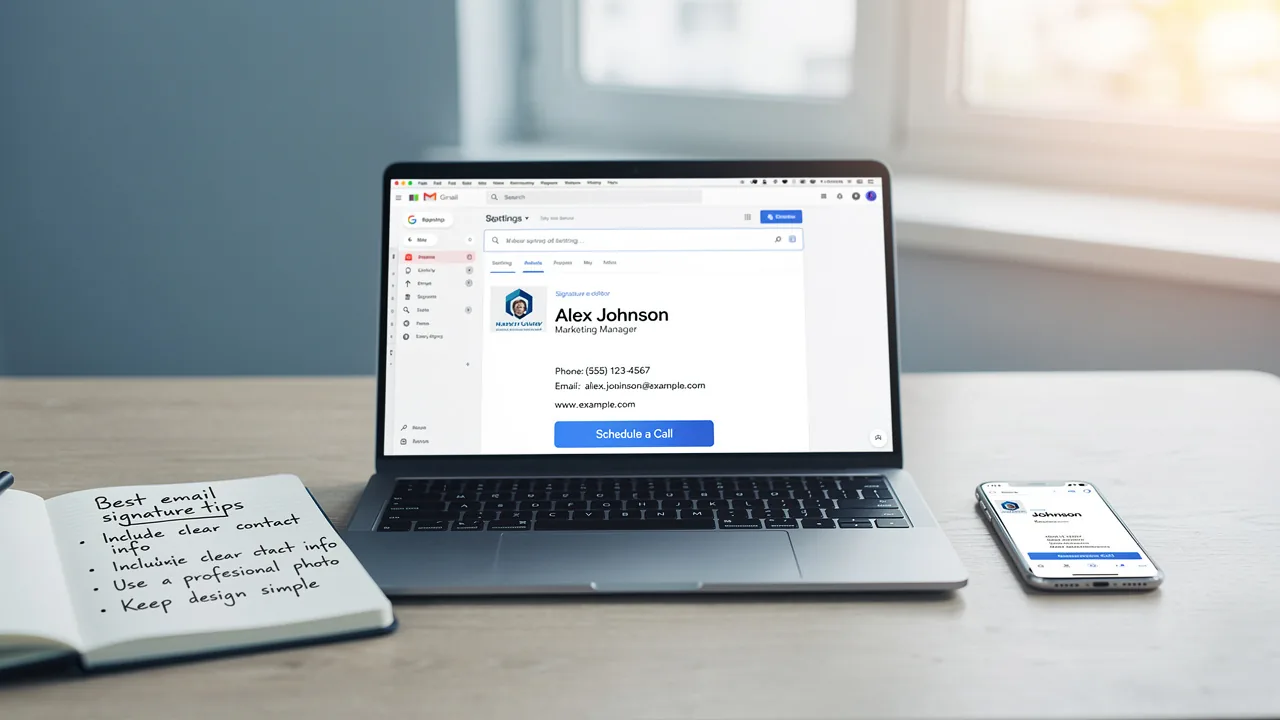
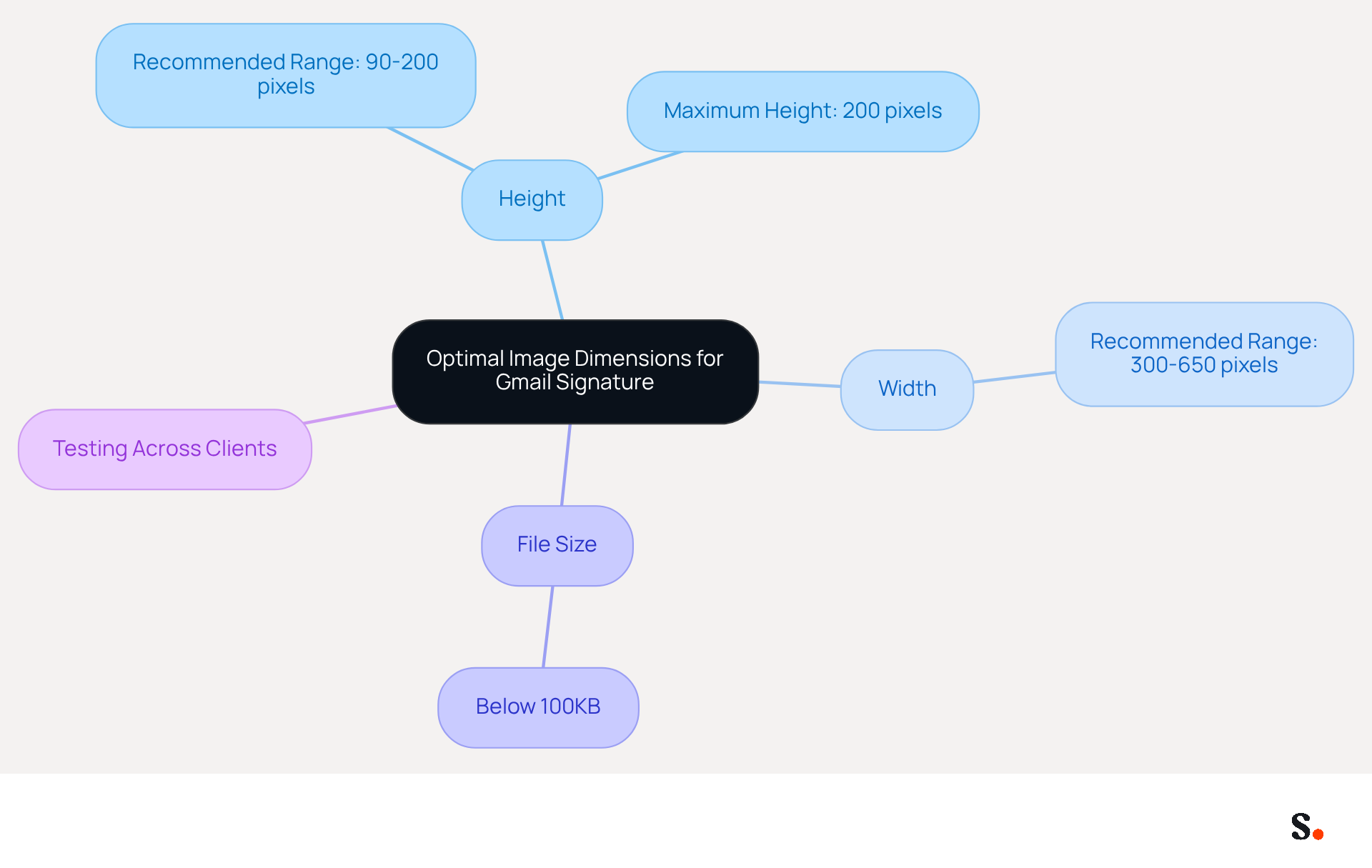
Using the correct image size for gmail signature is crucial for maintaining a professional appearance and ensuring effective communication. Aim for an image size for gmail signature between 90-200 pixels in height, with a maximum height of 200 pixels to prevent distortion. An optimal image size for gmail signature is between 300-650 pixels in width, ensuring that visuals fit well within the layout without overwhelming the text.
For instance, the recommended image size for gmail signature typically varies from 300 to 650 pixels in width and 90 to 200 pixels in height. These dimensions keep your signature looking sharp and ensure your visuals are both recognizable and impactful. Furthermore, it is essential to maintain the total file size for digital identifiers below 100KB to guarantee optimal deliverability and performance. Oversized images can lead to rendering issues, which may negatively impact brand perception.
Always test your mark across various messaging clients to ensure that the dimensions display correctly, as 81% of users access messages on mobile devices, making mobile optimization crucial. By following these guidelines, you not only enhance your brand's image but also foster better engagement with your audience.
Optimize Image File Size for Quick Loading
To ensure efficient email communication, optimizing your email signature images is essential:
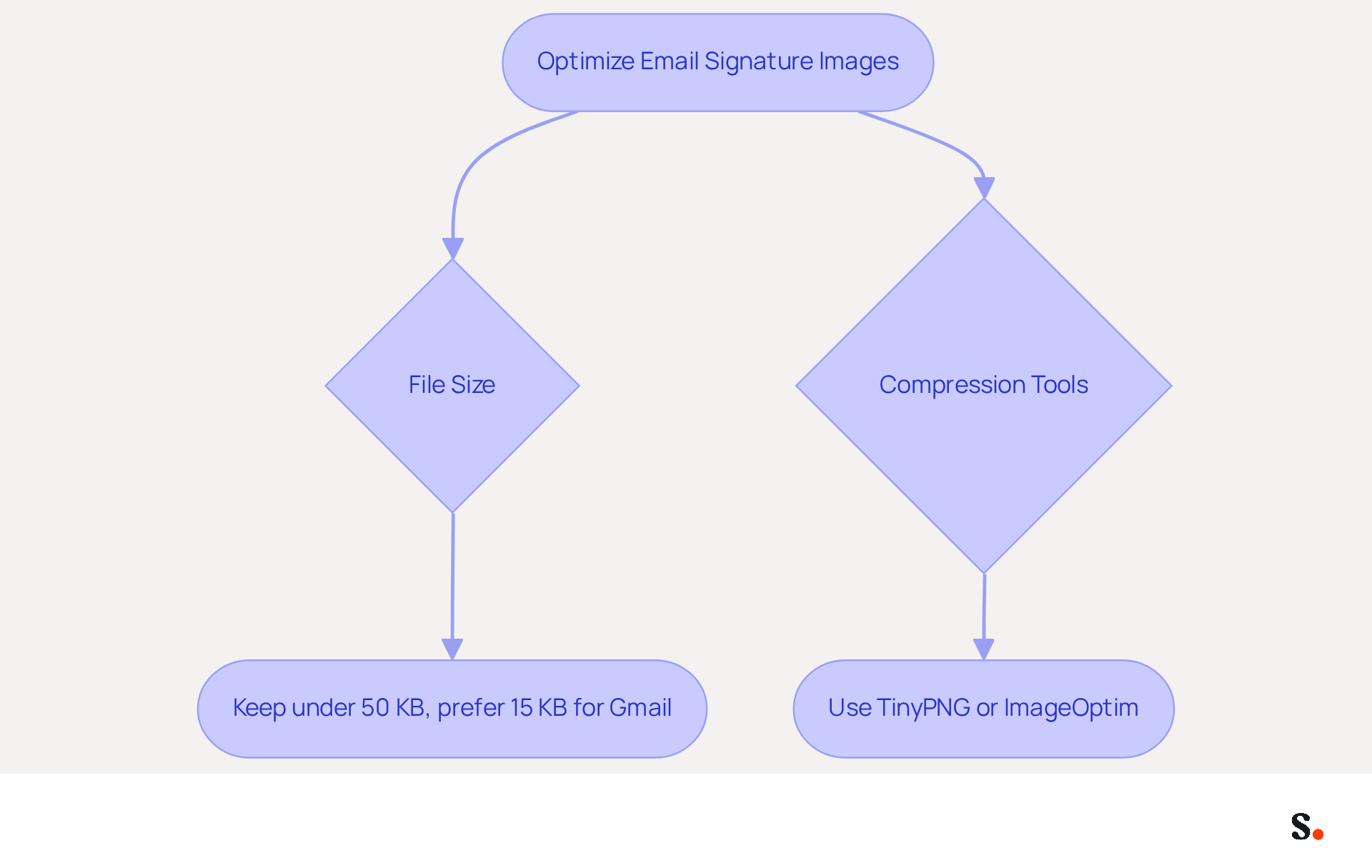
- File Size: Keep individual image files under 50 KB, with a preference for sizes around 15 KB for Gmail users. Larger image files can significantly delay email loading times, potentially leading to recipient frustration.
- Compression Tools: Utilize tools such as TinyPNG or ImageOptim to reduce file sizes without compromising quality. This guarantees that your visuals load quickly while still appearing sharp.
Optimized images not only enhance loading speed but also contribute to higher engagement rates in email correspondence.
Select Appropriate Image Formats for Compatibility
Choosing the right format for your email signature is crucial for ensuring compatibility and maintaining quality. Here are the recommended formats:
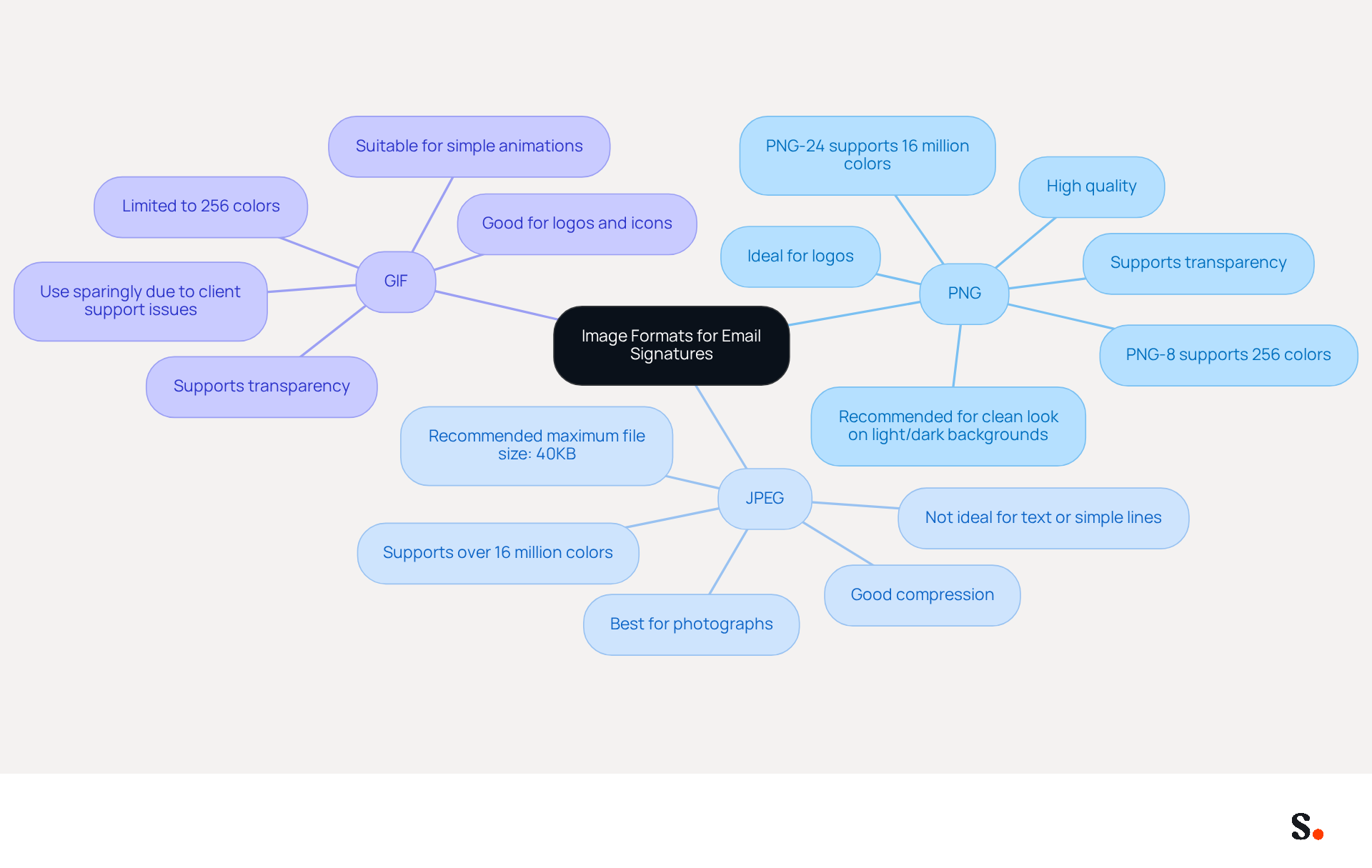
- PNG: This format is ideal for logos and images requiring transparency, as it preserves high quality without losing detail. PNG supports various levels of transparency, making it versatile for different backgrounds.
- JPEG: Best suited for photographs or visuals with gradients, JPEG compresses well while maintaining acceptable quality. It supports over 16 million colors, making it a popular choice for vibrant visuals.
- GIF: While suitable for simple graphics or animations, GIFs should be used sparingly to avoid clutter. They advocate for transparency and can generate visual appeal, but their restricted color range (256 colors) makes them less suitable for intricate visuals.
Avoid using formats like SVG, as they are not supported by most messaging clients, including Outlook. By carefully choosing the appropriate format, you ensure your images display correctly and enhance the professionalism of your communications. Furthermore, syncing your Google Workspace with Scribe streamlines the management of communication identifiers and strengthens brand consistency in your messages. Additionally, Scribe is SOC 2 Type II certified and compliant with GDPR and CCPA, ensuring that your data is handled securely and responsibly.
Ensure Mobile Optimization for Diverse Devices
Creating a mobile-friendly email signature is essential for maintaining professionalism in today's digital communication landscape. To achieve this, consider the following best practices:
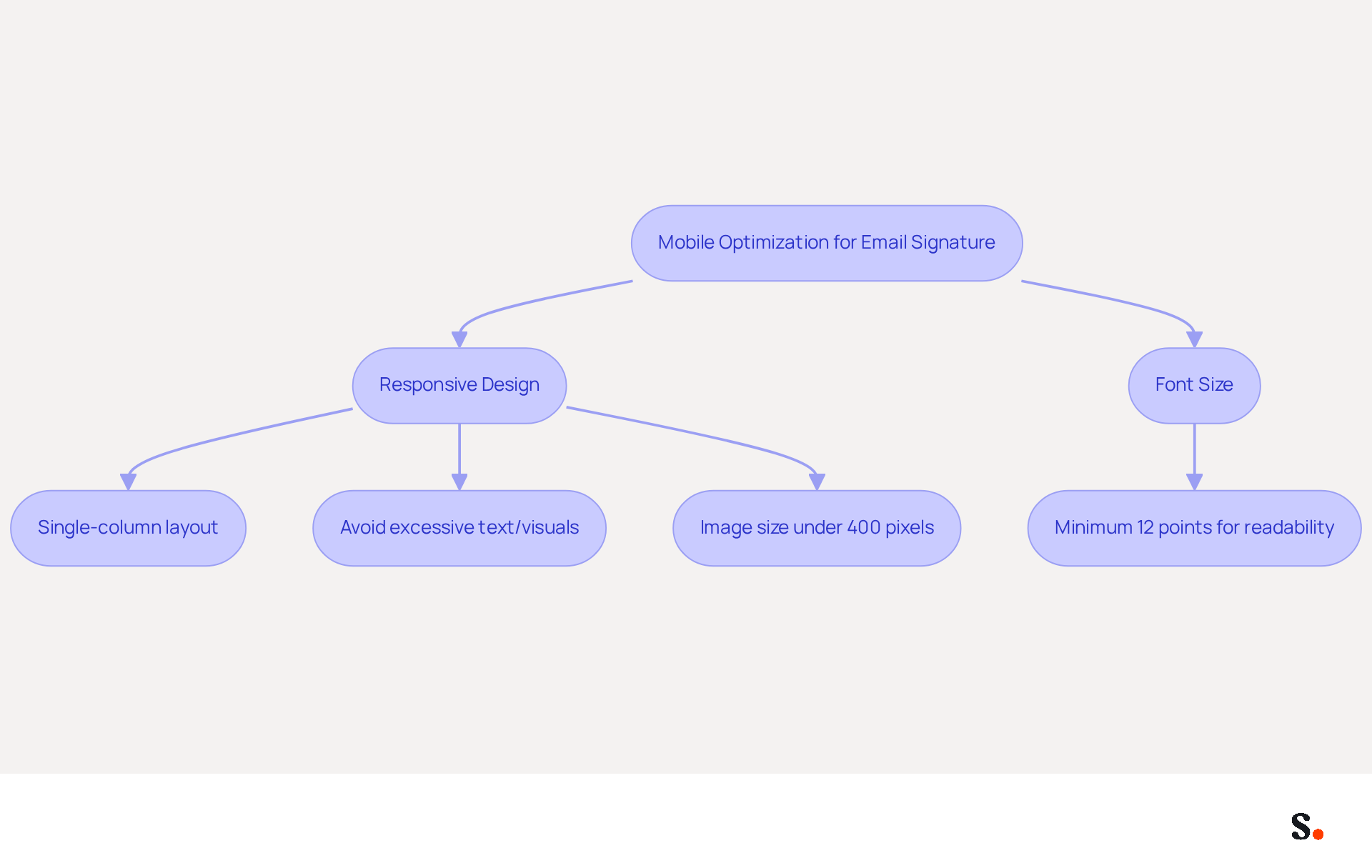
- Responsive Design: Ensure that your signature adapts to various screen sizes. This may involve utilizing a single-column layout and avoiding excessive text or visuals.
To prevent scaling issues on smaller screens, ensure the image size for gmail signature is kept under 400 pixels wide. It's advisable to test your signature on various devices to verify it displays correctly. - Font Size: Use a minimum font size of 12 points to guarantee readability on mobile devices.
Following these practices will help ensure your email signature is both professional and effective, no matter the device used to view it.
Conclusion
Crafting an effective Gmail signature is crucial for enhancing communication and establishing a professional image. Attention to detail, particularly regarding image size and format, is essential. When you follow best practices for image dimensions, file sizes, and mobile optimization, your email signatures will not only look polished but also improve communication effectiveness. The right image specifications contribute significantly to brand consistency and professionalism, making a lasting impression on recipients.
Key insights from this article highlight the importance of maintaining optimal image dimensions:
- Between 300-650 pixels in width
- Between 90-200 pixels in height
- Keeping file sizes under 100KB
Utilizing appropriate formats like PNG, JPEG, and GIF ensures compatibility across various email clients, while mobile optimization strategies, such as responsive design and adequate font sizes, guarantee that signatures remain visually appealing on all devices.
Many professionals underestimate the impact of a well-crafted email signature, potentially hindering their brand's effectiveness. Failing to optimize email signatures can result in a lack of professionalism and diminished brand identity. Ultimately, a well-designed email signature can transform your communication strategy and significantly enhance your brand's reputation. Embrace these guidelines to elevate your email communication and ensure your messages resonate with clarity and professionalism.
Frequently Asked Questions
Why is it important to use the correct image size for a Gmail signature?
Using the correct image size for a Gmail signature is crucial for maintaining a professional appearance and ensuring effective communication.
What are the recommended dimensions for a Gmail signature image?
The recommended image size for a Gmail signature is between 300 to 650 pixels in width and 90 to 200 pixels in height.
What is the maximum height for a Gmail signature image to prevent distortion?
The maximum height for a Gmail signature image is 200 pixels.
What should be the total file size for digital identifiers in a Gmail signature?
The total file size for digital identifiers in a Gmail signature should be below 100KB to ensure optimal deliverability and performance.
Why is it important to test the Gmail signature across various messaging clients?
It is important to test the Gmail signature across various messaging clients to ensure that the dimensions display correctly, especially since 81% of users access messages on mobile devices.
How does following these image size guidelines benefit brand perception?
Following these image size guidelines enhances your brand's image and fosters better engagement with your audience.
List of Sources
- Determine Optimal Image Dimensions for Clarity
- Correct Email Signature Dimensions: Width, Height & File Size (https://wisestamp.com/guides/what-are-correct-email-signature-dimensions)
- What is the Best Size for Email Signature Images and Why It Matters (https://scribe-mail.com/en-US/blog/what-is-the-best-size-for-email-signature-images-and-why-it-matters)
- Email Signature Size and Layout Tips (https://linkedin.com/pulse/email-signature-size-layout-tips-bulksignature-nuy7f)
- Email Signature Size and Image Best Practices (https://maileditor.net/blog/email-signature-size-and-image-best-practices)
- Using the Right Email Signature Size | Exclaimer (https://exclaimer.com/email-signature-handbook/using-the-right-email-signature-size)
- Optimize Image File Size for Quick Loading
- The comprehensive guide to email signature sizes (https://signature.email/guides/comprehensive-guide-email-signature-sizes)
- Email Signature Size and Image Best Practices (https://maileditor.net/blog/email-signature-size-and-image-best-practices)
- Guide to Email File Size and Load Times (https://litmus.com/blog/guide-to-email-file-size-and-load-times)
- Optimize Email Signature Images for Performance (https://support.xink.io/support/solutions/articles/1000332447-optimize-email-signature-images-for-performance)
- Optimize Email Load Time | Omnisend Help Center (https://support.omnisend.com/en/articles/6247929-optimize-email-load-time)
- Select Appropriate Image Formats for Compatibility
- Best Image Formats for Email Signatures - Gimmio (https://blog.gimm.io/best-image-formats-for-email-signatures)
- Image Requirements for Email Signatures | Email Signature Support & Knowledge Base I Crossware (https://support.crossware365.com/microsoft-365/features/managing-images-in-the-image-library/image-requirements-for-email-signatures)
- Best image format for email signatures (JPG, PNG, GIF) (https://support.xink.io/support/solutions/articles/1000045416-what-is-the-best-image-format-for-email-signatures-)
- What Is the Best Image Format for the Email Signature? - NEWOLDSTAMP (https://newoldstamp.com/blog/best-image-format-for-email-signature)
- Best image formats for email signatures: Compatibility guide (https://set-outlooksignatures.com/blog/2026/03/05/image-formats)
- Ensure Mobile Optimization for Diverse Devices
- Optimise Your Email Signature for Mobile Devices (https://globalbankingandfinance.com/why-optimising-brand-email-signatures-for-mobile-devices-is-essential-for-hybrid-working)
- How to Make Email Signature Mobile-Friendly in 2023 (https://pandadoc.com/ask/how-to-make-email-signature-mobile-friendly)
- How to Optimize Your Email Signature for Mobile Devices - Gimmio (https://blog.gimm.io/how-to-optimize-your-email-signature-for-mobile-devices)
- Boost Your Director Signature Email with These Best Practices (https://scribe-mail.com/en-US/blog/boost-your-director-signature-email-with-these-best-practices)
- Optimizing Mobile Email Signatures: Best Practices for Seamless Communication | MySignature (https://mysignature.io/blog/optimizing-mobile-email-signatures)
Get started with Scribe
Create your signature in minutes
Free 14-day trial — no credit card.