4 Best Practices for Professional Email Ending Salutations
In the business world, the way we conclude our emails can significantly influence perceptions and relationships. Professional email endings are often
Sophie Grant
Email Signature Specialist, Scribe
Introduction
In the business world, the way we conclude our emails can significantly influence perceptions and relationships. Professional email endings are often overlooked, yet they play a crucial role in shaping how messages are received. Choosing the right email sign-off can be challenging due to the variety of options available. Mastering these sign-offs can significantly improve how your messages are received and responded to. Understanding the best practices for email sign-offs can greatly enhance your communication effectiveness, equipping you with the knowledge to elevate your email etiquette and avoid common pitfalls.
Define Key Components of Professional Email Endings
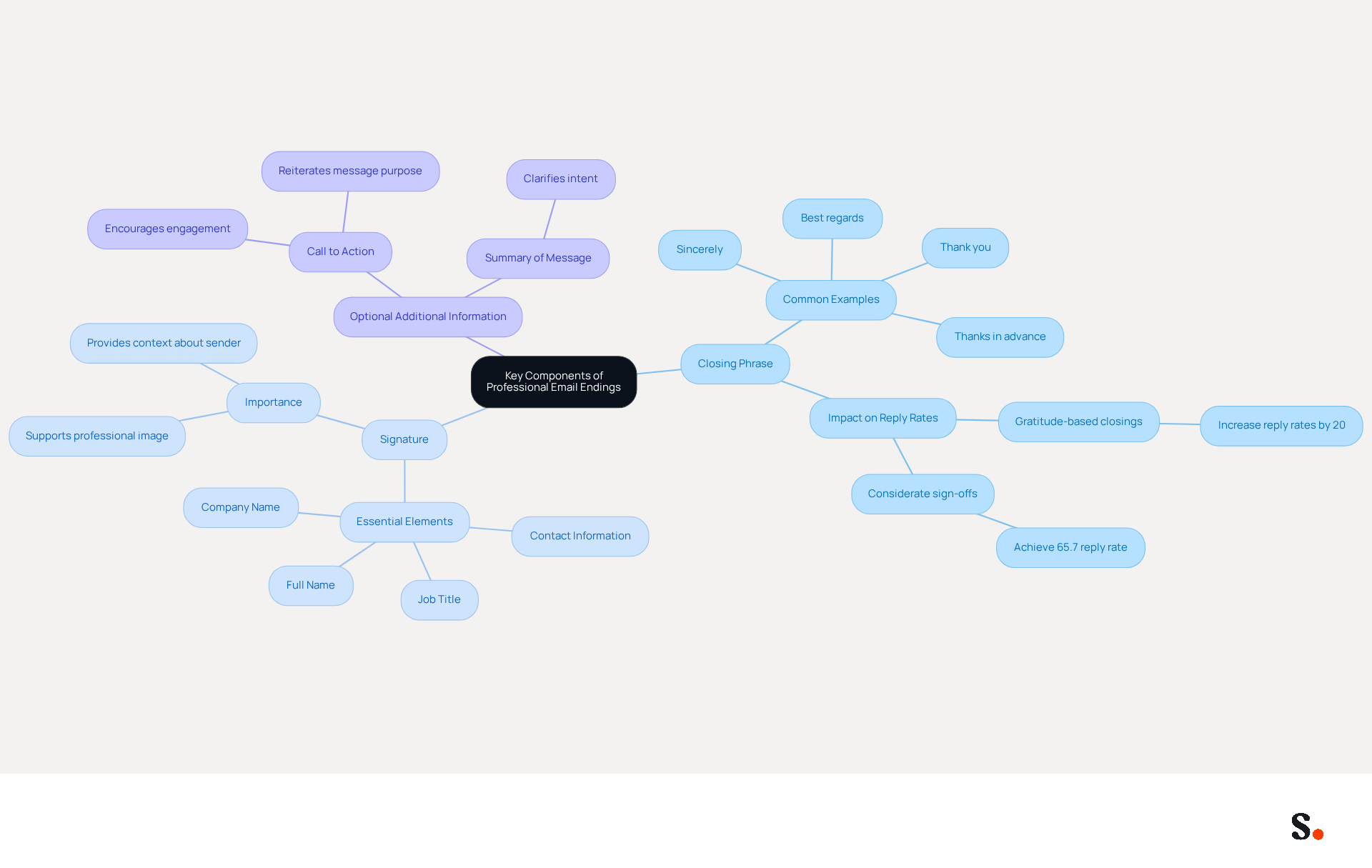
Professional email ending salutations are essential for effective communication and relationship building. It typically comprises three key components:
- A closing phrase
- A signature
- Optional additional information
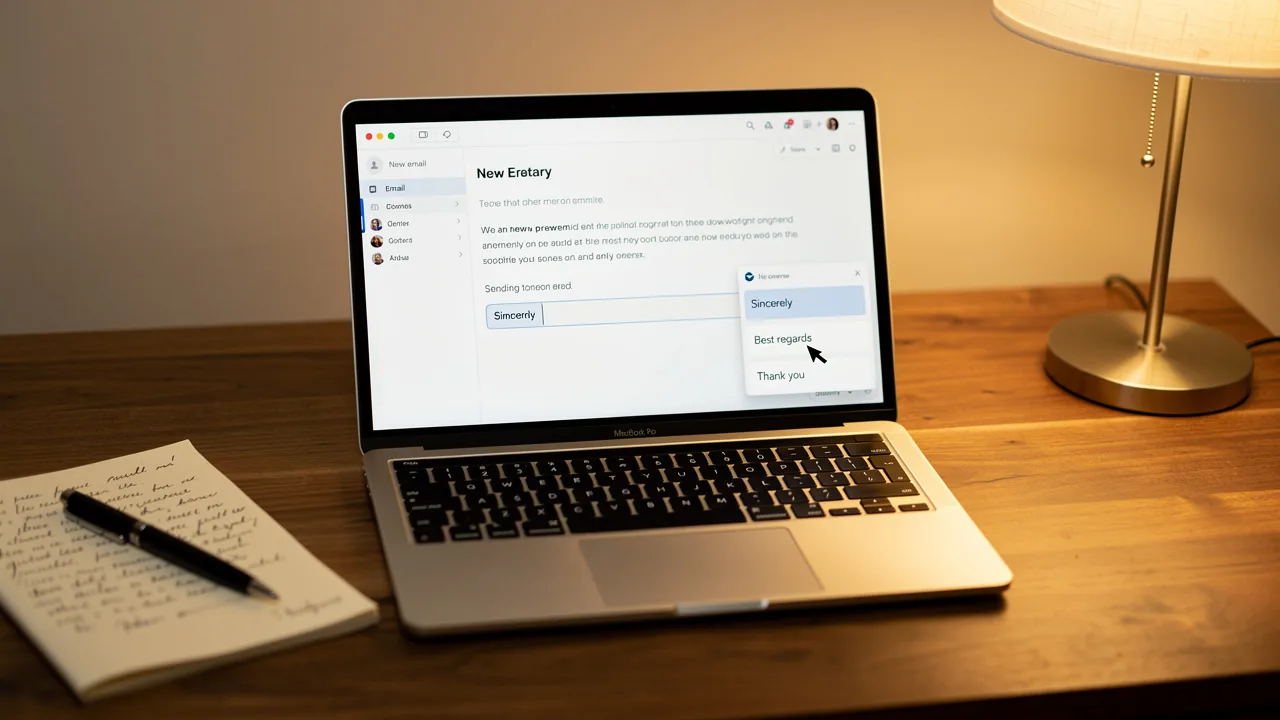
The closing phrase serves as the final sentiment conveyed to the recipient, with options like 'Sincerely,' 'Best regards,' or 'Thank you' being common choices. Research indicates that gratitude-based closings, like 'Thank you,' can increase reply rates by as much as 20%. Furthermore, considerate sign-offs can significantly enhance reply rates, with 'Thanks in advance' achieving a remarkable 65.7% reply rate, highlighting the value of a considerate sign-off.
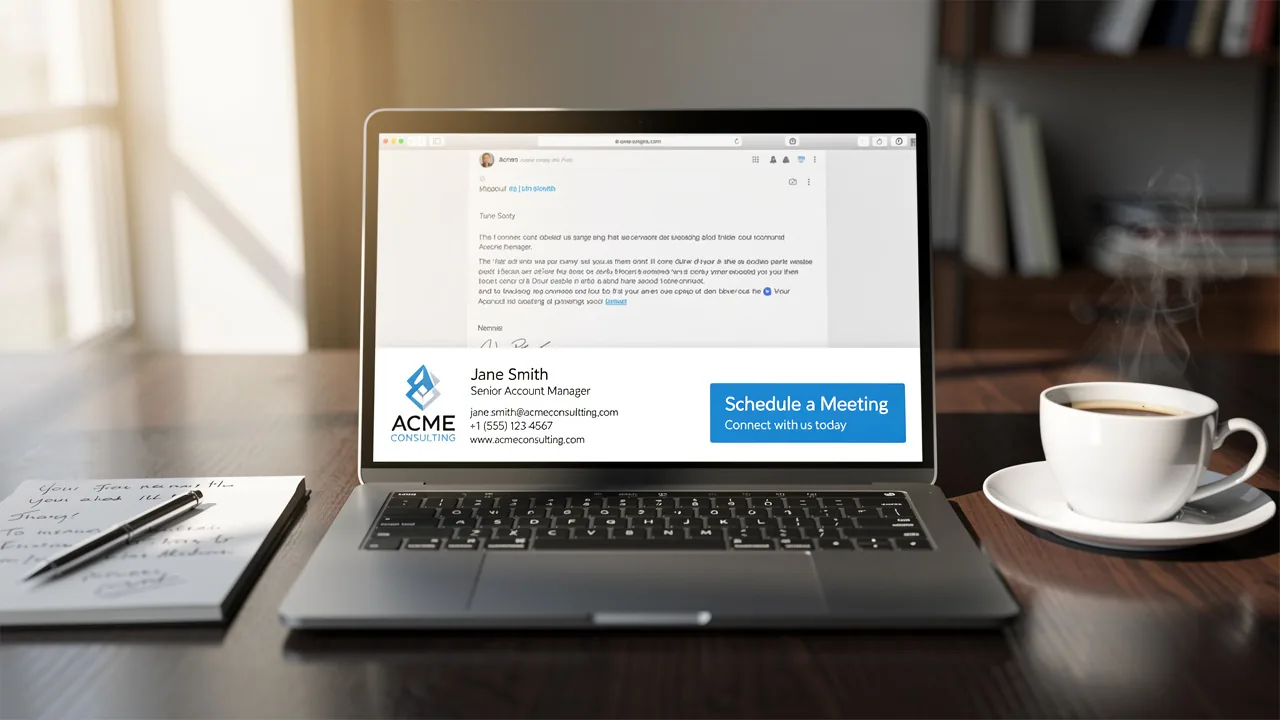
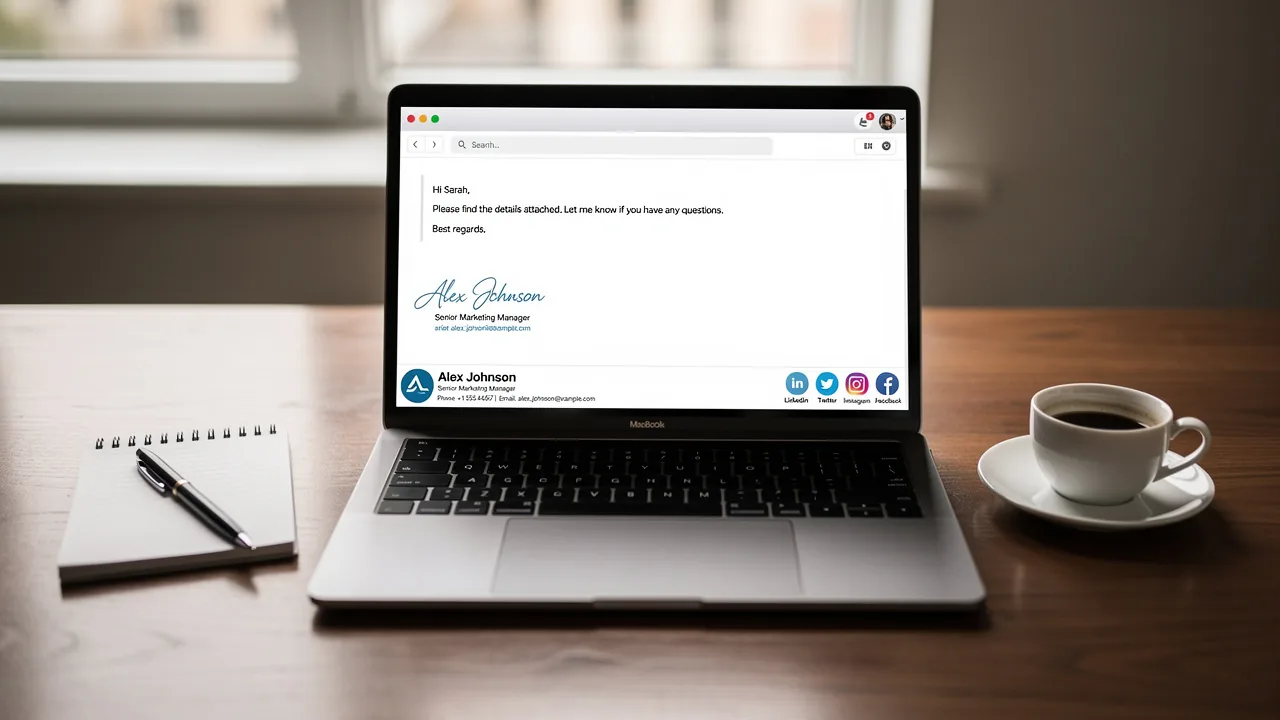
The signature includes your name and may also feature your title, company name, and contact information. Incorporating a call to action or a brief summary of the message's purpose can greatly improve the effectiveness of the closing. For instance, a phrase like 'Thank you for your time, and I look forward to your response' not only conveys appreciation but also encourages engagement from the recipient.
Messages without sign-offs often leave recipients feeling undervalued, underscoring the importance of including a sign-off in professional correspondence. When you integrate professional email ending salutations into your message endings, you not only enhance professionalism but also promote better interaction. A well-crafted message ending creates the final impression for recipients, signaling completion and respect for their time. By mastering these components, professionals can significantly enhance their communication effectiveness and foster lasting connections.
Explore Different Types of Email Sign-Offs for Various Contexts
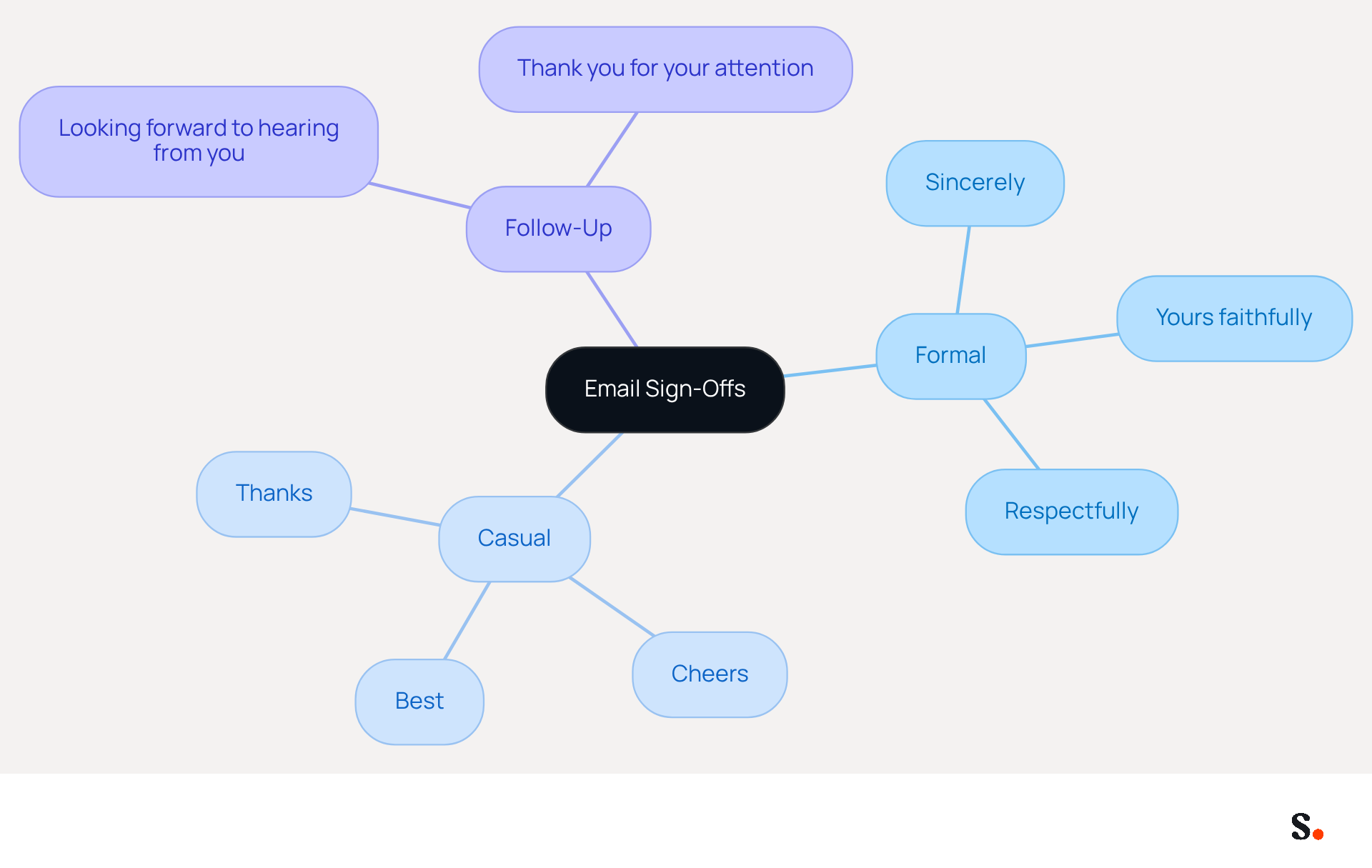
Tailoring your professional email ending salutations to fit different contexts is crucial for conveying the appropriate tone and professionalism. For formal communications, professional email ending salutations like 'Sincerely,' 'Yours faithfully,' and 'Respectfully' are ideal, particularly in job applications or official correspondence. In more casual settings, closings like 'Best,' 'Cheers,' or 'Thanks' foster a friendly atmosphere. For follow-up messages, phrases such as 'Looking forward to hearing from you' or 'Thank you for your attention' effectively encourage a response and maintain engagement.
You really need to adjust your professional email ending salutations depending on the context, as this demonstrates social awareness and respect for the recipient's preferences. For example, a job application should end with 'Sincerely,' while a colleague's message might close with 'Best regards.' Additionally, gratitude-based closings like 'Thanks in advance' have been shown to yield higher response rates, making them a valuable choice in many situations.
However, be cautious of using overly casual closings in formal settings, as they can lead to misunderstandings about your professionalism. Ultimately, using the right professional email ending salutations can significantly impact the recipient's perception and response to your message.
Match Sign-Offs to Email Tone and Context
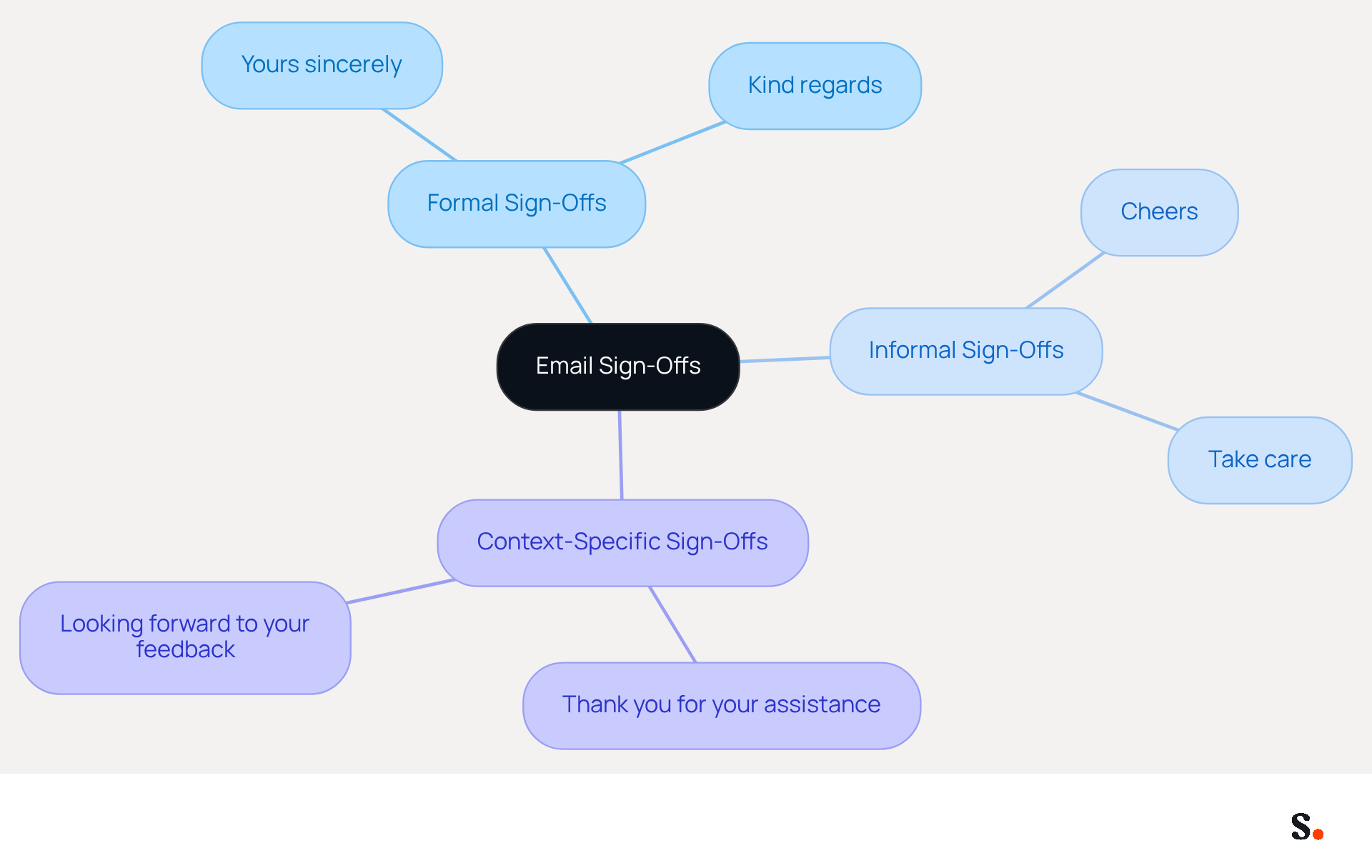
Aligning the tone of your correspondence with professional email ending salutations is essential for effective communication. In formal correspondence, it is essential to use professional email ending salutations that convey respect, such as:
- 'Yours sincerely'
- 'Kind regards'
For friendly or informal messages, using sign-offs like:
- 'Cheers'
- 'Take care'
is more appropriate. Furthermore, when your message includes a request or requires action, incorporating professional email ending salutations such as:
reinforces your communication effectively. For instance, when emailing a client regarding a project update, a sign-off like:
encourages a prompt response.
Identify Common Mistakes in Email Sign-Offs to Avoid
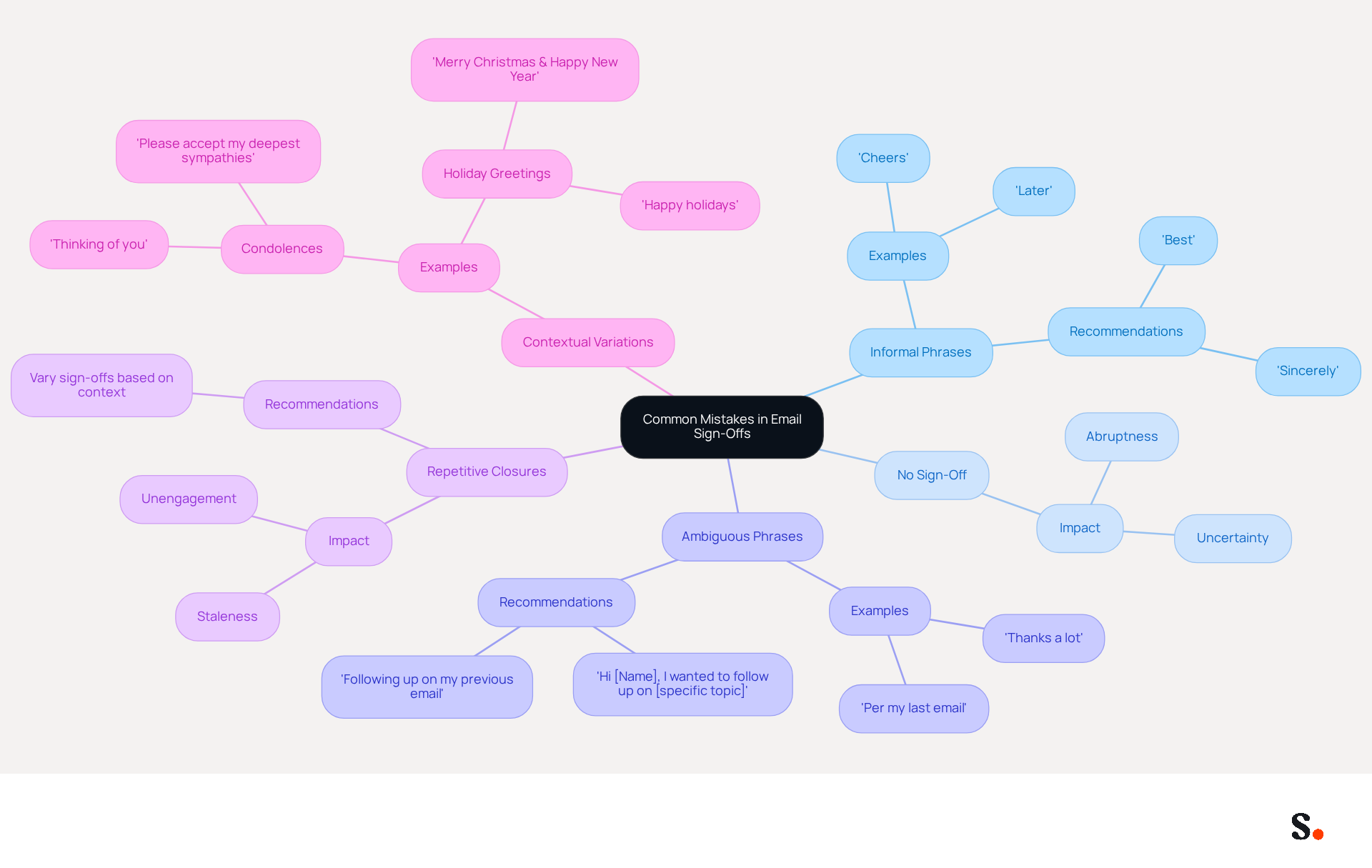
The use of professional email ending salutations can significantly impact how your professionalism is perceived. A common mistake is using informal phrases, like 'Cheers,' in formal situations, which can hurt your credibility. Additionally, failing to include a sign-off altogether may come off as abrupt, leaving recipients unsure of your intent. Ambiguous phrases like 'Later' or 'Thanks a lot' can further confuse the recipient, detracting from the clarity of your message.
Repetitive closures also present a risk; using the same closing in every message can make your communication feel stale and unengaging. Instead, vary your professional email ending salutations based on the context and recipient to maintain professionalism. For example, while 'Best' may be appropriate for most messages, consider using 'Sincerely' among the professional email ending salutations for more formal correspondence. Research shows that thoughtful professional email ending salutations, like 'Thanks in advance,' can lead to a 65.7% response rate, emphasizing their importance. By steering clear of these common pitfalls and taking the time to proofread your messages, you can ensure your communication is both effective and professional.
Furthermore, integrating Scribe with Google Workspace can simplify your signature management, enabling automatic updates and conserving valuable time. With Scribe, any modifications in your Google Workspace, such as relocating teammates or updating their details, are automatically reflected in your signatures. This feature not only enhances professionalism but also ensures that your interactions are always up-to-date, further supporting your marketing efforts. By using Scribe, you can avoid the common mistakes in email sign-offs, as the platform allows for easy customization and management of signatures, ensuring that your communications reflect the appropriate tone and professionalism for each context.
Conclusion
Mastering professional email ending salutations is essential for fostering effective communication and building strong relationships in business. Understanding the key components of a well-crafted sign-off helps professionals enhance their correspondence and make a positive impression. The right closing phrase, signature, and optional additional information work together to convey respect and encourage engagement, ultimately fostering stronger connections.
In this article, we’ve explored several best practices that can help you craft effective email sign-offs. Tailoring sign-offs to fit different contexts, aligning the tone of the email with the appropriate closing, and avoiding common mistakes are all crucial. For instance, using gratitude-based closings can significantly increase response rates, while being mindful of the context ensures that the message is received as intended. Additionally, integrating tools like Scribe can streamline the management of email signatures, ensuring consistency and professionalism across all communications.
In conclusion, the importance of professional email endings is clear - they are crucial for effective communication. They serve not only as a final touch to your message but also as a reflection of your professionalism and attention to detail. Implementing these strategies will not only enhance your professionalism but also significantly improve your interactions and opportunities in the business world.
Frequently Asked Questions
What are the key components of professional email endings?
Professional email endings typically comprise three key components: a closing phrase, a signature, and optional additional information.
What is the purpose of the closing phrase in an email?
The closing phrase serves as the final sentiment conveyed to the recipient, with common options including 'Sincerely,' 'Best regards,' or 'Thank you.'
How can closing phrases impact reply rates?
Research indicates that gratitude-based closings, like 'Thank you,' can increase reply rates by as much as 20%. Additionally, considerate sign-offs, such as 'Thanks in advance,' can achieve a remarkable 65.7% reply rate.
What should be included in the signature of a professional email?
The signature should include your name and may also feature your title, company name, and contact information.
How can a call to action improve the effectiveness of an email closing?
Incorporating a call to action or a brief summary of the message's purpose can enhance the effectiveness of the closing by encouraging engagement from the recipient, such as using a phrase like 'Thank you for your time, and I look forward to your response.'
Why is it important to include sign-offs in professional emails?
Messages without sign-offs often leave recipients feeling undervalued, highlighting the importance of including a sign-off to enhance professionalism and promote better interaction.
How do professional email endings affect communication?
Integrating professional email ending salutations into message endings enhances professionalism, creates a final impression for recipients, and signals completion and respect for their time, ultimately fostering lasting connections.
List of Sources
- Define Key Components of Professional Email Endings
- How to end an email: 70+ professional sign-offs & examples (https://blog.superhuman.com/how-to-end-an-email)
- Master Email Ending Sincerely: 4 Best Practices for Professionals (https://scribe-mail.com/en-US/blog/master-email-ending-sincerely-4-best-practices-for-professionals)
- Email Sign Offs for Every Industry and Situation | Mailchimp (https://mailchimp.com/resources/email-sign-offs)
- How to End Any Professional Email (Plus a List of Sign-Offs for When You’re Tired of Saying “Best”) (https://careerservices.upenn.edu/blog/2021/01/08/how-to-end-any-professional-email-plus-a-list-of-sign-offs-for-when-youre-tired-of-saying-best)
- Explore Different Types of Email Sign-Offs for Various Contexts
- The 37 best ways to close emails (https://signitic.com/en/resources/email-sign-offs)
- 80+ Professional Email Sign-Offs for Every Situation, Role, and Industry (https://syncsignature.com/blog/email-sign-offs)
- Email Sign Offs for Every Industry and Situation | Mailchimp (https://mailchimp.com/resources/email-sign-offs)
- 89 Ways To Sign Off On An Email (https://forbes.com/sites/susanadams/2014/10/08/89-ways-to-sign-off-on-an-email)
- The Best (and Worst) Email Sign-Offs for Job Seekers | FlexJobs (https://flexjobs.com/blog/post/best-worst-email-sign-offs-for-job-seekers-v2)
- Match Sign-Offs to Email Tone and Context
- Best Email Sign-Offs for Any Correspondence (https://wisestamp.com/examples/email-sign-offs)
- 80+ Professional Email Sign-Offs for Every Situation, Role, and Industry (https://syncsignature.com/blog/email-sign-offs)
- How to end an email: 70+ professional sign-offs & examples (https://blog.superhuman.com/how-to-end-an-email)
- How to Sign Off on an Email Correctly | Rocketseed (https://rocketseed.com/blog/correct-way-to-sign-off-emails)
- Mastering Professional Email Sign-Offs in 2026 (https://linkedin.com/pulse/mastering-professional-email-sign-offs-2026-bulksignature-qsr4e)
- Identify Common Mistakes in Email Sign-Offs to Avoid
- 10 Email Etiquette Mistakes That Damage Your Reputation (https://simaraguard.com/blog/email-etiquette-mistakes)
- Email Sign Offs Professional: Best Practices for Business Emails (https://mailwarm.com/blog/professional-email-sign-offs-best-practices)
- How to Sign Off on an Email Correctly | Rocketseed (https://rocketseed.com/blog/correct-way-to-sign-off-emails)
- 10 Common Email Mistakes - Mindtools Membership (https://mindtools.com/at253lr/10-common-email-mistakes)
- Drafting a work email? Don't make these 7 mistakes, according to an etiquette expert (https://businessinsider.com/things-you-should-never-do-sending-email-etiquette-coach-tips-2025-5)
Get started with Scribe
Manage signatures across your whole team
Free 14-day trial — no credit card.