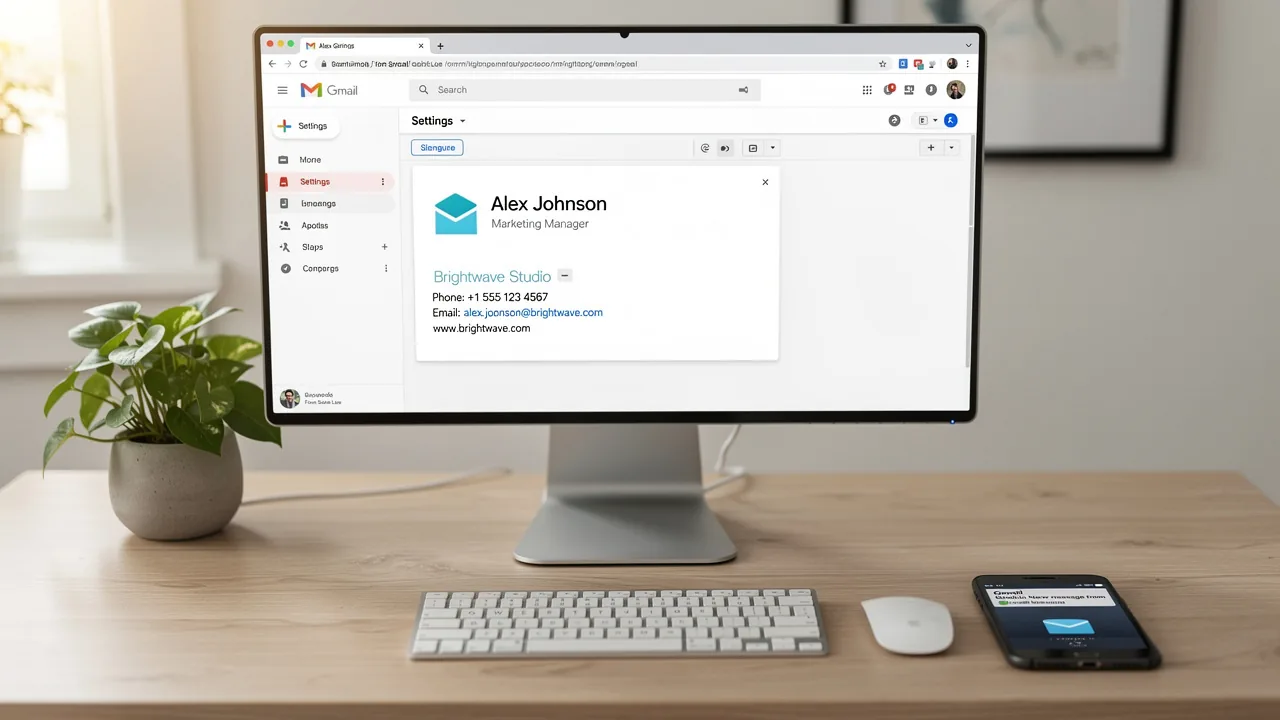
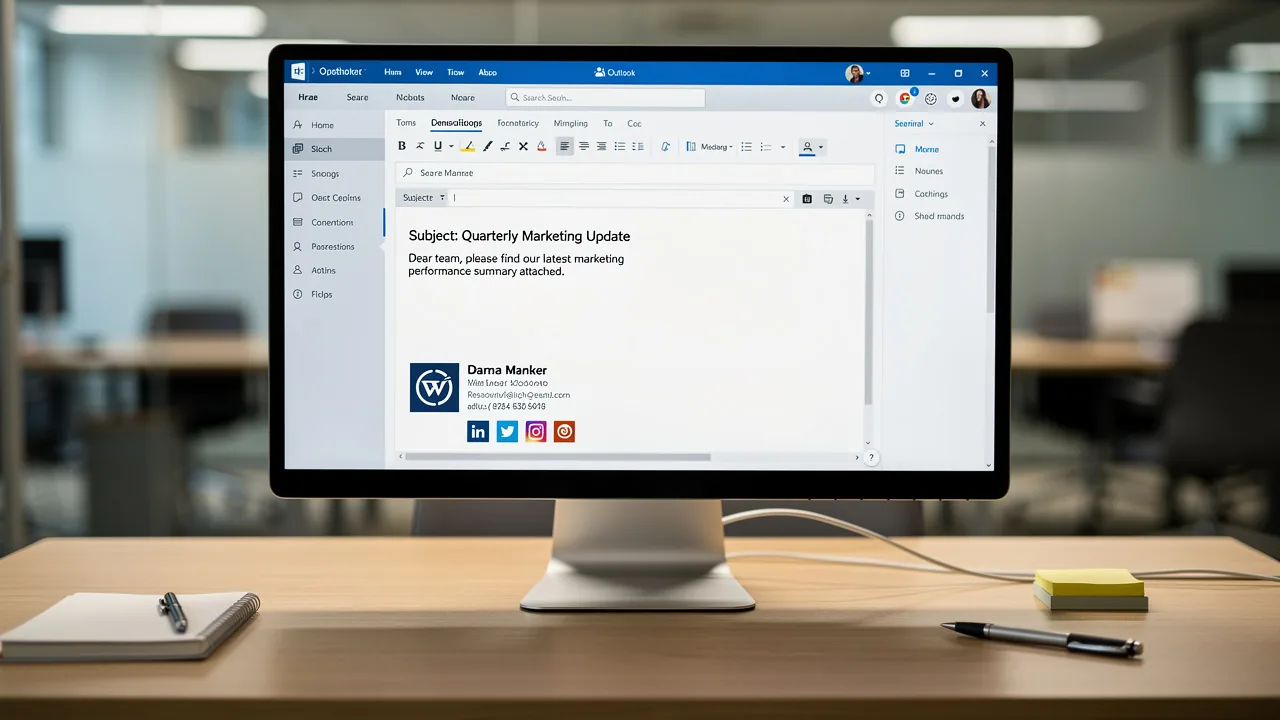
4 Best Practices to Fix Why Your Signature Isn't Showing in Gmail
Visibility issues with Gmail signatures can significantly hinder professional branding and communication efforts. This article explores essential best
Sophie Grant
Email Signature Specialist, Scribe
On this page
- Introduction
- Identify Common Reasons for Gmail Signature Visibility Issues
- Configure Your Gmail Signature Correctly for Optimal Visibility
- Ensure Consistent Signature Display Across Devices and Formats
- Leverage Automation Tools for Efficient Email Signature Management
- Conclusion
- Frequently Asked Questions
- List of Sources
Introduction
Visibility issues with Gmail signatures can significantly hinder professional branding and communication efforts. This article explores essential best practices to ensure that email signatures display correctly, enhancing brand consistency and visibility across all devices. Users frequently face challenges when their email signatures fail to display correctly. By addressing common pitfalls and leveraging automation tools like Scribe, organizations can not only resolve these issues but also leverage their email signatures as effective marketing tools.
Identify Common Reasons for Gmail Signature Visibility Issues
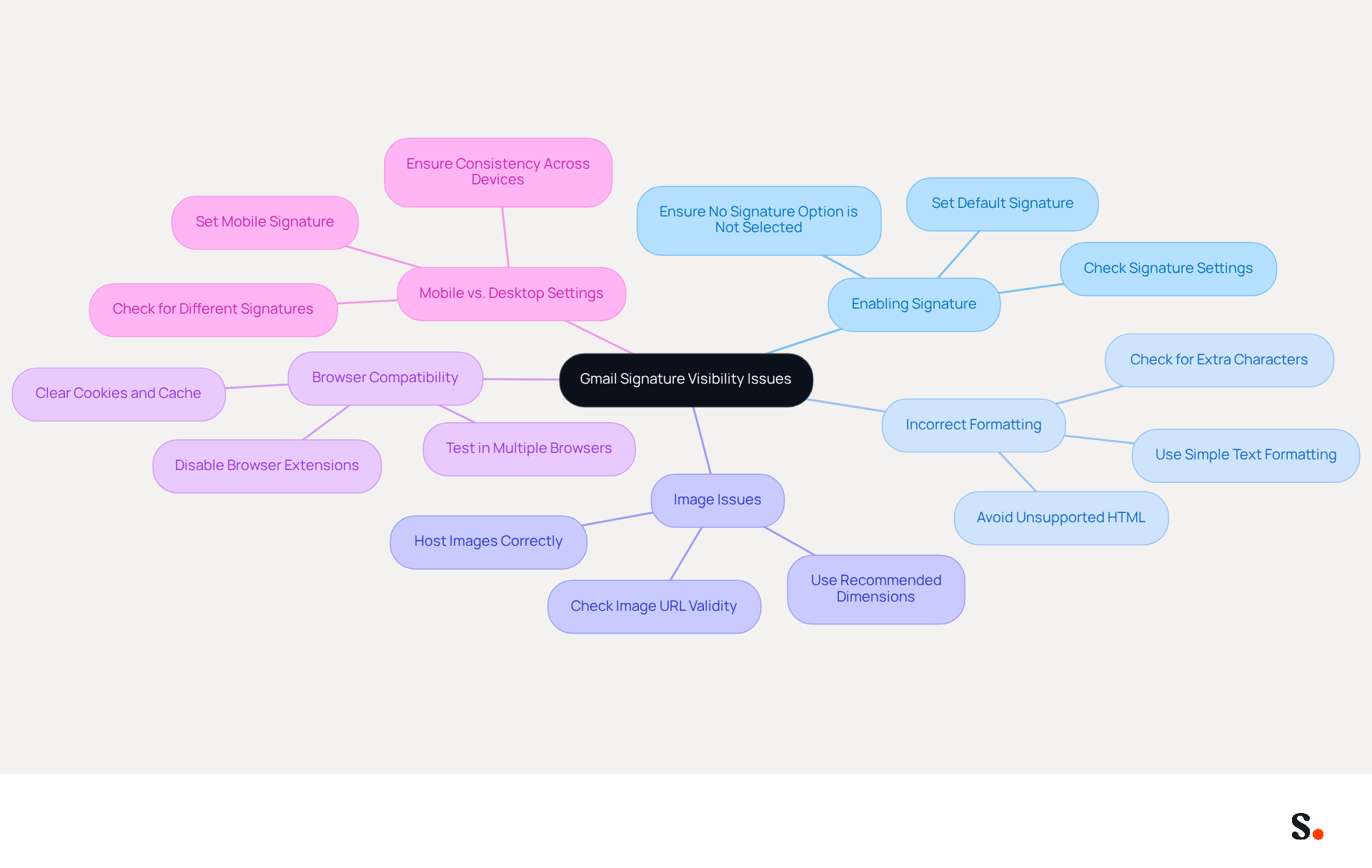
Visibility problems with email identifiers often stem from a few common oversights that can easily be addressed. Here are some common reasons:
- Many users overlook the crucial step of enabling their email signature, which makes them wonder why is my signature not showing up in gmail, leading to missed opportunities for branding. Ensure that the 'Insert this identifier before quoted text in replies and remove the quoted text' option is checked. This common oversight can lead to names not appearing in emails.
- Incorrect Formatting: If the sign-off contains unsupported HTML or excessive formatting, it may not display correctly. Stick to simple text and basic formatting to avoid rendering issues. Proper setup and formatting can prevent display problems, as demonstrated by users who simplified their identifiers, leading to improved visibility.
- Image Issues: Images in email footers can fail to load if they are not hosted correctly or if the image URL is broken. Make sure to host images on a reliable server to ensure they load properly. The suggested dimensions for images are 70-100 pixels in height by 300-400 pixels in width to prevent display issues.
- Browser Compatibility: Different browsers may render digital marks differently. Testing your mark in multiple browsers can help ensure consistent visibility across platforms. Outdated browsers or issues with cookies and cache can interfere with Gmail's functionality, resulting in problems with the display of the email footer.
- Mobile vs. Desktop Settings: Users may have different sign-offs configured for mobile and desktop. Ensure that the endorsement is configured for both platforms if necessary. This inconsistency can lead to situations where a mark appears on one device but not another, affecting overall brand visibility.
By addressing these common pitfalls, you not only resolve visibility issues related to why is my signature not showing up in gmail but also enhance your brand's presence in communications.
Configure Your Gmail Signature Correctly for Optimal Visibility
A well-configured Gmail signature is crucial for ensuring your brand is presented professionally in every email. To achieve optimal visibility, follow these best practices:
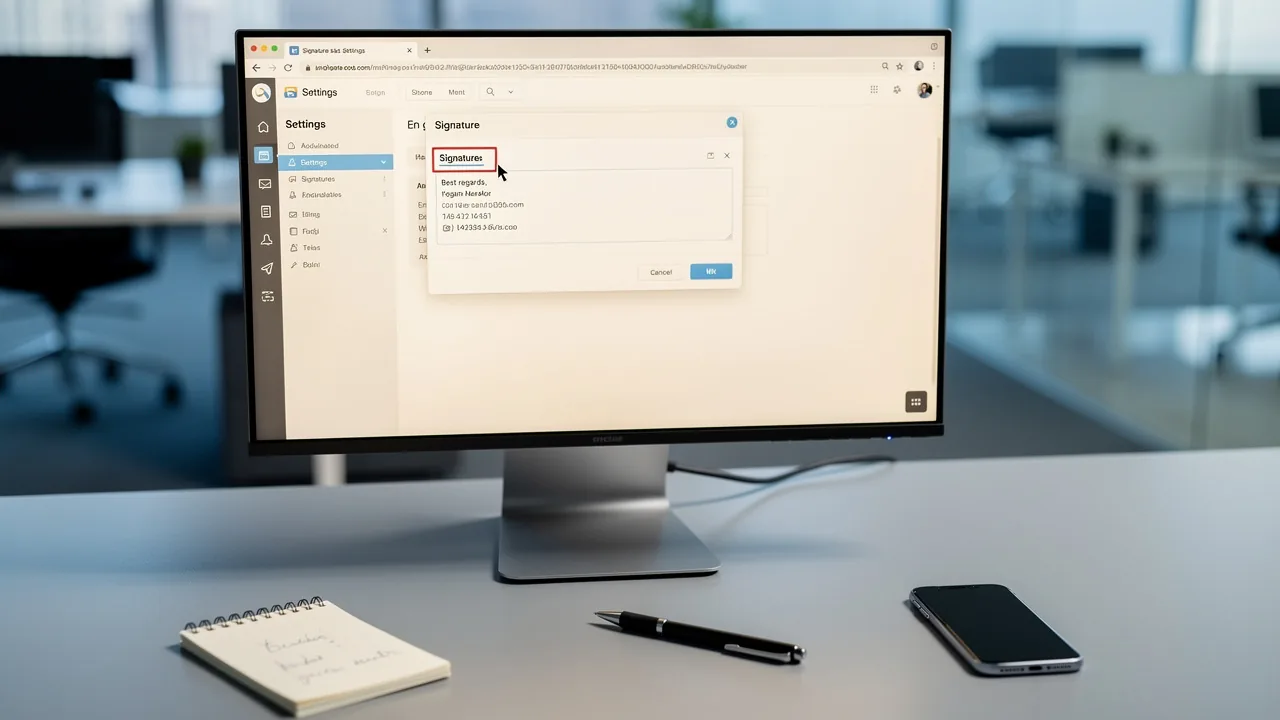
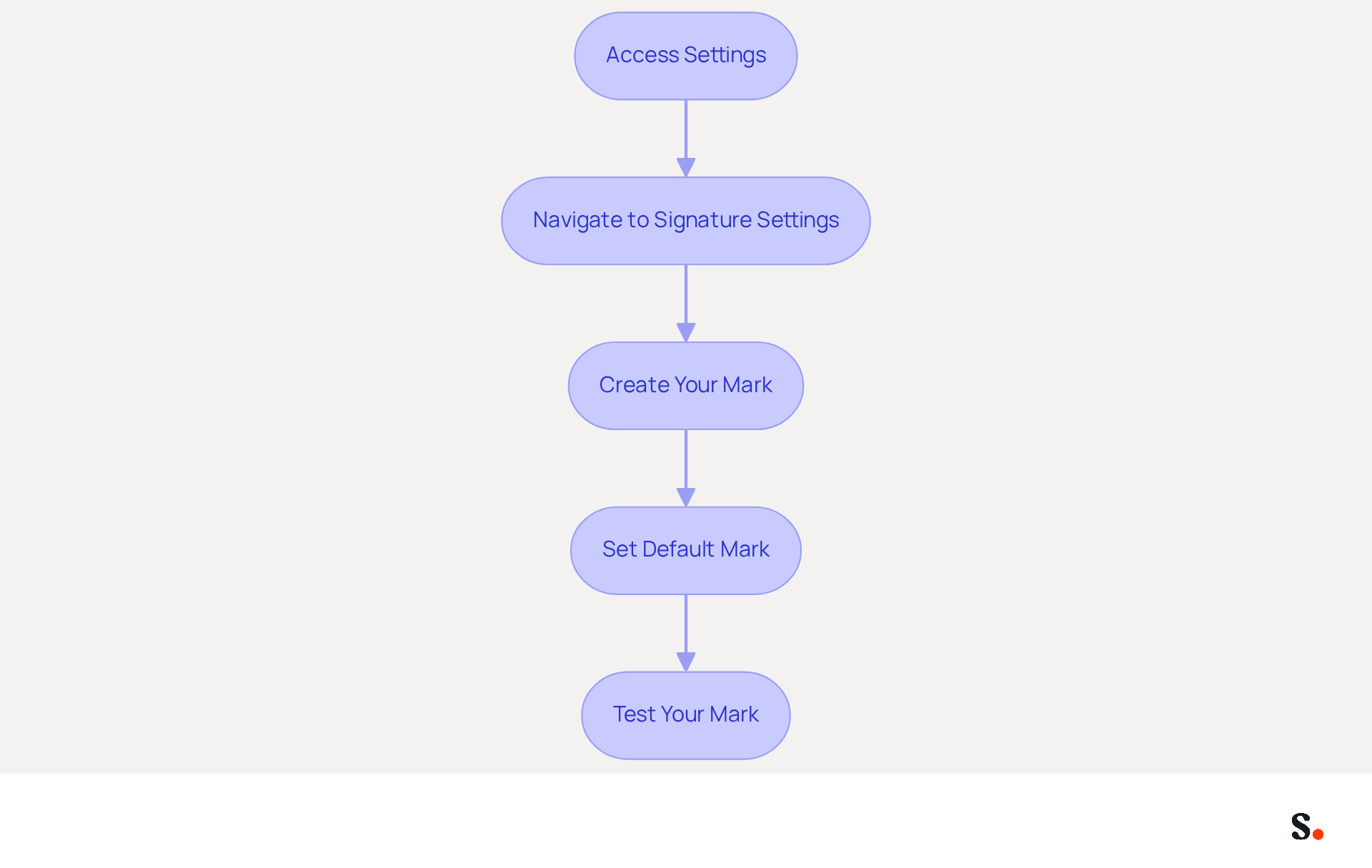
- Access Settings: Log into your Gmail account, click on the gear icon in the upper right corner, and select 'See all settings.'
- Navigate to Signature Settings: Under the 'General' tab, scroll down to the 'Signature' section. Here, you can create a new signature or modify an existing one.
- Create Your Mark: Use the editor to add text, images, and links. Keep the design simple and professional, ensuring it aligns with your brand's identity. Aim for a total image weight under 50 KB to enhance loading speed and avoid triggering spam filters.
- Set Default Mark: Select your signature as the default for new messages and responses. This ensures that your signature appears automatically in all outgoing messages, maintaining consistency across communications.
- Test Your Mark: Send test messages to yourself and colleagues to verify that the signature displays correctly across different devices and messaging clients. Regular testing is essential, as over 60% of business correspondence is accessed on mobile devices, requiring a mobile-friendly design.
Neglecting these best practices can lead to issues such as why is my signature not showing up in Gmail, ultimately undermining your brand's credibility and visibility in professional communications.
Ensure Consistent Signature Display Across Devices and Formats
To maintain a professional image, it is crucial to address the issue of why my signature is not showing up in Gmail consistently across all devices and formats. Consider the following best practices:
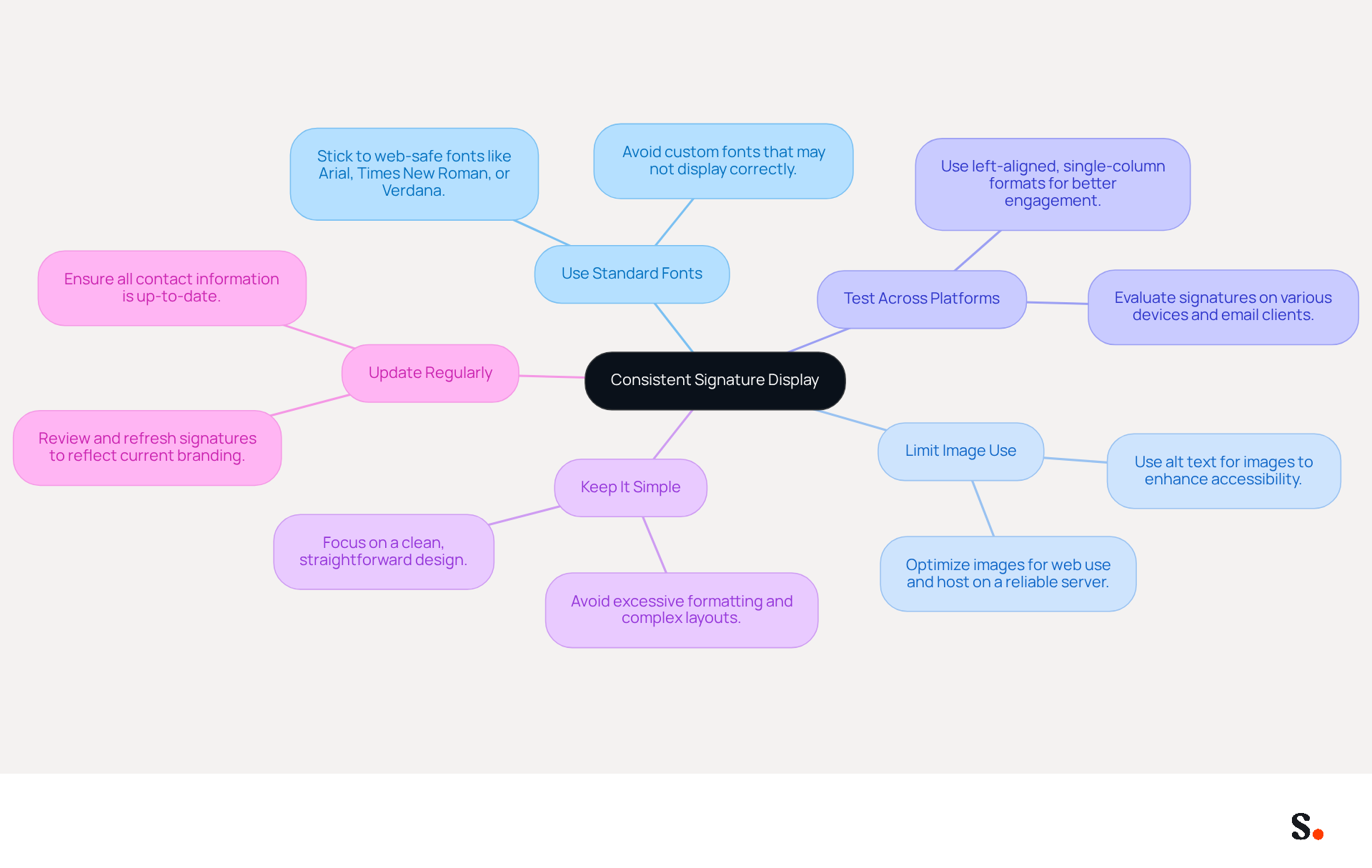
- Use Standard Fonts: Stick to web-safe fonts like Arial, Times New Roman, or Verdana. If you're experiencing issues with custom fonts, you might be wondering why is my signature not showing up in Gmail.
- Limit Image Use: If you include images, ensure they are optimized for web use and hosted on a reliable server. Use alt text for images to provide context if they do not load, enhancing accessibility and user experience. If images are not optimized, it can lead to display issues, which raises the question of why my signature is not showing up in Gmail, detracting from the overall professionalism.
- Test Across Platforms: Regularly evaluate your identifier on various devices (desktop, mobile, tablets) and messaging clients (Gmail, Outlook, Apple Mail) to troubleshoot why is my signature not showing up in Gmail as intended. Research shows that left-aligned, single-column formats can achieve three times higher click rates than multi-column designs. This highlights the importance of investing time in design to enhance communication effectiveness. With Scribe's automated synchronization with Aircall, any modifications made to your digital branding will be reflected instantly, ensuring consistency across all platforms.
- Keep It Simple: Avoid excessive formatting, such as multiple colors or complex layouts, which can lead to inconsistencies. A clean, straightforward design is more likely to display correctly and maintain professionalism.
- Update Regularly: Periodically review and refresh your personal mark to reflect any changes in branding or contact information. This ensures that all communications remain current and professional, reinforcing your brand identity. Implementing these practices and using Scribe's features will help you maintain a consistent display, boosting your brand's visibility and credibility in every communication.
Leverage Automation Tools for Efficient Email Signature Management
Managing correspondence identifiers can be a complex task, but automation tools like Scribe offer a streamlined solution. Here’s how they can help:
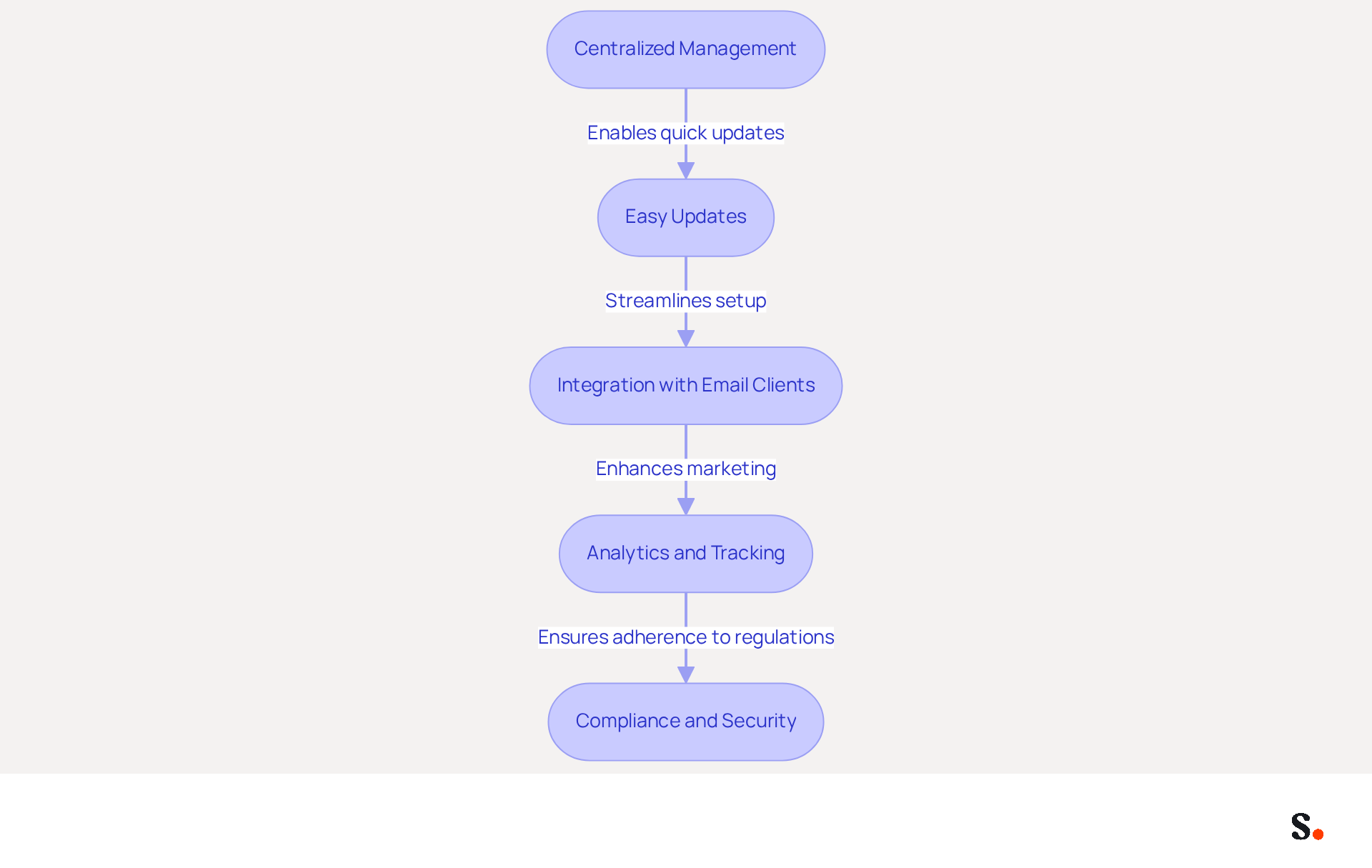
- Centralized Management: This tool enables you to oversee endorsements for all employees from a single platform, ensuring consistency throughout the organization. This centralized approach is essential, as 70% of businesses report inconsistencies in their email branding across teams. The tool automatically fills in your teammates' identification details and keeps them synced with your business phone system, ensuring consistency.
- Easy Updates: Previously, making updates to email signatures was a time-consuming process that could take days. With Scribe's automation, you can modify identifiers in bulk, reflecting changes in branding or contact information without the need for manual adjustments. This means updates that once took days can now happen in minutes, allowing for a more agile response to branding changes. Changes in your connected source will be automatically updated in the application, ensuring your signatures are always current.
- Integration with Email Clients: This tool integrates effortlessly with popular messaging clients like Gmail, Outlook, and Apple Mail, streamlining the setup process. This integration ensures that every message sent reflects a professional look, regardless of the device or platform used.
- Analytics and Tracking: Scribe offers analytics to monitor the effectiveness of digital signatures, assisting you in understanding how they aid marketing initiatives and lead generation. Studies indicate that email branding marketing can increase campaign engagement by up to 15%, turning routine emails into valuable marketing touchpoints. With Scribe, you can also connect engagement related to signatures to revenue, enhancing your marketing ROI.
- Compliance and Security: Automation tools from Scribe include features that ensure adherence to legal requirements and uphold security standards, safeguarding sensitive information. The platform is compliant with SOC 2 Type II, indicating that your data is secure, and automated signatures assist organizations in adapting to evolving data privacy laws, decreasing the likelihood of compliance-related mistakes by 30%.
By embracing Scribe's automation, organizations not only enhance their operational efficiency but also position themselves for greater marketing success.
Conclusion
Ensuring your email signature displays correctly in Gmail is crucial for projecting a professional image and enhancing brand visibility. Users can improve their email communications by addressing common issues like incorrect settings and formatting errors. Implementing best practices for signature configuration not only resolves visibility problems but also reinforces brand identity across all correspondence.
Key insights from this article highlight the importance of proper setup, including:
- Enabling signatures
- Using standard fonts
- Optimizing images for web use
Regular testing across devices and platforms is essential to ensure that signatures appear consistently, while leveraging automation tools like Scribe can streamline management and enhance compliance with security standards. With Scribe's capabilities, organizations can achieve 100% brand consistency and measurable marketing ROI from their email signatures.
Optimizing email signatures can lead to substantial benefits for businesses. By adopting these best practices and utilizing tools like Scribe, companies can transform their email signatures into powerful branding assets that convey professionalism and drive engagement. Prioritizing email signature optimization allows businesses to unlock new opportunities for engagement and brand loyalty.
Frequently Asked Questions
What are common reasons for Gmail signature visibility issues?
Common reasons include not enabling the email signature, incorrect formatting, image issues, browser compatibility, and differences in mobile versus desktop settings.
How can I ensure my email signature is enabled in Gmail?
Make sure to check the option 'Insert this identifier before quoted text in replies and remove the quoted text' to ensure your signature is enabled.
What formatting should I use for my Gmail signature?
Stick to simple text and basic formatting to avoid rendering issues. Avoid unsupported HTML or excessive formatting.
What should I do if my email signature includes images?
Ensure that images are hosted on a reliable server and that the image URL is not broken. Recommended dimensions for images are 70-100 pixels in height by 300-400 pixels in width.
How does browser compatibility affect my Gmail signature?
Different browsers may render email signatures differently. Testing your signature in multiple browsers can help ensure consistent visibility.
Why might my Gmail signature appear differently on mobile and desktop?
Users may have different sign-offs configured for mobile and desktop. Ensure that your signature is configured for both platforms to maintain consistency.
How can I improve the visibility of my Gmail signature?
By addressing common pitfalls such as enabling the signature, using proper formatting, ensuring images load correctly, testing across browsers, and configuring settings for both mobile and desktop, you can enhance your brand's presence in communications.
List of Sources
- Identify Common Reasons for Gmail Signature Visibility Issues
- Fix Your Missing Gmail Signature: 8 Troubleshooting Steps & Best Practices | Newoldstamp - NEWOLDSTAMP (https://newoldstamp.com/blog/gmail-signature-not-showing-up)
- Why Is My Gmail Signature Not Showing Up? Common Causes Explained (https://scribe-mail.com/en-US/blog/why-is-my-gmail-signature-not-showing-up-common-causes-explained)
- Read our guide for troubleshooting Gmail signatures issues (https://wisestamp.com/guides/how-to-fix-gmail-signature-not-showing)
- Troubleshoot issues with Gmail signatures - Gmail Help (https://support.google.com/mail/answer/11468381?hl=en-GB)
- Gmail Signature Not Showing? Here’s How to Fix It (https://linkedin.com/pulse/gmail-signature-showing-heres-how-fix-newoldstamp-f3ckf)
- Configure Your Gmail Signature Correctly for Optimal Visibility
- Email Signature Design Trends in 2026: What Works and What to Drop (https://bulksignature.com/blog/email-signature-design-trends)
- Top 10+ best practices for email signatures design in 2026 (https://mysignature.io/blog/email-signature-best-practices)
- The 17 DOs and DON’Ts of Email Signatures | Exclaimer (https://exclaimer.com/email-signature-handbook/the-17-email-signature-dos-and-donts)
- Master HTML Signatures in Gmail: Best Practices for Marketing Success (https://scribe-mail.com/en-US/blog/master-html-signatures-in-gmail-best-practices-for-marketing-success)
- The Complete Email Signature Guide 2026: Best Practices and Policy (https://opensense.com/complete-email-signature-guide)
- Ensure Consistent Signature Display Across Devices and Formats
- The Complete Email Signature Guide 2026: Best Practices and Policy (https://opensense.com/complete-email-signature-guide)
- Email signature statistics and trends in 2024 (https://wisestamp.com/blog/email-signature-statistics)
- Top 10+ best practices for email signatures design in 2026 (https://mysignature.io/blog/email-signature-best-practices)
- Email Signature Best Practices for 2026 (+ 15 Pro Examples) (https://wavecnct.com/blogs/email-signature-best-practices-2026)
- Leverage Automation Tools for Efficient Email Signature Management
- Why Automated Email Signatures Are a Smart Move for Your Business (https://aabyss.uk/blog/why-automated-email-signatures-are-a-smart-move-for-your-business)
- Automating Email Signatures: How IT Teams Streamline Processes & Reduce Risk (https://exclaimer.com/blog/streamlining-it-processes-automated-email-signatures)
- How to Automate Email Signatures for Effective Marketing Campaigns (https://scribe-mail.com/en-US/blog/how-to-automate-email-signatures-for-effective-marketing-campaigns)
- Maximizing Efficiency with Automated Email Signatures for Internal and External Communications | Crossware365 (https://crossware365.com/blog/maximizing-efficiency-with-automated-email-signatures-for-internal-and-external-communications)
- 40+ Email Signature Statistics for 2026 (Data + Insights) (https://wavecnct.com/blogs/email-signature-statistics)
Get started with Scribe
Create your signature in minutes
Free 14-day trial — no credit card.