Best Practices for a Personalized Email Signature That Boosts Branding
A well-crafted email signature is essential for establishing a strong professional identity and enhancing brand visibility. It serves as a powerful branding
Sophie Grant
Email Signature Specialist, Scribe
Introduction
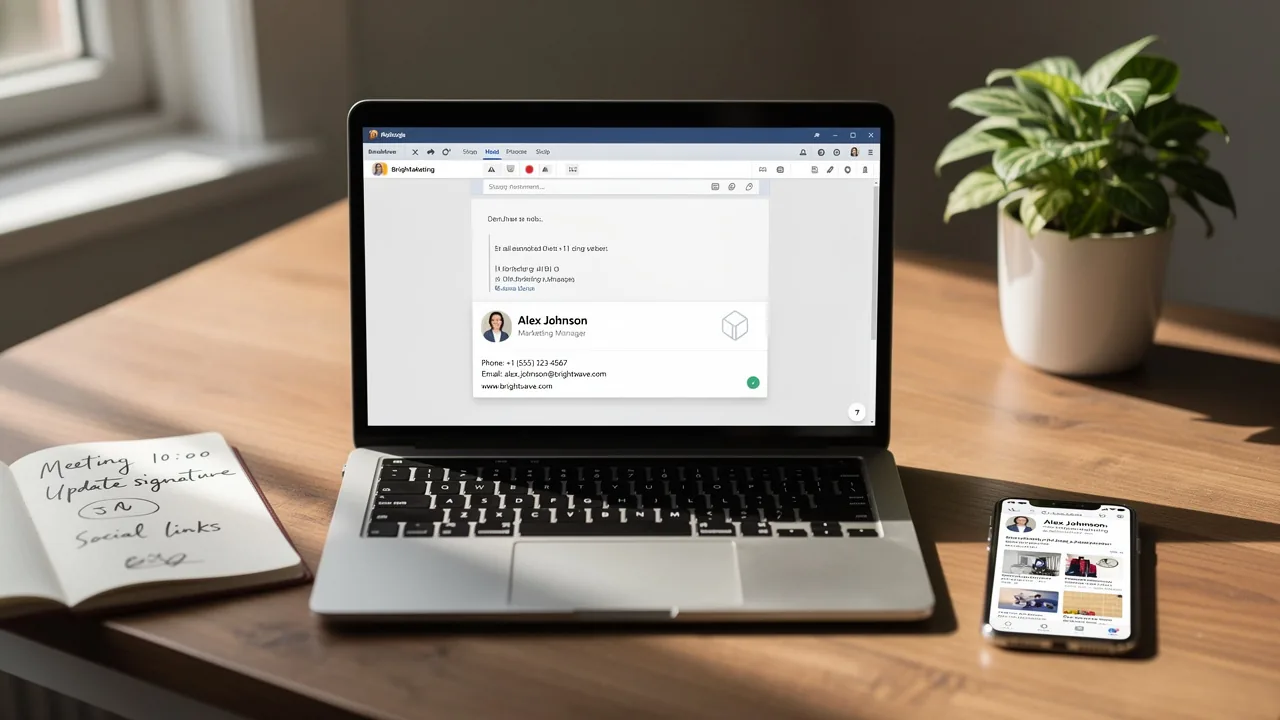
A well-crafted email signature is essential for establishing a strong professional identity and enhancing brand visibility. It serves as a powerful branding tool that can significantly enhance professional identity and engagement. Organizations can enhance their signatures by incorporating key elements and design strategies that convey essential information while reinforcing brand consistency.
However, organizations often struggle to keep their email signatures aligned with changing branding and compliance requirements. Failure to adapt can lead to inconsistent branding and missed opportunities for engagement.
To address these challenges, businesses can leverage automation and best practices to optimize their email signatures for maximum impact and visibility.
Define Key Elements of a Professional Email Signature
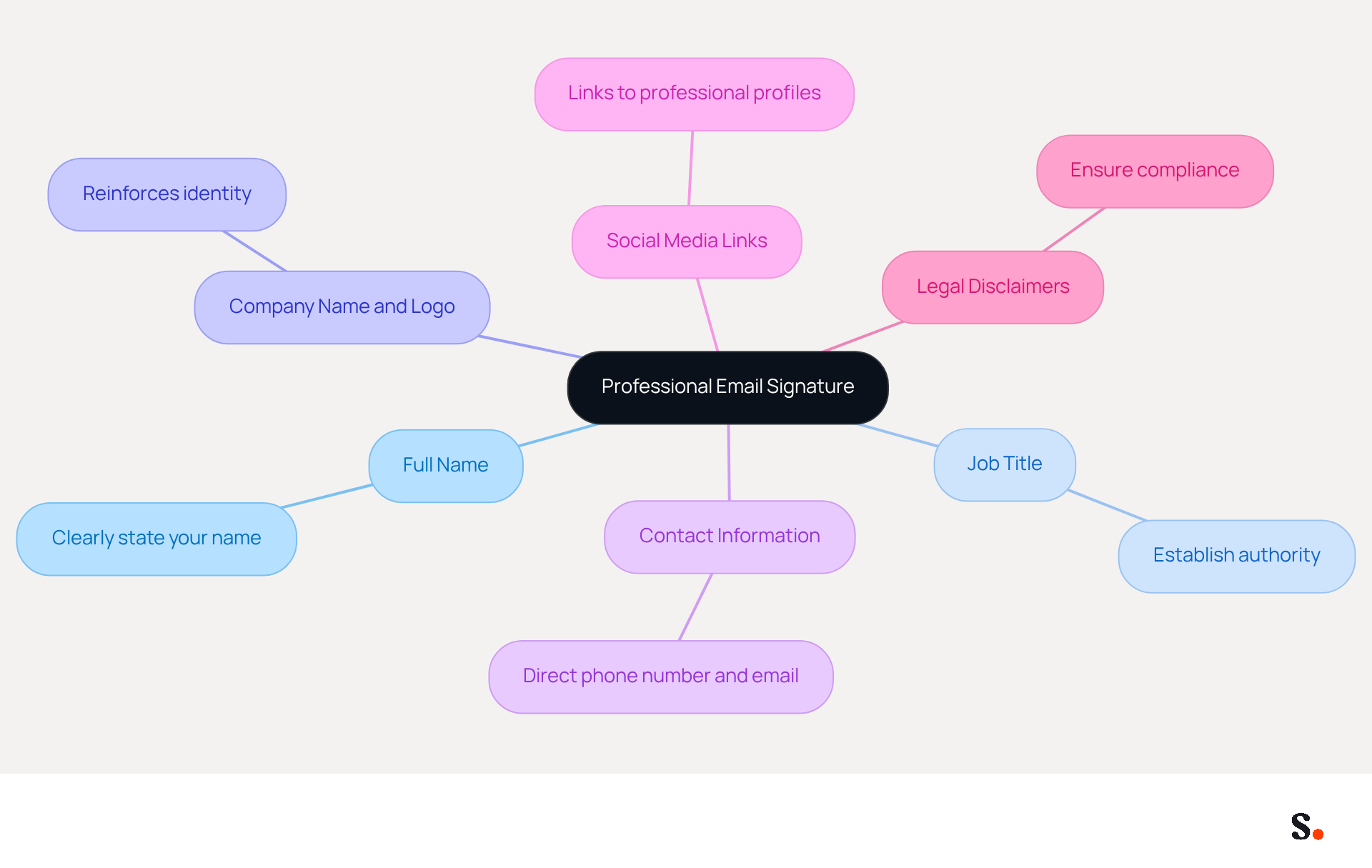
A personalized email signature is crucial for establishing authority and ensuring effective communication. A professional signature should include several key components to effectively communicate essential information while reinforcing identity. These elements include:
- Full Name: Clearly stating your name personalizes the communication, making it more relatable.
- Job Title: Including your position establishes authority and provides context for the recipient.
- Company Name and Logo: This reinforces identity and aids in recognition, ensuring that your name remains top-of-mind.
- Contact Information: Providing a direct phone number and email address facilitates easy communication, enhancing accessibility.
- Social Media Links: Including links to professional profiles, such as LinkedIn, fosters connectivity and encourages engagement with your organization.
- Legal Disclaimers: If applicable, adding relevant legal disclaimers ensures compliance and maintains professionalism in your communications.
These elements convey essential information and demonstrate your organization's professionalism. Furthermore, with Scribe's automated synchronization of communication identifiers with Aircall, any modifications made in your Aircall setup will be automatically reflected in your Scribe identifiers, ensuring improved consistency across all communications. Moreover, the smooth integration with Calendly enables automatic updates to your contact information, further improving consistency in your identity. Research indicates that well-crafted electronic identifiers boost engagement, with marketing identifiers that include resource downloads producing five times more Marketing Qualified Leads (MQLs) than standard calls-to-action. By following these optimal methods, you can convert your message footer into a powerful marketing instrument that boosts your visibility and trustworthiness. By optimizing your personalized email signature, you position yourself as a credible professional, ready to engage meaningfully with your audience.
Implement Design Strategies for Brand Consistency
To establish a strong brand presence in email signatures, implementing effective design strategies is crucial:
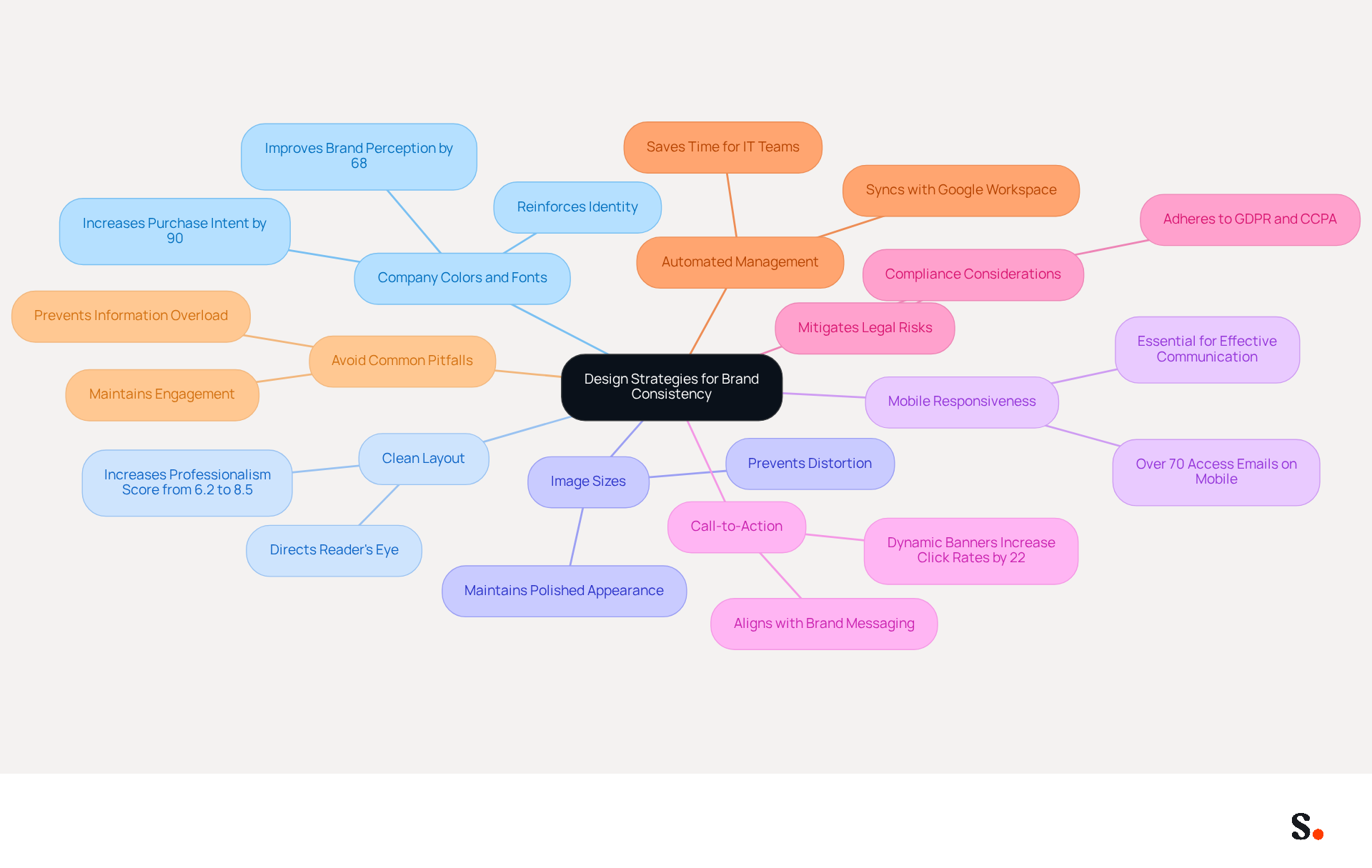
- Use Company Colors and Fonts: Adhering to your organization's color palette and font styles creates a cohesive look that reinforces identity. Research indicates that consistent branding can improve brand perception by 68% and increase purchase intent by 90%.
- Maintain a Clean Layout: A simple, organized structure directs the reader's eye and avoids clutter, enhancing professionalism. Studies show that a unified presentation can increase the average professionalism score from 6.2 to 8.5 out of 10.
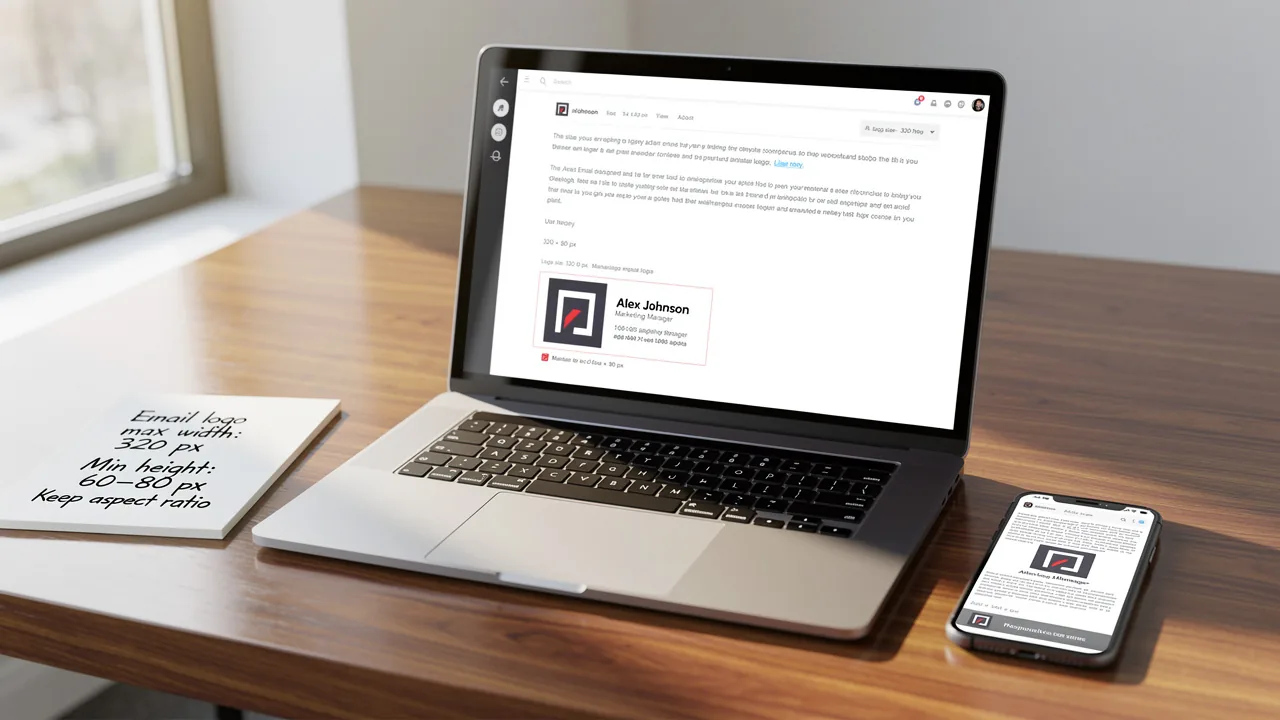
- Optimize Image Sizes: Ensure logos and images are appropriately sized (300-600 px wide and 150-200 px high) to prevent distortion and maintain a polished appearance. Using high-quality visuals reinforces your brand's professionalism and credibility.
- Mobile Responsiveness: Design signatures that are mobile-friendly, ensuring they display correctly on various devices. With over 70% of individuals accessing messages on mobile applications, responsive design is essential for effective communication.
- Consistent Call-to-Action: If including a call-to-action, ensure it aligns with your brand messaging and is visually distinct. Dynamic banners in digital correspondences can boost click rates by 22%, making them powerful marketing tools.
- Compliance Considerations: Ensure that your electronic correspondence identifiers comply with data protection regulations like GDPR and CCPA to safeguard personal information and mitigate legal risks. Scribe's SOC 2 Type II compliance guarantees that your information is protected, offering reassurance as you handle your identifiers.
- Automated Management: By syncing your Google Workspace with Scribe, you can save time and ensure that your teammates' information is always current without manual input. Any modifications in your Google Workspace, such as updates to job roles or team shifts, will be automatically reflected in Scribe, streamlining your management process.
- Avoid Common Pitfalls: Overloading recipients with excessive information can lead to confusion and disengagement. Be mindful of information overload and outdated details in your correspondence, as these can diminish effectiveness.
Implementing these design techniques will help you create a personalized email signature that strengthens your brand identity and fosters trust with your audience.
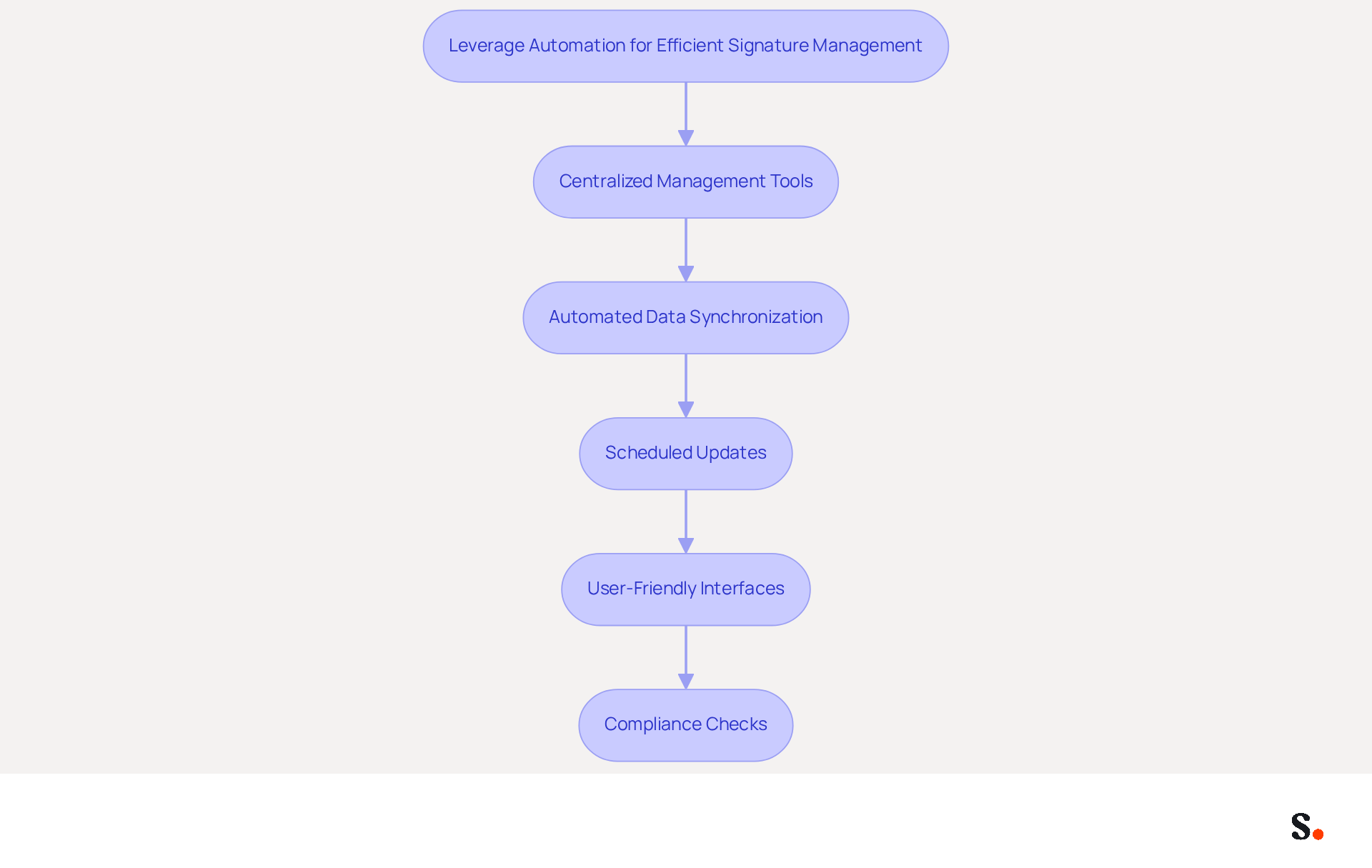
Leverage Automation for Efficient Signature Management
Effective management of a personalized email signature is crucial for maintaining brand consistency and operational efficiency. To leverage automation in this area, consider the following best practices:
- Centralized Management Tools: Utilize platforms like Scribe that provide centralized control over email branding, enabling swift updates across the organization. Without centralized management, maintaining consistent branding across all communications can be a daunting task.
- Automated Data Synchronization: Integrate with HR and identity management systems to ensure that approvals reflect the most up-to-date employee information. This real-time syncing minimizes manual errors and enhances operational efficiency.
- Scheduled Updates: Implement regular updates for promotional banners or seasonal messages to keep content fresh and relevant. This strategy transforms email footers into effective marketing tools that actively engage recipients.
- User-Friendly Interfaces: Opt for tools that require minimal technical expertise, allowing all team members to manage their identifiers easily. A user-friendly interface enables marketing and HR teams to execute timely updates independently of IT support.
- Compliance Checks: Automate compliance with legal and branding guidelines to prevent errors and maintain professionalism. Regular reviews of templates and disclaimers ensure that all communications adhere to industry standards.
By applying these automation techniques, companies can greatly minimize the time allocated to managing approvals while ensuring consistency in their identity. Case studies indicate that organizations implementing these practices experience improved operational efficiency and increased brand recognition, demonstrating how automation can lead to significant time savings and enhanced brand visibility. Ultimately, embracing automation in personalized email signature management can redefine how organizations present their brand to the world.
Evaluate and Optimize Email Signatures for Maximum Impact
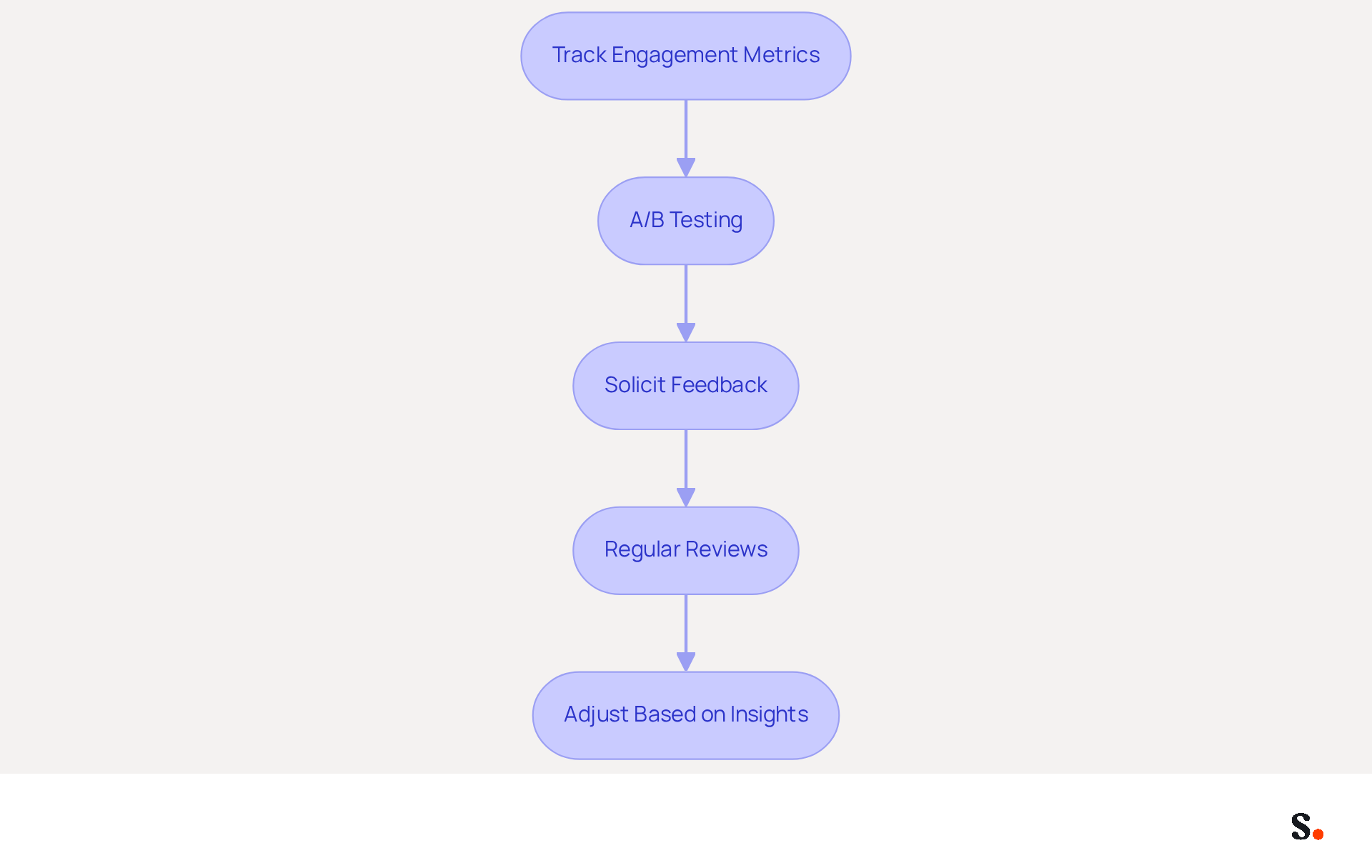
To enhance the effectiveness of email signatures, businesses must adopt a systematic approach to evaluation and optimization:
- Track Engagement Metrics: Understanding engagement metrics, such as click-through rates averaging 72%, is crucial for assessing effectiveness. Utilize analytics tools to monitor key performance indicators related to links in your email.
- A/B Testing: Implement A/B testing by experimenting with various designs and content elements. This method allows for the identification of versions that produce higher engagement and conversion rates, with personalized identifiers appearing up to 15 times greater click rates in Account-Based Marketing campaigns.
- Solicit Feedback: Actively gather input from recipients regarding the clarity and effectiveness of your communication identifiers. Understanding how recipients perceive your autographs can be challenging without direct feedback, offering valuable insights into their effect on engagement.
- Regular Reviews: Schedule periodic evaluations of your correspondence identifiers to ensure they align with current branding and marketing strategies. Failing to update may lead to higher bounce rates, negatively impacting email deliverability. Furthermore, with Scribe's automated synchronization with Aircall, any modifications made in your Aircall setup will be automatically reflected in your Scribe identifiers, ensuring consistency across all communications.
- Adjust Based on Insights: Use the data collected from tracking and feedback to make informed modifications to your documents. This iterative process enhances their effectiveness over time, ensuring they contribute positively to your overall branding and marketing efforts.
Ultimately, a proactive approach to email signature management can significantly elevate brand visibility and audience engagement.
Conclusion
A personalized email signature is not just a digital sign-off; it is a strategic asset that enhances brand identity and professional communication. A well-crafted signature includes your name, job title, company logo, and contact information, conveying professionalism and reinforcing your brand. Utilizing automation tools like Scribe allows for seamless updates and consistent branding across all communications, making your email signature a consistent and effective marketing tool.
To create an effective email signature, focus on design principles that ensure brand consistency, such as:
- Using company colors and fonts
- Maintaining a clean layout
- Ensuring mobile responsiveness
Additionally, leveraging automation for signature management streamlines the process, allowing marketing teams to maintain control without relying on IT support. Regular evaluation and optimization of email signatures through tracking engagement metrics and soliciting feedback further enhance their effectiveness, ultimately driving higher engagement rates.
Incorporating these best practices not only elevates your brand's visibility but also transforms email signatures into impactful marketing tools. Organizations are encouraged to embrace these strategies and consider the significant role that personalized email signatures play in establishing authority and trust with their audience. Embracing these strategies can significantly enhance your brand's authority and trustworthiness in the eyes of your audience.
Frequently Asked Questions
What is the purpose of a professional email signature?
A professional email signature is crucial for establishing authority and ensuring effective communication, while also reinforcing identity.
What are the key components of a professional email signature?
The key components include your full name, job title, company name and logo, contact information, social media links, and legal disclaimers if applicable.
Why is including a full name important in an email signature?
Clearly stating your name personalizes the communication, making it more relatable to the recipient.
How does a job title in an email signature benefit communication?
Including your position establishes authority and provides context for the recipient.
What role does the company name and logo play in an email signature?
The company name and logo reinforce identity and aid in recognition, ensuring that your name remains top-of-mind.
Why should contact information be included in an email signature?
Providing a direct phone number and email address facilitates easy communication, enhancing accessibility for the recipient.
How can social media links enhance an email signature?
Including links to professional profiles, such as LinkedIn, fosters connectivity and encourages engagement with your organization.
What is the significance of legal disclaimers in an email signature?
Adding relevant legal disclaimers ensures compliance and maintains professionalism in your communications.
How does Scribe improve the consistency of email signatures?
Scribe's automated synchronization with Aircall ensures that any modifications made in your Aircall setup are automatically reflected in your Scribe identifiers.
What benefits does the integration with Calendly provide for email signatures?
The integration with Calendly enables automatic updates to your contact information, further improving consistency in your identity.
How can a well-crafted email signature impact engagement?
Research indicates that well-crafted electronic identifiers boost engagement, with marketing identifiers that include resource downloads producing five times more Marketing Qualified Leads (MQLs) than standard calls-to-action.
What is the overall benefit of optimizing a personalized email signature?
Optimizing your personalized email signature positions you as a credible professional, ready to engage meaningfully with your audience.
List of Sources
- Define Key Elements of a Professional Email Signature
- The ultimate guide to email signatures in 2026 (https://signitic.com/en/resources/email-signature)
- Email Signature Best Practices for 2026 (+ 15 Pro Examples) (https://wavecnct.com/blogs/email-signature-best-practices-2026)
- Why Are Email Signatures Key to Brand Awareness? | QuickMail (https://quickmail.com/role-of-email-signatures-in-brand-awareness)
- 20 Examples of Professional Email Signatures | Letsignit (https://letsignit.com/blog/professional-email-signature)
- What to Include in a Business Email Signature (https://rocketseed.com/blog/email-signature-what-to-include)
- Implement Design Strategies for Brand Consistency
- Email Signature Branding: Consistency and Impact | Crossware365 (https://crossware365.com/blog/mastering-email-signature-branding-market-presence)
- 4 Best Practices for a Personal Email Signature That Boosts Branding (https://scribe-mail.com/en-US/blog/4-best-practices-for-a-personal-email-signature-that-boosts-branding)
- The impact of email signatures on your branding (https://signitic.com/en/resources/the-impact-of-email-signatures-on-your-branding)
- Email Branding Tips For a Consistent Customer Experience | OneSignal (https://onesignal.com/blog/email-branding-tips-to-create-a-b)
- Is Your Customer Rebrand Stuck on Email Signatures? (https://wisestamp.com/blog/rebrand-email-signatures)
- Leverage Automation for Efficient Signature Management
- Central and automatic email signatures for Office 365 (https://codetwo.com/email-signatures/central-and-automatic)
- The Best Way to Manage Email Signatures in Microsoft 365 | Rocketseed (https://rocketseed.com/blog/best-way-to-manage-email-signatures-in-microsoft-365)
- MSP Guide to Choosing the Right Email Signature Management Solution (https://channelpronetwork.com/2025/09/21/email-signature-management-msp-guide)
- Automating Email Signatures: How IT Teams Streamline Processes & Reduce Risk (https://exclaimer.com/blog/streamlining-it-processes-automated-email-signatures)
- How to Automate Email Signature Updates | Exclaimer (https://exclaimer.com/email-signature-handbook/automate-email-signature-updates)
- Evaluate and Optimize Email Signatures for Maximum Impact
- Research Recap: Branded Email Signatures Increase Company Recognition, Trust - Demand Gen Report (https://demandgenreport.com/industry-news/research-recap-branded-email-signatures-increase-company-recognition-trust/47252)
- Exclaimer Research: 67% of Marketers Expect Email Signatures to Support With Lead Gen In 2023 (https://businesswire.com/news/home/20230612141095/en/Exclaimer-Research-67-of-Marketers-Expect-Email-Signatures-to-Support-With-Lead-Gen-In-2023)
- The 5 key metrics to analyze your email signatures (https://signitic.com/en/resources/the-5-key-metrics-to-analyze-your-email-signatures)
- Email Signature Analytics: Tracking Performance and Engagement | Crossware365 (https://crossware365.com/blog/email-signature-analytics-tracking-performance-and-roi)
- Email signature statistics: Why every business should optimize their email signatures — Stripo.email (https://stripo.email/blog/email-signature-statistics-why-every-business-should-optimize-their-email-signatures)
Get started with Scribe
Manage signatures across your whole team
Free 14-day trial — no credit card.