Best Practices for Crafting a Minimal Email Signature That Engages
In an era where digital communication is ubiquitous, the significance of a well-crafted email signature cannot be overstated. Crafting a minimal email
Sophie Grant
Email Signature Specialist, Scribe
Introduction
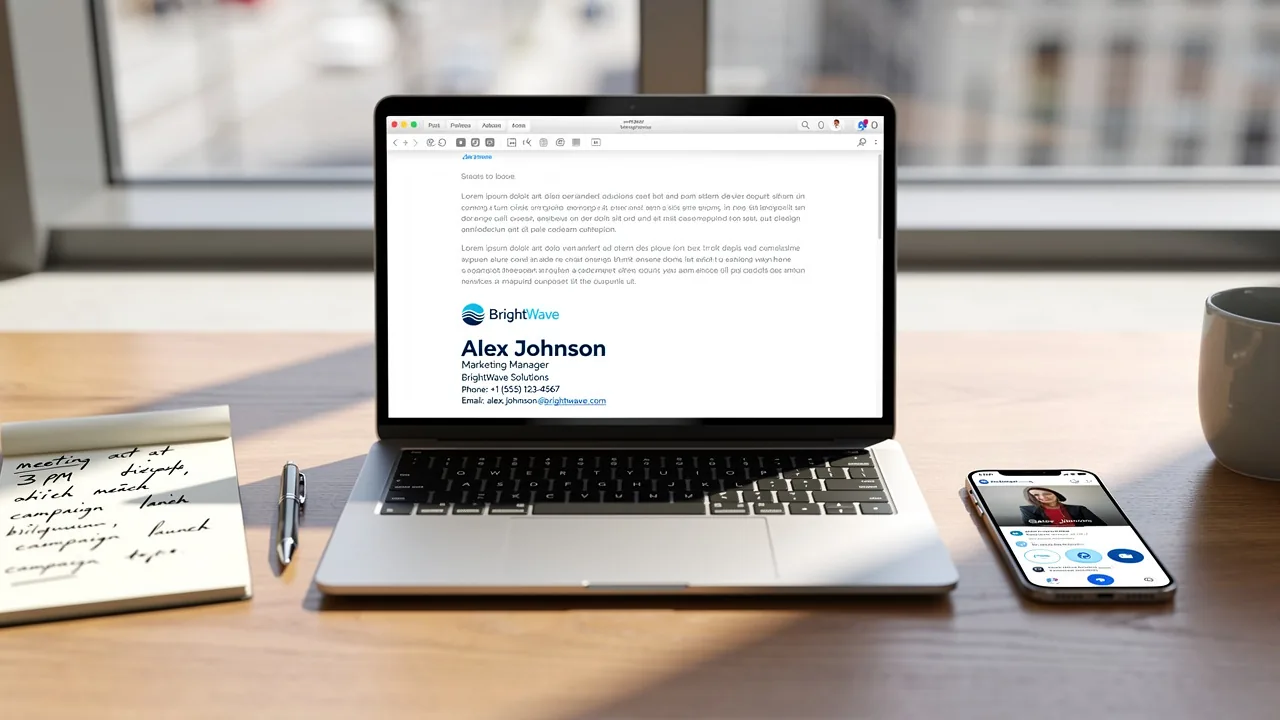
In an era where digital communication is ubiquitous, the significance of a well-crafted email signature cannot be overstated. Crafting a minimal email signature is more than just a formality; it serves as a vital touchpoint in professional communication that can significantly impact brand perception. By honing in on key elements and design principles, organizations can craft signatures that effectively convey vital information while engaging recipients.
In a world saturated with digital communication, how can you ensure your email signature stands out while remaining professional and compliant? This article explores effective strategies for creating minimal email signatures that enhance brand perception and engagement, offering insights that can transform a simple sign-off into a powerful marketing tool.
Ultimately, a minimal email signature is not just a sign-off; it is an opportunity to leave a lasting impression on every recipient.
Define Essential Elements of a Minimal Email Signature
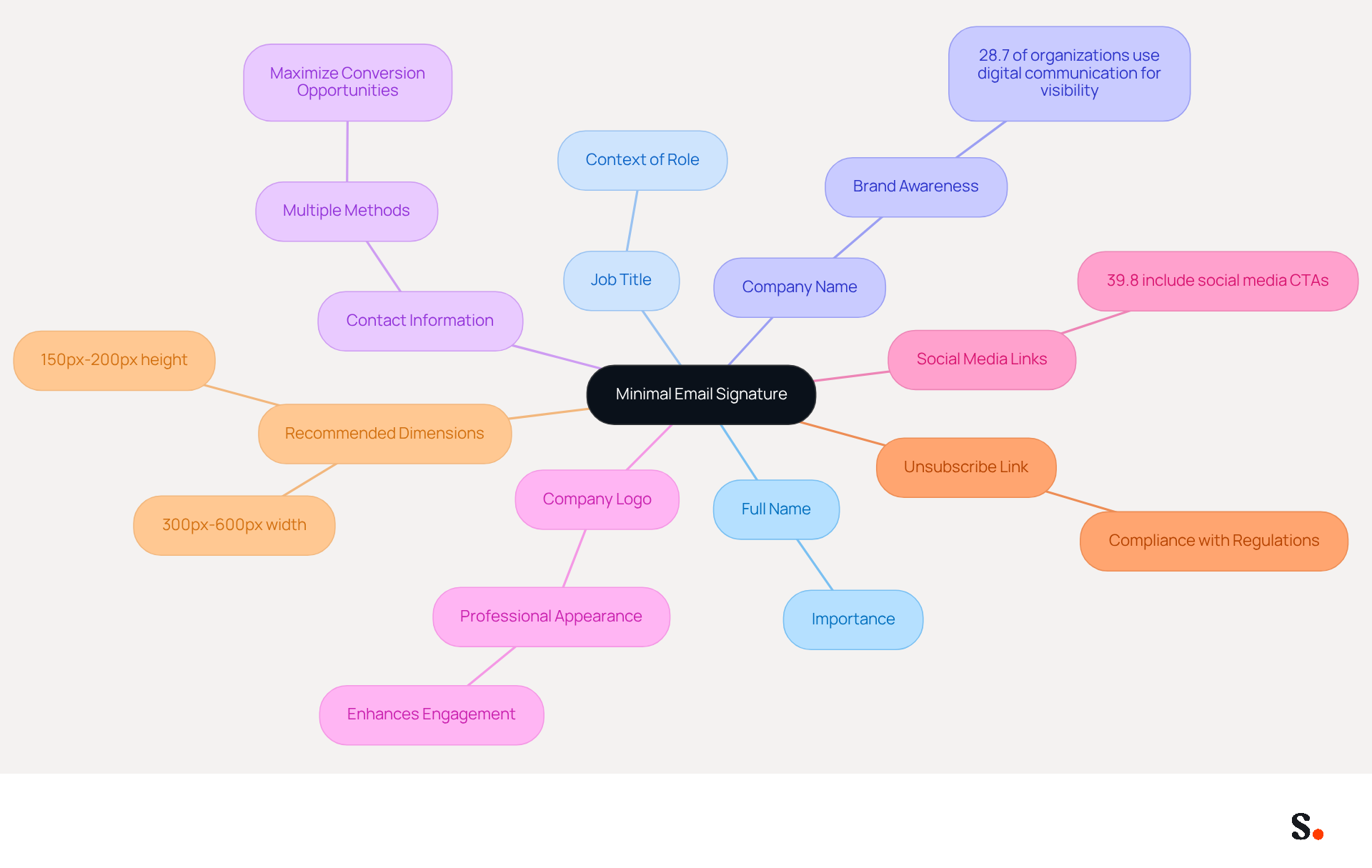
For effective communication and professional representation, having a minimal email signature is essential. It should include the following key elements:
- Full Name: Clearly state your full name to ensure the recipient knows who the message is from.
- Job Title: Include your current position to provide context about your role within the organization.
- Company Name: Mention your company to strengthen identity, as 28.7% of organizations utilize digital communication primarily to improve visibility and awareness.
- Contact Information: Provide at least one method of contact, such as a phone number or messaging address, to facilitate easy communication. Including multiple contact methods can maximize conversion opportunities.
- Company Logo: Incorporating a logo can improve brand awareness and provide a professional appearance, which can enhance engagement and improve response rates.
- Social Media Links: If relevant, include links to professional social media profiles. Statistics indicate that 39.8% of users incorporate social media calls to action in their correspondence, which can promote further engagement.
- Unsubscribe Link: To comply with privacy regulations, including an unsubscribe link in your correspondence is crucial, enabling recipients to opt-out of communications.
- Recommended Dimensions: Ensure your correspondence adheres to the recommended dimensions of 150px-200px in height and 300px-600px in width for optimal design and functionality.
Focusing on these elements helps create a minimal email signature that is both informative and visually appealing without unnecessary clutter. Keeping contact information current can be a challenge for many professionals. Failing to do so can lead to miscommunication and lost opportunities. With Scribe, you can easily ensure that any changes in your Aircall configuration are automatically updated in your email signature, helping you maintain a consistent professional identity.
Apply Design Principles for Maximum Impact
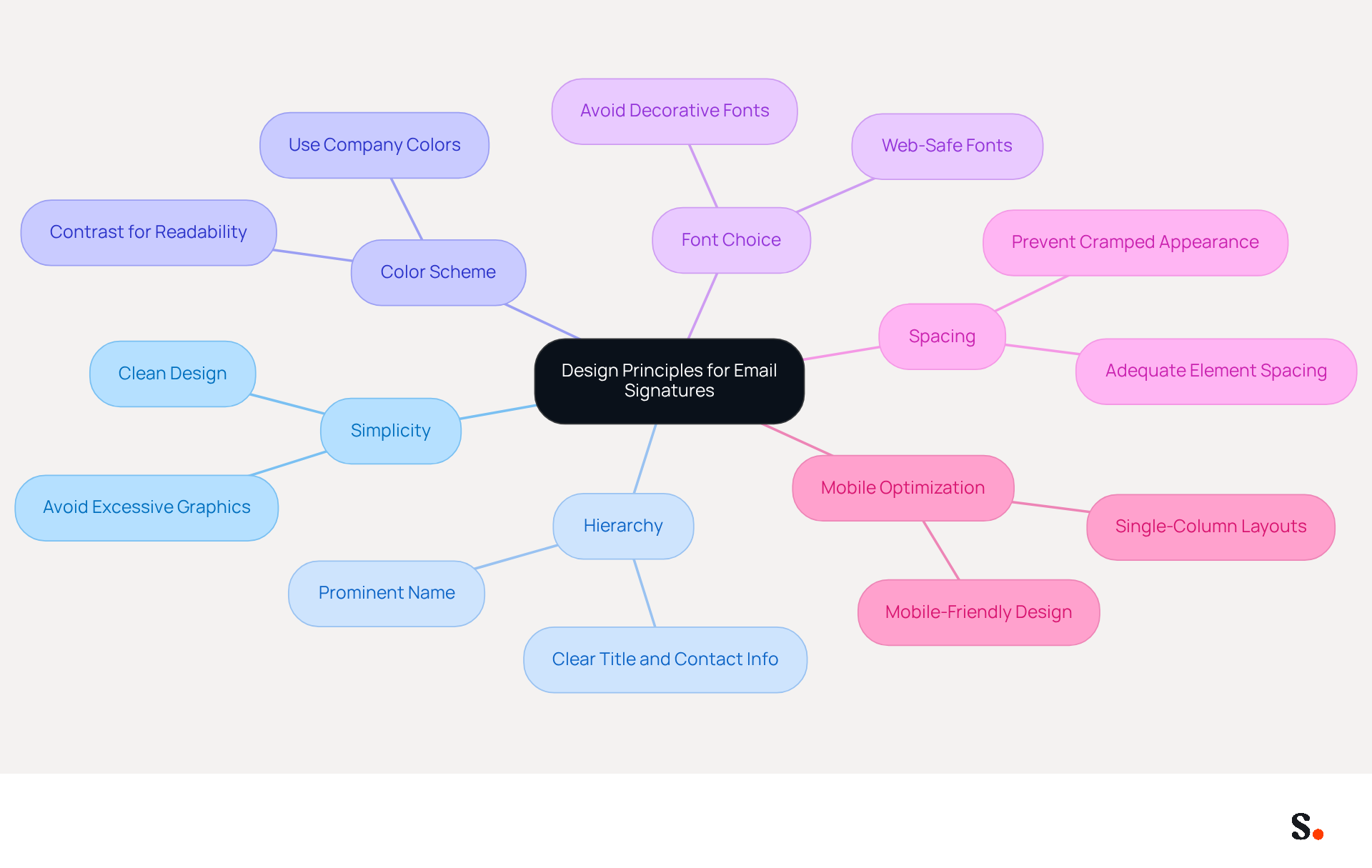
Creating a minimal email signature is essential for establishing a professional identity in digital communications. To maximize the impact of your email signature, consider the following design principles:
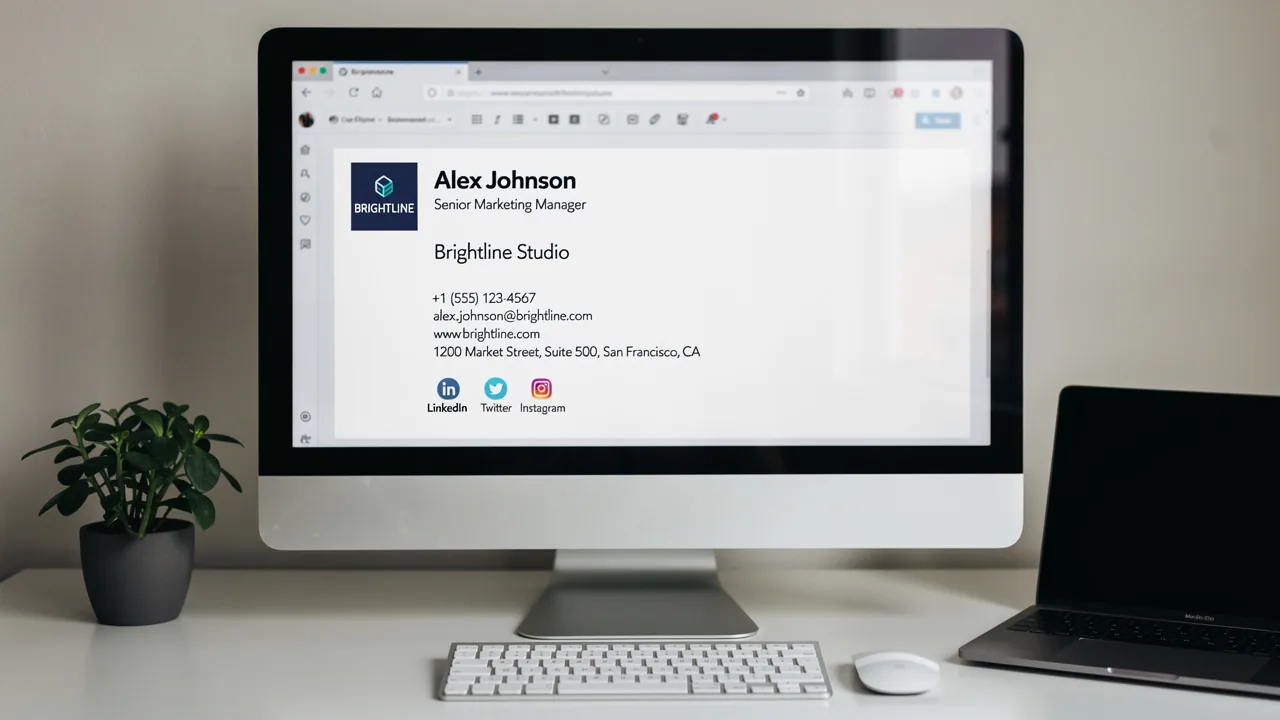
- Simplicity: Maintain a clean and uncluttered design. Avoid excessive graphics or text that can distract from the main message, as a straightforward approach enhances professionalism.
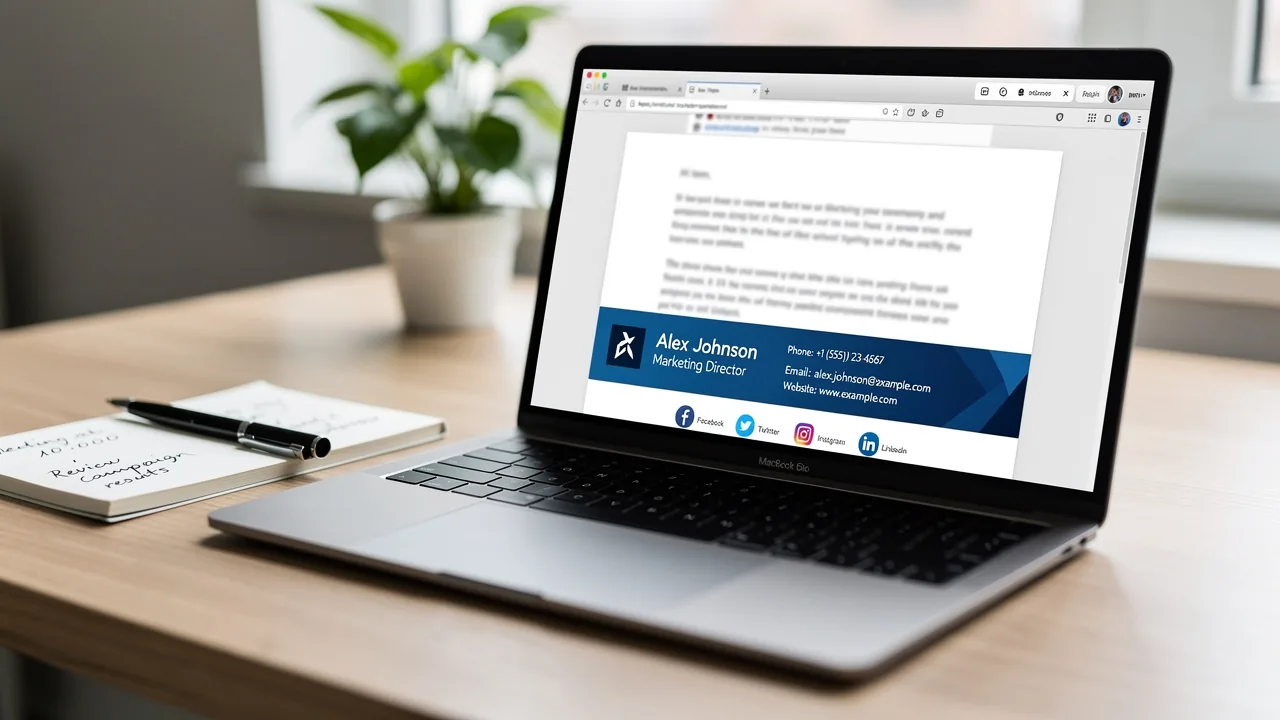
- Hierarchy: Establish a visual hierarchy using varying font sizes and styles. Your name should be the most prominent element, followed by your title and contact information, ensuring recipients can quickly identify key details.
- Color Scheme: Stick to your company colors for consistency. Utilize contrasting colors for text and background to improve readability, reinforcing brand identity while ensuring clarity.
- Font Choice: Opt for web-safe fonts that are easy to read across different devices. Avoid overly decorative fonts that may not render well, as legibility is crucial for effective communication.
- Spacing: Ensure adequate spacing between elements to prevent a cramped appearance. This improves readability and adds to a refined appearance, making your mark visually appealing.
- Mobile Optimization: Design your identifier to be mobile-friendly, ensuring it displays correctly on various devices. With mobile clients representing a significant percentage of message opens, this step is essential for effective engagement.
By adhering to these principles, you enhance your professional image and ensure effective communication. Furthermore, with Scribe, any modifications made in your Aircall configuration will automatically be reflected in your correspondence identifiers, ensuring seamless brand consistency across all communications. Scribe also adheres to security standards such as SOC 2 Type II and GDPR, offering reassurance while managing your correspondence. Ultimately, a well-crafted minimal email signature not only reflects your professionalism but also strengthens your brand's presence in every interaction.
Incorporate Marketing Strategies to Boost Engagement
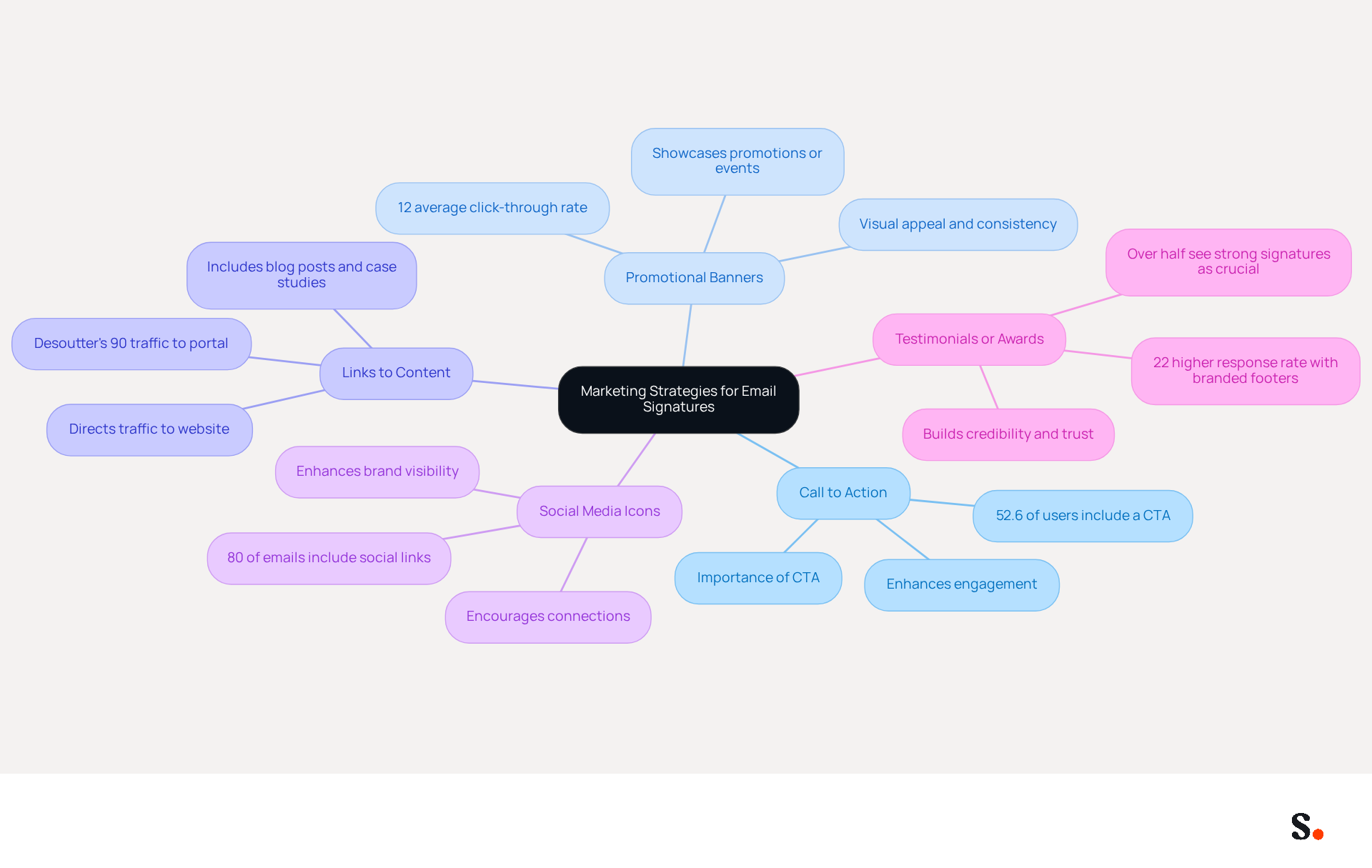
Transforming your email signature into a marketing asset requires strategic implementation of key elements that drive engagement and trust:
- Call to Action (CTA): Incorporate a clear and compelling CTA, such as 'Schedule a Meeting' or 'Visit Our Website,' to prompt recipients to take action. Statistics indicate that 52.6% of users incorporate a CTA in their email footers, significantly enhancing engagement. A strong digital footer fosters trust and engages clients, underscoring the importance of CTAs in building credibility.
- Promotional Banners: Utilize a small banner to showcase current promotions or events. Ensure it is visually appealing and consistent with your identity. Businesses that incorporate promotional elements into their identifiers may struggle to capture audience attention and drive engagement. Those employing branded digital identifiers experience an average click-through rate of 12% to their websites. Scribe's automated synchronization with Aircall guarantees that any modifications made in your Aircall setup will be reflected in your correspondence, improving consistency and marketing effectiveness.
- Links to Content: Include links to recent blog posts, case studies, or whitepapers that may interest your audience, driving traffic to your website. For example, Desoutter effectively directed 90% of traffic to its spare parts ordering portal through targeted messaging campaigns, showing how effective content links can drive traffic.
- Social Media Icons: Add icons linking to your social media profiles to encourage recipients to connect with you across different platforms. Approximately 80% of electronic correspondences feature social links, which can enhance brand visibility and engagement.
- Testimonials or Awards: Briefly mention any awards or positive testimonials to build credibility and trust. Interestingly, research indicates that over half of professionals see a strong digital identifier as crucial for building trust. Moreover, messages that feature a branded footer receive a 22% higher response rate compared to those lacking one, emphasizing the impact of incorporating elements such as testimonials or awards in message footers.
Ultimately, these strategies can redefine your email signature from a mere contact detail into a powerful marketing tool that drives measurable results.
Ensure Compatibility Across Email Clients
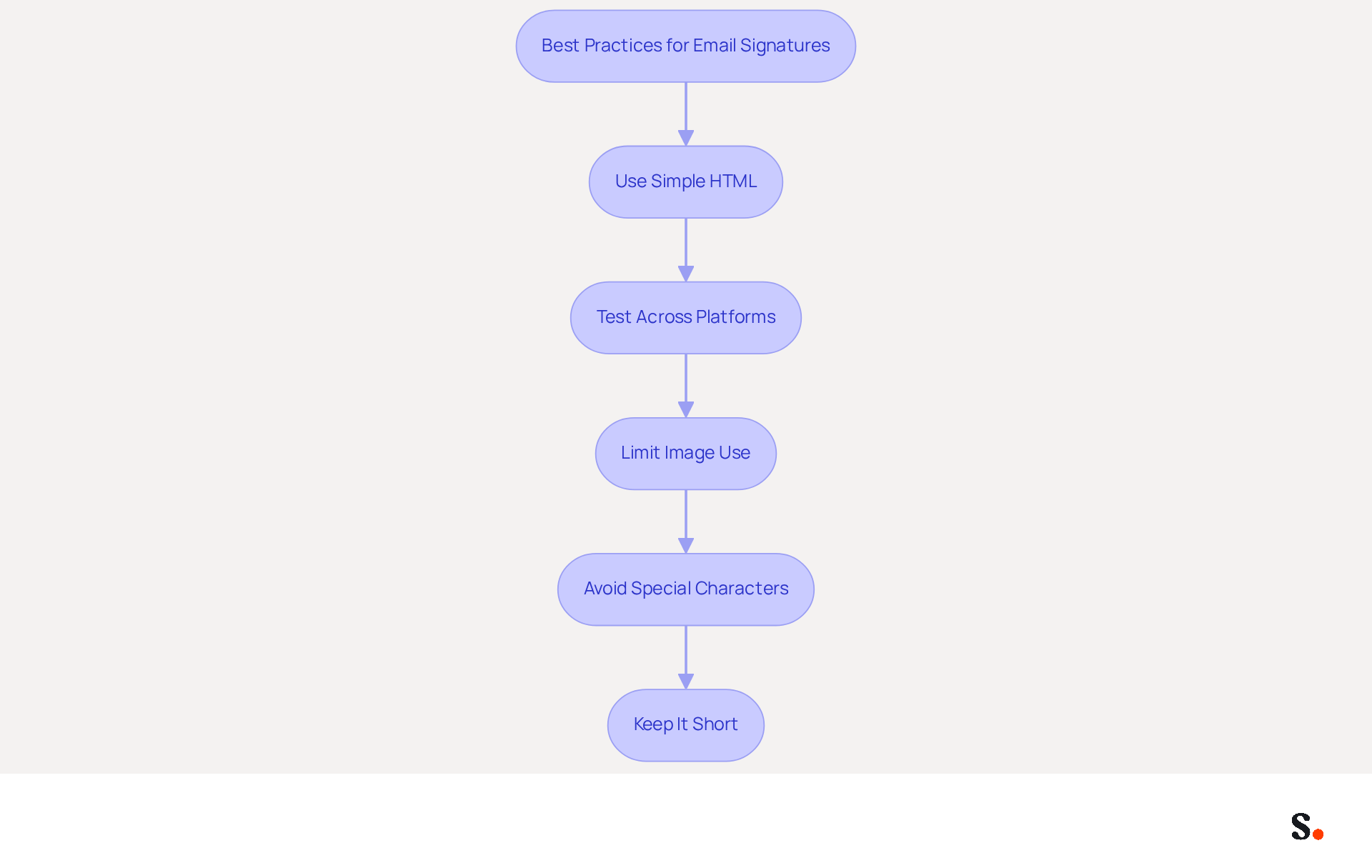
To ensure your email signature is effective and professional, it is essential to follow best practices:
- Use Simple HTML: Stick to basic HTML structures and inline CSS for styling to maximize compatibility across different platforms. Complex coding can lead to rendering issues.
- Test Across Platforms: Regularly evaluate your identifier on various messaging applications, including Outlook, Gmail, and Apple Mail, to identify and resolve any display issues. This approach ensures your signature consistently reflects professionalism.
- Limit Image Use: Use images sparingly and ensure they are optimized for web use. Hosting images on a reliable server is crucial to prevent broken links, which can detract from your signature's effectiveness. Some messaging applications may block images by default, so it's important to consider this when designing your signature.
- Avoid Special Characters: Stick to standard characters and refrain from using special symbols that may not display correctly across all messaging clients. This ensures that your mark remains clear and professional. Always utilize UTF-8 encoding for your messages to ensure proper rendering of special characters and symbols.
- Keep It Short: Limit the length of your sign-off to prevent it from being truncated in some messaging platforms. Aim for a maximum of 4-6 lines of text to maintain clarity and impact.
By adhering to these guidelines, you can create a message footer that preserves its integrity and professionalism, regardless of the client used by the recipient. Regular audits are essential to keep your electronic communications up-to-date and consistent, as many professionals update their identifiers infrequently, with 31.6% doing so only once every few years. This can lead to outdated information being shared, undermining your brand's credibility. Furthermore, comprehending the peculiarities of various messaging clients, such as the particular rendering challenges encountered by older versions of Outlook, can assist you in creating identifiers that reduce rendering issues, ensuring a uniform experience for recipients.
Furthermore, syncing your Google Workspace with Scribe can greatly enhance your management of messaging identifiers. By automating the synchronization of your teammates' data, any changes made in Google Workspace-like updates to job positions or group assignments-are automatically reflected in Scribe. This not only conserves time but also guarantees that your messages are always up-to-date and precise. For example, a company that regularly audits its email signatures found that updating their designs to align with best practices led to a 22% increase in response rates, demonstrating the effectiveness of maintaining current and compatible email signatures. Neglecting these practices can result in missed opportunities and a tarnished professional image.
Conclusion
A minimal email signature is more than just a design choice; it is a strategic asset that can significantly impact professional communication. By focusing on essential elements such as your name, job title, and contact information, organizations can create signatures that are both functional and visually appealing. Many organizations fail to recognize that neglecting these essential elements can lead to missed opportunities in professional communication. This approach reflects professionalism and ensures that every email sent consistently represents the brand, which can enhance trust and recognition among recipients.
Key insights from this article highlight the importance of simplicity, visual hierarchy, and mobile optimization in email signature design. Incorporating marketing strategies, such as clear calls to action and links to relevant content, can transform a standard email signature into a powerful marketing tool. Additionally, ensuring compatibility across various email clients is crucial for maintaining a professional image. Without compatibility, organizations risk miscommunication, which can undermine their professional image.
In the end, a well-crafted email signature does more than provide contact details; it plays a crucial role in how an organization is perceived. By leveraging tools like Scribe, which offers fast deployment and compliance with security standards, businesses can ensure their email signatures are not only effective but also aligned with best practices. By embracing these strategies, organizations can turn their email signatures into effective tools for engagement and brand representation.
Frequently Asked Questions
What are the essential elements of a minimal email signature?
A minimal email signature should include the following key elements: Full Name, Job Title, Company Name, Contact Information, Company Logo, Social Media Links, Unsubscribe Link, and recommended dimensions for design.
Why is it important to include your full name in an email signature?
Including your full name ensures that the recipient knows who the message is from, which is crucial for effective communication.
How does mentioning your job title in an email signature help?
Including your job title provides context about your role within the organization, helping recipients understand your position.
Why should you include your company name in your email signature?
Mentioning your company name strengthens your identity and enhances visibility, as many organizations use digital communication to improve awareness.
What contact information should be provided in an email signature?
At least one method of contact, such as a phone number or messaging address, should be included to facilitate easy communication. Multiple contact methods can maximize conversion opportunities.
How can a company logo enhance an email signature?
Incorporating a company logo can improve brand awareness and provide a professional appearance, which can enhance engagement and improve response rates.
Should social media links be included in an email signature?
Yes, if relevant, including links to professional social media profiles can promote further engagement, as many users incorporate social media calls to action in their correspondence.
What is the purpose of including an unsubscribe link in an email signature?
Including an unsubscribe link is crucial for compliance with privacy regulations, allowing recipients to opt-out of communications if they choose.
What are the recommended dimensions for an email signature?
The recommended dimensions for an email signature are 150px-200px in height and 300px-600px in width for optimal design and functionality.
How can Scribe help maintain an updated email signature?
With Scribe, any changes in your Aircall configuration can be automatically updated in your email signature, helping you maintain a consistent professional identity.
List of Sources
- Define Essential Elements of a Minimal Email Signature
- Email Signature Statistics: A Closer Look at Email Signatures in 2026 (https://mysignature.io/blog/email-signature-statistics)
- Email Signature Best Practices Guide With Examples - MailerLite (https://mailerlite.com/blog/email-signature-best-practices)
- Email Signature Best Practices (https://uschamber.com/co/grow/thrive/email-signature-best-practices)
- What to Include in a Business Email Signature (https://rocketseed.com/blog/email-signature-what-to-include)
- Email signature statistics: Why every business should optimize their email signatures — Stripo.email (https://stripo.email/blog/email-signature-statistics-why-every-business-should-optimize-their-email-signatures)
- Apply Design Principles for Maximum Impact
- 10 Essential Email Signature Marketing Principles | Rocketseed (https://rocketseed.com/blog/10-essential-email-signature-marketing-principles)
- Email Signature Design Guide: Best Practices and Examples (https://designmodo.com/email-signature)
- Email Signature Best Practices Guide With Examples - MailerLite (https://mailerlite.com/blog/email-signature-best-practices)
- Email signature design guide: elements, layout & tips (https://exclaimer.com/email-signature-handbook/email-signature-design)
- 20 Email Signature Design Ideas for Every Industry (https://bulksignature.com/blog/20-email-signature-design-ideas-for-every-industry)
- Incorporate Marketing Strategies to Boost Engagement
- 40+ Email Signature Statistics for 2026 (Data + Insights) (https://wavecnct.com/blogs/email-signature-statistics)
- Email signature statistics: Why every business should optimize their email signatures — Stripo.email (https://stripo.email/blog/email-signature-statistics-why-every-business-should-optimize-their-email-signatures)
- Email signature statistics and trends in 2024 (https://wisestamp.com/blog/email-signature-statistics)
- 10 ideas for marketing campaigns in email signatures (https://signitic.com/en/resources/10-ideas-for-marketing-campaigns-in-email-signatures)
- Brands Turn To Email Signatures For Marketing: Study (https://mediapost.com/publications/article/350372/brands-turn-to-email-signatures-for-marketing-stu.html?edition=118089)
- Ensure Compatibility Across Email Clients
- Email Signature Best Practices - NEWOLDSTAMP (https://newoldstamp.com/blog/email-signature-best-practices)
- Email signature statistics: Why every business should optimize their email signatures — Stripo.email (https://stripo.email/blog/email-signature-statistics-why-every-business-should-optimize-their-email-signatures)
- What are the restrictions in email signature coding | Email Signature Rescue Blog (https://emailsignaturerescue.com/blog/what-are-the-restrictions-in-email-signature-coding)
- 40+ Email Signature Statistics for 2026 (Data + Insights) (https://wavecnct.com/blogs/email-signature-statistics)
Get started with Scribe
See why teams switch to Scribe
Free 14-day trial — no credit card.