Create a Mobile Outlook Signature: Step-by-Step Guide for Marketers
Despite the critical role of mobile Outlook signatures in effective communication, many marketers overlook their potential impact. A well-designed signature
Sophie Grant
Email Signature Specialist, Scribe
Introduction
Despite the critical role of mobile Outlook signatures in effective communication, many marketers overlook their potential impact. A well-designed signature conveys professionalism and serves as a strategic branding tool that enhances visibility and engagement. Yet, many marketers find themselves grappling with how to create a signature that truly stands out on mobile devices.
So, how can marketers craft signatures that not only look appealing but also effectively engage their audience and strengthen their brand identity?
Understand the Basics of Mobile Outlook Signatures
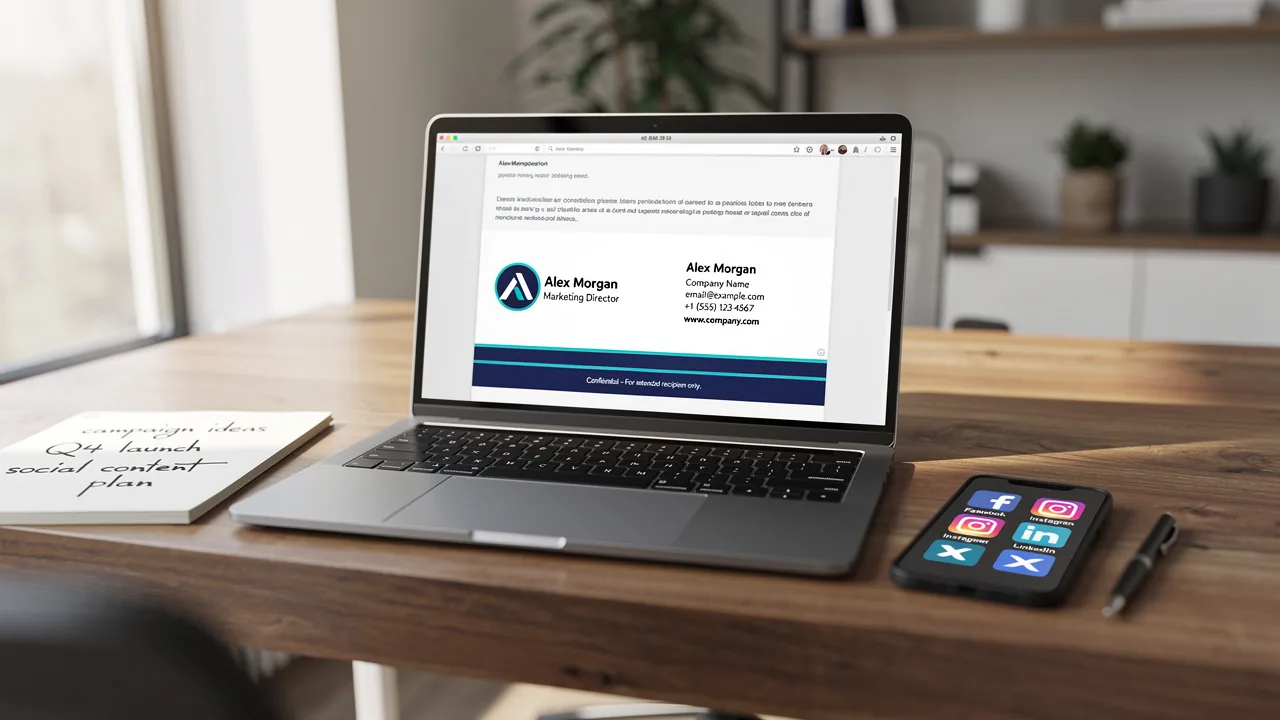
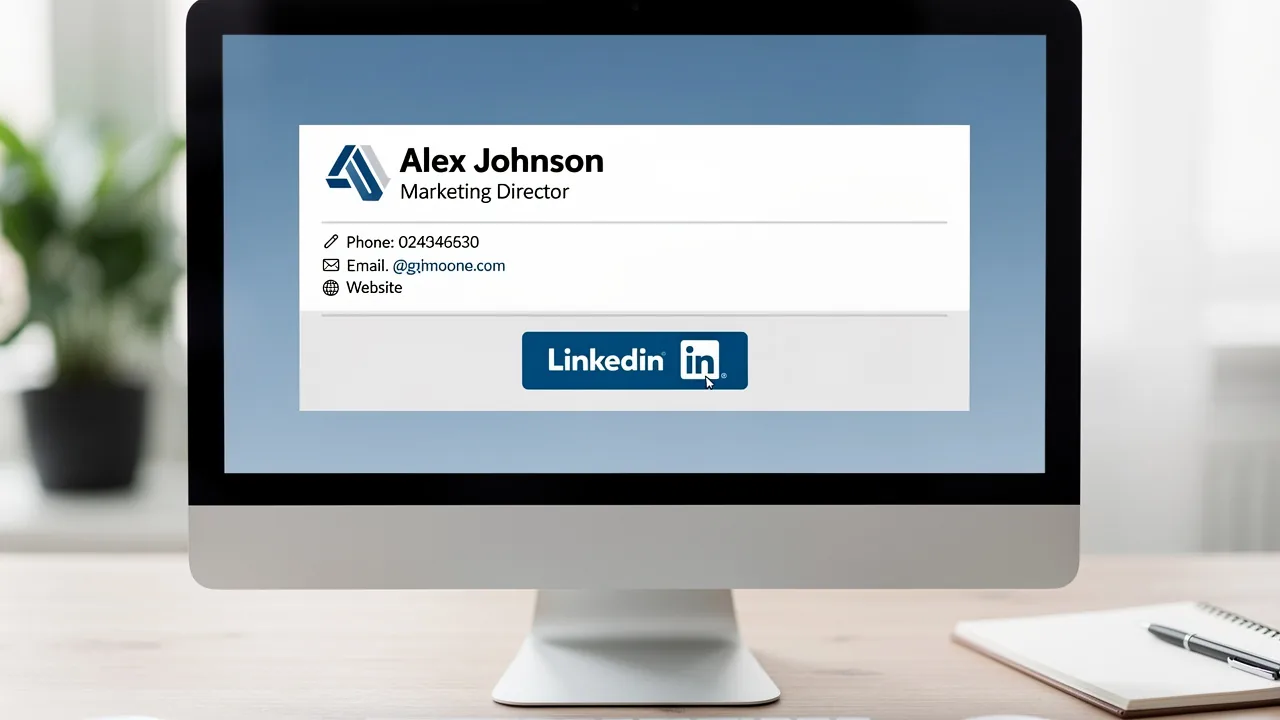
Many marketers overlook the potential impact of their email sign-offs, yet a mobile Outlook signature is crucial for effective communication. The mobile Outlook signature appears at the bottom of emails sent from the Outlook mobile app and typically includes your name, job title, company name, and contact information. A well-crafted closing serves not only as a professional farewell but also as a powerful branding tool that enhances visibility and engagement. Here are some key points to consider:
- Brand Consistency: Ensure your signature aligns with your company's branding guidelines, including fonts, colors, and logos. Consistent branding can lead to a 15% increase in website click-through rates, making it essential for effective communication.
- Professionalism: A clear and concise sign-off reflects professionalism, leaving a positive impression on recipients. In fact, 57% of consumers view branded electronic identifiers as a crucial element in trusting a message from a business.
- Marketing Opportunities: Incorporate links to your company’s website or social media profiles to drive traffic and engagement. Using digital identifiers to promote high-performing offers can greatly enhance lead conversion rates.
- Device Optimization: With 42% of messages accessed on portable devices, ensure your sign-off is user-friendly. It should be simple and visually appealing, keeping the width under 600 pixels to avoid cluttered layouts.
Optimizing your sign-off allows you to create a personal mark that enhances your brand's visibility and engages your audience effectively.

Create Your Email Signature in the Outlook Mobile App
Establishing a professional email footer is essential for effective communication in today's digital landscape. Follow these steps to set up your signature:
- Open the Outlook App: Launch the Outlook app on your mobile device.
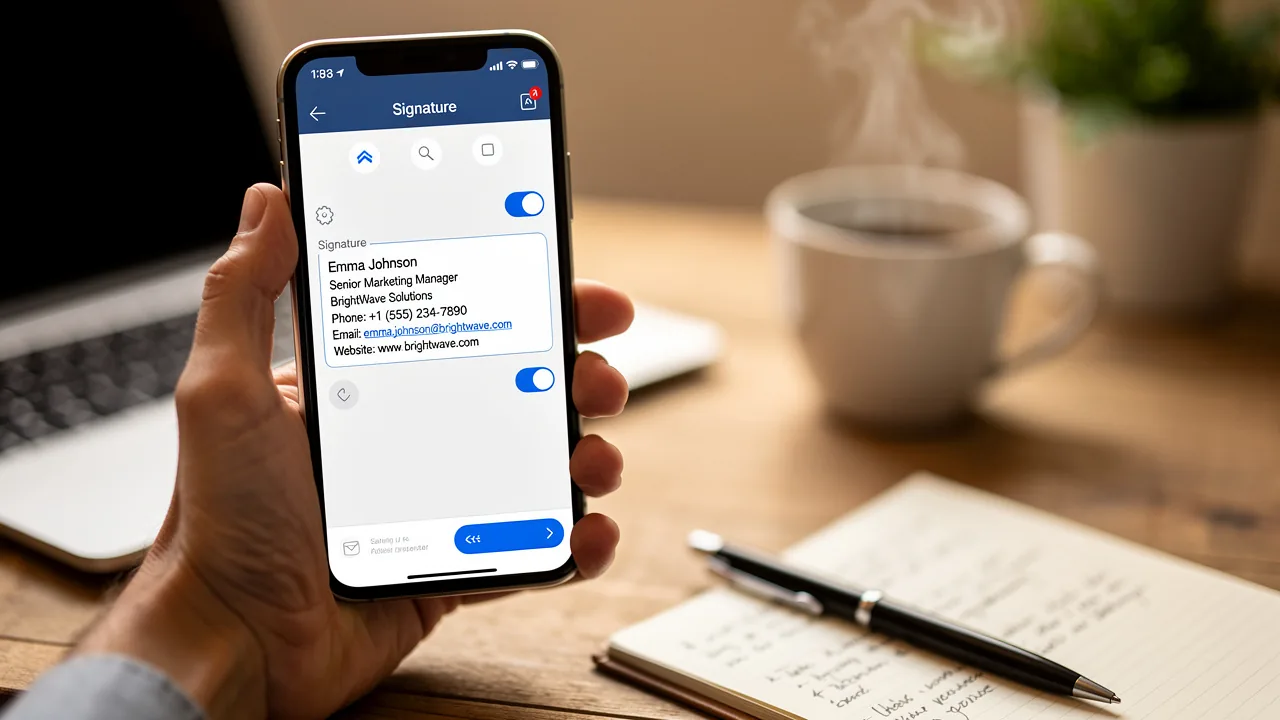
- Access Settings: Tap on the profile icon or the three horizontal lines in the upper left corner to open the menu. Then, select the gear icon at the bottom left to access settings.
- Select Signature: Scroll down and tap on 'Signature' under the Mail section.
- Create Your Mark: In the text box for your mark, type your desired inscription. Include essential details such as your name, title, company name, and contact information. You can also enhance your personal mark by adding links to your website or social media profiles, which can enhance your communication effectiveness. Messages featuring branded identifiers achieve a 22% higher response rate.
- Save Changes: Once you are satisfied with your mark, exit the settings. Your changes will be saved automatically.
By following these steps, you will have successfully created a mobile outlook signature that will appear at the bottom of your emails sent from the Outlook mobile app. This simple addition helps maintain brand consistency and enhances your credibility, as 64-70% of respondents believe a professional branded mark increases trust and credibility. Regularly updating your email footer not only keeps your information current but also reinforces your professional image.

Customize Your Signature for Maximum Impact
Personalizing your mobile outlook signature is not just an aesthetic choice; it can significantly enhance the effectiveness of your communication. Consider these strategies to enhance its effectiveness:
- Use a Professional Font: Opt for fonts like Arial or Helvetica in sizes between 14-16px, that are easy to read and reflect your brand's identity. Avoid overly decorative fonts that may distract from the content.
- Incorporate Brand Colors: Utilize your company’s colors to create a cohesive look that reinforces brand identity. Research indicates that using brand colors can enhance recognition and trust among consumers, contributing to a 10-20% increase in revenue growth. Emails with branded footers receive a 22% higher response rate, further emphasizing the importance of brand elements.
- Add a Call-to-Action: Including a strategic call-to-action (CTA) in your email footer, such as a link to your latest blog post or a promotional offer, can drive engagement. Emails with CTAs can lead to 40% more meeting bookings compared to those without. A case study revealed that a 200-person tech firm experienced a 180% rise in webinar signups by updating their email footers to include registration links.
- Include a Logo: Adding your company logo can enhance brand recognition. A well-placed logo not only reinforces your brand but also contributes to a professional appearance.
- Keep It Simple: Overly complex signatures can hinder quick comprehension, making it essential to keep them simple. Studies indicate that such marks should enable recipients to absorb key information in under three seconds. Regular updates to communication identifiers are crucial for maintaining professionalism and ensuring that contact details are up to date.
Furthermore, every modification made in your Aircall configuration will automatically be reflected in your Scribe documents, as we synchronize data from your Aircall configuration. This automated synchronization improves brand consistency and guarantees that your communication identifiers are always current.
By implementing these customization strategies, you can create a mobile outlook signature that not only looks professional but also serves as a powerful marketing tool. As Sophie Grant, a Specialist in Email Signatures, observes, treating these elements as a marketing opportunity can greatly improve engagement and brand visibility. By viewing your email footer as a strategic asset, you can transform it into a catalyst for increased engagement and brand loyalty.

Troubleshoot Common Signature Issues
Despite best efforts, users often encounter challenges with digital identifiers in the Outlook mobile application. Here are some common problems and their solutions:
- Signature Not Appearing: If your signature is not showing up in emails, ensure that you have saved your changes in the settings. Double-check that you are using the correct email account if you have multiple accounts set up. Many users find that their signatures do not appear correctly if they haven't saved their changes, making this step crucial.
- Formatting Issues: If your sign-off appears differently than anticipated, remember that the Outlook application supports only basic formatting. Avoid using complex HTML or images that may not render correctly. Improper formatting often results in signatures being cut off or displayed incorrectly, particularly on mobile devices, as reported by numerous users.
- Mark Missing in Replies: If your mark does not appear in replies, check your settings to ensure that the mark is enabled for replies as well as new emails. Numerous users, including Peter, have faced this problem, emphasizing the necessity of verifying settings for both types of correspondence.
- Syncing Issues: If you have created a personal mark on your desktop Outlook and it is not syncing to your app, you will need to manually create the personal mark in the app, as Outlook does not sync personal marks automatically. This is a typical annoyance, as users often discover that marks created on desktop versions do not transfer smoothly to mobile platforms, requiring manual input.
Following these troubleshooting tips can help you tackle common issues, ensuring your email signature works effectively and maintains your professional image.

Conclusion
Marketers often underestimate the impact of a mobile Outlook signature on their communication strategy. A well-crafted signature can really boost your brand's visibility and professionalism, acting as a strategic marketing tool. When signatures align with branding guidelines and are optimized for mobile, they can significantly boost engagement and trust among audiences, as studies show that consistent branding can increase revenue by up to 23%.
Throughout this guide, essential steps for creating and customizing a mobile Outlook signature have been outlined. From understanding the basics of mobile signatures to troubleshooting common issues, each section emphasizes the importance of a professional email footer. Key strategies such as:
- Using brand colors
- Incorporating a call-to-action
- Maintaining simplicity
can transform a standard signature into a powerful marketing asset. The statistics presented highlight the tangible benefits of well-crafted signatures, including increased response rates and enhanced brand recognition.
In conclusion, marketers should view their mobile Outlook signatures as more than just a sign-off; they are an opportunity to reinforce brand identity and drive engagement. Ultimately, a well-crafted signature can be the difference between a missed opportunity and a lasting impression. By implementing the best practices discussed, organizations can ensure their email communications are not only professional but also effective in achieving marketing goals. Embracing this approach can lead to improved customer interactions and ultimately contribute to greater business success.
Frequently Asked Questions
What is a mobile Outlook signature?
A mobile Outlook signature is the sign-off that appears at the bottom of emails sent from the Outlook mobile app, typically including your name, job title, company name, and contact information.
Why is a mobile Outlook signature important?
A mobile Outlook signature is crucial for effective communication as it serves as a professional farewell and a powerful branding tool that enhances visibility and engagement.
How does brand consistency affect email signatures?
Ensuring your signature aligns with your company's branding guidelines can lead to a 15% increase in website click-through rates, making brand consistency essential for effective communication.
What role does professionalism play in email signatures?
A clear and concise sign-off reflects professionalism, leaving a positive impression on recipients. In fact, 57% of consumers view branded electronic identifiers as crucial for trusting a message from a business.
How can I use my email signature for marketing?
You can incorporate links to your company’s website or social media profiles in your signature to drive traffic and engagement, and promote high-performing offers to enhance lead conversion rates.
What should I consider for device optimization in my email signature?
Since 42% of messages are accessed on portable devices, your sign-off should be user-friendly, simple, and visually appealing, keeping the width under 600 pixels to avoid cluttered layouts.
List of Sources
- Understand the Basics of Mobile Outlook Signatures
- 12 clever ways to use your email signature to support your marketing campaigns (https://blog.hubspot.com/blog/tabid/6307/bid/31054/10-clever-ways-your-email-signature-can-support-your-marketing.aspx)
- Master Email Signatures: A Step-by-Step Guide for Marketing Managers (https://scribe-mail.com/en-US/blog/master-email-signatures-a-step-by-step-guide-for-marketing-managers)
- Using Email Signatures for Marketing | CloudM (https://cloudm.io/resources/blog/using-email-signatures-for-marketing-how-every-email-can-boost-your-brand)
- demandgenreport.com (https://demandgenreport.com/industry-news/research-recap-branded-email-signatures-increase-company-recognition-trust/47252)
- Why Email Signatures Must Be In Your 2026 Marketing Plan | Rocketseed (https://rocketseed.com/blog/what-are-the-biggest-email-trends-for-2026)
- Create Your Email Signature in the Outlook Mobile App
- 40+ Email Signature Statistics for 2026 (Data + Insights) (https://wavecnct.com/blogs/email-signature-statistics)
- Email signature statistics: Why every business should optimize their email signatures — Stripo.email (https://stripo.email/blog/email-signature-statistics-why-every-business-should-optimize-their-email-signatures)
- Outlook Mobile Signature: A Complete Guide to Adding and Syncing - MySignature (https://mysignature.io/outlook-mobile-signature)
- How to add and change an email signature in Outlook | Microsoft Support (https://support.microsoft.com/en-us/outlook/mail/how-to-add-and-change-an-email-signature-in-outlook)
- Add a Professional Outlook Mobile Signature (2 Min) (https://wisestamp.com/guides/how-to-add-outlook-mobile-signature)
- Customize Your Signature for Maximum Impact
- Why Email Signatures Must Be In Your 2026 Marketing Plan | Rocketseed (https://rocketseed.com/blog/what-are-the-biggest-email-trends-for-2026)
- Email signature marketing: everything you need to know (https://templafy.com/email-signature-marketing-everything-you-need-to-know)
- Email Signature Best Practices for 2026 (+ 15 Pro Examples) (https://wavecnct.com/blogs/email-signature-best-practices-2026)
- demandgenreport.com (https://demandgenreport.com/industry-news/research-recap-branded-email-signatures-increase-company-recognition-trust/47252)
- 4 Best Practices for Email Signature Design Services That Boost ROI (https://scribe-mail.com/en-US/blog/4-best-practices-for-email-signature-design-services-that-boost-roi)
- Troubleshoot Common Signature Issues
- How to solve problems with email signatures in Microsoft 365? (https://mail-signatures.com/articles/problems-email-signatures-office-365)
- Sigsync (https://sigsync.com/kb/search/fix-email-signature-issues-on-mobile-devices.html)
Get started with Scribe
Create your signature in minutes
Free 14-day trial — no credit card.