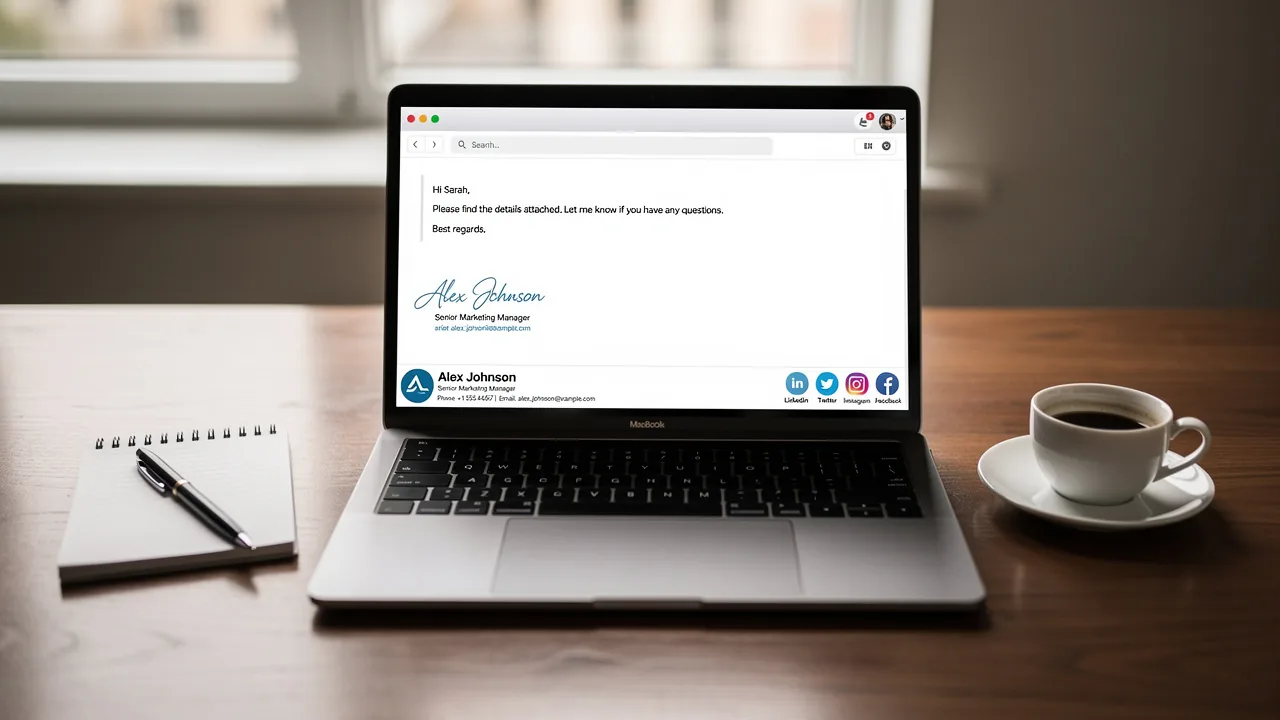
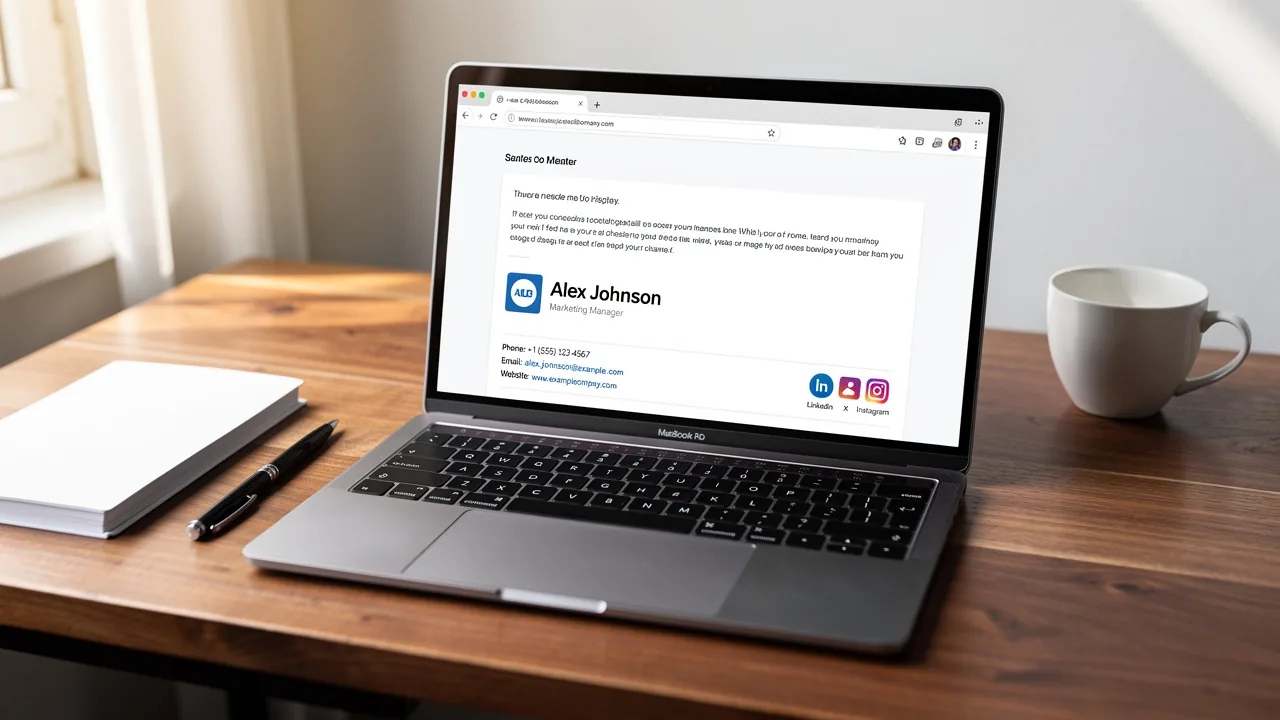
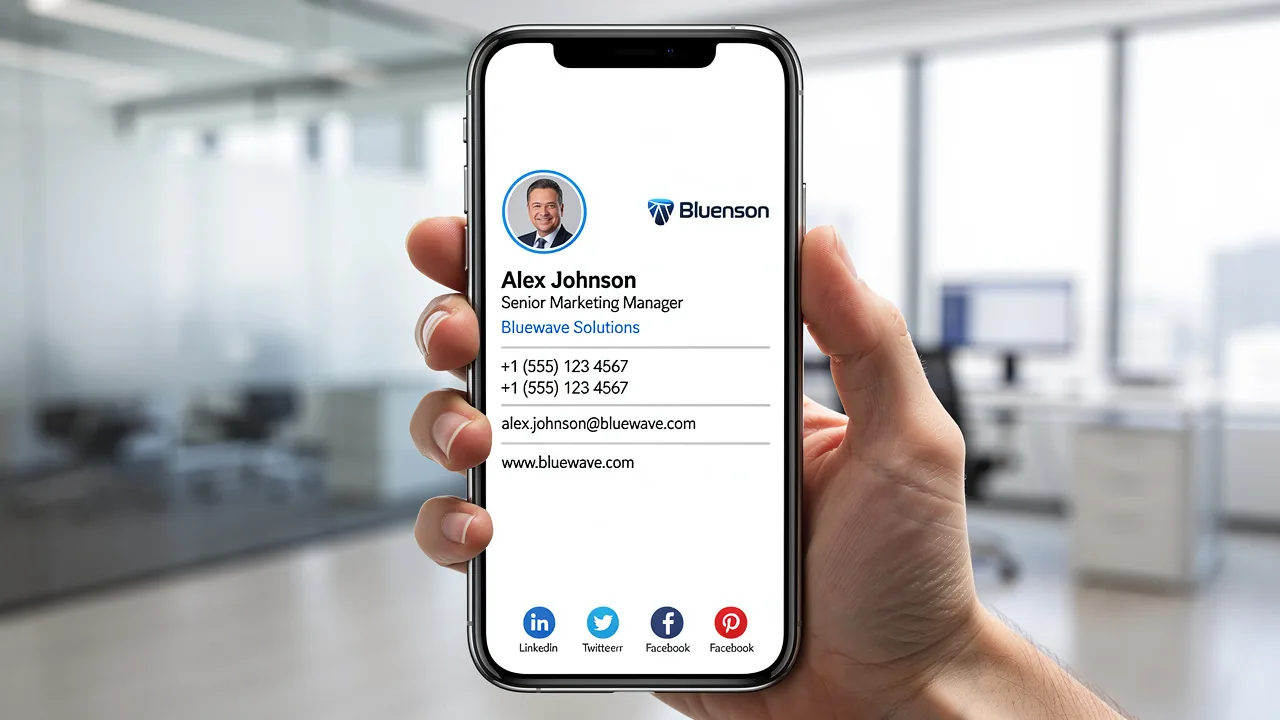
Create a Professional Mail Signature on Your iPad in 5 Steps
Creating a professional email signature on an iPad presents challenges that can impact your brand identity and communication effectiveness. By investing time
Sophie Grant
Email Signature Specialist, Scribe
On this page
Introduction
Creating a professional email signature on an iPad presents challenges that can impact your brand identity and communication effectiveness. By investing time in crafting a polished signature, individuals can enhance their professional image while ensuring consistency across all interactions. Yet, many professionals struggle to create a signature that meets their needs. This guide will explore the straightforward process of setting up an impactful email signature on an iPad, ensuring that every message sent reflects professionalism and strengthens your brand's integrity.
Understand the Importance of a Professional Email Signature
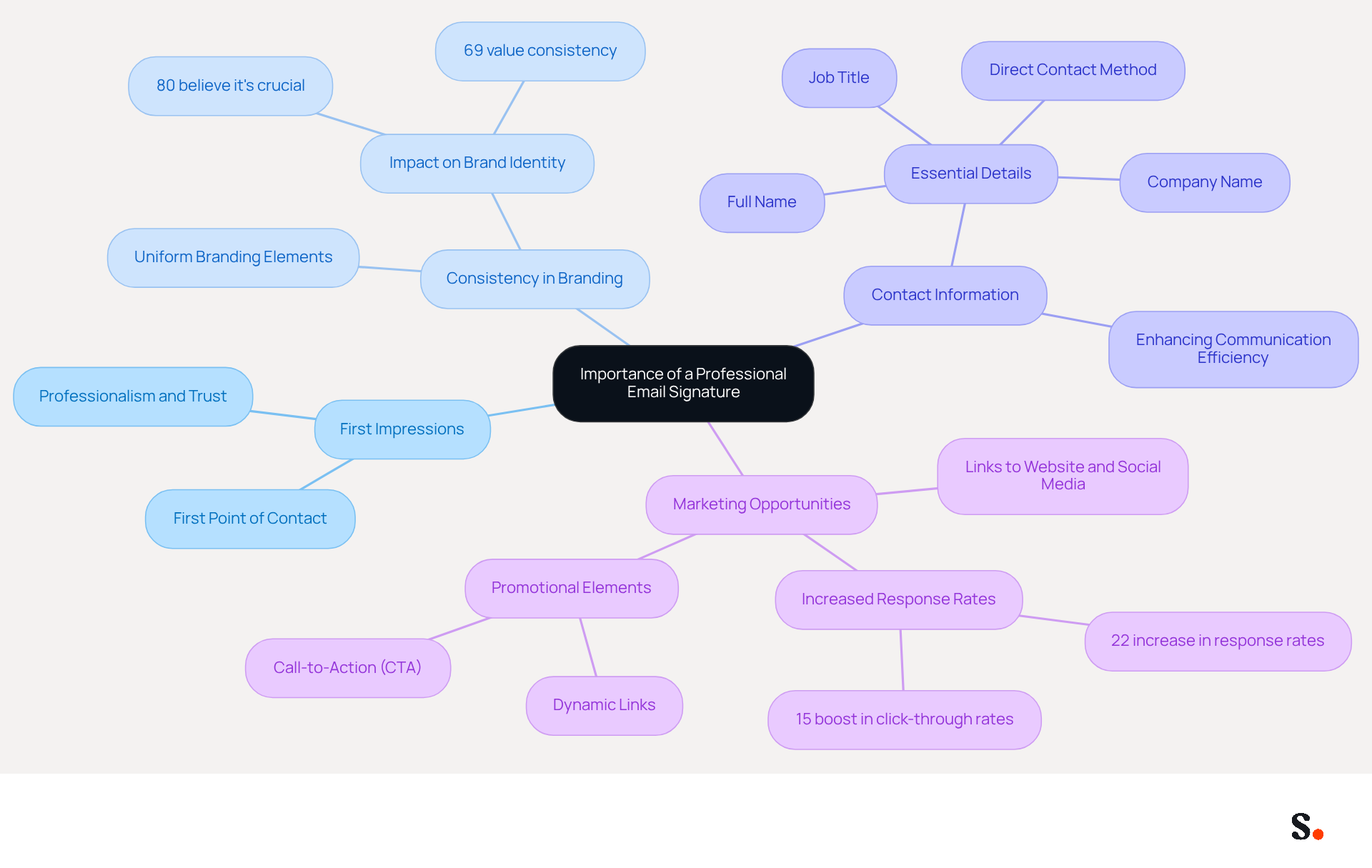
A professional correspondence sign-off is a pivotal aspect of your brand identity, influencing perceptions from the very first interaction. Here’s why:
- First Impressions Matter: Your email signature is often the first point of contact with clients or partners. A refined autograph conveys professionalism and attention to detail, fostering trust from the outset.
- Consistency in Branding: Uniform application of branding elements (such as logos and colors) in your communication reinforces your identity across all interactions. Significantly, 80% of participants think a branded message footer is crucial for a company's identity, and 69% of consumers believe it is vital for a company to uphold a consistent, professional message footer. With Scribe, every modification made in your Aircall setup will automatically be shown in your digital identifiers, ensuring smooth synchronization and consistency in your identity. Furthermore, Scribe connects with Calendly, enabling automatic updates to your contact details, further improving brand consistency.
- Contact Information: Make sure your professional footer includes your full name, job title, company name, and at least one direct way for people to contact you. Including essential contact details makes it easy for recipients to reach you, enhancing communication efficiency.
- Marketing Opportunities: Including links to your website, social media, or promotional campaigns in your signature turns every message into a marketing opportunity. Branded autographs have been shown to drive a 22% increase in response rates and a 15% boost in click-through rates to company websites. Furthermore, messages with branded identifiers make recipients feel more assured (47%), more favorable towards the organization (43%), and more likely to reply (37%).
Recognizing these elements highlights the value of investing time in a professional mail signature iPad that accurately reflects your brand. Moreover, it is essential to recognize that poorly crafted digital identifiers can activate spam filters, which may jeopardize your communication efforts. Scribe also adheres to security standards such as SOC 2 Type II, GDPR, and CCPA, ensuring that your management of digital identifiers is secure and reliable.
Access Email Signature Settings on Your iPad
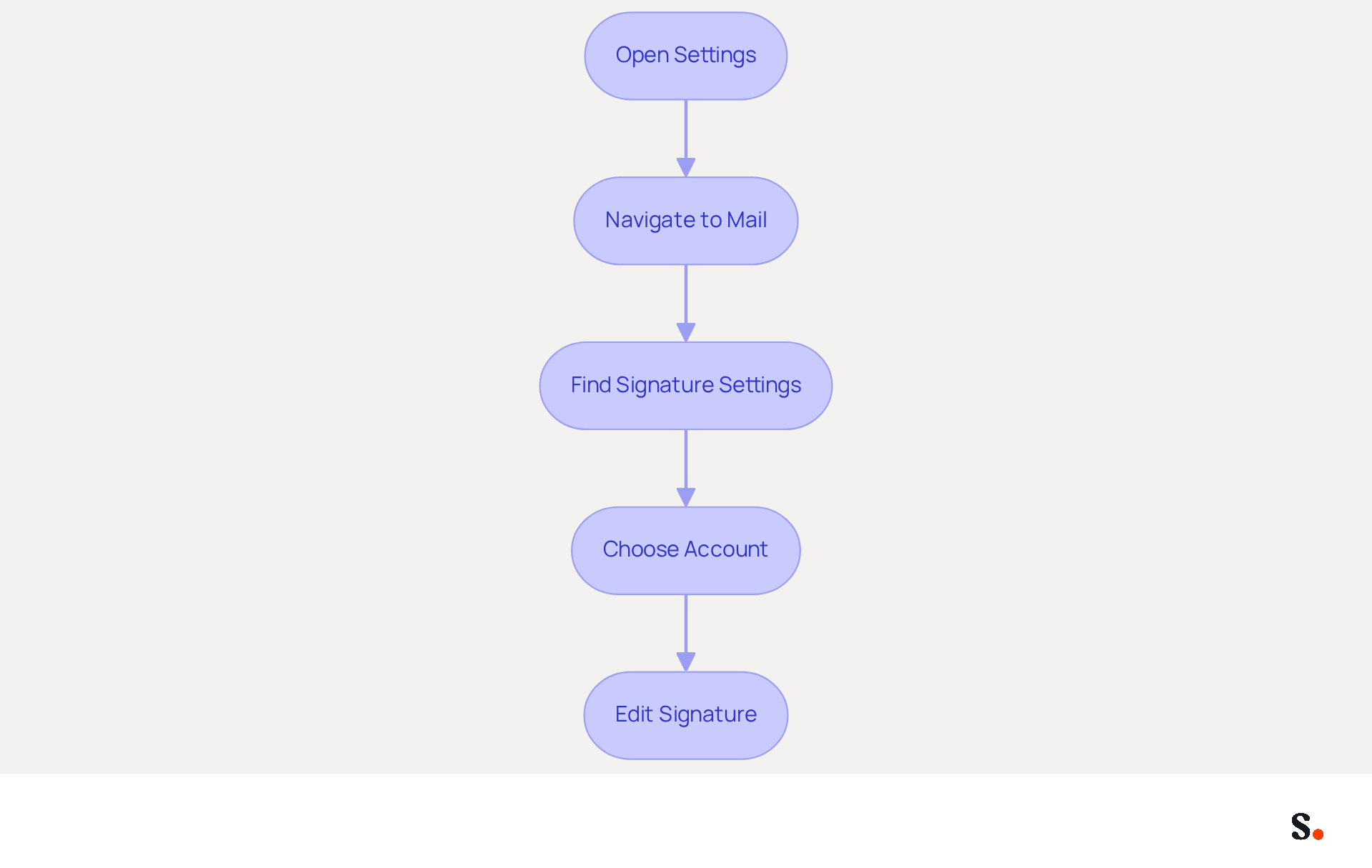
Creating an effective mail signature iPad is essential for maintaining professional communication and brand consistency. To create your email signature, follow these steps:
- Open Settings: Locate and tap the Settings app on your iPad.
- Navigate to Mail: Scroll down and select 'Mail' from the list of options.
- Find Signature Settings: Scroll to the bottom of the Mail settings and tap on 'Signature'.
- Choose Account: If you have multiple accounts, decide whether you want to set a sign-off for all accounts or just one.
- Edit Signature: Tap the text field to start modifying your sign-off. This is where you will input your desired text.
Following these steps will help you access the settings for your mail signature iPad, setting you up for the next phase of creation. Remember, each change made in your Aircall configuration will automatically be reflected in your Scribe branding, ensuring brand consistency.
Statistics show that 91% of consumers check messages daily on smartphones, making it crucial to optimize your mail signature iPad for mobile devices. This ensures that your mark is not only visible but also impactful on the devices most commonly used by your audience.
To enhance readability on mobile devices, ensure your email signature iPad is concise and includes only essential information, as many consumers find mobile marketing messages more challenging to read than those on a PC. Consider using larger fonts and clear formatting to improve visibility on smaller screens.
Scribe's commitment to security is evident as it is SOC 2 Type II certified and adheres to GDPR and CCPA regulations, allowing you to manage your digital identifiers securely after the initial IT setup.
Companies leveraging mobile messaging strategies have reported increased engagement, with 56% of US consumers making purchases in response to mobile marketing messages. This emphasizes the significance of a well-crafted signature in driving conversions, as it can act as a direct touchpoint for potential customers. A well-optimized mail signature iPad can significantly enhance your brand's visibility and engagement with potential customers.
Create and Format Your Email Signature
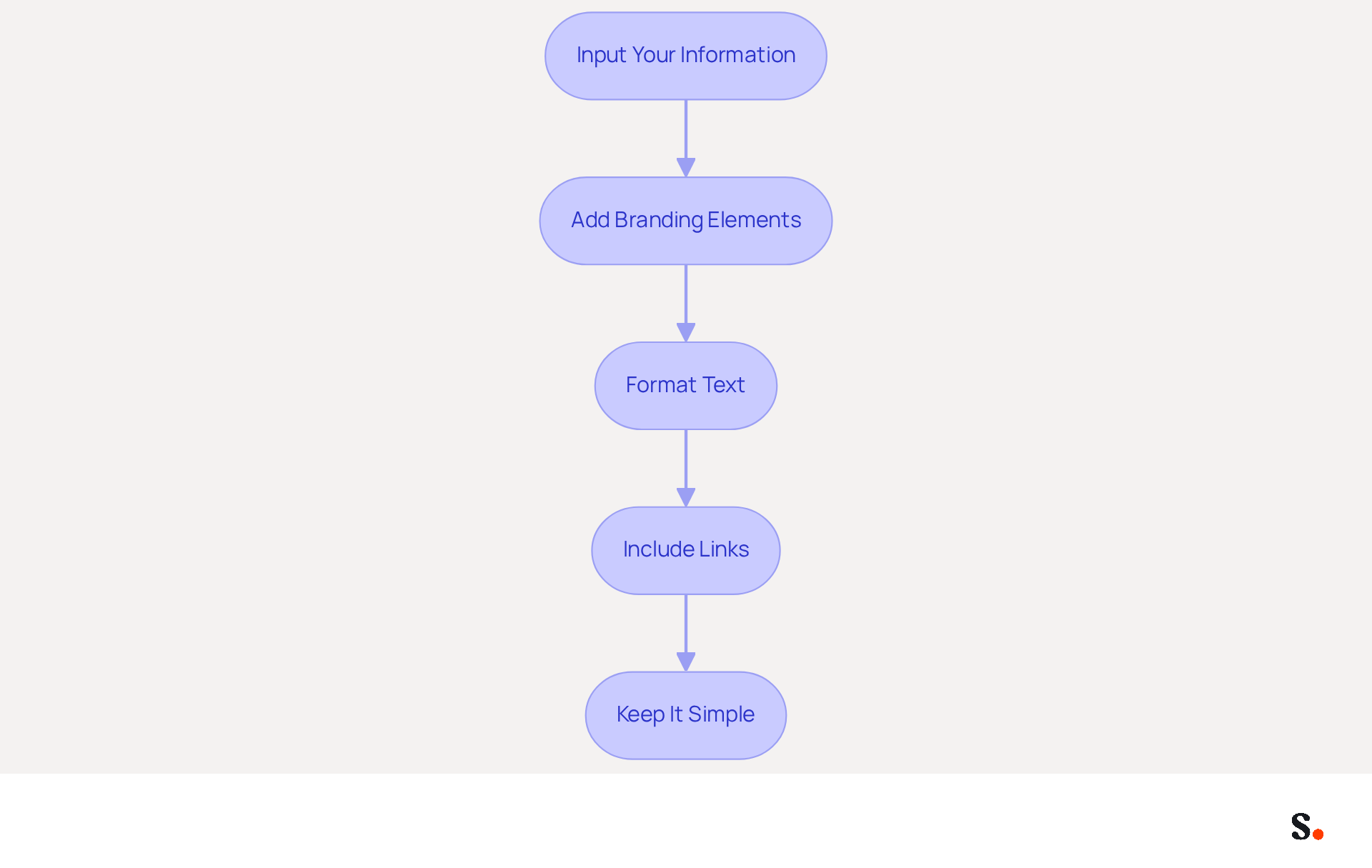
Creating a professional mail signature iPad is essential for effective communication.
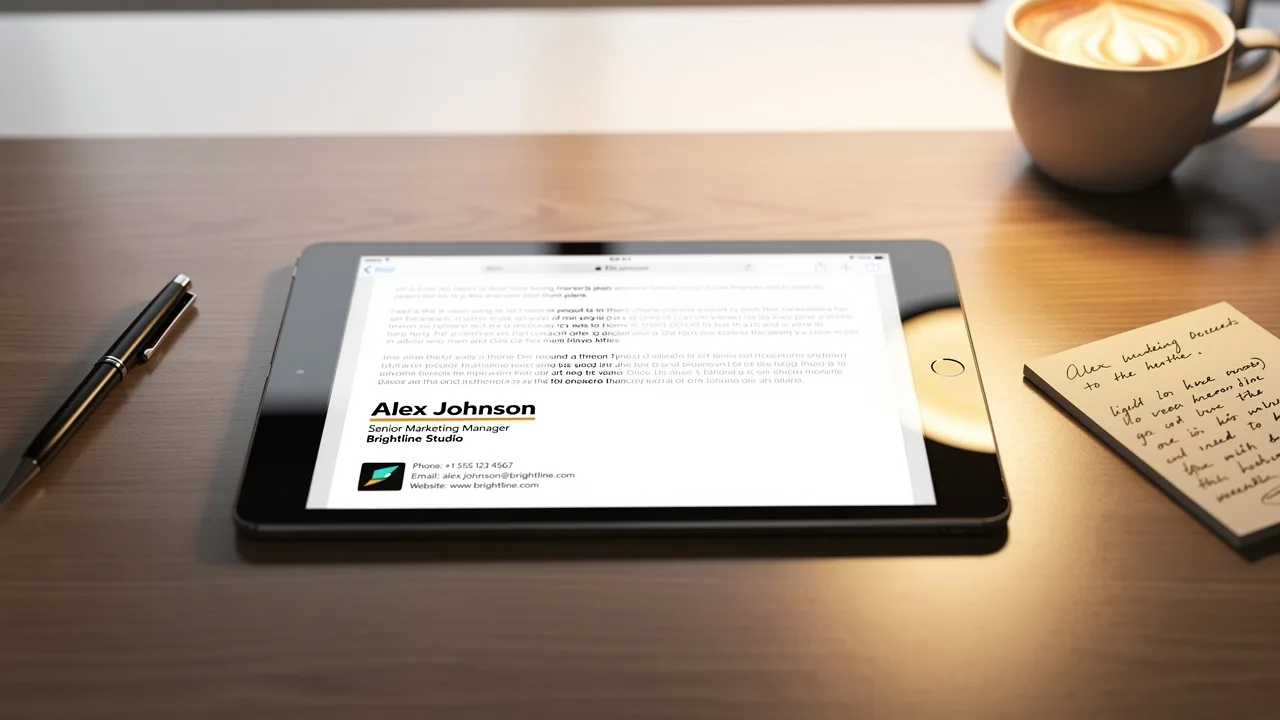
- Input Your Information: Type your full name, job title, company name, and contact details, including your mobile number for direct contact. Accurate and up-to-date information reflects your professionalism.
- Add Branding Elements: If applicable, include your company logo. You will need to copy and paste it from another source, as iPad settings do not allow direct image uploads.
- Format Text: Highlight the text you want to format. You can use options like bold, italics, or underline to emphasize important information. Note that formatting options on the iPad may not provide the flexibility you need.
- Include Links: Add hyperlinks to your website or social media profiles. To do this, type the URL and ensure it is clickable.
- Keep It Simple: Aim for a clean and uncluttered design. Limit the use of colors to a maximum of two to maintain brand identity and avoid distractions from the main message. The suggested dimensions for your digital correspondence are 300px-600px in width and 150px-200px in height, ensuring it is mobile-friendly, as mobile clients represent 41.6% of message openings.
By following these steps, you will create a professional communication footer, which includes a mail signature iPad, that enhances your interactions and aligns with best practices in footer design. As Helga Zabalkanska notes, a clean and simple message footer is more effective. A well-crafted signature can significantly enhance your professional image and communication effectiveness.
Test Your Email Signature for Consistency
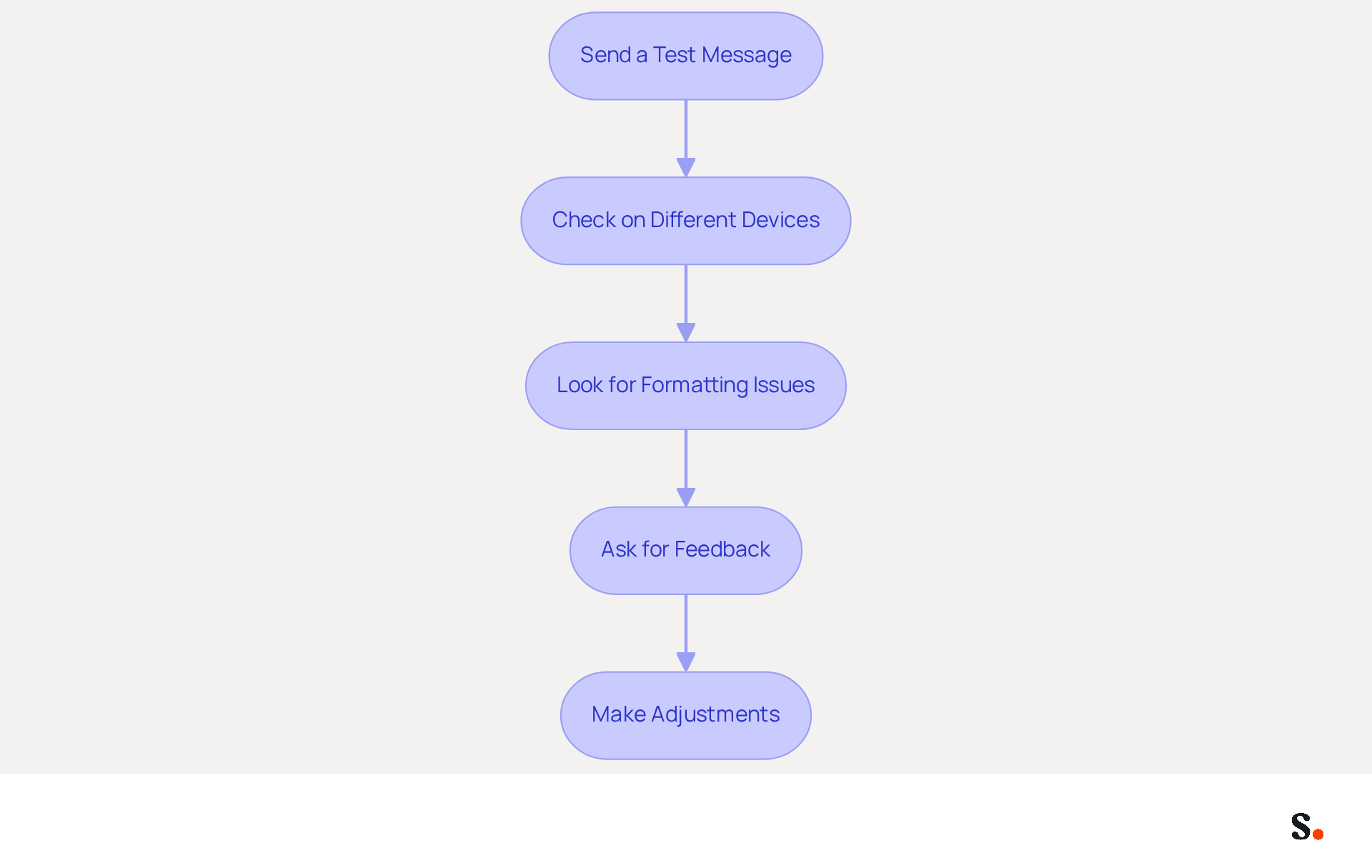
After creating your email signature, testing it is essential to uphold professionalism and brand consistency:
- Send a Test Message: Compose a new message and send it to yourself or a colleague. This allows you to see how the signature appears in the recipient's inbox, ensuring it meets branding standards.
- Check on Different Devices: View the correspondence on various devices, such as a computer and a mobile device, to confirm that the signature displays correctly everywhere. Understanding how recipients use different devices can help optimize your digital identifiers for mobile.
- Look for Formatting Issues: Pay attention to any misalignments, missing images, or broken links. Identifying these issues can be challenging but is essential for a polished presentation. Document any inconsistencies, such as outdated branding or incorrect contact details, and make adjustments as necessary in the settings.
- Ask for Feedback: If possible, solicit a colleague's opinion on the document’s appearance and functionality. Regular evaluations of digital identifiers can assist in preserving uniformity and precision in branding.
- Make Adjustments: Based on your findings, return to the settings to implement any necessary changes to enhance the document. This ongoing process is vital for keeping your communication footer effective and impactful.
By syncing your Google Workspace with Scribe, you can save time and ensure that any updates to your teammates' information are automatically reflected in their contact details. With this integration, updates happen seamlessly, cutting down on manual adjustments and boosting efficiency. Testing your message footer not only helps maintain its professional appearance but also enhances its effectiveness as a marketing channel, contributing to customer loyalty and lead generation. Remember, messages that feature a branded footer achieve a 22% higher response rate than those lacking one, emphasizing the significance of maintaining a consistent and compliant footer. Furthermore, Scribe's adherence to SOC 2 Type II, GDPR, and CCPA guarantees that your management of electronic correspondence complies with the highest security standards, further boosting your reputation.
Explore Tools for Enhanced Email Signature Management
Managing email signatures can be a complex task, but specialized tools can simplify the process and enhance marketing potential.
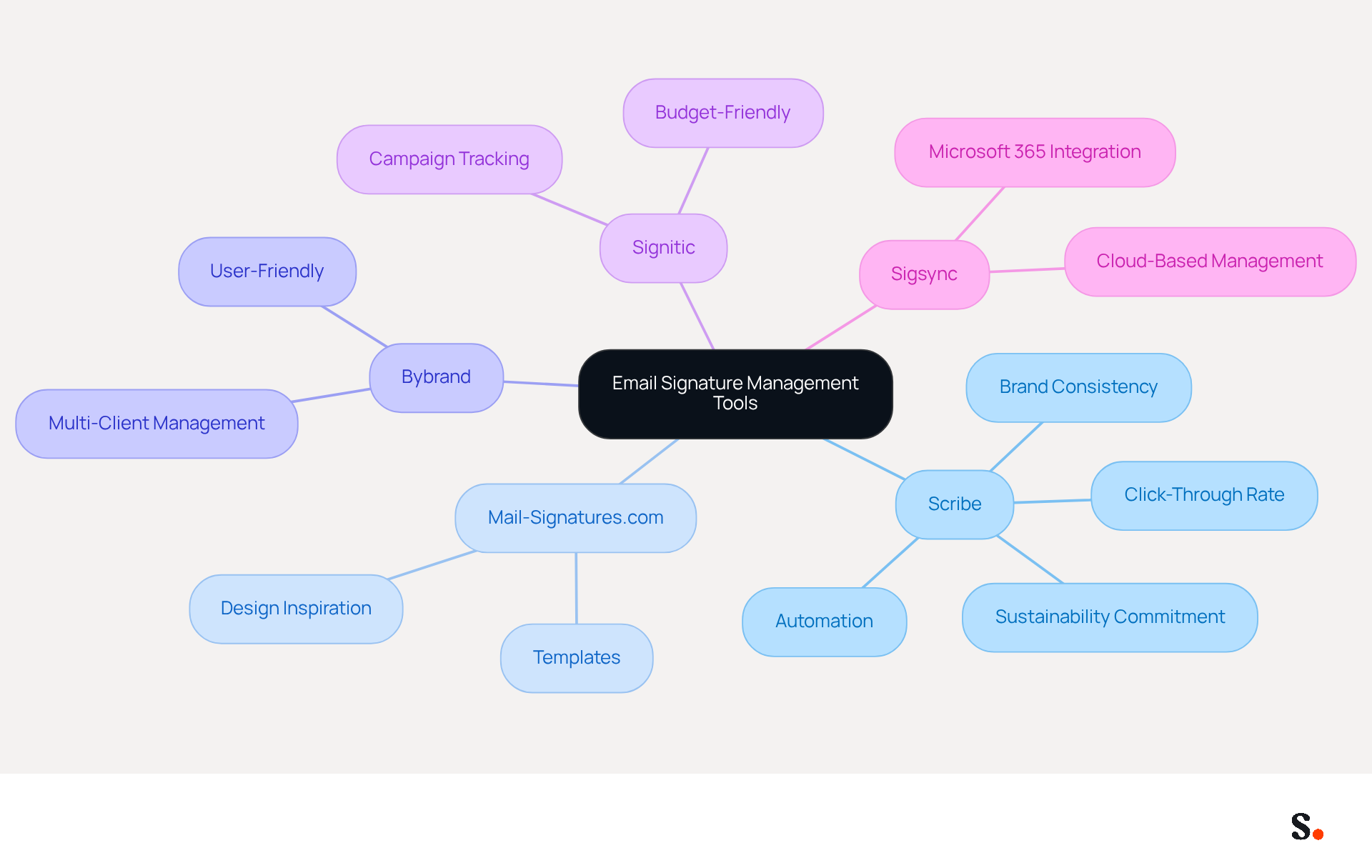
Consider utilizing Scribe, an innovative platform that automates the creation and management of digital identifiers, making it easier to maintain brand consistency in all communications. With its seamless integration capabilities, this tool allows for easy updates across various messaging clients, making it a preferred choice for businesses of all sizes. Notably, Scribe's average click-through rate on banners can generate up to 12% more leads, showcasing its effectiveness in turning digital signatures into powerful marketing tools. Additionally, Scribe allocates 1% of its revenue to support emerging carbon removal technologies through Stripe Climate, highlighting its commitment to sustainability. The platform also enables Marketing teams to manage their mail signature iPad independently after the initial IT setup, which boosts operational efficiency. Importantly, Scribe is SOC 2 Type II certified and complies with GDPR and CCPA, ensuring that your data is handled securely and responsibly.
Other tools worth considering include:
- Mail-Signatures.com, which offers valuable templates and examples to inspire your design
- Bybrand, a user-friendly SaaS platform ideal for agencies and mid-sized companies
- Signitic, known for its budget-friendly solutions focused on marketing campaigns
- Sigsync, designed specifically for Microsoft 365 administrators seeking cloud-based management
By adopting these tools, businesses can enhance their marketing efforts and improve operational efficiency, transforming mail signature iPad into effective marketing channels that boost brand visibility and engagement.
Conclusion
Many professionals underestimate the impact of their email signature on brand perception. Creating a professional email signature on your iPad is not merely about aesthetics; it plays a crucial role in your brand identity and communication strategy. A well-crafted signature enhances professionalism, ensures brand consistency, and transforms every email into a potential marketing opportunity. Following these steps allows users to create a signature that not only represents their brand but also includes vital contact details and marketing links.
This article highlighted how a professional email signature can shape first impressions and enhance branding consistency. The step-by-step guide provided practical instructions for accessing settings, creating, formatting, and testing the signature, ensuring that it meets both personal and organizational standards. Additionally, the discussion on tools like Scribe emphasized how they can streamline the management of email signatures, allowing marketing teams to maintain control and efficiency.
Investing time in creating a professional email signature is a strategic move that can significantly impact communication effectiveness and brand perception. As organizations increasingly rely on digital correspondence, ensuring that every email sent reflects professionalism and brand integrity is essential. Neglecting to enhance your email signature could mean missing out on valuable branding opportunities.
Frequently Asked Questions
Why is a professional email signature important?
A professional email signature is crucial for brand identity, as it influences first impressions, ensures consistency in branding, provides essential contact information, and creates marketing opportunities.
How does a professional email signature affect first impressions?
A refined email signature conveys professionalism and attention to detail, fostering trust from the very first interaction with clients or partners.
What role does branding play in email signatures?
Consistent branding elements in email signatures, such as logos and colors, reinforce a company's identity. Studies show that 80% of participants believe a branded message footer is essential for a company's identity.
What contact information should be included in an email signature?
An email signature should include your full name, job title, company name, and at least one direct contact method to enhance communication efficiency.
How can an email signature serve as a marketing tool?
Including links to your website, social media, or promotional campaigns in your signature can turn every email into a marketing opportunity, leading to increased response and click-through rates.
What are the steps to create an email signature on an iPad?
To create an email signature on an iPad, open the Settings app, navigate to 'Mail', find 'Signature' settings, choose the account, and edit the signature text in the provided field.
Why is it important to optimize an email signature for mobile devices?
With 91% of consumers checking messages daily on smartphones, optimizing your email signature for mobile ensures visibility and impact on the devices most commonly used by your audience.
What should be considered for readability in mobile email signatures?
To enhance readability, keep the email signature concise, include only essential information, use larger fonts, and ensure clear formatting for smaller screens.
How does Scribe ensure security in managing digital identifiers?
Scribe adheres to security standards such as SOC 2 Type II, GDPR, and CCPA, ensuring secure and reliable management of digital identifiers.
List of Sources
- Understand the Importance of a Professional Email Signature
- 40+ Email Signature Statistics for 2026 (Data + Insights) (https://wavecnct.com/blogs/email-signature-statistics)
- Research Recap: Branded Email Signatures Increase Company Recognition, Trust - Demand Gen Report (https://demandgenreport.com/industry-news/research-recap-branded-email-signatures-increase-company-recognition-trust/47252)
- Email signature statistics: Why every business should optimize their email signatures — Stripo.email (https://stripo.email/blog/email-signature-statistics-why-every-business-should-optimize-their-email-signatures)
- Access Email Signature Settings on Your iPad
- Email Client Market Share: Trends & Statistics 2026 (https://litmus.com/email-client-market-share)
- The ultimate mobile email statistics overview: All mobile email stats (https://emailmonday.com/mobile-email-usage-statistics)
- How Many Email Users Are There In 2026? (21+ Email Usage Stats) (https://mailerstack.com/email-usage-statistics)
- 100 Compelling Email Statistics for 2026 | PGM Solutions (https://porchgroupmedia.com/blog/100-compelling-email-statistics-to-inform-your-strategy-in-2023)
- Email Data Statistics and Trends - Indectron (https://indectron.com/blog/email-stats)
- Create and Format Your Email Signature
- Best Practices Designing Email Signatures - Lynne Golodner (https://lynnegolodner.com/articles/best-practices-designing-email-signatures)
- 12 Best Email Signature and Disclaimer Practices (https://cloud-awards.com/12-tips-for-effective-use-of-email-signatures-and-disclaimers)
- How to Create an Email Signature in 2024: The Ultimate Guide (https://linkedin.com/pulse/how-create-email-signature-2024-ultimate-guide-helga-zabalkanska-ncerf)
- Email Signature Best Practices Guide With Examples - MailerLite (https://mailerlite.com/blog/email-signature-best-practices)
- Email Signature Best Practices - NEWOLDSTAMP (https://newoldstamp.com/blog/email-signature-best-practices)
- Test Your Email Signature for Consistency
- Email signature statistics: Why every business should optimize their email signatures — Stripo.email (https://stripo.email/blog/email-signature-statistics-why-every-business-should-optimize-their-email-signatures)
- Email Signature Consistency Test | Rocketseed (https://rocketseed.com/blog/email-signature-consistency-test)
- Why Consistent Email Signatures Matter - and How to Achieve them (https://blog.grantmcgregor.co.uk/why-consistent-email-signatures-matter-and-how-to-achieve-them)
- Email signature do’s & don’ts: from chaos to consistency and performance in every send (https://marketingtechnews.net/news/email-signature-dos-donts-from-chaos-to-consistency-and-performance-in-every-send)
- Explore Tools for Enhanced Email Signature Management
- Top 10 Email Signature Management Tools in 2026 (Compared) (https://mailbutler.io/blog/email/email-signature-management-tools)
- The ultimate guide to email signatures in 2026 (https://signitic.com/en/resources/email-signature)
- Why Email Signatures Must Be In Your 2026 Marketing Plan | Rocketseed (https://rocketseed.com/blog/what-are-the-biggest-email-trends-for-2026)
- Best Email Signature Management Software: Top 12 Tools (2026)
- NEWOLDSTAMP (https://newoldstamp.com/blog/email-signature-software)
- Best Email Signature Management Software (Evaluated May 2026) (https://wisestamp.com/guides/best-email-signature-management-software)
Get started with Scribe
Manage signatures across your whole team
Free 14-day trial — no credit card.