Create an Effective Email Signature in Outlook App: A Step-by-Step Guide
Despite their importance, many professionals overlook the complexities involved in creating a professional email signature, which serves as a digital business
Sophie Grant
Email Signature Specialist, Scribe
On this page
Introduction
Despite their importance, many professionals overlook the complexities involved in creating a professional email signature, which serves as a digital business card that enhances brand identity and fosters effective communication. With the right tools, such as Scribe, organizations can streamline the management of their email signatures, ensuring consistency and compliance across all communications. Despite the importance of email signatures, many professionals find the setup process daunting, especially within the Outlook app.
What strategies can professionals employ to navigate the complexities of email signature creation and management effectively?
Understand the Importance of an Effective Email Signature
Managing digital identifiers manually can lead to inconsistencies and outdated information, which can undermine your brand's credibility. A powerful digital identifier serves as a virtual business card, offering vital contact details while enhancing your brand identity.
With Scribe, you can save time by automating the management of your digital identifiers, ensuring they are always current and consistent throughout your organization. Syncing directly with your business phone system and Aircall ensures that any changes are automatically reflected in your signatures, removing the need for manual updates. This seamless integration boosts professionalism and communication, while also ensuring brand consistency in every message you send.
Furthermore, Scribe is SOC 2 Type II compliant, ensuring that your data is secure while you focus on increasing brand awareness and credibility. Statistics show that 80% of businesses consider branded electronic identifiers essential for their brand identity, reinforcing the importance of effective digital communication.
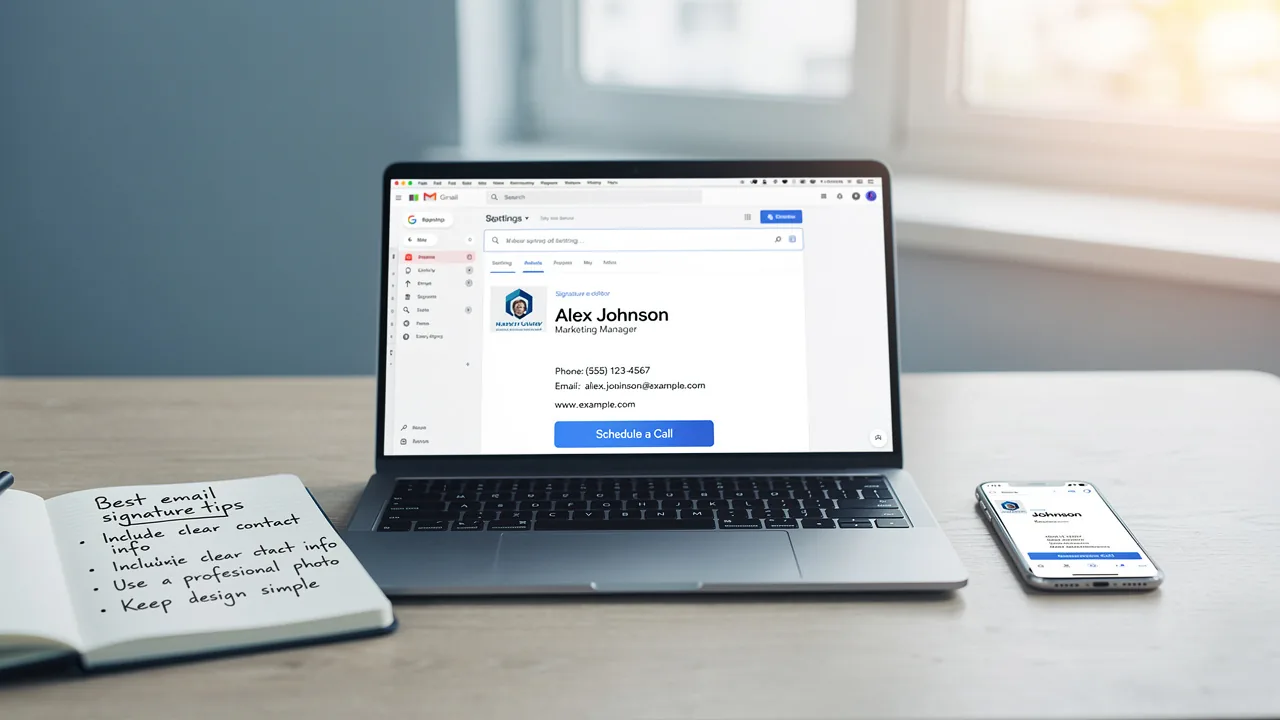
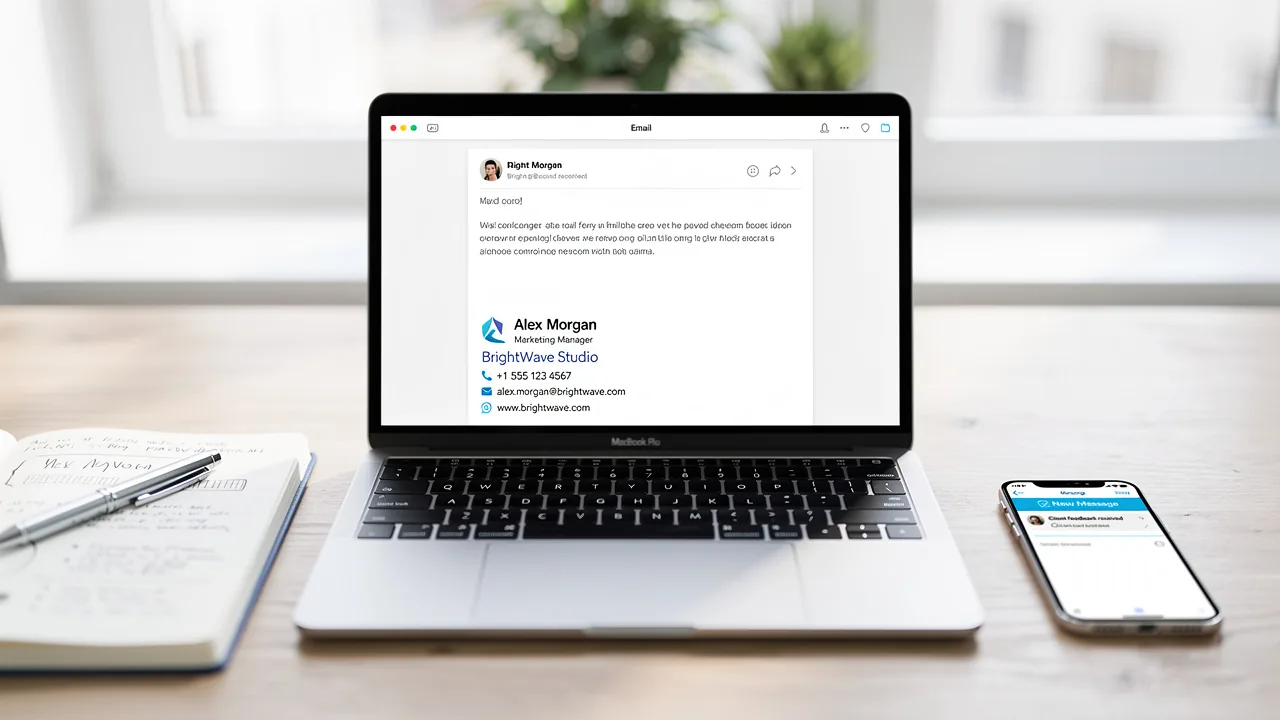
By integrating effective electronic correspondences into your marketing strategy, you can maximize the potential of every message sent, reinforcing your brand's presence and credibility in the digital landscape. Include your name, title, company name, and contact details, along with links to your social media profiles or website for maximum impact. This approach not only makes it easier for recipients to connect with you but also promotes your brand effectively.
Access Signature Settings in Outlook App
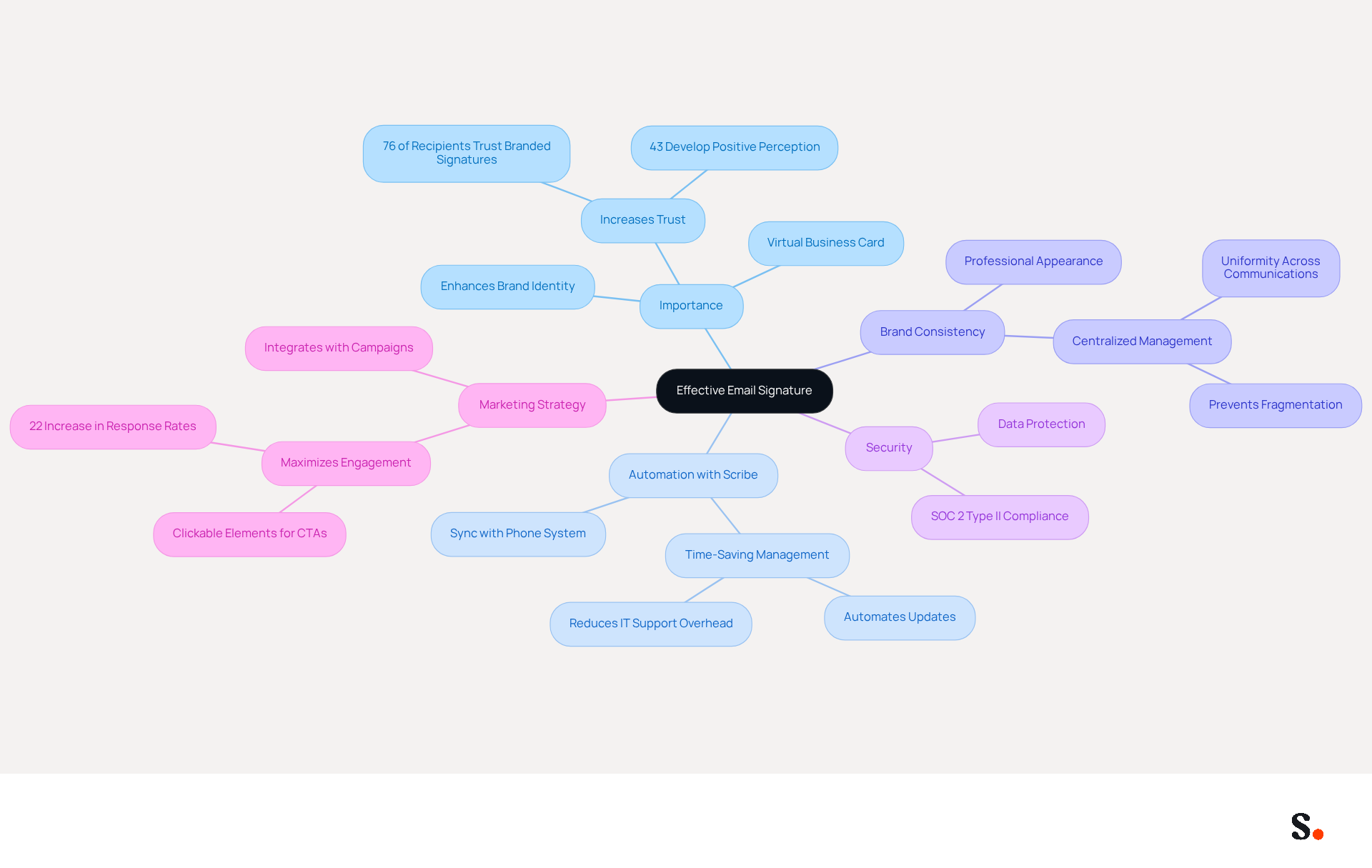
To effectively manage your email signatures in Outlook, follow these straightforward steps:
- Open the Outlook app on your device.
- Tap the gear icon (⚙️) located at the bottom left corner to open the settings menu.
- Scroll down and select 'Mail'.
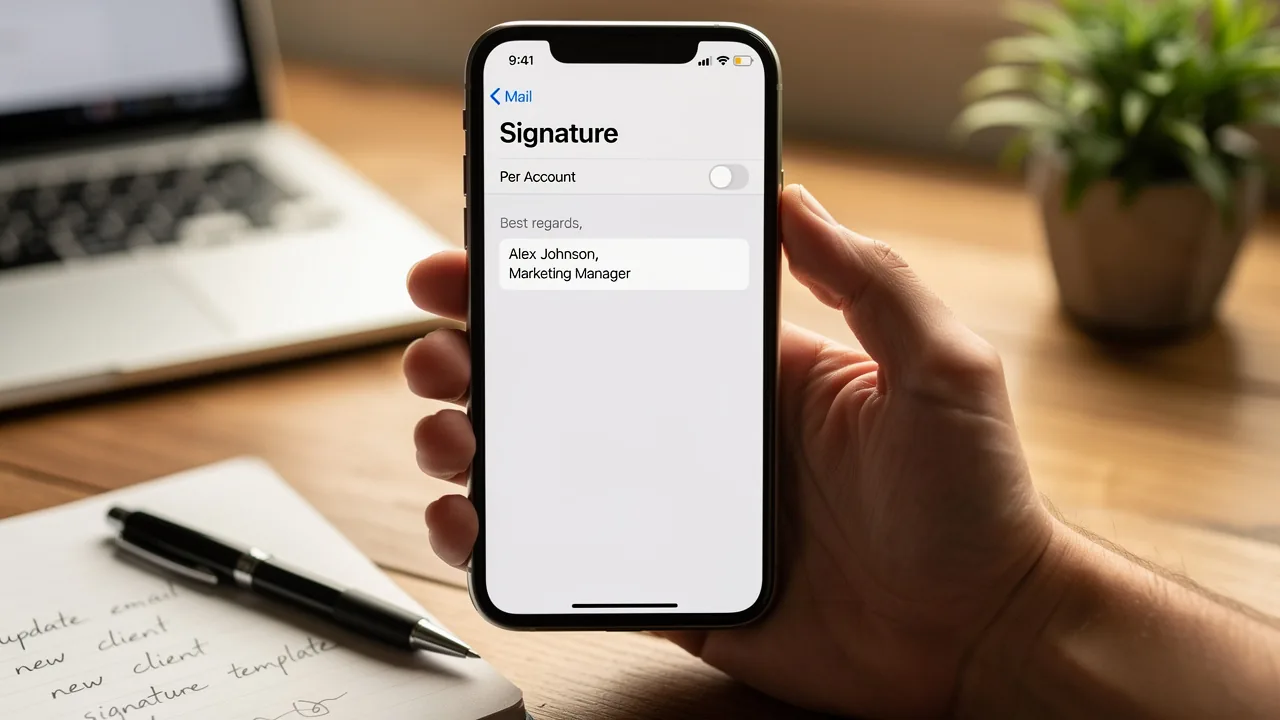
- Tap on 'Signature' to access the settings for your email signature in Outlook app.
- In this section, you can easily create a new signature or update an existing one. Make sure to save any changes you make.
Scribe automatically syncs your teammates' identification information with your HRIS, ensuring updates are reflected without any action needed from them. This seamless integration not only saves time but also guarantees that your digital identifiers are always current and compliant with SOC 2 Type II standards, reinforcing secure data handling.
Create and Format Your Email Signature
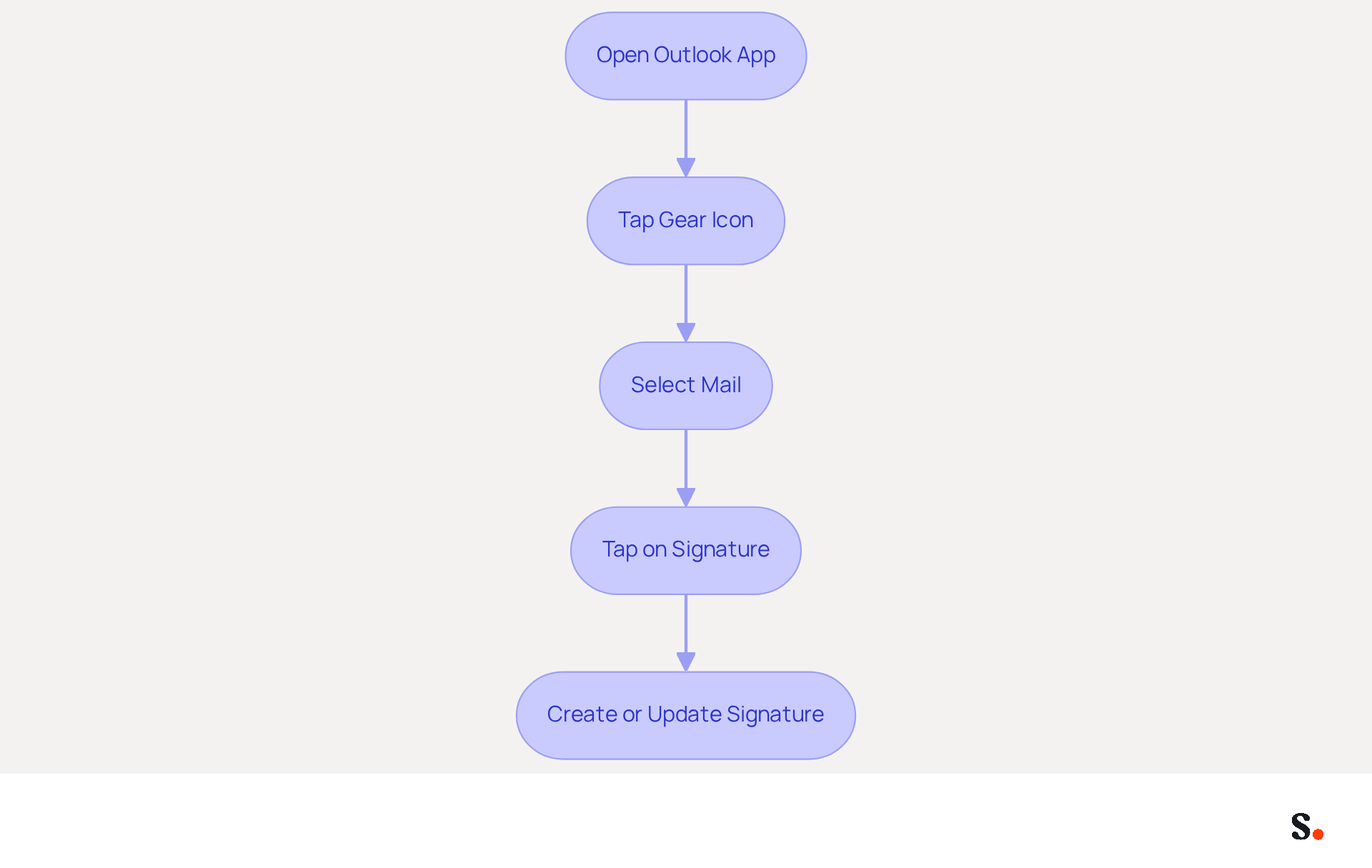
Creating a professional email signature in Outlook app is essential for effective communication. To create and format your email signature, follow these steps:
- Access the settings for your sign-off and select 'Add New' to initiate a new sign-off.
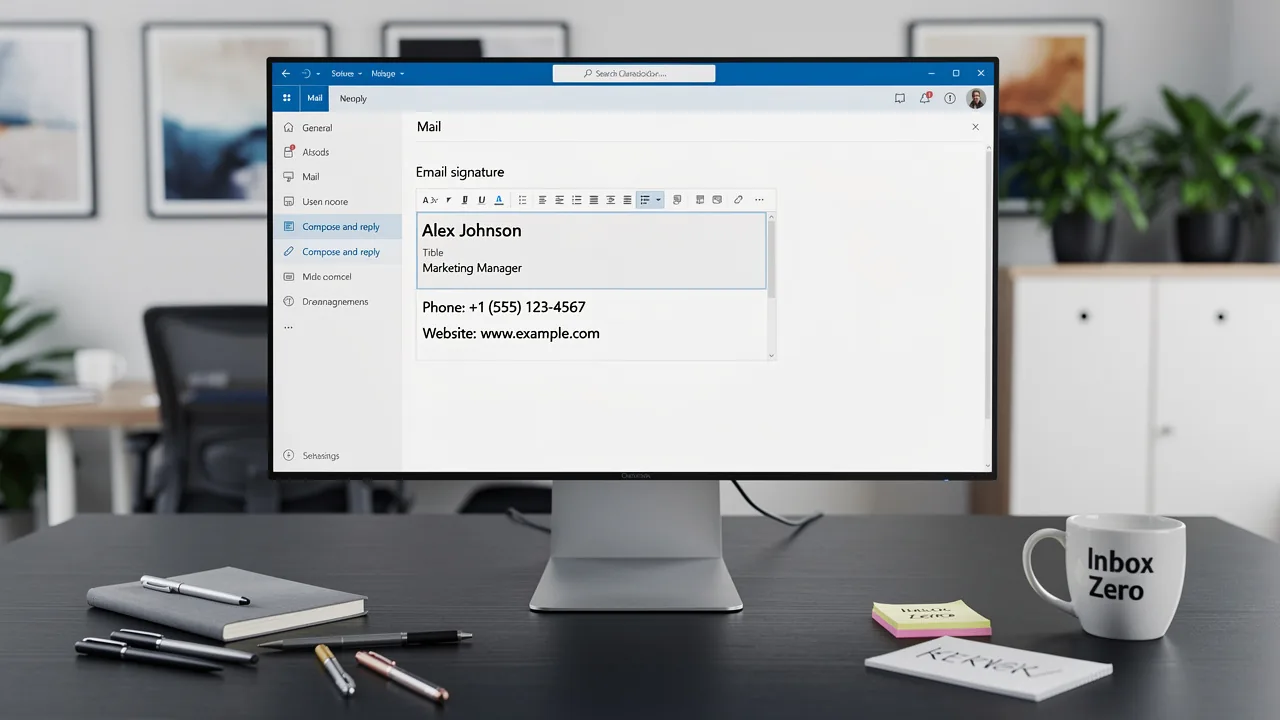
- Input your desired text, including your full name, job title, company name, and contact information.
- Utilize the formatting options to customize the font style, size, and color, ensuring alignment with your brand's identity. You can also incorporate images, such as your company logo, by selecting the image icon.
- Design your signature to be concise and visually appealing, ensuring it does not exceed 600 pixels in width and 150-200 pixels in height for optimal readability and professionalism.
- After finalizing the design, save your mark. It's advisable to test it by sending a message to yourself to verify its appearance across different devices.
Utilizing best practices, like web-safe fonts and mobile responsiveness, is essential for maximizing the impact of your email signature in Outlook app. Remember, a well-designed email footer not only reinforces your brand identity but also serves as a powerful marketing tool, potentially increasing engagement and conversions. Neglecting these design principles may lead to missed opportunities for engagement and brand reinforcement.
Manage Multiple Signatures for Different Contexts
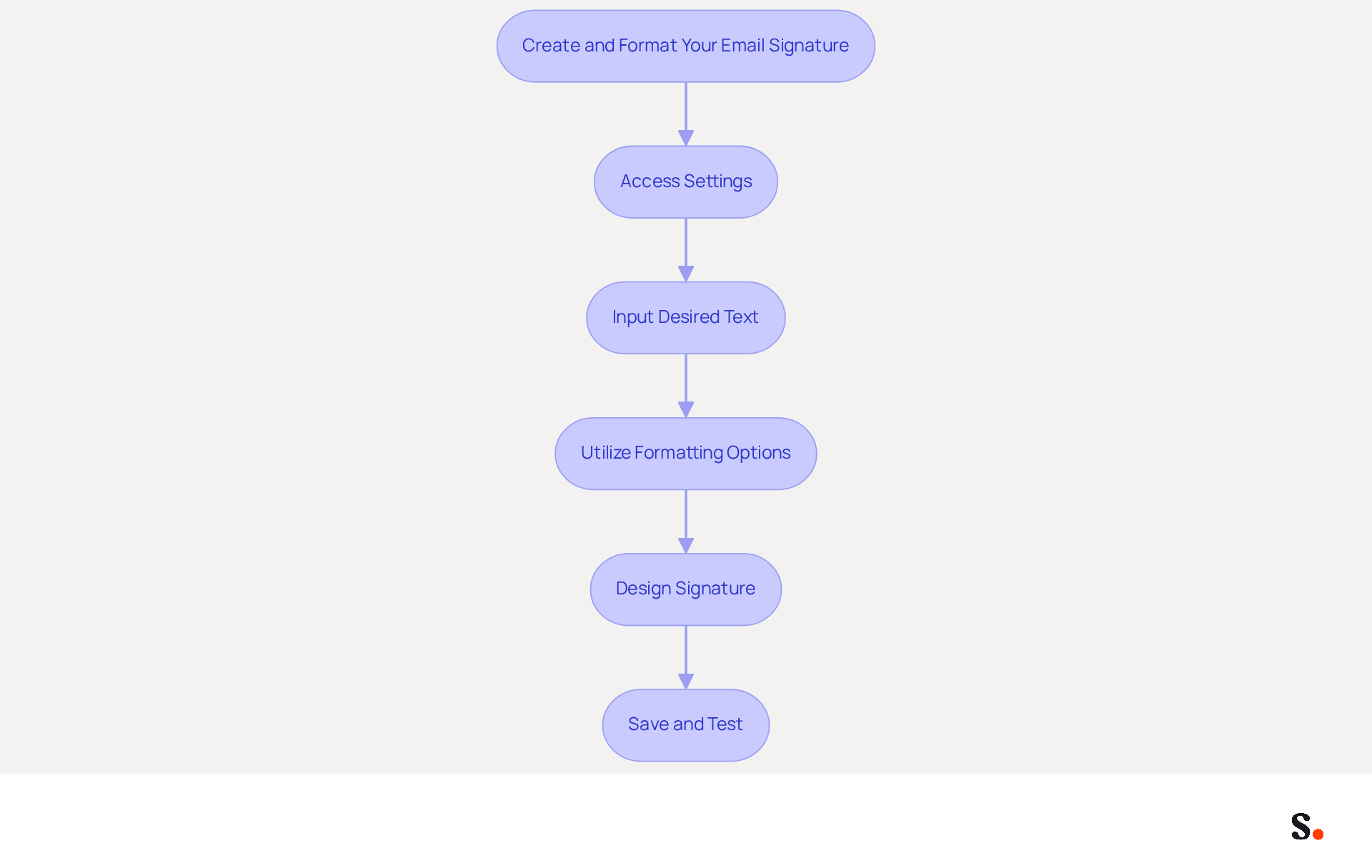
Managing multiple email signatures in the Outlook app can be challenging without the right tools. To manage multiple signatures effectively with Scribe's streamlined synchronization, follow these steps:
- You can access the settings for your email signature in the Outlook app.
- Grant Scribe permission to connect with your service provider, ensuring you are a Super Admin to provide these permissions.
- Click 'Add New' to create additional sign-offs tailored for various contexts, such as formal communications, casual messages, or marketing outreach.
- Assign descriptive names to each mark for easy identification of their intended use.
- When creating a new message, click the icon to choose the suitable sign-off for that particular correspondence.
- You can set a default signature for new messages or replies to keep your communications consistent.
With Scribe, one-click synchronization with your provider ensures that any changes in your directory are automatically reflected in the email signature in the Outlook app. This not only saves time but also enhances branding consistency across your communications. Additionally, Scribe is SOC 2 Type II compliant, ensuring the safety of your data. Embracing Scribe not only streamlines your signature management but also fortifies your brand's professional image.
Troubleshoot Common Email Signature Issues
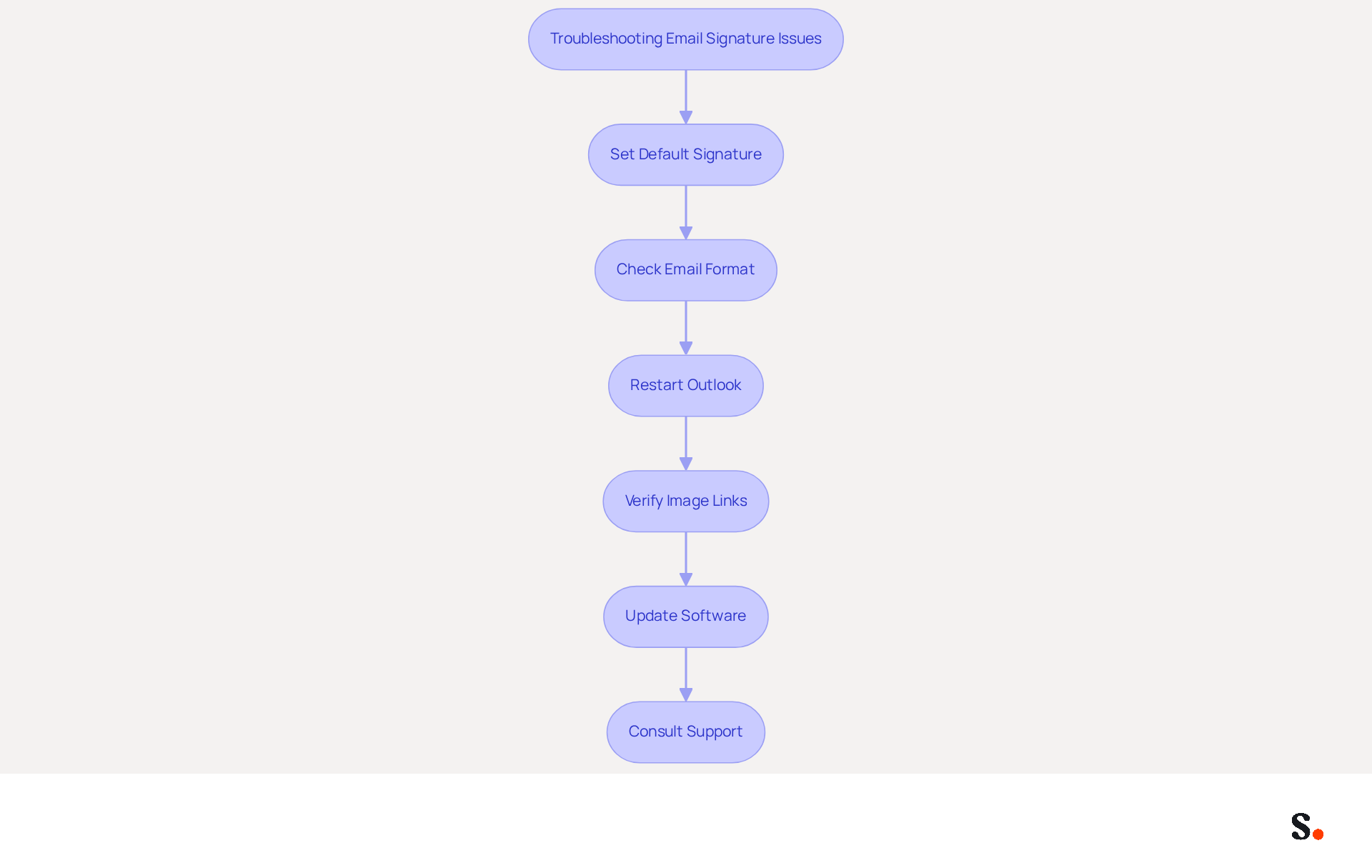
Experiencing issues with your email signature can undermine your professional image, but there are effective troubleshooting steps to resolve these problems:
- Ensure that your mark is set as the default for new messages and replies in the settings. This is essential, as many users neglect this setting, resulting in the names not displaying as intended.
- Check that the email format is set to HTML. Plain text may not display images or formatting correctly, which can diminish the professional appearance of your email footer.
- If your mark is not showing, try restarting the Outlook app or signing out and back in. This simple step can often resolve temporary glitches.
- Verify that any images used in your email footer are properly uploaded and accessible. Images that are not properly linked can result in missing visuals in your email footer.
- Keep your Outlook and operating system updated to reduce synchronization problems that may impact message formatting.
- If problems persist, consult the Outlook support page or community forums for additional assistance. By connecting with these resources, you can discover solutions that have worked for others.
Furthermore, syncing your Google Workspace with Scribe can streamline the management of your email signatures. By automatically updating your teammates' information, you save time and ensure that any changes-such as job positions or group assignments-are reflected in the system without manual input. This integration enhances efficiency and helps maintain brand consistency, as organizations that systematically manage their communication details report significant improvements in user engagement. By following these troubleshooting steps and leveraging Scribe's capabilities, you can ensure that your email signature in Outlook app remains a powerful branding tool. Ultimately, ensuring your email signature functions correctly can elevate your brand's professionalism and enhance communication effectiveness.
Conclusion
Crafting an effective email signature in the Outlook app is essential for establishing professional communication and enhancing brand credibility. Following these steps helps users create signatures that are visually appealing and functionally effective, ensuring consistency in all communications. The integration of Scribe further simplifies this process, allowing for seamless updates and management of digital identifiers, ensuring that every email sent reflects the organization's professionalism.
In this guide, we explored how to:
- Access signature settings and create effective signatures
- Manage multiple signatures for various contexts
- Troubleshoot common issues
Each step emphasizes the importance of maintaining brand consistency and the role of effective email signatures in marketing strategies. With Scribe's capabilities, including SOC 2 Type II compliance and automated synchronization, organizations can confidently manage their email signatures while focusing on their core business objectives.
Investing in a well-crafted email signature can significantly elevate your brand's presence and professionalism in every communication. As organizations strive for 100% brand consistency and measurable marketing ROI, leveraging tools like Scribe can transform email signatures from mere formalities into powerful marketing assets. Embrace the potential of your email communications and ensure that every message sent reinforces your brand's identity and professionalism.
Frequently Asked Questions
Why is an effective email signature important?
An effective email signature serves as a virtual business card, providing vital contact details and enhancing your brand identity. It helps maintain consistency and credibility in digital communication.
How does Scribe help with managing email signatures?
Scribe automates the management of digital identifiers, ensuring they are always current and consistent across your organization. It syncs directly with your business phone system and Aircall, automatically reflecting any changes in signatures.
What compliance standard does Scribe adhere to?
Scribe is SOC 2 Type II compliant, ensuring that your data is secure while you focus on increasing brand awareness and credibility.
What should be included in an effective email signature?
An effective email signature should include your name, title, company name, contact details, and links to your social media profiles or website to maximize impact and facilitate connections.
How can I access signature settings in the Outlook app?
To access signature settings in the Outlook app, open the app, tap the gear icon (⚙️) at the bottom left corner, select 'Mail', and then tap on 'Signature' to create or update your email signature.
How does Scribe ensure that teammates' identification information is up to date?
Scribe automatically syncs teammates' identification information with your HRIS, ensuring that updates are reflected without any action needed from them, thus saving time and maintaining compliance with SOC 2 Type II standards.
List of Sources
- Understand the Importance of an Effective Email Signature
- The impact of email signatures on your branding (https://signitic.com/en/resources/the-impact-of-email-signatures-on-your-branding)
- Why Email Signatures Must Be In Your 2026 Marketing Plan | Rocketseed (https://rocketseed.com/blog/2026-marketing-plan-email-signatures)
- 40+ Email Signature Statistics for 2026 (Data + Insights) (https://wavecnct.com/blogs/email-signature-statistics)
- Why Team Email Signatures Matter More Than You Think: The Hidden Impact on Brand Trust and Customer Experience (https://getmailbird.com/why-team-email-signatures-matter-brand-trust)
- Research Recap: Branded Email Signatures Increase Company Recognition, Trust - Demand Gen Report (https://demandgenreport.com/industry-news/research-recap-branded-email-signatures-increase-company-recognition-trust/47252)
- Access Signature Settings in Outlook App
- 40+ Email Signature Statistics for 2026 (Data + Insights) (https://wavecnct.com/blogs/email-signature-statistics)
- The New Outlook for Windows: An IT Guide to Email Signatures (https://exclaimer.com/email-signature-handbook/new-outlook-windows-email-signatures)
- Email Signature Statistics: A Closer Look at Email Signatures in 2026 (https://mysignature.io/blog/email-signature-statistics)
- Getting started with the new Outlook for Windows | Microsoft Support (https://support.microsoft.com/en-us/outlook/getstarted/getting-started-with-the-new-outlook-for-windows)
- How to Change Signature in Outlook App: A Step-by-Step Guide (https://scribe-mail.com/en-US/blog/how-to-change-signature-in-outlook-app-a-step-by-step-guide)
- Create and Format Your Email Signature
- Top 10+ best practices for email signatures design in 2026 (https://mysignature.io/blog/email-signature-best-practices)
- Email Signature Best Practices - NEWOLDSTAMP (https://newoldstamp.com/blog/email-signature-best-practices)
- Email Signature Best Practices Guide With Examples - MailerLite (https://mailerlite.com/blog/email-signature-best-practices)
- The 17 DOs and DON’Ts of Email Signatures | Exclaimer (https://exclaimer.com/email-signature-handbook/the-17-email-signature-dos-and-donts)
- Email Signature Design Guide: Best Practices and Examples (https://designmodo.com/email-signature)
- Manage Multiple Signatures for Different Contexts
- Email signature statistics: Why every business should optimize their email signatures — Stripo.email (https://stripo.email/blog/email-signature-statistics-why-every-business-should-optimize-their-email-signatures)
- The New Outlook for Windows: An IT Guide to Email Signatures (https://exclaimer.com/email-signature-handbook/new-outlook-windows-email-signatures)
- New email signature management and editor features in Outlook on the web | Topedia Blog (https://blog-en.topedia.com/2026/01/new-email-signature-management-and-editor-features-in-outlook-on-the-web)
- How to Easily Manage Multiple Email Signatures in the New Outlook for Windows | IT trip (https://en.ittrip.xyz/ms-office/outlook/multiple-signatures-outlook)
- 40+ Email Signature Statistics for 2026 (Data + Insights) (https://wavecnct.com/blogs/email-signature-statistics)
- Troubleshoot Common Email Signature Issues
- 40+ Email Signature Statistics for 2026 (Data + Insights) (https://wavecnct.com/blogs/email-signature-statistics)
- Why Is My Email Signature Not Showing Up in Outlook? (https://scribe-mail.com/en-US/blog/why-is-my-email-signature-not-showing-up-in-outlook)
- Email Signature Troubleshooting - Problems & Solutions - Gimmio (https://blog.gimm.io/email-signature-troubleshooting)
- Outlook Signature Not Working in Office 365: Causes & Fixes (https://exclaimer.com/email-signature-handbook/outlook-signature-not-working-in-office-365)
- How to solve problems with email signatures in Microsoft 365? (https://mail-signatures.com/articles/problems-email-signatures-office-365)
Get started with Scribe
Create your signature in minutes
Free 14-day trial — no credit card.