Find Your Outlook Signature Location in Windows 11: A Step-by-Step Guide
In the realm of professional communication, email signatures serve as more than mere digital sign-offs; they are crucial for establishing brand identity and
Sophie Grant
Email Signature Specialist, Scribe
Introduction
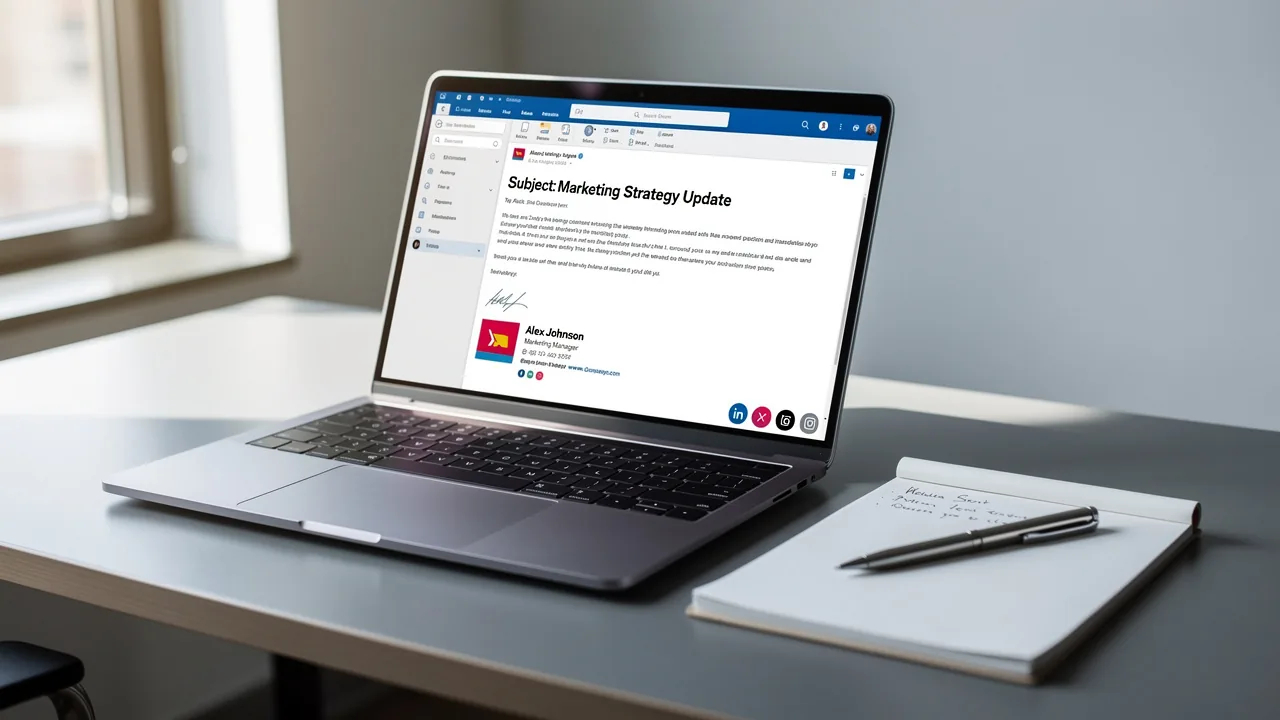
In the realm of professional communication, email signatures serve as more than mere digital sign-offs; they are crucial for establishing brand identity and trust. As organizations increasingly rely on email for their interactions, users often struggle to find the signature settings, leading to frustration and inconsistency, which can damage the credibility of their communications. Navigating these settings effectively is not just a matter of convenience; it is essential for maintaining a polished and professional image.
Understand the Importance of Email Signatures in Outlook
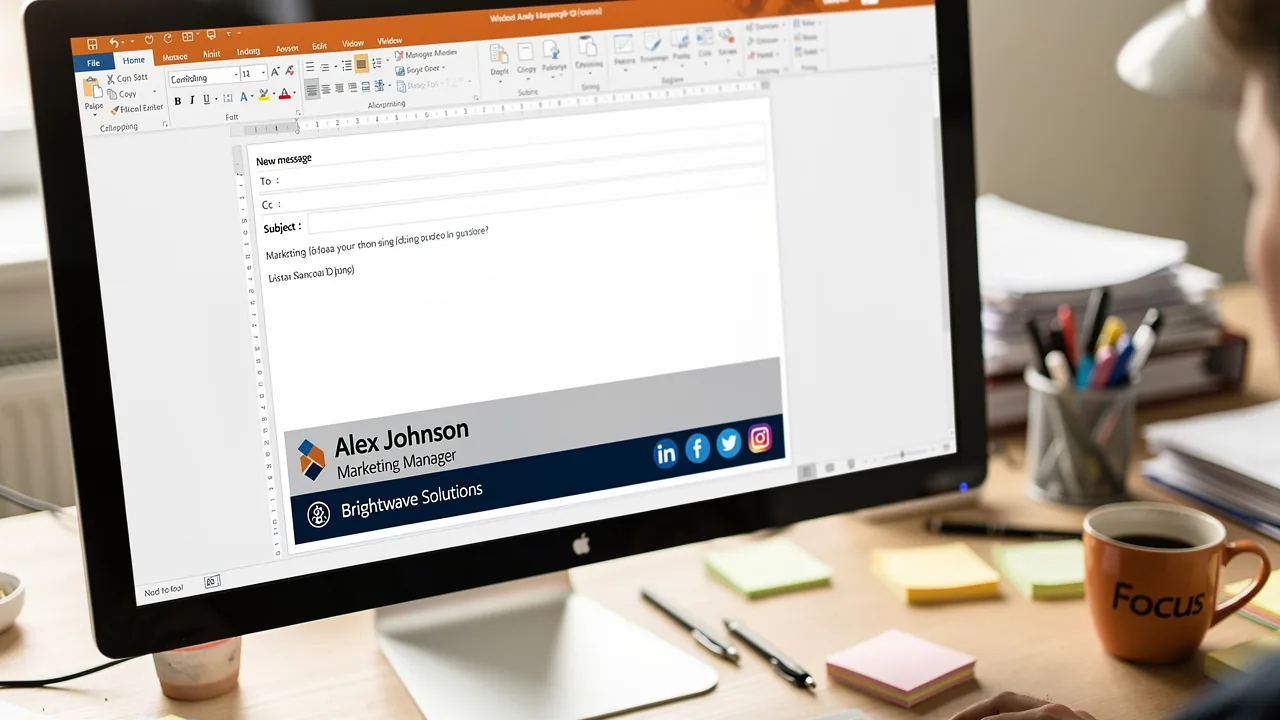
Email signatures play a crucial role in defining your professional identity and serve multiple strategic functions:
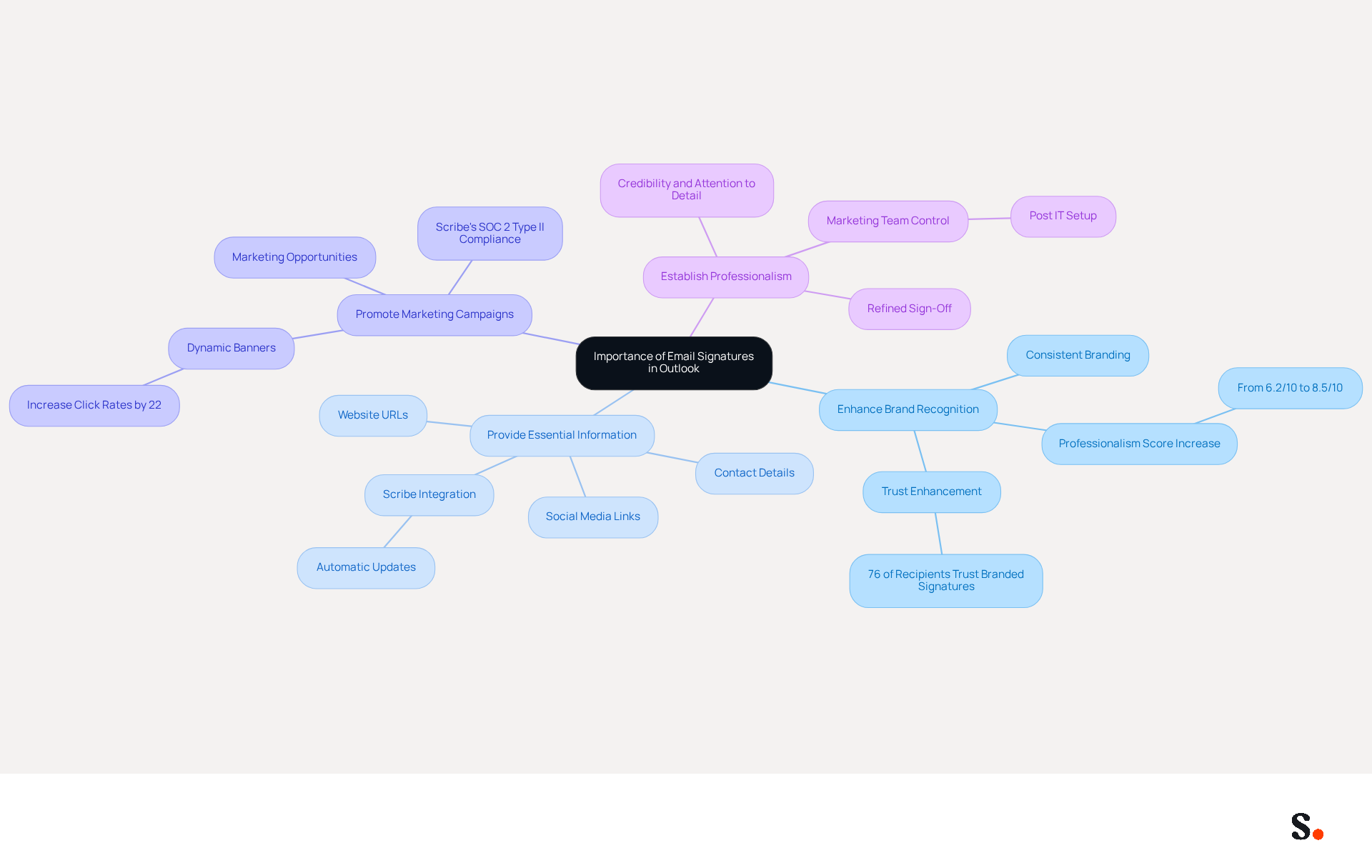
- Enhance Brand Recognition: Consistent use of logos, colors, and fonts in email signatures reinforces your brand image, leading to a significant increase in professionalism scores from 6.2/10 to 8.5/10. Research shows that 76% of recipients believe that branded marks enhance their trust in the sender, further reinforcing the significance of consistent branding. Scribe keeps your electronic identifiers up-to-date and consistent across your organization by automatically syncing with your business phone system, like Aircall.
- Provide Essential Information: Including contact details, social media links, and website URLs makes it easy for recipients to connect with you, fostering engagement and trust. Scribe's integration guarantees that any modifications made in your Aircall configuration are automatically reflected in your correspondence identifiers, eliminating the hassle of manual updates.
- Promote Marketing Campaigns: Signatures can highlight current promotions or events, effectively transforming every message into a marketing opportunity. Dynamic banners in messages can boost click rates by 22%, and consistent message formats result in a 22% rise in response rates, highlighting their potential as a marketing tool. With Scribe's SOC 2 Type II compliance, you can manage these marketing opportunities securely.
- Establish Professionalism: A refined sign-off conveys credibility and attention to detail, influencing how recipients perceive you and your organization. As Jeremy Chatelaine states, "Consistent branding is crucial for building brand awareness and recognition." With Scribe, Marketing teams can easily take charge of their messaging footers once IT has set everything up, ensuring that your branding remains consistent and professional.
By acknowledging these advantages, you can manage your Scribe configurations strategically, ensuring they align with your overall branding efforts and contribute to your marketing objectives.
Navigate to Outlook Signature Settings in Windows 11
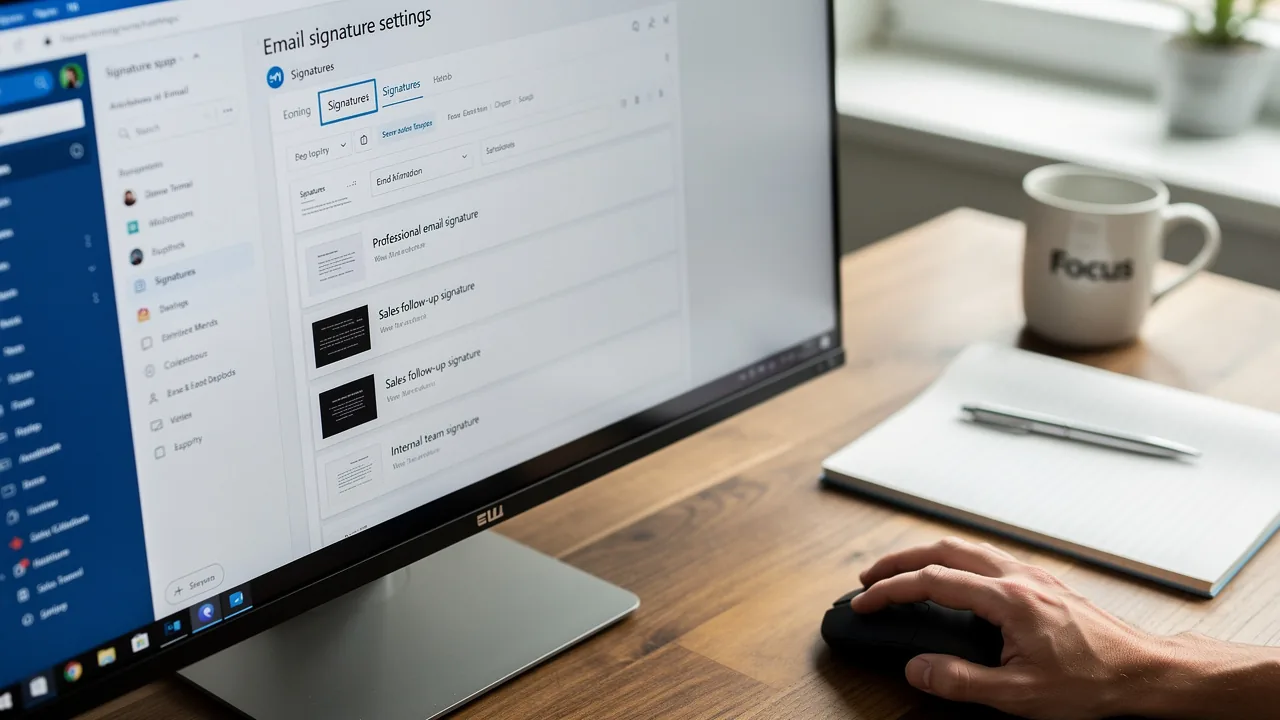
The outlook signature location in Windows 11 allows you to access your email signature settings, which can streamline your communication and enhance your professional image. To do so, follow these steps:
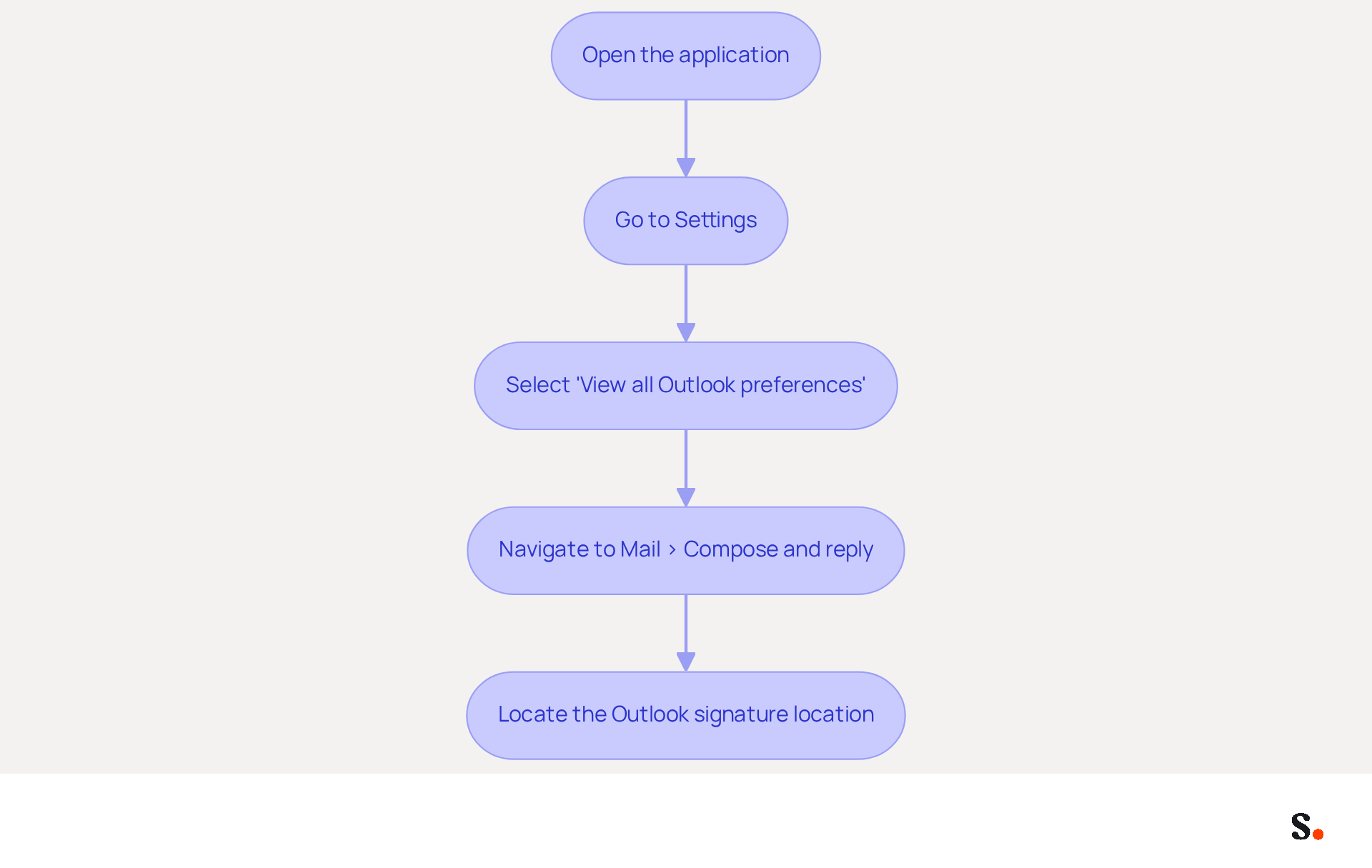
- Open the application: Launch the email client on your Windows 11 device.
- Go to Settings: Click on the gear icon (⚙️) located in the top-right corner of the application window.
- Select 'View all Outlook preferences': Scroll down and click on this option to access the complete preferences menu.
- Navigate to Mail > Compose and reply: In the menu, locate the 'Mail' section and click on 'Compose and reply'.
- To locate the Outlook signature location in Windows 11, scroll down to the 'Email section' where you can create, edit, or remove your identifiers.
Once you’ve followed these steps, you can easily access your settings and begin personalizing your identifiers to reflect your unique style. Personalizing your identifiers not only reflects your professionalism but also strengthens your brand identity in every email you send.
View and Edit Your Email Signature
Editing your email signature in Outlook 2026 is crucial for maintaining professional communication and brand consistency. To edit your email signature, follow these straightforward steps:
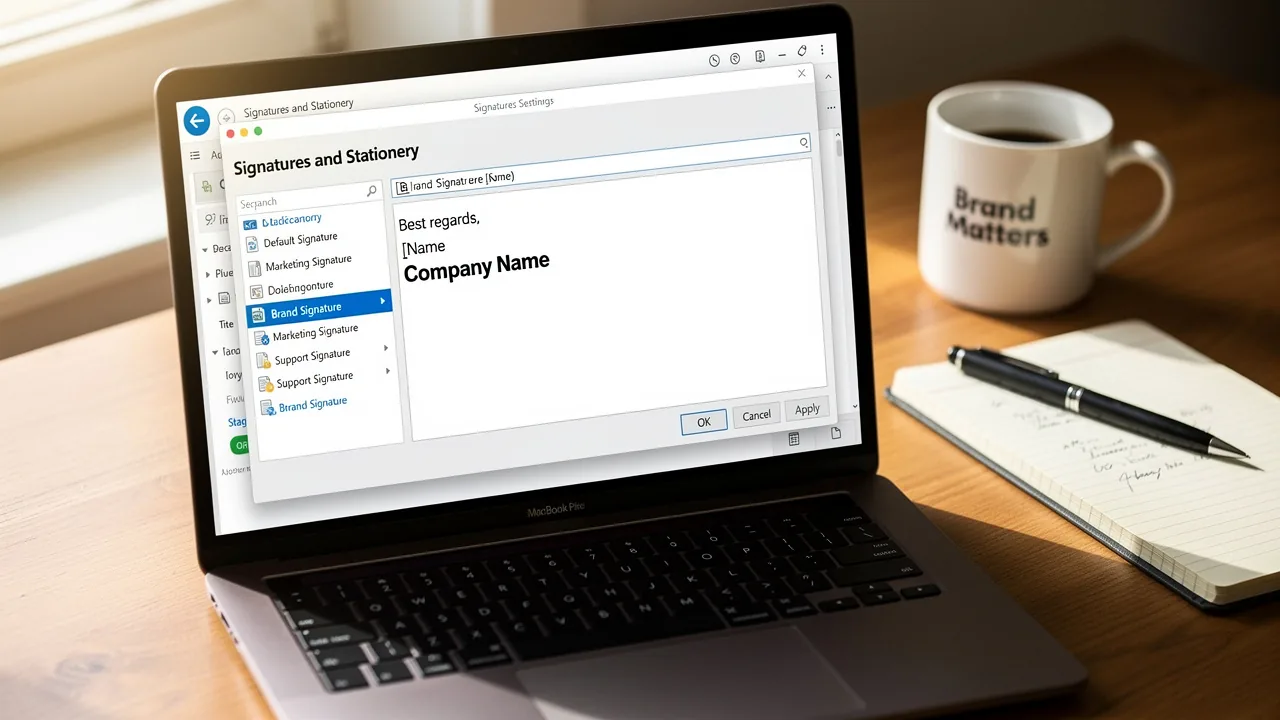
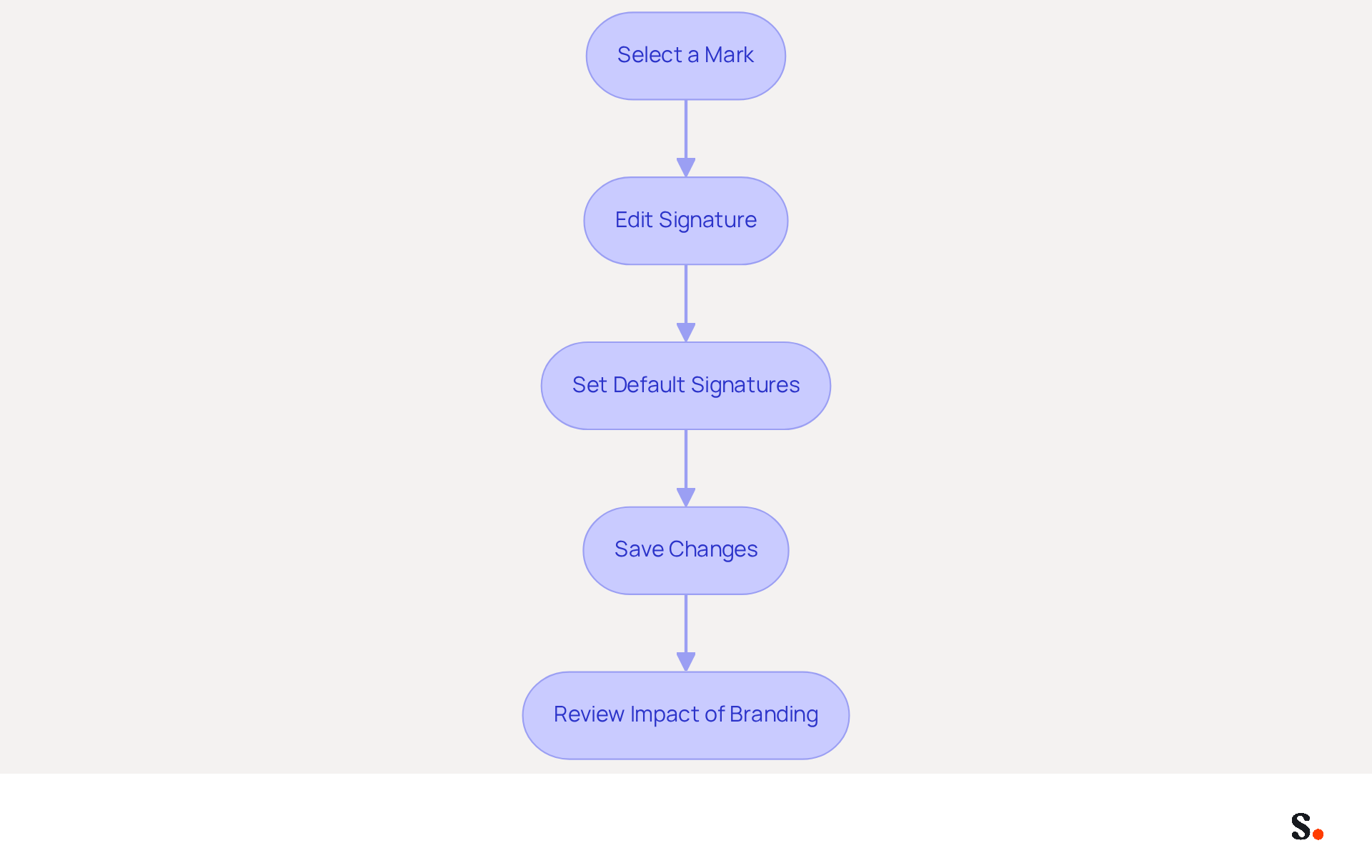
- Select a Mark: If you have multiple marks, choose the one you wish to modify from the list.
- Edit Signature: In the editing box, you can:
- Add Text: Enter your name, title, and any other pertinent information.
- Format Text: Utilize formatting options to adjust the font, size, color, and style (bold, italic, etc.).
- Insert Images: Click the image icon to add a logo or graphics that represent your brand.
- Add Links: Highlight text and click the link icon to insert hyperlinks to your website or social media profiles.
- Set Default Signatures: Determine whether this mark should be utilized for new messages, responses, or forwards by selecting the appropriate options.
- Save Changes: After making your edits, click the 'Save' button to apply the changes.
It's important to have a well-designed branding element; after all, 57% of professionals say branded elements are the most impactful in communications. Plus, messages that include branded identifiers can lead to a 22% increase in response rates and a 15% boost in click-through rates to your company website. By using Scribe, your communication identifiers will automatically sync with your Business phone system, ensuring that any updates are reflected in real-time without requiring action from your teammates. This automated management not only enhances brand consistency but also guarantees that your data is handled securely, as Scribe is SOC 2 Type II compliant. By following these steps, you can ensure your correspondence footer not only appears professional but also aligns with your current marketing initiatives, maximizing engagement and brand visibility. By neglecting to update your email signature, you risk diminishing your brand's impact and engagement with your audience.
Troubleshoot Common Issues with Outlook Signatures
Encountering issues with Outlook signatures can disrupt professional communication and hinder productivity. Here are some common problems and their solutions:
-
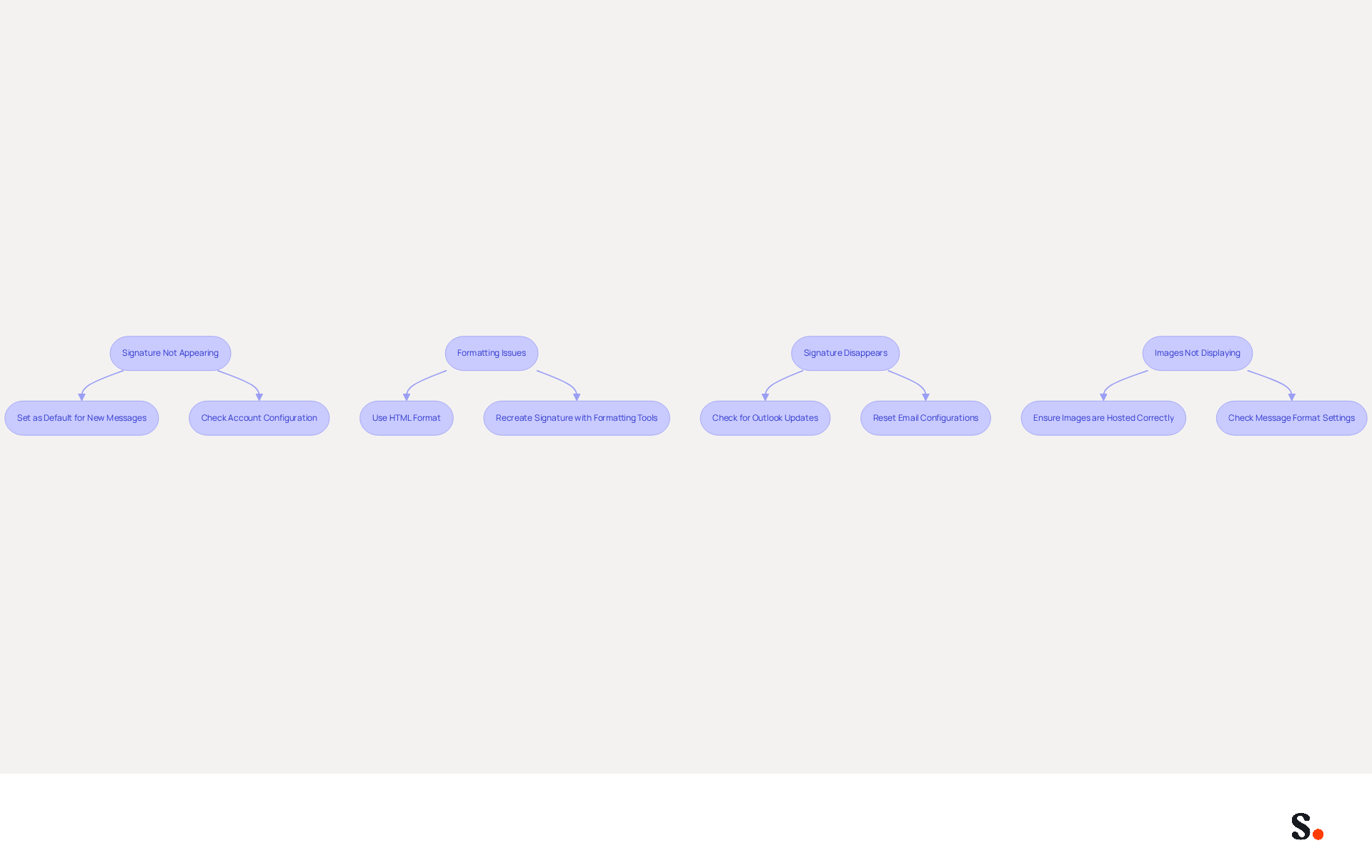
Signature Not Appearing: If your signature is not showing up in emails:
- Ensure that you have set it as the default for new messages and replies in the signature settings.
- Check if you are using the correct account if you have multiple accounts configured. About 35% of IT teams report that managing email signatures is among their top two time-consuming tasks, often due to configuration issues.
-
Formatting Issues: If your signature looks different than expected:
- Make sure you are using HTML format for your emails, as plain text may strip formatting. Layout problems often arise from errors in electronic correspondence creation, complicating signature management.
- Recreate the mark using the formatting tools in the editor to ensure consistency. To avoid formatting issues, it's best to create your message footers in a plain text editor.
-
Signature Disappears: If your signature disappears after a restart:
- Check for updates to Outlook, as bugs may be fixed in newer versions. After updates, users frequently report that their email identifiers are missing or not displaying correctly, indicating the need for regular maintenance.
- Try resetting your email configurations by navigating to File > Options > Mail > Signatures and re-adding your personal mark. Failing to address these issues may lead to persistent formatting problems that hinder professional communication.
-
Images Not Displaying: If images in your signature are not showing:
- Ensure the images are hosted online or embedded correctly in the signature settings. Images may not display if they are linked images, leading to a red X instead of the image.
- Check your message format settings to confirm they are set to HTML. Keep in mind that different messaging clients can display content differently, which affects how images show up.
By following these troubleshooting tips, you can resolve common signing issues and ensure your email communications remain professional and effective. Addressing these common issues not only enhances your email professionalism but also streamlines your communication processes.
Conclusion
Email signatures play a crucial role in shaping professional communication and brand perception. By effectively managing your email signatures in Outlook, you can ensure that every message you send reflects your professionalism and aligns with your marketing objectives. This guide equips you with the knowledge to locate, edit, and troubleshoot your Outlook signature settings in Windows 11, empowering users to take control of their email branding.
Key insights discussed include:
- The importance of maintaining consistent branding through email signatures
- The steps to navigate Outlook's signature settings
- Practical solutions for common signature-related issues
With tools like Scribe, marketing teams can easily manage signatures on their own after the initial IT setup, helping maintain brand consistency and meet security standards like SOC 2 Type II, GDPR, and CCPA.
In conclusion, the significance of a well-crafted email signature cannot be overstated. It serves as a powerful marketing tool that can enhance engagement and drive response rates. By prioritizing the management of your email signatures, organizations can not only improve their professional image but also leverage every email as an opportunity for brand promotion. By recognizing the strategic value of email signatures, organizations can turn every email into a powerful branding opportunity.
Frequently Asked Questions
Why are email signatures important in Outlook?
Email signatures are crucial for defining your professional identity, enhancing brand recognition, providing essential information, promoting marketing campaigns, and establishing professionalism.
How do email signatures enhance brand recognition?
Consistent use of logos, colors, and fonts in email signatures reinforces your brand image, leading to increased professionalism scores and enhancing trust among recipients.
What percentage of recipients believe that branded marks enhance their trust in the sender?
Research shows that 76% of recipients believe that branded marks enhance their trust in the sender.
How does Scribe help maintain consistent email signatures?
Scribe keeps electronic identifiers up-to-date and consistent across your organization by automatically syncing with your business phone system, like Aircall.
What essential information should be included in an email signature?
An email signature should include contact details, social media links, and website URLs to make it easy for recipients to connect with you.
How does Scribe ensure that modifications in contact information are reflected in email signatures?
Scribe's integration guarantees that any modifications made in your Aircall configuration are automatically reflected in your correspondence identifiers, eliminating the need for manual updates.
Can email signatures be used for marketing purposes?
Yes, email signatures can highlight current promotions or events, transforming every message into a marketing opportunity. Dynamic banners can boost click rates and response rates.
What is the impact of consistent message formats in email signatures?
Consistent message formats can result in a 22% rise in response rates, highlighting their potential as a marketing tool.
How does Scribe ensure secure management of marketing opportunities?
Scribe is SOC 2 Type II compliant, allowing for secure management of marketing opportunities within email signatures.
What role does professionalism play in email signatures?
A refined sign-off conveys credibility and attention to detail, influencing how recipients perceive you and your organization.
List of Sources
- Understand the Importance of Email Signatures in Outlook
- Email Signature Statistics: A Closer Look at Email Signatures in 2026 (https://mysignature.io/blog/email-signature-statistics)
- The impact of email signatures on your branding (https://signitic.com/en/resources/the-impact-of-email-signatures-on-your-branding)
- Why Are Email Signatures Key to Brand Awareness? | QuickMail (https://quickmail.com/role-of-email-signatures-in-brand-awareness)
- Research Recap: Branded Email Signatures Increase Company Recognition, Trust - Demand Gen Report (https://demandgenreport.com/industry-news/research-recap-branded-email-signatures-increase-company-recognition-trust/47252)
- Why Email Signatures Must Be In Your 2026 Marketing Plan | Rocketseed (https://rocketseed.com/blog/2026-marketing-plan-email-signatures)
- Navigate to Outlook Signature Settings in Windows 11
- Email Signature Statistics: A Closer Look at Email Signatures in 2026 (https://mysignature.io/blog/email-signature-statistics)
- Email signature statistics: Why every business should optimize their email signatures — Stripo.email (https://stripo.email/blog/email-signature-statistics-why-every-business-should-optimize-their-email-signatures)
- What's new in new Outlook for Windows | Microsoft Support (https://support.microsoft.com/en-us/outlook/getstarted/what-s-new-in-new-outlook-for-windows)
- 45+ Clever and Professional Email Signature Quotes (https://bulksignature.com/blog/45-clever-and-professional-email-signature-quotes)
- 40+ Email Signature Statistics for 2026 (Data + Insights) (https://wavecnct.com/blogs/email-signature-statistics)
- View and Edit Your Email Signature
- 40+ Email Signature Statistics for 2026 (Data + Insights) (https://wavecnct.com/blogs/email-signature-statistics)
- Email Signature Statistics: A Closer Look at Email Signatures in 2026 (https://mysignature.io/blog/email-signature-statistics)
- Email signature statistics: Why every business should optimize their email signatures — Stripo.email (https://stripo.email/blog/email-signature-statistics-why-every-business-should-optimize-their-email-signatures)
- How To Change An Email Signature In Outlook (https://forbes.com/sites/darreonnadavis/2023/07/15/how-to-change-an-email-signature-in-outlook)
- Troubleshoot Common Issues with Outlook Signatures
- Outlook Signature Not Working in Office 365: Causes & Fixes (https://exclaimer.com/email-signature-handbook/outlook-signature-not-working-in-office-365)
- 40+ Email Signature Statistics for 2026 (Data + Insights) (https://wavecnct.com/blogs/email-signature-statistics)
- How to solve problems with email signatures in Microsoft 365? (https://mail-signatures.com/articles/problems-email-signatures-office-365)
- Outlook Signature Disappears? 6 Common Problems + Fixes (https://conbool.com/blog/outlook-signature-disappears-fixes-problems)
- Outlook: Missing images after the August 2026 patch day caused by GPO redirection (https://borncity.com/win/2026/08/20/outlook-missing-images-after-the-august-2026-patch-day-depend-on-gpo)
Get started with Scribe
Create your signature in minutes
Free 14-day trial — no credit card.