Fix the Signature Too Long Gmail Error with These Simple Steps
Gmail's character limit for email signatures often surprises users, resulting in the frustrating 'signature too long' error. Understanding this limitation is
Sophie Grant
Email Signature Specialist, Scribe
Introduction
Gmail's character limit for email signatures often surprises users, resulting in the frustrating 'signature too long' error. Understanding this limitation is crucial for anyone looking to maintain a professional digital presence. This guide offers practical steps to simplify and optimize email signatures, ensuring compliance with Gmail's requirements while enhancing communication effectiveness.
However, challenges may arise when even straightforward designs exceed this limit. Exploring the nuances of signature management reveals not only solutions but also best practices that leverage these insights to enhance brand consistency and engagement.
Understand the Gmail Signature Character Limit
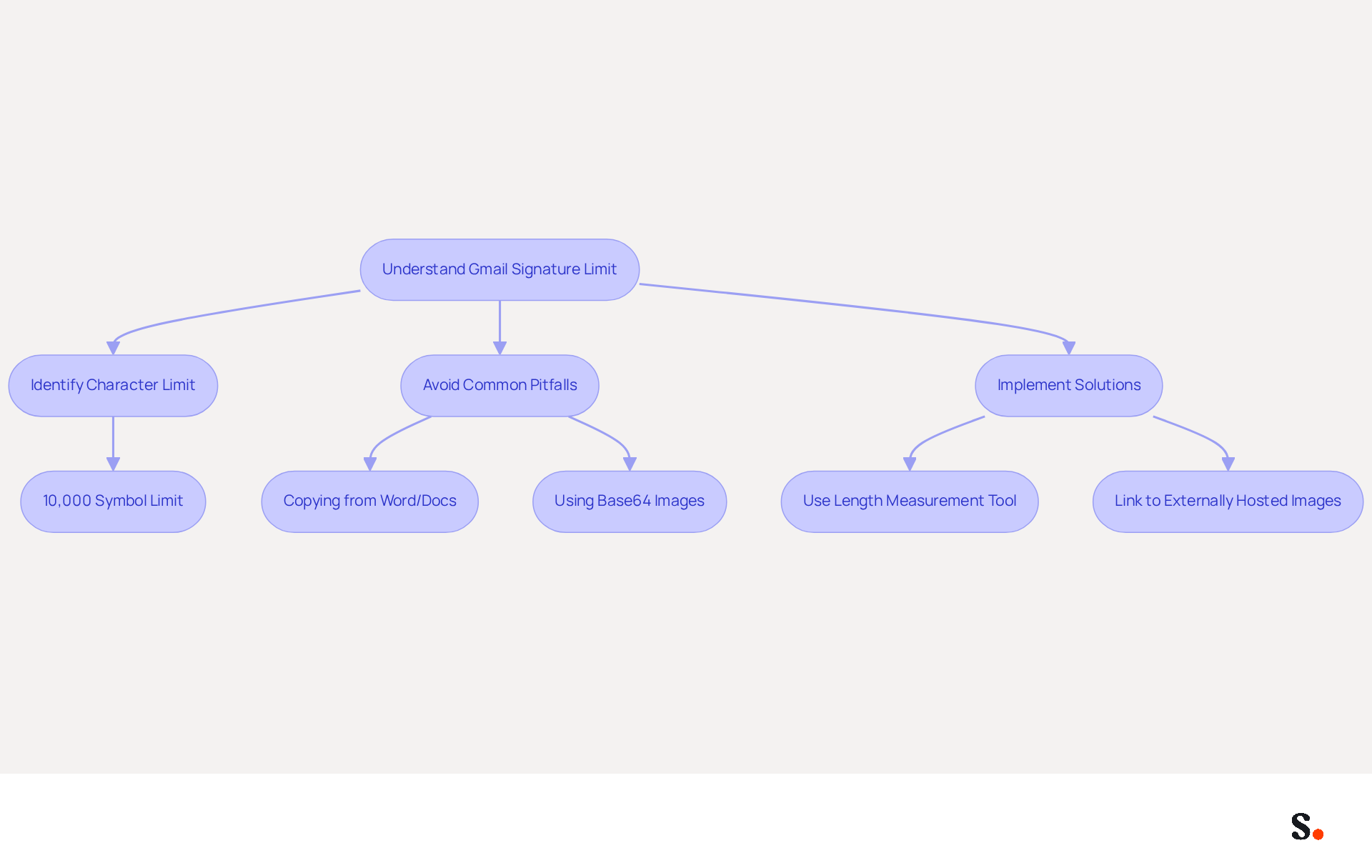
Gmail's strict limit of 10,000 symbols for email footers can lead to significant challenges for users if not properly understood. This limit encompasses visible text, HTML formatting, images, and hidden code. Grasping this limit is essential to prevent the frustrating 'signature too long gmail' error when saving changes. To mitigate this issue, it is advisable to utilize a length measurement tool to assess your signature's size before saving it in Gmail. Implementing this measure can significantly reduce time spent troubleshooting and enhance efficiency.
The symbol limit includes all aspects of the signature, indicating that even seemingly brief signatures can surpass the limit due to concealed formatting or embedded images. For instance, using base64 encoding for images can greatly increase the byte count, occasionally adding over 15,000 bytes for a single logo. Therefore, linking to externally hosted images is recommended to ensure compliance with the limitations.
Common pitfalls include copying content from Microsoft Word or Google Docs, which often embeds additional formatting code that can inflate the character count by thousands. Users are encouraged to create sign-offs in plain text or basic HTML editors to avoid these complications.
Expert opinions highlight the significance of simplicity in design. A clean layout not only enhances professionalism but also minimizes hidden markup, making it easier to stay within the character limit. By concentrating on vital information and steering clear of intricate structures, users can create effective email footers that comply with Gmail's requirements.
By integrating Scribe with Google Workspace, marketing managers can greatly simplify the management of electronic correspondence identifiers. This integration enables automatic updates, meaning any changes in your Google Workspace, such as moving teammates from one group to another or updating their information, will be automatically reflected in the application without any manual input. This not only conserves time but also guarantees that your digital identifiers remain uniform and current, enhancing professionalism and adherence to Gmail's standards. Scribe's distinctive features, such as the auto-fill attribute for identification information, further simplify this process, enabling marketing teams to manage their branding independently after the initial IT setup.
Simplify Your Email Signature Design
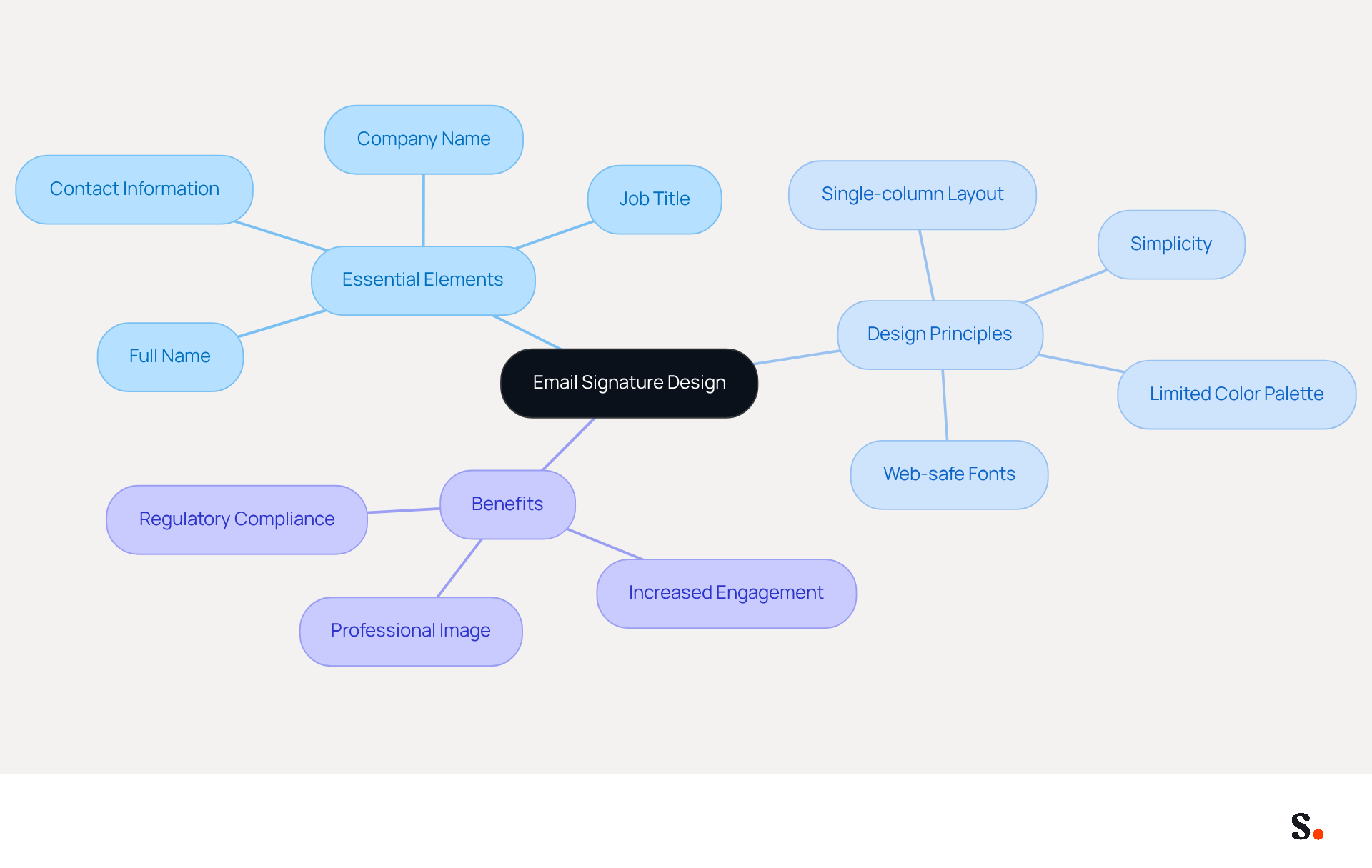
To create an effective message footer, prioritize simplicity and clarity in your design. Focus on essential elements such as your full name, job title, company name, and direct contact information. Avoid excessive images, intricate HTML, or unnecessary graphics that can increase the word count and lead to errors in mail clients like Gmail, as this may result in a signature too long for Gmail. Instead, opt for a clean, single-column layout that utilizes clear, web-safe fonts and a limited color palette-ideally two to three colors that align with your brand identity. This approach helps you stay within the character limit while ensuring your signature looks professional and appealing.
Research indicates that optimized digital sign-offs can boost engagement by as much as 40% over standard closures, emphasizing the significance of careful design. Furthermore, a case study involving United Wholesale Mortgage illustrated the effectiveness of streamlined document management, where transitioning to a new system resulted in minimal downtime and improved consistency across 8,200 employees.
Remember, keeping it simple often works best in digital communications. To avoid clutter, a professional sign-off should ideally not exceed seven lines, especially if your signature is too long in Gmail, and maintaining a line height of 1.5 enhances readability. By following these best practices, you can create a digital identifier that not only adheres to regulations but also acts as a powerful marketing tool. Ultimately, a well-crafted digital identifier can significantly enhance your professional image and communication effectiveness.
Check and Manage Your Signature's Character Count
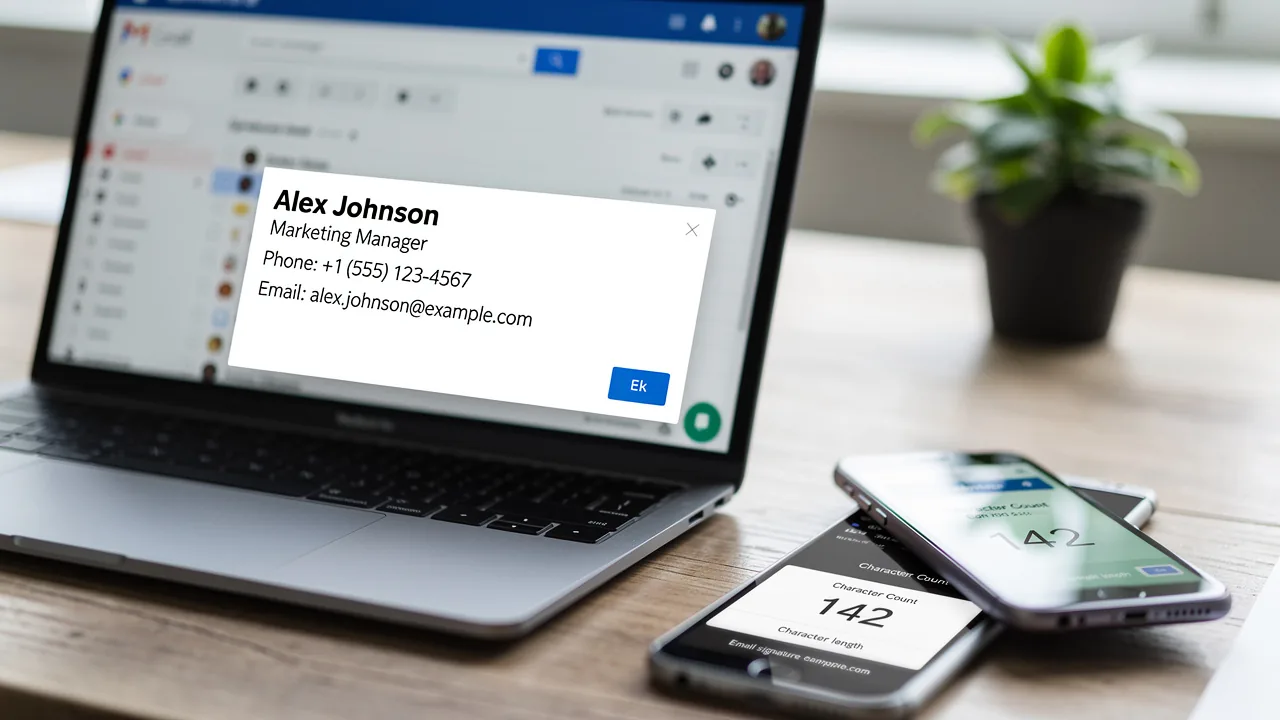
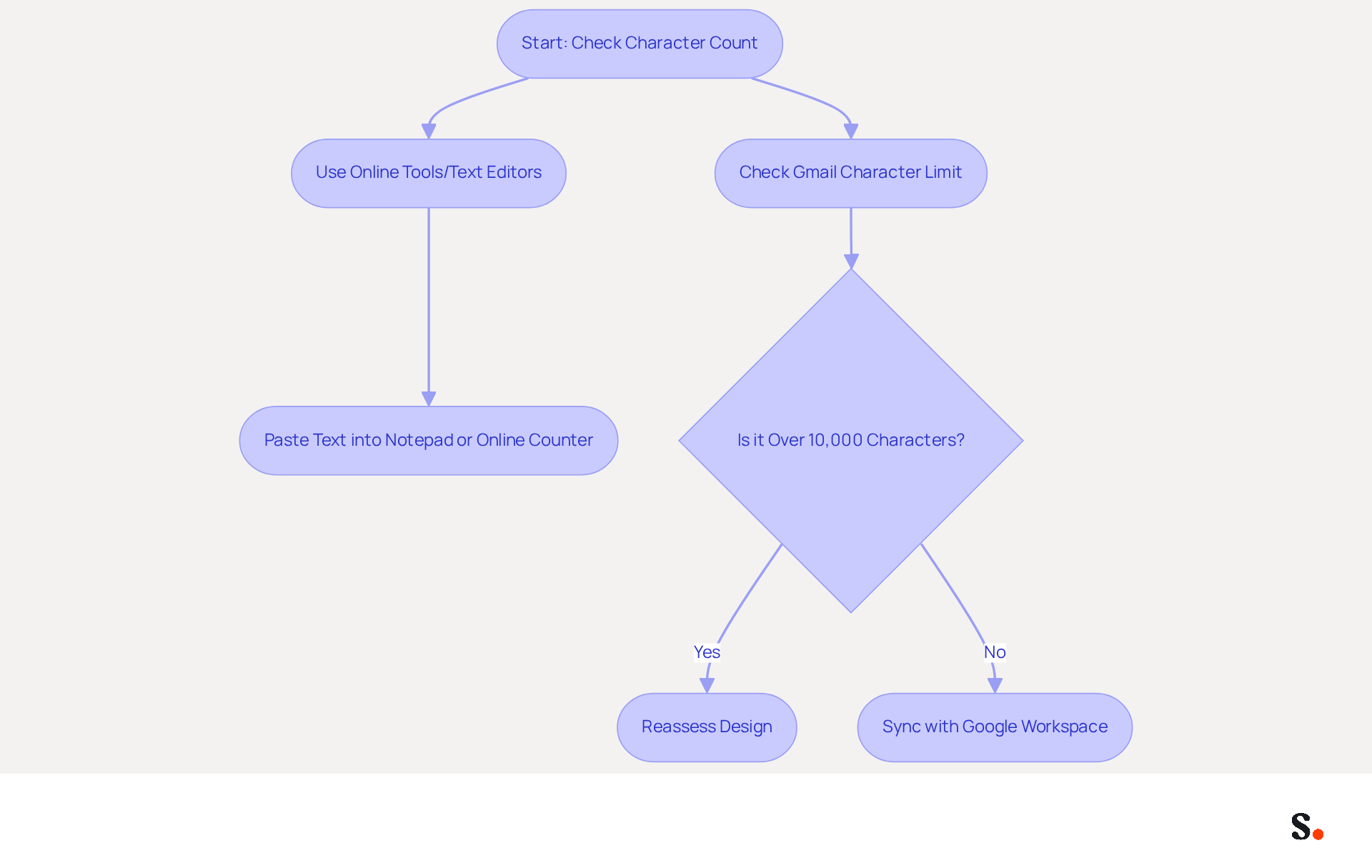
Managing your email footer's character count is crucial for compliance and effective communication. To effectively manage your email footer's word count, utilize various online tools or text editors equipped with counting features. For example, pasting your text into a simple text editor like Notepad or using an online text counter can assist you in quickly evaluating its length. If your signature is too long and exceeds the 10,000-character limit in Gmail, you must reassess your design to remove any extraneous elements. Additionally, pasting your name as plain text into Gmail can help remove hidden formatting that may inflate the character count. This ensures your signature meets compliance standards and is ready for effective use, adhering to Scribe's SOC 2 Type II certification and compliance with GDPR and CCPA.
Character counters are especially useful for creating concise email footers. They allow you to monitor the number of characters, including spaces, to prevent your signature from exceeding the necessary limits in Gmail. Tools like Grammarly's character counter provide instant feedback on character counts, assisting you in refining your personal signature for clarity and impact. Furthermore, by syncing your Google Workspace with Scribe, you can save time and ensure that any modifications to your teammates' details are automatically updated in their email signatures. This integration makes managing signatures easier and helps keep your brand consistent and compliant across the board. Scribe's unique positioning allows Marketing to manage email identifiers independently after the initial IT setup, further enhancing the effectiveness of your email communications while maintaining brand consistency.
Troubleshoot Persistent Signature Issues
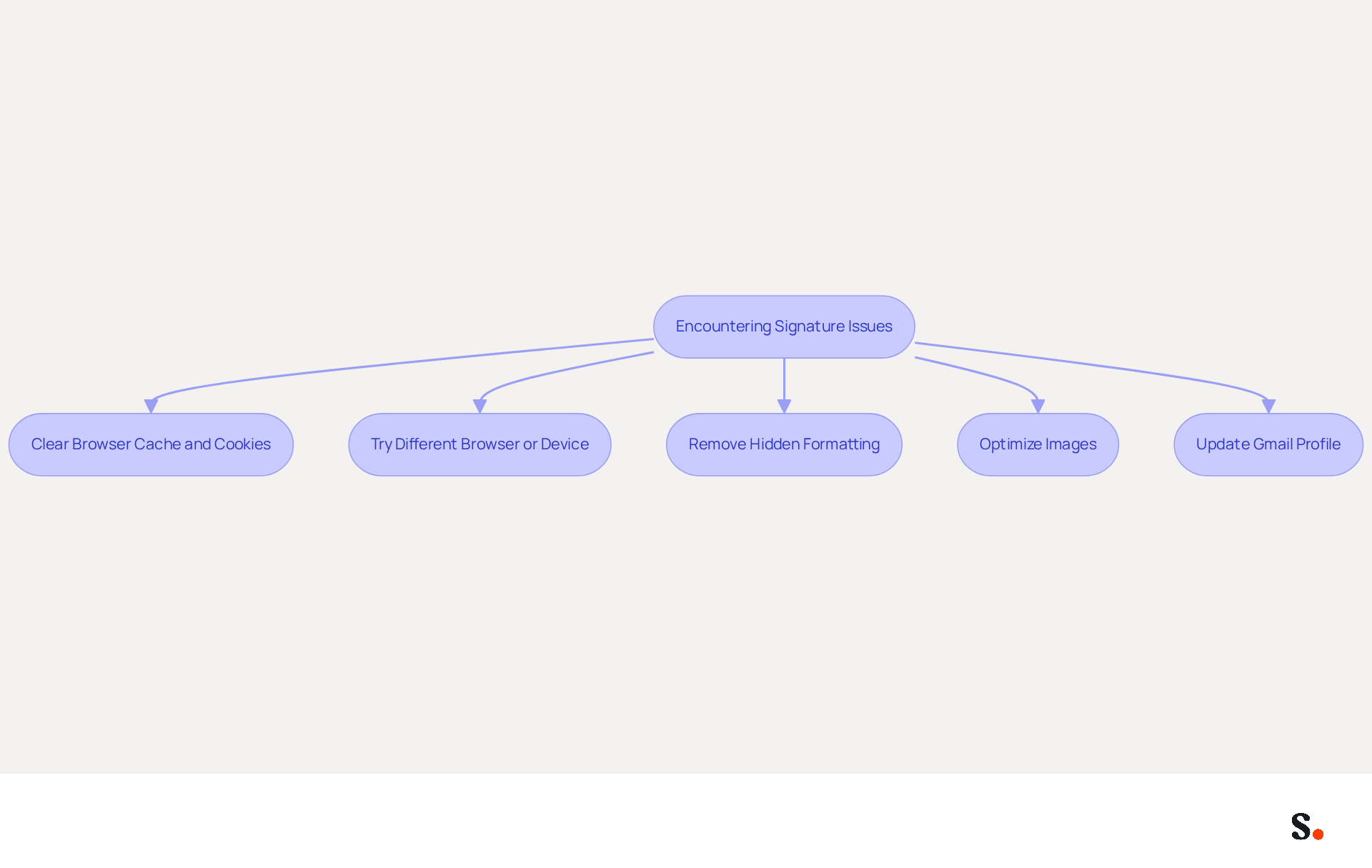
Encountering the 'signature too long gmail' error can be frustrating, especially after you've simplified your design and checked the character count. Here are some troubleshooting steps to consider:
- Clear your browser's cache and cookies, as outdated data can interfere with Gmail's functionality.
- Try using a different browser or device to see if the issue persists.
- Remove any hidden formatting by pasting your name into a plain text editor before copying it back into Gmail.
- Ensure that any images in your email footer are optimized for size and hosted externally to reduce the character count.
Keeping your Gmail profile updated can help refresh your information and ensure everything displays correctly. Common issues include text formatting problems and images failing to load. By following these steps, you can ensure your email signatures are saved successfully, avoiding problems such as a signature too long gmail, which enhances your professional communication.
Utilize Automated Tools for Signature Management
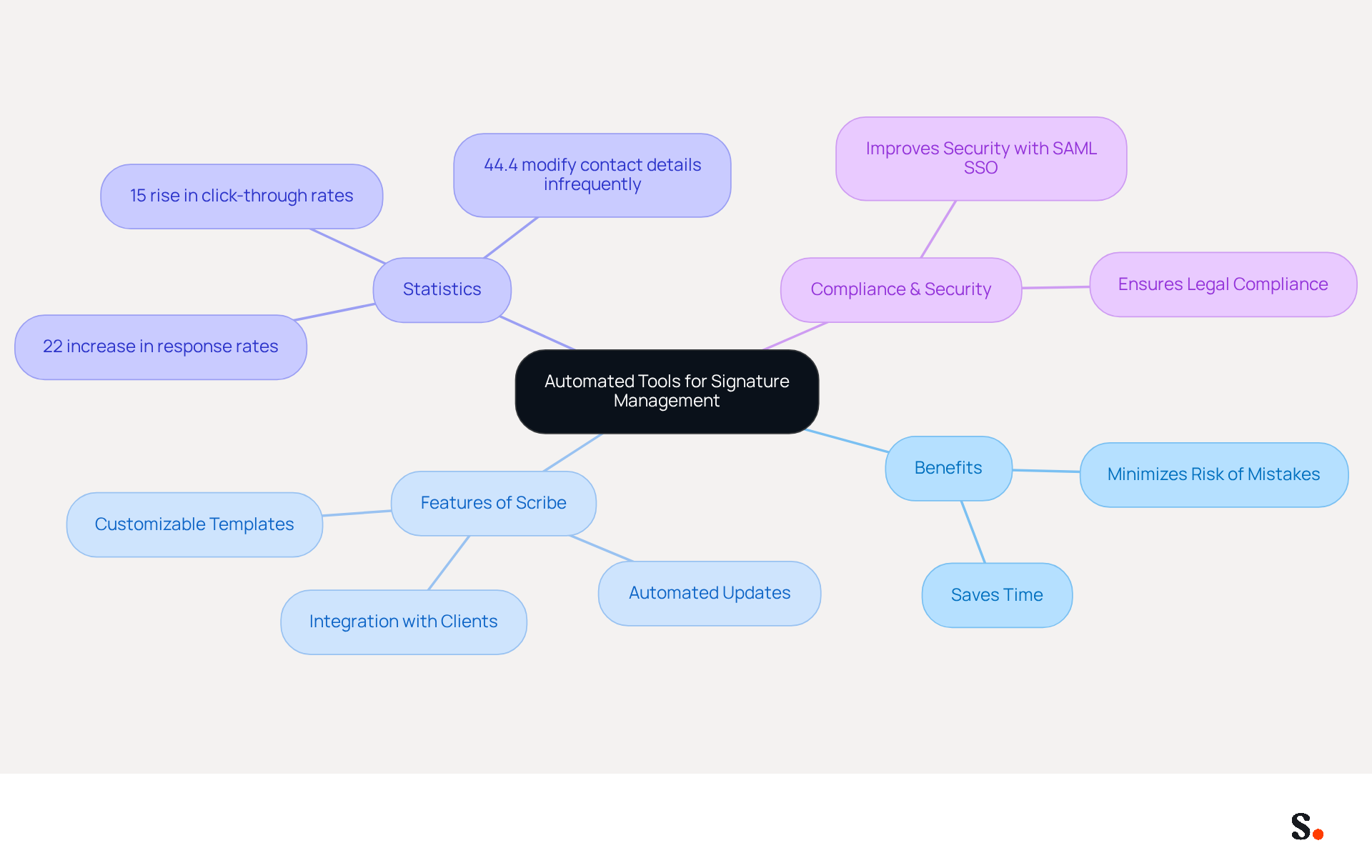
To effectively manage electronic identifiers, organizations must prioritize automation. Employing automated tools such as Scribe streamlines the creation, management, and updating of email signatures, which is particularly useful when dealing with a signature too long for Gmail, across your organization. With features like customizable template creation, automated updates, and seamless integration with popular messaging clients like Gmail and Outlook, Scribe ensures compliance with Gmail's character limit to avoid issues such as signature too long Gmail.
Statistics indicate that 44.4% of users modify their contact details only 2-4 times a year. This infrequent updating leads to a significant risk of outdated information and inconsistencies. This emphasizes the dangers linked to manual management, as outdated approvals can compromise brand integrity and professionalism. By adopting automated tools like Scribe, organizations can greatly minimize the risk of mistakes and save precious time, enabling teams to focus on higher-priority tasks while preserving a professional brand image in every email.
Additionally, it auto-fills signature information for teammates, ensuring a cohesive brand image. Furthermore, Scribe's SAML single sign-on integration improves security and compliance, facilitating easier access management for organizations while adhering to GDPR standards. Scribe is also SOC 2 Type II certified, ensuring that your data is handled with the highest security standards. Case studies show that companies utilizing automated solutions for their branding report a 22% increase in response rates and a 15% rise in click-through rates to their websites. This underscores the effectiveness of branded signatures in enhancing engagement and trust among recipients.
As organizations focus on automation and compliance, leveraging tools like Scribe becomes essential for maintaining a competitive edge in email marketing and communication strategies.
Conclusion
Managing the Gmail signature character limit is essential for effective communication and professionalism. Simplifying signature designs and sticking to the 10,000-symbol limit helps users avoid frustrating errors. Utilizing tools like Scribe streamlines email signature management and empowers marketing teams to maintain brand consistency independently after the initial IT setup.
Key strategies discussed include:
- Prioritizing simplicity in design
- Utilizing character count management tools
- Troubleshooting persistent issues effectively
Focusing on essential elements and keeping things simple allows users to create effective email signatures that boost engagement and meet Gmail's requirements. Moreover, integrating Scribe with Google Workspace ensures automatic updates, keeping all signatures current and professional.
Leveraging automated tools like Scribe is crucial for organizations looking to improve their email marketing strategies. By adopting these best practices, businesses can avoid common pitfalls associated with Gmail signatures and enhance their overall branding and communication effectiveness. Ultimately, adopting these strategies will enhance your email interactions and strengthen your brand's presence.
Frequently Asked Questions
What is the character limit for Gmail signatures?
Gmail has a strict limit of 10,000 symbols for email signatures, which includes visible text, HTML formatting, images, and hidden code.
Why is it important to understand the Gmail signature character limit?
Understanding the character limit is essential to avoid the 'signature too long gmail' error when saving changes, which can be frustrating for users.
How can I measure the size of my Gmail signature?
It is advisable to use a length measurement tool to assess your signature's size before saving it in Gmail to prevent issues.
What common pitfalls should I avoid when creating a Gmail signature?
Common pitfalls include copying content from Microsoft Word or Google Docs, which can embed additional formatting code that inflates the character count. It's recommended to create signatures in plain text or basic HTML editors.
What design principles should I follow for an effective email signature?
Prioritize simplicity and clarity by focusing on essential elements like your full name, job title, company name, and direct contact information. Avoid excessive images and intricate HTML.
How can I ensure my signature remains within the character limit?
Use a clean, single-column layout with clear, web-safe fonts and a limited color palette of two to three colors that align with your brand identity.
What are the benefits of optimizing my email signature design?
Optimized digital sign-offs can boost engagement by as much as 40% over standard closures, enhancing your professional image and communication effectiveness.
How can Scribe help with managing email signatures in Google Workspace?
Integrating Scribe with Google Workspace simplifies the management of electronic correspondence identifiers by enabling automatic updates, ensuring that changes in your Google Workspace are reflected in the application without manual input.
What features does Scribe offer to assist with email signature management?
Scribe offers features like the auto-fill attribute for identification information, allowing marketing teams to manage their branding independently after the initial IT setup.
List of Sources
- Understand the Gmail Signature Character Limit
- Gmail Signature Too Long Error (10000 Character Limit) (https://support.xink.io/support/solutions/articles/1000299609-gmail-signature-too-long-error-10000-character-limit-)
- Gmail Signature Too Long Error? Fix the 10,000 Character Limit Fast (https://exclaimer.com/email-signature-handbook/how-to-fix-the-gmail-signature-too-long-error)
- Gmail email signature too long message | Email Signature Rescue Blog (https://emailsignaturerescue.com/blog/gmail-email-signature-too-long-message)
- How to Fix the ‘Gmail Signature Too Long’ Error Message - MySignature (https://mysignature.io/gmail-signature-too-long)
- Simplify Your Email Signature Design
- Email Signature Design Trends in 2026: What Works and What to Drop (https://bulksignature.com/blog/email-signature-design-trends)
- Email Signature Best Practices - NEWOLDSTAMP (https://newoldstamp.com/blog/email-signature-best-practices)
- The Complete Email Signature Guide 2026: Best Practices and Policy (https://opensense.com/complete-email-signature-guide)
- Top 10+ best practices for email signatures design in 2026 (https://mysignature.io/blog/email-signature-best-practices)
- Best practices for business email signatures in 2026 (https://bybrand.io/blog/best-practices)
- Check and Manage Your Signature's Character Count
- Free Online Character Counter | Count Characters & Check Grammar (https://grammarly.com/character-counter)
- WiseStamp Sets a New Standard for Email Signature Creation (https://prnewswire.com/news-releases/wisestamp-sets-a-new-standard-for-email-signature-creation-302689811.html)
- Character Counter | With and Without Spaces (Free Tool) (https://hootsuite.com/social-media-tools/character-counter?srsltid=AU7gw4WzMFAHX5wkSpHxDJ753b1lO30mkcPy-XLTu-u1bjWHCrx8RRCe)
- Acumbamail: Email marketing, SMS and landing pages (https://acumbamail.com/en/resources/free-tools/character-counter)
- Gmail says my signature is too long -- it's much less than the 10,000 allotted signatures. - Gmail Community (https://support.google.com/mail/thread/3604220/gmail-says-my-signature-is-too-long-it-s-much-less-than-the-10-000-allotted-signatures?hl=en)
- Troubleshoot Persistent Signature Issues
- Email Signature Troubleshooting - Problems & Solutions - Gimmio (https://blog.gimm.io/email-signature-troubleshooting)
- Fixing Signature Issues in Gmail (https://teachers.tech/fixing-signature-issues-in-gmail)
- Solving a Gmail signature problem (https://signitic.com/en/guides/solving-a-gmail-signature-problem)
- Troubleshoot issues with Gmail signatures - Gmail Help (https://support.google.com/mail/answer/11468381?hl=en)
- Utilize Automated Tools for Signature Management
- Email Signature Trends 2026: Centralized Control & Automation | SIGNandGO posted on the topic | LinkedIn (https://linkedin.com/posts/signngo_email-signature-trends-to-watch-in-2026-activity-7401523471786217473-zAVL)
- The impact of email signatures on your branding (https://signitic.com/en/resources/the-impact-of-email-signatures-on-your-branding)
- Why Automated Email Signatures Are a Smart Move for Your Business (https://aabyss.uk/blog/why-automated-email-signatures-are-a-smart-move-for-your-business)
- Automating Email Signatures: How IT Teams Streamline Processes & Reduce Risk (https://exclaimer.com/blog/streamlining-it-processes-automated-email-signatures)
- 40+ Email Signature Statistics for 2026 (Data + Insights) (https://wavecnct.com/blogs/email-signature-statistics)
Get started with Scribe
Create your signature in minutes
Free 14-day trial — no credit card.