How to Add a Signature in Outlook 365: Step-by-Step Guide
Many professionals overlook the importance of a well-crafted email signature, risking their brand's consistency and professionalism. In this guide, you'll find
Sophie Grant
Email Signature Specialist, Scribe
Introduction
Many professionals overlook the importance of a well-crafted email signature, risking their brand's consistency and professionalism. In this guide, you'll find a straightforward, step-by-step approach to creating and managing your email signatures, ensuring that every message sent reflects your organization's professionalism and marketing goals. Yet, many professionals still struggle with outdated email signature practices, which can undermine their brand image.
How can professionals ensure their email signatures stand out and effectively drive engagement and brand recognition?
Access Signature Settings in Outlook 365
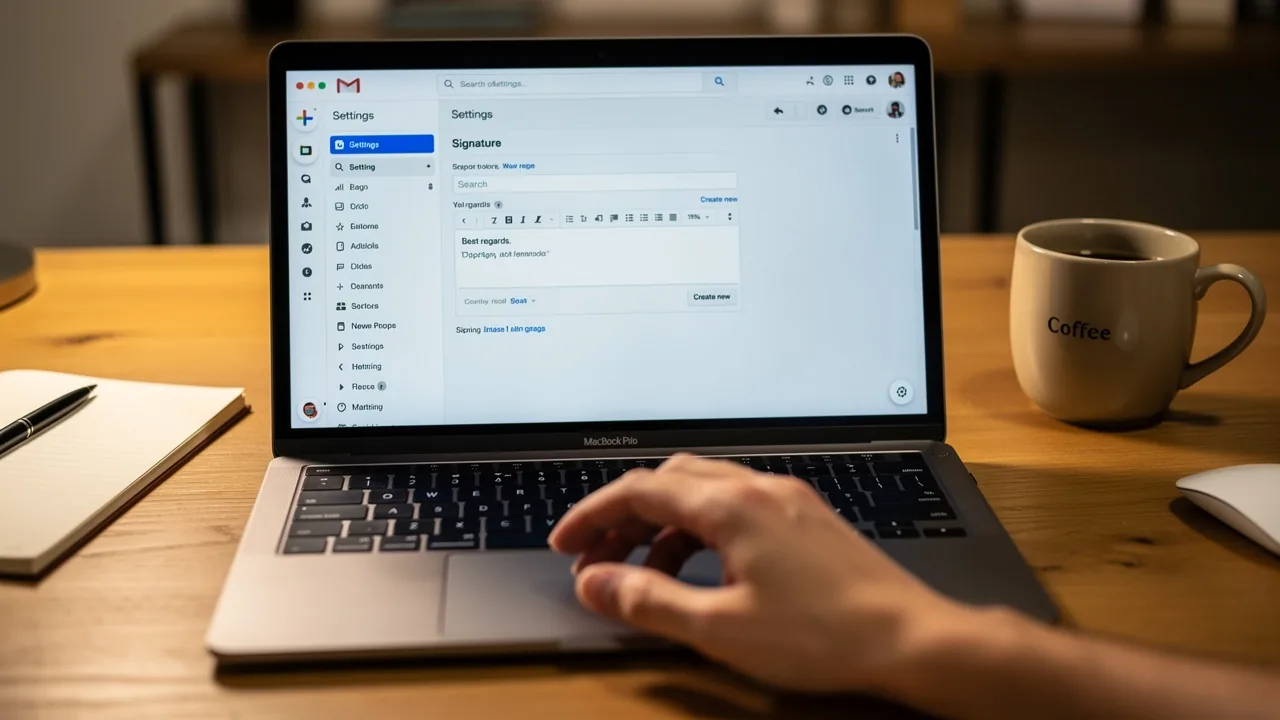
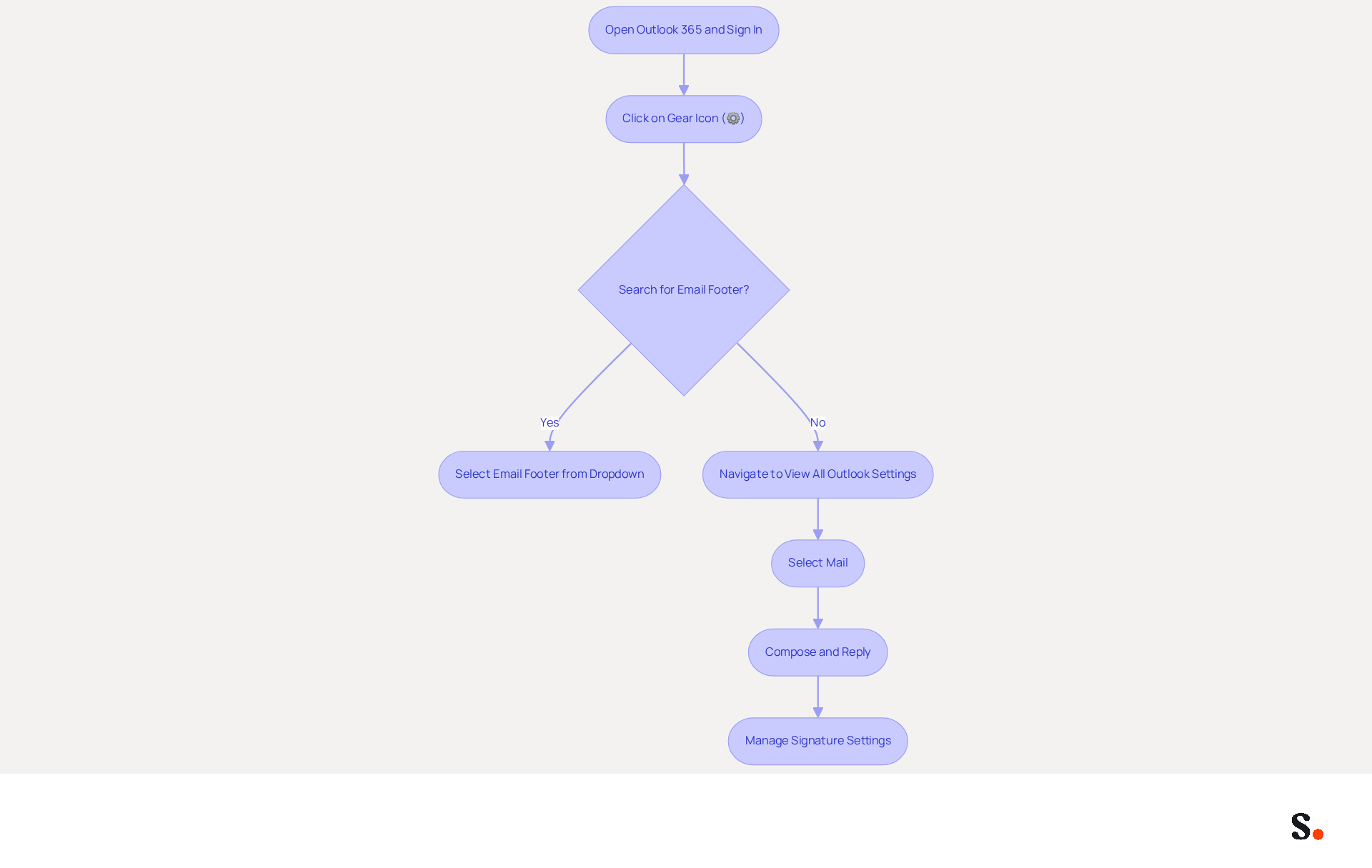
Understanding how do you add a signature in Outlook 365 is crucial for accessing and managing your email settings to maintain a professional brand identity. Start by opening Outlook 365 and signing in to your account. Click on the gear icon (⚙️) in the top-right corner to access the configuration menu. In the search bar, type 'email footer' and select 'Email footer' from the dropdown options. Alternatively, you can navigate to 'View all Outlook settings' at the bottom of the settings pane, then select 'Mail' followed by 'Compose and reply' to find out how do you add a signature in Outlook 365. Here, you will find the section to create and manage your digital identifiers.
Interestingly, 89.9% of professionals stick to a single electronic communication format, underscoring the need for a consistent brand identity. The 2026 updates to Outlook 365 have streamlined the settings for messages, enhancing user experience and simplifying access and management. Experts recommend regularly reviewing and updating electronic communication identifiers to ensure they align with current branding and marketing objectives. Case studies indicate that organizations utilizing effective email management have experienced a 22% rise in response rates, highlighting the importance of well-designed elements in email communications. Organizations that neglect to update their email identifiers risk losing valuable engagement opportunities and brand coherence.
Create Your Email Signature
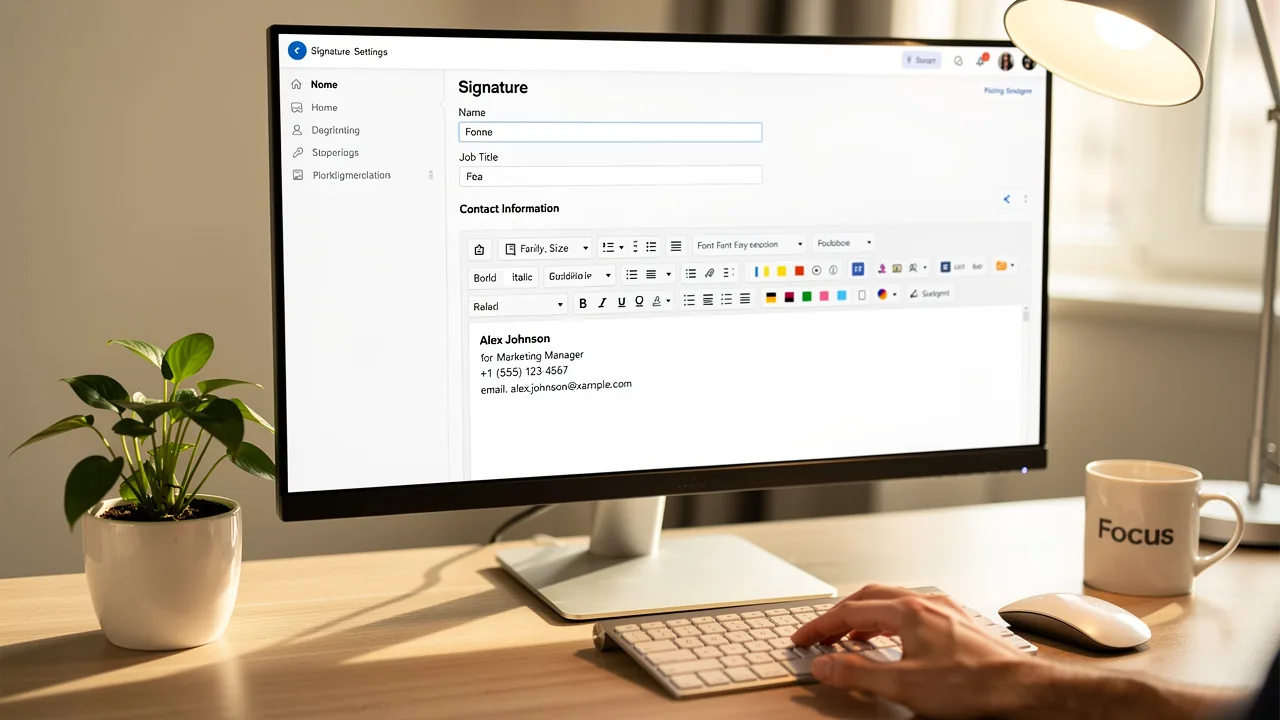
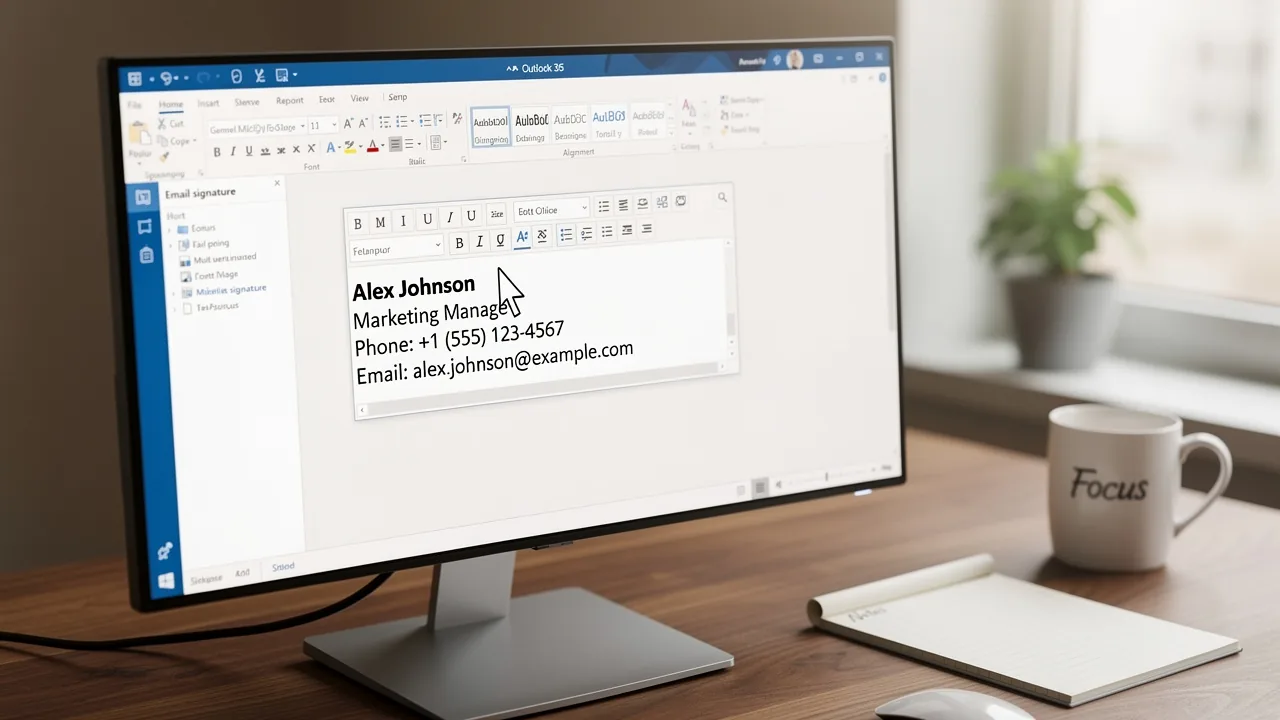
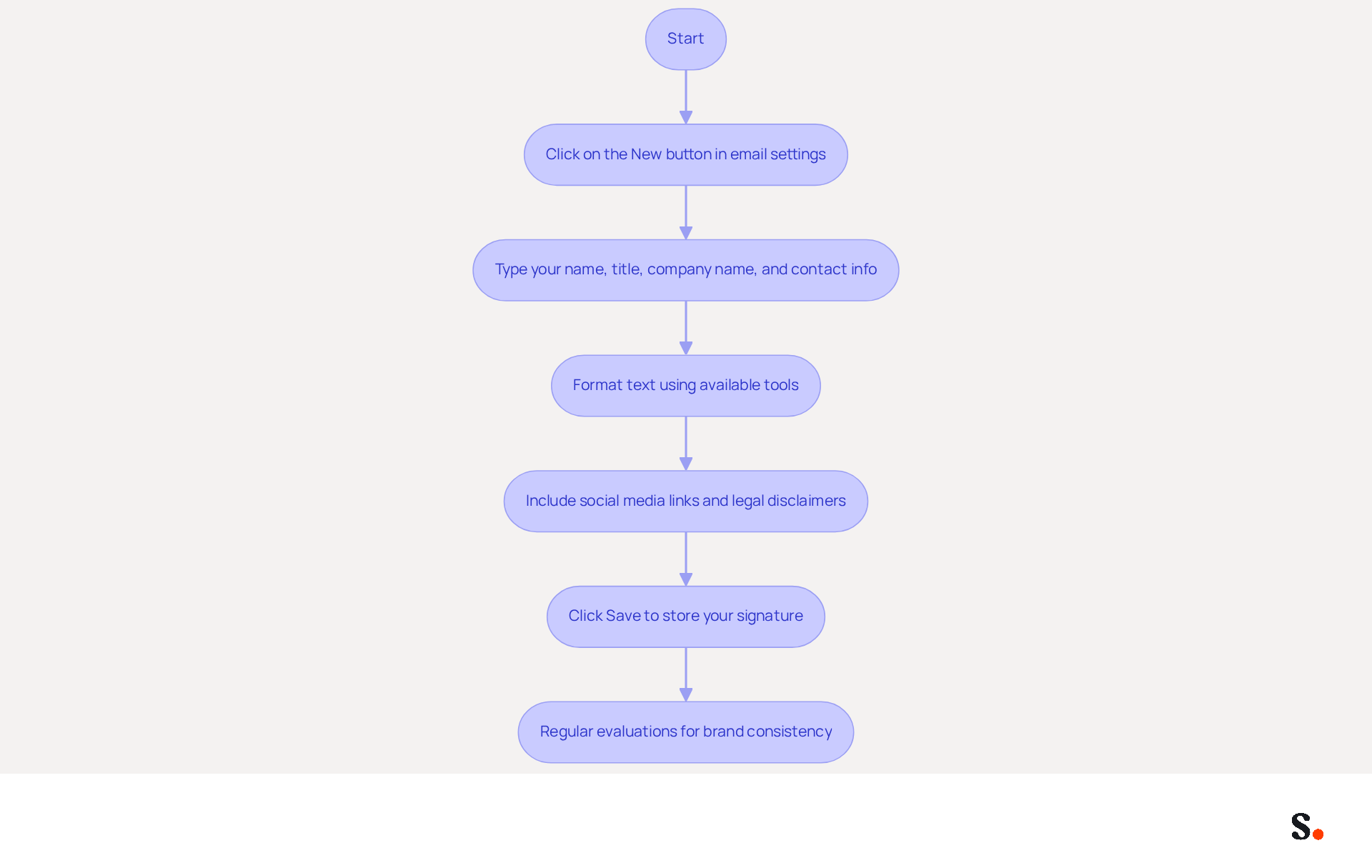
Creating a personal email mark can often be a tedious task, especially when ensuring consistency across communications. In the settings for your email, click on the 'New' button to create a new one. Type your name, title, company name, and contact information in the provided text box. Format the text using the available tools (font size, color, etc.) to align with your brand's style. Consistent branding enhances trust and recognition among recipients. Including social media links and legal disclaimers can enhance your email's effectiveness and ensure compliance with industry standards. Legal disclaimers may vary by geography and industry, so ensure you include necessary elements to meet compliance requirements. Once pleased with the design, click 'Save' to store your new mark.
With Scribe, you can streamline this process significantly. By utilizing Scribe's automated management of digital signatures, your teammates' identifiers will be auto-filled and synced with your Business phone system. This ensures that any modifications made in your Aircall configuration are automatically reflected in Scribe. This real-time synchronization not only saves time but also ensures consistency across all communications. With Scribe's SOC 2 Type II compliance, you can rest assured that your information remains secure as you manage your correspondence.
Regular evaluations of digital identifiers are crucial to uphold brand consistency and guarantee accurate information. By following these steps and leveraging Scribe's capabilities, you not only enhance your brand's professionalism but also turn every email into a powerful marketing tool.
Add Images and Hyperlinks to Your Signature
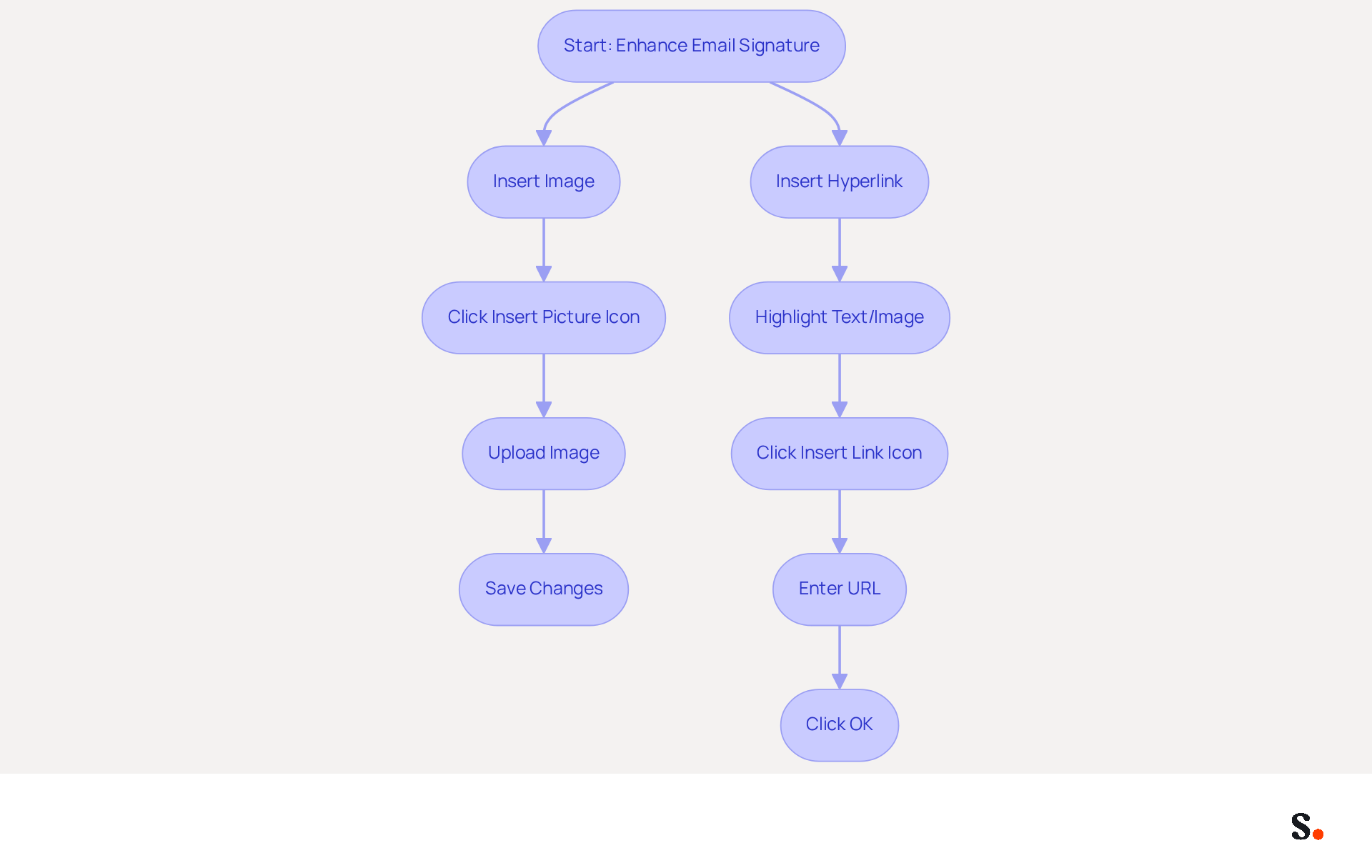
To enhance your email communication, integrating images and hyperlinks into your footers is essential. Click on the 'Insert Picture' icon, typically represented by a picture symbol, to upload an image from your computer or select one from your online storage. Adding images to your email footers significantly boosts brand visibility. In fact, 64-70% of professionals agree that a well-branded footer enhances trust and credibility.
To add a hyperlink, highlight the text or image you wish to link. Click on the 'Insert Link' icon, often depicted as a chain link symbol, and enter the desired URL. This feature allows you to direct recipients to your website or social media profiles, which can drive higher engagement and improve conversion rates. Click 'OK' to save the hyperlink, and then 'Save' to complete your document.
Regularly updating your email footer, including images and links, is crucial for maintaining consistent branding. Many professionals neglect to update their footers, risking outdated branding. Furthermore, every modification made in your Aircall configuration will automatically be reflected in your Scribe documents. This means your branding stays consistent and current without any extra effort on your part.
Case studies indicate that users who add images and hyperlinks to their profiles experience higher engagement rates. For example, 42% of consumers indicate feeling negatively toward a business when they receive a message lacking a branded mark, emphasizing the significance of a professional appearance. Furthermore, businesses employing AI-driven message footer solutions report a 20% rise in click-through rates.
By following these steps, you can create a professional and effective message footer that serves as a powerful marketing tool. Neglecting to update your email footer may inadvertently undermine your brand's professional image.
Set Default Signatures for Your Accounts
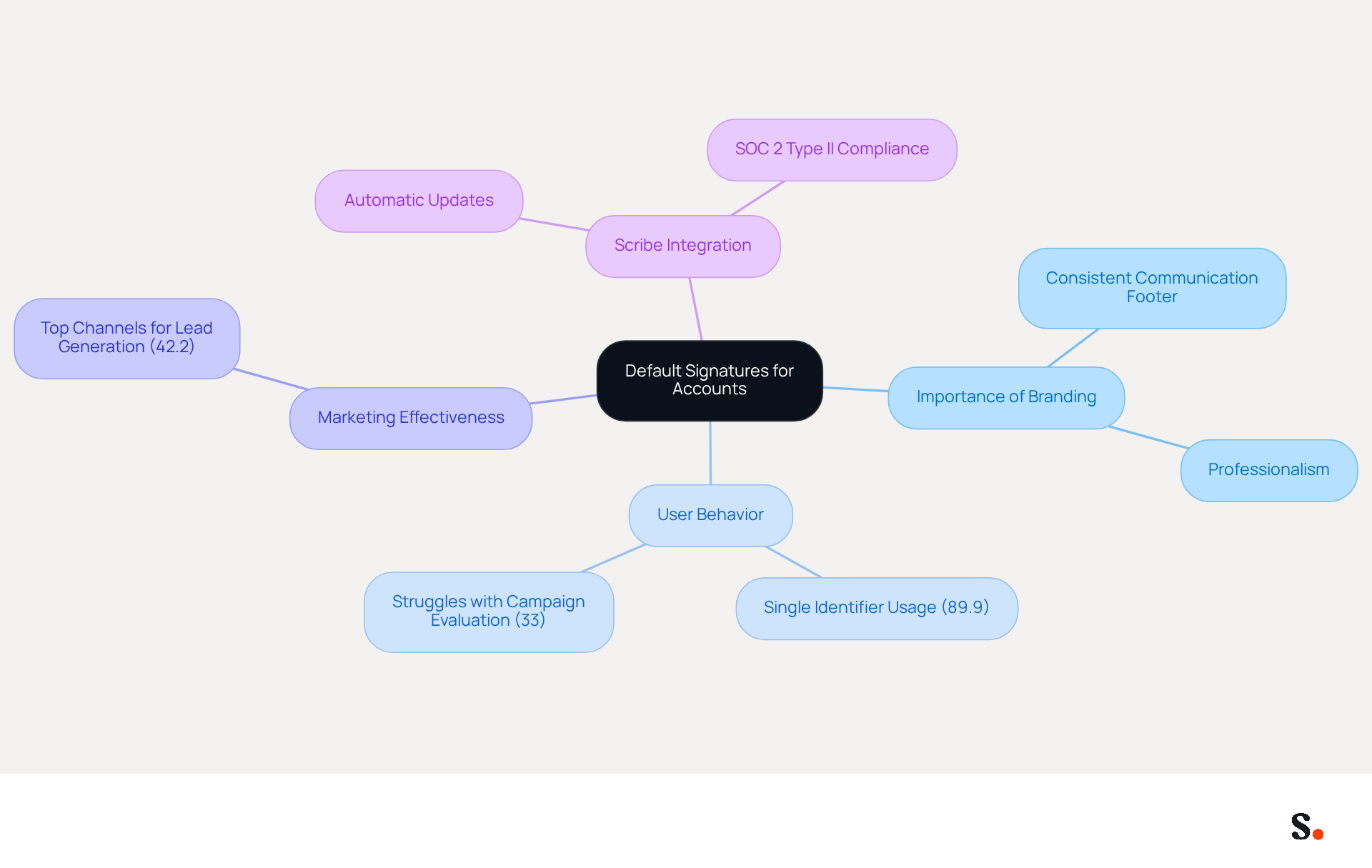
In today's corporate landscape, establishing a consistent communication footer is vital for reinforcing brand identity. Significantly, 89.9% of users generally maintain only one electronic message identifier. This reliance on a single identifier limits branding opportunities. By establishing default identifiers, businesses can ensure that every message sent reflects their brand identity, enhancing professionalism and marketing effectiveness.
As organizations increasingly acknowledge the importance of digital marketing - ranked among the top three channels for lead generation by 42.2% of users - having a standardized closing becomes essential for maximizing engagement and conversion rates. Interestingly, 33% of users struggle to evaluate their marketing campaigns, highlighting the need for consistent branding to improve tracking and impact.
With Scribe, changes in your Aircall configuration automatically update your email signatures, ensuring brand consistency and compliance with SOC 2 Type II for secure data handling.
Conclusion
A professional email signature in Outlook 365 is crucial for ensuring brand consistency and effective communication. By following the outlined steps, users can easily access signature settings, design their signatures, and incorporate images and hyperlinks to elevate their email presence. This approach not only showcases professionalism but also acts as a strategic marketing asset that can significantly impact engagement rates.
It's vital to regularly update email signatures to stay aligned with branding goals. Utilizing tools like Scribe can streamline this process, ensuring that signatures are automatically updated and compliant with security standards such as SOC 2 Type II. The integration of images and hyperlinks further enhances the effectiveness of email communications, driving higher engagement and conversion rates.
In a competitive landscape, organizations must recognize the value of a well-crafted email signature. By prioritizing consistent branding and leveraging automated solutions like Scribe, businesses can transform every email into an opportunity for connection and engagement. Recognizing the impact of a well-crafted email signature can redefine how organizations engage with their audience.
Frequently Asked Questions
How do I access the signature settings in Outlook 365?
To access the signature settings in Outlook 365, open Outlook 365 and sign in to your account. Click on the gear icon (⚙️) in the top-right corner to open the configuration menu. You can either type 'email footer' in the search bar and select 'Email footer' from the dropdown options or navigate to 'View all Outlook settings' at the bottom of the settings pane, then select 'Mail' followed by 'Compose and reply'.
Why is it important to have a consistent email signature?
A consistent email signature is crucial for maintaining a professional brand identity. It helps ensure that your electronic communication aligns with your branding and marketing objectives, which is important for engagement and coherence.
What percentage of professionals stick to a single electronic communication format?
According to the article, 89.9% of professionals stick to a single electronic communication format.
What updates were made to Outlook 365 in 2026 regarding email settings?
The 2026 updates to Outlook 365 streamlined the settings for messages, enhancing user experience and simplifying access and management of email settings.
What impact can effective email management have on response rates?
Case studies indicate that organizations utilizing effective email management have experienced a 22% rise in response rates, highlighting the importance of well-designed elements in email communications.
What risks do organizations face if they neglect to update their email identifiers?
Organizations that neglect to update their email identifiers risk losing valuable engagement opportunities and brand coherence.
List of Sources
- Access Signature Settings in Outlook 365
- Email Signature Statistics: A Closer Look at Email Signatures in 2026 (https://mysignature.io/blog/email-signature-statistics)
- 40+ Email Signature Statistics for 2026 (Data + Insights) (https://wavecnct.com/blogs/email-signature-statistics)
- What's new in new Outlook for Windows | Microsoft Support (https://support.microsoft.com/en-us/outlook/getstarted/what-s-new-in-new-outlook-for-windows)
- Email Signatures vanishing - New Outlook | Microsoft Community Hub (https://techcommunity.microsoft.com/discussions/outlookgeneral/email-signatures-vanishing---new-outlook/4418809)
- New outlook update (Build 19929.20164) - Bug where I locally can't see the picture in my signature, but other people on previous builds can see it - Microsoft Q&A (https://learn.microsoft.com/en-in/answers/questions/5889942/new-outlook-update-(build-19929-20164)-bug-where-i)
- Create Your Email Signature
- Email signature statistics: Why every business should optimize their email signatures — Stripo.email (https://stripo.email/blog/email-signature-statistics-why-every-business-should-optimize-their-email-signatures)
- The impact of email signatures on your branding (https://signitic.com/en/resources/the-impact-of-email-signatures-on-your-branding)
- Email Signature Best Practices - NEWOLDSTAMP (https://newoldstamp.com/blog/email-signature-best-practices)
- Add Images and Hyperlinks to Your Signature
- 40+ Email Signature Statistics for 2026 (Data + Insights) (https://wavecnct.com/blogs/email-signature-statistics)
- Email signature statistics: Why every business should optimize their email signatures — Stripo.email (https://stripo.email/blog/email-signature-statistics-why-every-business-should-optimize-their-email-signatures)
- Email signature statistics and trends in 2024 (https://wisestamp.com/blog/email-signature-statistics)
- How do I add a link to my email signature? (https://services.stcloudstate.edu/TDClient/1919/Portal/KB/ArticleDet?ID=142635)
- How to add and change an email signature in Outlook | Microsoft Support (https://support.microsoft.com/en-us/outlook/mail/how-to-add-and-change-an-email-signature-in-outlook)
- Set Default Signatures for Your Accounts
- New email signature management and editor features in Outlook on the web | Topedia Blog (https://blog-en.topedia.com/2026/01/new-email-signature-management-and-editor-features-in-outlook-on-the-web)
- Email Signature Statistics: A Closer Look at Email Signatures in 2026 (https://mysignature.io/blog/email-signature-statistics)
- Email Signature Trends in Numbers: Infographic [2026] (https://mailtrap.io/blog/email-signature-trends)
- Email signature statistics: Why every business should optimize their email signatures — Stripo.email (https://stripo.email/blog/email-signature-statistics-why-every-business-should-optimize-their-email-signatures)
Get started with Scribe
Create your signature in minutes
Free 14-day trial — no credit card.