How to Automatically Have a Signature on Outlook: A Step-by-Step Guide
Email signatures play a crucial role in professional communication, yet many users face challenges in setting them up correctly. They are essential in
Sophie Grant
Email Signature Specialist, Scribe
Introduction
Email signatures play a crucial role in professional communication, yet many users face challenges in setting them up correctly. They are essential in enhancing credibility and promoting brand consistency while serving as effective marketing tools. As organizations increasingly recognize the importance of these digital identifiers, understanding how to automatically set up a signature in Outlook becomes essential for maintaining professionalism and maximizing engagement.
Despite their importance, many users struggle with setting up email signatures in Outlook. Without proper setup, users may not represent their brand effectively, leading to inconsistent branding and missed marketing opportunities.
In this guide, we’ll explore how to automate email signatures in Outlook, tackle common issues, and discover tools that can simplify signature management for marketing teams.
Understand the Importance of Email Signatures in Outlook
Email signatures play a pivotal role in shaping professional communication, offering a range of essential functions that enhance credibility and engagement:
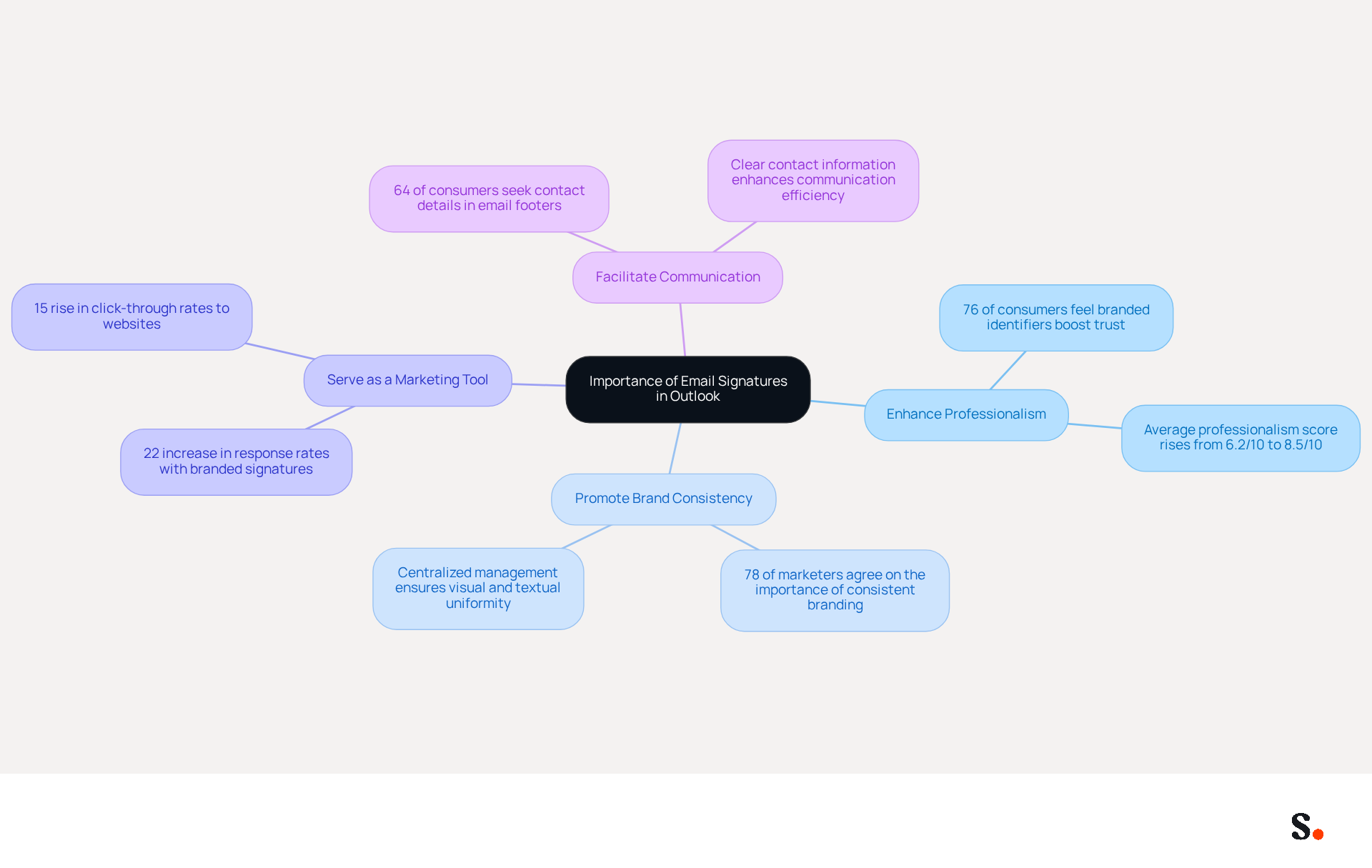
- Enhance Professionalism: A well-designed email signature that includes your contact information, job title, and company logo establishes credibility and professionalism. Interestingly, research indicates that 76% of consumers feel that branded identifiers boost trust in the sender, making them a crucial element of effective communication.
- Promote Brand Consistency: Consistent branding across communications is vital for reinforcing your company's identity. In fact, 78% of marketers agree that having a consistent branded identity is crucial for maintaining a strong brand image. This uniformity helps ensure that every message sent contributes positively to brand recognition. With Scribe, the automated synchronization of messaging identifiers with your business phone system, such as Aircall, ensures that your branding remains consistent and current without requiring manual updates from your team.
- Serve as a Marketing Tool: Email footers can serve as effective marketing channels. By including links to your website, social media profiles, or promotional campaigns, you can enhance engagement. Statistics indicate that businesses using branded digital identifiers experience a 22% increase in response rates and a 15% rise in click-through rates to their websites. This approach turns every email into a valuable marketing opportunity. Scribe's unique positioning enables marketing teams to manage these elements independently after the initial IT setup, maximizing marketing performance.
- Facilitate Communication: Clear contact information in your email makes it easier for recipients to reach you, enhancing overall communication efficiency. With 64% of consumers seeking contact details in message footers, providing this information is essential for effective engagement. Furthermore, Scribe's SOC 2 Type II compliance guarantees that your data is protected, fulfilling employee data management requirements for secure automation of digital identifiers.
Understanding these advantages underscores the necessity of knowing how to automatically have signature on Outlook. By doing so, you ensure that every message you send reflects your professionalism and reinforces your brand identity, ultimately contributing to improved customer trust and engagement. In an era where electronic communication dominates, ensuring your email signature is both professional and informative is not just beneficial; it's imperative for fostering trust and engagement with your audience.
Set Up Your Automatic Email Signature in Outlook
Setting up how to automatically have signature on Outlook is a straightforward process that can significantly enhance your professional communications.
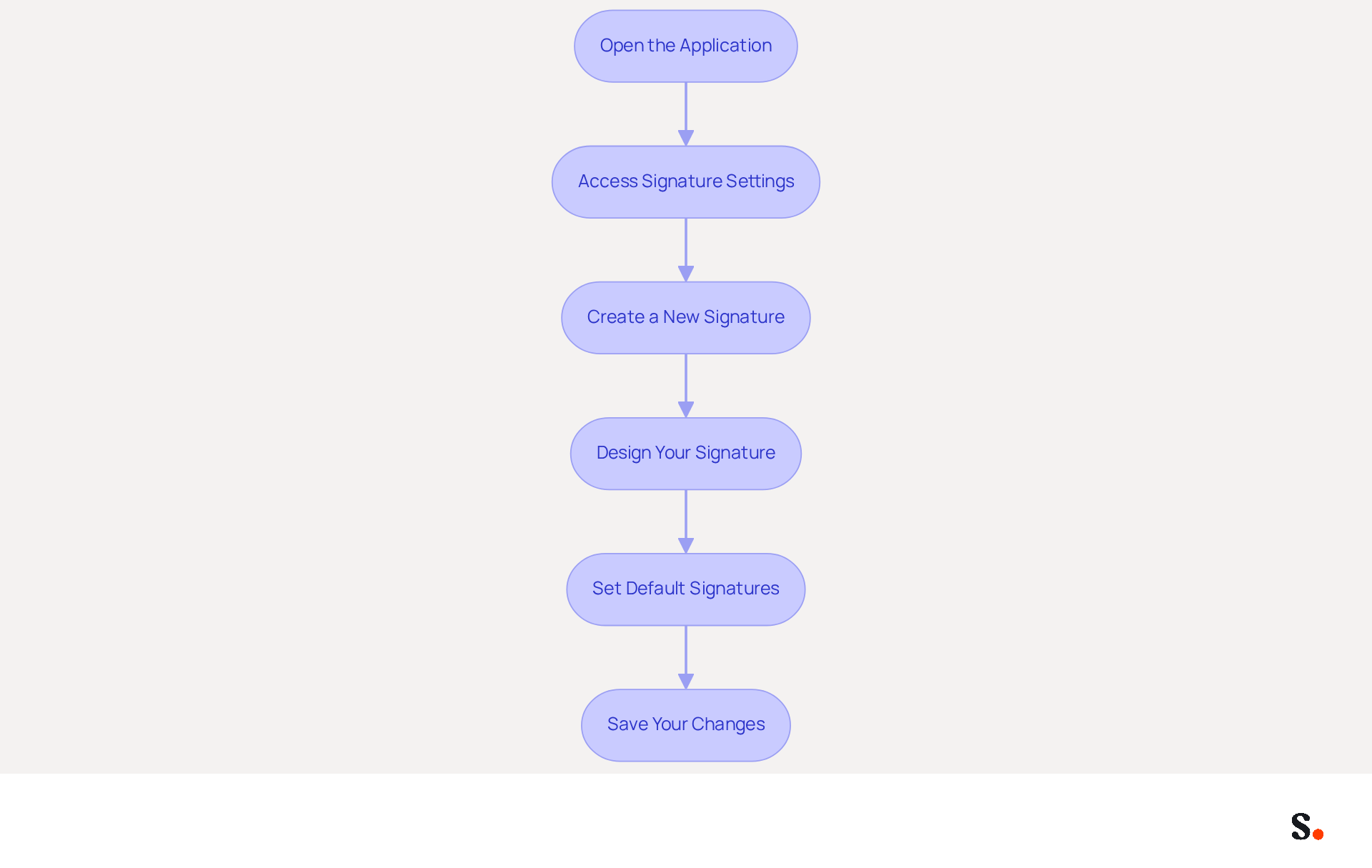
- Open the application: Launch the email program on your computer.
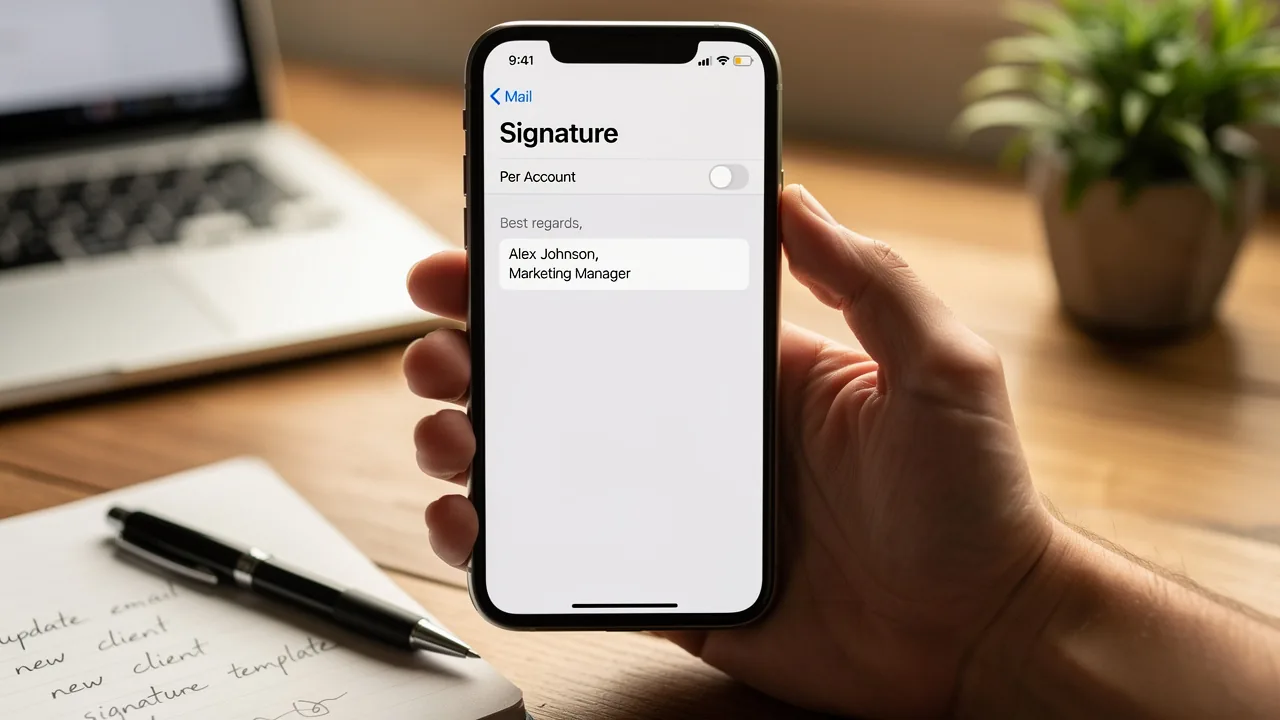
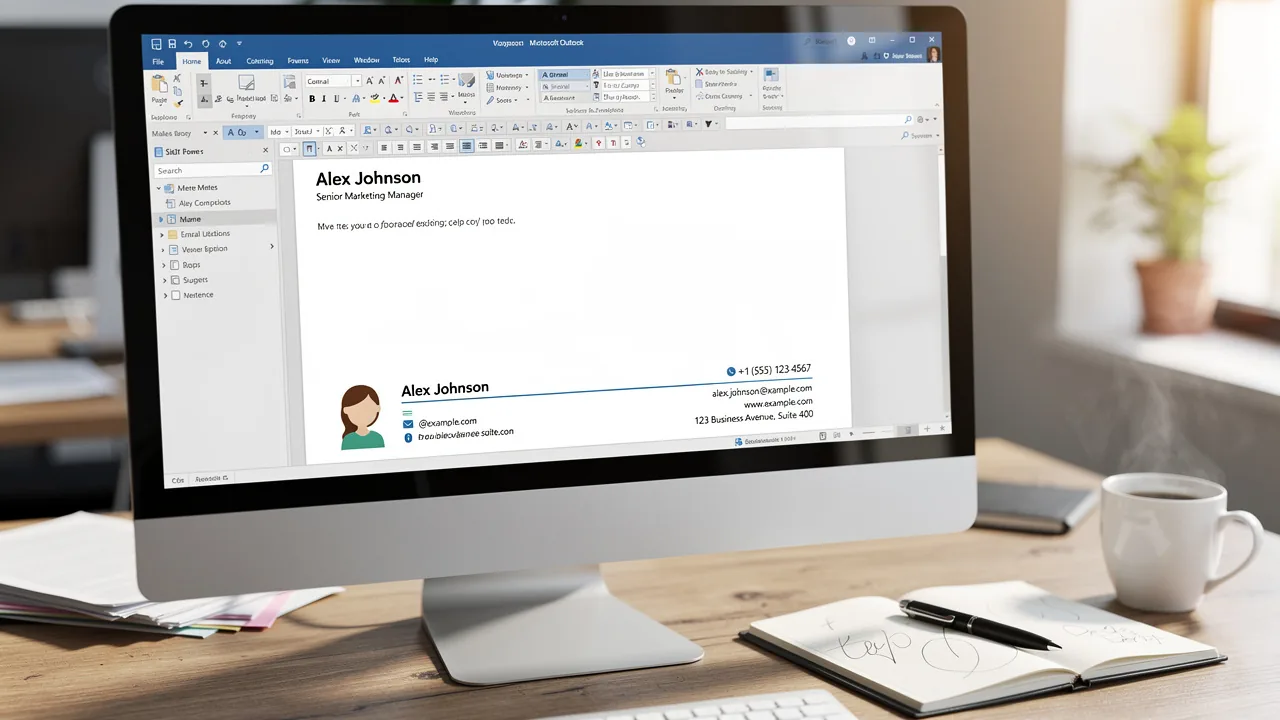
- Access Signature Settings: Click on 'File' in the top-left corner, then select 'Options'. In the Outlook Options window, choose 'Mail' from the left sidebar, and click on 'Signatures'.
- Create a New Signature: In the Signatures and Stationery window, click 'New'. Enter a name for your signature and click 'OK'.
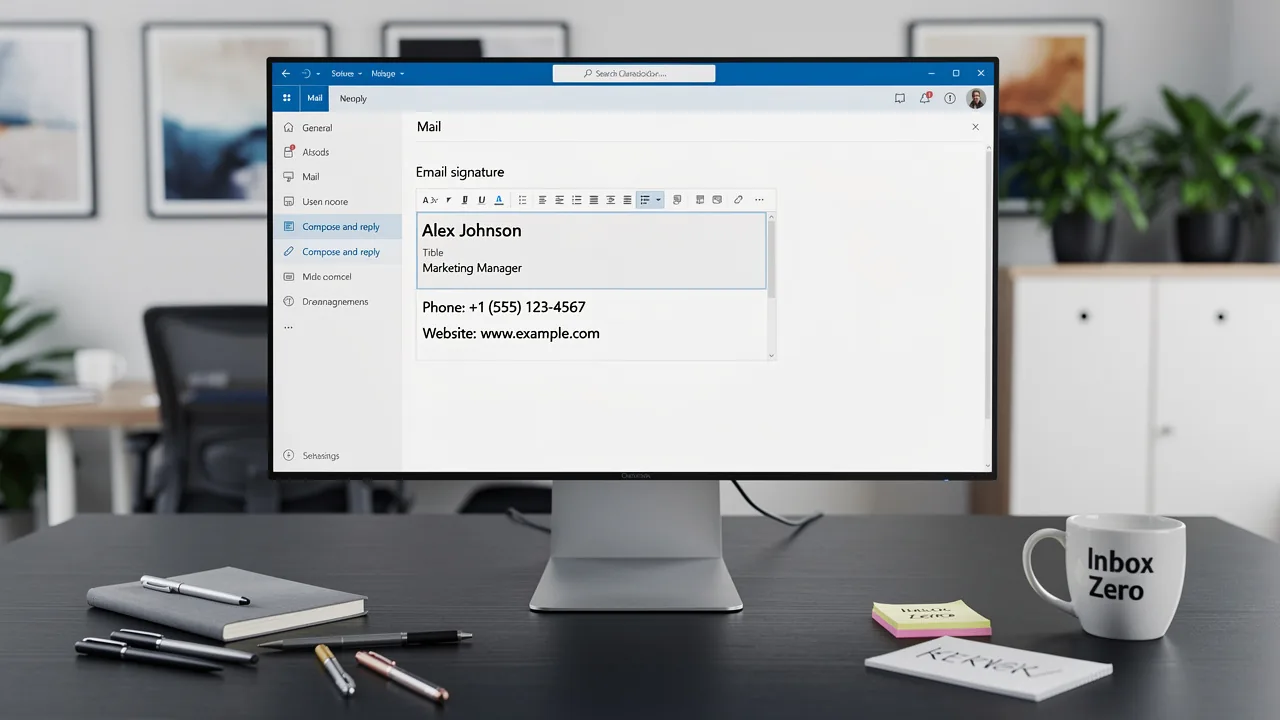
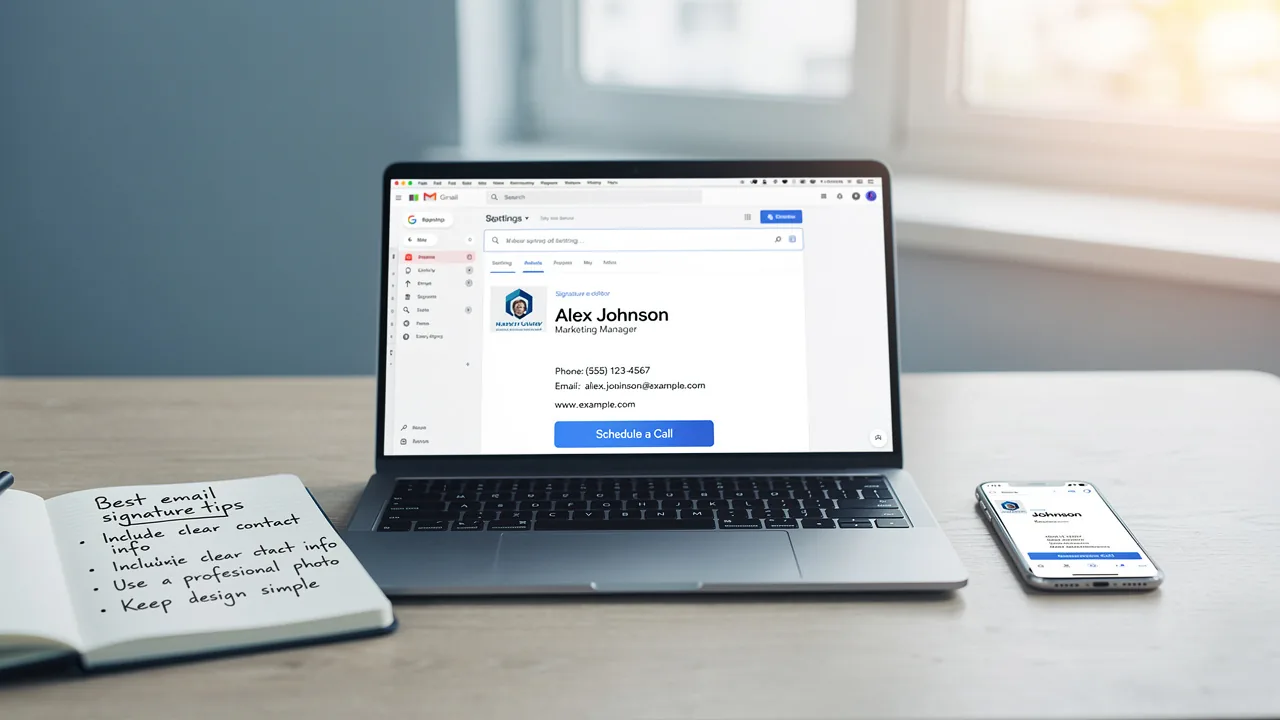
- Design Your Signature: In the editing box, type your signature. You can format the text, add images (like your company logo), and include links to your website or social media. It's essential to include your full name, job title, company name, and a direct contact method, as 52% of professionals believe a strong email signature is vital for building trust (Yuliia Savchuk, Content Writer at Stripo).
- Set Default Signatures: Under 'Choose default signature', select your account and set your new signature for 'New messages' and 'Replies/forwards' as needed.
- Save Your Changes: Click 'OK' to preserve your settings, then close the Options window.
Now, each time you create a new message or respond, you will see how to automatically have signature on Outlook, ensuring consistency and professionalism in your communications. Scribe ensures that any changes in your Google Workspace or Aircall setup are automatically updated in your email signatures, streamlining your communication process. Did you know that emails with branded signatures can see a 22% increase in response rates (Yuliia Savchuk, Content Writer at Stripo)? This consistency not only enhances your professional image but also fosters trust with your recipients. Be cautious of oversized or overly promotional banners in your email, as they can hurt deliverability and trigger spam filters.
Troubleshoot Common Issues with Automatic Signatures
Experiencing issues with how to automatically have signature on Outlook can disrupt professional communication and lead to misunderstandings. Consider the following troubleshooting steps:
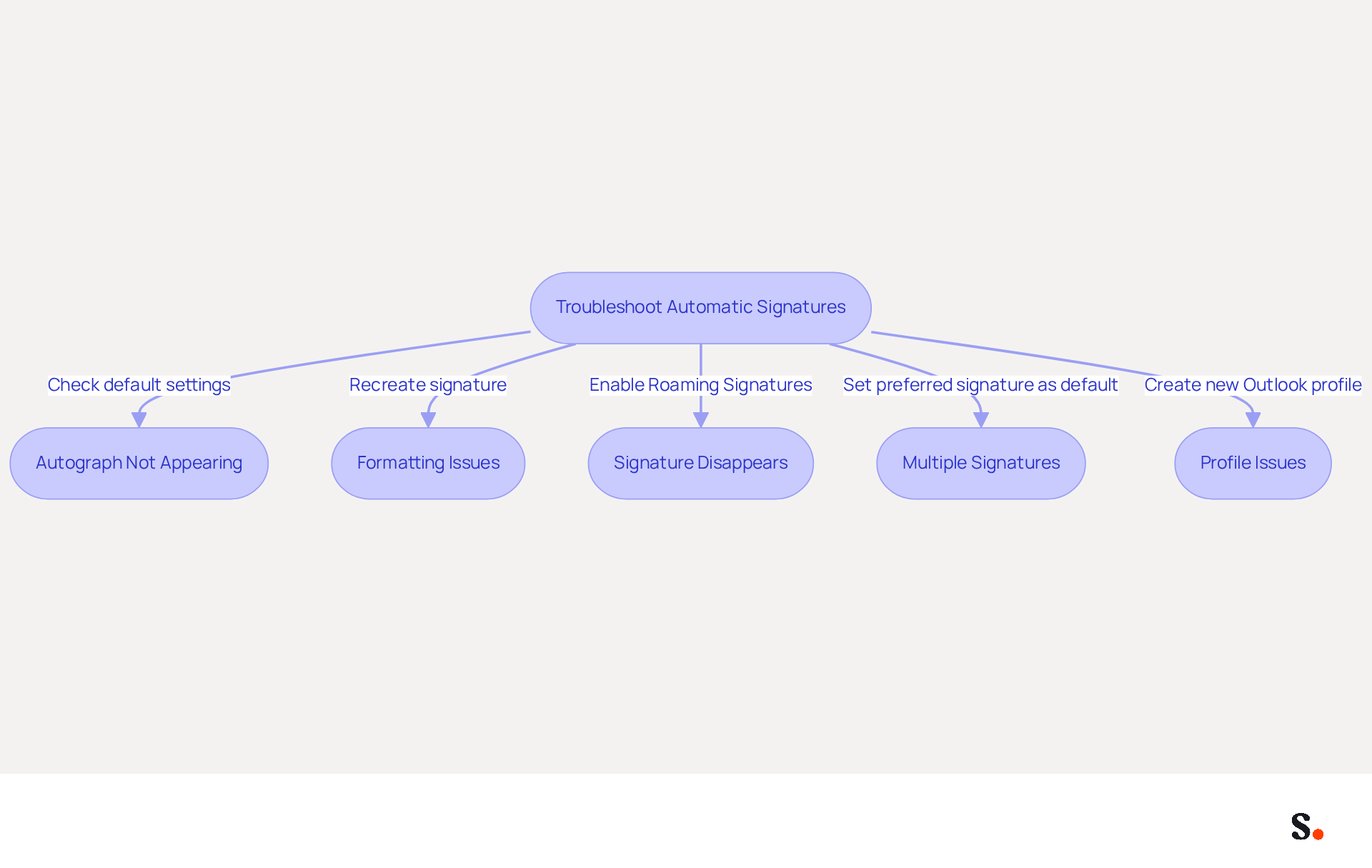
- Autograph Not Appearing: Ensure that your autograph is set as the default for new messages and replies. Navigate back to the settings to verify your selections, as default assignments may be cleared after updates. The default configuration for Microsoft 365 email identifiers often places them at the bottom of email conversations, which can lead to confusion if not properly assigned.
- Formatting Issues: If your mark appears incorrectly formatted, recreate it in the settings. Opting for plain text can prevent formatting complications that often occur when copying and pasting content. Research indicates that many users experience unexpected changes in font styles for their signatures, such as reverting to Times New Roman, which can be avoided by ensuring the correct format is used.
- Signature Disappears: If your mark vanishes after an update, check if the 'Roaming Signatures' feature is enabled. Disabling it may resolve the issue, as administrative rights are often required to manage this setting in Office 365 OWA. A user, Bob Saville, discovered that his signing settings had moved to the 'Account' tab, which reset his defaults to 'No Signature'. This highlights the importance of checking settings after updates, as this oversight can result in significant disruptions in email communication.
- Multiple Signatures: If you have several signatures and the email client is not using the correct one, ensure that the preferred one is set as the default in the settings. This is essential, as the email client may not automatically add a sign-off if none is assigned for replies. Statistics show that many users encounter difficulties with visibility of their sign-off due to not having a default sign-off established for replies.
- Profile Issues: Sometimes, issues can arise from a corrupted Outlook profile. If you suspect this is the situation, consider creating a new profile and setting up your sign-off again. This can frequently address ongoing problems related to visibility. Keeping Outlook updated and performing regular repairs can often resolve these issues.
By following these troubleshooting steps, you can effectively address common issues and understand how to automatically have signature on Outlook to ensure your message footer functions as intended. Addressing these common issues proactively can enhance the professionalism of your email correspondence and ensure clarity in communication.
Explore Tools for Enhanced Email Signature Management
To effectively manage digital signatures and enhance brand consistency, organizations should consider Scribe, an innovative platform designed for this purpose. Scribe enables organizations to update their team’s identifiers seamlessly, transforming each communication into an effective marketing asset.
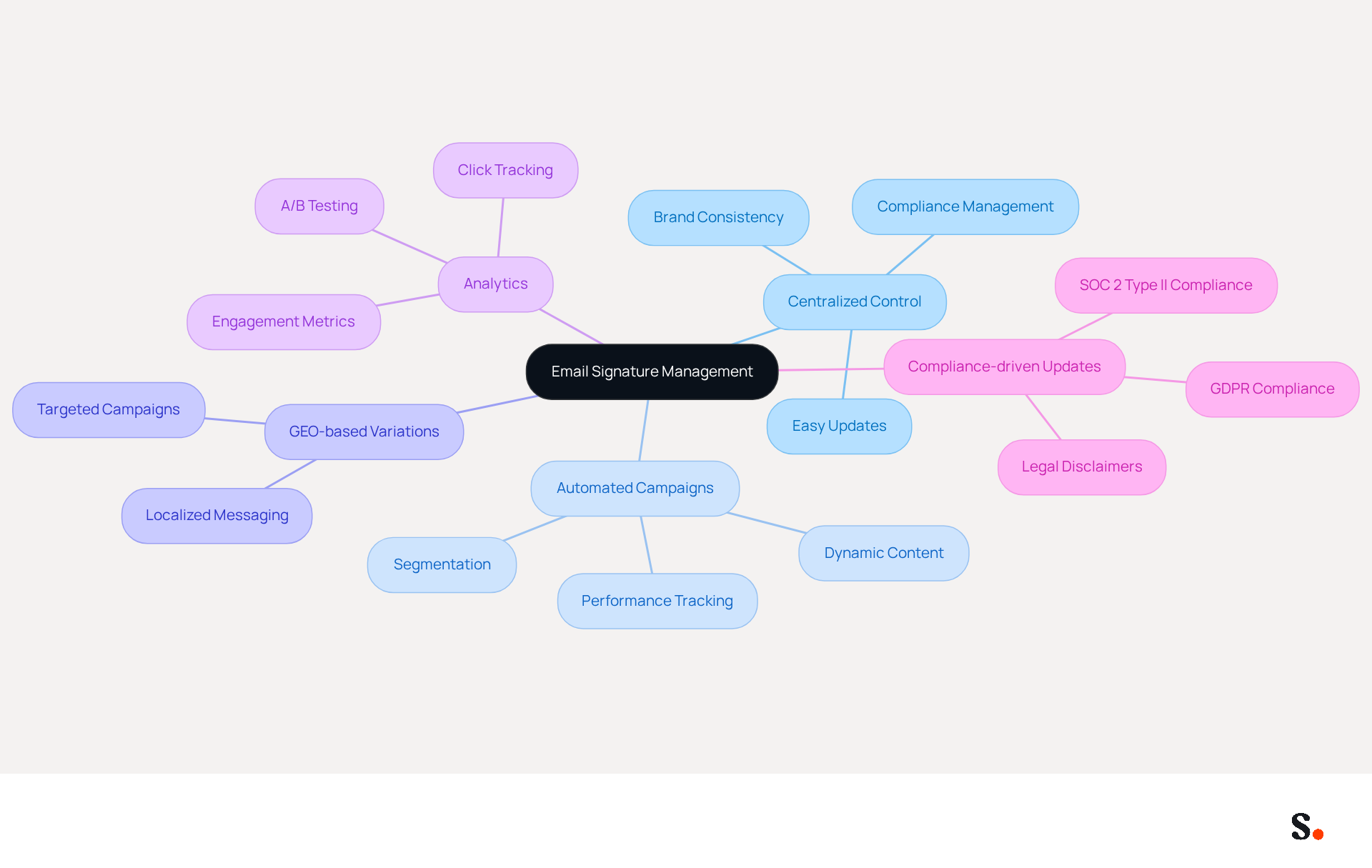
In 2026, organizations are prioritizing:
- Centralized control
- Automated campaigns
- GEO-based variations
- Analytics
- Compliance-driven updates
This highlights the importance of its capabilities in today's digital landscape. By utilizing the platform, you can enhance your messaging strategy, ensuring that every correspondence sent is not only professional but also an effective marketing channel. With Scribe's automated sync with your business phone system, your team's identification info stays current effortlessly, while its SOC 2 Type II compliance and GDPR compliance guarantee that your data is secure. This combination of features allows Marketing teams to manage email signatures independently after the initial IT setup, which demonstrates how to automatically have signature on Outlook, streamlining the process and enhancing brand consistency. This ensures that organizations not only maintain professionalism but also leverage every communication as a strategic marketing opportunity.
Conclusion
Email signatures are essential tools in professional communication. They enhance credibility, promote brand consistency, and serve as effective marketing channels. By understanding how to automatically set up a signature in Outlook, professionals can ensure that every email sent reflects their brand identity and fosters trust with recipients. This process not only streamlines communication but also transforms each message into a potential marketing opportunity.
The article outlined a clear, step-by-step guide for setting up automatic email signatures in Outlook, emphasizing the importance of including essential information such as contact details and branding elements. It also addressed common issues users may encounter, providing practical troubleshooting tips to maintain professionalism in email correspondence. Furthermore, the discussion highlighted the advantages of using Scribe for managing email signatures, showcasing its ability to automate updates and ensure compliance with security standards like SOC 2 Type II, GDPR, and CCPA.
Many professionals overlook the potential of email signatures, missing out on opportunities to enhance their brand image. Organizations should prioritize adopting solutions like Scribe to maintain brand consistency and maximize marketing ROI. By optimizing email signatures, organizations can enhance their communication strategy. Every email becomes not just a message but a strategic asset that contributes to building stronger relationships and driving engagement. By neglecting to optimize email signatures, organizations risk losing valuable opportunities for engagement and brand reinforcement.
Frequently Asked Questions
What is the importance of email signatures in Outlook?
Email signatures enhance professionalism, promote brand consistency, serve as marketing tools, and facilitate communication, making them essential for effective professional communication.
How do email signatures enhance professionalism?
A well-designed email signature that includes contact information, job title, and company logo establishes credibility. Research shows that 76% of consumers feel that branded identifiers boost trust in the sender.
Why is brand consistency important in email signatures?
Consistent branding across communications reinforces a company's identity. 78% of marketers agree that a consistent branded identity is crucial for maintaining a strong brand image.
How can email signatures serve as a marketing tool?
Email footers can include links to websites, social media profiles, or promotional campaigns, turning every email into a marketing opportunity. Businesses using branded digital identifiers see a 22% increase in response rates and a 15% rise in click-through rates.
How does Scribe help with email signature management?
Scribe automates the synchronization of messaging identifiers with business phone systems, ensuring consistent branding without manual updates. It also allows marketing teams to manage email signature elements independently after the initial IT setup.
What role does clear contact information play in email signatures?
Clear contact information makes it easier for recipients to reach you, enhancing communication efficiency. 64% of consumers seek contact details in message footers, making this information essential for effective engagement.
How does Scribe ensure data protection for email signatures?
Scribe's SOC 2 Type II compliance guarantees that your data is protected, fulfilling employee data management requirements for secure automation of digital identifiers.
Why is it imperative to have a professional and informative email signature?
In an era dominated by electronic communication, a professional and informative email signature fosters trust and engagement with your audience, contributing to improved customer relationships.
List of Sources
- Understand the Importance of Email Signatures in Outlook
- Research Recap: Branded Email Signatures Increase Company Recognition, Trust - Demand Gen Report (https://demandgenreport.com/industry-news/research-recap-branded-email-signatures-increase-company-recognition-trust/47252)
- The impact of email signatures on your branding (https://signitic.com/en/resources/the-impact-of-email-signatures-on-your-branding)
- Exclaimer Research: 67% of Marketers Expect Email Signatures to Support With Lead Gen In 2023 (https://businesswire.com/news/home/20230612141095/en/Exclaimer-Research-67-of-Marketers-Expect-Email-Signatures-to-Support-With-Lead-Gen-In-2023)
- 10 reasons why email is more important than ever (https://letsignit.com/blog/10-reasons-email-channel-important-marketing)
- 40+ Email Signature Statistics for 2026 (Data + Insights) (https://wavecnct.com/blogs/email-signature-statistics)
- Set Up Your Automatic Email Signature in Outlook
- Email signature statistics: Why every business should optimize their email signatures — Stripo.email (https://stripo.email/blog/email-signature-statistics-why-every-business-should-optimize-their-email-signatures)
- 40+ Email Signature Statistics for 2026 (Data + Insights) (https://wavecnct.com/blogs/email-signature-statistics)
- Email Signature Trends in Numbers: Infographic [2026] (https://mailtrap.io/blog/email-signature-trends)
- Email Signature Statistics: A Closer Look at Email Signatures in 2026 (https://mysignature.io/blog/email-signature-statistics)
- Troubleshoot Common Issues with Automatic Signatures
- Email Signature Troubleshooting - Problems & Solutions - Gimmio (https://blog.gimm.io/email-signature-troubleshooting)
- My Outlook auto signature is not working on some email accounts, and I can't access Signature Edit. any ideas? - Microsoft Q&A (https://learn.microsoft.com/en-us/answers/questions/5563621/my-outlook-auto-signature-is-not-working-on-some-e)
- How to solve problems with email signatures in Microsoft 365? (https://mail-signatures.com/articles/problems-email-signatures-office-365)
- Outlook Signature Not Working in Office 365: Causes & Fixes (https://exclaimer.com/email-signature-handbook/outlook-signature-not-working-in-office-365)
- Why is my signature not showing up in Outlook | NewOldStamp - NEWOLDSTAMP (https://newoldstamp.com/blog/signature-not-showing-up-in-outlook)
- Explore Tools for Enhanced Email Signature Management
- Email Signature Trends 2026: Centralized Control & Automation | SIGNandGO posted on the topic | LinkedIn (https://linkedin.com/posts/signngo_email-signature-trends-to-watch-in-2026-activity-7401523471786217473-zAVL)
- Top 10 Email Signature Management Tools in 2026 (Compared) (https://mailbutler.io/blog/email/email-signature-management-tools)
- 10 Best Email Signature Software Reviewed In 2026 (https://thecmo.com/tools/best-email-signature-software)
- Best Email Signature Management Software: Top 12 Tools (2026)
- NEWOLDSTAMP (https://newoldstamp.com/blog/email-signature-software)
- Best Email Signature Managers for 2026 (https://textexpander.com/blog/best-email-signature-managers)
Get started with Scribe
Create your signature in minutes
Free 14-day trial — no credit card.