How to Create a Professional Email Signature in Outlook
Many organizations fail to recognize that a professional email signature is not merely a digital sign-off; it is a critical branding tool that can enhance
Sophie Grant
Email Signature Specialist, Scribe
Introduction
Many organizations fail to recognize that a professional email signature is not merely a digital sign-off; it is a critical branding tool that can enhance communication and engagement. Understanding how to create a professional email signature in Outlook elevates the sender's credibility, provides essential information, and promotes brand identity. This oversight results in missed opportunities for brand visibility and engagement. By harnessing the full potential of email signatures, businesses can transform a simple communication tool into a strategic asset that amplifies their marketing efforts.
Understand the Importance of Email Signatures
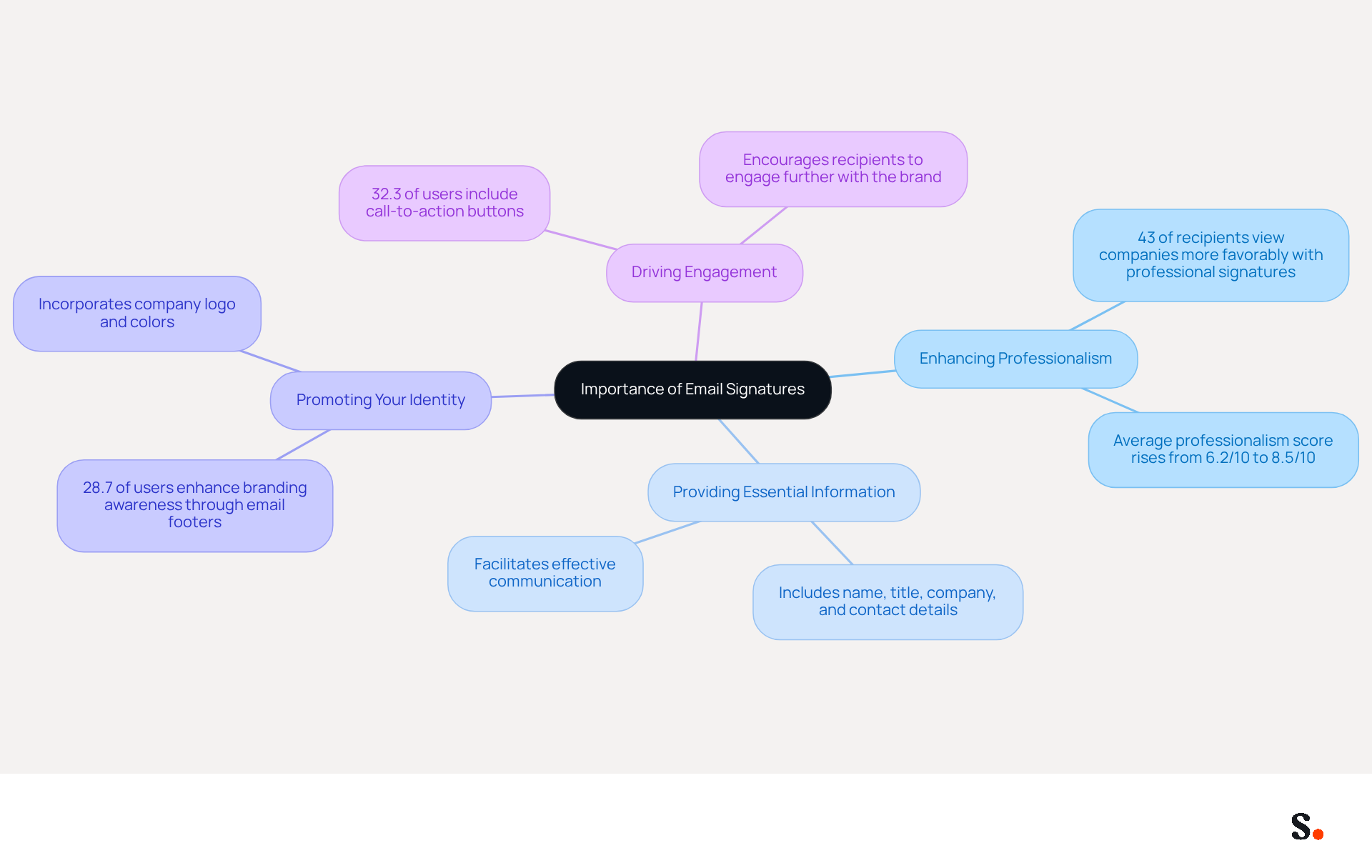
Email identifiers serve as vital elements in professional communication, extending beyond mere sign-offs. A powerful tool that can elevate your communication strategy is a well-designed email signature, particularly when you understand how to create a professional email signature in Outlook. It can enhance professionalism, provide essential information, promote your identity, and drive engagement.
- Enhancing Professionalism: A consistent and branded signature conveys credibility, fostering trust with recipients. Interestingly, studies indicate that 43% of recipients view a company more favorably when they see professional endorsements.
- Providing Essential Information: Including your name, title, company, and contact details ensures that recipients can easily reach you, facilitating effective communication.
- Promoting Your Identity: By incorporating your company logo and colors, you reinforce identity with every email sent. This is essential, as 28.7% of users seek to improve branding awareness through their email footers.
- Driving Engagement: Use your personal mark to include links to social media profiles or a call-to-action, encouraging recipients to engage further with your brand. Significantly, 32.3% of users incorporate call-to-action buttons into their email footers, which can lead to increased interaction.
Grasping these advantages highlights the significance of dedicating time to understand how to create a professional email signature in Outlook. Many organizations fail to recognize how to create a professional email signature in Outlook, which can lead to lost branding opportunities. As organizations increasingly acknowledge digital footers as essential tools for branding and communication, aligning them with marketing strategies can yield significant returns, including a 22% increase in response rates.
With the tool, you can automate the management of email identifiers, ensuring real-time synchronization with your business phone system, such as Aircall. This indicates that any modifications made in your Aircall configuration will automatically be reflected in your branding, enhancing brand consistency without requiring additional action from your team. Furthermore, Scribe's SOC 2 Type II compliance ensures that your data is secure, allowing you to focus on your marketing efforts with peace of mind. Email identifiers should be included in the 2026 marketing budget as a low-cost, high-impact item with proven ROI. Incorporating email identifiers into your marketing strategy is not just beneficial; it is essential for maximizing engagement and brand visibility.
Create Your Email Signature in Outlook
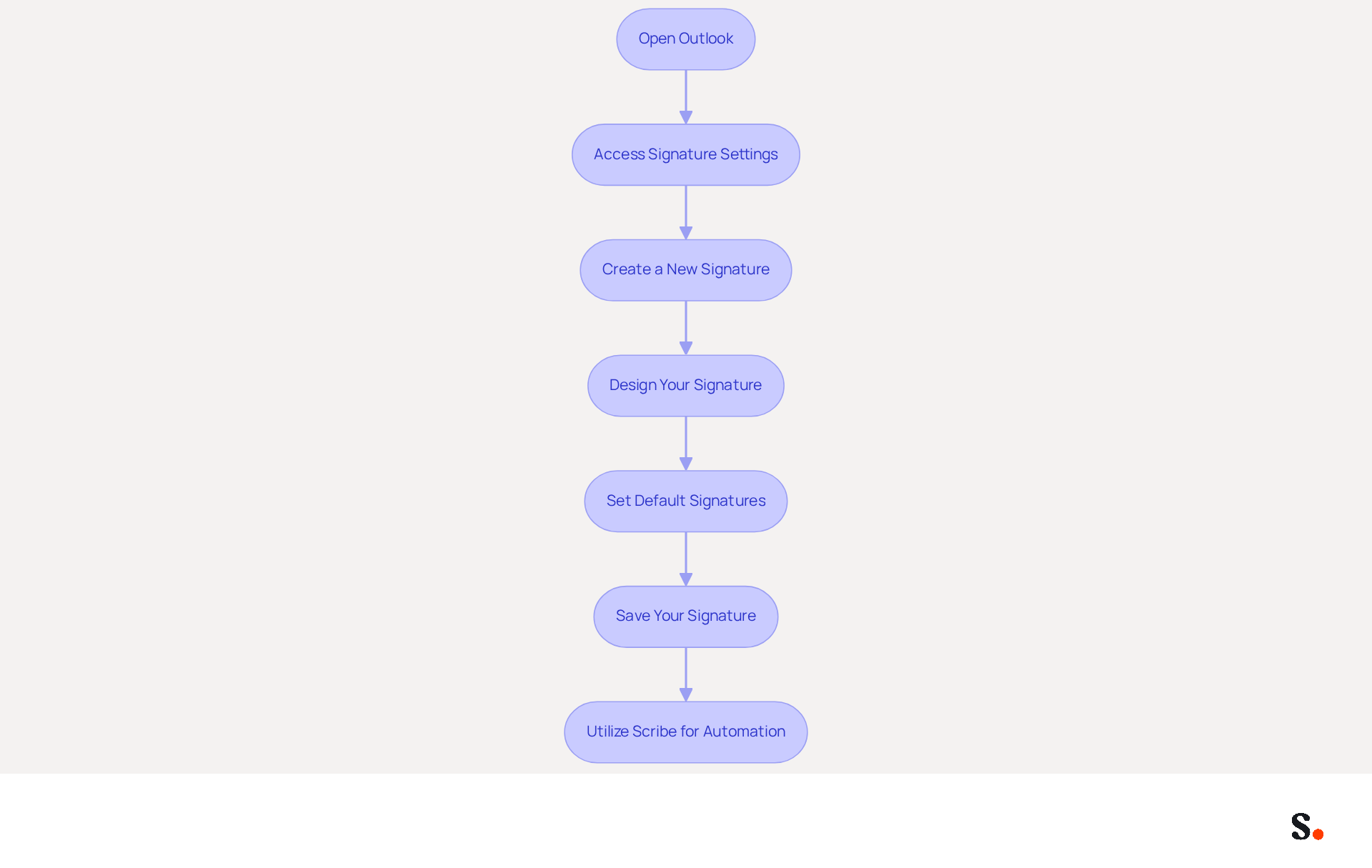
Knowing how to create a professional email signature in Outlook is essential for effective communication. To create one, follow these steps:
- Open Outlook: Launch the Outlook application on your computer.
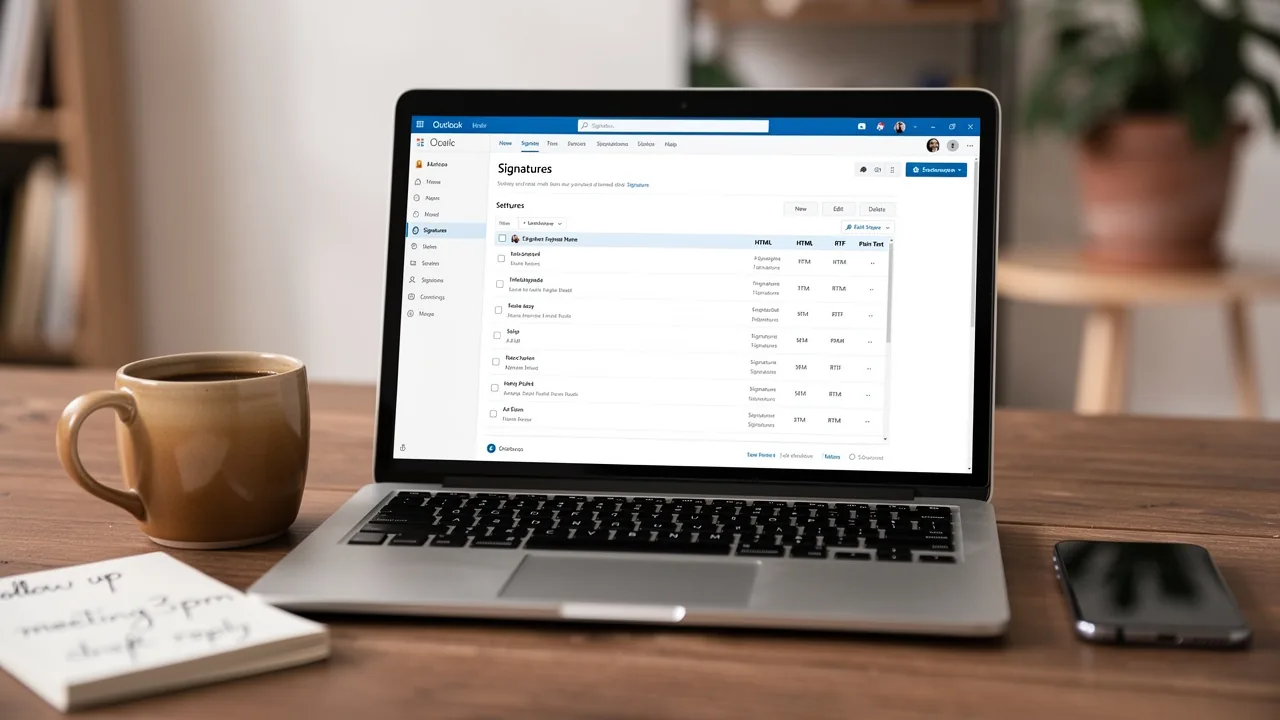
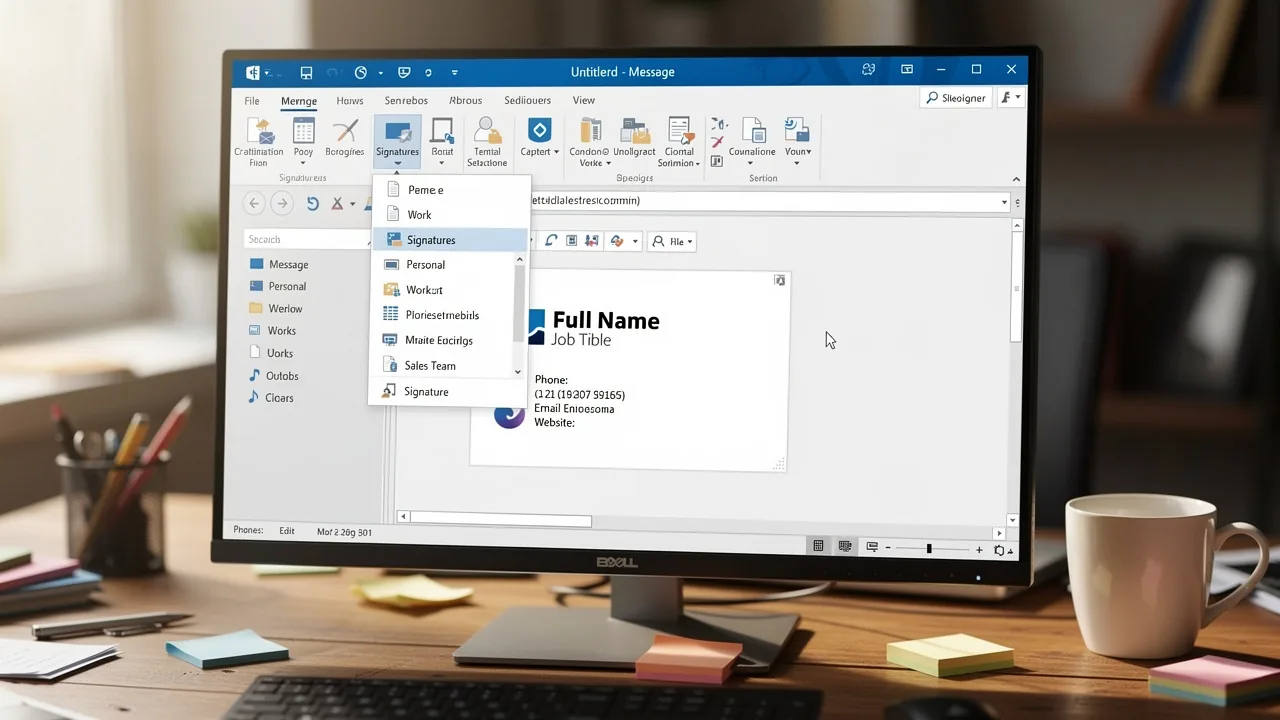
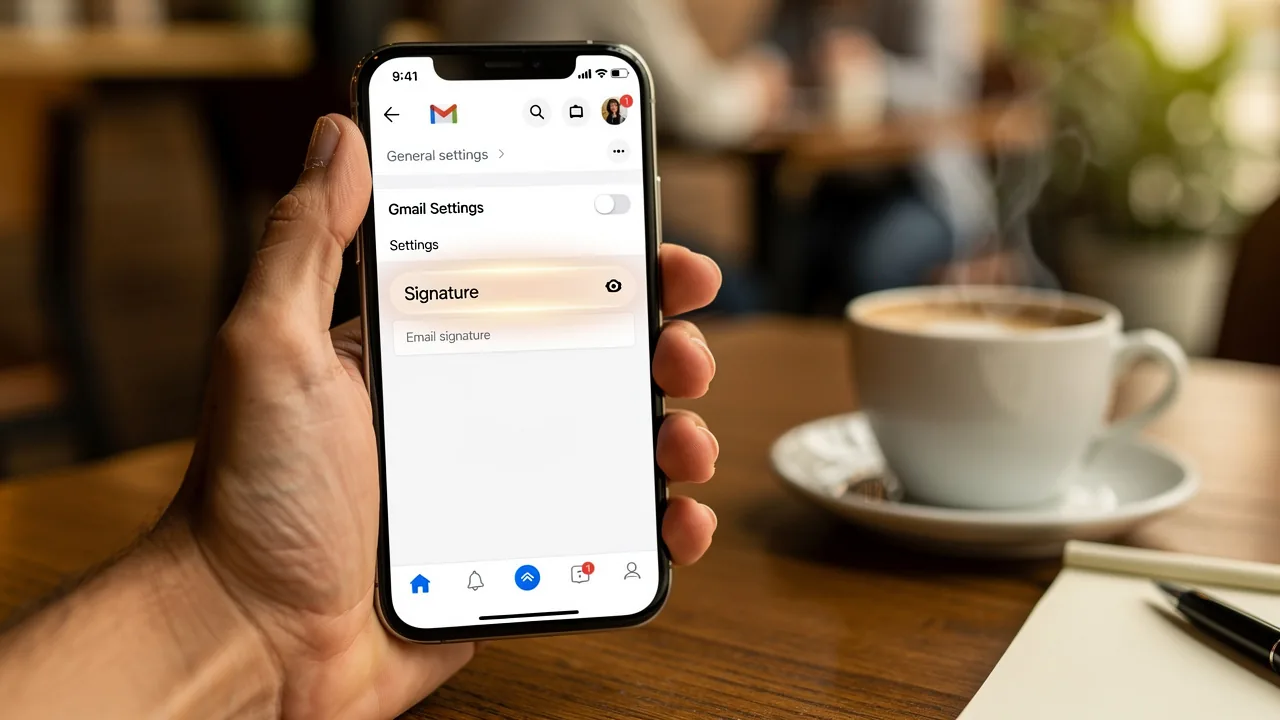
- Access Signature Settings: Go to the 'File' menu, choose 'Options', and then click on 'Mail'. Under 'Compose messages', find and click on 'Signatures'.
- Create a New Signature: In the Signatures and Stationery window, click 'New'. Enter a name for your signature and click 'OK'.
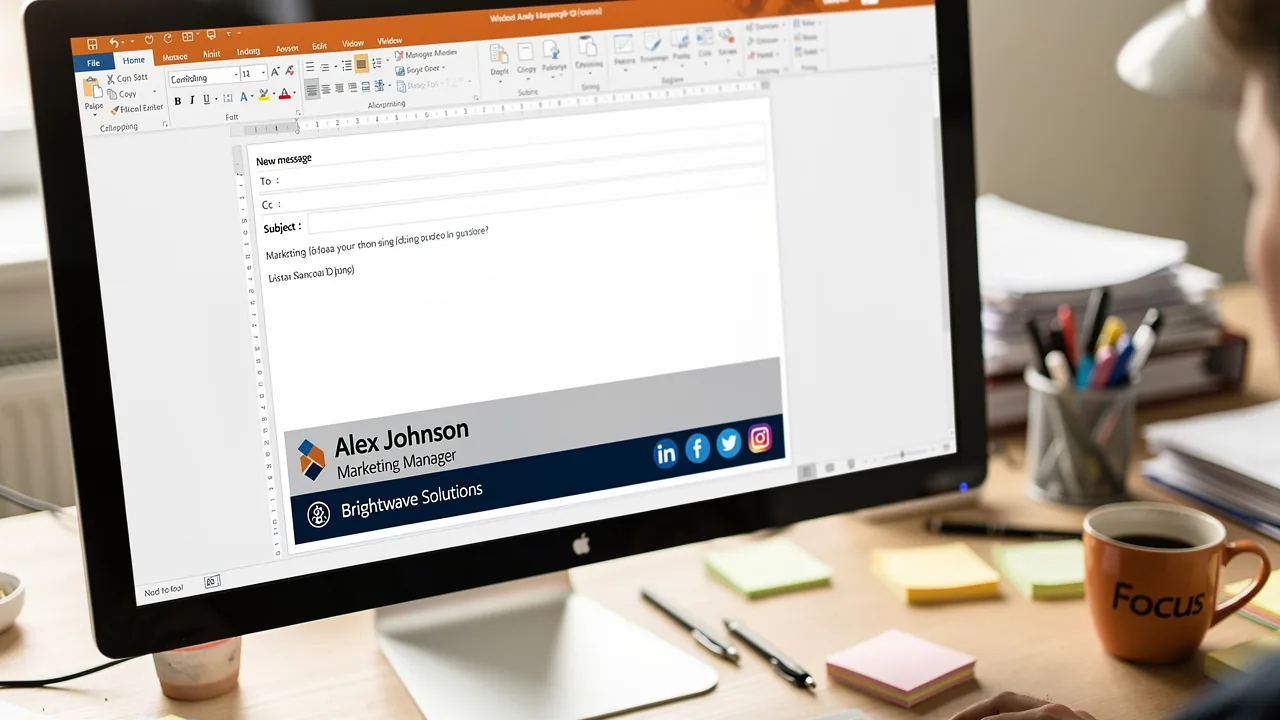
- Design Your Signature: In the editing box, type your signature. Use the formatting options available (font, size, color) to enhance its appearance. You can also add images or logos by clicking on the image icon.
- Set Default Signatures: Choose your new signature as the default for new messages and replies/forwards if desired.
- Save Your Signature: Click 'OK' to save your changes and exit the settings.
Following these steps shows how to create a professional email signature in Outlook for your messages. Furthermore, utilizing Scribe can automate the management of your email signatures throughout your organization. The tool seamlessly integrates with Google Workspace and your HRIS, ensuring that any changes to your teammates' details are automatically reflected in their profiles without manual input. This not only saves time but also ensures compliance with SOC 2 Type II standards, keeping your data secure. A well-designed email signature can significantly enhance your visibility, with Scribe's average click-through rate on signature banners being 12%, contributing to measurable marketing ROI. Utilizing Scribe not only simplifies signature management but also enhances your organization's professional image.
Optimize Your Email Signature for Branding
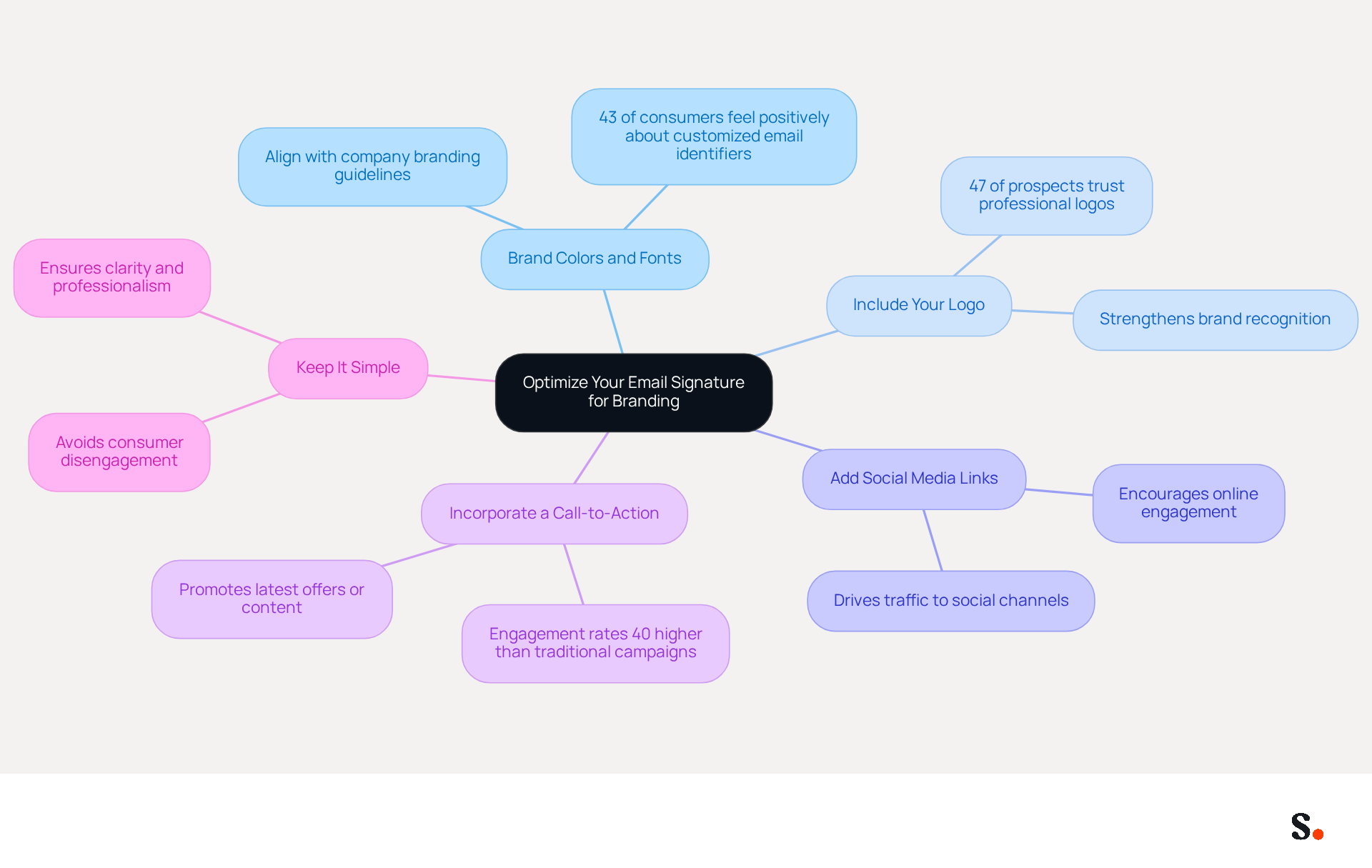
To effectively represent your brand through email signatures, implementing strategic optimization techniques is essential:
- Use Brand Colors and Fonts: Align your signature's colors and fonts with your company's branding guidelines to maintain consistency. When your signature aligns visually with your brand, it can boost recognition; in fact, 43% of consumers feel more positively about companies that use customized email identifiers.
- Include Your Logo: Adding your company logo strengthens recognition of your identity. Ensure the logo is suitably sized and clear, as a professional mark can enhance trust among 47% of prospects.
- Add Social Media Links: Include icons that link to your company’s social media profiles, encouraging recipients to connect with your brand online. This can drive traffic to your social channels, enhancing engagement.
- Incorporate a Call-to-Action: Incorporate a call-to-action, such as a link to your latest blog post or a promotional offer, to drive engagement. Email footers can act as subtle marketing channels, with engagement rates considerably higher than conventional campaigns, at 40% compared to merely 3%.
- Keep It Simple: Avoid cluttering your sign-off with too much information. A clean, concise design is essential; poor formatting often leads to consumer disengagement.
By refining your communication footer, you can improve your visibility and professionalism in every correspondence, turning each message into a marketing opportunity. Remember, 82% of marketers utilize footers to enhance awareness of their products, and incorporating metrics like Scribe's 12% average click-through rate on footer banners can assist in evaluating the effectiveness of your marketing efforts. Additionally, implementing message authentication protocols like SPF, DKIM, and DMARC is crucial for verifying sender identities and enhancing security. With Scribe, every modification made in your Aircall setup will automatically be reflected in your digital identifiers, ensuring effortless updates and 100% brand consistency. Scribe's SOC 2 Type II compliance further ensures secure data management, making it an ideal solution for organizations seeking to handle their identifiers independently after initial IT setup. Join over 10,000 marketing and IT teams globally who rely on Scribe for their communication management needs.
Troubleshoot Common Email Signature Issues
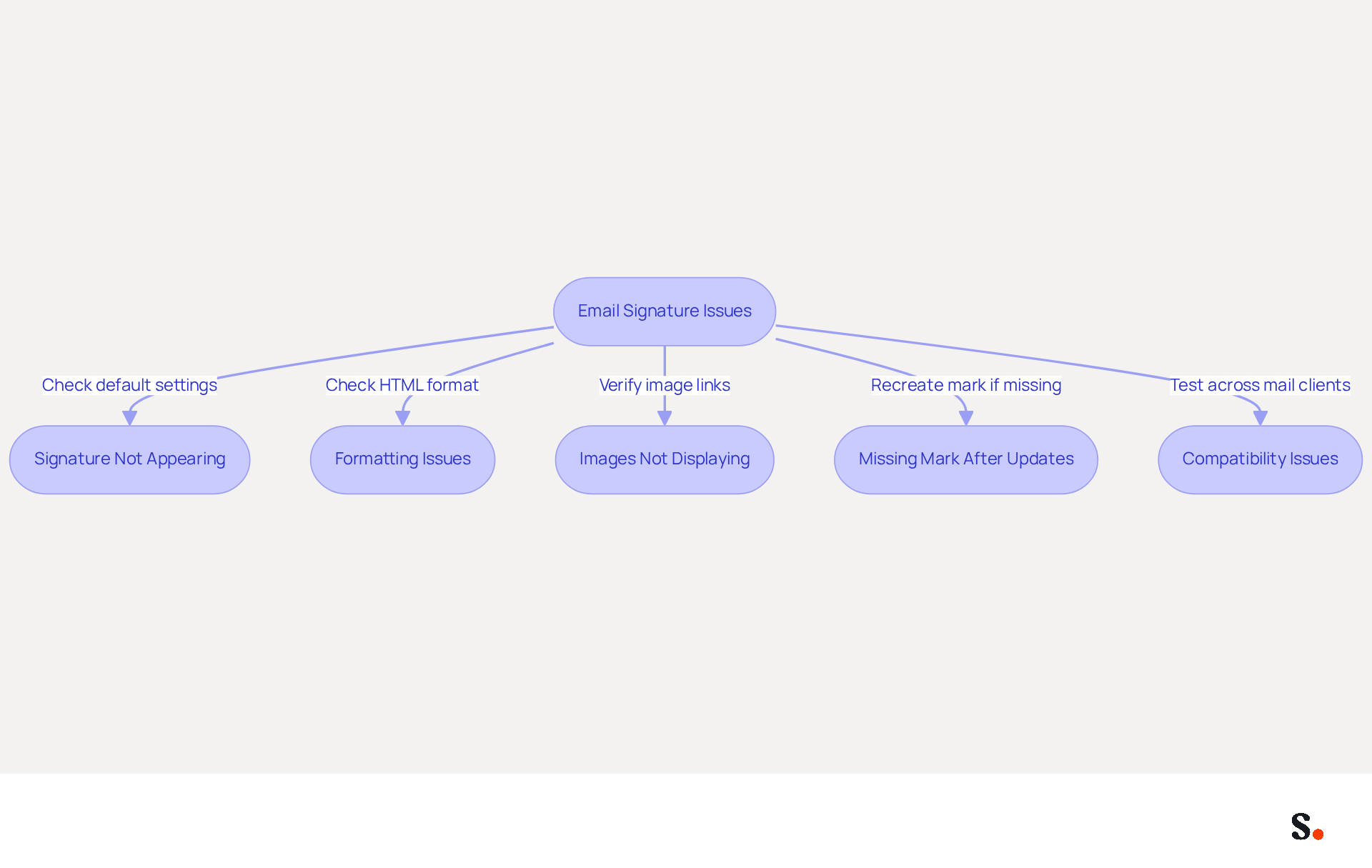
Encountering issues with your email signature can undermine your professional image. Consider the following troubleshooting tips:
- Signature Not Appearing: Ensure your signature is set as the default for new messages and replies/forwards in the signature settings. 42% of consumers view businesses without branded communication footers negatively, highlighting the importance of this step for professionalism. Furthermore, 69% of consumers think it is essential for businesses to maintain a consistent, professional communication format. By syncing your Google Workspace with Scribe, you can save time and ensure that your teammates' identifiers are automatically updated, reflecting any changes in their information without manual input.
- Formatting Issues: If your sign-off appears different when sent, many users struggle with formatting inconsistencies when sending emails. Check that the email format is set to HTML, as plain text may strip formatting, leading to inconsistencies. Errors in creating a signature can cause layout issues, so it's important to pay attention. Oversized or overly promotional banners can negatively impact deliverability, so ensure your design is appropriate. Utilizing Scribe's automated synchronization with Aircall can help maintain brand consistency across all email footers.
- Images Not Displaying: Ensure that images are properly linked and not blocked by the recipient's email client. Web-hosted images often work better, as many users face issues with images not showing up due to server settings. An analysis of formatting issues in Gmail emphasizes the significance of using embedded images to prevent display problems.
- Missing Mark After Updates: If your mark disappears after an Outlook update, you may need to recreate it or revisit your settings. Users have reported needing to re-save their marks daily for them to appear, indicating potential issues with updates or settings. With Scribe, any modifications made in your Google Workspace will automatically be reflected in your email footers, reducing the likelihood of such issues.
- Compatibility Issues: Test your identifier by sending messages to various mail clients to ensure it displays correctly across platforms. With 52% of prospects considering messaging as the primary channel for the company, ensuring compatibility is essential for effective communication. Moreover, 76% of participants indicated a rise in trust from branded digital identifiers, highlighting the significance of upholding a professional appearance.
By addressing these common issues, you not only enhance your email signature but also strengthen your brand's reputation.
Conclusion
A professional email signature serves as a critical branding asset that can significantly influence communication effectiveness. Understanding how to create a professional email signature in Outlook is essential for any organization looking to elevate its professional image and engage effectively with clients and partners. Utilizing Scribe's capabilities, businesses can ensure that their email signatures are not only visually appealing but also consistent and compliant with industry standards.
Throughout this guide, key insights have been shared on the importance of email signatures, the step-by-step process to create one in Outlook, and strategies for optimizing signatures for branding. Emphasizing the use of brand colors, logos, and social media links can significantly enhance recognition and engagement. Additionally, troubleshooting common issues ensures that your signature remains professional and effective across various platforms. With Scribe's automated management and compliance with SOC 2 Type II standards, organizations can streamline their signature processes while maintaining brand integrity.
Integrating a well-crafted email signature into your communication strategy is essential for boosting engagement and visibility. As organizations increasingly recognize the value of digital footers, investing in tools like Scribe can yield significant returns, including improved response rates and brand consistency. Embrace the opportunity to transform every email into a marketing touchpoint, and ensure that your organization stands out in the crowded digital landscape.
Frequently Asked Questions
What is the importance of email signatures in professional communication?
Email signatures are vital elements that enhance professionalism, provide essential information, promote identity, and drive engagement in professional communication.
How do email signatures enhance professionalism?
A consistent and branded email signature conveys credibility and fosters trust with recipients. Studies show that 43% of recipients view a company more favorably when they see professional endorsements.
What essential information should be included in an email signature?
An email signature should include your name, title, company, and contact details to ensure recipients can easily reach you.
How can email signatures promote brand identity?
By incorporating your company logo and colors into your email signature, you reinforce your brand identity with every email sent. About 28.7% of users aim to improve branding awareness through their email footers.
In what ways can email signatures drive engagement?
Email signatures can include links to social media profiles or calls-to-action, encouraging recipients to engage further with your brand. Approximately 32.3% of users incorporate call-to-action buttons into their email footers to increase interaction.
Why is it important to create a professional email signature in Outlook?
Understanding how to create a professional email signature in Outlook is crucial as many organizations overlook this, leading to lost branding opportunities. A well-designed signature can align with marketing strategies and yield significant returns, including a 22% increase in response rates.
How can Scribe help with managing email signatures?
Scribe can automate the management of email signatures, ensuring real-time synchronization with your business phone system, such as Aircall. This means any changes made in your Aircall configuration will automatically reflect in your branding.
What compliance does Scribe offer regarding data security?
Scribe is SOC 2 Type II compliant, ensuring that your data is secure, allowing you to focus on your marketing efforts with peace of mind.
Should email identifiers be included in marketing budgets?
Yes, email identifiers should be included in the 2026 marketing budget as a low-cost, high-impact item with proven ROI, essential for maximizing engagement and brand visibility.
List of Sources
- Understand the Importance of Email Signatures
- Why Email Signatures Must Be In Your 2026 Marketing Plan | Rocketseed (https://rocketseed.com/blog/2026-marketing-plan-email-signatures)
- Email Signature Statistics: A Closer Look at Email Signatures in 2026 (https://mysignature.io/blog/email-signature-statistics)
- The impact of email signatures on your branding (https://signitic.com/en/resources/the-impact-of-email-signatures-on-your-branding)
- Email Signature Trends in Numbers: Infographic [2026] (https://mailtrap.io/blog/email-signature-trends)
- Email Signature Trends 2026: Centralized Control & Automation | SIGNandGO posted on the topic | LinkedIn (https://linkedin.com/posts/signngo_email-signature-trends-to-watch-in-2026-activity-7401523471786217473-zAVL)
- Create Your Email Signature in Outlook
- 40+ Email Signature Statistics for 2026 (Data + Insights) (https://wavecnct.com/blogs/email-signature-statistics)
- Email Signature Statistics: A Closer Look at Email Signatures in 2026 (https://mysignature.io/blog/email-signature-statistics)
- Email Signature Essentials: Key Statistics to Know for 2023 (https://blog.hubspot.com/marketing/email-signature-statistics)
- Email signature statistics: Why every business should optimize their email signatures — Stripo.email (https://stripo.email/blog/email-signature-statistics-why-every-business-should-optimize-their-email-signatures)
- Email Signature Statistics 2026: ROI, Benchmarks, and Data | Signkit (https://beta.signkit.io/blog/email-signature-statistics)
- Optimize Your Email Signature for Branding
- Research Recap: Branded Email Signatures Increase Company Recognition, Trust - Demand Gen Report (https://demandgenreport.com/industry-news/research-recap-branded-email-signatures-increase-company-recognition-trust/47252)
- Why Email Signatures Must Be In Your 2026 Marketing Plan | Rocketseed (https://rocketseed.com/blog/2026-marketing-plan-email-signatures)
- 2026 Marketing Trends: Email Signatures as a Marketing Tool (https://bluechiptt.com/blog/5-marketing-trends-for-2026-and-how-your-email-signature-fits-in)
- The impact of email signatures on your branding (https://signitic.com/en/resources/the-impact-of-email-signatures-on-your-branding)
- 4 Best Practices to Optimize Your Sync Signature for Marketing Success (https://scribe-mail.com/en-US/blog/4-best-practices-to-optimize-your-sync-signature-for-marketing-success)
- Troubleshoot Common Email Signature Issues
- 40+ Email Signature Statistics for 2026 (Data + Insights) (https://wavecnct.com/blogs/email-signature-statistics)
- How to solve problems with email signatures in Microsoft 365? (https://mail-signatures.com/articles/problems-email-signatures-office-365)
- My Outlook auto signature is not working on some email accounts, and I can't access Signature Edit. any ideas? - Microsoft Q&A (https://learn.microsoft.com/en-us/answers/questions/5563621/my-outlook-auto-signature-is-not-working-on-some-e)
- Email Signature Troubleshooting - Problems & Solutions - Gimmio (https://blog.gimm.io/email-signature-troubleshooting)
Get started with Scribe
Create your signature in minutes
Free 14-day trial — no credit card.