How to Find Your Email Signature in Outlook: A Step-by-Step Guide
Many professionals overlook the importance of managing email signatures in Outlook, which can undermine their professional image and brand visibility. This
Sophie Grant
Email Signature Specialist, Scribe
Introduction
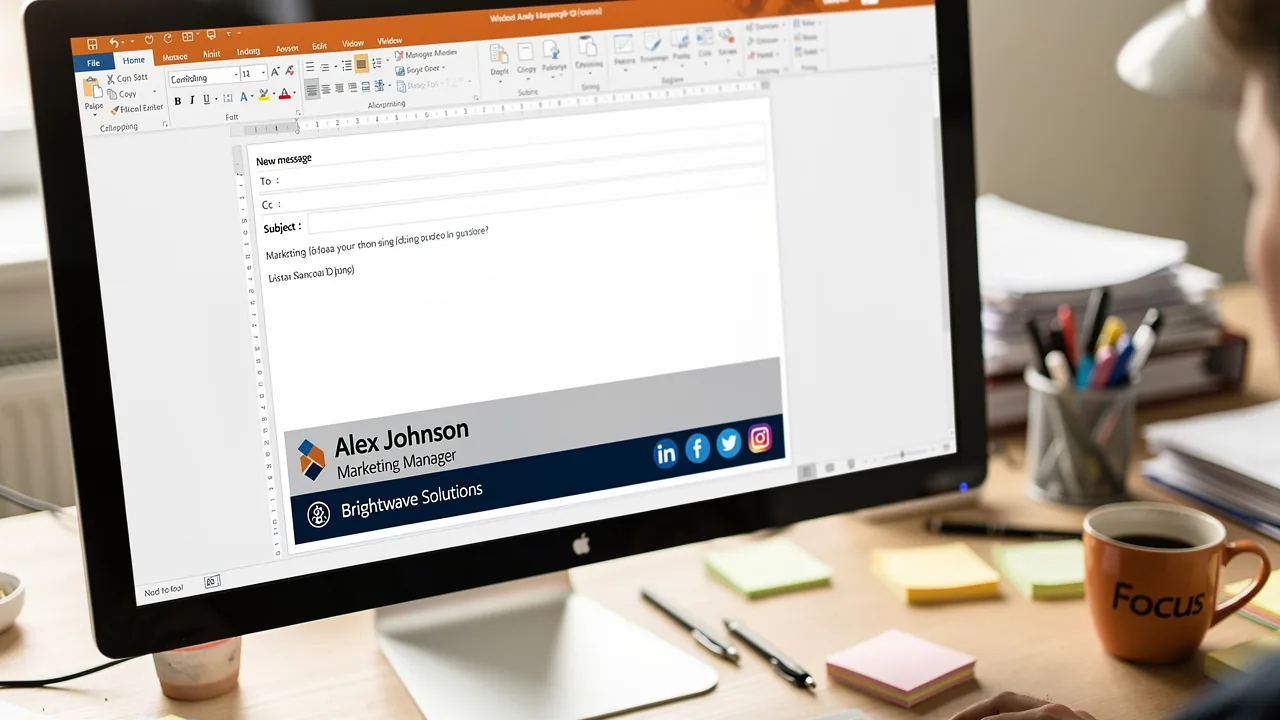
Many professionals overlook the importance of managing email signatures in Outlook, which can undermine their professional image and brand visibility. This guide will walk you through the steps to locate, create, and troubleshoot email signatures, making the process straightforward and manageable. By effectively managing email signatures, organizations can enhance their brand visibility and foster trust with recipients.
Locate Your Email Signature in Outlook
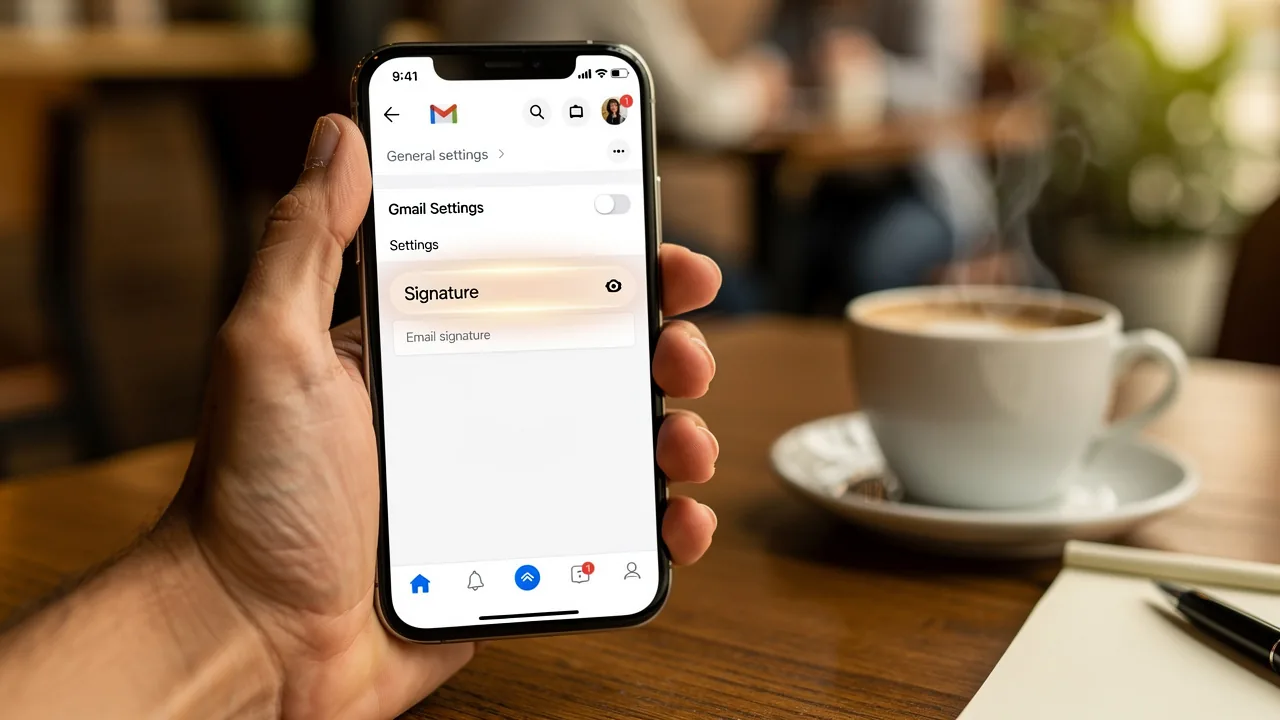
To locate your email signature in Outlook, follow these steps:
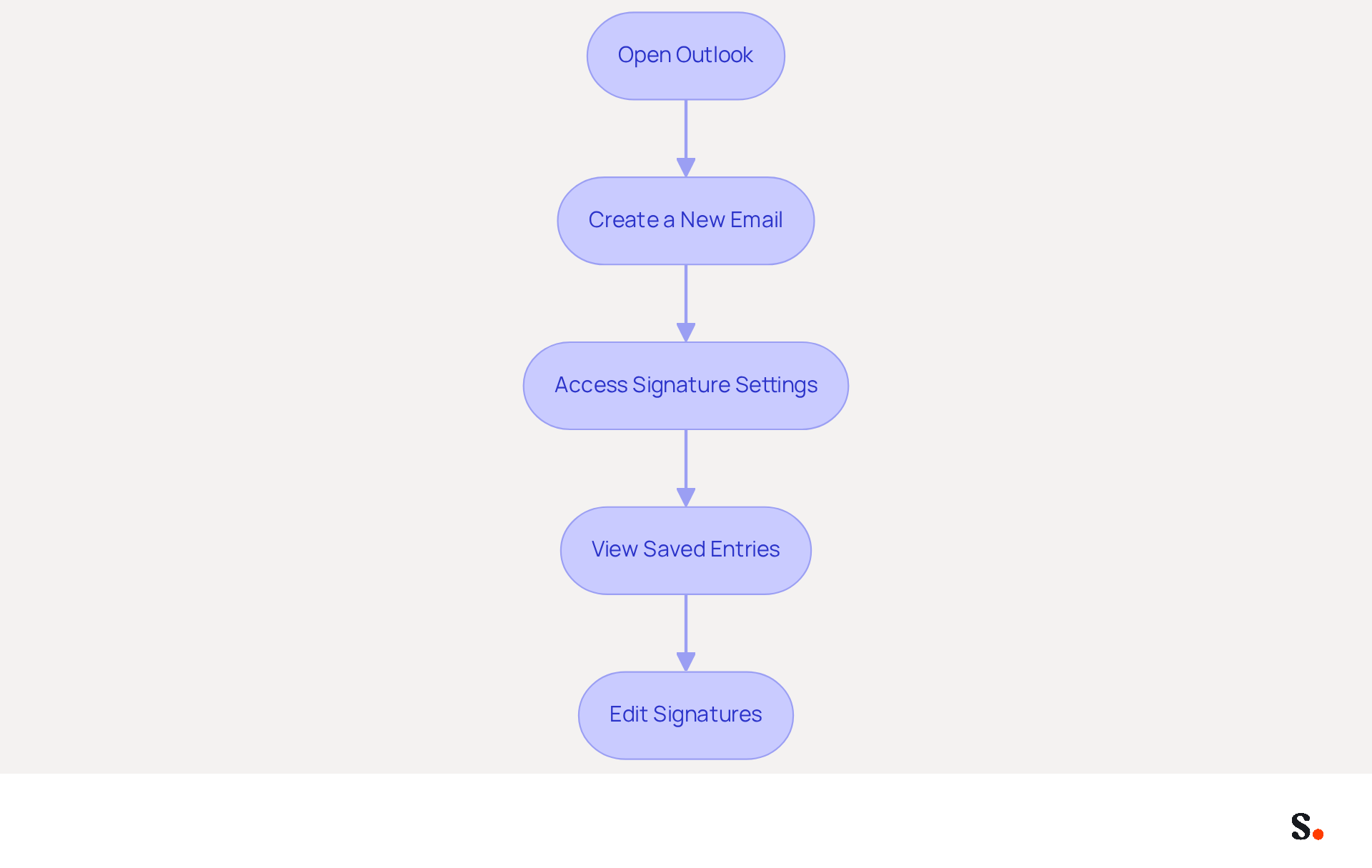
- Open Outlook: Launch the Outlook application on your computer.
- Create a New Email: Click on 'New Email' to open a new message window.
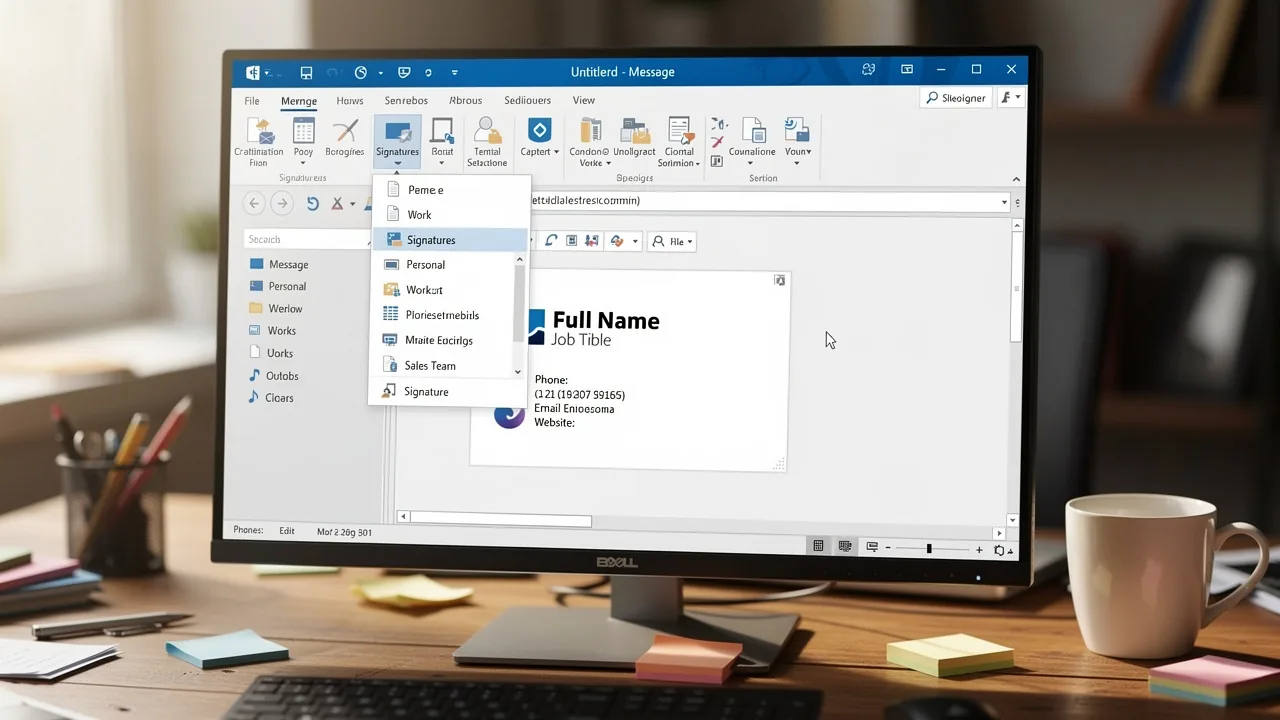
- Access Signature Settings: In the new email window, navigate to the 'Message' tab. Look for the 'Insert' group, and click on 'Signature'.
- View Saved Entries: A drop-down menu will appear, displaying a list of your saved entries. To edit or create a new sign, select 'Signatures...' from this menu.
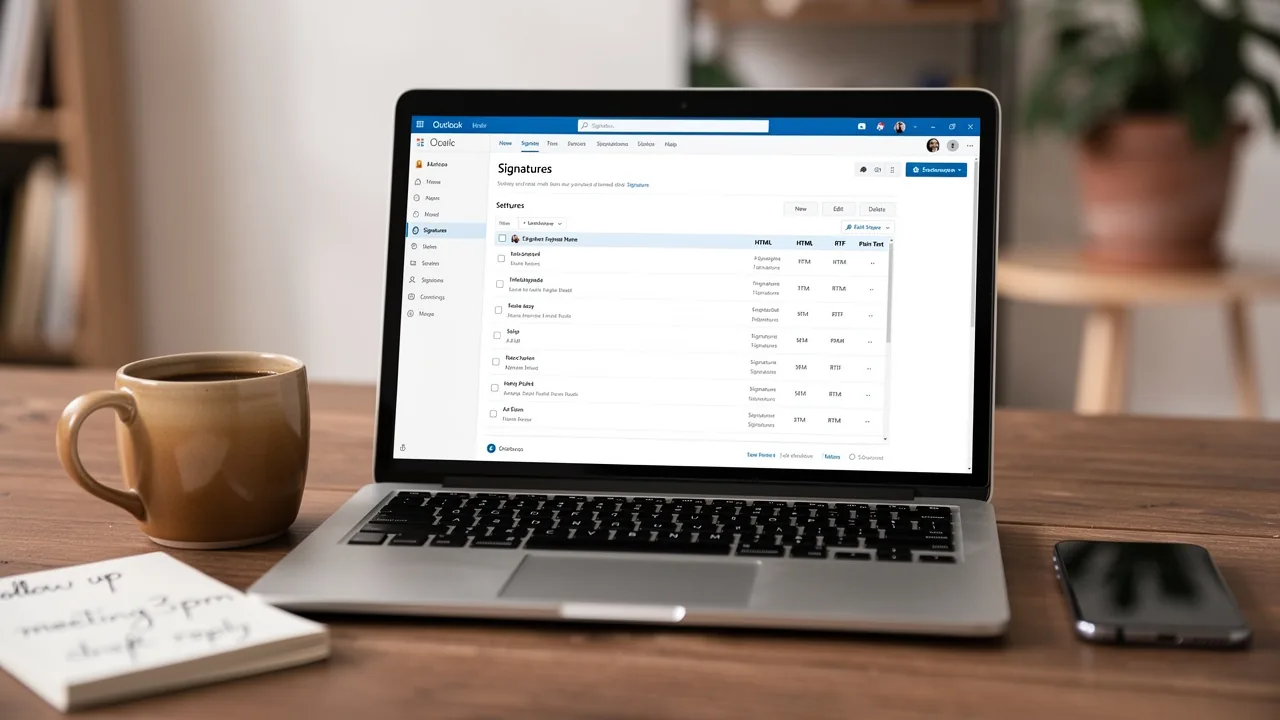
- Edit Signatures: In the Signatures and Stationery window, you can view, modify, or create new entries. Choose the mark you wish to alter or click 'New' to create a new one.
Understanding how to manage your email signatures, including how to find email signature in Outlook, is crucial, as research indicates that a significant majority of marketers believe that branded message identifiers enhance sender trust. Moreover, companies with consistent branded identities report over a 22% increase in response rates, emphasizing the importance of maintaining a professional appearance in all communications. By following these steps, you can ensure your digital identifiers are not only easily accessible but also effectively contribute to your brand's image. Furthermore, by connecting your Google Workspace with the application, you can save time and ensure that any updates to your teammates' details are automatically reflected in their contact information. This integration enables smooth management of digital identifiers, improving brand consistency and efficiency throughout your marketing initiatives. With Scribe's SOC 2 Type II certification and compliance with GDPR and CCPA, you can be confident that your data remains secure while managing digital identifiers effectively.
Create or Modify Your Email Signature
Creating a professional email signature is essential for effective communication and brand representation. To create or modify your email signature in Outlook, follow these steps:
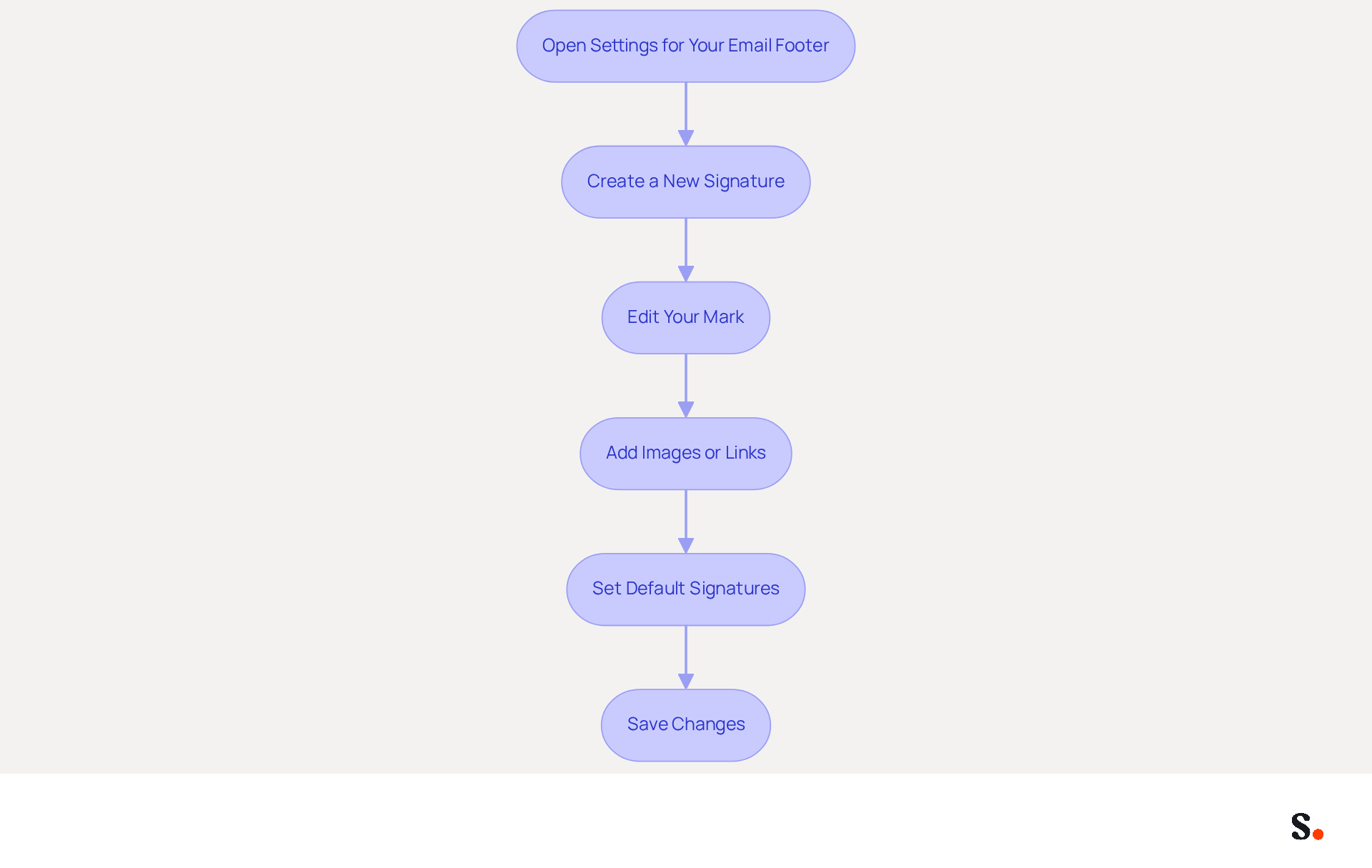
- Open Settings for Your Email Footer: After finding your email footer as outlined in the previous section, click on 'Signatures...' in the drop-down menu.
- Create a New Signature: In the Signatures and Stationery window, click 'New'. Enter a name for your new label and click 'OK'.
- Edit Your Mark: In the editing box, type your mark. Include your name, title, company name, phone number, and any other relevant information. Use the formatting options to customize the font, size, and color.
- Add Images or Links: Enhance your signature by inserting images (like a company logo) or hyperlinks. Click on the image icon to upload an image or use the hyperlink option to add clickable links.
- Set Default Signatures: If you have multiple sign-offs, establish a default sign-off for new messages and replies/forwards by selecting it from the drop-down menus at the bottom of the window.
- Save Changes: Once satisfied with your mark, click 'OK' to save your changes.
By following these steps, you will understand how to find email signature in Outlook that truly reflects your brand's identity. Scribe ensures that your team's signatures are always up-to-date, making it easy to maintain brand consistency. This is crucial, as 75.9% of professionals indicate that a well-crafted email signature can influence sales outcomes. Moreover, organizations utilizing effective management of their digital footers experience enhanced brand visibility and engagement, making it a valuable marketing asset. Neglecting this aspect of your communication strategy could mean losing potential business opportunities.
Troubleshoot Common Email Signature Issues
If you encounter issues with how to find email signature in Outlook, addressing them promptly is crucial for maintaining a professional image.
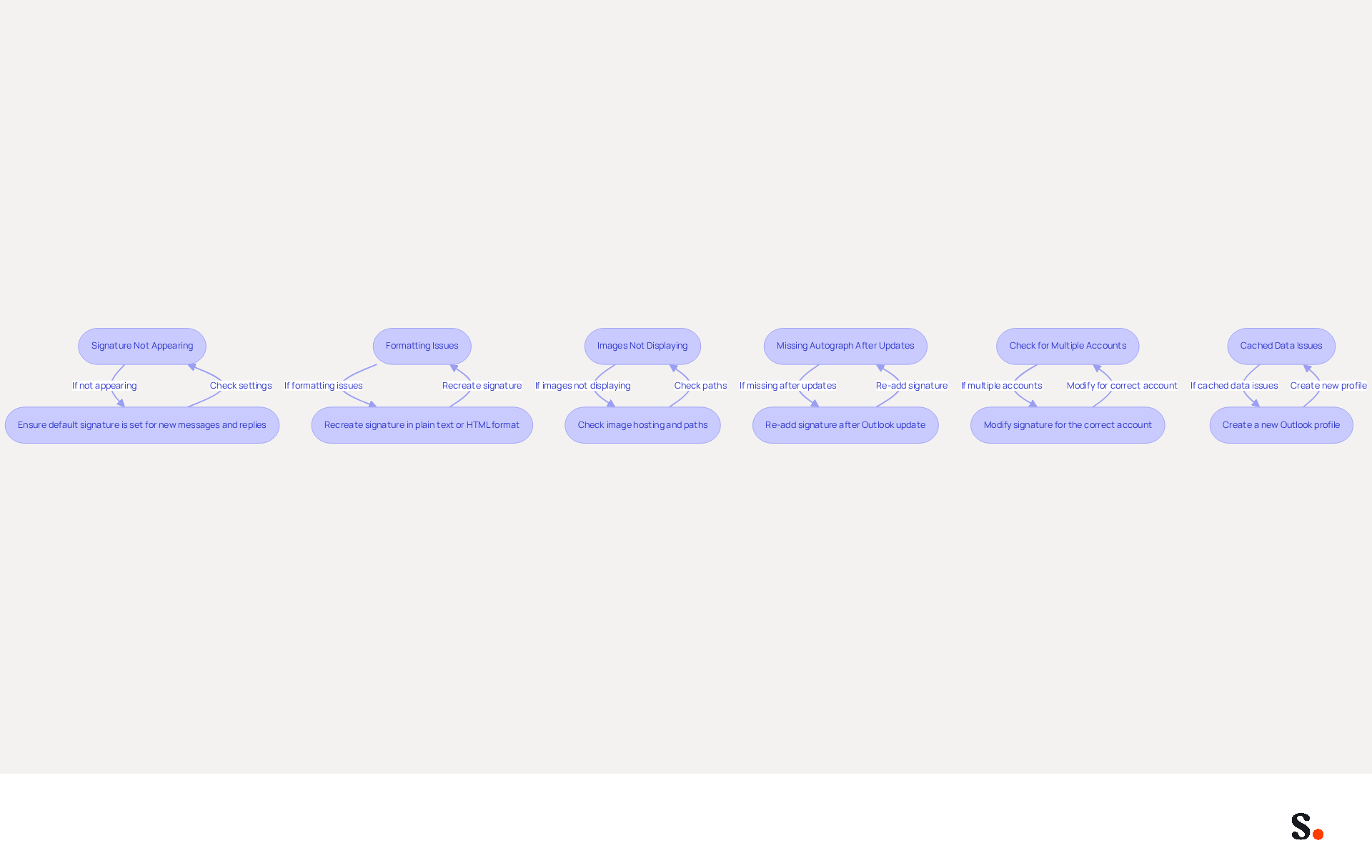
- Signature Not Appearing: Ensure your mark is set as the default for new messages and replies. Navigate to 'Signatures...' and verify the default settings. Many users fail to set their default signatures, which can lead to confusion and unprofessional communication. Remember, 42% of consumers have a negative perception of businesses that do not utilize branded email identifiers, highlighting the importance of properly configuring these identifiers. Furthermore, syncing your Google Workspace with Scribe can save time by automatically updating your teammates' email footers, ensuring they are always current and correctly displayed.
- Formatting Issues: If your signature looks off, try recreating it in plain text or HTML format. Email clients render HTML differently, which can lead to display problems. Duplicating from other sources can lead to undesirable formatting, so it's preferable to create your personal mark directly in the email application.
- Images Not Displaying: If images in your email are not showing, ensure they are hosted online or properly linked. Check the image path to confirm it is accessible, as improperly linked images can lead to missing visuals.
- Missing Autograph After Updates: If your autograph vanishes following an Outlook update, you may need to re-add it. This is a common problem, as updates can reset local settings, impacting the visibility of the marks. Utilizing Scribe's automated synchronization with Aircall can help maintain brand consistency, reducing the likelihood of such issues arising after updates.
- Check for Multiple Accounts: If you have several accounts configured in Scribe, ensure you are modifying the identification for the correct account. Each account can have its own customization settings, which can lead to inconsistencies if not managed properly.
- Cached Data Issues: Be aware that stored data or browser-related problems can prevent message identifiers from loading correctly, especially in the web version of Scribe. If problems persist, consider creating a new Outlook profile to resolve ongoing issues.
By implementing these troubleshooting steps, you can enhance your email communication and understand how to find email signature in Outlook to uphold your brand's professionalism. With Scribe, you can simplify management of your email identifiers, ensuring that any modifications in your Google Workspace or Aircall settings are automatically reflected in your identifiers, thus preserving a professional image in all communications.
Leverage Automation for Efficient Signature Management
To maximize the effectiveness of your email signatures, it is crucial to implement automation strategies that ensure consistency and engagement.
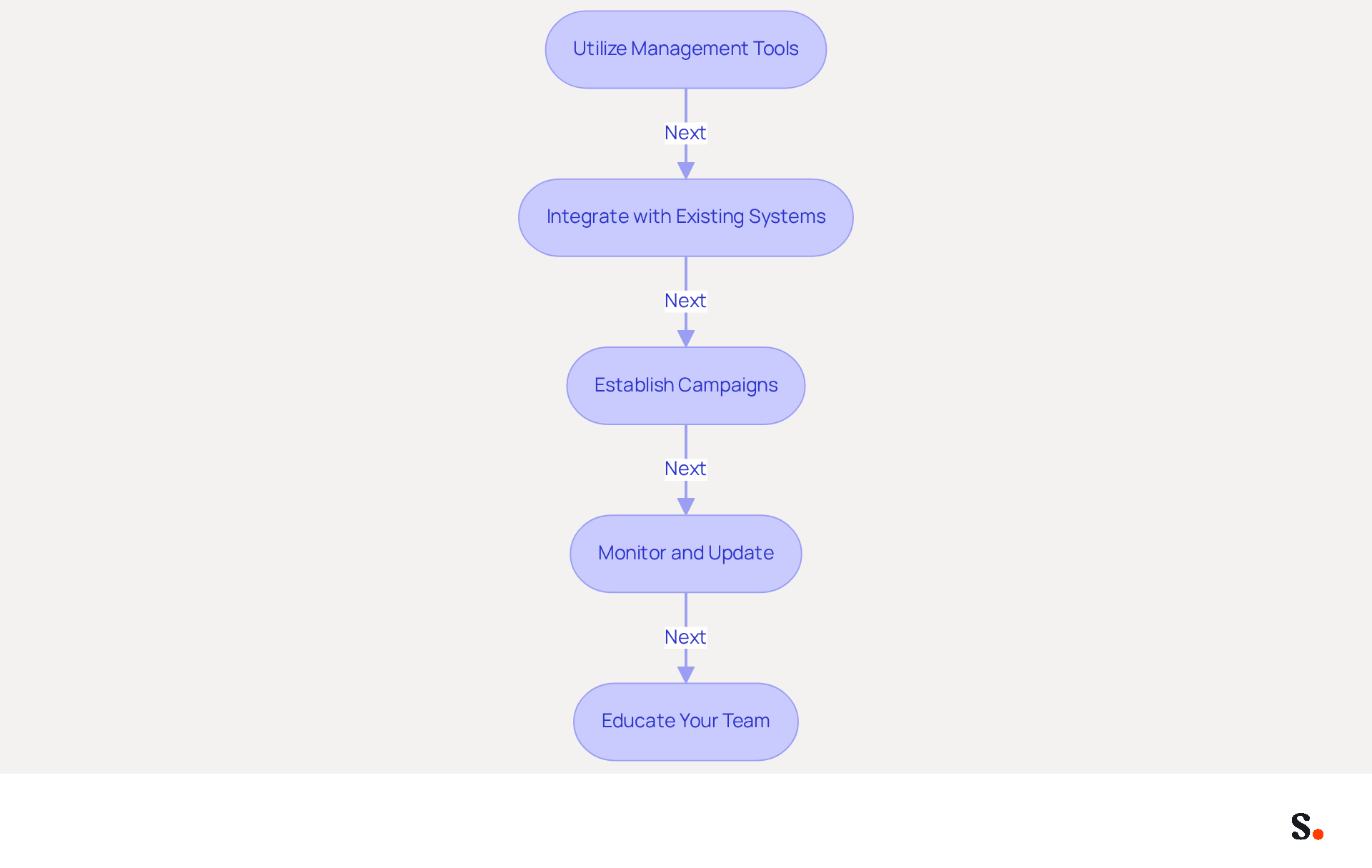
- Utilize Management Tools: Implement platforms like Scribe that automate the creation and management of digital identifiers. These tools allow for the creation of on-brand templates that can be consistently deployed across your organization, which enhances brand consistency. With Scribe, Marketing teams can manage their footers independently after the initial IT setup, ensuring that footer information is always synced and updated automatically.
- Integrate with Existing Systems: Ensure your management tool seamlessly connects with your email platform (e.g., Outlook) and other essential tools, such as HR systems. This integration enables automatic updates, ensuring your credentials remain up to date without manual intervention. Scribe's SOC 2 Type II compliance guarantees that your data is secure throughout this process.
- Establish Campaigns: Utilize automation features to schedule marketing initiatives directly through your correspondence. This approach can lead to a significant boost in engagement rates through rotating promotional banners or calls to action. Studies indicate that using branded digital identifiers can yield a 22% increase in response rates and a 15% rise in click-through rates to company websites. Moreover, dynamic banners in digital correspondences can lead to a 12% average click-through rate and a 25% rise in traffic to particular landing pages.
- Monitor and Update: Without regular reviews, your email branding may drift from your core marketing messages, leading to potential confusion among recipients. Automation tools like Scribe can aid in monitoring changes and ensuring consistency, which is vital as 76% of consumers indicate increased trust from branded marks. Moreover, 47% of prospects believe that professional sign-offs enhance their trust.
- Educate Your Team: Provide training for your team on how to effectively use the document management tool. Establish guidelines on best practices for digital identifiers to uphold a professional image, as 52% of professionals assert that a strong online representation is vital for building trust.
As a result, organizations that prioritize email signature management are poised to significantly enhance their online presence and drive traffic in the coming years.
Conclusion
Managing your email signature in Outlook is crucial for projecting a professional image in all communications. By following the outlined steps, users can easily access, create, and modify their signatures, ensuring that their digital identifiers reflect their brand's identity. This process enhances personal communication and contributes to brand consistency, which is vital in a competitive landscape.
Key insights from the article emphasize the importance of a well-crafted email signature. With statistics showing that a significant percentage of professionals believe a strong email signature can influence sales outcomes, it is evident that neglecting this aspect of communication can result in significant missed opportunities. Additionally, integrating tools like Scribe can streamline the management of email signatures, ensuring that updates are automatically reflected and that brand consistency is maintained across the organization.
Ultimately, managing your email signature is more than just aesthetics; it’s a strategic choice that boosts brand visibility and engagement. Organizations are encouraged to leverage automation tools like Scribe to simplify this process, ensuring that their email signatures are always up-to-date and professionally presented. By doing so, businesses can foster trust and credibility with their audience, ultimately driving better engagement and results in their marketing efforts.
Frequently Asked Questions
How do I locate my email signature in Outlook?
To locate your email signature in Outlook, open the Outlook application, create a new email by clicking on 'New Email', navigate to the 'Message' tab, find the 'Insert' group, and click on 'Signature'. From the drop-down menu, select 'Signatures...' to view, modify, or create new entries.
What can I do in the Signatures and Stationery window?
In the Signatures and Stationery window, you can view, modify, or create new email signatures. You can choose an existing signature to alter or click 'New' to create a new one.
Why is it important to manage email signatures?
Managing email signatures is crucial because branded message identifiers enhance sender trust. Companies with consistent branded identities report over a 22% increase in response rates, highlighting the importance of maintaining a professional appearance in communications.
How can integrating Google Workspace with Outlook help?
Integrating Google Workspace with Outlook allows for automatic updates to your teammates' contact information, ensuring that any changes are reflected seamlessly. This integration improves the management of digital identifiers and enhances brand consistency and efficiency.
Is my data secure while managing digital identifiers in Outlook?
Yes, with Scribe's SOC 2 Type II certification and compliance with GDPR and CCPA, you can be confident that your data remains secure while managing digital identifiers effectively.
List of Sources
- Locate Your Email Signature in Outlook
- The Best Way to Manage Email Signatures in Microsoft 365 | Rocketseed (https://rocketseed.com/blog/best-way-to-manage-email-signatures-in-microsoft-365)
- 40+ Email Signature Statistics for 2026 (Data + Insights) (https://wavecnct.com/blogs/email-signature-statistics)
- Outlook 365 Signature Location: Find Your Email Signature - NEWOLDSTAMP (https://newoldstamp.com/blog/outlook-signature-location)
- Microsoft 365 email signature software | CodeTwo (https://codetwo.com/email-signatures)
- Create or Modify Your Email Signature
- The Complete Email Signature Guide 2026: Best Practices and Policy (https://opensense.com/complete-email-signature-guide)
- Email Signature Best Practices - NEWOLDSTAMP (https://newoldstamp.com/blog/email-signature-best-practices)
- Why Email Signatures Must Be In Your 2026 Marketing Plan | Rocketseed (https://rocketseed.com/blog/what-are-the-biggest-email-trends-for-2026)
- Best practices for business email signatures in 2026 (https://bybrand.io/blog/best-practices)
- Top 10+ best practices for email signatures design in 2026 (https://mysignature.io/blog/email-signature-best-practices)
- Troubleshoot Common Email Signature Issues
- 40+ Email Signature Statistics for 2026 (Data + Insights) (https://wavecnct.com/blogs/email-signature-statistics)
- Outlook Signature Not Working in Office 365: Causes & Fixes (https://exclaimer.com/email-signature-handbook/outlook-signature-not-working-in-office-365)
- Why Isn't My Signature Showing Up in Outlook? Common Causes Explained (https://scribe-mail.com/en-US/blog/why-isn-t-my-signature-showing-up-in-outlook-common-causes-explained)
- How to solve problems with email signatures in Microsoft 365? (https://mail-signatures.com/articles/problems-email-signatures-office-365)
- Leverage Automation for Efficient Signature Management
- 40+ Email Signature Statistics for 2026 (Data + Insights) (https://wavecnct.com/blogs/email-signature-statistics)
- The impact of email signatures on your branding (https://signitic.com/en/resources/the-impact-of-email-signatures-on-your-branding)
- Why Email Signature Management Software is Essential for Marketing Success (https://scribe-mail.com/en-US/blog/why-email-signature-management-software-is-essential-for-marketing-success)
- Email Signature Trends 2026: Centralized Control & Automation | SIGNandGO posted on the topic | LinkedIn (https://linkedin.com/posts/signngo_email-signature-trends-to-watch-in-2026-activity-7401523471786217473-zAVL)
Get started with Scribe
Create your signature in minutes
Free 14-day trial — no credit card.