How to Set Up an Email Signature on iPhone: A Step-by-Step Guide
Despite the critical role of email in professional communication, many professionals find it challenging to create effective email signatures on their iPhones
Sophie Grant
Email Signature Specialist, Scribe
Introduction
Despite the critical role of email in professional communication, many professionals find it challenging to create effective email signatures on their iPhones. With a staggering 52% of professionals relying on email for their interactions, a well-designed signature can significantly enhance visibility and engagement. Yet, many professionals find themselves confused when it comes to setting up and customizing their signatures, raising the question: how can one create a signature that not only reflects their identity but also engages recipients effectively? Understanding how to craft an engaging email signature is not just a technical skill; it is a vital component of professional branding that can significantly impact communication outcomes.
Access Email Signature Settings on iPhone
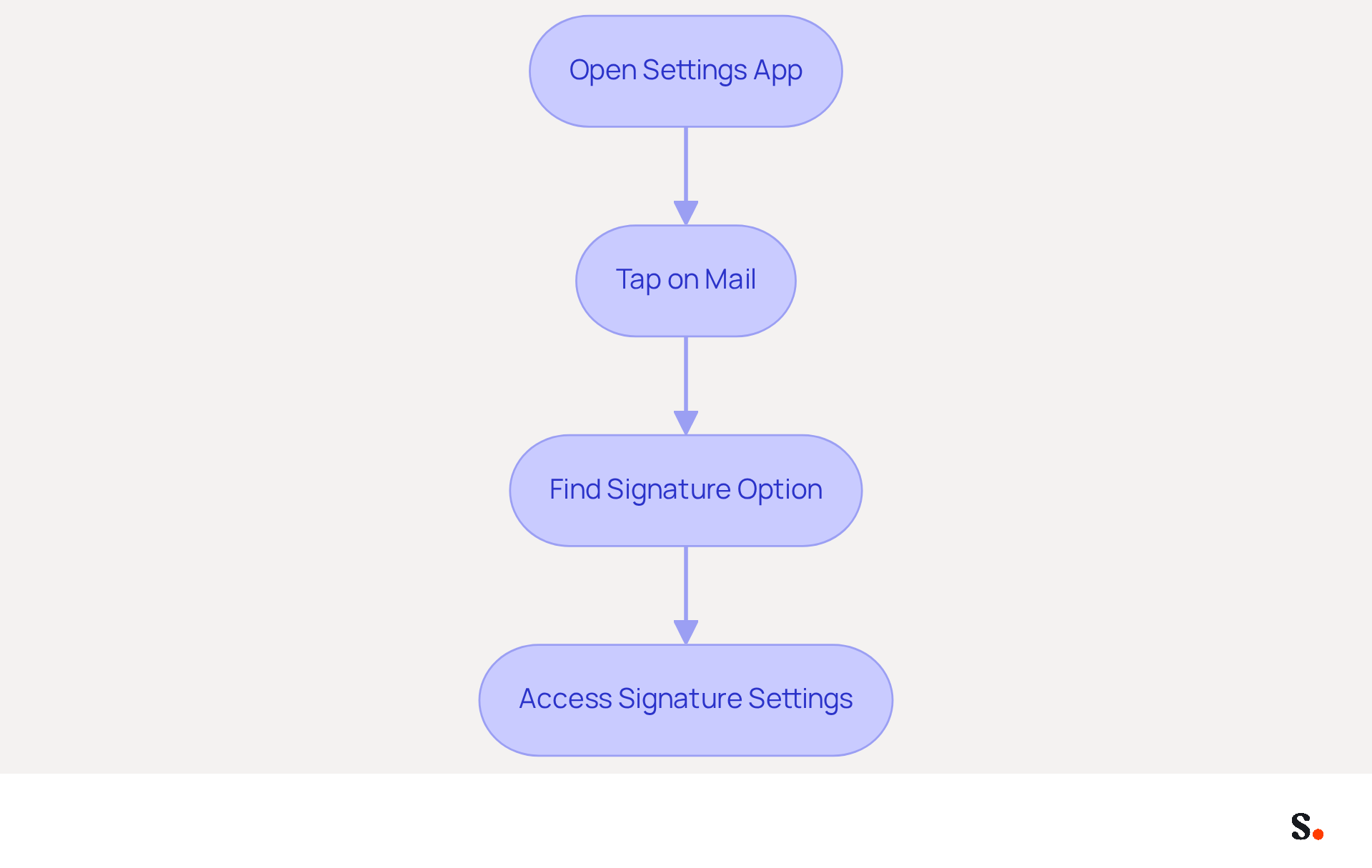
- Open the Settings app on your iPhone.
- Scroll down and tap on Mail.
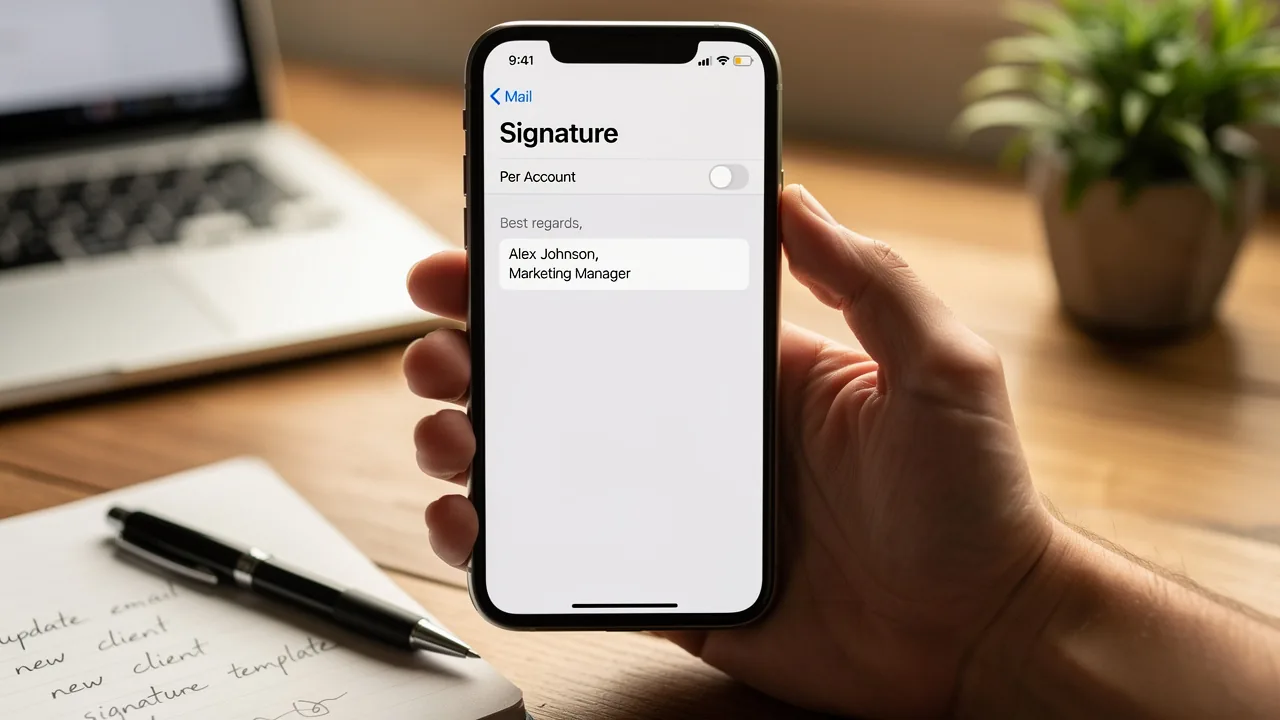
- In the Mail settings, scroll down to find the Signature option, located under the Composing section.
- Tap on Signature to access the settings where you can create or modify your sign-off.
In a landscape where electronic mail dominates professional communication, understanding how to set up an email signature on iPhone is crucial for establishing your brand identity. In 2026, electronic mail continues to be the main professional communication method, with 52% of professionals favoring it for interactions with companies. This highlights the significance of having a well-designed electronic identifier, particularly given that 89.9% of users employ a single digital identifier, suggesting a considerable underuse of this marketing tool. Understanding how to set up an email signature on iPhone is important, as regular updates can enhance brand visibility, with 44.4% of professionals refreshing theirs 2-4 times a year, reinforcing the need for consistency in branding.
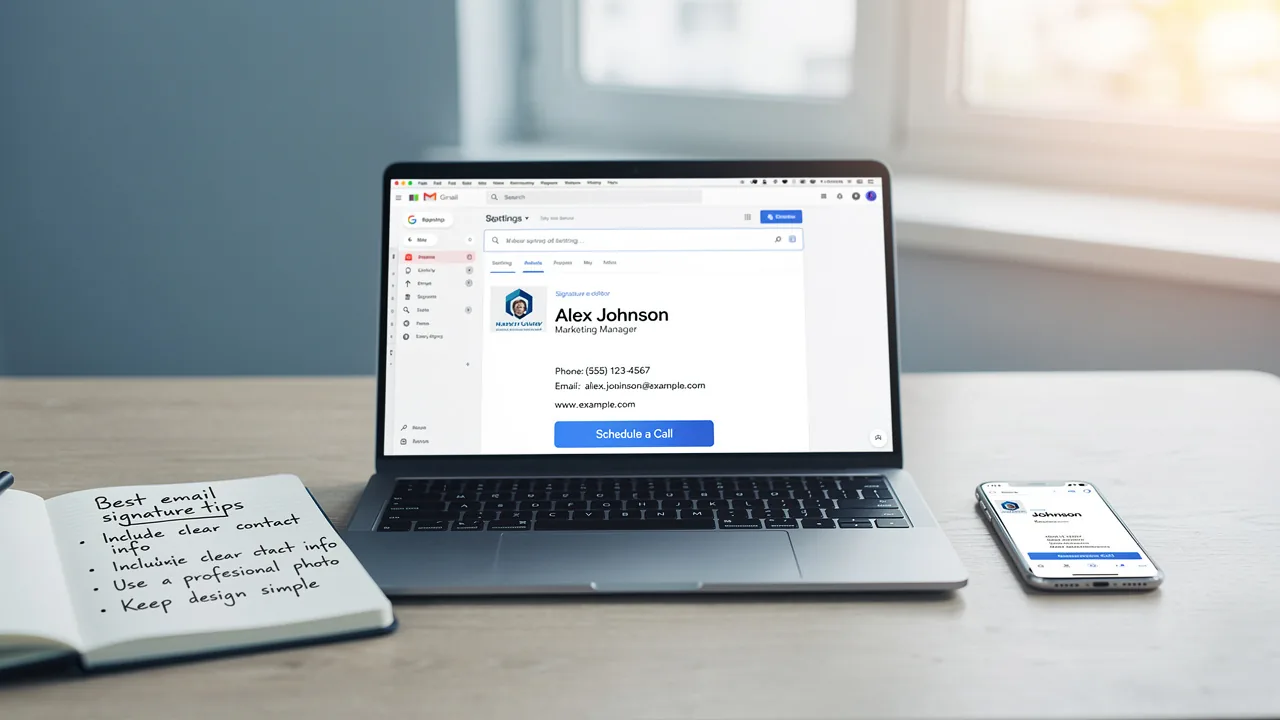
Without a well-designed electronic identifier, professionals risk losing credibility in their communications. To enable one-click synchronization, you must grant permission to connect with your provider. Ensure you are a Super Admin of your service provider to provide these permissions. By syncing your Google Workspace with Scribe, you can simplify the management of your correspondence labels. This integration allows for automatic updates, so any changes in your Google Workspace - like moving teammates or updating their information - are automatically reflected in the application. This not only saves time but also enhances your branding efforts by maintaining consistency across all communications. Furthermore, Scribe's SOC 2 Type II compliance guarantees that your data stays protected, ensuring your data remains secure while you effectively manage your email branding. By prioritizing your email branding, you not only enhance your professional image but also foster stronger connections with your audience.
Create and Customize Your Email Signature
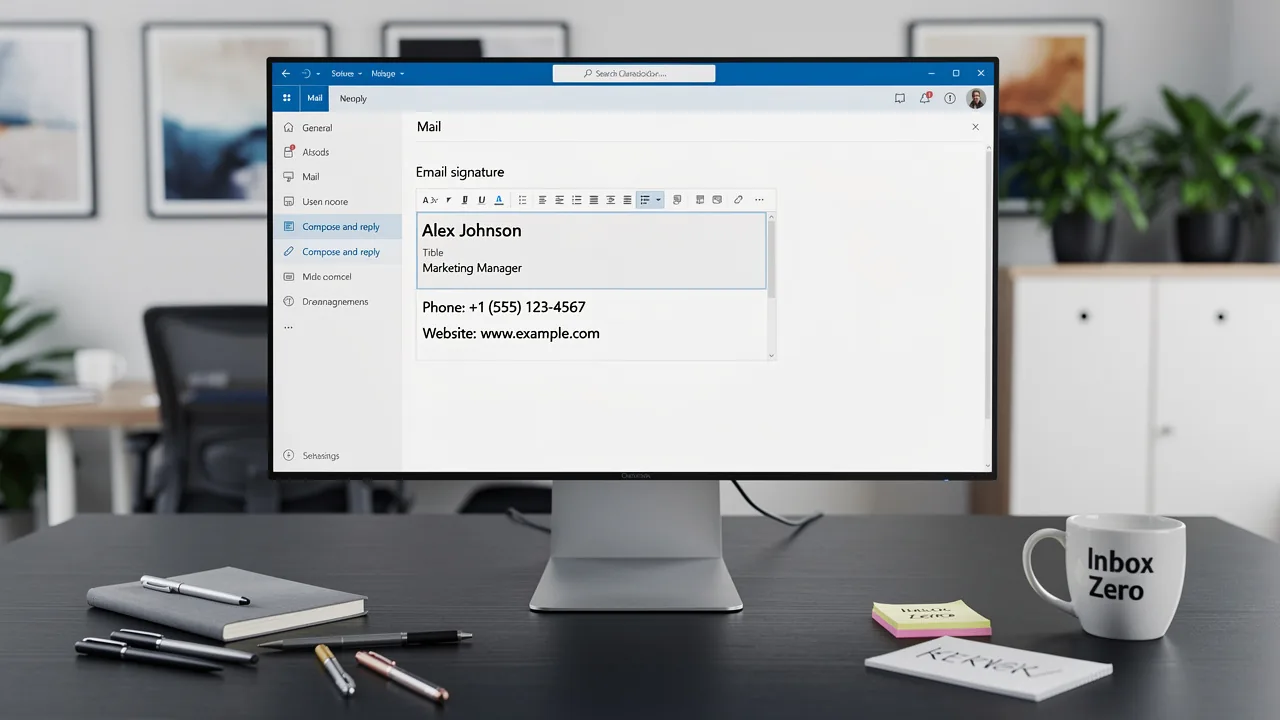
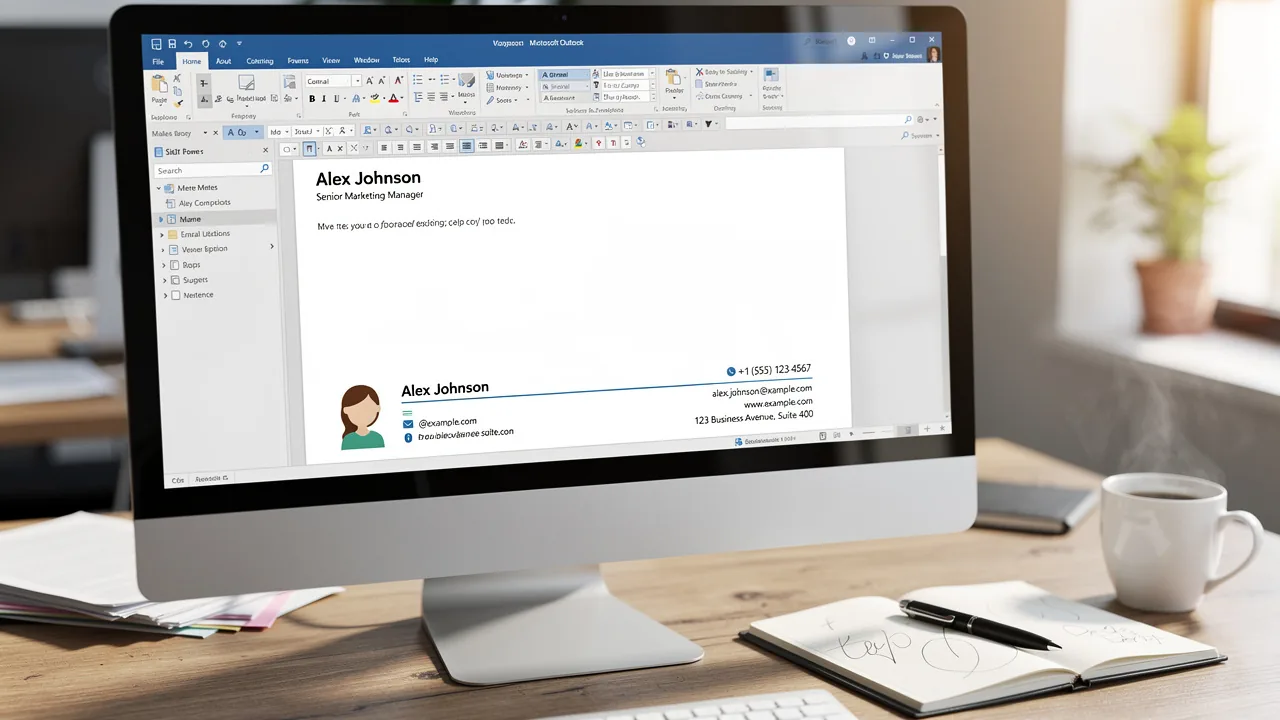
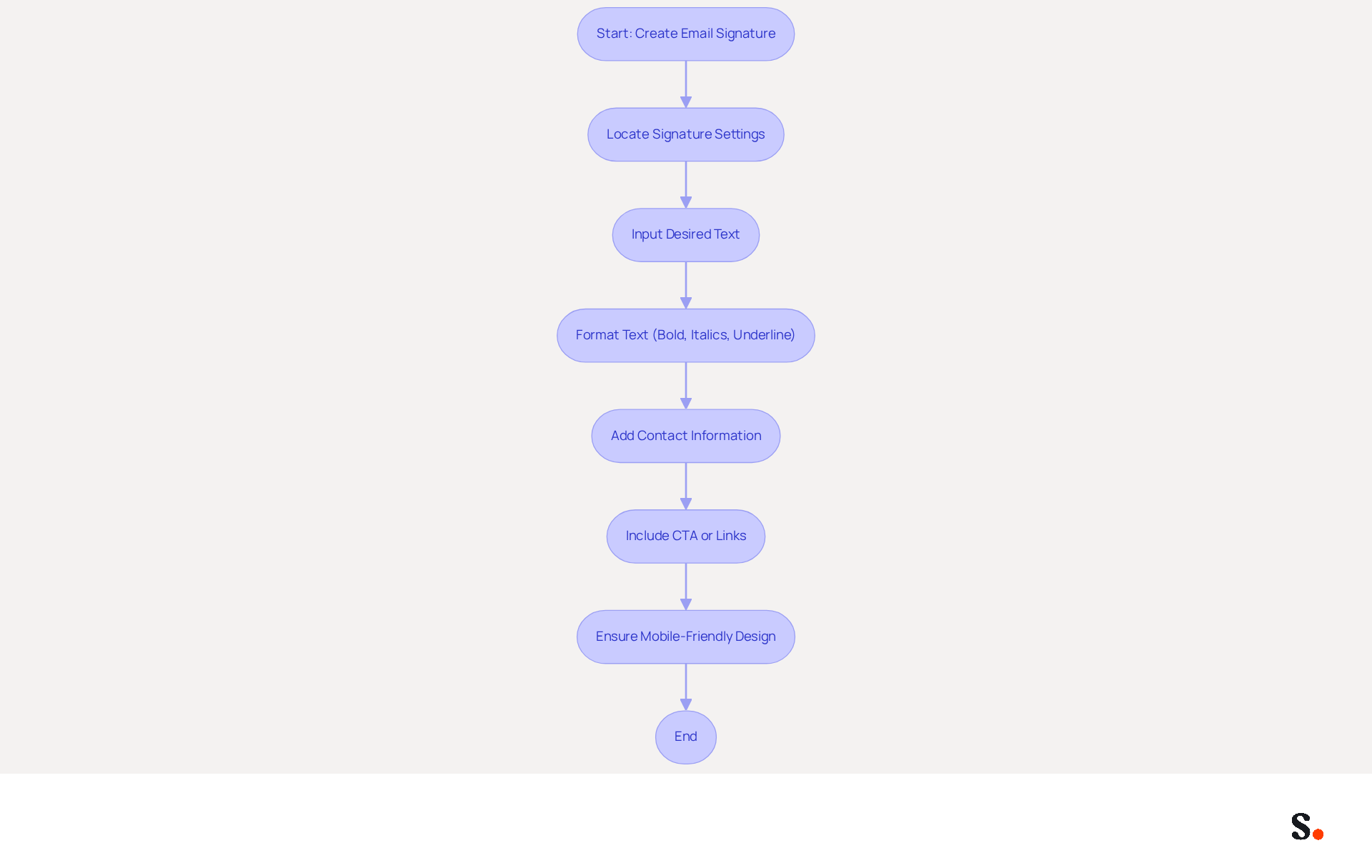
Understanding how to set up an email signature on iPhone is essential for effective communication in today's digital landscape. In the Signature settings, start by locating the text field where you can enter your name, which is part of how to set up an email signature on iPhone. To learn how to set up an email signature on iPhone, input your desired text, which should include your full name, job title, company name, and contact information. To enhance the appearance, utilize basic formatting options such as bold, italics, or underline by highlighting the text and selecting the appropriate formatting option. An organized message footer significantly enhances your brand's visibility.
- Consistent branding can increase website click rates by 3% to 15%.
- Additionally, 80% of businesses consider branded digital identifiers essential for effective communication.
- Consider including a call to action (CTA) or links to your social media profiles to further engage recipients.
- CTAs can promote offers like a free month of a CRM tool, maximizing engagement.
Think of your professional digital identifier as a virtual business card that builds trust and credibility with each message you send. With the tool, your electronic correspondence identifiers can be automatically synchronized with your business phone system, ensuring that any updates made in your Aircall configuration are reflected in real-time. This seamless integration not only enhances brand consistency but also ensures compliance with SOC 2 Type II standards, keeping your data secure.
Scribe enables Marketing teams to manage their messaging branding independently after the initial IT setup, further streamlining the process. Ensure your mark is mobile-friendly and designed to be around 600px wide for optimal rendering across devices. A well-crafted digital identifier not only enhances your brand's visibility but also fosters trust with every interaction.
Add Images and Links to Your Signature
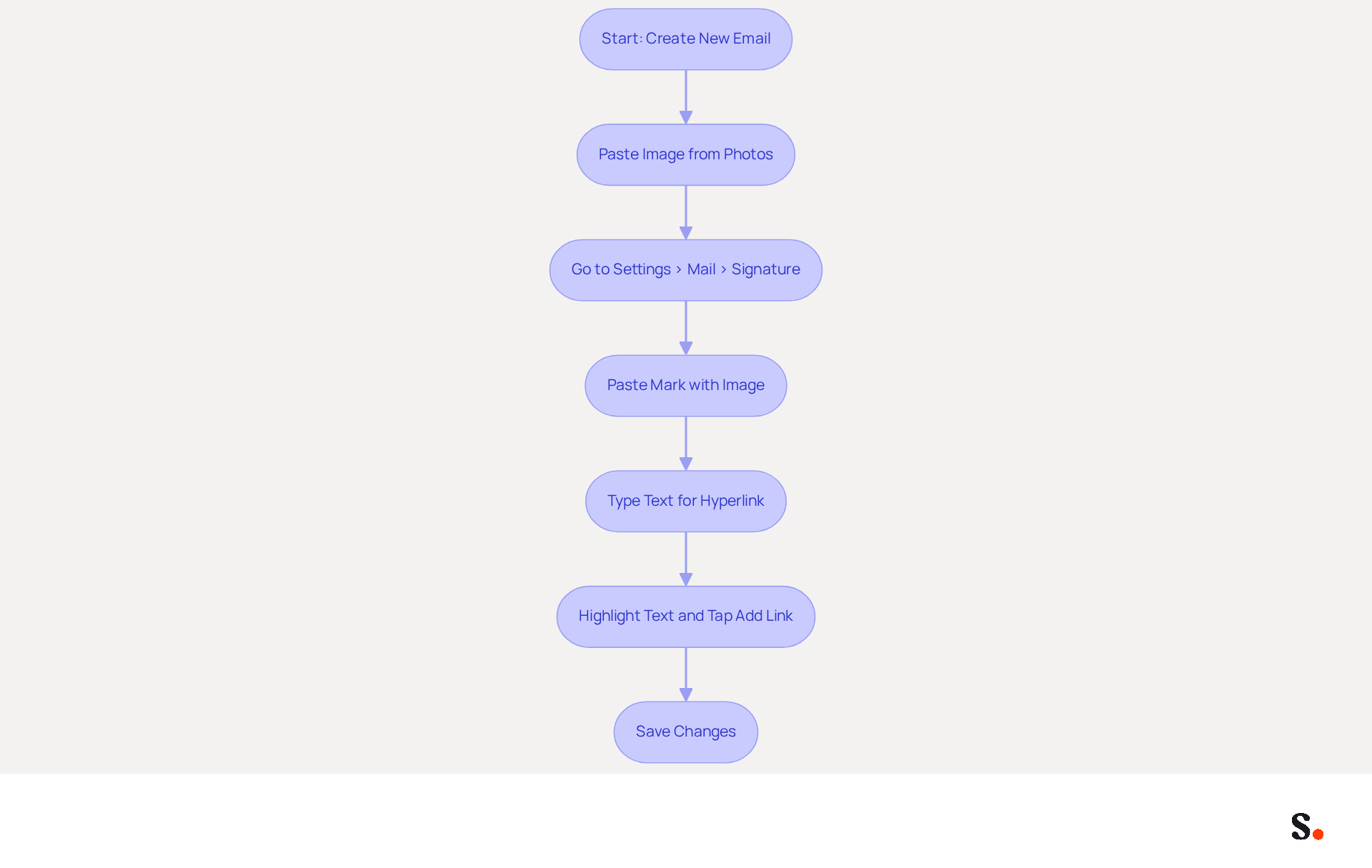
Many professionals struggle to create visually appealing email signatures that effectively represent their brand. To add an image to your signature, first ensure the image is saved in your Photos app. Open the Mail app and create a new message. Tap and hold in the body of the email until the Paste option appears. Select Paste to insert the image. After pasting, navigate back to Settings > Mail > Signature and tap the text field. Tap and hold again to paste your mark, which now includes the image. To add a hyperlink, type the text you want to link, then highlight it. Tap Add Link and enter the URL you wish to link to. Save your changes to complete your endorsement.
Adding images to your email signature can elevate your brand's professional appearance. Studies show that businesses with consistent email signatures see a 22% increase in response rates, highlighting the importance of a cohesive brand image. Moreover, including links to your website or social media can further engage recipients, as 64% of consumers desire contact information and 43% anticipate promotional materials in correspondence. By following these steps, you can create a visually appealing and effective digital representation that not only reflects your identity but also serves as a powerful marketing tool.
With Scribe, you can easily update your email branding, ensuring your data is handled securely and in compliance with industry standards. As Sophie Grant, an Email Signature Specialist, states, "A well-crafted closing can boost response rates by up to 22%, underscoring its importance for organizations seeking to enhance credibility and engagement." This automated synchronization feature allows for effortless updates, aligning with Scribe's commitment to secure data handling and compliance with SOC 2 Type II standards, ensuring that your data is managed securely and in accordance with industry regulations.
Manage Multiple Signatures for Different Accounts
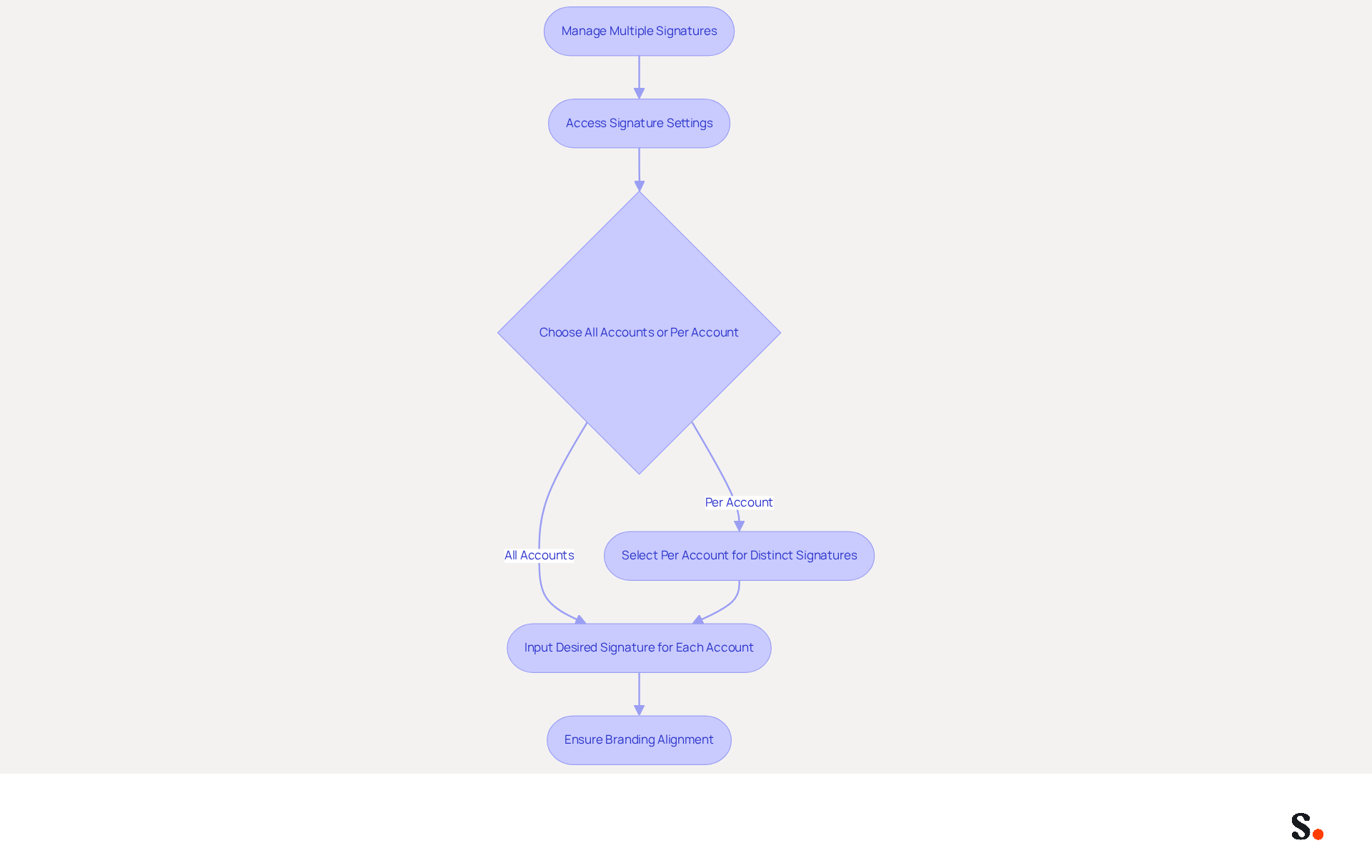
Managing multiple email identities effectively is crucial for maintaining brand integrity and communication clarity. In the Signature settings, you will find options for managing email identities, including instructions on how to set up an email signature on iPhone through All Accounts or Per Account selections. Selecting Per Account allows for the creation of distinct identifiers for each email account configured on your iPhone, which is important when learning how to set up an email signature on iPhone. To establish a sign-off, you need to know how to set up an email signature on iPhone for the specific account you wish to create it for. To learn how to set up an email signature on iPhone, input the desired signature for the selected account. This process should be repeated for how to set up an email signature on iPhone for any additional accounts configured on your device. It is essential that each signature aligns with the branding and messaging relevant to its respective account.
Managing multiple email identities is increasingly relevant, as studies indicate that 91% of consumers check their messages daily on their smartphones. This flexibility is essential for professionals who switch roles or teams frequently, allowing them to maintain brand consistency and adapt their communication style as needed. For example, sales professionals can enhance their credibility by including relevant contact information and promotional elements in their email footers, while support teams can personalize these footers to build trust with clients.
According to the case study titled 'Managing Multiple Email Signatures,' users can easily handle different email identities for various use cases, which is particularly beneficial for individuals frequently switching roles or teams. By utilizing customized sign-offs, users can effectively manage their communications and ensure that each message aligns with their branding strategy. As highlighted by Scribe, businesses utilizing branded footers have reported a 15% increase in website click-through rates, demonstrating the effectiveness of well-crafted elements in boosting engagement.
Furthermore, Scribe's integration with Aircall guarantees that any modifications made in your Aircall settings will automatically be reflected in your documents, simplifying the management process. This automated synchronization not only improves consistency across the label but also enables marketing managers to concentrate on promoting their identity effectively. By joining Scribe's Affiliate Program, you can earn a 50% commission while offering a $30 credit to those looking to maintain brand consistency across their email signatures. By implementing these strategies, professionals can ensure their communications are not only consistent but also impactful, enhancing their overall brand presence.
Conclusion
Creating a professional email signature on your iPhone is essential for effective digital communication, not merely a design choice. By following the outlined steps, many professionals find it challenging to create a signature that effectively represents their brand and engages recipients. A signature not only reflects personal branding but also enhances credibility and engagement with recipients. Managing multiple signatures for different accounts helps professionals keep their brand consistent across all communications.
This guide highlights the importance of integrating images and links to elevate your signature's appeal. Statistics show that a well-crafted email signature can significantly boost response rates and click-through rates, making it an essential marketing tool. Additionally, Scribe's capabilities ensure that email branding remains consistent and secure, with compliance to industry standards like SOC 2 Type II, allowing for seamless updates and management.
Neglecting to invest in a professional email signature can lead to missed opportunities for connection and engagement. When you use the tools and strategies we've discussed, you can boost your brand visibility and build stronger connections with your audience. A well-crafted email signature is not just a detail; it is a strategic asset that can significantly influence your professional interactions.
Frequently Asked Questions
How do I access email signature settings on my iPhone?
To access email signature settings on your iPhone, open the Settings app, scroll down and tap on Mail, then find the Signature option under the Composing section and tap on it to create or modify your sign-off.
Why is having an email signature important for professionals?
Having a well-designed email signature is crucial for establishing brand identity, as it enhances credibility in communications and helps maintain consistency in branding.
How often do professionals update their email signatures?
44.4% of professionals refresh their email signatures 2-4 times a year to enhance brand visibility.
What is the significance of syncing Google Workspace with Scribe for email signatures?
Syncing Google Workspace with Scribe allows for automatic updates to your email signature, ensuring that any changes in your Google Workspace, such as moving teammates or updating their information, are automatically reflected in the application.
What permissions do I need to grant for one-click synchronization with my email provider?
To enable one-click synchronization, you must be a Super Admin of your service provider and grant permission to connect with your provider.
How does Scribe ensure the security of my data while managing email branding?
Scribe's SOC 2 Type II compliance guarantees that your data stays protected, ensuring security while you effectively manage your email branding.
List of Sources
- Access Email Signature Settings on iPhone
- Email signature statistics: Why every business should optimize their email signatures — Stripo.email (https://stripo.email/blog/email-signature-statistics-why-every-business-should-optimize-their-email-signatures)
- Email Signature Statistics: A Closer Look at Email Signatures in 2026 (https://mysignature.io/blog/email-signature-statistics)
- 40+ Email Signature Statistics for 2026 (Data + Insights) (https://wavecnct.com/blogs/email-signature-statistics)
- How to upgrade your email game with a custom signature on iOS (https://foxnews.com/tech/upgrade-email-game-custom-signature-ios)
- Create and Customize Your Email Signature
- The impact of email signatures on your branding (https://signitic.com/en/resources/the-impact-of-email-signatures-on-your-branding)
- Email Signature Best Practices - NEWOLDSTAMP (https://newoldstamp.com/blog/email-signature-best-practices)
- Email signature design guide: elements, layout & tips (https://exclaimer.com/email-signature-handbook/email-signature-design)
- Email Signature Best Practices Guide With Examples - MailerLite (https://mailerlite.com/blog/email-signature-best-practices)
- 20 best email signature design examples for 2026 — Stripo.email (https://stripo.email/blog/10-best-email-signature-design-examples)
- Add Images and Links to Your Signature
- Research Recap: Branded Email Signatures Increase Company Recognition, Trust - Demand Gen Report (https://demandgenreport.com/industry-news/research-recap-branded-email-signatures-increase-company-recognition-trust/47252)
- The impact of email signatures on your branding (https://signitic.com/en/resources/the-impact-of-email-signatures-on-your-branding)
- Adding Images to Apple Mail Signatures + Quick Fixes - NEWOLDSTAMP (https://newoldstamp.com/blog/adding-images-to-apple-mail-signatures-quick-fixes)
- What Should a Business Email Signature Look Like for Success? (https://scribe-mail.com/en-US/blog/what-should-a-business-email-signature-look-like-for-success)
- How to Add Images and Links to Apple Mail Signature (https://wisestamp.com/guides/how-to-add-images-and-links-to-a-mac-mail-signature)
- Manage Multiple Signatures for Different Accounts
- 7 Reasons You Need Multiple Email Signatures (https://wisestamp.com/guides/why-you-need-multiple-versions-of-your-email-signature)
- How to Change Your Email Signature on iPhone: A Step-by-Step Guide (https://scribe-mail.com/en-US/blog/how-to-change-your-email-signature-on-iphone-a-step-by-step-guide)
- How to set up multiple email signatures on iPhone, iPad, Mac (https://idownloadblog.com/2022/02/11/multiple-email-signatures-iphone-ipad-mac)
Get started with Scribe
Create your signature in minutes
Free 14-day trial — no credit card.