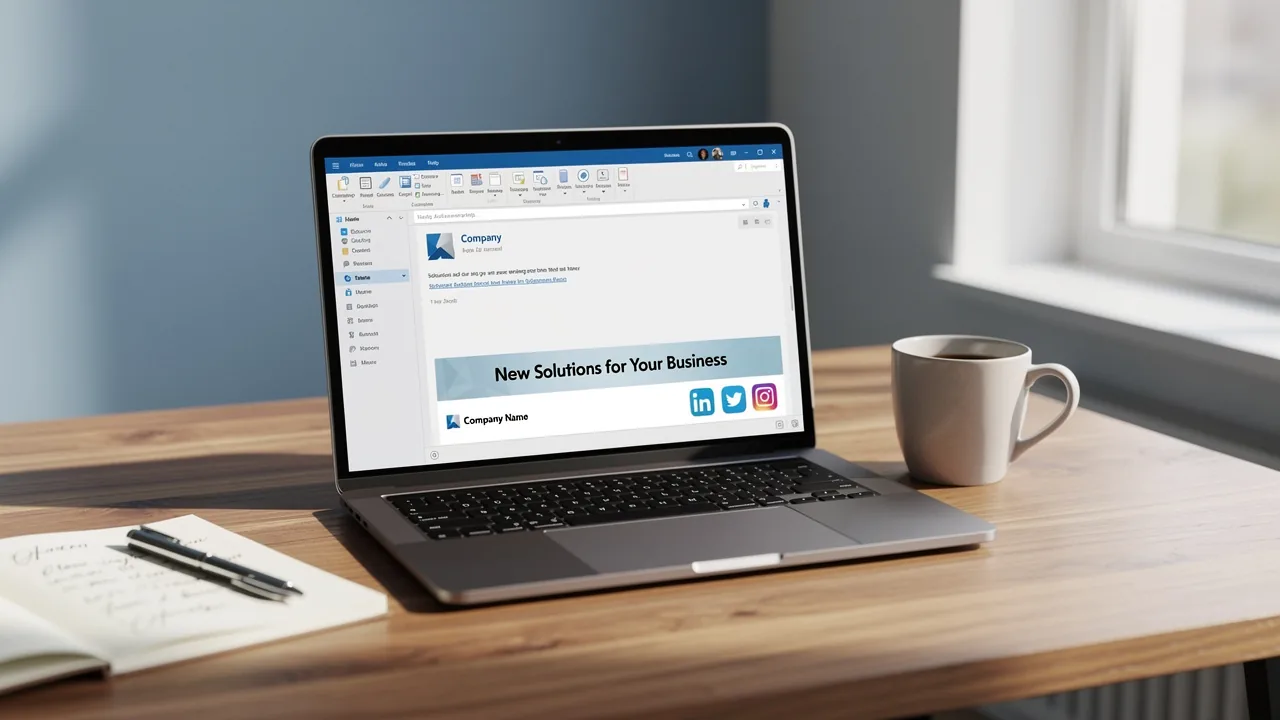
Master Auto Signature Outlook: Boost Brand Consistency and Efficiency
Inconsistent email signatures can undermine an organization's professional image and brand integrity. Mastering the art of email signatures is crucial for any
Sophie Grant
Email Signature Specialist, Scribe
On this page
Introduction
Inconsistent email signatures can undermine an organization's professional image and brand integrity. Mastering the art of email signatures is crucial for any organization aiming to project a professional image and maintain brand consistency. Auto signatures do more than just improve communication; they can also be a strong marketing tool that boosts engagement and reinforces your brand identity. Despite the importance of email signatures, many organizations find it challenging to maintain consistency and compliance.
How can organizations ensure that their email signatures are not only visually appealing but also aligned with their branding and compliance standards? This article will explore effective strategies for implementing auto signatures in Outlook that align with branding and compliance standards, providing insights into essential components, design strategies, and automation techniques aimed at elevating brand presence and improving efficiency in email communications.
Define Essential Components of an Effective Auto Signature
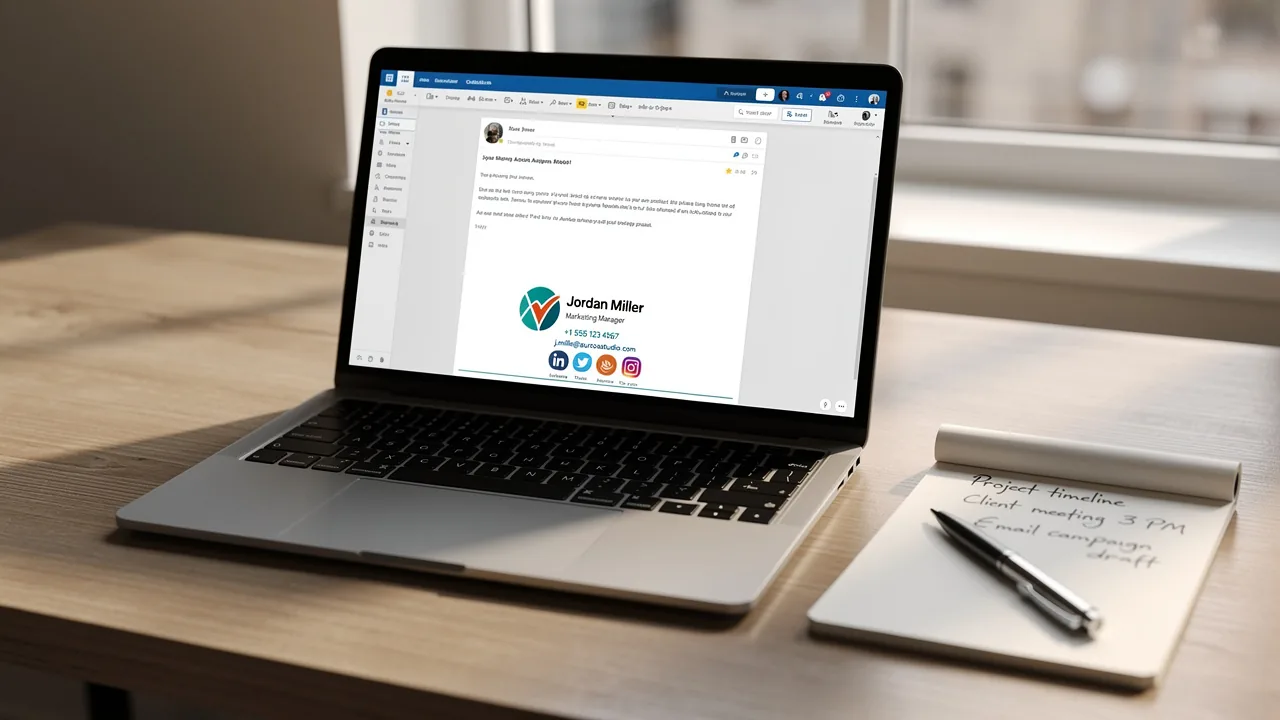
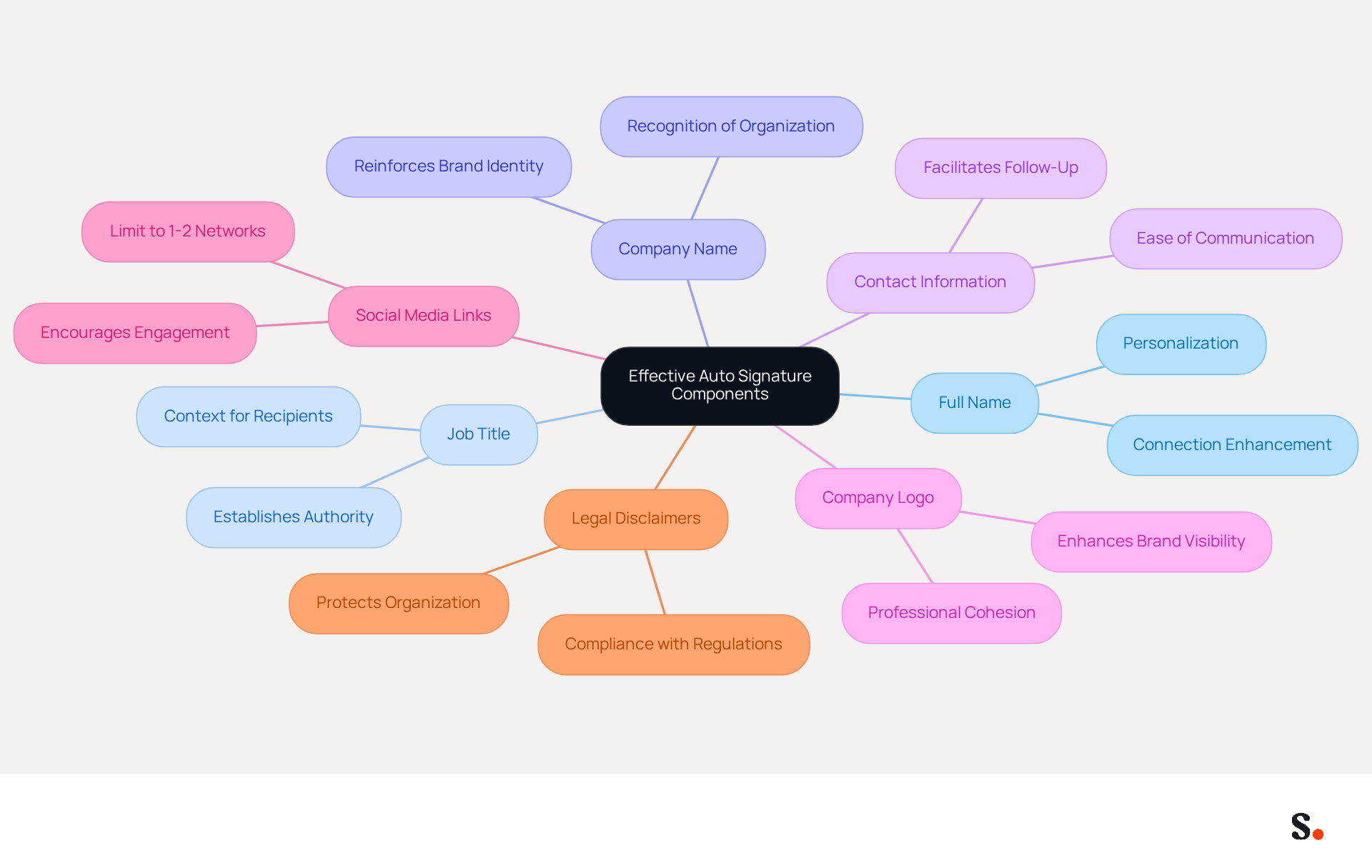
To maximize the effectiveness of email communication, an effective auto signature must include key components that enhance professionalism and engagement:
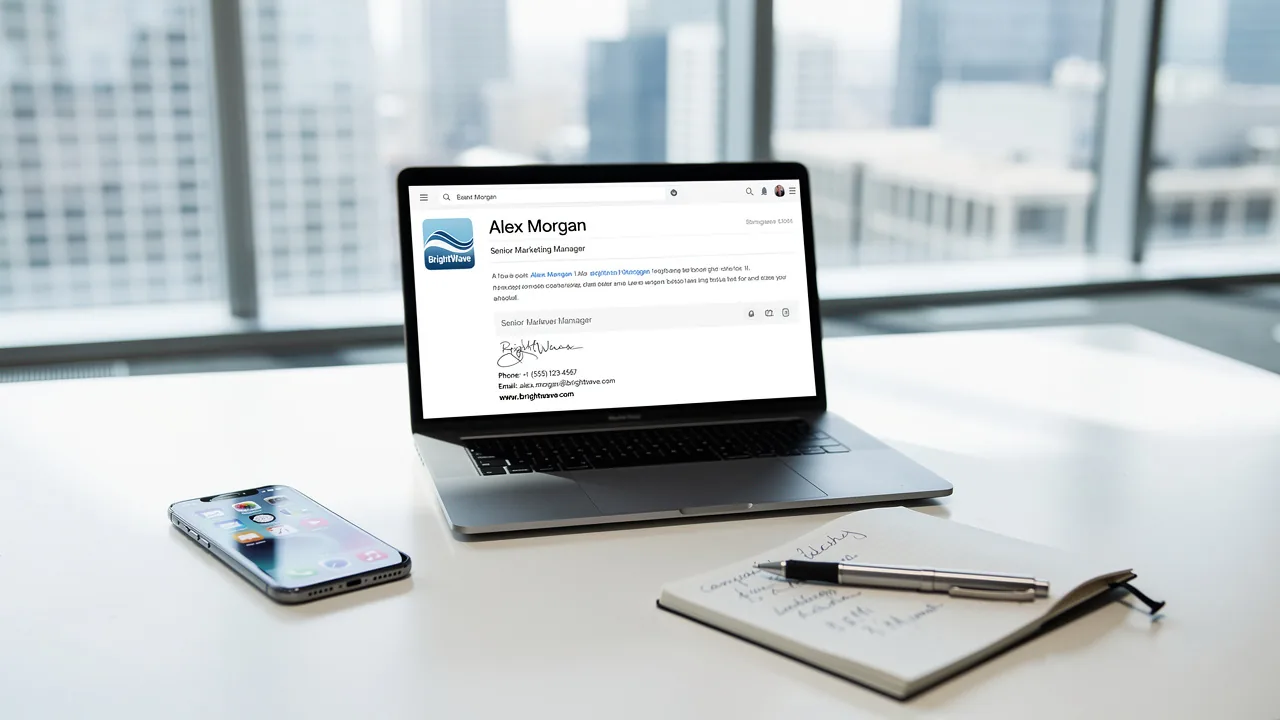
- Full Name: Clearly state the sender's full name to personalize the communication, enhancing the recipient's connection.
- Job Title: Including the sender's position establishes authority and context, making it easier for recipients to understand the sender's role.
- Company Name: This reinforces brand identity, helping recipients recognize the organization and its values.
- Contact Information: Providing a phone number and contact address facilitates easy follow-up, making it possible for recipients to reach out without hassle.
- Company Logo: Incorporating the logo enhances brand visibility and professionalism, contributing to a cohesive brand image.
- Social Media Links: Including links to relevant social media profiles encourages further engagement, allowing recipients to connect on multiple platforms. However, too many social media links can overwhelm recipients, diluting the message; it's best to limit these to 1-2 relevant networks.
- Legal Disclaimers: If necessary, add disclaimers to comply with legal requirements, ensuring that the organization meets regulatory standards.
Including these elements can significantly enhance how digital identifiers function. For example, organizations that implemented branded messaging footers reported a 22% increase in response rates and a 15% rise in website click rates. Furthermore, incorporating a professional photo can boost response rates by 32%, illustrating the effect of well-crafted email footers on engagement. This automation, which incorporates an auto signature outlook, not only saves time but also ensures that your branding remains consistent across all communications. By prioritizing these essential elements, businesses can significantly enhance their communication strategy and brand perception.
Ensure Brand Consistency and Professionalism in Signatures
To maintain brand consistency and professionalism in email signatures, implementing best practices is essential:
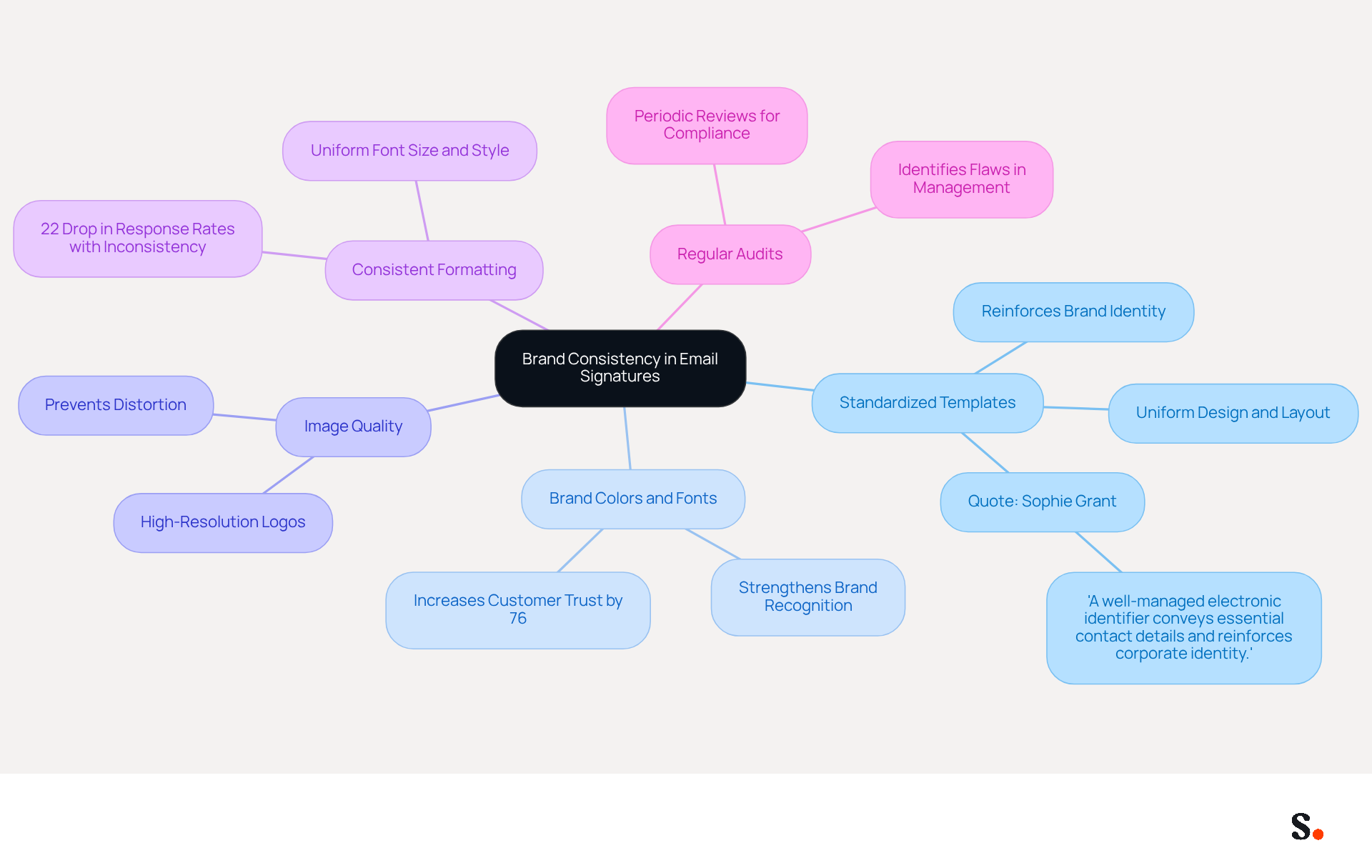
- Standardized Templates: Develop a set of standardized templates that all employees must utilize. This approach guarantees uniformity in design and layout, reinforcing brand identity across all communications. As mentioned by Sophie Grant, an Email Identity Specialist, 'A well-managed electronic identifier conveys essential contact details and reinforces corporate identity, fostering trust and professionalism with every message sent.'
- Brand Colors and Fonts: Incorporate the company’s official colors and fonts in the signature to strengthen brand recognition and consistency. Studies indicate that consistent branding can increase customer trust by up to 76%, underscoring the importance of a cohesive image in all communications.
- Image Quality: Use high-resolution logos and images that are properly sized to prevent distortion, ensuring a polished appearance. Poor image quality can diminish the professionalism of the message footer.
- Consistent Formatting: Maintain uniform formatting across all sign-offs, including font size, style, and spacing, to enhance professionalism. Inconsistent formatting can lead to a 22% drop in response rates, highlighting the need for uniformity.
- Regular Audits: Conduct periodic reviews of digital identifiers to verify compliance with branding guidelines and make necessary updates. Regular evaluations assist in identifying and rectifying potential flaws in management of marks, ensuring that all representations reflect the current branding.
Implementing these practices not only presents a professional image but also significantly enhances brand identity in every message communication. This unified approach not only enhances brand identity but also significantly impacts engagement metrics.
Implement Auto Signatures in Outlook: Step-by-Step Guide
Implementing an auto signature in Outlook is essential for maintaining a professional image in email communications. To implement auto signatures in Outlook effectively, follow these steps:
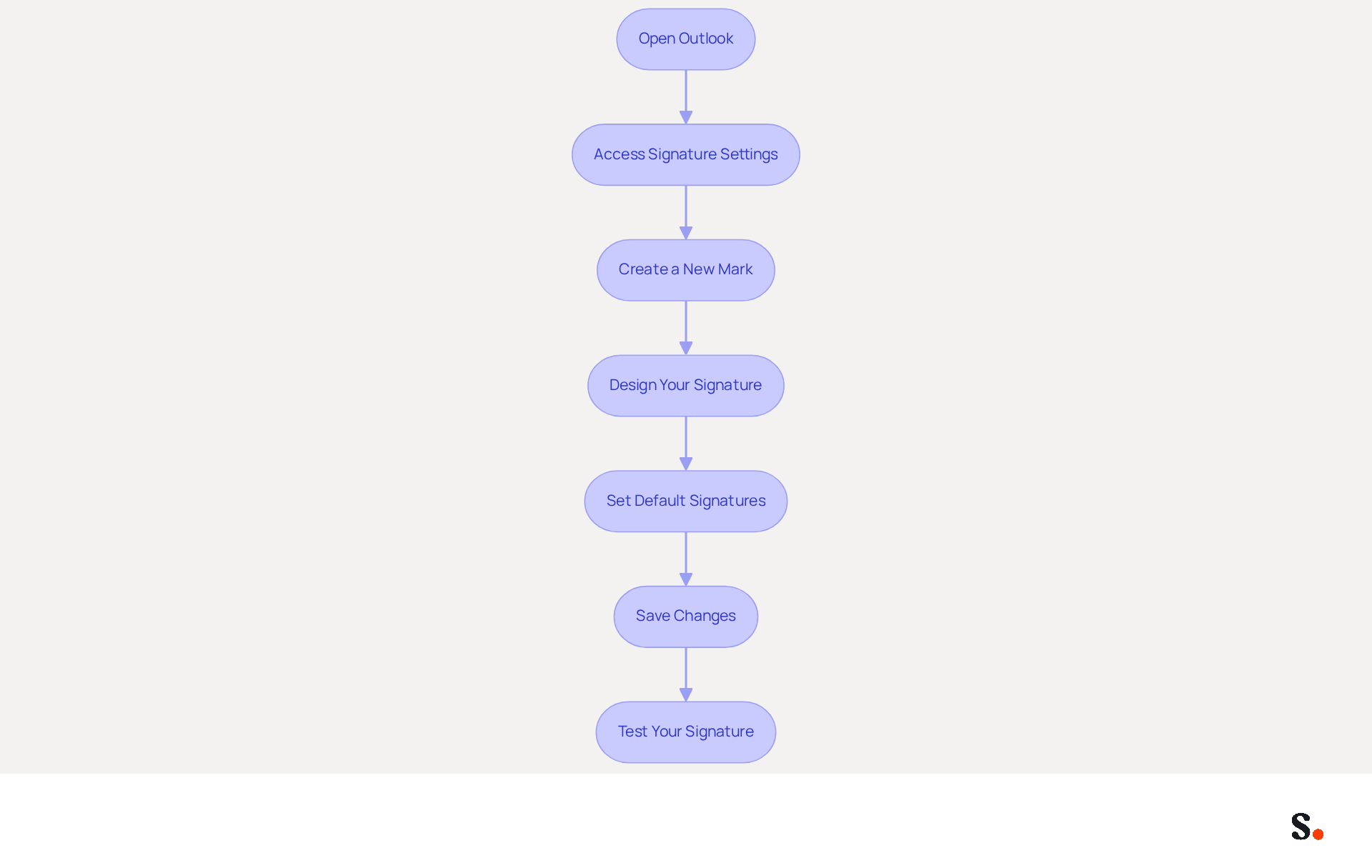
- Open Outlook: Launch the Outlook application on your computer.
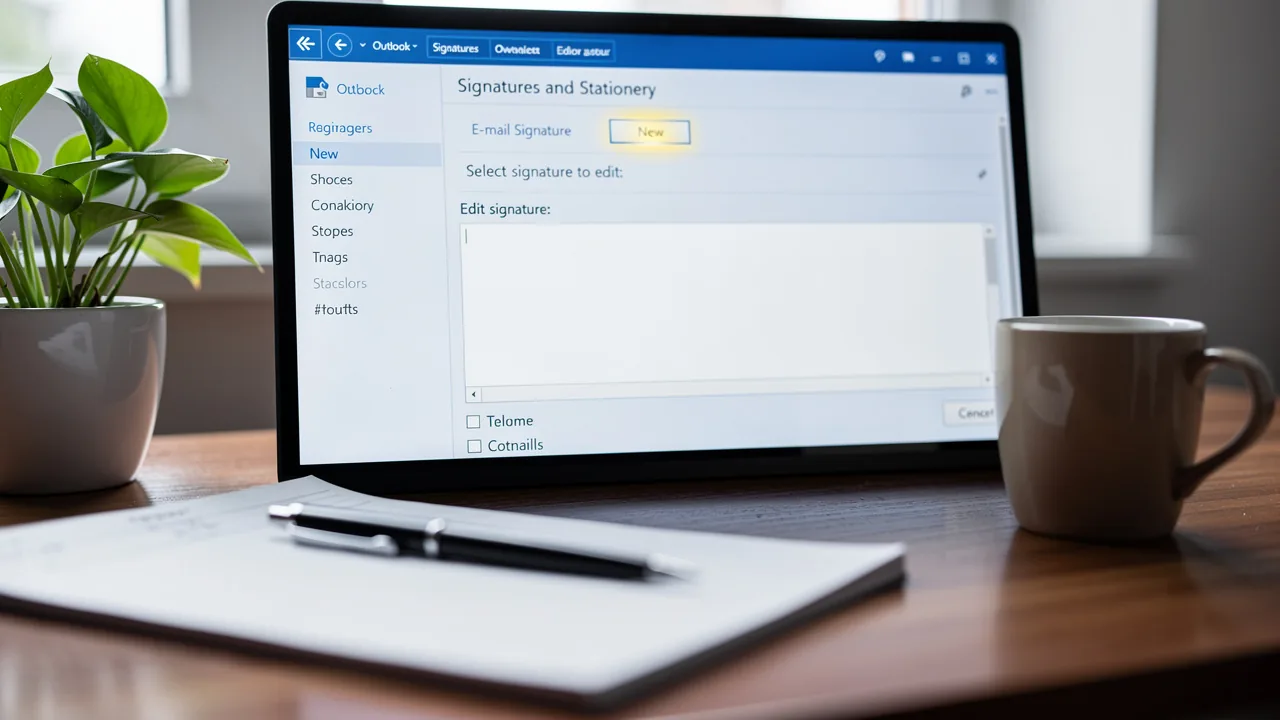
- Access Signature Settings: Navigate to 'File' > 'Options' > 'Mail' > 'Signatures'. This is where you can manage your email identifiers.
- Create a New Mark: Click on 'New' to create a new mark. Assign a distinct name to your mark for easy identification.
- Design Your Signature: In the editing box, input essential components such as your name, title, and contact information. Use the formatting tools to ensure your signature matches your brand guidelines for a polished look.
- Set Default Signatures: Designate your new sign-off as the default for new messages and replies/forwards to maintain consistency across communications.
- Save Changes: Click 'OK' to preserve your settings, ensuring they are applied to your outgoing messages.
- Test Your Signature: Send a test message to verify that the signature appears correctly and is formatted as intended.
To enable one-click synchronization with the application, ensure you grant the necessary permissions as a Super Admin of your email provider. Without proper permissions, synchronization may fail, hindering the efficiency of your email management. This enables the application to link with your Google Workspace, automatically syncing your teammates' data. By syncing, you can also utilize Scribe's attribute feature to auto-fill information, saving time and maintaining consistency.
By following these steps, employees can easily set up their auto signature in Outlook, ensuring that every message sent reflects Scribe's branding. This consistency can lead to improved engagement and a stronger brand presence, which is crucial for effective communication. Organizations that uphold consistent branding in their correspondence can experience a 22% rise in response rates, emphasizing the significance of this practice. Furthermore, by syncing your Google Workspace with the platform, you can save time as your teammates' information will be automatically refreshed, allowing for effortless email management. Scribe's SOC 2 Type II compliance guarantees that your data remains secure throughout this process.
Leverage Automation for Efficient Signature Management
To enhance efficiency in email signature management, businesses should adopt automation strategies that ensure consistency and professionalism:
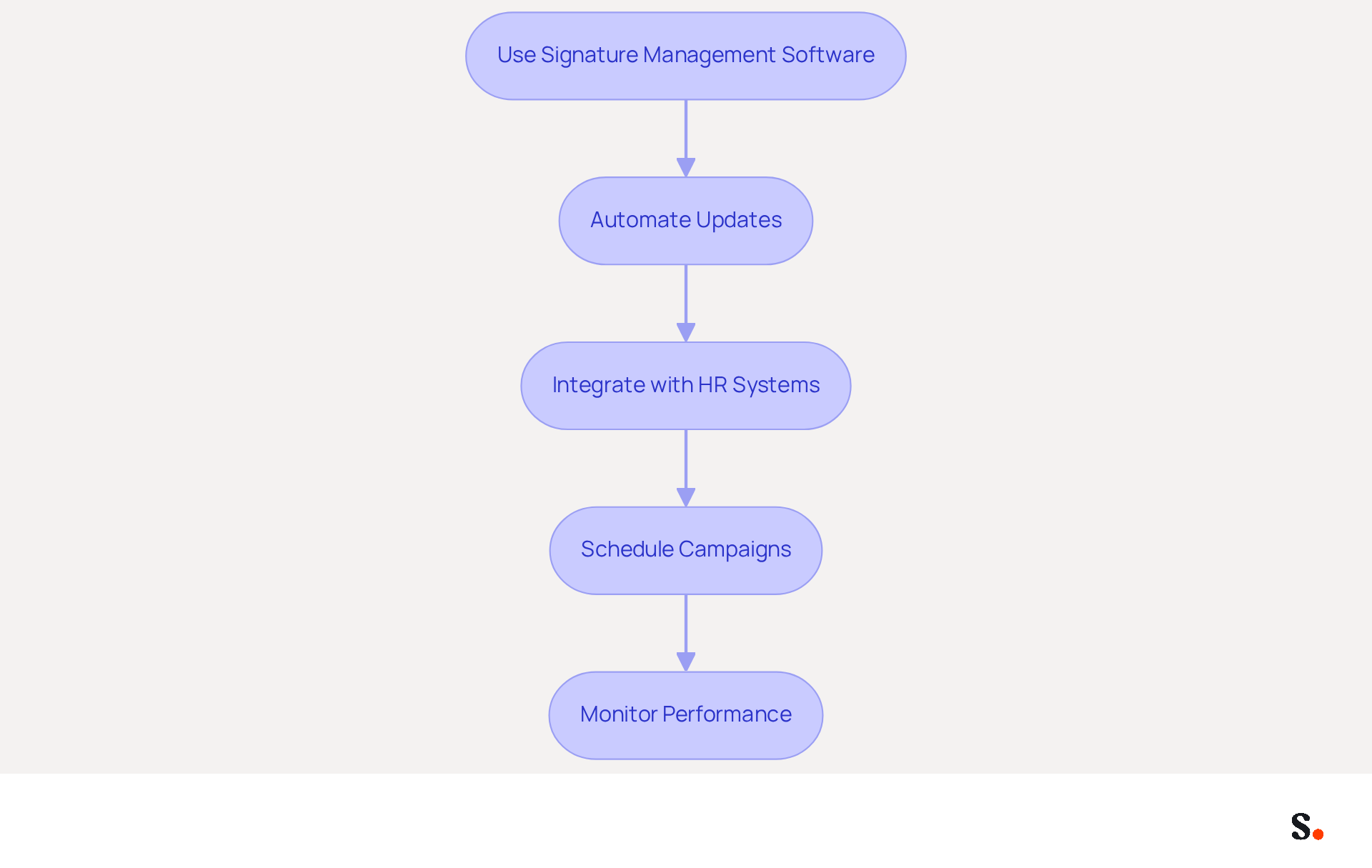
- Use Signature Management Software: Implement tools like Scribe that allow for centralized control of email identifiers across the organization. This guarantees that every employee's mark is consistent and compliant with branding guidelines.
- Automate Updates: Set up automated updates for email footers to ensure that any changes in branding or contact information are reflected promptly across all employee footers. Scribe automatically syncs updates from your business phone system, minimizing outdated information and boosting professionalism.
- Integrate with HR Systems: Connect document management tools with HR systems to automatically update markings based on employee data changes. This simplifies the onboarding and offboarding procedures, ensuring that approvals are always up to date. Scribe's SOC 2 Type II compliance ensures that your data is handled securely throughout this process.
- Schedule Campaigns: Use the software to arrange marketing campaigns that incorporate digital identifiers, such as promotional banners or seasonal greetings. Dynamic digital identifiers can result in a 22% rise in click-through rates and a 25% increase in traffic to particular landing pages, according to industry research. Research shows that Scribe achieves an average click-through rate of 12% on branding banners, highlighting its role as an effective marketing tool.
- Monitor Performance: Utilize analytics features to track the effectiveness of digital identifiers in driving engagement and leads. Organizations that utilize branded digital identifiers experience a 15% website click-through rate compared to those that do not, emphasizing the significance of consistent branding.
By embracing these automation strategies, organizations can not only streamline their processes but also elevate their brand presence in every communication. The use of auto signature Outlook not only saves time but also provides a high-ROI branding channel that can significantly improve engagement and lead generation.
Conclusion
Effective auto signatures in Outlook are essential for organizations aiming to enhance their brand image and professionalism in email communications. When every email reflects a cohesive brand image, organizations can boost engagement metrics and build trust with recipients. The integration of essential components, adherence to best practices, and the use of automation tools like Scribe empower marketing teams to manage email signatures independently, ensuring consistent branding across all communications.
Key insights from this article highlight the importance of:
- Standardized templates
- Brand colors
- Regular audits to maintain professionalism in email signatures
Additionally, the step-by-step guide for setting up auto signatures in Outlook provides a practical approach for organizations to streamline their email management processes. Leveraging automation not only saves time but also enhances the effectiveness of email communications, which leads to higher engagement metrics.
In a competitive landscape, many organizations struggle to maintain brand consistency in their email communications. Organizations are encouraged to adopt these practices, utilizing tools like Scribe to ensure that their email communications reflect their brand identity accurately and professionally. By adopting these practices, organizations can not only improve their brand image but also increase their overall marketing effectiveness. Ultimately, embracing these strategies can transform email communications into a powerful tool for brand reinforcement and engagement.
Frequently Asked Questions
What are the essential components of an effective auto signature?
An effective auto signature should include the sender's full name, job title, company name, contact information, company logo, social media links, and legal disclaimers if necessary.
Why is it important to include the sender's full name in an auto signature?
Including the sender's full name personalizes the communication, enhancing the recipient's connection.
How does a job title in an auto signature benefit email communication?
A job title establishes authority and context, making it easier for recipients to understand the sender's role.
What role does the company name play in an auto signature?
The company name reinforces brand identity, helping recipients recognize the organization and its values.
Why should contact information be included in an auto signature?
Providing contact information, such as a phone number and address, facilitates easy follow-up, allowing recipients to reach out without hassle.
How does incorporating a company logo in an auto signature enhance communication?
A company logo enhances brand visibility and professionalism, contributing to a cohesive brand image.
What is the recommendation regarding social media links in an auto signature?
It's best to limit social media links to 1-2 relevant networks to avoid overwhelming recipients and diluting the message.
Why might legal disclaimers be necessary in an auto signature?
Legal disclaimers ensure compliance with legal requirements, helping the organization meet regulatory standards.
What impact can a well-crafted auto signature have on engagement?
Organizations that implemented branded messaging footers reported a 22% increase in response rates and a 15% rise in website click rates. Additionally, incorporating a professional photo can boost response rates by 32%.
How does using an auto signature save time for businesses?
Automation with an auto signature ensures consistent branding across all communications, saving time while enhancing the communication strategy and brand perception.
List of Sources
- Define Essential Components of an Effective Auto Signature
- Email Signature Best Practices for 2026 (+ 15 Pro Examples) (https://wavecnct.com/blogs/email-signature-best-practices-2026)
- The impact of email signatures on your branding (https://signitic.com/en/resources/the-impact-of-email-signatures-on-your-branding)
- 20 Tips for Creating an Effective Email Signature — SitePoint (https://sitepoint.com/creating-an-effective-email-signature)
- The Complete Email Signature Guide 2026: Best Practices and Policy (https://opensense.com/complete-email-signature-guide)
- Research Recap: Branded Email Signatures Increase Company Recognition, Trust - Demand Gen Report (https://demandgenreport.com/industry-news/research-recap-branded-email-signatures-increase-company-recognition-trust/47252)
- Ensure Brand Consistency and Professionalism in Signatures
- The impact of email signatures on your branding (https://signitic.com/en/resources/the-impact-of-email-signatures-on-your-branding)
- Research Recap: Branded Email Signatures Increase Company Recognition, Trust - Demand Gen Report (https://demandgenreport.com/industry-news/research-recap-branded-email-signatures-increase-company-recognition-trust/47252)
- Master Corporate Email Signature Management for Brand Consistency (https://scribe-mail.com/en-US/blog/master-corporate-email-signature-management-for-brand-consistency)
- Why Email Signatures Must Be In Your 2026 Marketing Plan | Rocketseed (https://rocketseed.com/blog/2026-marketing-plan-email-signatures)
- Why Team Email Signatures Matter More Than You Think: The Hidden Impact on Brand Trust and Customer Experience (https://getmailbird.com/why-team-email-signatures-matter-brand-trust)
- Implement Auto Signatures in Outlook: Step-by-Step Guide
- Email Signature Statistics: A Closer Look at Email Signatures in 2026 (https://mysignature.io/blog/email-signature-statistics)
- How to Add Signature in Outlook Automatically: 2026 Guide (https://reachinbox.ai/blog/how-to-add-signature-in-outlook-automatically)
- How to Add or Create an Email Signature in Outlook: Step-by-Step Guide for 2024 (https://email.uplers.com/blog/outlook-email-signatures)
- How to Automatically Add Signature in Outlook 365: A Step-by-Step Guide (https://scribe-mail.com/en-US/blog/how-to-automatically-add-signature-in-outlook-365-a-step-by-step-guide)
- Leverage Automation for Efficient Signature Management
- Automating Email Signatures: How IT Teams Streamline Processes & Reduce Risk (https://exclaimer.com/blog/streamlining-it-processes-automated-email-signatures)
- 40+ Email Signature Statistics for 2026 (Data + Insights) (https://wavecnct.com/blogs/email-signature-statistics)
- Email Signature Automation with Azure and Intune | Xpand (https://xpandsoftware.com/knowledge-hub/news/250706-from-manual-to-autonomous-the-evolution-of-signature-updates)
- Email signature statistics: Why every business should optimize their email signatures — Stripo.email (https://stripo.email/blog/email-signature-statistics-why-every-business-should-optimize-their-email-signatures)
- Email Signature Trends 2026: Centralized Control & Automation | SIGNandGO posted on the topic | LinkedIn (https://linkedin.com/posts/signngo_email-signature-trends-to-watch-in-2026-activity-7401523471786217473-zAVL)
Get started with Scribe
Create your signature in minutes
Free 14-day trial — no credit card.