Master Gmail Signature Dimensions for Effective Email Marketing
Creating an effective email signature goes beyond just being a formality; it’s a chance to make a real impact on brand visibility and engagement. With the
Sophie Grant
Email Signature Specialist, Scribe
On this page
Introduction
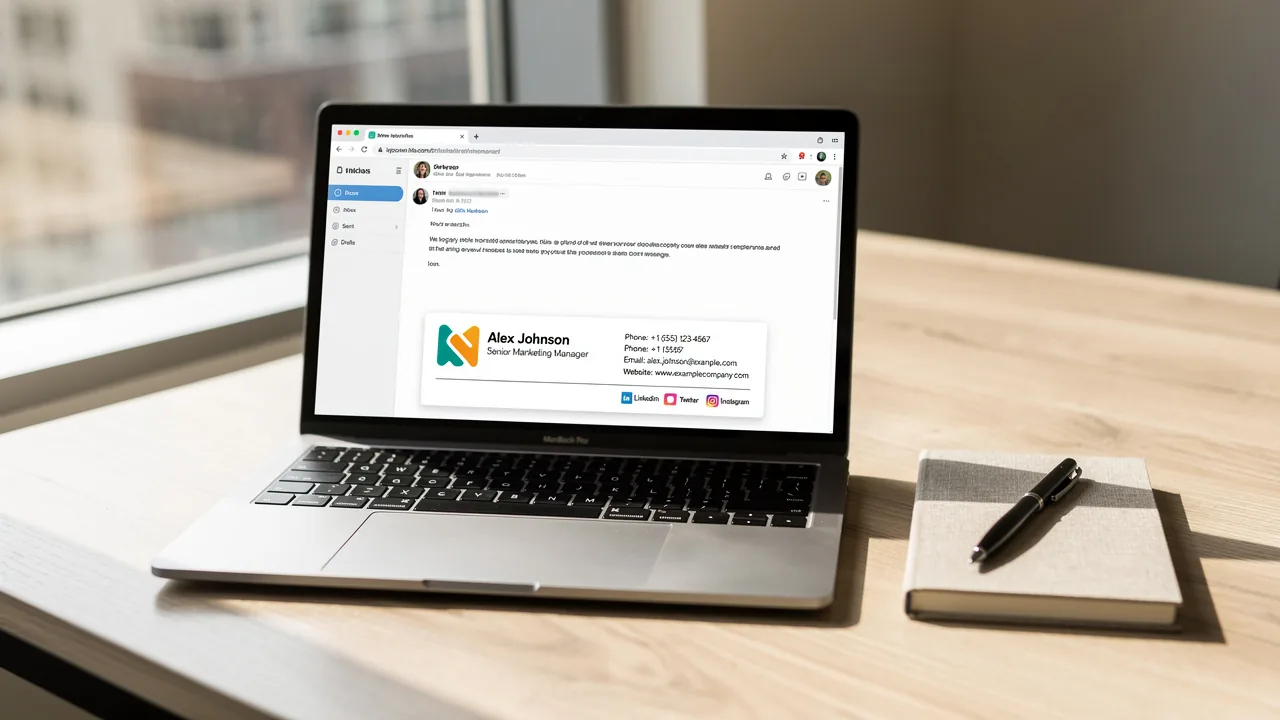
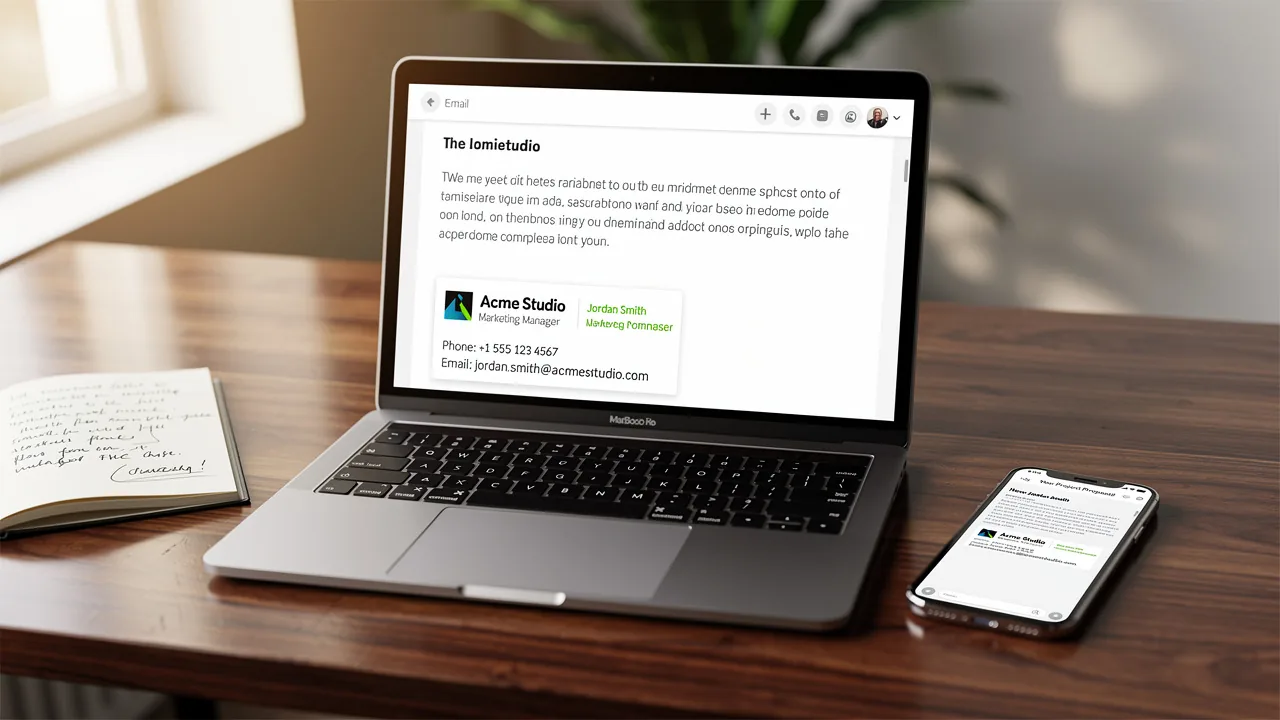
Creating an effective email signature goes beyond just being a formality; it’s a chance to make a real impact on brand visibility and engagement. With the right dimensions and design principles, organizations can ensure their digital identifiers not only look professional but also function seamlessly across various devices. These pitfalls can lead to ineffective communication and lost opportunities, undermining branding efforts. By optimizing their email signatures, businesses can significantly enhance their brand presence and engagement.
Define Optimal Email Signature Dimensions for Consistency
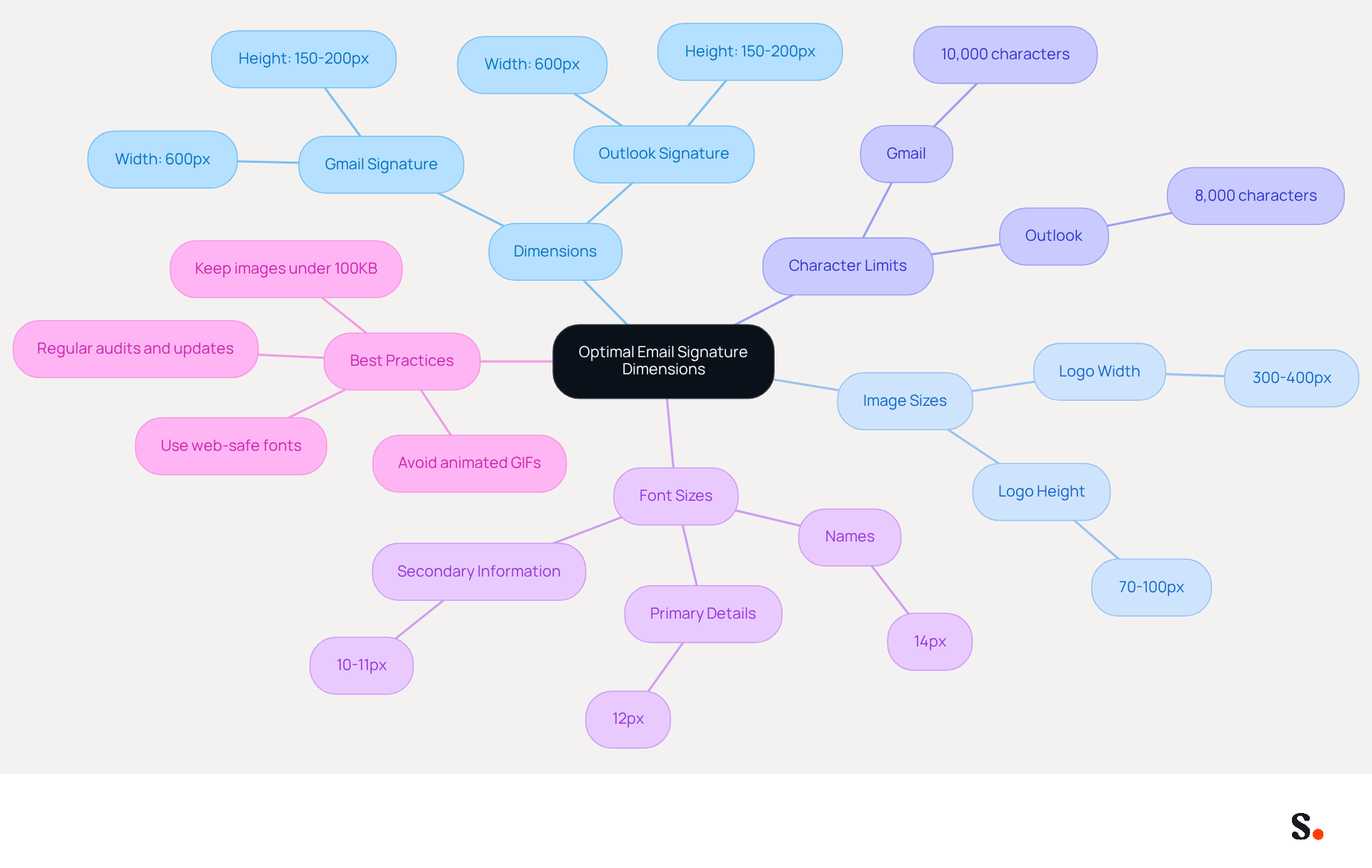
To maintain professionalism in email communication, adhering to specific dimensions for email identifiers is crucial. The recommended Gmail signature dimensions are generally around 600 units wide and between 150 to 200 units high. These dimensions facilitate a clean layout, ensuring visual appeal and functionality across various devices.
Images within the logo should ideally be sized between 70 to 100 pixels in height and 300 to 400 pixels in width, with a maximum file size of 100KB. It is essential to keep the total size of the email footer under 10,000 characters for Gmail and 8,000 characters for Outlook to avoid display issues. Failure to adhere to the Gmail signature dimensions may result in improper display of email signatures across devices. Furthermore, hosting images externally and linking them via URL is advised to minimize file size and ensure proper loading.
Conducting regular audits and updates of digital identifiers is vital for adapting to technological and branding changes, ensuring their relevance and effectiveness. Organizations adopting these best practices have observed considerable enhancements in brand consistency and engagement, emphasizing the significance of optimized digital identifiers as strategic assets in online communication. This leads to enhanced brand consistency and engagement, making optimized digital identifiers crucial for effective online communication. Additionally, using web-safe fonts with a hierarchy of:
- 14px for names
- 12px for primary details
- 10-11px for secondary information
enhances readability and professionalism. Steering clear of animated GIFs is also recommended, as they can surpass the 100KB limit and may not display correctly in all messaging clients.
Identify Common Mistakes in Email Signature Design and Sizing
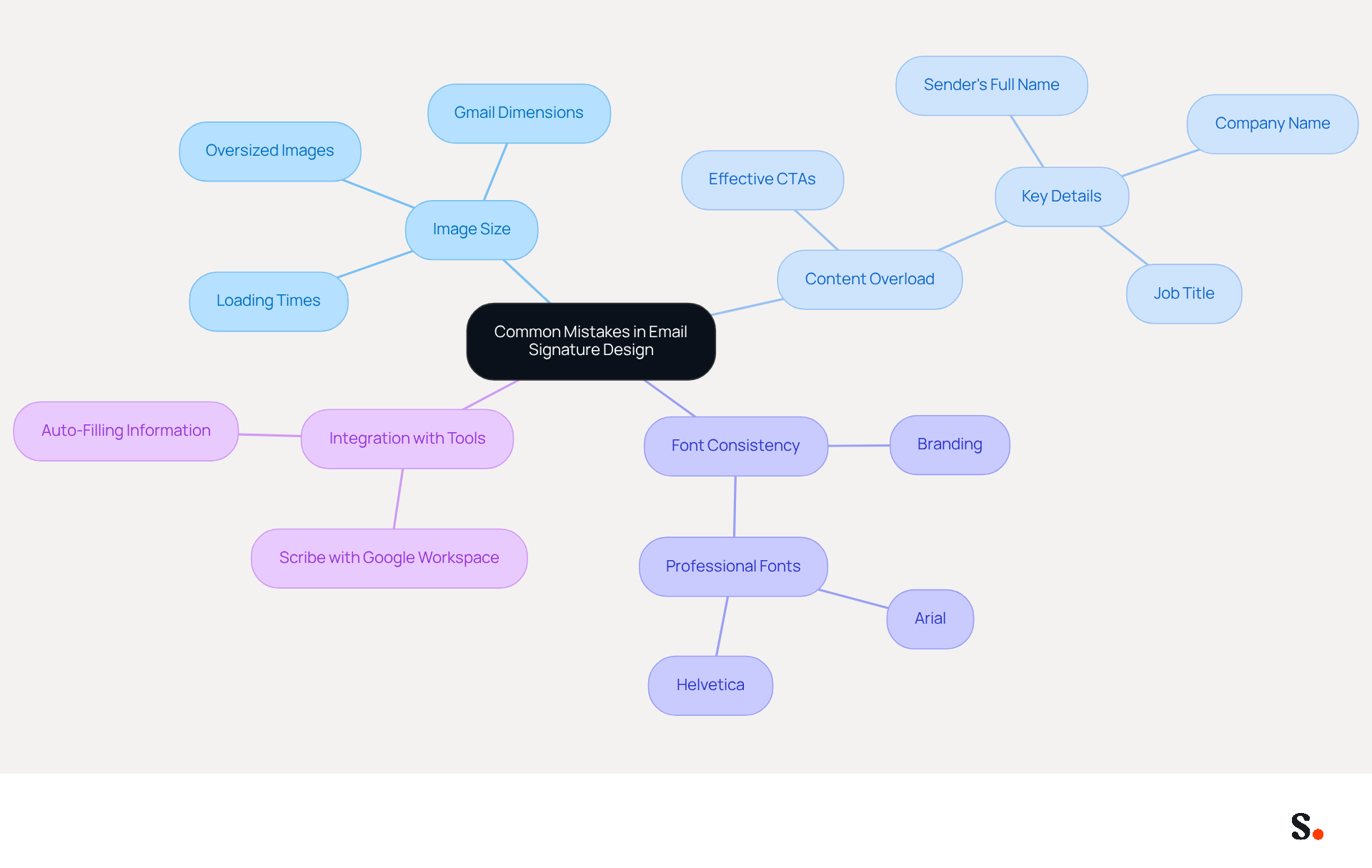
Many companies struggle to create effective digital identifiers, leading to missed communication opportunities. One major issue is oversized images, which can distort the gmail signature dimensions, slow down loading times, and affect how signatures appear. Signatures that exceed the gmail signature dimensions of 600 pixels in width may trigger horizontal scrolling, disrupting the reading experience and diminishing engagement. Additionally, keeping the total size of the email footer under 100KB is essential for quick loading times and proper display across different clients.
Another common mistake is overcrowding the sign-off with excessive information. A well-organized sign-off should focus on key details:
- the sender's full name
- job title
- company name
- one or two strategic calls to action
Overloading the footer with too much content can overwhelm recipients, making it difficult for them to absorb key information quickly. Including effective CTAs can boost conversion rates by 40% compared to generic links, underscoring their importance.
Moreover, using non-standard fonts or colors can detract from the professional appearance of the signature. Consistency in branding is crucial; thus, adhering to professional fonts such as Arial or Helvetica at 14-16px ensures readability and aligns with the organization's image. Regularly conducting quarterly evaluations of digital identifiers is also vital to maintain precision and relevance. By avoiding these common errors, businesses can create digital identifiers that not only enhance their brand image but also significantly improve engagement rates. Notably, 76% of individuals indicate that branded digital identifiers enhance their trust in the sender, highlighting the significance of a professional appearance.
Furthermore, integrating Scribe with Google Workspace enables smooth synchronization of sign-off information, conserving time and ensuring that any updates-such as changes in job roles or team configurations-are automatically reflected in digital identifiers. This feature, including the attribute for auto-filling information, streamlines the management process and enhances accuracy, allowing marketing teams to maintain brand consistency effortlessly.
Optimize Email Signatures for Mobile Devices
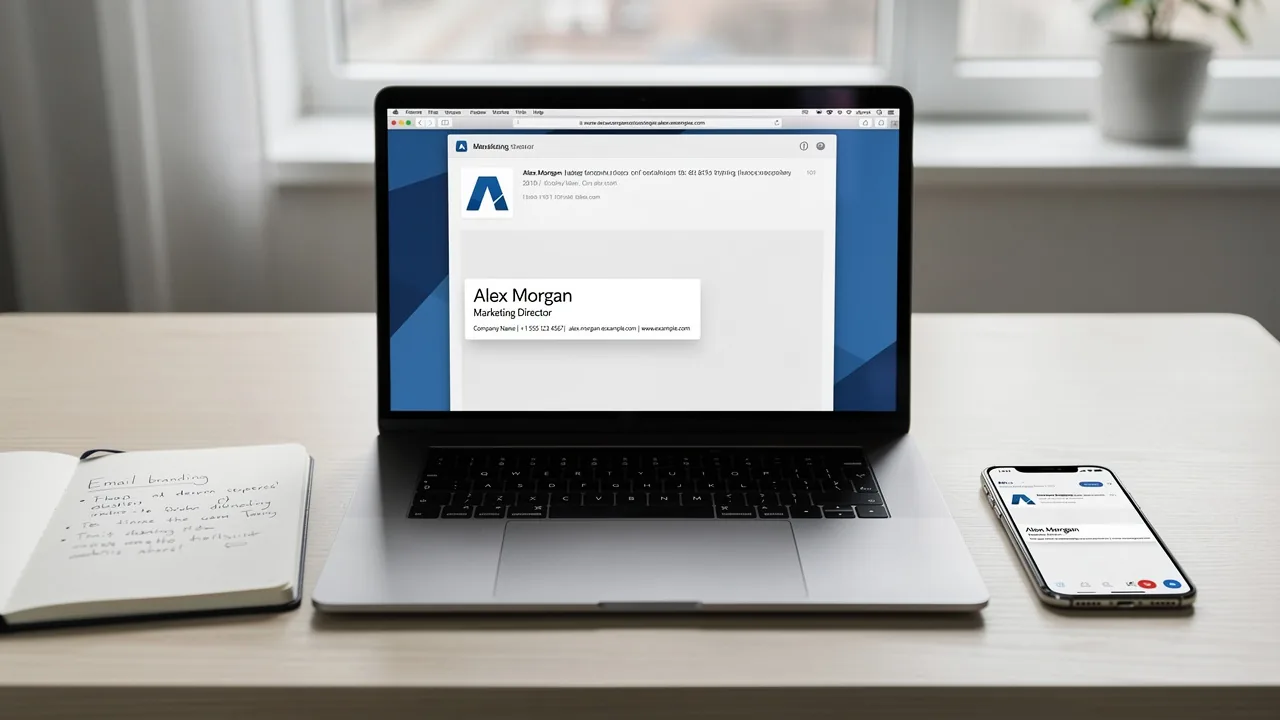
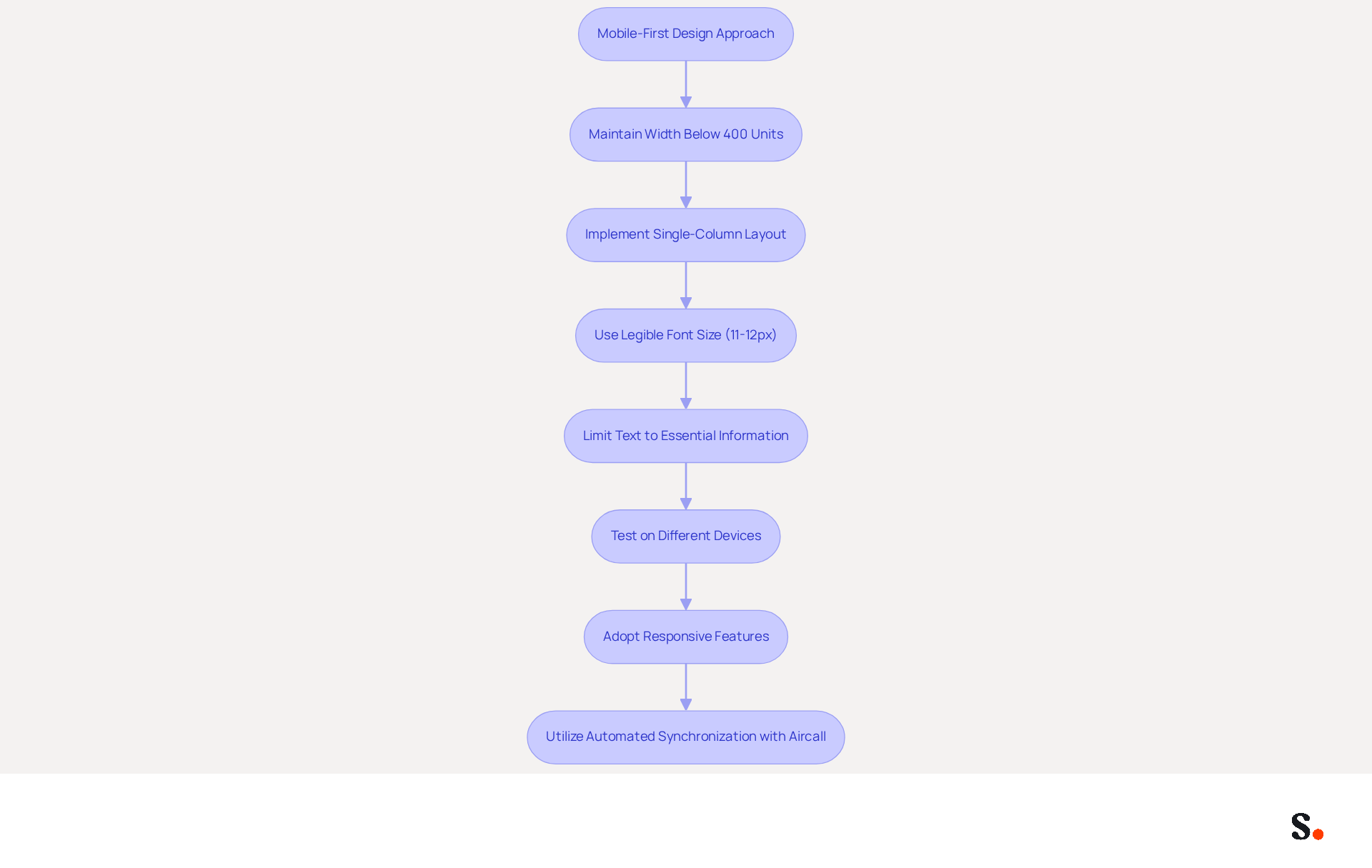
To ensure effective digital identifiers for mobile devices, a mobile-first design approach is essential. Maintaining the width of the mark below 400 units is advisable to prevent horizontal scrolling, as widths exceeding this can lead to display problems on mobile devices. Implementing a single-column layout that stacks elements vertically significantly enhances readability, making it easier for users to navigate the information.
Using a legible font size between 11 and 12 pixels ensures clarity, while limiting text to essential information - such as full name, job title, email address, and phone number - enhances user experience and professionalism. It's essential to test the authentication on different mobile devices to ensure everything displays and functions correctly; focusing on one issue at a time during testing can help avoid overlooking problems.
By adopting these strategies, businesses can develop mobile-friendly identifiers that not only uphold corporate integrity but also foster meaningful engagement with recipients. Furthermore, integrating responsive features, such as banners that adapt to various screen sizes, can further improve the impact of the design. A minimalistic design, focusing on key contact information and avoiding excessive graphics, will also contribute to a professional appearance.
Moreover, utilizing Scribe's automated synchronization with Aircall guarantees that any modifications made in your Aircall setup will automatically be reflected in your Scribe profiles, enhancing consistency across all platforms. These identifiers can significantly enhance brand visibility and engagement, positioning businesses favorably in a competitive landscape.
Leverage Automation Tools for Consistent Email Signature Management
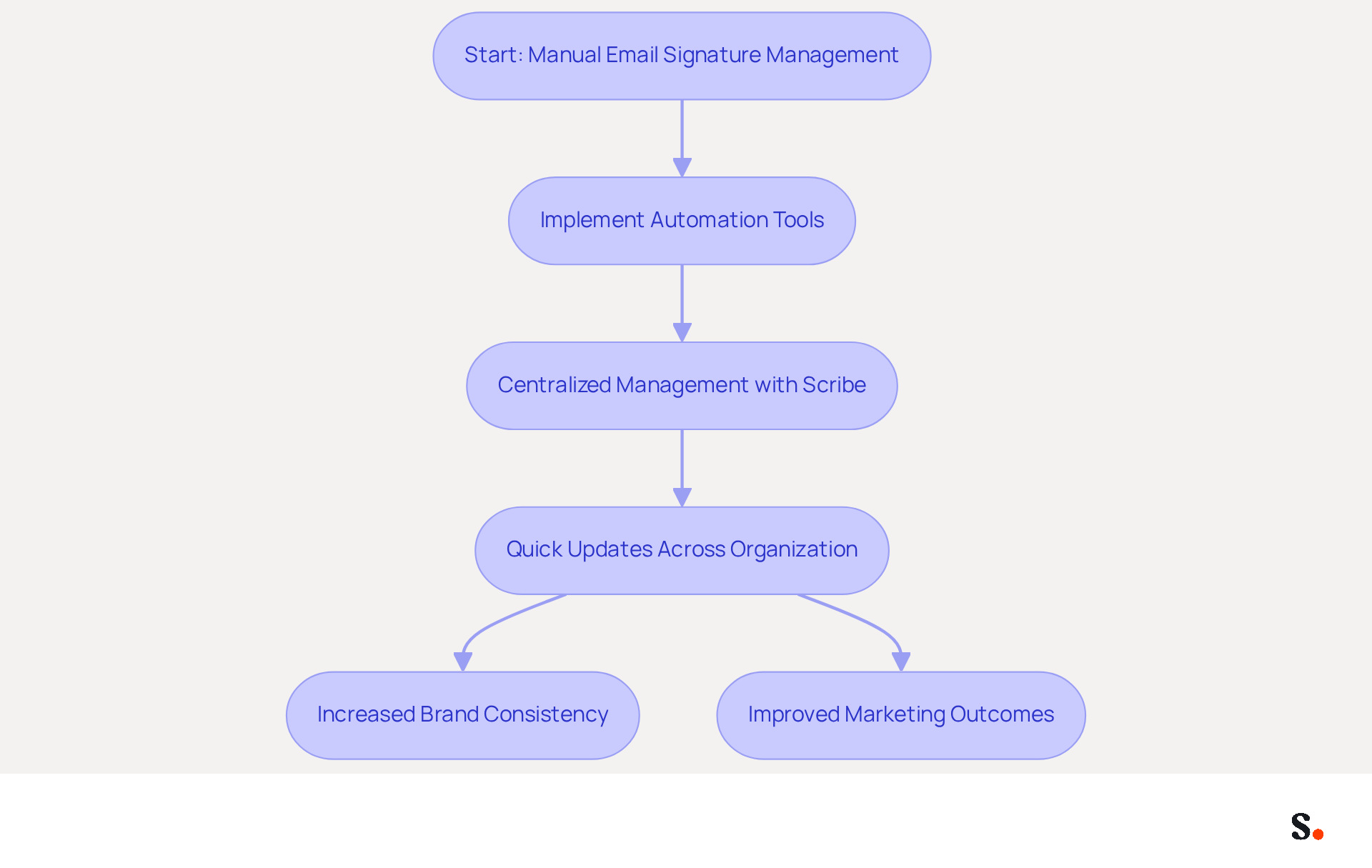
Managing digital identities without automation can lead to inconsistencies and inefficiencies that hinder brand effectiveness. Employing automation tools for managing digital identities greatly improves brand consistency and operational effectiveness. Scribe allows businesses to create and manage digital identifiers centrally, ensuring that all team members have access to the most recent versions. This centralized approach enables quick updates across the organization, removing the manual changes that can cause errors.
Integrating Scribe with current communication systems, such as Google Workspace or Microsoft 365, simplifies the management process. Not only does this integration save time, but it also helps reinforce brand identity in every message sent, enhancing brand visibility in every communication. For example, firms with 100 staff can produce between 60,000 to 80,000 branded impressions each month, utilizing the large number of messages sent daily.
Furthermore, research shows that branded digital identifiers can lead to a 15% rise in click-through rates to company websites and a 22% increase in response rates. These statistics highlight the significance of maintaining a consistent and professional digital identifier, which is essential for effective communication and brand perception. By automating email signature management, organizations can focus on delivering value and enhancing productivity, ultimately leading to improved marketing outcomes. This leads to more effective communication and a stronger brand presence in the market.
Conclusion
Effective communication and brand consistency hinge on maintaining optimal dimensions for email signatures. By adhering to recommended sizes, such as 600 pixels wide and 150 to 200 pixels high, organizations can ensure their digital identifiers are visually appealing and functional across various devices. This attention to detail enhances professionalism and fosters engagement, making it crucial for email marketing strategies.
Key insights from the article highlight that common mistakes like oversized images and overcrowded information can undermine the effectiveness of email signatures. Implementing a mobile-first design approach and utilizing automation tools like Scribe can streamline the management of email signatures, ensuring that they remain consistent and up-to-date. Integrating with platforms like Google Workspace and Microsoft 365 boosts operational efficiency and strengthens brand identity in every communication.
Investing in well-designed email signatures goes beyond aesthetics; it’s a strategic choice that can greatly enhance engagement and conversion rates. Organizations are encouraged to leverage automation tools to maintain brand consistency and optimize their email signatures for maximum effectiveness. By prioritizing well-designed email signatures, organizations can turn every email into a powerful tool for connection and engagement.
Frequently Asked Questions
What are the recommended dimensions for a Gmail email signature?
The recommended dimensions for a Gmail email signature are around 600 units wide and between 150 to 200 units high.
What size should images in the email signature be?
Images within the logo should ideally be sized between 70 to 100 pixels in height and 300 to 400 pixels in width, with a maximum file size of 100KB.
What is the maximum character limit for email footers in Gmail and Outlook?
The total size of the email footer should be under 10,000 characters for Gmail and 8,000 characters for Outlook to avoid display issues.
Why is it important to adhere to the recommended email signature dimensions?
Adhering to the recommended dimensions is crucial to avoid improper display of email signatures across devices, ensuring a clean layout and visual appeal.
What is advised regarding the hosting of images in email signatures?
It is advised to host images externally and link them via URL to minimize file size and ensure proper loading.
Why should organizations conduct regular audits of their digital identifiers?
Regular audits and updates of digital identifiers are vital for adapting to technological and branding changes, ensuring their relevance and effectiveness.
What font sizes are recommended for different elements in an email signature?
The recommended font sizes are 14px for names, 12px for primary details, and 10-11px for secondary information to enhance readability and professionalism.
What should be avoided in email signatures to maintain professionalism?
It is recommended to avoid using animated GIFs, as they can exceed the 100KB limit and may not display correctly in all messaging clients.
List of Sources
- Define Optimal Email Signature Dimensions for Consistency
- What Size Should Email Signature Be? Key Insights for Marketers (https://scribe-mail.com/en-US/blog/what-size-should-email-signature-be-key-insights-for-marketers)
- Email Signature Size and Layout Tips (https://linkedin.com/pulse/email-signature-size-layout-tips-bulksignature-nuy7f)
- What is the Best Email Signature Design Size? Expert Guide (https://publicate.it/blog/email-signature-design-size)
- Correct Email Signature Dimensions: Width, Height & File Size (https://wisestamp.com/guides/what-are-correct-email-signature-dimensions)
- What Is The Best Email Signature Size? | Rocketseed (https://rocketseed.com/resources/email-design-guidelines)
- Identify Common Mistakes in Email Signature Design and Sizing
- Worst email signature mistakes and how to avoid them (https://mail-signatures.com/articles/worst-email-signature-mistakes)
- Compare Email Signature Structure: Best Practices vs. Common Mistakes (https://scribe-mail.com/en-US/blog/compare-email-signature-structure-best-practices-vs-common-mistakes)
- 5 Email Signature Mistakes You Must Avoid (And How to Fix Them) - Signite (https://signite.io/blog/5-email-signature-mistakes-you-must-avoid)
- Email Signature Best Practices for 2026 (+ 15 Pro Examples) (https://wavecnct.com/blogs/email-signature-best-practices-2026)
- 5 Common Mistakes You’re Making With Your Email Signature (https://fastcompany.com/3025208/5-common-mistakes-youre-making-with-your-email-signature)
- Optimize Email Signatures for Mobile Devices
- Optimise Your Email Signature for Mobile Devices (https://globalbankingandfinance.com/why-optimising-brand-email-signatures-for-mobile-devices-is-essential-for-hybrid-working)
- Email Signature Best Practices - NEWOLDSTAMP (https://newoldstamp.com/blog/email-signature-best-practices)
- Make Your Email Signature Mobile-Friendly | Rocketseed (https://rocketseed.com/blog/mobile-friendly-email-signature)
- Optimizing Mobile Email Signatures: Best Practices for Seamless Communication | MySignature (https://mysignature.io/blog/optimizing-mobile-email-signatures)
- How to Optimize Your Email Signature for Mobile Devices - Gimmio (https://blog.gimm.io/how-to-optimize-your-email-signature-for-mobile-devices)
- Leverage Automation Tools for Consistent Email Signature Management
- 40+ Email Signature Statistics for 2026 (Data + Insights) (https://wavecnct.com/blogs/email-signature-statistics)
- Automating Email Signatures: How IT Teams Streamline Processes & Reduce Risk (https://exclaimer.com/blog/streamlining-it-processes-automated-email-signatures)
- Maximizing Efficiency with Automated Email Signatures for Internal and External Communications | Crossware365 (https://crossware365.com/blog/maximizing-efficiency-with-automated-email-signatures-for-internal-and-external-communications)
Get started with Scribe
Create your signature in minutes
Free 14-day trial — no credit card.