Master Professional Outlook Signature Templates for Marketing Success
In a digital landscape where every detail matters, email signatures often go unnoticed, yet they hold immense potential for brand identity. These digital
Sophie Grant
Email Signature Specialist, Scribe
Introduction
In a digital landscape where every detail matters, email signatures often go unnoticed, yet they hold immense potential for brand identity. These digital footers are not merely formalities; they serve as powerful marketing tools that can enhance brand consistency and engagement. By mastering professional Outlook signature templates, organizations can transform their email communications into strategic marketing assets. The challenge lies in ensuring that email signatures not only embody brand identity but also actively engage customers.
Establish Brand Consistency in Signature Design
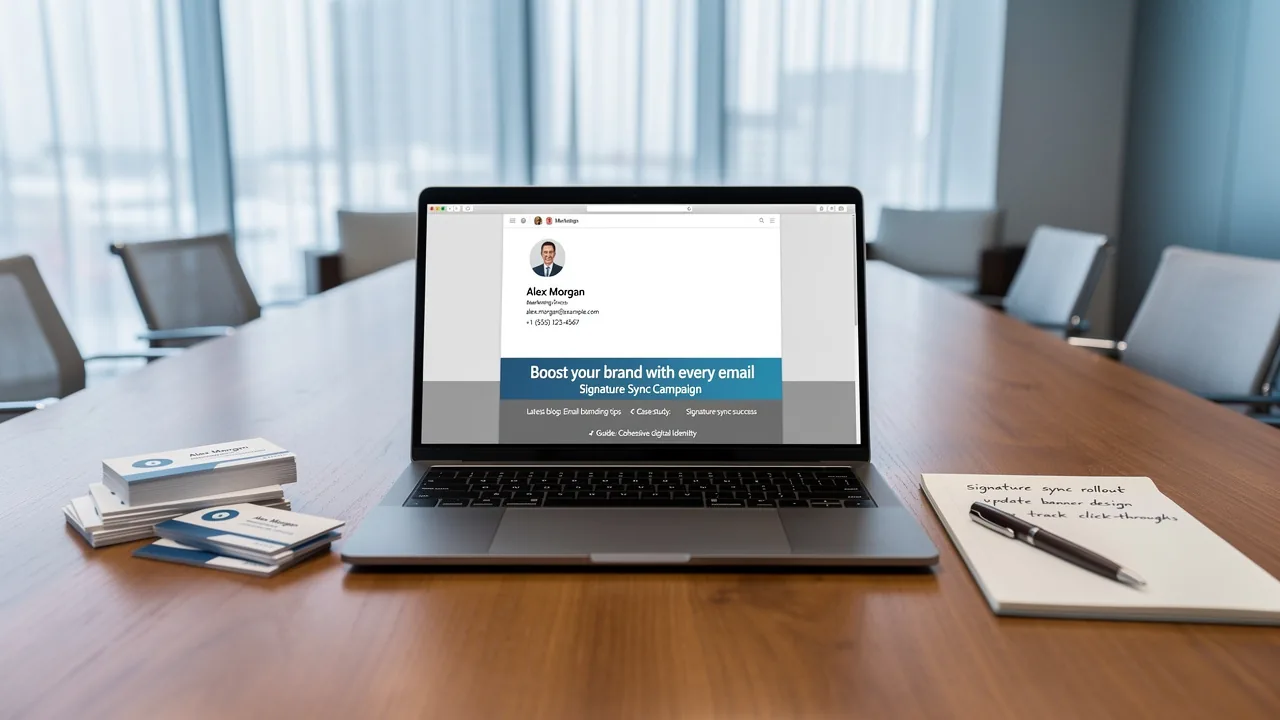
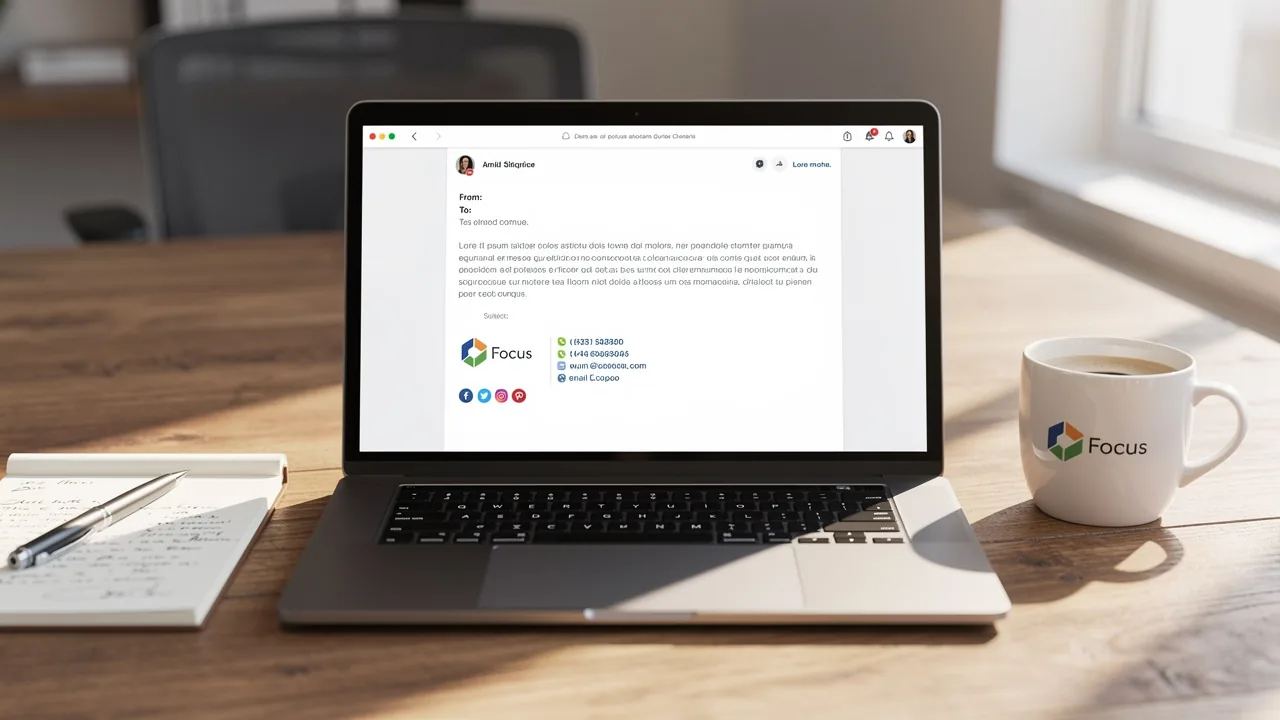
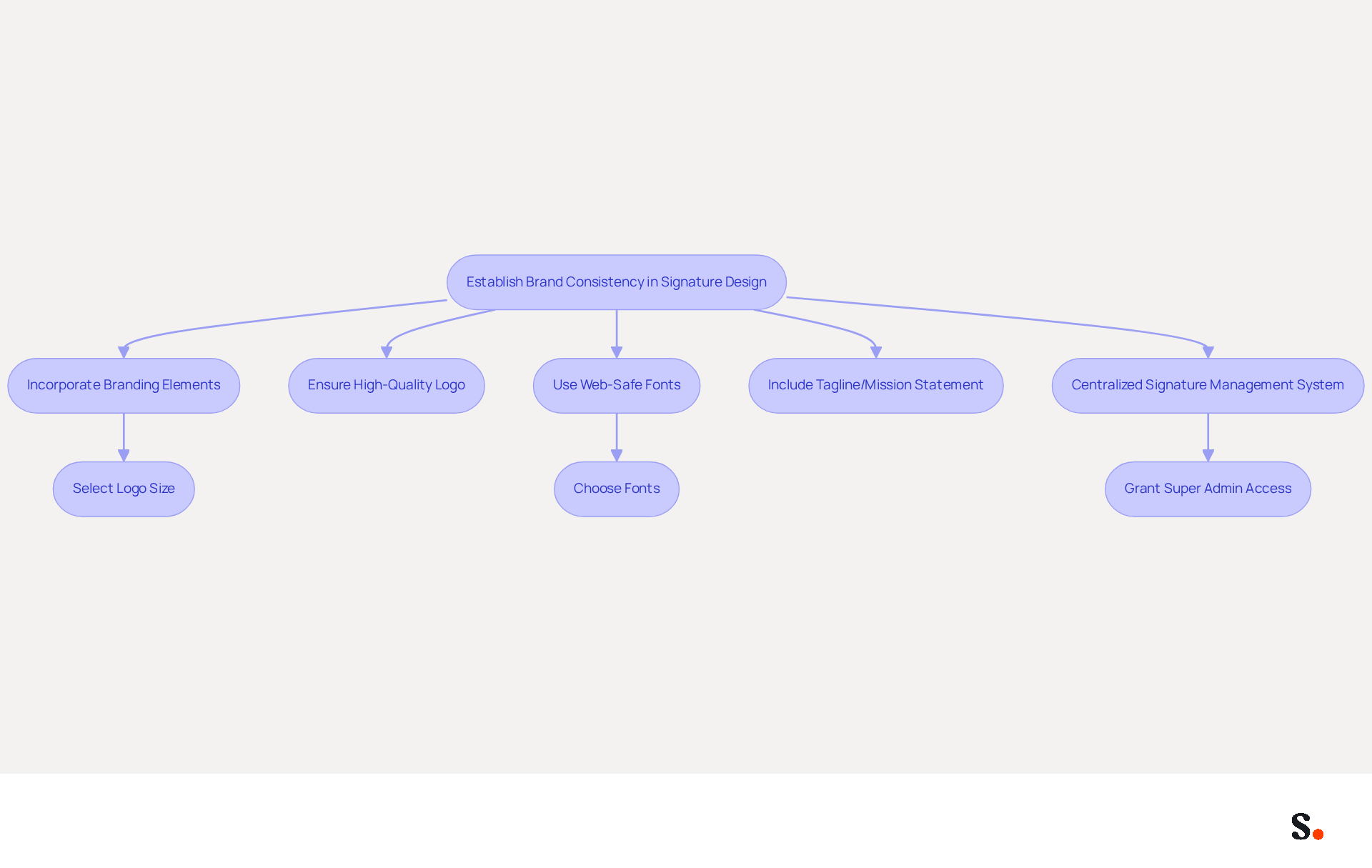
Integrating your company's branding elements into a professional outlook signature template is crucial for establishing a consistent professional image. Start by incorporating your company's logo, color scheme, and fonts into the professional outlook signature template. Ensure that the logo is high-quality and appropriately sized to maintain clarity across various email clients. Utilize web-safe fonts that align with your organization's typography to guarantee readability. Including a tagline or mission statement that encapsulates your company's essence can further reinforce identity, providing recipients with a quick understanding of your values. For example, the platform effectively employs its branding elements in email footers. This consistency not only maintains a professional image but also improves brand recall among recipients.
Furthermore, it is essential that all team members utilize the professional outlook signature template to prevent discrepancies. If team members use different templates, it can create confusion and diminish professionalism. This can be accomplished through a centralized signature management system that enables easy updates and ensures compliance with brand guidelines. To enable one-click synchronization, grant permission to connect with your service provider, which requires Super Admin access. You will have the option to select which teammates to sync with the application, ensuring that not all Google Workspace accounts need to be synced. The application automatically syncs teammate information from your provider daily at your local time, and for instant updates, you can click 'Refresh' in the Teammates tab. Consistently reviewing and updating the design to reflect any changes in branding or marketing strategies is crucial for keeping your communications current and relevant. With Scribe's SOC 2 Type II compliance, you can trust that your data is secure, enhancing the reliability of your email communications.
Implement Effective Signature Templates in Outlook
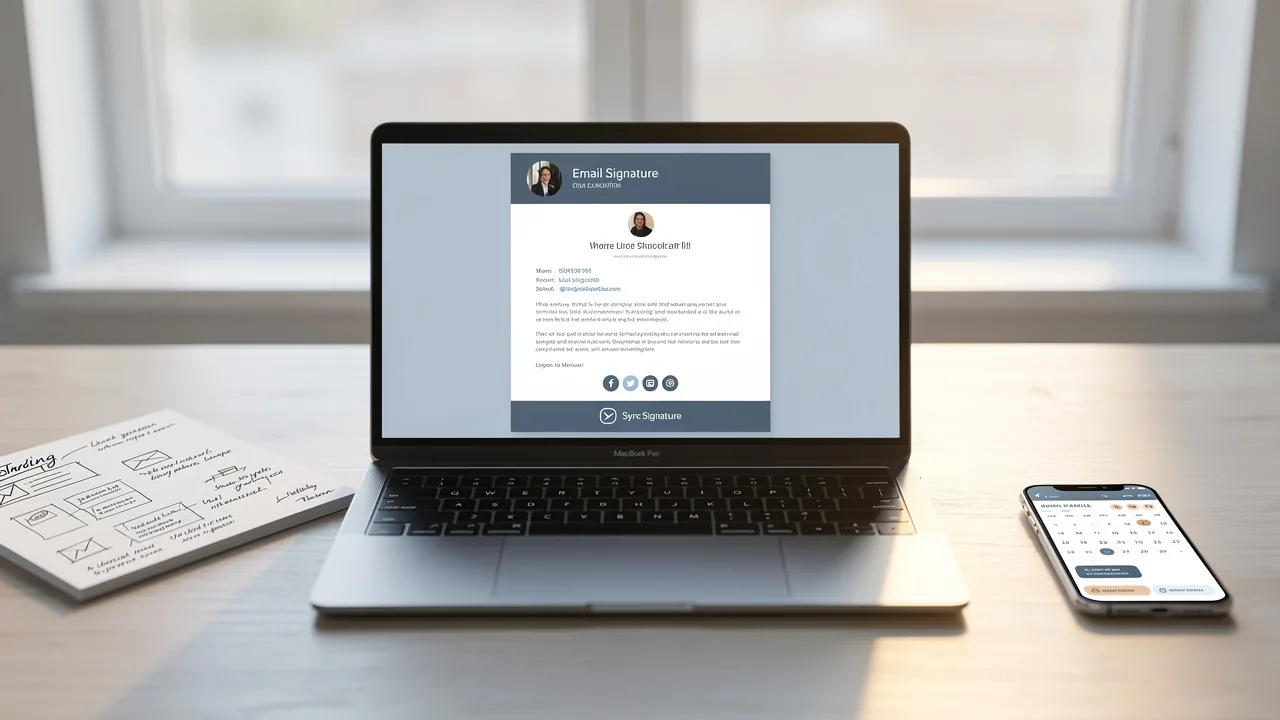
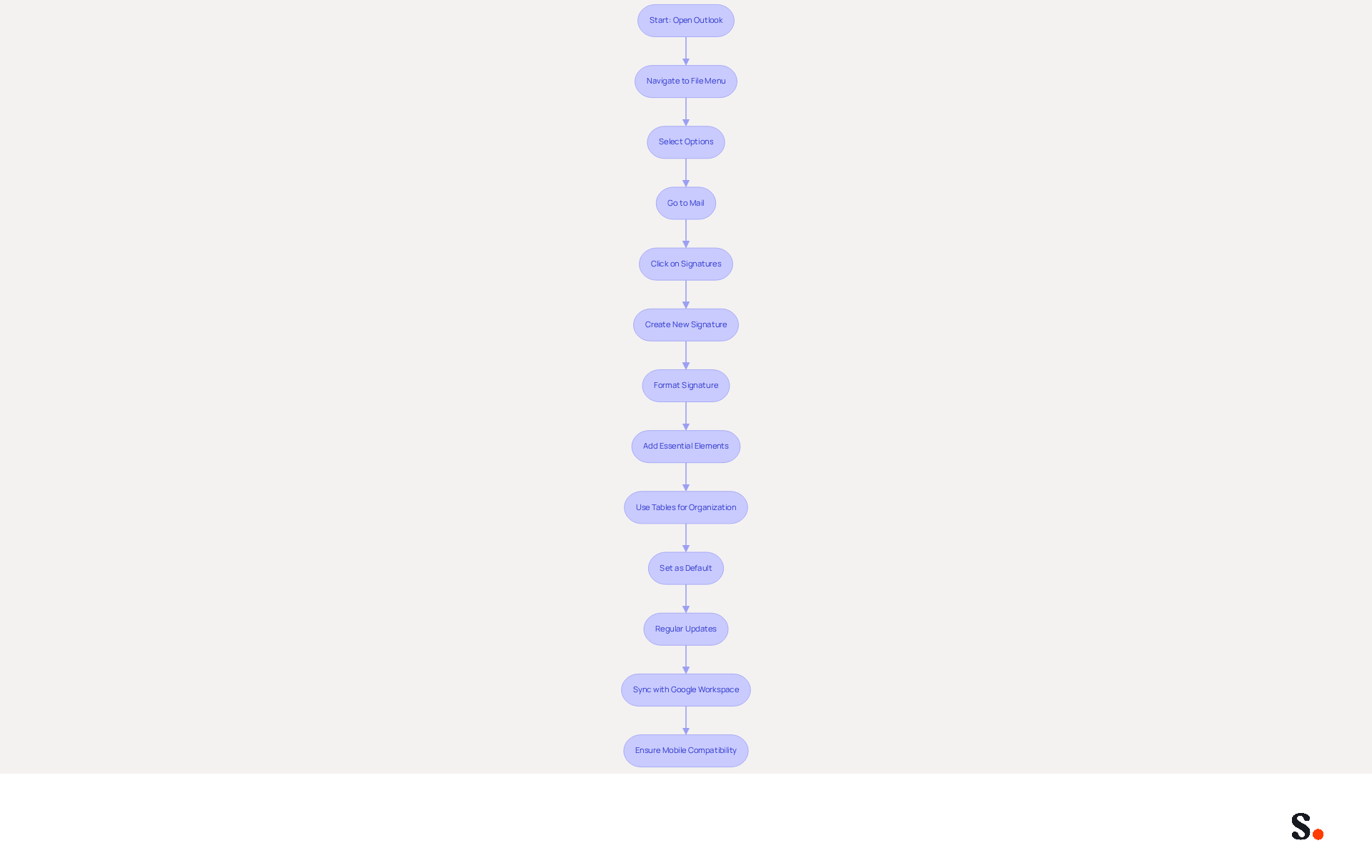
To create a professional outlook signature template, attention to detail is essential. Start by navigating to the 'File' menu and selecting 'Options.' From there, go to 'Mail' and click on 'Signatures.' You can create a new signature by clicking 'New' and entering your desired content. Ensure that you format the sign-off using the built-in tools for a polished appearance. Essential elements to include are your name, title, company name, contact information, and links to social media profiles or your company website.
Using tables to organize your sign-off improves the alignment of text and images, resulting in a cleaner and more organized appearance. For example, place your logo on the left and your contact details on the right to create a visually appealing and easy-to-read footer.
Once your signature is created, set it as the default for new messages and replies/forwards to maintain consistency. Regular updates are crucial to reflect any changes in your role or company information. Additionally, refreshing banners every 4 to 8 weeks can help maintain engagement levels, ensuring your content remains relevant and captivating for recipients. Implementing these strategies ensures your email signature, created using a professional outlook signature template, not only appears professional but also significantly boosts your visibility with recipients.
To further enhance your email management, consider syncing your Google Workspace with the application. With this integration, your teammates' signature information updates automatically, which saves time and keeps your brand consistent. Any changes in your Google Workspace, such as updates to job positions or group assignments, will be automatically reflected in the application without any manual input. Scribe is compliant with SOC 2 Type II, GDPR, and CCPA, ensuring that your data is handled securely. Statistics show that well-crafted digital identifiers can result in a 20% rise in click-through rates, while click-through rates linked to footer promotions can attain 62% and conversion rates can reach 60%. Making sure that your signature is suitable for mobile use is crucial, as over 41% of messages are accessed on mobile devices. Ultimately, a well-designed professional outlook signature template can be a powerful tool for enhancing your professional image and increasing engagement.
Leverage Signatures for Marketing and Engagement
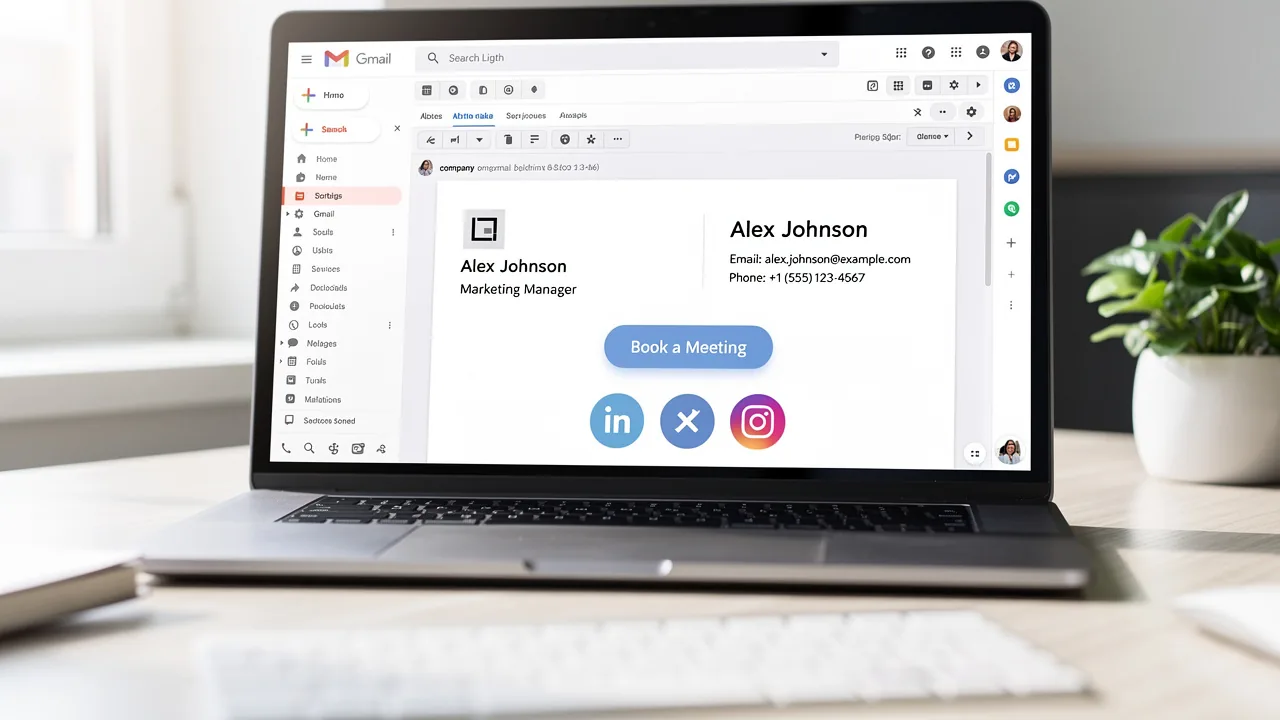
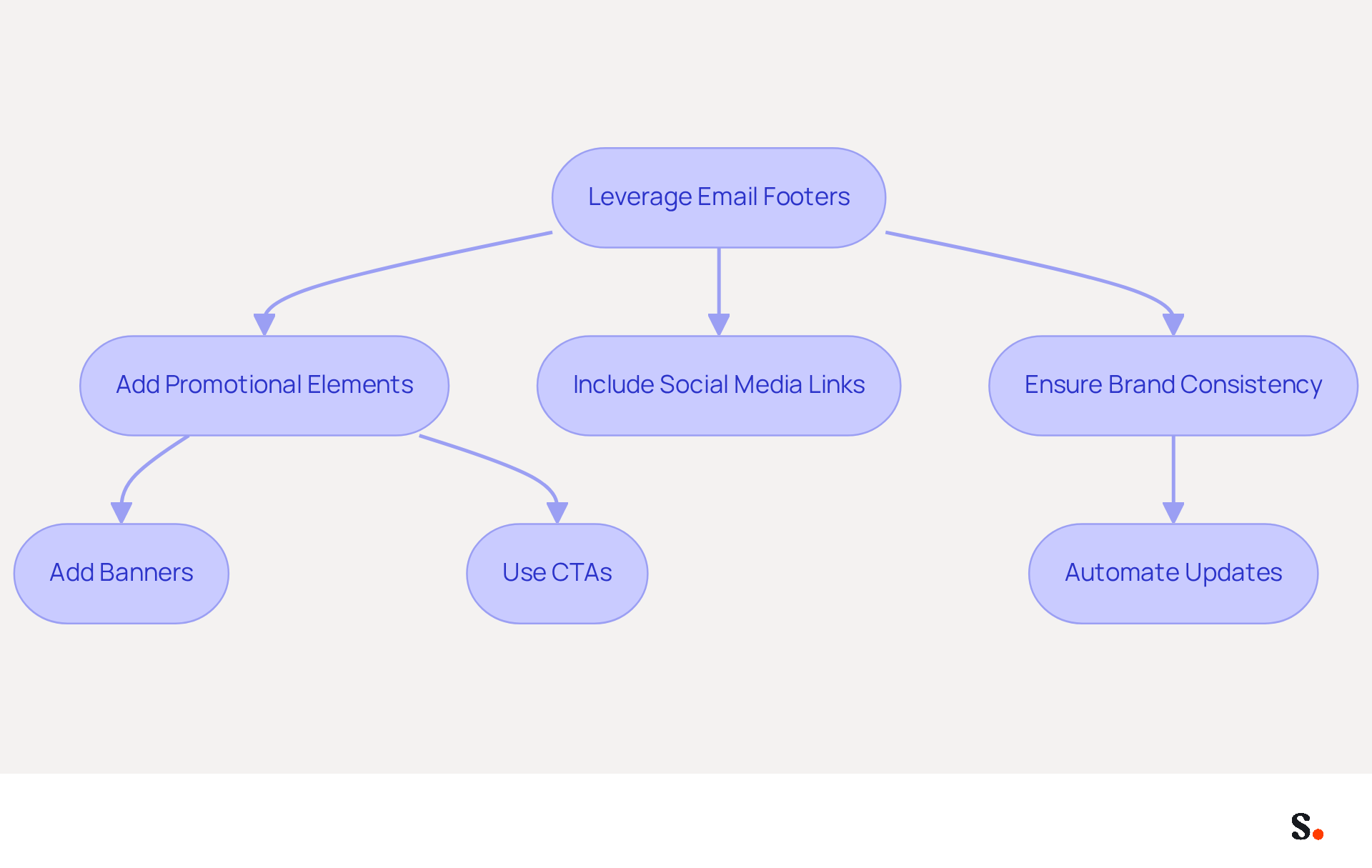
To maximize marketing effectiveness, it is crucial to strategically utilize email footers with promotional elements such as banners, calls to action (CTAs), and links to current campaigns. For instance, adding a banner that promotes an upcoming webinar or a new product launch can encourage recipients to click through for more information, driving traffic to your website and informing your audience about your offerings.
Including social media icons that link directly to your company's profiles further encourages recipients to engage with your identity across multiple platforms, enhancing overall visibility. It is essential that these components align with your aesthetics and do not clutter the mark, maintaining a professional appearance.
This approach showcases how brands can effectively use electronic identifiers to engage clients and promote their services. With automated synchronization of messaging identifiers through integrations like Aircall, any modifications made in your Aircall configuration will be reflected in your Scribe identifiers, ensuring brand consistency across all communications. This capability allows marketing teams to maintain up-to-date promotional content effortlessly. Regularly updating these promotional elements keeps your audience informed and engaged, ensuring that each communication serves as a strategic marketing touchpoint.
Statistics show that businesses using consistent messaging formats experience a 22% rise in response rates, and these formats have an engagement rate of 40%, considerably surpassing traditional marketing campaigns, which average merely 3%. This highlights the potential influence of well-designed digital identifiers on marketing success.
Automate Signature Management for Efficiency
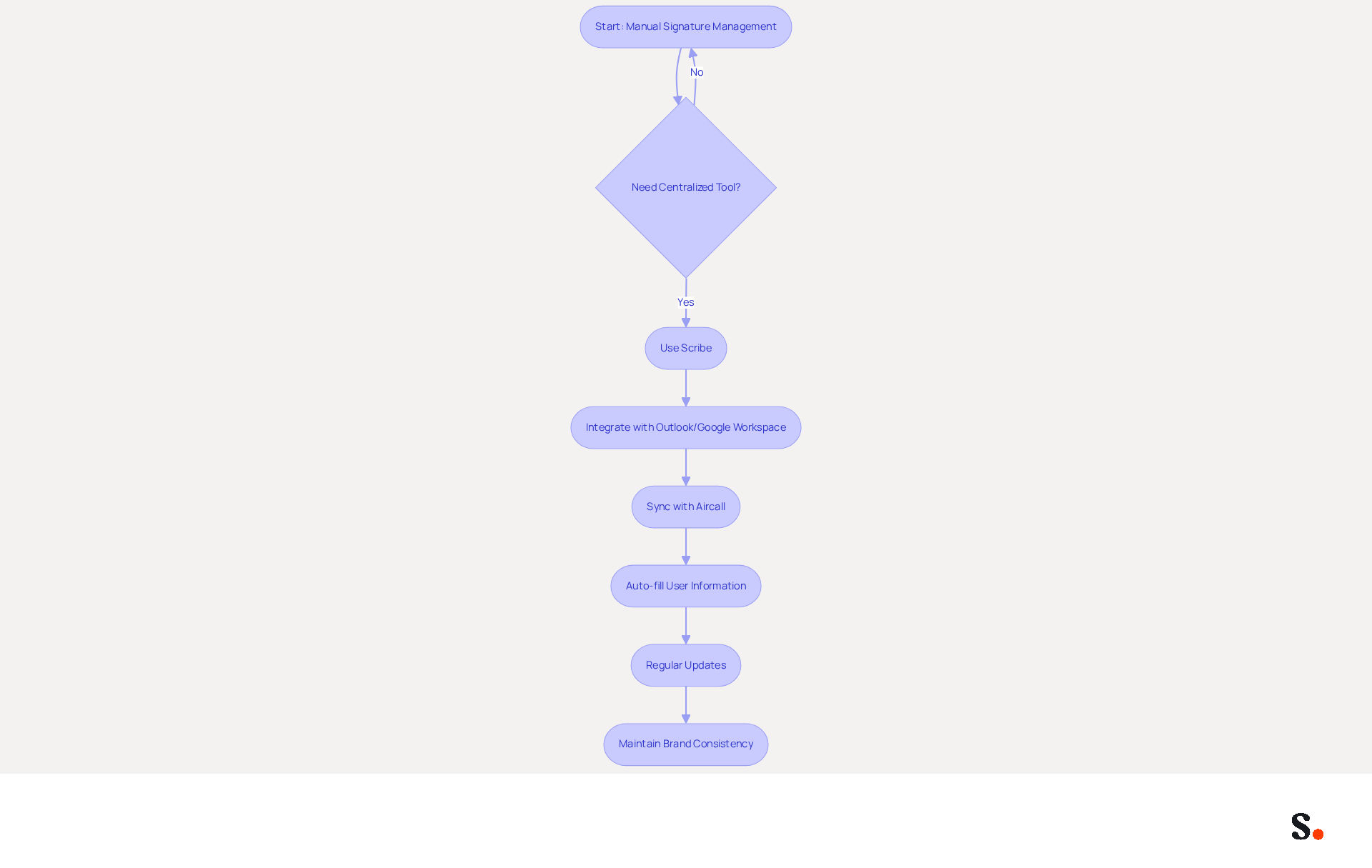
Managing electronic correspondence identifiers can be challenging without a centralized tool. Employing a platform like Scribe is crucial for simplifying this management. These tools facilitate the creation, deployment, and updating of messaging identifiers across your organization with minimal effort. This tool integrates with systems like Outlook and Google Workspace, keeping identifiers consistent and up-to-date without needing individual user input.
Scribe's integration with Aircall enables automated synchronization of identifiers, ensuring that any modifications made in your Aircall settings are reflected in your Scribe identifiers. This feature customizes each mark by auto-filling user-specific information, including names, titles, and contact details, while also ensuring consistency in identity. This statistic highlights the importance of regular updates, which can be streamlined through automation, especially considering that 44.4% of users modify their electronic correspondences 2-4 times a year.
Regularly reviewing and updating these templates is essential to reflect any changes in branding or company information. Additionally, maintaining a minimum font size of 14px is recommended for readability on mobile devices. When endorsements are managed automatically, organizations can work more efficiently and maintain a consistent brand image in every message. Organizations that adopt automated email signature management tools like Scribe report improved engagement and a 22% increase in response rates, underscoring the strategic value of this approach. Ultimately, adopting automated solutions like Scribe can transform how organizations communicate, ensuring accuracy and consistency.
Conclusion
A professional Outlook signature template is vital for reinforcing brand consistency and optimizing marketing strategies. By integrating key branding elements and standardizing templates, organizations can present a cohesive image to recipients. This approach not only fosters professionalism but also strengthens brand recall, turning each email into a valuable marketing opportunity.
The article highlights several best practices for creating effective Outlook signature templates, including:
- The importance of formatting
- Regular updates
- Leveraging promotional elements
By incorporating banners, social media links, and clear calls to action, businesses can significantly boost engagement rates and drive traffic to their websites. Furthermore, automating signature management through tools like Scribe simplifies the process, ensuring that all signatures remain consistent and up-to-date without requiring manual input.
In a competitive landscape, organizations often struggle to stand out in a crowded market, making effective communication crucial. The strategic use of email signatures can transform how organizations communicate and engage with their audience. This shift not only enhances brand integrity but also maximizes the effectiveness of marketing efforts. Ultimately, leveraging automated solutions can redefine how organizations connect with their audience, paving the way for enhanced engagement and success.
Frequently Asked Questions
Why is brand consistency important in signature design?
Brand consistency in signature design is crucial for establishing a professional image and improving brand recall among recipients. It helps convey your company's identity clearly and effectively.
What elements should be included in a professional outlook signature template?
A professional outlook signature template should include your company's logo, color scheme, fonts, and optionally a tagline or mission statement that encapsulates your company's essence.
How can I ensure the logo in my signature is effective?
The logo should be high-quality and appropriately sized to maintain clarity across various email clients.
What type of fonts should be used in the signature design?
Web-safe fonts that align with your organization's typography should be used to guarantee readability.
How can discrepancies in signature design among team members be prevented?
Discrepancies can be prevented by ensuring all team members utilize the same professional outlook signature template, which can be managed through a centralized signature management system.
What is required for one-click synchronization of signatures?
To enable one-click synchronization, permission to connect with your service provider is needed, which requires Super Admin access.
How does the synchronization process work for team members' signatures?
The application automatically syncs teammate information from your provider daily at your local time, and for instant updates, you can click 'Refresh' in the Teammates tab.
Why is it important to regularly review and update the signature design?
Regularly reviewing and updating the design is crucial to reflect any changes in branding or marketing strategies, keeping communications current and relevant.
How does Scribe ensure data security in email communications?
Scribe's SOC 2 Type II compliance ensures that your data is secure, enhancing the reliability of your email communications.
List of Sources
- Establish Brand Consistency in Signature Design
- Why Email Signatures Must Be In Your 2026 Marketing Plan | Rocketseed (https://rocketseed.com/blog/what-are-the-biggest-email-trends-for-2026)
- Research Recap: Branded Email Signatures Increase Company Recognition, Trust - Demand Gen Report (https://demandgenreport.com/industry-news/research-recap-branded-email-signatures-increase-company-recognition-trust/47252)
- Email Signature Branding: Consistency and Impact | Crossware365 (https://crossware365.com/blog/mastering-email-signature-branding-market-presence)
- The impact of email signatures on your branding (https://signitic.com/en/resources/the-impact-of-email-signatures-on-your-branding)
- Email signature do’s & don’ts: from chaos to consistency and performance in every send (https://marketingtechnews.net/news/email-signature-dos-donts-from-chaos-to-consistency-and-performance-in-every-send)
- Implement Effective Signature Templates in Outlook
- 4 Best Practices for Your Outlook Signature Line in Marketing (https://scribe-mail.com/en-US/blog/4-best-practices-for-your-outlook-signature-line-in-marketing)
- Email Signature Best Practices for 2026 (+ 15 Pro Examples) (https://wavecnct.com/blogs/email-signature-best-practices-2026)
- Email Signature Best Practices - NEWOLDSTAMP (https://newoldstamp.com/blog/email-signature-best-practices)
- Email Signature Best Practices Guide With Examples - MailerLite (https://mailerlite.com/blog/email-signature-best-practices)
- 40+ Email Signature Statistics for 2026 (Data + Insights) (https://wavecnct.com/blogs/email-signature-statistics)
- Leverage Signatures for Marketing and Engagement
- The impact of email signatures on your branding (https://signitic.com/en/resources/the-impact-of-email-signatures-on-your-branding)
- 2026 Marketing Trends for Business Emails Outreach | Rocketseed (https://rocketseed.com/blog/2024-marketing-trends-for-business-emails)
- 12 email signature marketing examples that drive clicks (2026) (https://signitic.com/en/resources/12-email-signature-marketing-examples-that-actually-drive-clicks)
- 2026 Marketing Trends: Email Signatures as a Marketing Tool (https://bluechiptt.com/blog/5-marketing-trends-for-2026-and-how-your-email-signature-fits-in)
- Email Signature Marketing 101: Run Campaigns That Drive ROI (https://wisestamp.com/guides/how-to-do-email-signature-marketing)
- Automate Signature Management for Efficiency
- Best Email Signature Management Software: Top 12 Tools (2026)
- NEWOLDSTAMP (https://newoldstamp.com/blog/email-signature-software)
- Company Email Signature Management (2026) (https://hubspot.com/email-signature-generator/email-signature-management)
- 40+ Email Signature Statistics for 2026 (Data + Insights) (https://wavecnct.com/blogs/email-signature-statistics)
- Email Signature Trends 2026: Centralized Control & Automation | SIGNandGO posted on the topic | LinkedIn (https://linkedin.com/posts/signngo_email-signature-trends-to-watch-in-2026-activity-7401523471786217473-zAVL)
- Craft a Happy New Year 2026 Email Signature That Engages Clients (https://scribe-mail.com/en-US/blog/craft-a-happy-new-year-2026-email-signature-that-engages-clients)
Get started with Scribe
Signatures for every role on your team
Free 14-day trial — no credit card.