Master the Best Size for Gmail Signature Images to Boost Branding
The size of Gmail signature images is not merely a technical detail; it plays a crucial role in shaping brand perception in digital communication. With over
Sophie Grant
Email Signature Specialist, Scribe
Introduction
The size of Gmail signature images is not merely a technical detail; it plays a crucial role in shaping brand perception in digital communication. With over 60% of emails accessed on mobile devices, this often results in ineffective branding and communication challenges, as organizations risk losing their professional edge in digital communication. Ensuring that signatures are visually appealing and functional across platforms is essential for maintaining professionalism and brand consistency.
What are the best practices for crafting email signatures that not only look great but also enhance marketing efforts? By adhering to best practices in email signature design, organizations can significantly enhance their branding and communication effectiveness.
Determine Optimal Dimensions and File Sizes for Gmail Signatures
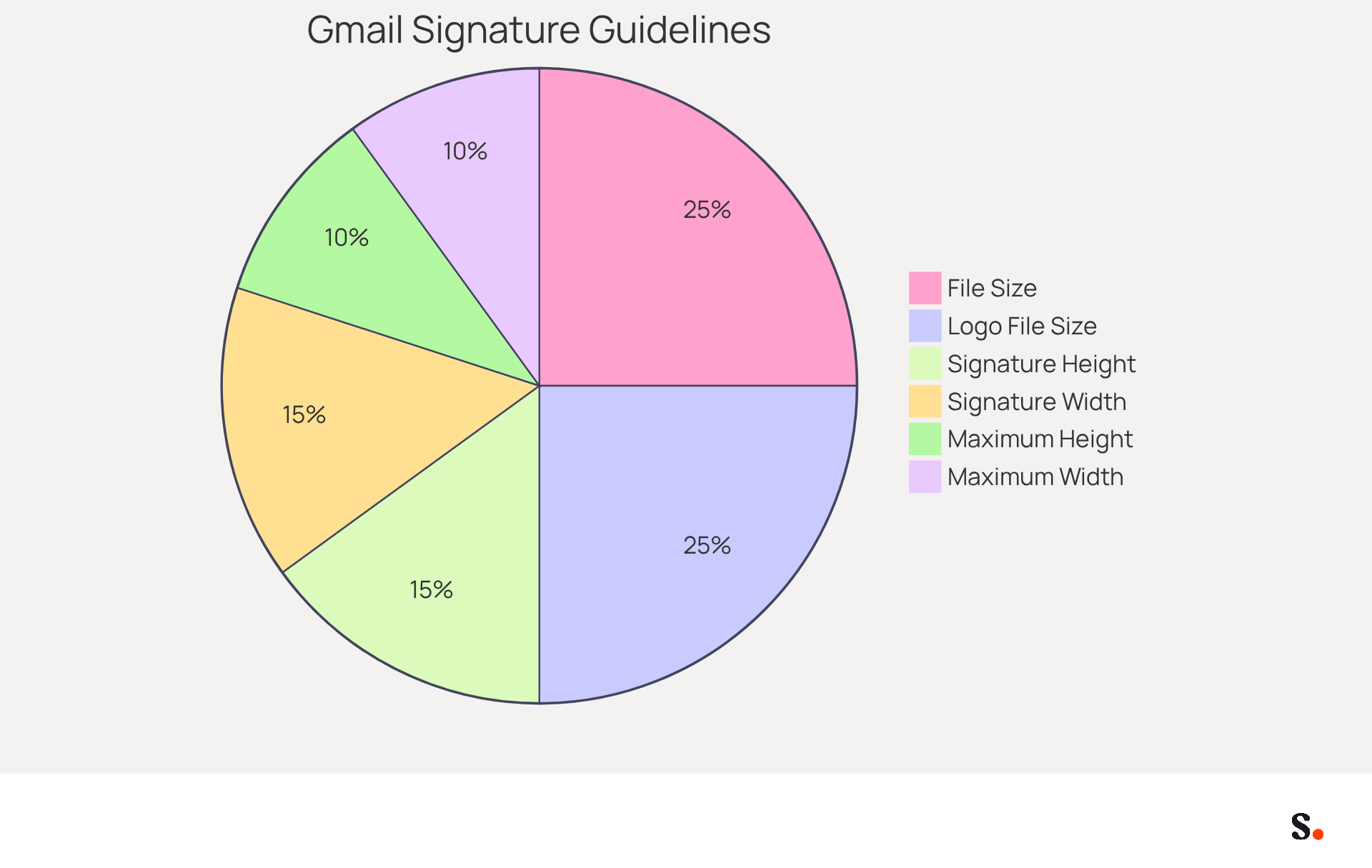
To ensure effective communication through Gmail, adhering to the best size for Gmail signature image along with specific image dimensions and file sizes is crucial. Google recommends that the best size for Gmail signature image is between 70-100 pixels in height and 300-400 pixels in width, with a maximum height of 100 pixels and a width of up to 1,000 pixels. To keep things running smoothly, try to use the best size for Gmail signature image, which is under 100KB, for quick loading and to avoid layout issues. For better quality and transparency, especially for logos, using PNG format is recommended because it offers better quality and supports transparent backgrounds, which improves visibility in dark mode.
For email banners, the best size for Gmail signature image is a width of 300-400 pixels and a height of 70-100 pixels at 72dpi, which works effectively on both desktop and mobile platforms. This ensures that your mark appears professional and is easily viewable on various devices, enhancing the overall user experience. Furthermore, maintaining the total HTML format under 10,000 characters is essential for compatibility with Gmail's restrictions. It's important to note that visuals count towards this limit.
With over 60% of messages accessed on mobile devices, it is crucial to determine the best size for Gmail signature image to maintain a professional appearance and ensure effective communication. Moreover, hosting visuals externally is advised to avoid broken links and guarantee visibility across various messaging clients. Avoid using animated GIFs unless necessary, as they can significantly increase file size and impact loading times. For improved performance, consider keeping logo files under 20 KB. This oversight can lead to a negative impression on recipients, undermining the effectiveness of your communication.
Optimize Email Signatures for Mobile Devices
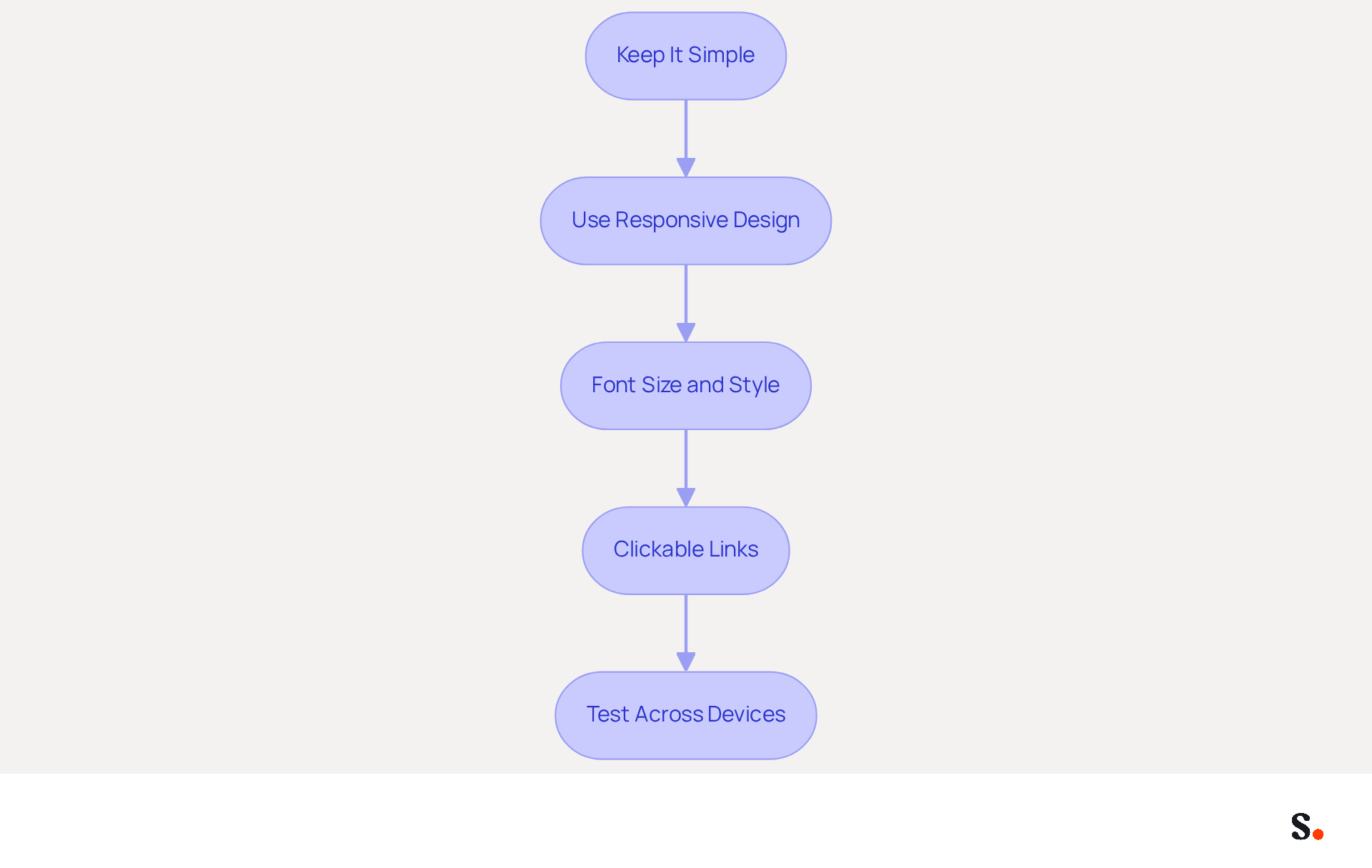
To maximize the effectiveness of your email signatures on mobile devices, it is essential to follow best practices:
- Keep It Simple: Limit the amount of text and images in your email footer. A cluttered email footer can confuse recipients, leading to miscommunication.
- Use Responsive Design: Design your email footer to be no wider than 320-350 pixels to prevent horizontal scrolling. This ensures that all elements are easily viewable without requiring users to zoom in, enhancing readability.
- Font Size and Style: Opt for larger font sizes (at least 14px) for better readability and choose simple, web-safe fonts that render well across devices. Given that over 81% of messages are read on mobile devices, clarity becomes even more important.
- Clickable Links: Ensure that any links or buttons are large enough to be easily tapped on mobile screens. This enhances user interaction and engagement, making it easier for recipients to connect with your content.
- Test Across Devices: Always check your message footer on various mobile devices and messaging clients to ensure it displays correctly and maintains its intended design. Conducting regular audits ensures your email footer remains effective and consistent with your branding.
Implementing these strategies not only enhances user experience but also reinforces your brand's professionalism.
Ensure Brand Consistency Across Team Email Signatures
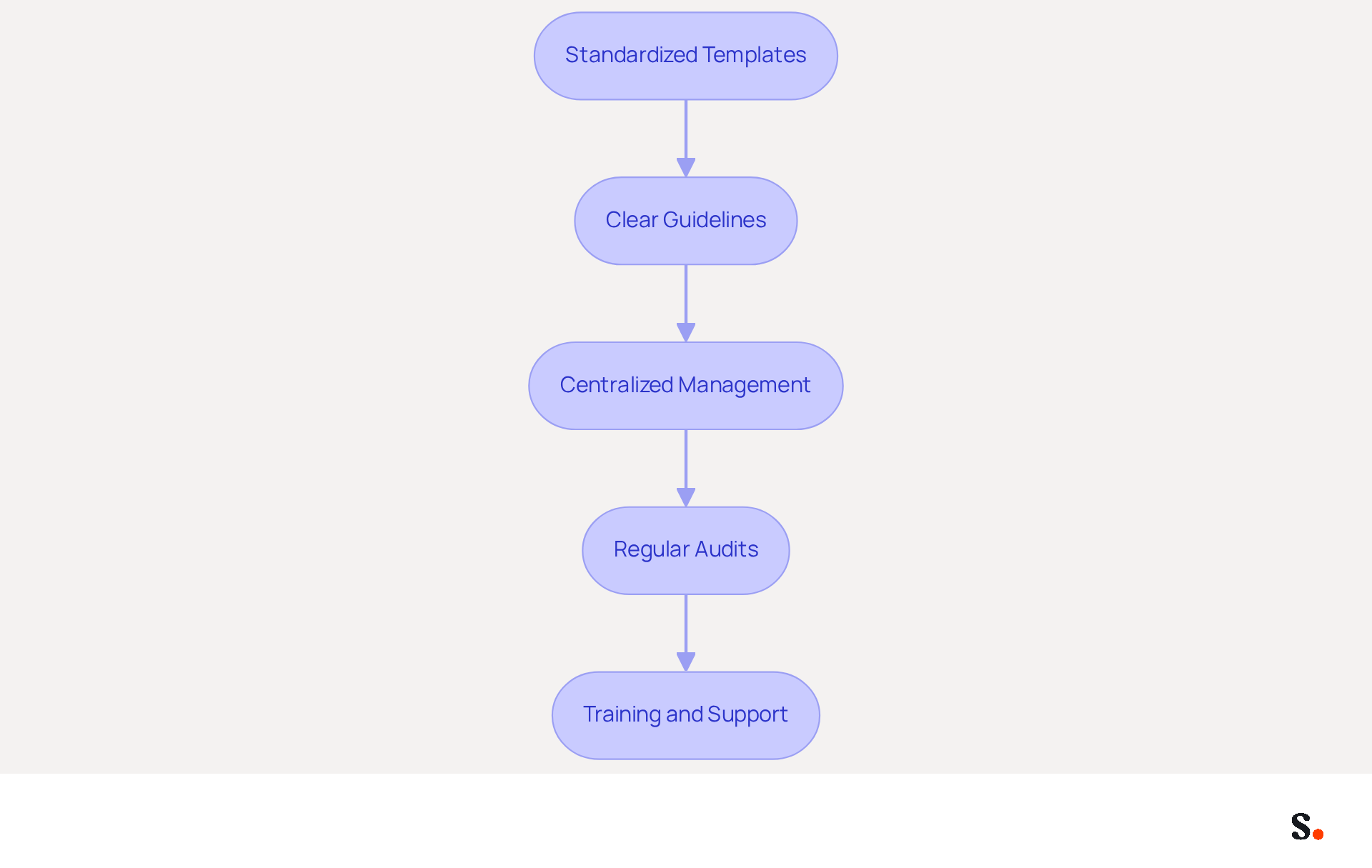
To effectively maintain brand consistency across all team email signatures, a strategic approach is essential:
- Standardized Templates: Create a uniform email template that includes your logo, colors, and fonts. This ensures that every team member's endorsement aligns with your brand identity, reinforcing professionalism and recognition.
- Clear Guidelines: Develop clear guidelines for key elements, including font sizes, colors, and layout. Share these guidelines with all employees to ensure compliance and consistency across communications.
- Centralized Management: Utilize tools like Scribe to manage and update digital identifiers across your organization. Each modification made in your Aircall configuration will automatically be reflected in your Scribe identifiers, ensuring that all identifiers remain consistent and up-to-date. Scribe meets security standards like SOC 2 Type II, GDPR, and CCPA, which builds trust in your communications.
- Regular Audits: Perform routine evaluations of electronic correspondence identifiers to ensure adherence to branding standards. Without regular audits, inconsistencies may go unnoticed, leading to a fragmented brand image. This assists in recognizing any inconsistencies and allows for prompt adjustments, preserving a cohesive image.
- Training and Support: Offer instruction for employees on the significance of maintaining consistency in their communication and how to apply it in their correspondence. This promotes a culture of awareness within the organization.
By ensuring consistency in communication formats, businesses can enhance their professional image and strengthen their identity in every interaction. Research indicates that branded messages can engage up to 12% more consumers, highlighting the importance of consistent branding. Case studies indicate that organizations adopting standardized email policies have effectively diminished reputational risks and enhanced brand recognition, showcasing the tangible advantages of these strategies. Ultimately, these strategies not only enhance brand recognition but also foster trust and engagement with your audience.
Leverage Email Signatures as Effective Marketing Tools
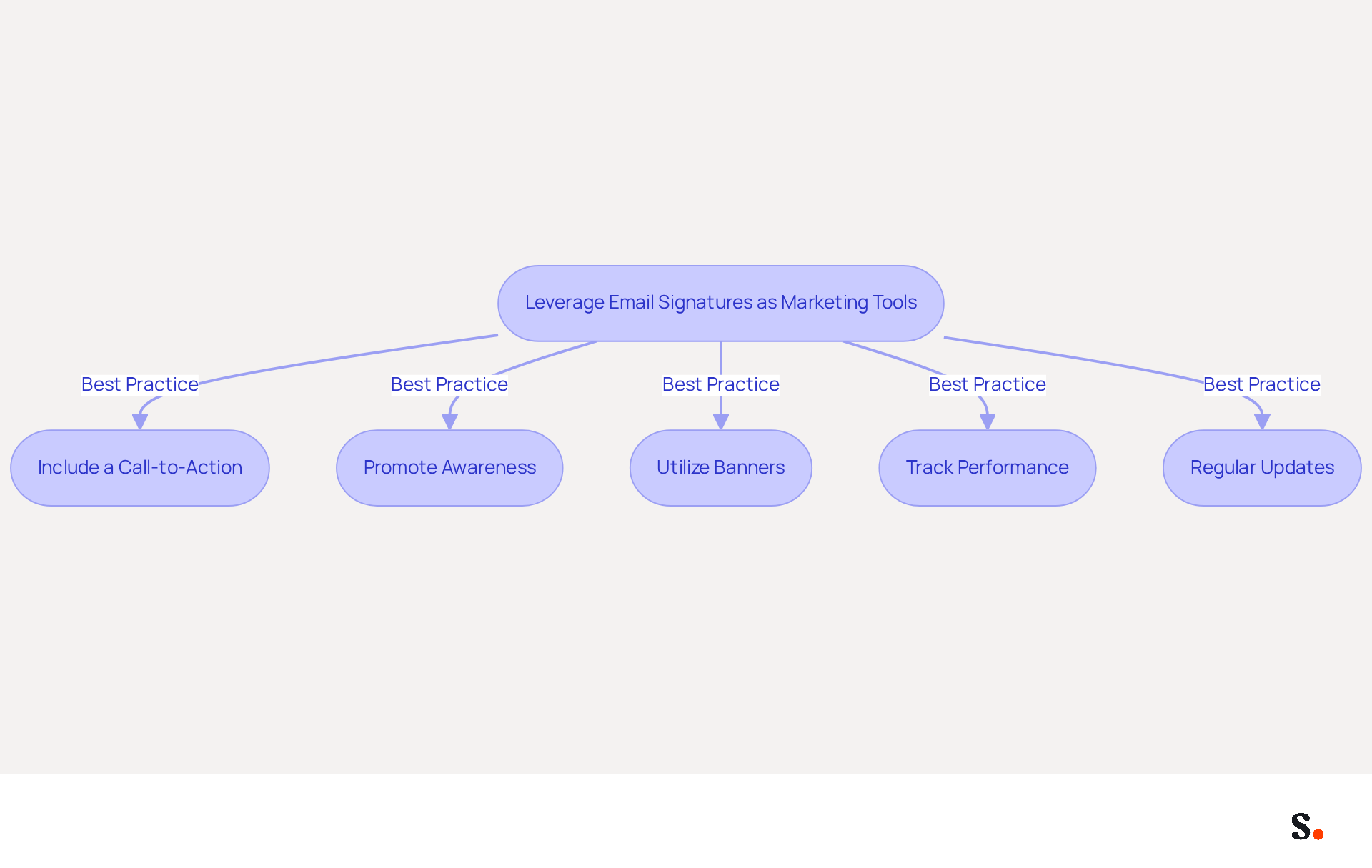
Email identifiers serve as potent marketing tools when strategically implemented. Here are some best practices to leverage them effectively:
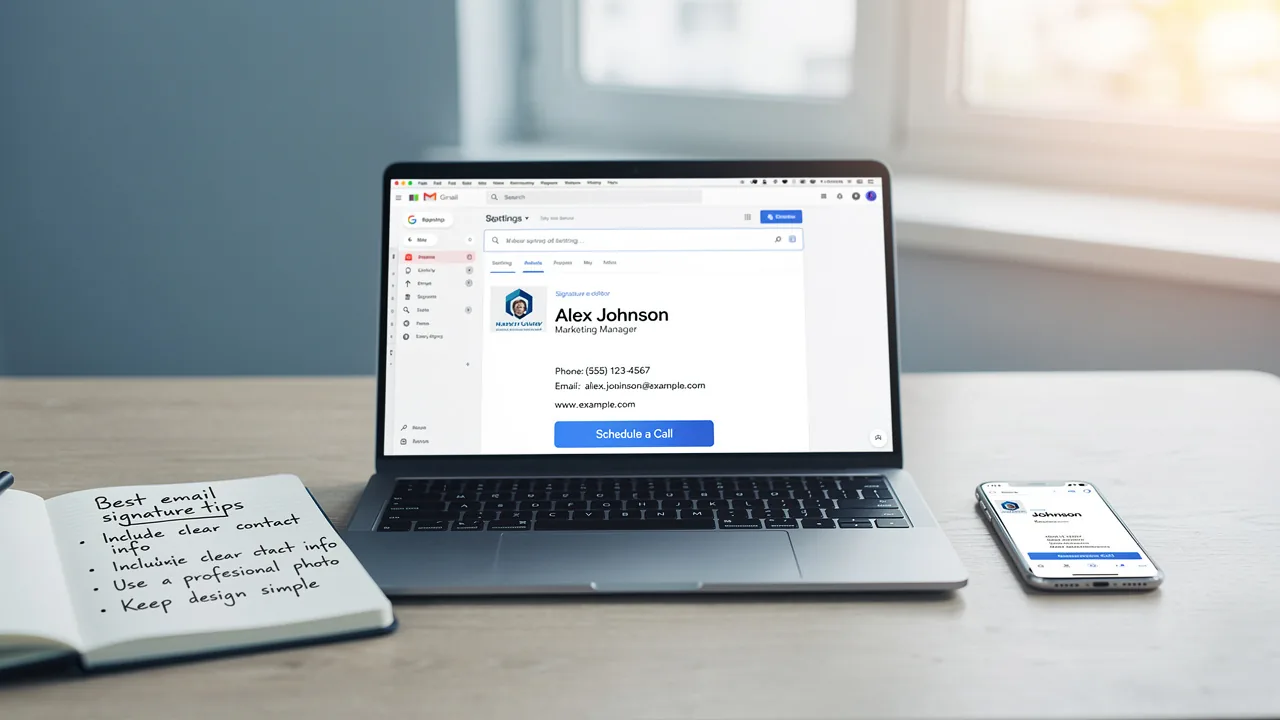
- Include a Call-to-Action (CTA): Incorporate a clear and compelling CTA in your email footer, such as a link to a current promotion, a newsletter signup, or an upcoming event. This prompts recipients to act, as studies show that effective CTAs boost customer engagement.
- Promote Awareness: Use your personal touch to highlight your organization's mission, values, or recent achievements. This reinforces your brand identity and keeps it top-of-mind for recipients. Organizations that utilize branded digital identifiers experience a 15% rise in website click-through rates, demonstrating the crucial role of branding in digital interactions.
- Utilize Banners: Add promotional banners to your correspondence to draw attention to specific campaigns or products. Ensure these banners are visually appealing and aligned with your brand's aesthetics. Scribe's average click-through rate on banners is 12%, indicating that well-placed banners can significantly boost click-through rates.
- Track Performance: Use tracking links in your CTAs to measure engagement and effectiveness. Key metrics to monitor include click-through rates (CTR), conversion rates, and engagement rates. Tracking these metrics provides valuable insights into recipient interactions and can inform future marketing strategies.
- Regular Updates: Keep your contact information fresh by frequently refreshing it to reflect new promotions, events, or changes in your business. Many professionals struggle to keep their contact details current, which can negatively impact their professional image. Regular audits are essential, as 44.4% of professionals refresh their contact details only 2-4 times a year.
By treating every email as a marketing opportunity, businesses can foster deeper connections and drive sales growth. This proactive approach can lead to enhanced customer relationships and increased sales opportunities.
Conclusion
Mastering the optimal size for Gmail signature images is crucial for effective branding and communication. Adhering to recommended dimensions and file sizes helps organizations present a professional image that resonates with recipients and reinforces brand identity.
Key insights from this article highlight the importance of maintaining image quality while optimizing for mobile compatibility. Strategies such as using standardized templates, clear guidelines, and centralized management through tools like Scribe can significantly enhance brand consistency across team email signatures. Using email signatures strategically with clear CTAs and promotional banners can enhance engagement and boost click-through rates.
These best practices elevate professionalism in email communications and turn each interaction into a marketing opportunity. By prioritizing brand consistency and optimizing email signatures, organizations can foster stronger connections with their audience, ultimately leading to increased trust and engagement. Implementing these strategies can transform every email into a powerful tool for brand reinforcement and audience engagement.
Frequently Asked Questions
What are the recommended dimensions for a Gmail signature image?
The recommended dimensions for a Gmail signature image are between 70-100 pixels in height and 300-400 pixels in width, with a maximum height of 100 pixels and a width of up to 1,000 pixels.
What is the ideal file size for a Gmail signature image?
The ideal file size for a Gmail signature image is under 100KB to ensure quick loading and avoid layout issues.
Which image format is recommended for Gmail signatures and why?
The recommended image format for Gmail signatures is PNG because it offers better quality and supports transparent backgrounds, improving visibility in dark mode.
What are the best dimensions for email banners in Gmail signatures?
The best dimensions for email banners in Gmail signatures are a width of 300-400 pixels and a height of 70-100 pixels at 72dpi.
Why is it important to maintain the total HTML format under 10,000 characters?
Maintaining the total HTML format under 10,000 characters is essential for compatibility with Gmail's restrictions, as visuals count towards this limit.
What percentage of messages are accessed on mobile devices, and why is this significant for Gmail signatures?
Over 60% of messages are accessed on mobile devices, making it crucial to determine the best size for Gmail signature images to maintain a professional appearance and ensure effective communication.
What should be avoided when using visuals in Gmail signatures?
It is advised to avoid using animated GIFs unless necessary, as they can significantly increase file size and impact loading times. Additionally, hosting visuals externally is recommended to avoid broken links and ensure visibility across various messaging clients.
What is the recommended file size for logo files in Gmail signatures?
For improved performance, it is recommended to keep logo files under 20KB.
List of Sources
- Determine Optimal Dimensions and File Sizes for Gmail Signatures
- Email Signature Design Trends in 2026: What Works and What to Drop (https://bulksignature.com/blog/email-signature-design-trends)
- Correct Email Signature Dimensions: Width, Height & File Size (https://wisestamp.com/guides/what-are-correct-email-signature-dimensions)
- Email Signature Image and Logo Size: Specs That Display Everywhere (https://patronum.io/email-signature-image-size)
- Optimize Email Signatures for Mobile Devices
- Email Signature Best Practices - NEWOLDSTAMP (https://newoldstamp.com/blog/email-signature-best-practices)
- 20 best email signature design examples for 2026 — Stripo.email (https://stripo.email/blog/10-best-email-signature-design-examples)
- Mobile Friendly Email Signature: Best Practices & Tips (https://publicate.it/blog/mobile-friendly-email-signature)
- 8 Best Practices Email Signature Strategies for 2025 — Salesloop (https://salesloop.io/blog/best-practices-email-signature)
- Email Signature Best Practices Guide With Examples - MailerLite (https://mailerlite.com/blog/email-signature-best-practices)
- Ensure Brand Consistency Across Team Email Signatures
- Why Consistent Email Signatures Matter More Than You Think - Signite (https://signite.io/blog/consistent-email-signatures-matter-more-than-you-think)
- Email Signature Branding: Consistency and Impact | Crossware365 (https://crossware365.com/blog/mastering-email-signature-branding-market-presence)
- The impact of email signatures on your branding (https://signitic.com/en/resources/the-impact-of-email-signatures-on-your-branding)
- Email signature branding: importance, tips & best practices (https://exclaimer.com/email-signature-handbook/email-signature-branding-importance)
- Importance of email signatures in branding | SME Today (https://smetoday.co.uk/marketing/impact-of-email-signatures-on-brand-relationships-in-2024)
- Leverage Email Signatures as Effective Marketing Tools
- Email signature statistics: Why every business should optimize their email signatures — Stripo.email (https://stripo.email/blog/email-signature-statistics-why-every-business-should-optimize-their-email-signatures)
- Email Signature Trends 2026: Centralized Control & Automation | SIGNandGO posted on the topic | LinkedIn (https://linkedin.com/posts/signngo_email-signature-trends-to-watch-in-2026-activity-7401523471786217473-zAVL)
- Email Signature Marketing: A Guide to Drive Sales (https://smartrmail.com/blog/email-signature-marketing)
- Best Practices for Your Company Signature in Email Marketing (https://scribe-mail.com/en-US/blog/best-practices-for-your-company-signature-in-email-marketing)
- 2026 Marketing Trends: Email Signatures as a Marketing Tool (https://bluechiptt.com/blog/5-marketing-trends-for-2026-and-how-your-email-signature-fits-in)
Get started with Scribe
Create your signature in minutes
Free 14-day trial — no credit card.