Maximize Your Marketing Impact with Auto Signatures in Outlook
While automatic signatures in Outlook may seem like a simple feature, they hold the key to overcoming branding challenges in email communications. By ensuring
Sophie Grant
Email Signature Specialist, Scribe
On this page
- Introduction
- Understand the Importance of Automatic Signatures in Outlook
- Set Up Automatic Signatures in Outlook: Step-by-Step Guide
- Leverage Automated Signatures for Branding and Marketing Success
- Overcome Challenges in Email Signature Management for Teams
- Conclusion
- Frequently Asked Questions
- List of Sources
Introduction
While automatic signatures in Outlook may seem like a simple feature, they hold the key to overcoming branding challenges in email communications. By ensuring that every email reflects a consistent and professional image, organizations can significantly improve their marketing effectiveness and customer trust. Many organizations struggle to maintain uniformity in their email signatures, leading to potential brand inconsistency. By adopting automated signatures, businesses can enhance their branding efforts and achieve measurable marketing outcomes.
Understand the Importance of Automatic Signatures in Outlook
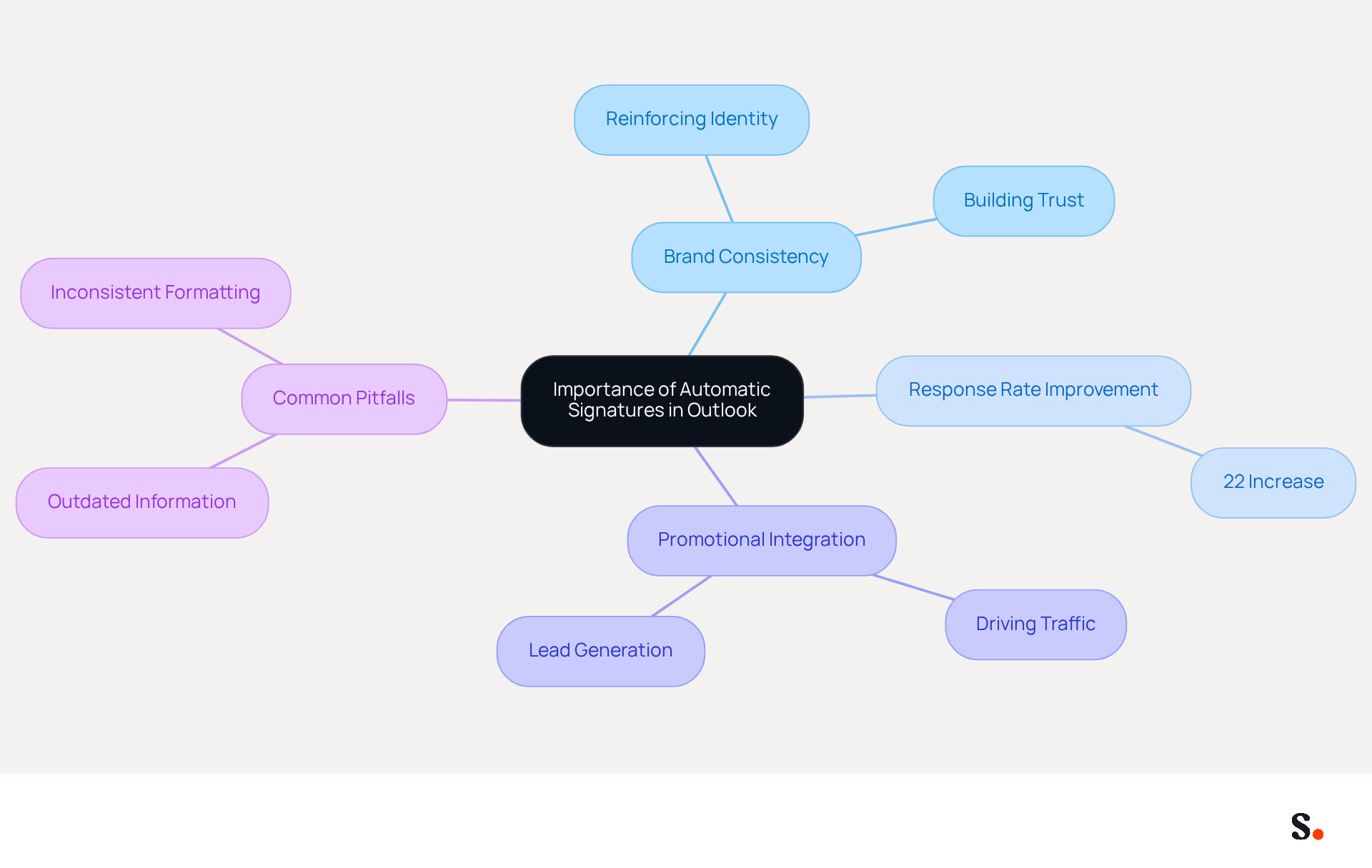
Automatic sign-offs in Outlook provide organizations with a strategic advantage that extends beyond mere convenience. Ensuring that every message carries a consistent brand message helps companies reinforce their identity and build customer trust. Research indicates that many organizations struggle to achieve high response rates in their email communications, but emails containing professional sign-offs can enhance response rates by as much as 22%, demonstrating their role as an effective engagement tool. Furthermore, automated endorsements allow businesses to integrate promotional messages, effectively driving traffic to websites and enhancing lead generation. This shift towards automated endorsements can transform how businesses engage with their audience, emphasizing the essential need for implementing an auto signature in Outlook, especially for organizations looking to enhance their marketing effectiveness in 2026.
With Scribe, the synchronization of messages is effortless, as modifications made in your Aircall configuration are automatically reflected in your Scribe designs. This guarantees that your teammates' identification information is always current without needing any effort from them, conserving valuable time and resources. Regular updates to digital communication identifiers are essential for maintaining brand consistency and adapting to evolving marketing strategies, ensuring that every interaction reflects the latest brand identity. Furthermore, Scribe's SOC 2 Type II compliance ensures that your data is protected, fulfilling employee data management needs for secure automation of digital identifiers. Organizations should also be aware of common pitfalls in email management, such as outdated information or inconsistent formatting, which can undermine the effectiveness of their branding efforts. Addressing these common pitfalls is vital for enhancing the effectiveness of branding in email communications.
Set Up Automatic Signatures in Outlook: Step-by-Step Guide
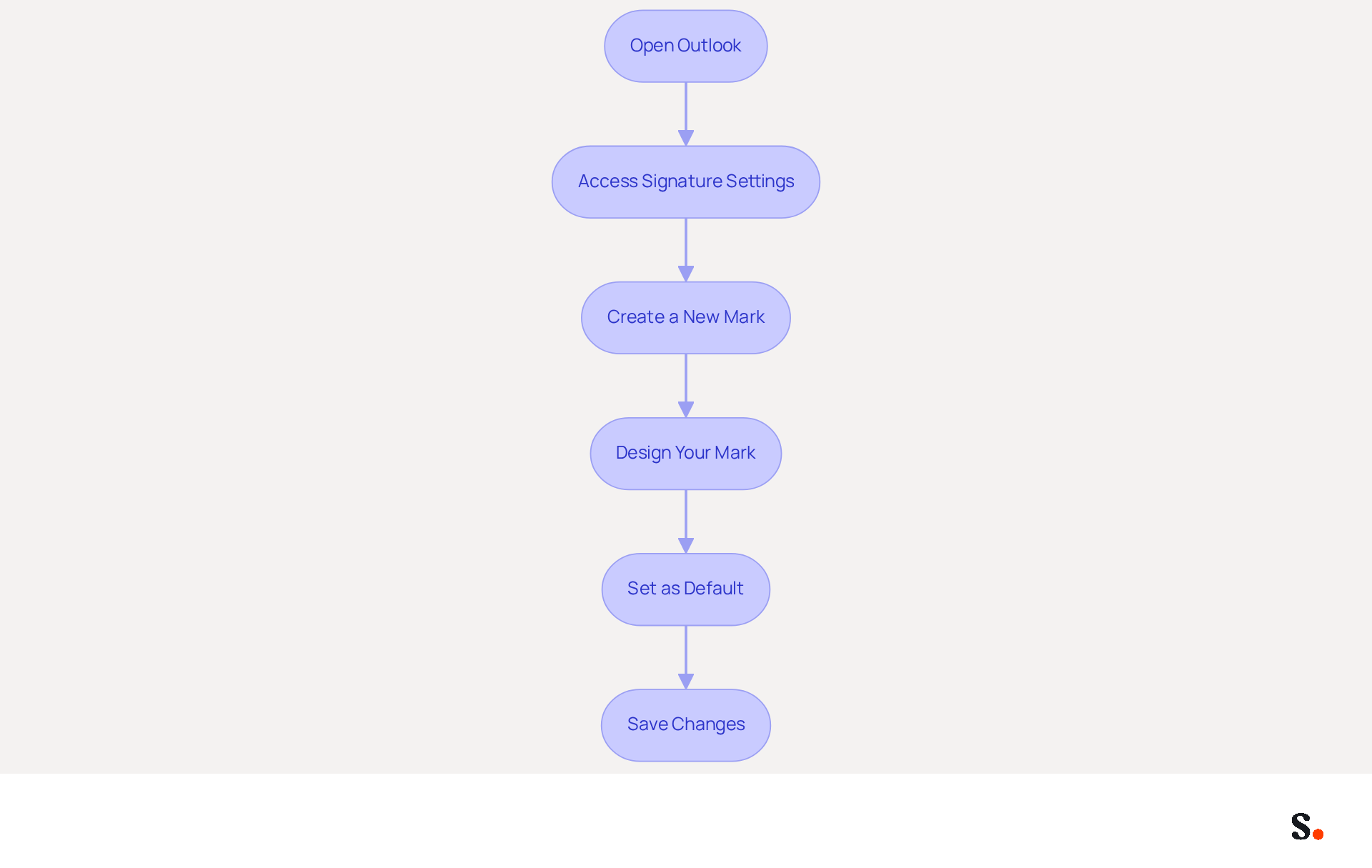
Ensuring consistent and professional email signatures is crucial for maintaining brand integrity and enhancing communication effectiveness. To set up automatic signatures in Outlook, follow these steps:
- Open Outlook: Launch the Outlook application on your computer.
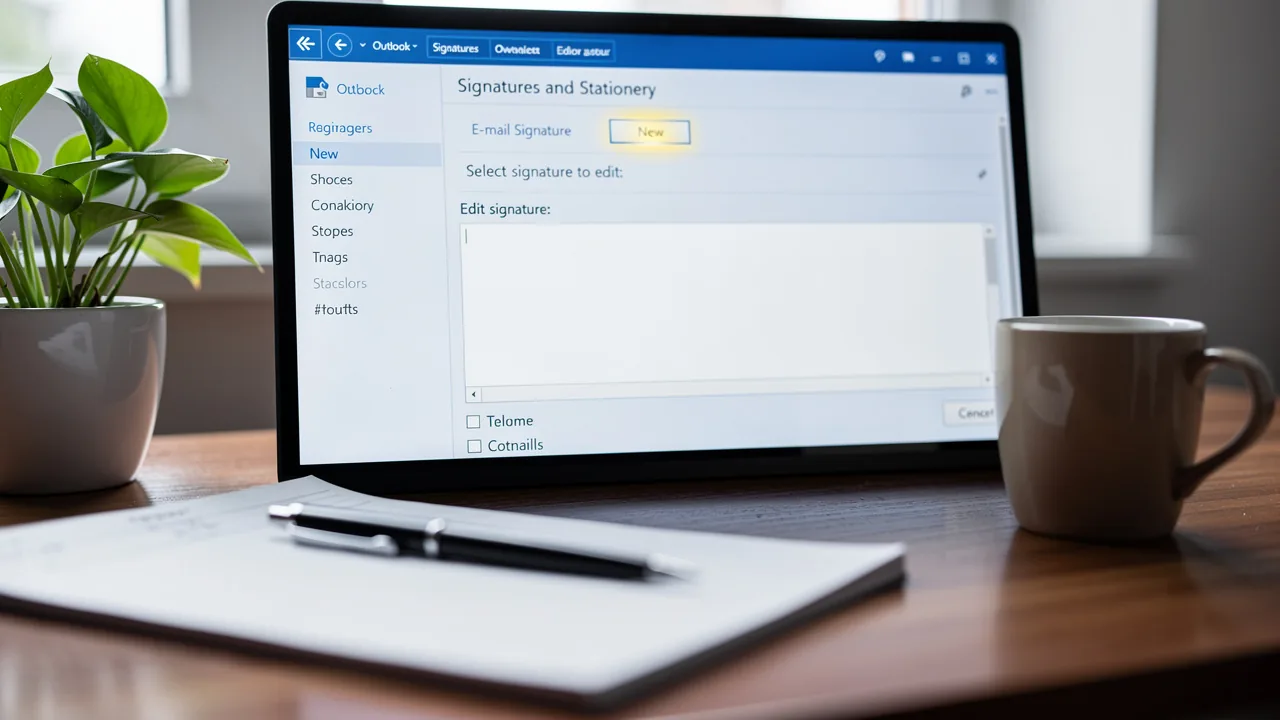
- Access Signature Settings: Navigate to the 'File' menu, select 'Options', and then click on 'Mail'. Under 'Compose messages', locate the 'Signatures' button to create your auto signature in Outlook.
- Create a New Mark: In the Signatures and Stationery window, click 'New' to establish a new mark. Assign an appropriate name to your mark.
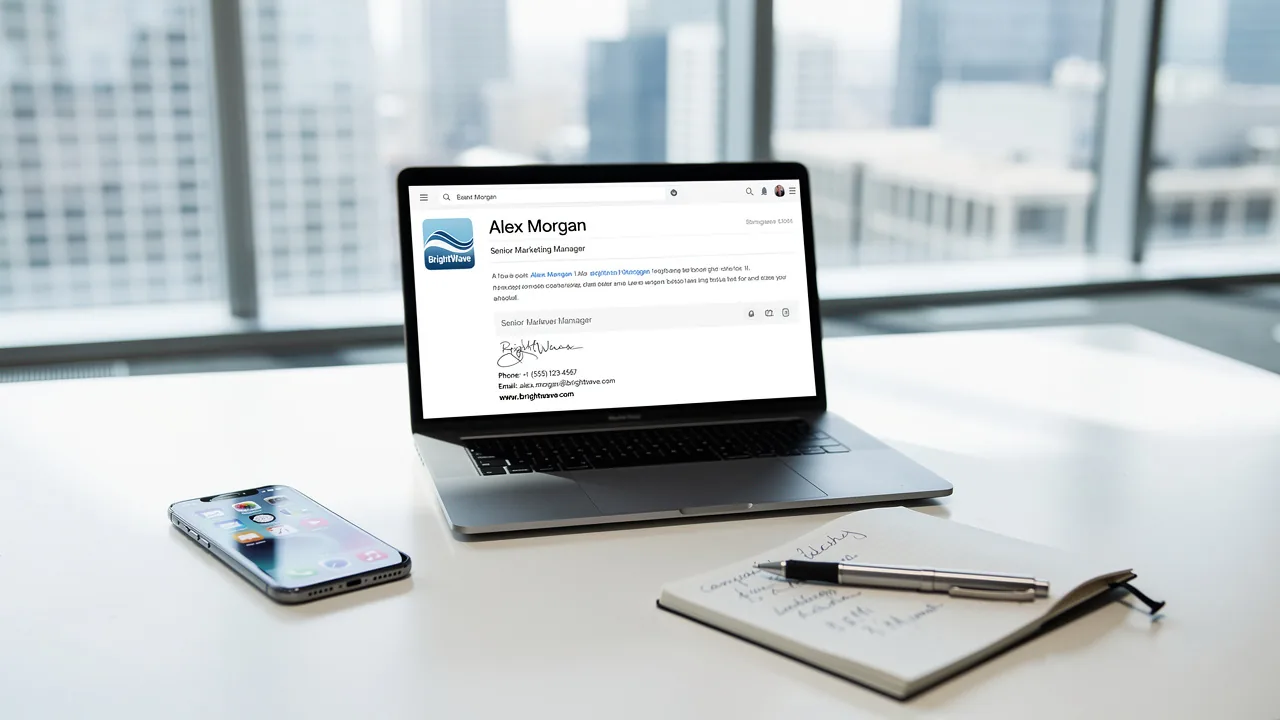
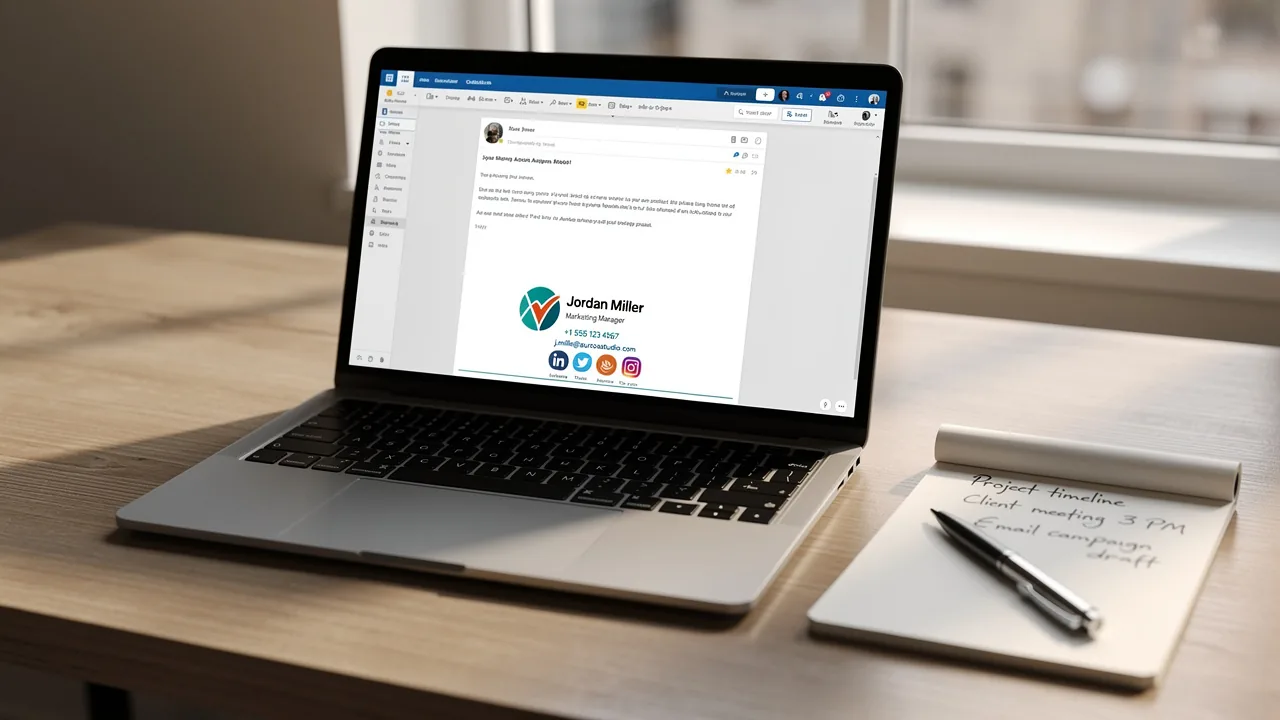
- Design Your Mark: Utilize the editing tools to format your mark. Ensure it includes your name, title, company logo, and any promotional banners or calls to action. Incorporating a call-to-action can significantly enhance engagement, as 5. You can create an auto signature in Outlook to streamline your email communication 2.6% of users include CTAs in their email footers.
- You can create an auto signature in Outlook to streamline your email communication. Set the auto signature in Outlook as the default for new messages and replies or forwards. This ensures that all your communications are uniform, which is essential because 78% of marketers agree that having branded identifiers is key to corporate identity.
- Save Changes: Click 'OK' to preserve your settings.
By following these steps, you can ensure that every message sent from your organization reflects a consistent and professional image. This not only improves your brand's visibility but also enhances credibility, as companies utilizing branded digital identifiers report a 22% increase in response rates. Furthermore, with Scribe's automated synchronization features, any modifications made in your Google Workspace will be automatically reflected in your correspondence identifiers, saving time and ensuring that your team’s information is always current. This feature allows for effortless updates and aligns with SOC 2 Type II compliance and GDPR/CCPA adherence for secure data handling. Regularly updating email formats to reflect any changes in roles or company branding is essential, as many organizations overlook the importance of regularly updating their email signatures, risking outdated information in their communications. By neglecting to update email signatures, organizations may inadvertently compromise their professional image and communication effectiveness.
Leverage Automated Signatures for Branding and Marketing Success
Many businesses struggle to effectively engage their audience, but automated endorsements can provide a powerful solution. Here are some effective strategies to leverage them:
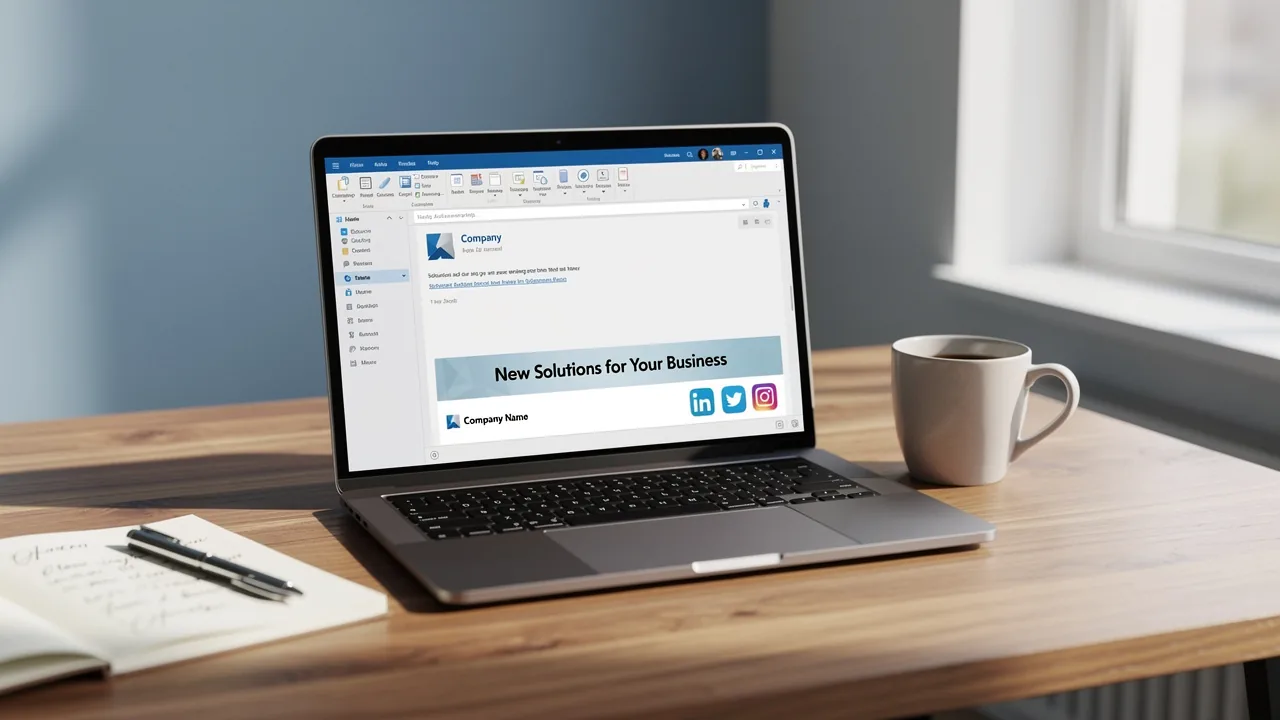
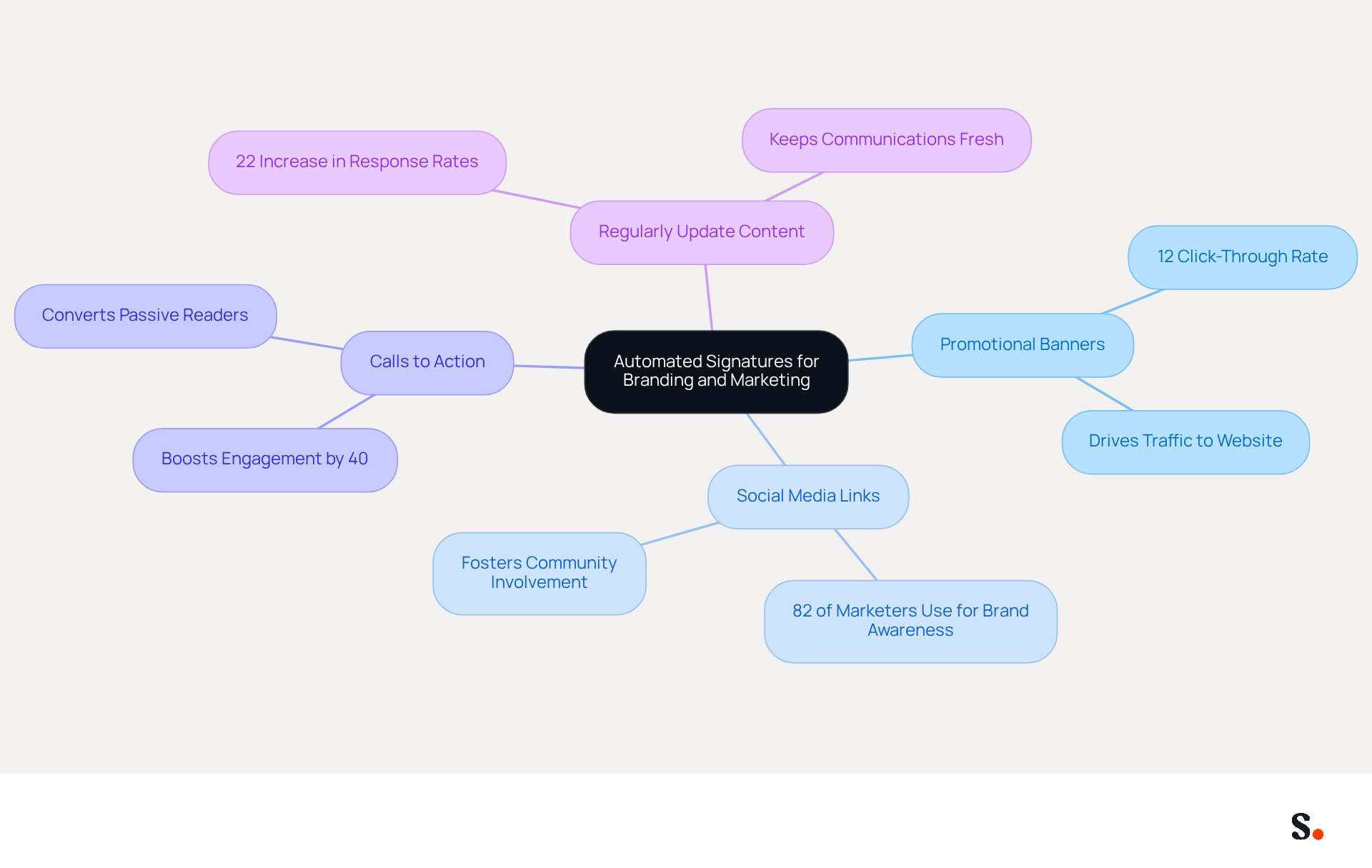
- Incorporate Promotional Banners: One effective strategy is to incorporate promotional banners in your signature. This strategy not only drives traffic to your website but also opens up new sales opportunities. For example, Scribe users have reported an average click-through rate of 12% on banners, showcasing their effectiveness in engaging recipients.
- Add Social Media Links: Encourage recipients to connect with Scribe on social media by including icons linked to your profiles. This not only improves your online visibility but also fosters community involvement, as 82% of marketers use email footers to boost brand awareness.
- Utilize Calls to Action: Incorporate clear calls to action in your email footer, such as scheduling a meeting or signing up for a newsletter. This can convert passive readers into active participants in your marketing funnel, with studies showing that a well-placed CTA can boost engagement by up to 40%.
- Regularly Update Content: Ensure that your branding reflects the latest promotions and company news. With Scribe's automated synchronization with Aircall, any modifications made in your Aircall configuration will automatically be reflected in your Scribe profiles. Regular updates keep your communications fresh and relevant, maximizing engagement. Organizations that maintain consistent messaging formats report a 22% increase in response rates, demonstrating the importance of timely content.
By adopting these strategies, businesses not only enhance their marketing efforts but also foster deeper connections with their audience.
Overcome Challenges in Email Signature Management for Teams
Organizations often struggle with managing digital communication identifiers, facing challenges that can jeopardize their brand integrity. To effectively address these issues, organizations can implement the following strategies:
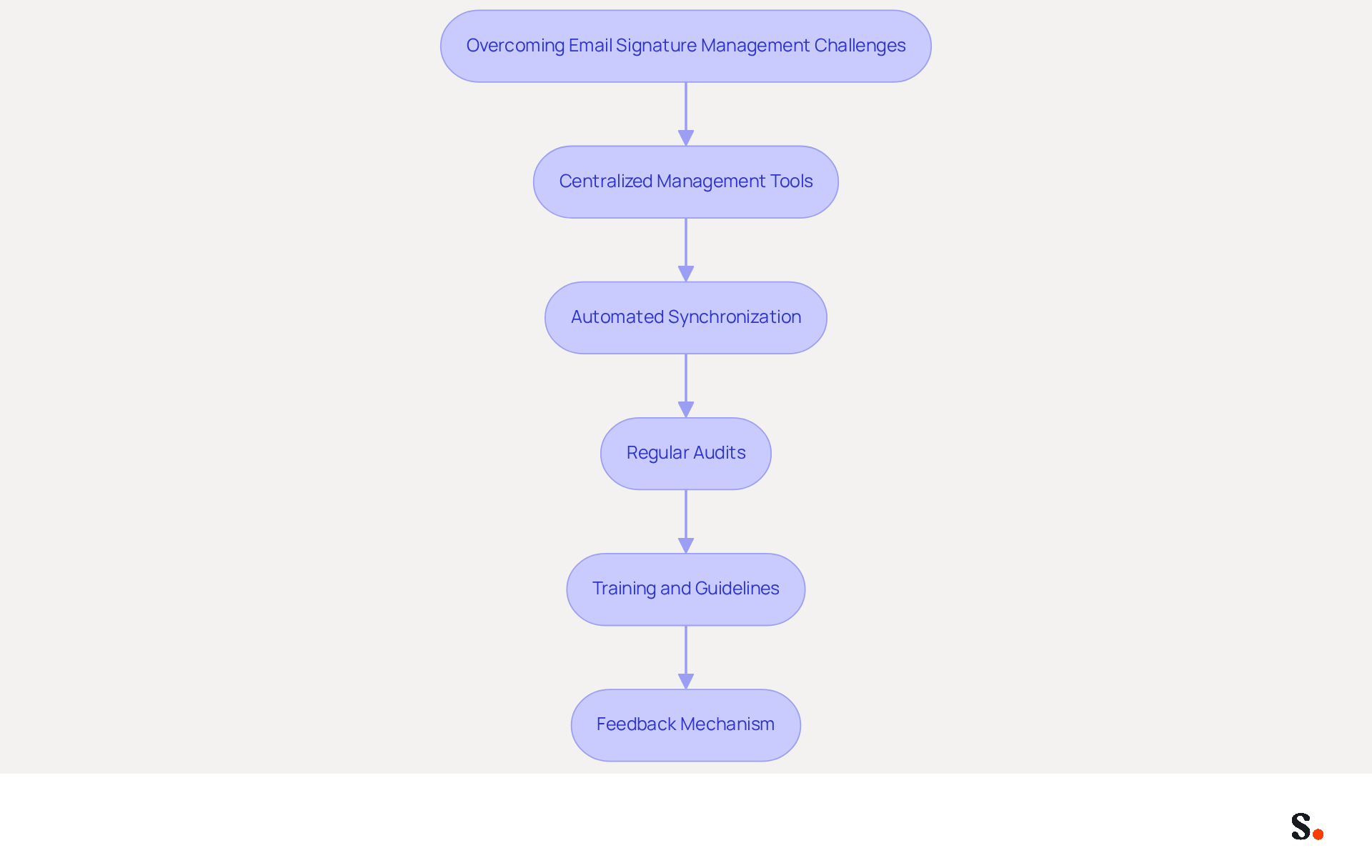
- Centralized Management Tools: Leveraging software solutions like Scribe that provide centralized control over email signatures ensures consistency and up-to-date information across all communications. This approach significantly reduces the chances of sending outdated or incorrect documents, protecting brand integrity. Scribe's SOC 2 Type II certification and adherence to GDPR and CCPA further enhance security and trust.
- Automated Synchronization: With Scribe's integration with Aircall, any changes made in your Aircall configuration will automatically be reflected in your Scribe documents. This automated synchronization improves brand consistency and ensures that all team members have the most up-to-date information in their email footers, specifically the auto signature in Outlook, reducing the likelihood of errors.
- Regular Audits: Regularly reviewing electronic communications is key to staying compliant with branding guidelines and legal standards. Periodic audits assist organizations in maintaining a professional image and reducing risks related to non-compliance, as outdated approvals can result in legal liabilities. A study shows that 42% of consumers have a negative perception of businesses without a branded identifier, underscoring how consistent branding can enhance customer trust and loyalty.
- Training and Guidelines: Providing comprehensive training for employees on the significance of email identifiers and their effective use is crucial. Clear guidelines help ensure that all team members understand the branding strategy and adhere to it, fostering a unified brand presentation. This training can also address the operational costs associated with manual document management, which often leads to inefficiencies and outdated information circulating within organizations.
- Feedback Mechanism: Creating a feedback loop enables team members to report issues or propose enhancements concerning electronic identifiers. This collaborative approach promotes ongoing enhancement in communication strategies and assists in identifying areas for improvement. For example, a research analysis on the effects of inconsistent electronic communication identifiers demonstrates how variations in visual identity can harm reputation and create visual disorder, highlighting the necessity of systematic implementation of identity elements across all communications.
Ultimately, a strategic approach to the auto signature in Outlook can transform how clients perceive your brand.
Conclusion
Automatic signatures in Outlook are more than just a convenience; they are essential for strategic marketing success. By ensuring every email carries a consistent brand message, organizations can build trust with their audience and improve engagement rates. The integration of promotional elements within these signatures further amplifies their effectiveness, driving traffic and generating leads.
Throughout this article, we have discussed key strategies for maximizing the benefits of automatic signatures. From setting up signatures correctly to incorporating promotional banners and calls to action, each tactic plays a vital role in enhancing brand visibility and engagement. Additionally, addressing common challenges in email signature management through centralized tools like Scribe ensures that organizations maintain brand integrity and comply with security standards such as SOC 2 Type II, GDPR, and CCPA.
In conclusion, the importance of automatic signatures in email communication cannot be overstated. They serve as a powerful tool for branding and marketing, enabling organizations to present a unified image while fostering deeper connections with their audience. Ultimately, adopting these practices will not only enhance marketing efforts but also solidify an organization's reputation in the marketplace.
Frequently Asked Questions
What is the importance of automatic signatures in Outlook?
Automatic signatures in Outlook help organizations maintain a consistent brand message, reinforce their identity, and build customer trust. They can enhance email response rates by up to 22% and allow for the integration of promotional messages, driving traffic to websites and improving lead generation.
How do automatic signatures impact email response rates?
Research indicates that emails containing professional sign-offs can improve response rates by as much as 22%, making them an effective engagement tool for organizations.
What role does Scribe play in managing automatic signatures?
Scribe allows for effortless synchronization of messages, ensuring that any modifications made in Aircall configurations are automatically reflected in Scribe designs. This keeps teammates' identification information current without additional effort.
Why is it important to regularly update digital communication identifiers?
Regular updates are essential for maintaining brand consistency and adapting to evolving marketing strategies, ensuring that every interaction reflects the latest brand identity.
What compliance does Scribe offer regarding data protection?
Scribe is SOC 2 Type II compliant, ensuring that your data is protected and fulfilling employee data management needs for secure automation of digital identifiers.
What common pitfalls should organizations avoid in email management?
Organizations should avoid pitfalls such as outdated information and inconsistent formatting, as these can undermine the effectiveness of their branding efforts in email communications.
List of Sources
- Understand the Importance of Automatic Signatures in Outlook
- Research Recap: Branded Email Signatures Increase Company Recognition, Trust - Demand Gen Report (https://demandgenreport.com/industry-news/research-recap-branded-email-signatures-increase-company-recognition-trust/47252)
- The impact of email signatures on your branding (https://signitic.com/en/resources/the-impact-of-email-signatures-on-your-branding)
- Email signature statistics: Why every business should optimize their email signatures — Stripo.email (https://stripo.email/blog/email-signature-statistics-why-every-business-should-optimize-their-email-signatures)
- 4 Best Practices for Your Outlook Signature Line in Marketing (https://scribe-mail.com/en-US/blog/4-best-practices-for-your-outlook-signature-line-in-marketing)
- Why Team Email Signatures Matter More Than You Think: The Hidden Impact on Brand Trust and Customer Experience (https://getmailbird.com/why-team-email-signatures-matter-brand-trust)
- Set Up Automatic Signatures in Outlook: Step-by-Step Guide
- Email signature statistics: Why every business should optimize their email signatures — Stripo.email (https://stripo.email/blog/email-signature-statistics-why-every-business-should-optimize-their-email-signatures)
- 40+ Email Signature Statistics for 2026 (Data + Insights) (https://wavecnct.com/blogs/email-signature-statistics)
- How can I set up automatic signatures for the entire company? Mailflow rules is no longer supported - Microsoft Q&A (https://learn.microsoft.com/en-us/answers/questions/4736749/how-can-i-set-up-automatic-signatures-for-the-enti)
- Automatic Signature in Outlook: Adding and Changing with Ease - NEWOLDSTAMP (https://newoldstamp.com/blog/automatic-signature-in-outlook)
- How to set an automatic signature in Outlook (https://enterprisetimes.co.uk/2021/04/16/set-an-automatic-signature-in-outlook)
- Leverage Automated Signatures for Branding and Marketing Success
- Master Email Company Signature Best Practices for Marketing Success (https://scribe-mail.com/en-US/blog/master-email-company-signature-best-practices-for-marketing-success)
- How to Run a Successful Email Signature Marketing Campaign - NEWOLDSTAMP - NEWOLDSTAMP (https://newoldstamp.com/blog/email-signature-marketing-guide)
- All the Best Email Signature Practices for Marketing Success (https://scribe-mail.com/en-US/blog/all-the-best-email-signature-practices-for-marketing-success)
- The impact of email signatures on your branding (https://signitic.com/en/resources/the-impact-of-email-signatures-on-your-branding)
- What is email signature marketing? Complete B2B efinition (2026) (https://signitic.com/en/resources/what-is-email-signature-marketing-a-complete-definition-for-b2b-teams)
- Overcome Challenges in Email Signature Management for Teams
- Best Practices for Company Wide Email Signature Management (https://scribe-mail.com/en-US/blog/best-practices-for-company-wide-email-signature-management)
- Create Organization-wide Email Signatures and Disclaimers - Microsoft 365 admin (https://learn.microsoft.com/en-us/microsoft-365/admin/setup/create-signatures-and-disclaimers?view=o365-worldwide)
- Why Team Email Signatures Matter More Than You Think: The Hidden Impact on Brand Trust and Customer Experience (https://getmailbird.com/why-team-email-signatures-matter-brand-trust)
- The Best Way to Manage Email Signatures in Microsoft 365 | Rocketseed (https://rocketseed.com/blog/best-way-to-manage-email-signatures-in-microsoft-365)
- Company-Wide Email Signature Management | CloudM (https://cloudm.io/blog/optimize-your-process-with-company-wide-email-signature-management)
Get started with Scribe
Create your signature in minutes
Free 14-day trial — no credit card.