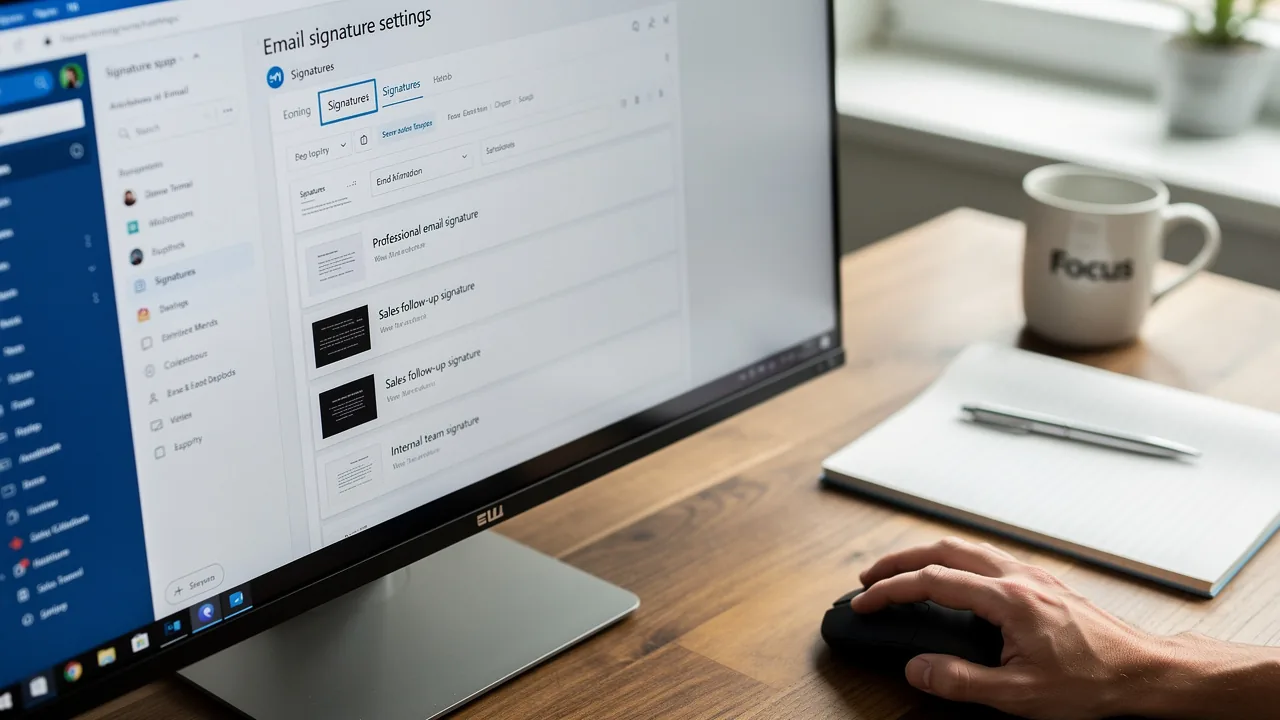
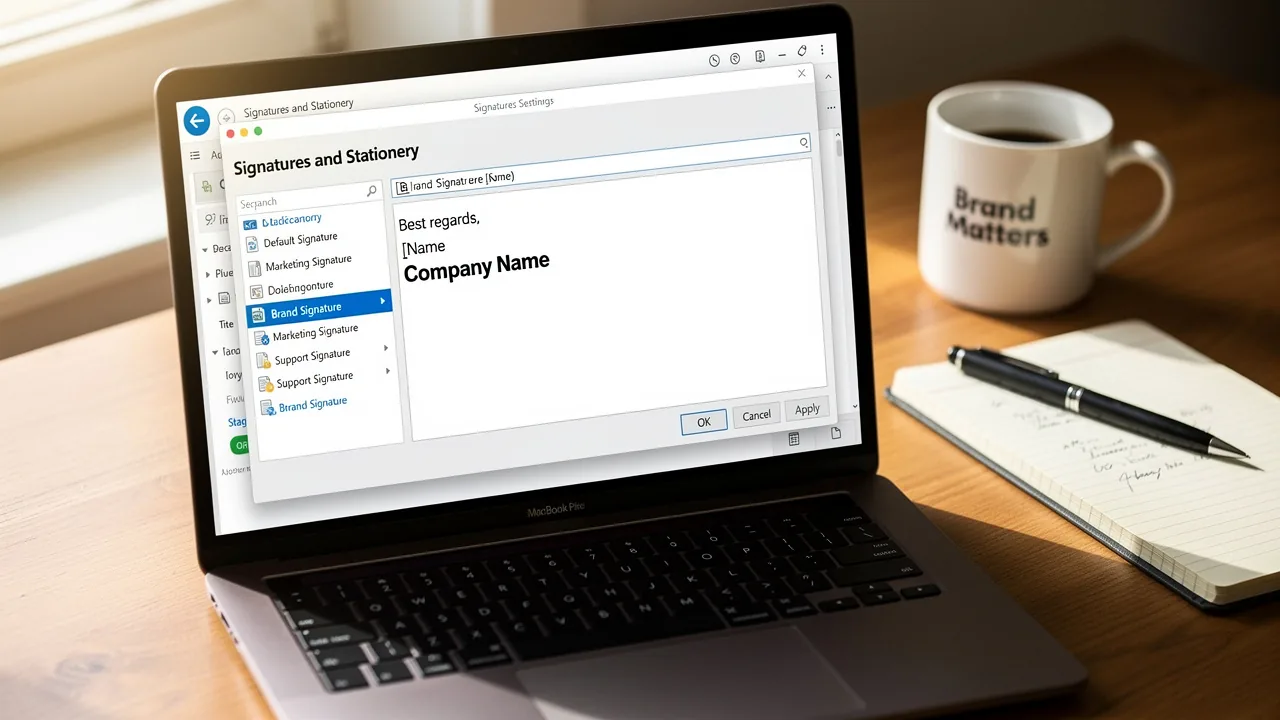
Optimize Your Gmail Signature Size for Effective Marketing
An effective email signature is not merely a digital sign-off; it serves as a vital marketing tool that can significantly boost brand visibility and
Sophie Grant
Email Signature Specialist, Scribe

Introduction
An effective email signature is not merely a digital sign-off; it serves as a vital marketing tool that can significantly boost brand visibility and engagement. By using the right dimensions and file sizes, organizations can make sure their signatures look professional and work well on all devices. Many businesses fail to recognize that the size of their email signatures can significantly affect their marketing outcomes. This oversight can lead to missed opportunities in brand engagement. Companies can optimize their Gmail signatures to enhance brand consistency and engagement, even as they navigate the complexities of mobile responsiveness.
Determine Optimal Email Signature Dimensions and File Sizes
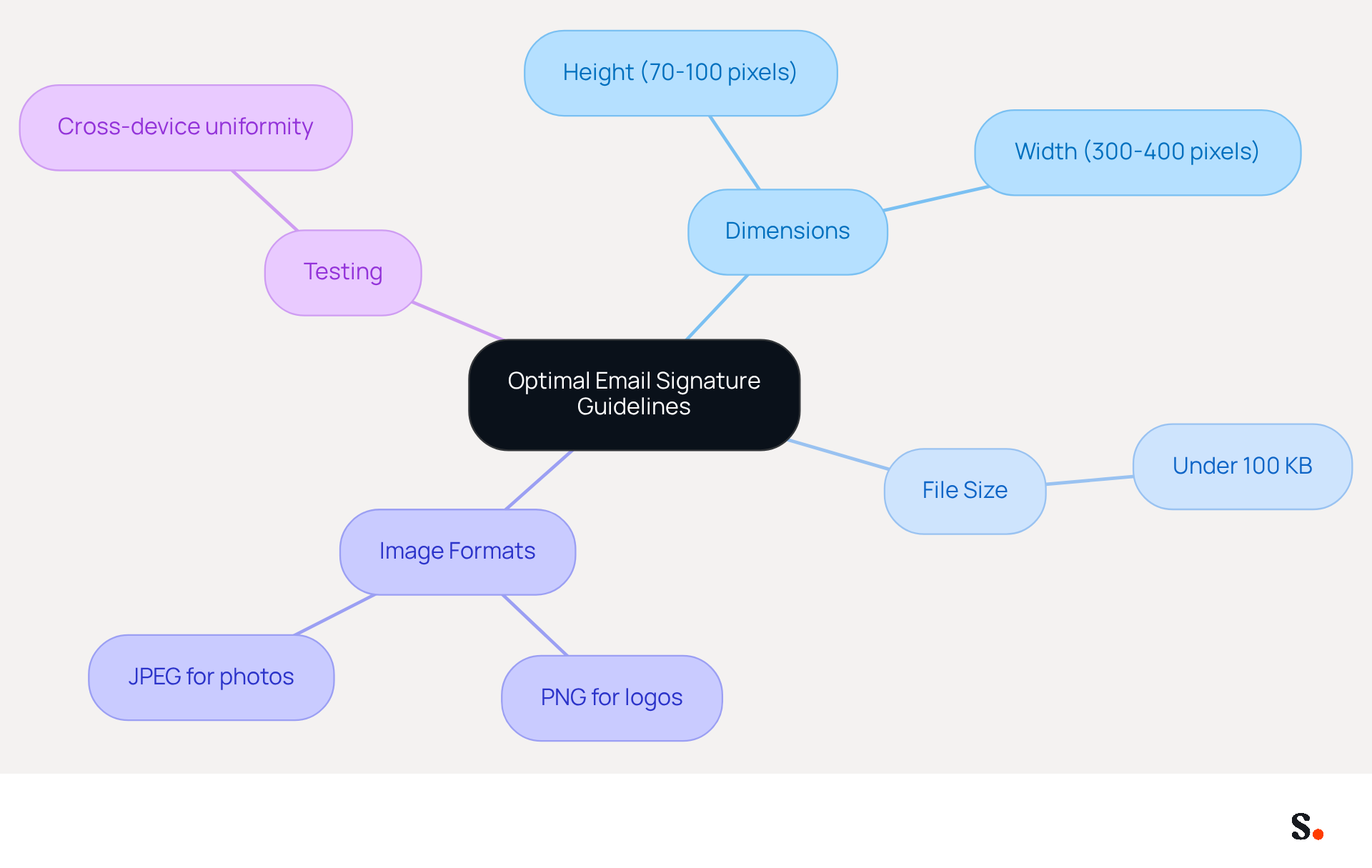
To ensure effective communication through email signatures, adhering to the Gmail signature size and specific dimensions is essential. For Gmail, the suggested height for image elements is between 70 to 100 pixels, with a width of 300 to 400 pixels.
To ensure quick loading times and prevent issues such as images appearing too large or distorting the layout, the total file size, including the Gmail signature size, should ideally be under 100 KB. Choosing the right image formats, such as PNG for logos and JPEG for photos, is vital for maintaining quality and managing file sizes.
Testing your signature across devices and platforms ensures uniformity and professionalism. Remember, markings exceeding 400 pixels in width may be resized by mobile messaging clients, leading to readability problems, so adhering to the suggested dimensions is essential.
By following these guidelines, you can enhance the professionalism and effectiveness of your email communications.
Optimize Email Signatures for Mobile Devices
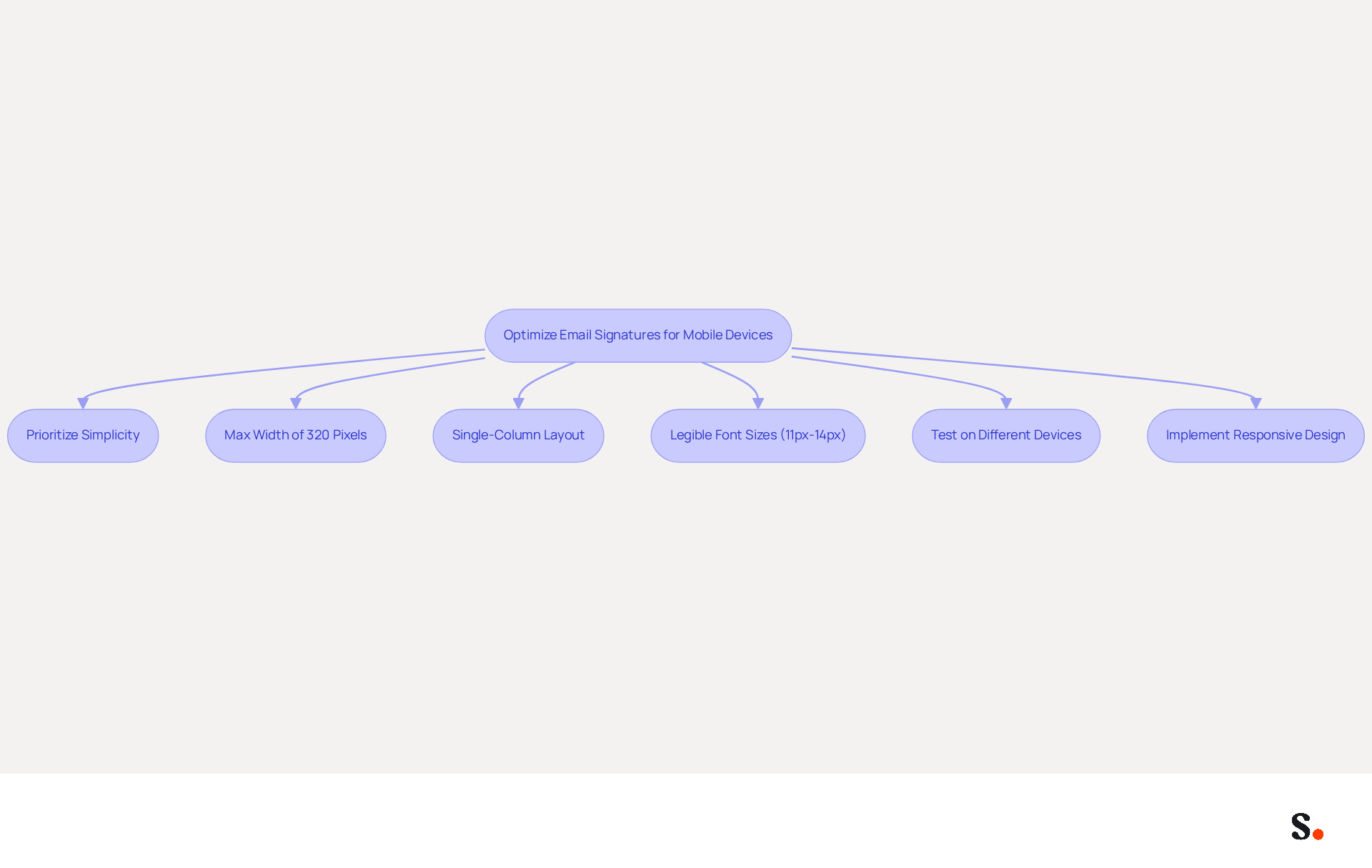
Creating an effective mobile-friendly email footer requires careful consideration of design elements to ensure clarity and engagement. Prioritize simplicity by minimizing text and images. Aim for a maximum width of 320 pixels to avoid horizontal scrolling, and utilize a single-column layout for better readability. Font sizes should be legible, ideally between 11px and 14px, to ensure clarity on smaller screens. It's essential to test how your footer looks on different mobile devices to ensure it displays correctly.
Additionally, consider implementing responsive design techniques that allow your email footer to adapt seamlessly to different screen sizes, enhancing the user experience for all recipients. With 42% of messages accessed on mobile devices and 71% of consumers discarding communications that do not appear appealing on mobile, optimizing your message footer for mobile can significantly enhance your communication effectiveness and maintain audience engagement.
As mentioned by Maria Dahlqvist Canton, VP Marketing, 'When it comes to message designs, less is more.
Ensure Brand Consistency Across Team Email Signatures
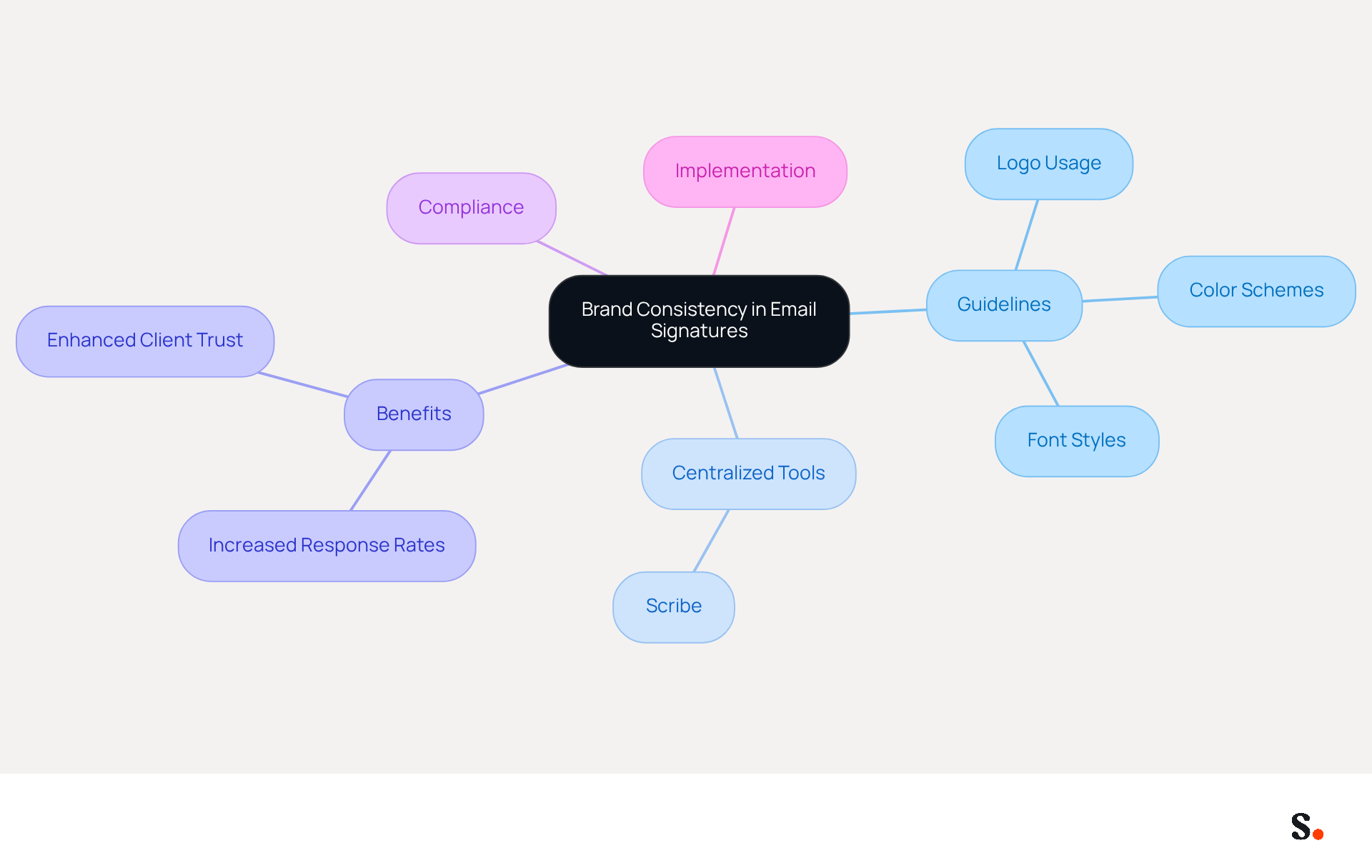
Establishing clear guidelines for digital communication is essential for maintaining brand integrity. These guidelines should encompass logo usage, color schemes, and font styles. A centralized email management tool like Scribe streamlines the application of these guidelines across your team. This ensures that every employee's email format aligns with the organization's visual identity. Regular audits and updates of branding elements are crucial; without them, brands risk misalignment with their evolving identity. This misalignment can lead to lost opportunities and diminished client trust.
Furthermore, compliance with legal standards, including Scribe's SOC 2 Type II certification and adherence to GDPR and CCPA, is vital. Consistency not only enhances professionalism but also strengthens brand recognition and trust among clients and partners. For instance, organizations that implement consistent messaging formats experience a 22% increase in response rates, demonstrating how a unified strategy can lead to measurable benefits.
Additionally, a prominent tech firm that standardized its digital correspondence identifiers saw a significant rise in social media interaction and website visits, underscoring the importance of unified branding. By emphasizing consistency in Gmail signature size, companies can turn these frequently ignored elements into effective promotional tools that enhance their overall presence.
Moreover, implementing security measures through centralized management aids in protecting against cyber threats, ensuring that your organization maintains a professional image while safeguarding sensitive information. Managers in promotion can also join Scribe's Affiliate Program to earn a 50% commission and provide a $30 credit to new subscribers, further enhancing consistency while unlocking a new channel for promotion.
Scribe is easy to implement and user-friendly, making it a great choice for organizations that want to achieve complete brand consistency and see a real return on their digital branding efforts.
Leverage Email Signatures as Marketing Tools
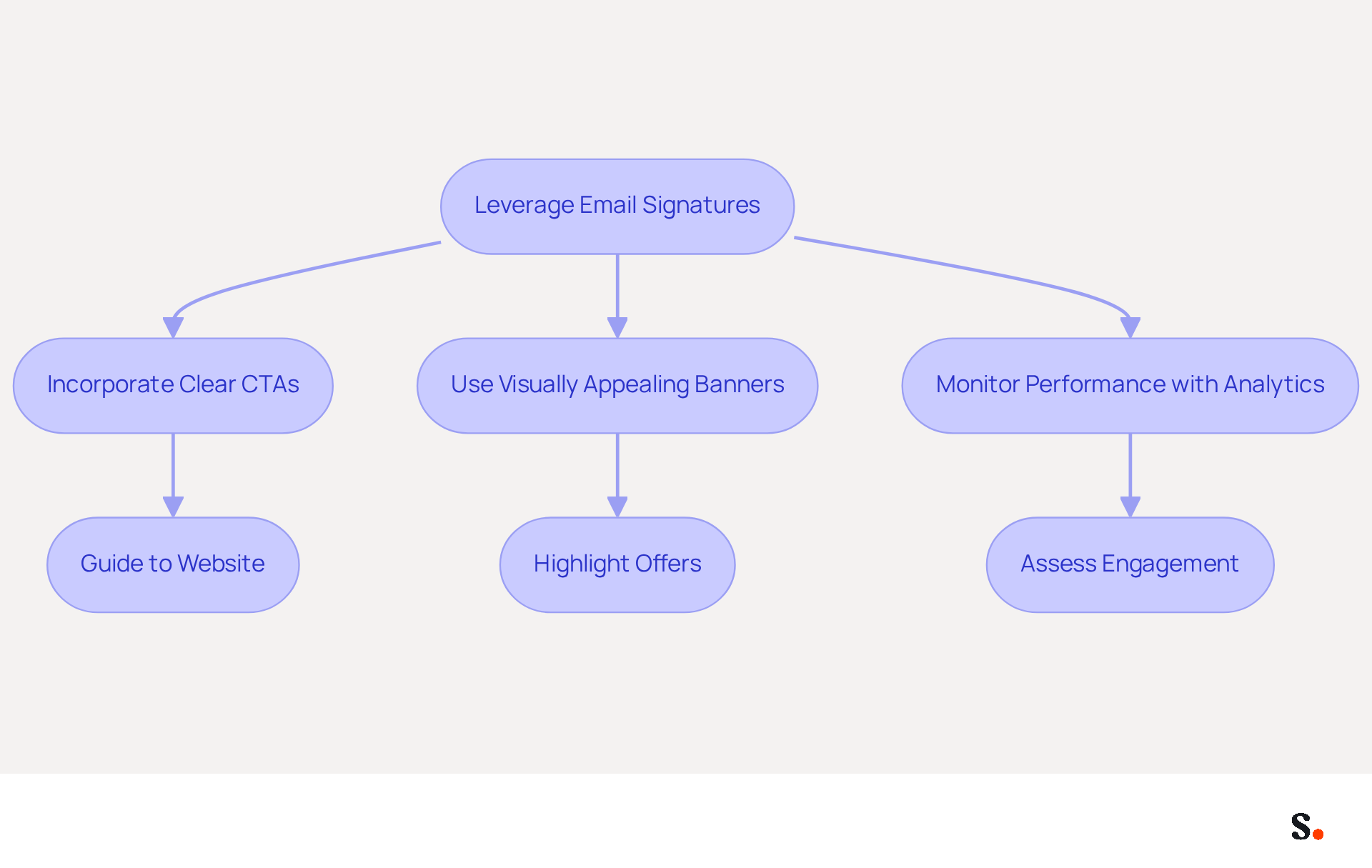
To fully leverage footers as promotional tools, a strategic approach is essential. Incorporating a clear call-to-action (CTA) guides recipients to your website, promotional landing pages, or social media profiles. Additionally, using visually appealing banners or promotional images that highlight current offers or events can significantly enhance engagement. Research indicates that branded digital identifiers can lead to a 22% increase in response rates and a 15% rise in click-through rates to company websites, demonstrating their effectiveness in marketing.
It's crucial to monitor how well your messaging campaigns perform with analytics tools to assess engagement and refine your strategies. Despite their high potential, 42% of organizations fail to monitor message footer performance, which prevents them from fully leveraging their marketing potential. Email identifiers are acknowledged as a high-impact, zero-cost branding channel in 2026, making performance tracking essential for maximizing ROI. By considering message footers as a crucial element of your marketing strategies, you can enhance their visibility and attract more leads, turning each correspondence into a significant branding chance.
Case studies have shown that companies utilizing effective email signatures, particularly those with well-designed CTAs, report substantial increases in customer engagement and brand perception, making it clear that this often-overlooked element is a high-ROI branding channel.
Conclusion
The optimization of Gmail signatures is a critical factor in enhancing marketing communication effectiveness. By adhering to recommended dimensions and file sizes, organizations can ensure that their email signatures are both professional and functional. This attention to detail enhances brand consistency and improves the overall user experience, making every email a potential marketing opportunity.
Key insights from this article highlight the importance of:
- Mobile-friendly designs
- The necessity of maintaining brand integrity across team signatures
- The strategic use of email signatures as marketing tools
Implementing responsive design techniques, establishing clear branding guidelines, and leveraging analytics for performance tracking are essential steps for maximizing the impact of email signatures. Organizations that embrace these best practices can significantly enhance their communication effectiveness and brand recognition.
The potential of email signatures as a marketing channel is significant and should be fully leveraged. By recognizing email signatures as a vital component of marketing strategy, businesses can turn routine correspondence into powerful branding opportunities. Using tools like Scribe makes managing email signatures easier and helps maintain security compliance, allowing organizations to focus on what truly matters-engaging their audience and driving results.
Frequently Asked Questions
What are the recommended dimensions for image elements in a Gmail signature?
The suggested height for image elements in a Gmail signature is between 70 to 100 pixels, with a width of 300 to 400 pixels.
What is the ideal total file size for a Gmail signature?
The total file size for a Gmail signature should ideally be under 100 KB to ensure quick loading times and prevent layout distortion.
Which image formats are recommended for use in email signatures?
It is recommended to use PNG format for logos and JPEG format for photos to maintain quality and manage file sizes.
Why is it important to test your email signature across different devices and platforms?
Testing your signature across devices and platforms ensures uniformity and professionalism in your email communications.
What issues can arise from exceeding the recommended width for email signature images?
Markings exceeding 400 pixels in width may be resized by mobile messaging clients, leading to readability problems.
List of Sources
- Determine Optimal Email Signature Dimensions and File Sizes
- Email Signature Best Practices for 2026 (+ 15 Pro Examples) (https://wavecnct.com/blogs/email-signature-best-practices-2026)
- Email Signature Best Practices - NEWOLDSTAMP (https://newoldstamp.com/blog/email-signature-best-practices)
- Correct Email Signature Dimensions: Width, Height & File Size (https://wisestamp.com/guides/what-are-correct-email-signature-dimensions)
- Professional Email Signatures: 5 Templates, 12 Best Practices and the Real Size Limits (2026) (https://emailanalytics.com/email-signatures)
- What is the best email signature size - Mail-Signatures.com (https://mail-signatures.com/articles/what-is-the-best-email-signature-size)
- Optimize Email Signatures for Mobile Devices
- 100 Compelling Email Statistics for 2026 | PGM Solutions (https://porchgroupmedia.com/blog/100-compelling-email-statistics-to-inform-your-strategy-in-2023)
- Optimise Your Email Signature for Mobile Devices (https://globalbankingandfinance.com/why-optimising-brand-email-signatures-for-mobile-devices-is-essential-for-hybrid-working)
- Optimizing Mobile Email Signatures: Best Practices for Seamless Communication | MySignature (https://mysignature.io/blog/optimizing-mobile-email-signatures)
- The ultimate mobile email statistics overview: All mobile email stats (https://emailmonday.com/mobile-email-usage-statistics)
- How to Optimize Your Email Signature for Mobile Devices - Gimmio (https://blog.gimm.io/how-to-optimize-your-email-signature-for-mobile-devices)
- Ensure Brand Consistency Across Team Email Signatures
- The impact of email signatures on your branding (https://signitic.com/en/resources/the-impact-of-email-signatures-on-your-branding)
- Email Signature Branding: Consistency and Impact | Crossware365 (https://crossware365.com/blog/mastering-email-signature-branding-market-presence)
- Master Corporate Email Signature Management for Brand Consistency (https://scribe-mail.com/en-US/blog/master-corporate-email-signature-management-for-brand-consistency)
- Why Are Email Signatures Key to Brand Awareness? | QuickMail (https://quickmail.com/role-of-email-signatures-in-brand-awareness)
- Why Email Signatures Must Be In Your 2026 Marketing Plan | Rocketseed (https://rocketseed.com/blog/2026-marketing-plan-email-signatures)
- Leverage Email Signatures as Marketing Tools
- 40+ Email Signature Statistics for 2026 (Data + Insights) (https://wavecnct.com/blogs/email-signature-statistics)
- Why and how to add an effective CTA to your email signature? (https://signitic.com/en/resources/why-and-how-to-add-an-effective-cta-to-your-email-signature)
- 6 Ways to Use Email Signature to Support Marketing Campaigns (https://clearout.io/blog/use-email-signature-to-support-marketing-campaigns)
- Email Signature Trends 2026: Centralized Control & Automation | SIGNandGO posted on the topic | LinkedIn (https://linkedin.com/posts/signngo_email-signature-trends-to-watch-in-2026-activity-7401523471786217473-zAVL)
- Why Email Signatures Must Be In Your 2026 Marketing Plan | Rocketseed (https://rocketseed.com/blog/2026-marketing-plan-email-signatures)
Get started with Scribe
Create your signature in minutes
Free 14-day trial — no credit card.