Set Up Your Gmail Mobile Signature on iPhone: A Step-by-Step Guide
The effectiveness of digital communication hinges significantly on the quality of email signatures. A Gmail mobile signature not only enhances professionalism
Sophie Grant
Email Signature Specialist, Scribe
On this page
- Introduction
- Understand the Importance of a Gmail Mobile Signature
- Create Your Gmail Mobile Signature on iPhone: Step-by-Step Instructions
- Troubleshoot Common Issues with Your Gmail Mobile Signature
- Explore Tools for Efficient Email Signature Management
- Conclusion
- Frequently Asked Questions
- List of Sources
Introduction
The effectiveness of digital communication hinges significantly on the quality of email signatures. A Gmail mobile signature not only enhances professionalism but also serves as a powerful branding tool that can drive engagement and foster trust. Yet, many users find themselves confused by the setup process, which can lead to missed chances for effective communication.
How can one navigate the intricacies of creating a compelling Gmail mobile signature on an iPhone, ensuring that every email sent reflects their brand's identity and professionalism?
This guide will provide clear steps to help you navigate the complexities of creating a Gmail mobile signature on your iPhone, empowering you to elevate your email communications effortlessly.
Understand the Importance of a Gmail Mobile Signature
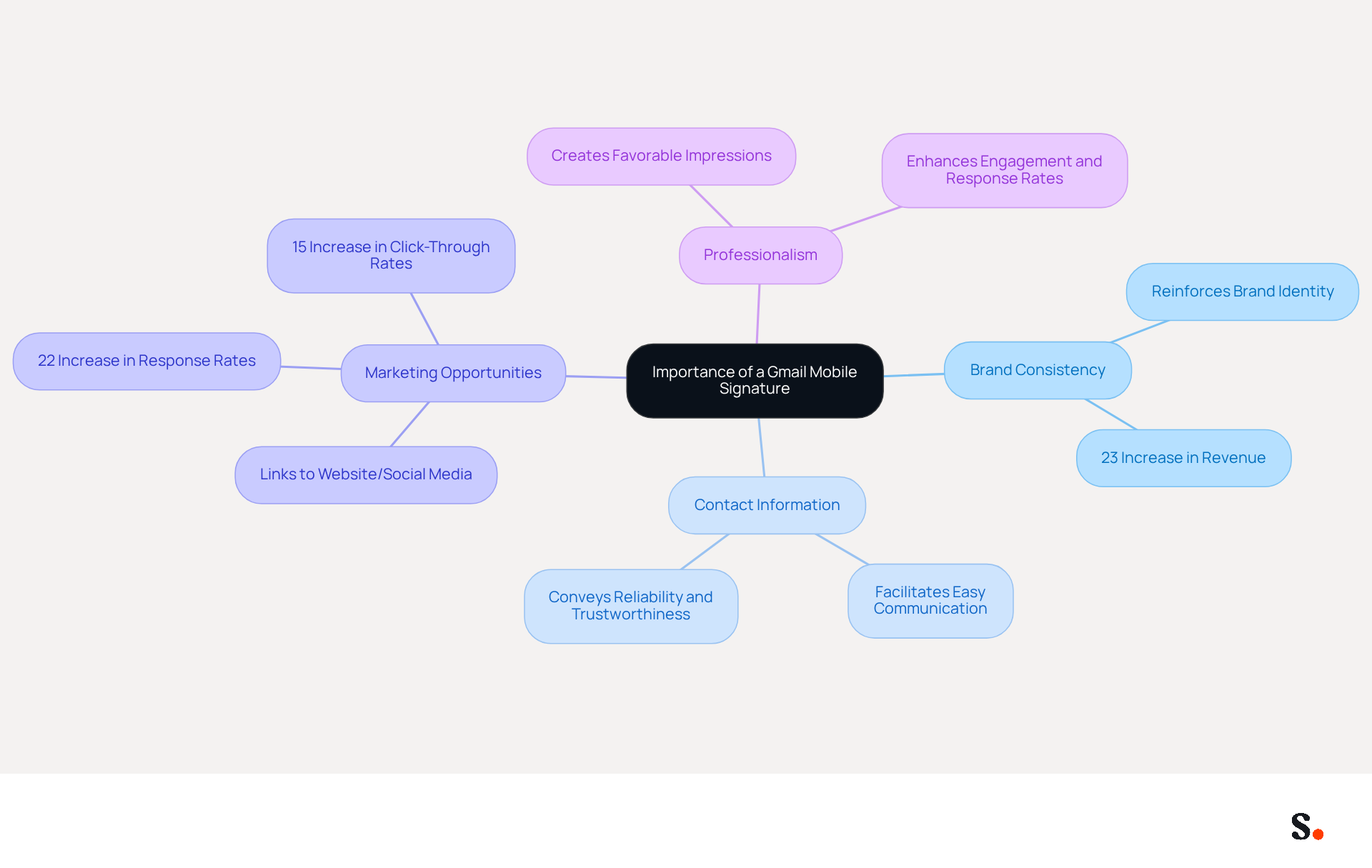
In today's digital landscape, a Gmail app personal identifier serves as an essential tool for maintaining a professional image in communications. This feature is crucial for upholding professionalism, particularly when engaging with clients or colleagues. Consider the following key reasons for establishing a mobile signature:
- Brand Consistency: A thoughtfully designed signature reinforces your brand identity, ensuring that every email reflects your company's image. Organizations that maintain consistent branding in their communications report a 23% increase in revenue.
- Contact Information: Including your name, title, and contact details facilitates easy communication, enhancing efficiency. A gmail mobile signature iphone serves as a professional communication footer that conveys reliability and trustworthiness, which is essential in professional interactions.
- Marketing Opportunities: Incorporating links to your website or social media profiles transforms your email closing into a marketing tool that drives traffic and engagement. Studies show that branded digital identifiers can enhance response rates by 22% and increase click-through rates by 15%.
- Professionalism: An addition enhances the level of professionalism in your correspondence, creating a favorable impression on recipients. Incorporating a gmail mobile signature iphone into your emails can enhance overall engagement and response rates, making it a vital element of your communication strategy.
Recognizing these benefits highlights the importance of investing time in creating a mobile identifier that aligns with your professional objectives.
Create Your Gmail Mobile Signature on iPhone: Step-by-Step Instructions
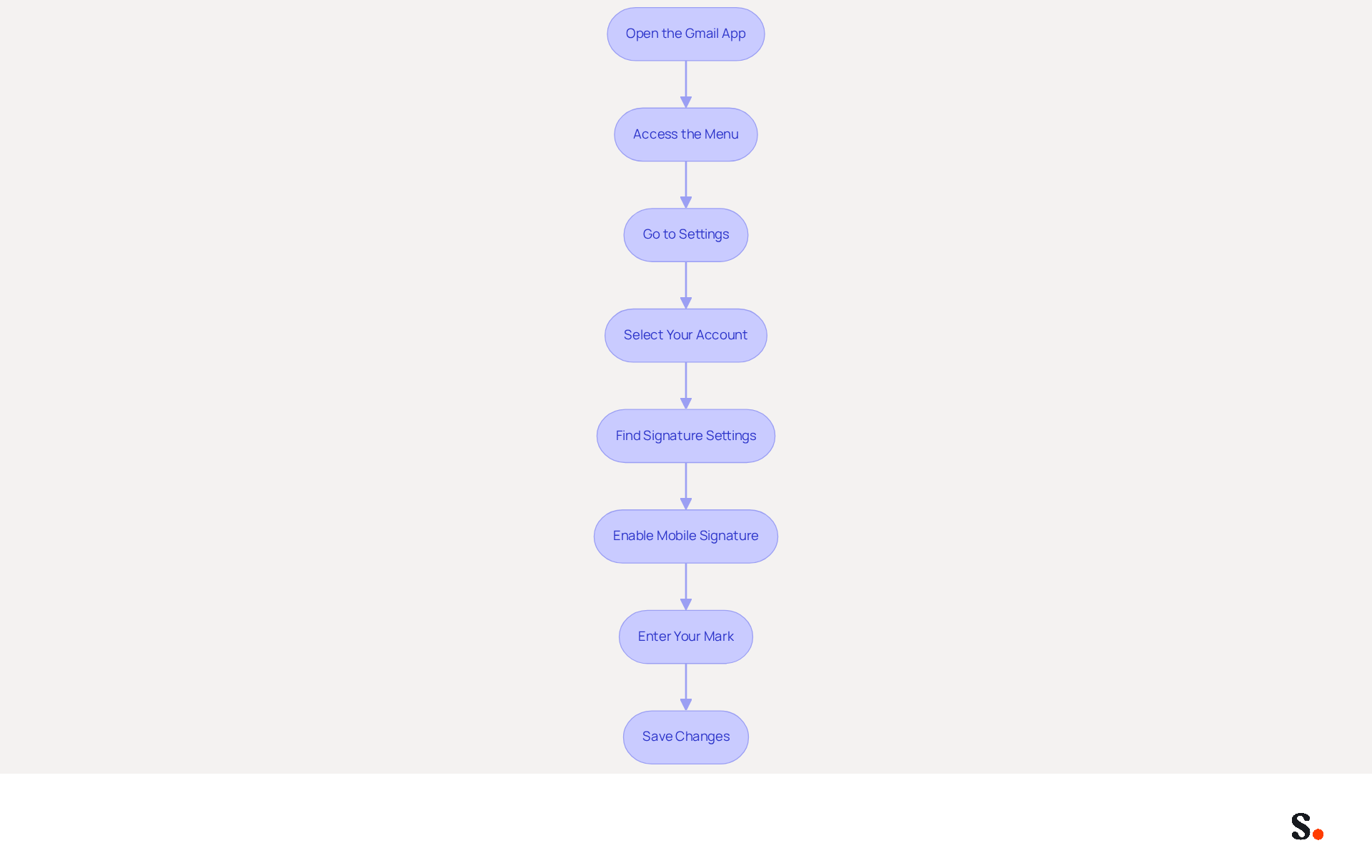
Setting up a professional Gmail mobile signature on iPhone can be a challenge, but it is crucial for maintaining brand consistency in your communications. Follow these steps to create your signature:
- Open the Gmail App: Launch the Gmail app on your iPhone.
- Access the Menu: Tap the three horizontal lines in the top-left corner to open the menu.
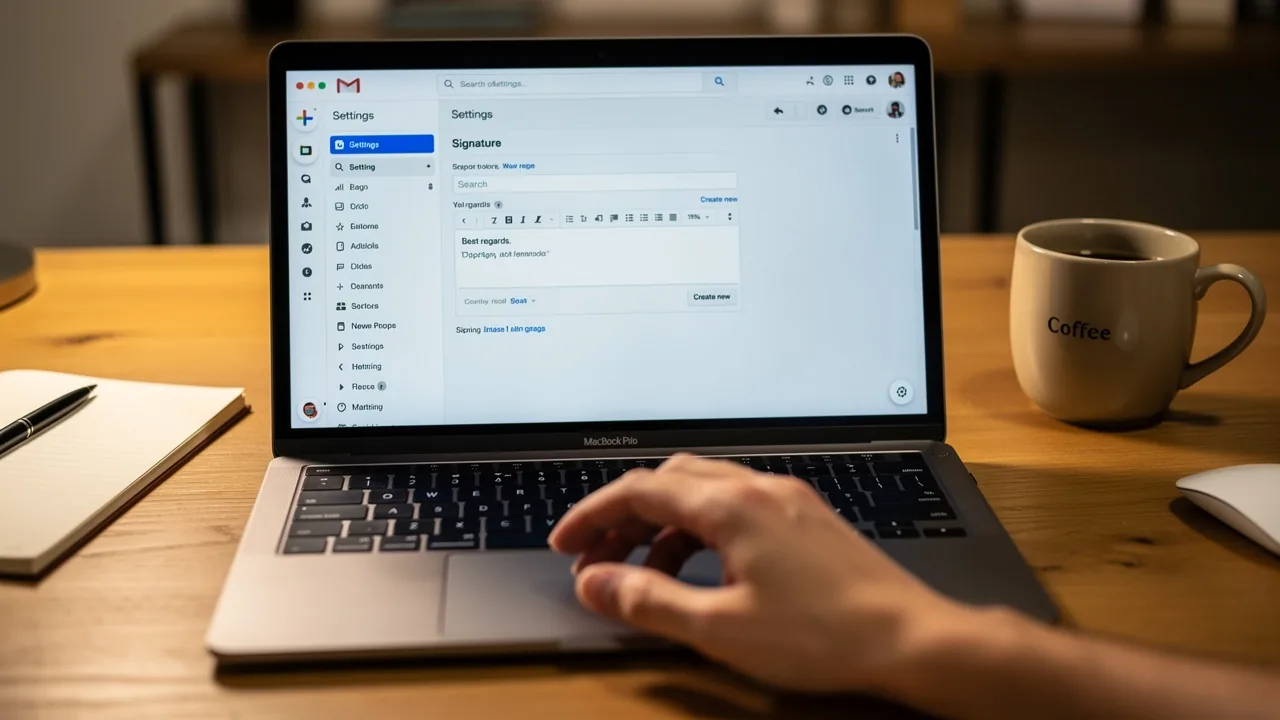
- Go to Settings: Scroll down and select 'Settings' from the menu options.
- Select Your Account: If you have multiple accounts, choose the one for which you want to set the sign-off.
- Find Signature Settings: Under the 'Compose and Reply' section, tap on 'Signature settings.'
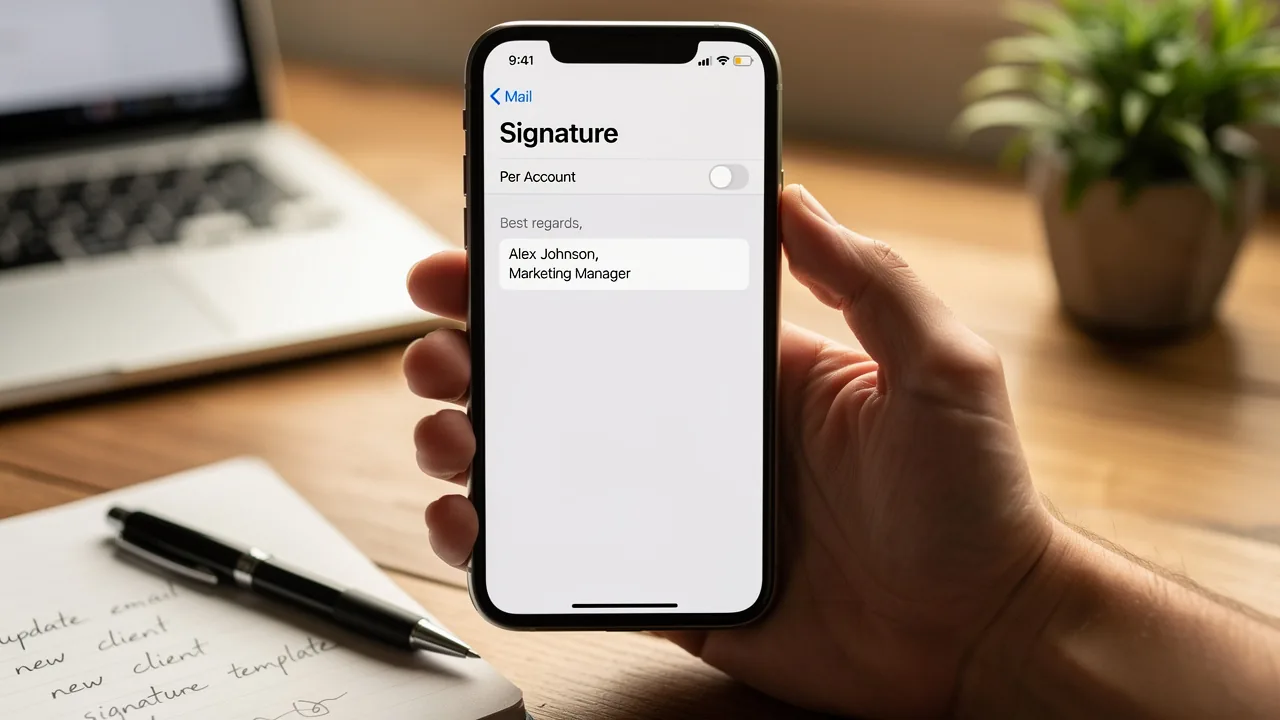
- Enable Mobile Signature: Turn on the 'Mobile Signature' option.
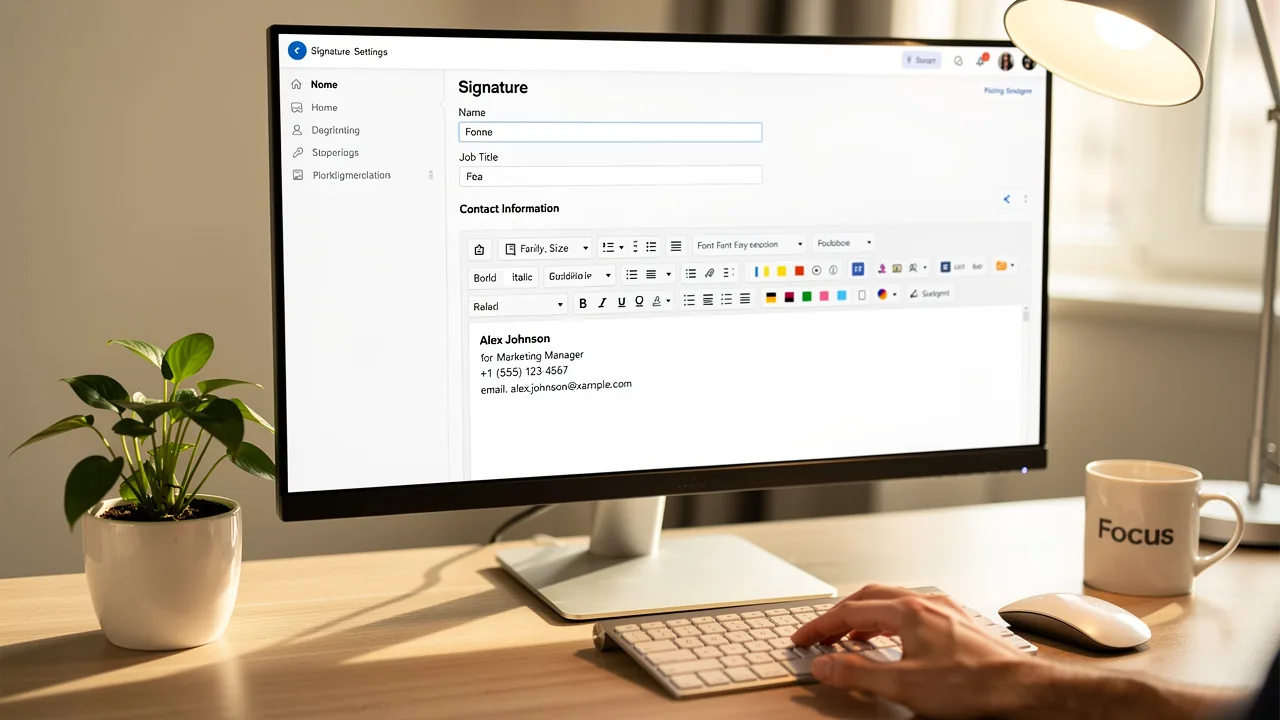
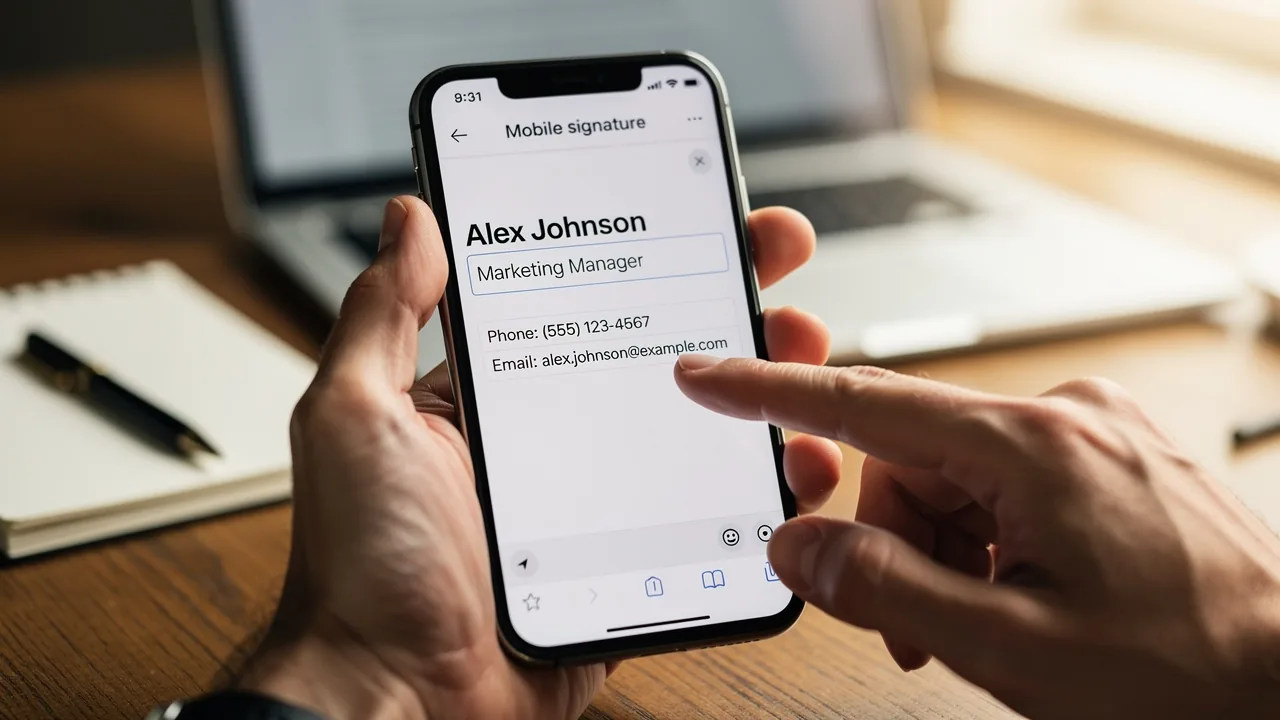
- Enter Your Mark: Type in your desired text for your mark, including your name, title, contact information, and any branding elements you wish to add.
- Save Changes: Tap 'Back' to save your changes. Your mobile identification is now configured and will automatically show in messages sent from the Gmail app.
Following these steps helps you maintain a professional appearance in your communications, reinforcing your brand identity. Considering that 69% of consumers believe consistent, professional branding in communications is essential, and that branded communications can lead to a 22% increase in response rates and a 15% rise in click-through rates to company websites, this simple setup can significantly enhance your professional image and brand recognition. Furthermore, Scribe's automated sync with Google Workspace means any updates to your teammates' info show up in their profiles automatically, saving you time and keeping your brand consistent. Moreover, Scribe's adherence to SOC 2 Type II and GDPR guarantees secure data management, making it a trustworthy option for handling your digital identifiers. With Scribe's automated features, you can ensure your branding remains consistent and professional, enhancing your communication's effectiveness.
Troubleshoot Common Issues with Your Gmail Mobile Signature
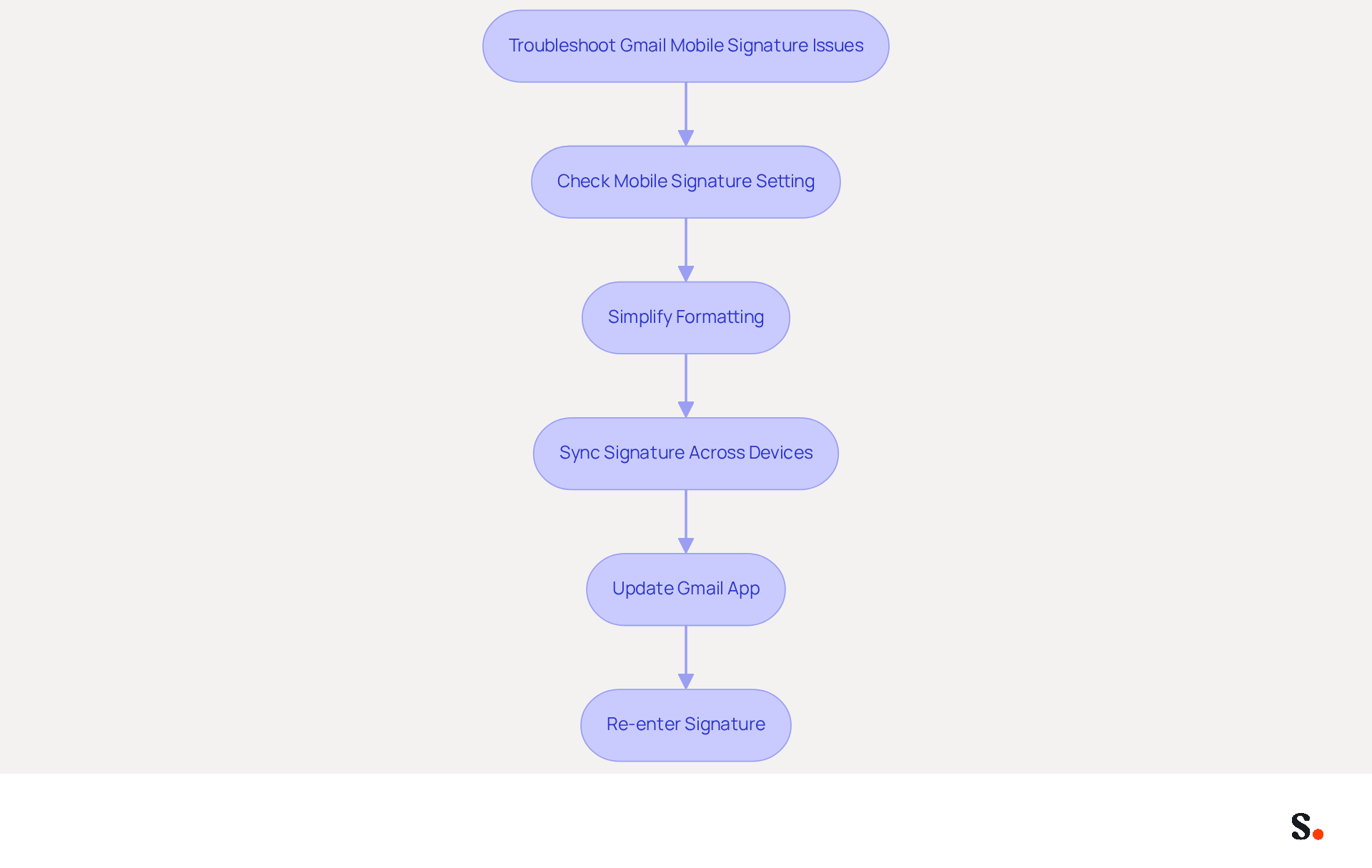
Experiencing issues with your Gmail mobile signature can disrupt your professional communication. Here are essential troubleshooting steps to resolve common issues:
- Signature Not Appearing: Ensure that the 'Mobile Signature' option is enabled in the settings. If it’s turned off, your identification won’t appear in emails.
- Formatting Issues: Gmail may not support certain formatting options. If your signature appears differently than expected, simplify the text or eliminate any special formatting. Complex HTML or excessive formatting can lead to rendering issues across different email clients.
- Signature Not Syncing: Remember that signatures on handheld devices are distinct from those on desktop systems. If you’ve set a signature on your desktop, it won’t automatically show up on your app. Regularly updating your mobile signature to match your desktop version is essential for consistency.
- Check for Updates: Ensure that your Gmail app is updated to the latest version, as updates may resolve issues related to functionality. If your signature isn’t displaying correctly, it could be due to technical glitches or outdated software.
- Re-enter Your Signature: If problems persist, remove your current signature and re-enter it to reset any potential glitches. This can frequently resolve problems related to signatures not appearing or displaying incorrectly.
By following these troubleshooting steps, you can resolve common issues and ensure your mobile signature functions as intended. Timely resolution of these issues is crucial for maintaining professionalism in your email communications.
Explore Tools for Efficient Email Signature Management
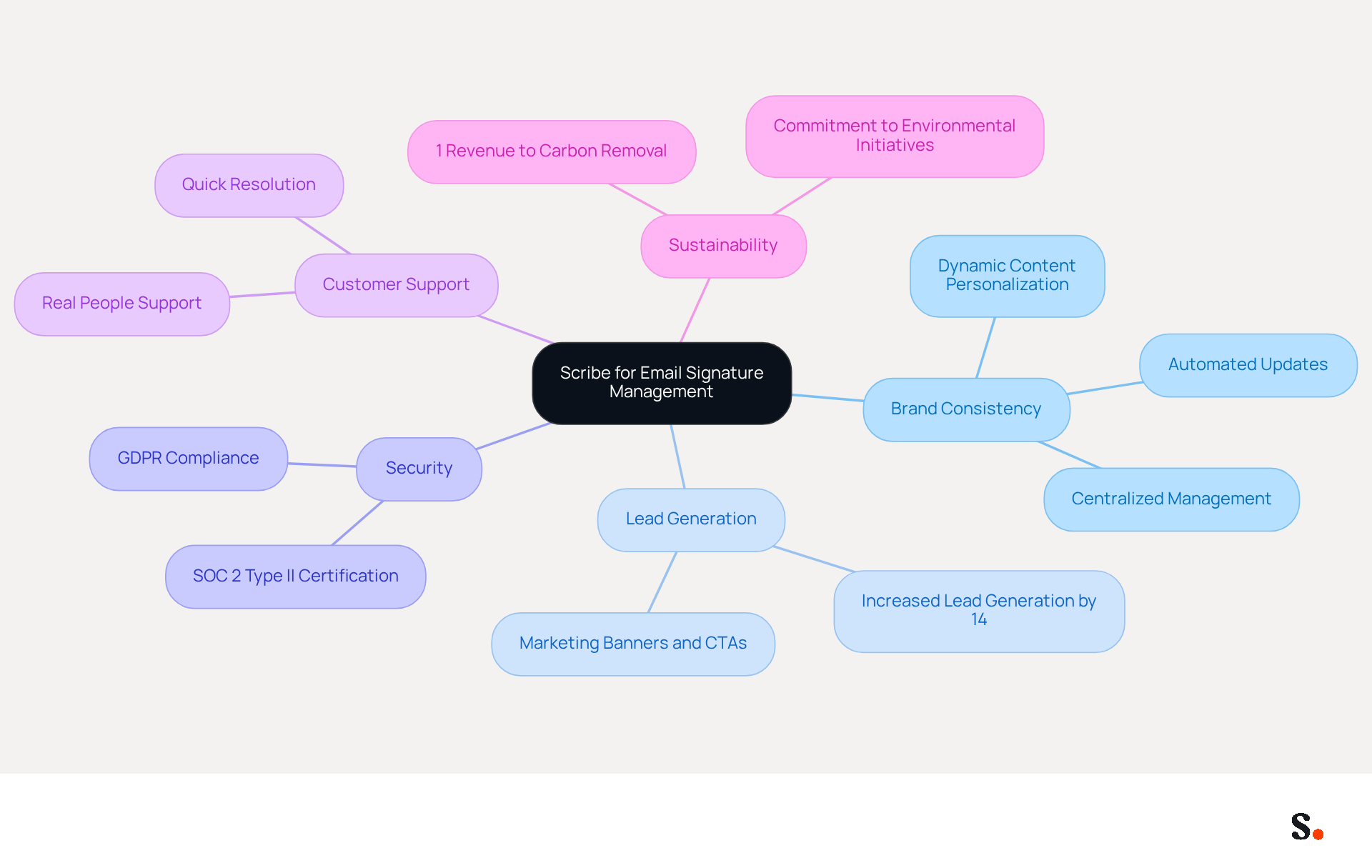
Many businesses struggle to maintain consistent email branding across their teams, but Scribe offers a solution that simplifies this process. For organizations aiming to manage email branding efficiently, Scribe provides an innovative platform that automates the creation and management of email identities, ensuring brand consistency across all communications.
With Scribe, companies can update team identifiers with a single click, making it ideal for businesses of any size. A key feature is the automatic filling of team members' identifiers from your business phone system, keeping information up-to-date without requiring any effort from the team.
Significantly, Scribe's capability to generate up to 14% more leads through effective marketing of its footer further enhances its value proposition. Additionally, Scribe is committed to security, holding SOC 2 Type II certification and ensuring GDPR compliance, a vital consideration for businesses prioritizing data protection.
Scribe values exceptional customer support, enabling users to connect with real people for quick resolutions instead of dealing with automated systems. Furthermore, Scribe directs 1% of its revenue to support emerging carbon removal technologies, reflecting its commitment to environmental sustainability.
The platform is designed for quick setup and ease of use, allowing marketing teams to optimize their campaigns without extensive technical expertise. By choosing Scribe, businesses not only enhance their email branding but also contribute to a sustainable future.
Conclusion
Setting up a Gmail mobile signature on your iPhone is essential for professionals aiming to enhance their brand image. By following these steps, you can craft a signature that effectively communicates your contact details while also promoting your brand.
The article highlights the importance of a mobile signature, detailing its benefits such as:
- Improved professionalism
- Brand reinforcement
- Marketing opportunities
It also addresses common issues users may encounter and provides troubleshooting tips to ensure a seamless experience. Furthermore, the integration of Scribe's tools for email signature management offers a robust solution for organizations seeking to maintain consistent branding across their teams while ensuring compliance with security standards like SOC 2 Type II and GDPR.
A Gmail mobile signature is a crucial element in establishing high communication standards. As businesses increasingly rely on digital interactions, investing in effective email branding becomes essential. Embrace the opportunity to enhance your professional presence and utilize Scribe's tools to enhance the efficiency of your email signature management, ensuring that every email sent reflects your brand's identity and values. Ultimately, a well-designed email signature can significantly influence how your brand is perceived in the digital landscape.
Frequently Asked Questions
Why is a Gmail mobile signature important?
A Gmail mobile signature is important for maintaining a professional image in communications, particularly when engaging with clients or colleagues.
How does a mobile signature contribute to brand consistency?
A thoughtfully designed signature reinforces your brand identity, ensuring that every email reflects your company's image, which can lead to a 23% increase in revenue for organizations that maintain consistent branding.
What contact information should be included in a Gmail mobile signature?
A Gmail mobile signature should include your name, title, and contact details to facilitate easy communication and enhance efficiency.
How can a mobile signature serve as a marketing tool?
By incorporating links to your website or social media profiles, your email closing can drive traffic and engagement, enhancing response rates by 22% and increasing click-through rates by 15%.
In what way does a mobile signature enhance professionalism?
A mobile signature enhances the level of professionalism in correspondence, creating a favorable impression on recipients and improving overall engagement and response rates.
What should I consider when creating a Gmail mobile signature?
When creating a Gmail mobile signature, consider aligning it with your professional objectives and ensuring it reflects your brand identity effectively.
List of Sources
- Understand the Importance of a Gmail Mobile Signature
- The Importance Of Email Signatures | Email Marketing Blog | Mail Blaze (https://mailblaze.com/thinking/email-signatures-in-email-marketing)
- Exclaimer Research: 67% of Marketers Expect Email Signatures to Support With Lead Gen In 2023 (https://businesswire.com/news/home/20230612141095/en/Exclaimer-Research-67-of-Marketers-Expect-Email-Signatures-to-Support-With-Lead-Gen-In-2023)
- What Is Mobile Signature in Gmail and Why It Matters for Marketing (https://scribe-mail.com/en-US/blog/what-is-mobile-signature-in-gmail-and-why-it-matters-for-marketing)
- 7 Mobile Email Signature Examples to Boost Your Marketing Strategy (https://scribe-mail.com/en-US/blog/7-mobile-email-signature-examples-to-boost-your-marketing-strategy)
- Using Email Signatures for Marketing | CloudM (https://cloudm.io/blog/using-email-signatures-for-marketing-how-every-email-can-boost-your-brand)
- Create Your Gmail Mobile Signature on iPhone: Step-by-Step Instructions
- 40+ Email Signature Statistics for 2026 (Data + Insights) (https://wavecnct.com/blogs/email-signature-statistics)
- Email Signature Statistics: A Closer Look at Email Signatures in 2026 (https://mysignature.io/blog/email-signature-statistics)
- Email Signature Trends in Numbers: Infographic [2026] (https://mailtrap.io/blog/email-signature-trends)
- Email signature statistics and trends in 2024 (https://wisestamp.com/blog/email-signature-statistics)
- Gmail signature on iPhone and Android? Here’s a quick guide (https://tech.hindustantimes.com/how-to/gmail-signature-on-iphone-and-android-here-s-a-quick-guide-71652451000241.html)
- Troubleshoot Common Issues with Your Gmail Mobile Signature
- Gmail Mobile Signature Same as Desktop: 2-Minute Fix (https://syncsignature.com/blog/gmail-mobile-signature-same-as-desktop)
- Fix Your Missing Gmail Signature: 8 Troubleshooting Steps & Best Practices | Newoldstamp - NEWOLDSTAMP (https://newoldstamp.com/blog/gmail-signature-not-showing-up)
- What To Do When Your Gmail Signature is Not Showing Up (https://appointlet.com/blog/gmail-signature-not-showing-up)
- 4 Best Practices to Fix Why Your Signature Isn't Showing in Gmail (https://scribe-mail.com/en-US/blog/4-best-practices-to-fix-why-your-signature-isn-t-showing-in-gmail)
- Explore Tools for Efficient Email Signature Management
- Best Email Signature Management Software: Top 12 Tools (2026)
- NEWOLDSTAMP (https://newoldstamp.com/blog/email-signature-software)
- Top 10 Email Signature Management Tools in 2026 (Compared) (https://mailbutler.io/blog/email/email-signature-management-tools)
- Email Signature Manager for Any Scale | WiseStamp (https://wisestamp.com)
- Best Email Signature Managers for 2026 (https://textexpander.com/blog/best-email-signature-managers)
- 10 Best Email Signature Software Reviewed In 2026 (https://thecmo.com/tools/best-email-signature-software)
Get started with Scribe
Create your signature in minutes
Free 14-day trial — no credit card.