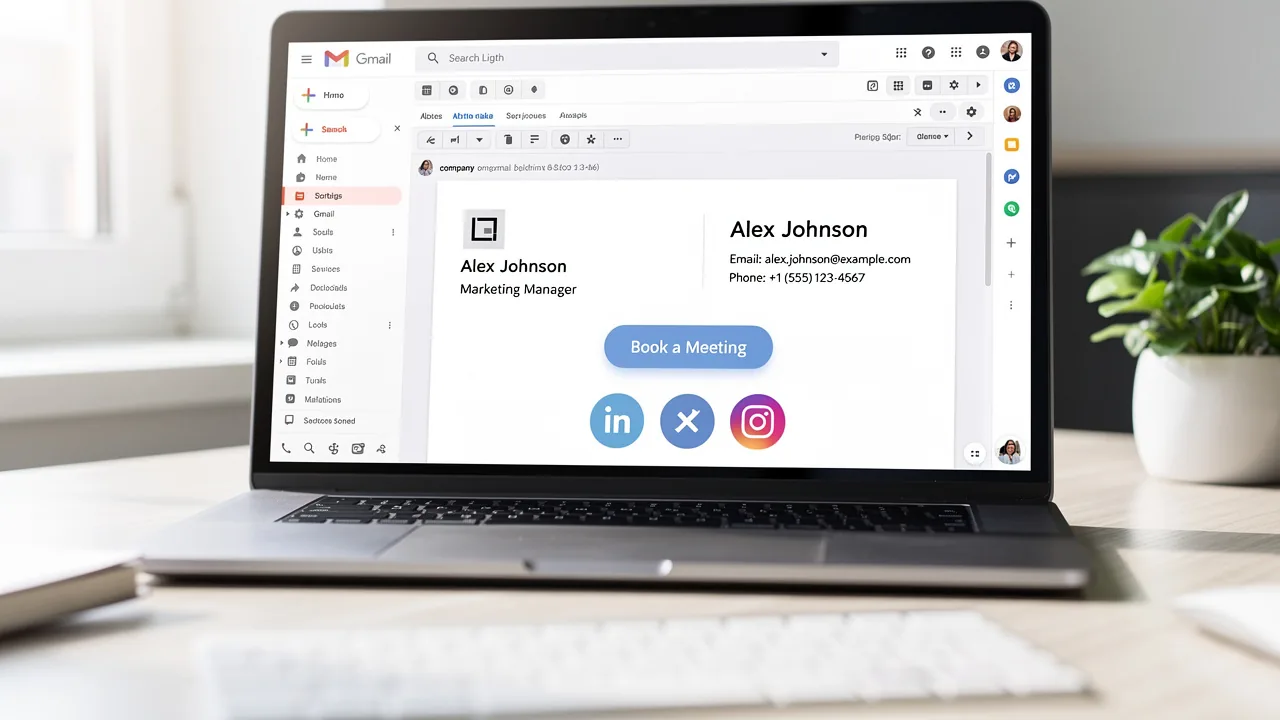
What Is Mobile Signature in Gmail and Why It Matters for Marketing
Mobile signatures in Gmail are crucial for enhancing brand visibility and professionalism in email communication. These compact digital identifiers serve as
Sophie Grant
Email Signature Specialist, Scribe
On this page
- Introduction
- Defining Mobile Signature in Gmail
- Importance of Mobile Signatures in Email Communication
- Evolution of Mobile Signatures in Gmail
- Key Features and Functionalities of Gmail Mobile Signatures
- Examples and Best Practices for Gmail Mobile Signatures
- Conclusion
- Frequently Asked Questions
- List of Sources
Introduction
Mobile signatures in Gmail are crucial for enhancing brand visibility and professionalism in email communication. These compact digital identifiers serve as essential tools for marketers, ensuring that every email sent from a smartphone reflects the brand's identity. Despite the clear benefits, many organizations fail to recognize the importance of optimizing mobile signatures, which can lead to lost opportunities for engagement and a weakened brand presence.
What strategies can businesses adopt to leverage mobile signatures for better communication and marketing success?
Defining Mobile Signature in Gmail
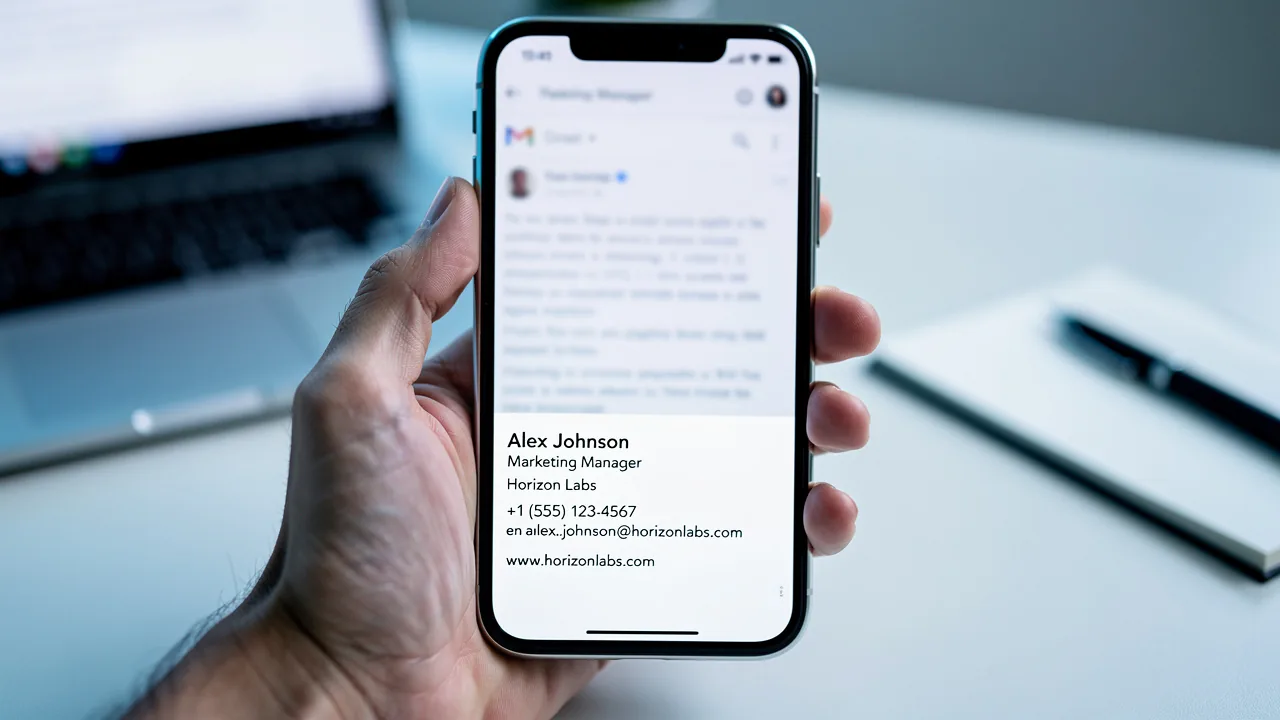
In an era where mobile communication dominates, optimizing email signatures for portable devices is crucial for effective branding. A text block in Gmail is a designated section that automatically appears at the end of emails sent from the Gmail app. Unlike the desktop version, which permits images and rich formatting, text on portable devices is usually plain. This feature enables users to include vital information such as their name, title, contact details, and branding elements, ensuring recipients can quickly access the sender's information.
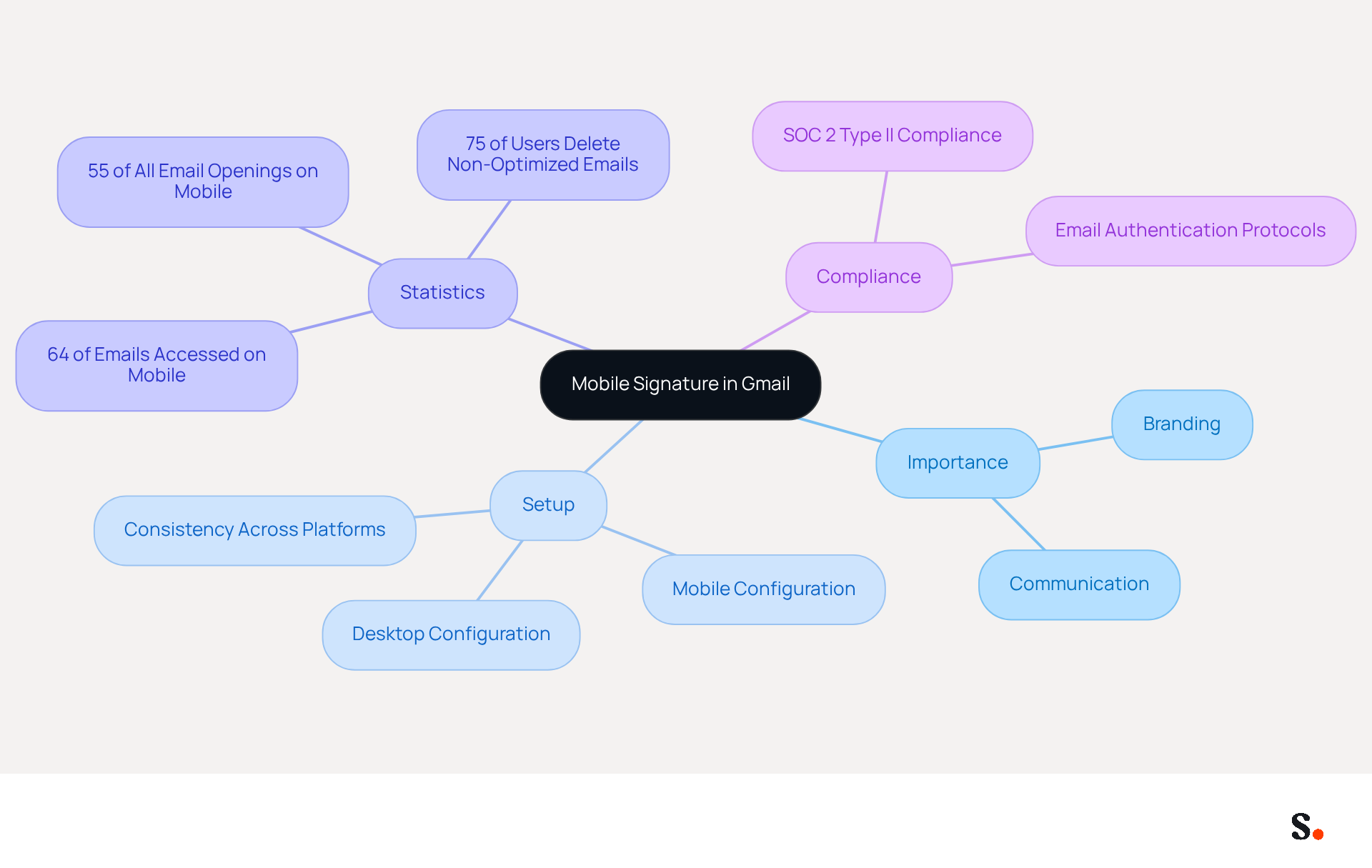
Setting up a portable identifier requires a different configuration in the app settings than the desktop version, ensuring consistency across platforms. However, many marketers overlook the significance of optimizing email signatures for mobile devices. Considering that 64% of messages are accessed on portable platforms, enhancing mobile identifiers is essential for effective communication and branding in today's digital environment.
As email usage on handheld devices continues to increase, with forecasts suggesting that such devices will represent 55% of all email openings worldwide, a well-crafted footer is essential for effective communication and branding. Additionally, with Scribe's automated synchronization with Aircall, any changes made in your Aircall configuration will automatically reflect in your Scribe branding, enhancing brand consistency.
Moreover, Scribe's SOC 2 Type II compliance guarantees secure data management, making personalized digital identifiers an essential tool for marketers aiming to optimize their campaigns. Research shows that companies using digital methods effectively see better brand awareness and customer engagement, further highlighting the necessity for marketers to focus on this element of their communication strategy.
Importance of Mobile Signatures in Email Communication
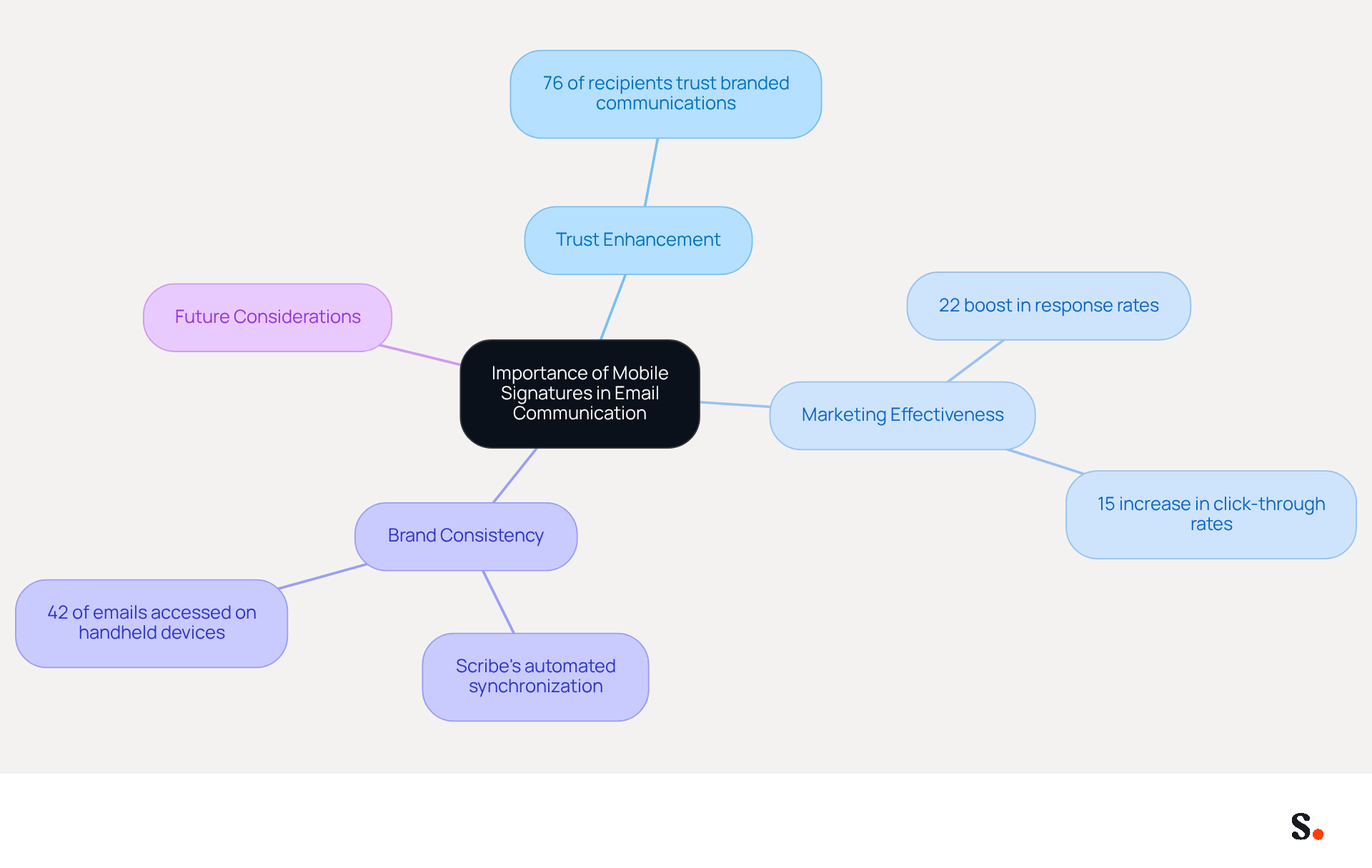
In an era where effective communication is paramount, digital identifiers serve as essential tools for professional connectivity. Acting as a digital business card, they provide recipients with immediate access to the sender's contact information and professional identity. A well-designed digital identifier boosts brand visibility and builds trust with recipients. In fact, 76% of recipients indicate that branded communications enhance their trust in the sender, emphasizing their significance in nurturing professional relationships.
Additionally, digital identifiers can effectively incorporate calls to action, links to social media profiles, and promotional messages, transforming them into powerful marketing tools. For example, companies that employ consistent digital identifiers can see a 22% boost in response rates and a 15% increase in click-through rates to their websites. This demonstrates that effective digital identifiers can significantly enhance engagement with clients and prospects.
With Scribe's automated synchronization of email identifiers with Aircall, any changes made in your Aircall configuration will automatically reflect in your Scribe identifiers. This feature guarantees that your portable identifiers stay uniform and current, further improving brand consistency and marketing effectiveness.
Research examples further demonstrate the influence of digital identifiers on marketing effectiveness. Organizations that have implemented branded identifiers report improved internal communication, as employees can easily recognize and remember colleagues' roles and contact information. This recognition not only fosters collaboration but also enhances overall efficiency within the company.
As we progress through 2026, neglecting to optimize digital identifiers now could lead to diminished brand visibility and engagement in the future. With 42% of all emails accessed on handheld devices, ensuring that every email dispatched from a handheld device maintains a consistent and professional closing is essential for strengthening brand image and maximizing marketing opportunities. By focusing on design for portable signatures and utilizing Scribe's features, businesses can effectively enhance their brand presence and boost engagement.
Evolution of Mobile Signatures in Gmail
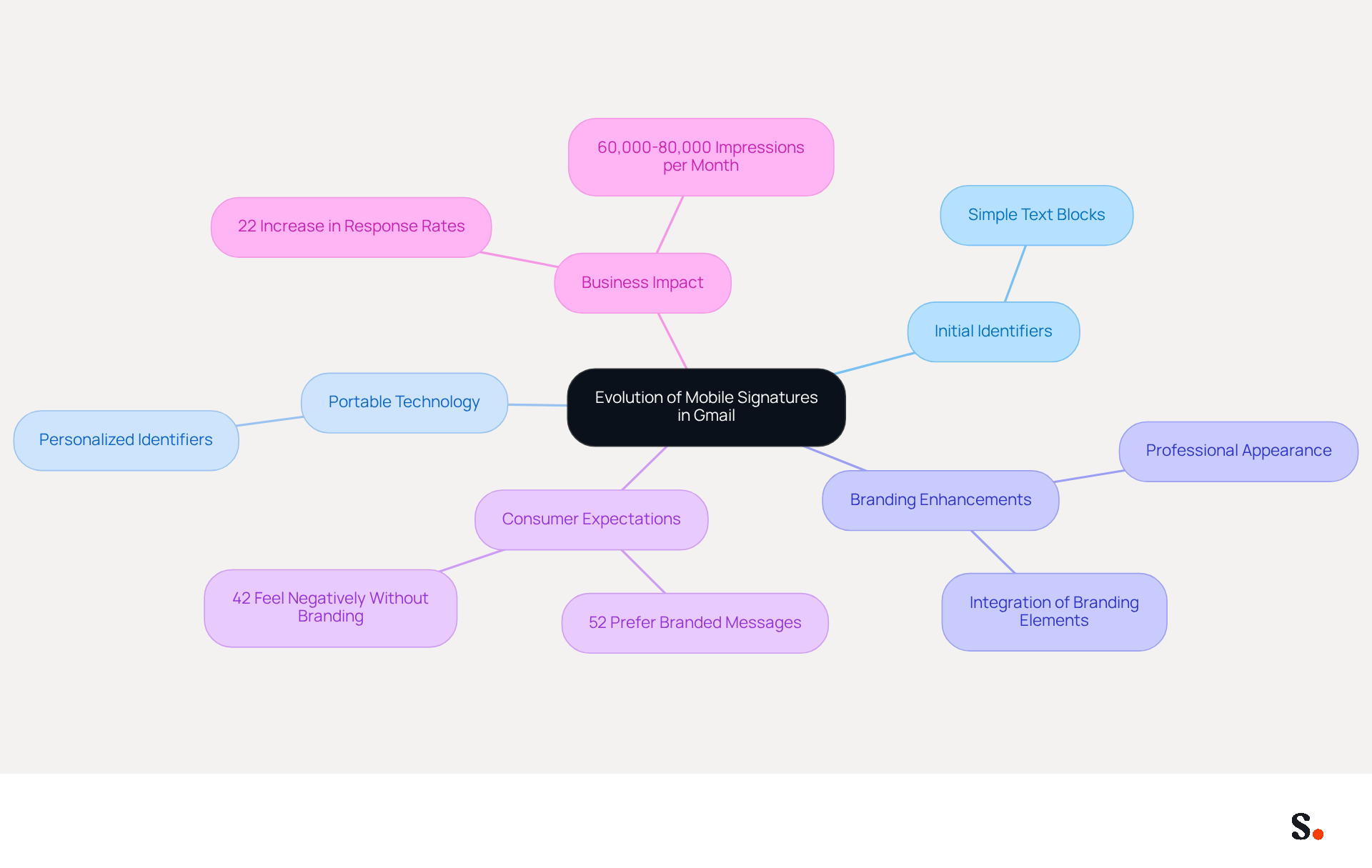
The evolution of digital identifiers in Gmail marks a pivotal shift in online communication practices. Initially, electronic correspondence identifiers were simple text blocks containing minimal contact details. However, with the rise of portable technology, Google recognized the need for a specialized feature for smartphones. This innovation allowed users to create personalized identifiers for messages sent from mobile devices, overcoming the display issues often encountered with desktop signatures.
As portable identifiers evolved, enhancements included the ability to integrate essential branding elements, ensuring a professional appearance across all devices. This development has established digital sign-offs as a standard practice in effective communication, particularly in a device-centric environment where 52% of prospects and clients prefer messages for brand interaction. Furthermore, companies with consistent branded email identifiers have reported over a 22% increase in response rates, underscoring the need for a professional brand presence in all communications.
The introduction of digital identifiers has not only improved user experience but has also aligned with consumer expectations. Surveys indicate that 42% of consumers feel negatively towards businesses that lack a branded identity, emphasizing the importance of maintaining a professional image. Consequently, digital identifiers have become a crucial component of marketing communications, enhancing trust and engagement while providing businesses with a high-impact, no-cost branding opportunity. With Scribe, organizations can automate the synchronization of communication identifiers, ensuring brand consistency across all interactions without the hassle of manual updates. This feature not only makes email management easier but also boosts lead generation potential, making portable identifiers an essential tool for effective email marketing.
Key Features and Functionalities of Gmail Mobile Signatures
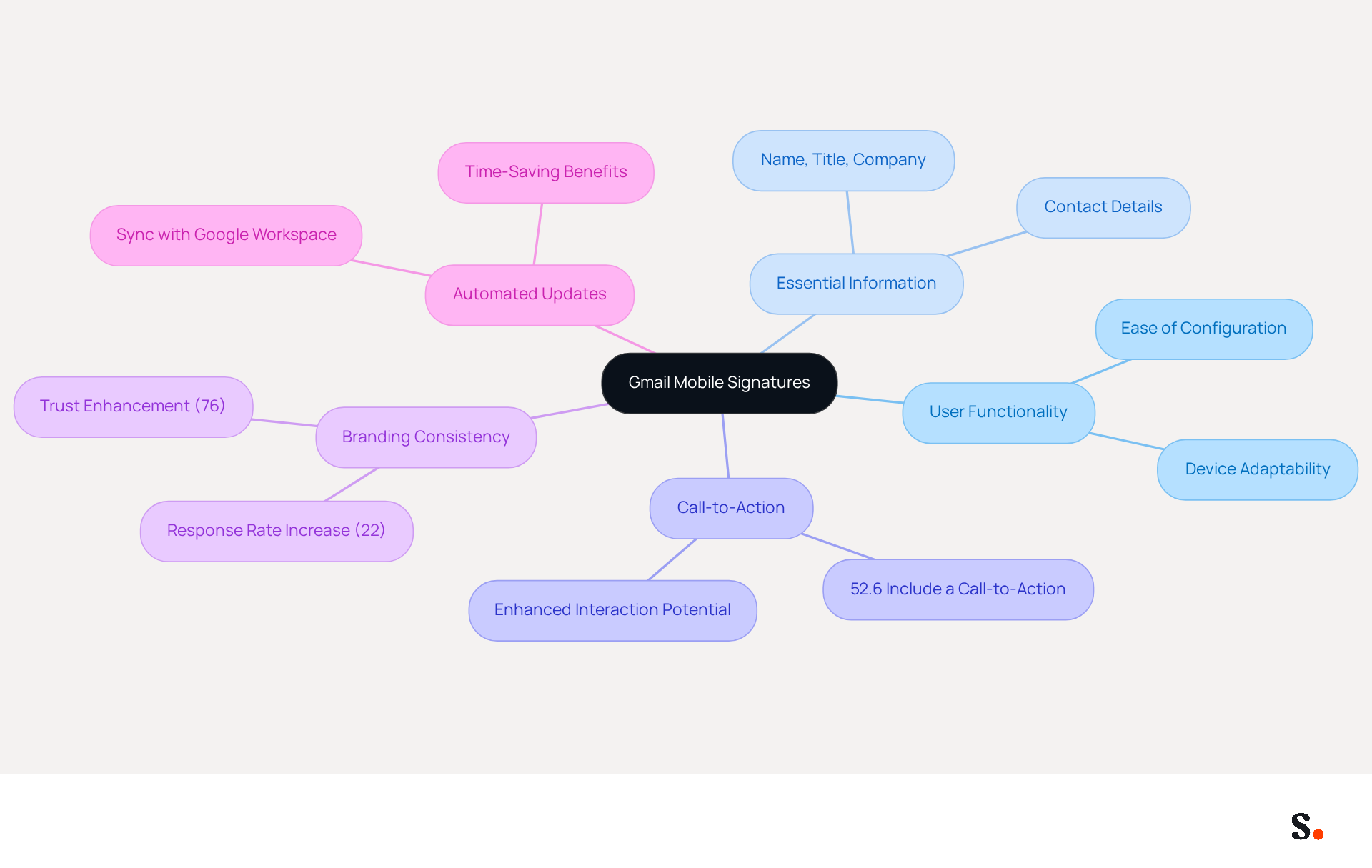
Gmail's mobile features significantly enhance user functionality, yet many users fail to leverage them effectively. What is mobile signature in Gmail can be configured straightforwardly through the Gmail app settings, allowing for quick updates and changes. Users can include essential information such as their name, title, company name, and contact details, ensuring that recipients have all necessary information at their fingertips. However, many users overlook what is mobile signature in Gmail, which is important and can lead to missed opportunities.
Although portable identifiers are limited to plain text, they effectively convey clear and concise information. This feature is particularly beneficial, as studies show that 52.6% of users include a call-to-action in their emails, emphasizing the potential for enhanced interaction. Furthermore, being able to manage portable identifiers separately from desktop ones lets users tailor their communication style based on the device they're using. This adaptability is essential for upholding professionalism across all platforms, particularly given that 41.9% of message openings were from handheld devices in recent years. Neglecting to optimize what is mobile signature in Gmail can lead to inconsistent branding, potentially undermining trust and professionalism.
In 2026, data suggests that branded email footers can enhance response rates by 22%, highlighting the significance of effective footer management in email marketing strategies. Furthermore, syncing your Google Workspace with Scribe enables automated updates to email footers, ensuring that any modifications in your team’s information are reflected without manual input. This not only saves time but also enhances brand consistency across all communications. Scribe's compliance with SOC 2 Type II, GDPR, and CCPA ensures secure data handling, making it a reliable choice for organizations. As businesses adapt to evolving communication trends, those who prioritize effective email signatures will likely see improved engagement and trust from their audience.
Examples and Best Practices for Gmail Mobile Signatures
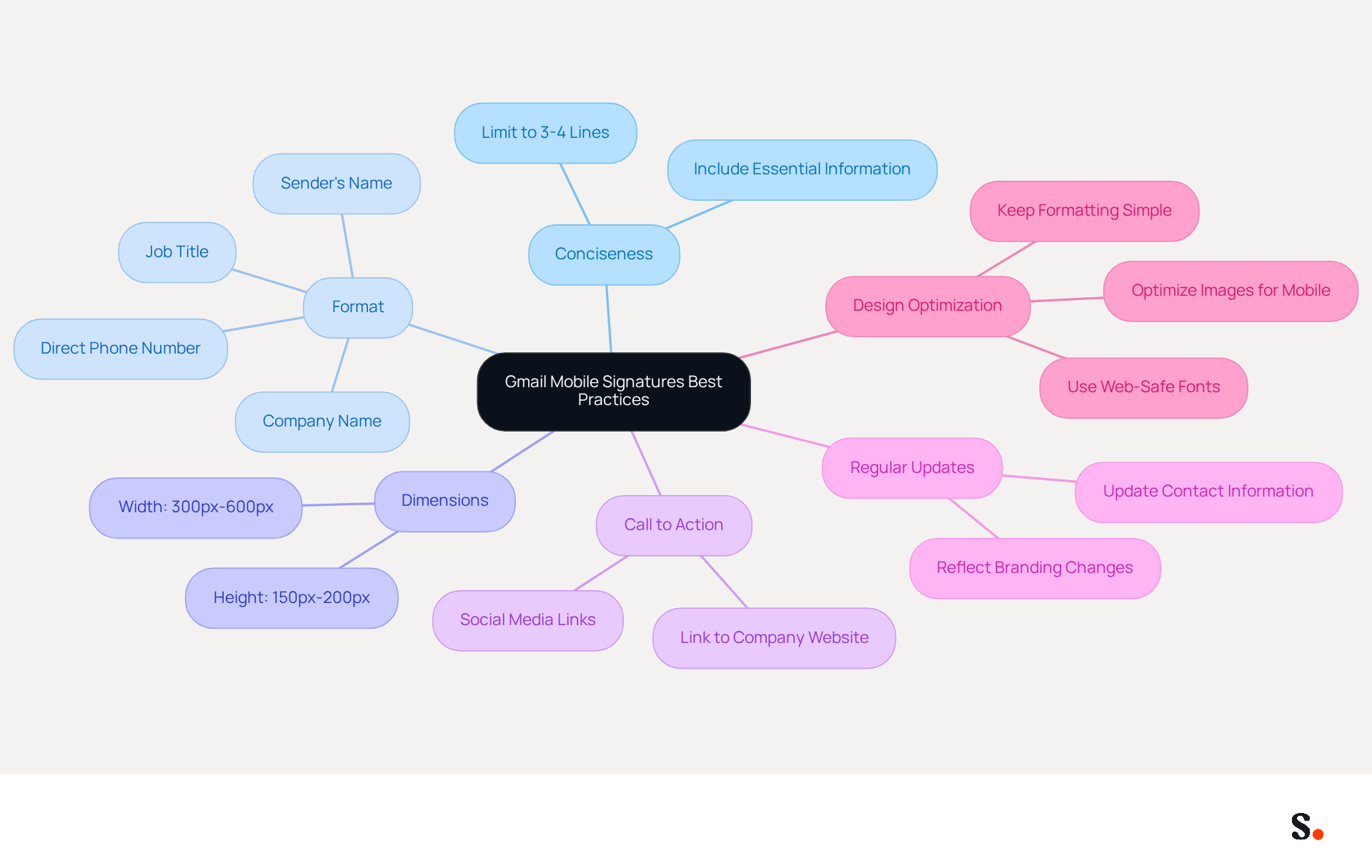
Concise and informative Gmail tags are crucial for effective communication on smartphones. Effective Gmail tags on smartphones should be concise and informative, ideally limited to 3-4 lines to ensure readability on smaller screens. An effective format includes the sender's name, title, company name, and direct phone number. For example:
John Doe
Marketing Manager
Scribe
Phone: (123) 456-7890
Email: john.doe@scribe-mail.com
When creating mobile signatures, it's best to stick with a clear, web-safe font and keep formatting simple. The suggested dimensions for electronic correspondence are between 150px-200px in height and 300px-600px in width to ensure proper display on portable gadgets. Incorporating a call to action, such as a link to the company website or social media profile, can lead to increased engagement and higher traffic to the company website. Regularly updating the contact identifier to reflect any changes in information or branding is essential for maintaining professionalism and consistency in communication. Failing to update contact information can lead to miscommunication and a lack of professionalism.
Research emphasizes the significance of designs optimized for smartphones, as over 81% of messages were viewed on handheld devices in 2020. A well-organized mobile identifier can function as a digital business card, effectively promoting brand identity and facilitating direct communication. This not only strengthens brand identity but also builds trust and credibility with clients. Additionally, including essential elements like a company logo, social media links, and a physical address can further strengthen brand recognition and compliance. By implementing these strategies, businesses can transform their email signatures into powerful marketing tools that resonate with their audience.
Conclusion
In today's digital landscape, mobile signatures in Gmail are crucial for effective marketing and branding. These signatures act as digital business cards while also boosting professionalism and trust in email communication. As mobile devices account for a significant portion of email interactions, however, many marketers struggle to ensure their signatures are optimized for mobile viewing. Optimizing these signatures is essential for marketers aiming to maintain brand consistency and engage effectively with their audience.
The article highlights the importance of mobile signatures by discussing their role in improving response rates and fostering professional relationships. Key insights include:
- The necessity of concise and informative signatures
- The evolution of mobile identifiers
- The integration of branding elements that resonate with recipients
Furthermore, leveraging tools like Scribe ensures that these signatures remain consistent and up-to-date, thereby maximizing their impact on marketing efforts. This optimization not only enhances brand visibility but also strengthens connections with clients.
In the end, mobile signatures are more than just a visual element; they’re a key part of any digital marketing strategy. By embracing mobile signature optimization, businesses can not only enhance their communication but also position themselves for success in a mobile-driven world.
Frequently Asked Questions
What is a mobile signature in Gmail?
A mobile signature in Gmail is a designated text block that automatically appears at the end of emails sent from the Gmail app, providing essential information such as the sender's name, title, contact details, and branding elements.
How does a mobile signature differ from a desktop signature in Gmail?
Unlike the desktop version, which allows images and rich formatting, mobile signatures on portable devices are usually plain text, ensuring that vital information is accessible regardless of the device used.
Why is it important to optimize email signatures for mobile devices?
Optimizing email signatures for mobile devices is crucial because 64% of messages are accessed on portable platforms. A well-crafted mobile signature enhances effective communication and branding in today's digital environment.
What percentage of email openings worldwide are expected to come from handheld devices?
It is forecasted that handheld devices will represent 55% of all email openings worldwide.
How does Scribe enhance brand consistency in email signatures?
Scribe's automated synchronization with Aircall ensures that any changes made in the Aircall configuration automatically reflect in Scribe branding, maintaining uniformity across platforms.
What compliance does Scribe offer for secure data management?
Scribe is SOC 2 Type II compliant, which guarantees secure data management for personalized digital identifiers.
How do digital identifiers impact brand visibility and trust?
Digital identifiers act as digital business cards, providing immediate access to the sender's contact information and professional identity. Research shows that 76% of recipients feel that branded communications enhance their trust in the sender.
What marketing benefits can be gained from using digital identifiers?
Companies using consistent digital identifiers can see a 22% boost in response rates and a 15% increase in click-through rates to their websites, significantly enhancing engagement with clients and prospects.
How do digital identifiers improve internal communication within organizations?
Branded identifiers help employees easily recognize and remember colleagues' roles and contact information, fostering collaboration and enhancing overall efficiency within the company.
What could happen if businesses neglect to optimize digital identifiers?
Neglecting to optimize digital identifiers could lead to diminished brand visibility and engagement in the future, especially as 42% of all emails are accessed on handheld devices.
List of Sources
- Defining Mobile Signature in Gmail
- 49 Top Email Marketing Statistics (https://forbes.com/advisor/business/software/email-marketing-statistics)
- 70+ Email Marketing Statistics for 2026: US & Global Data | Charle (https://charleagency.com/articles/email-marketing-statistics)
- The ultimate mobile email statistics overview: All mobile email stats (https://emailmonday.com/mobile-email-usage-statistics)
- Mobile Email Engagement — 32 Statistics Every Marketing Leader Should Know in 2026 (https://genesysgrowth.com/blog/mobile-email-engagement-stats-for-marketing-leaders)
- Importance of Mobile Signatures in Email Communication
- 40+ Email Signature Statistics for 2026 (Data + Insights) (https://wavecnct.com/blogs/email-signature-statistics)
- Research Recap: Branded Email Signatures Increase Company Recognition, Trust - Demand Gen Report (https://demandgenreport.com/industry-news/research-recap-branded-email-signatures-increase-company-recognition-trust/47252)
- The impact of email signatures on your branding (https://signitic.com/en/resources/the-impact-of-email-signatures-on-your-branding)
- The benefits of a branded email signature (https://bybrand.io/blog/branded-email-signature)
- Why Team Email Signatures Matter More Than You Think: The Hidden Impact on Brand Trust and Customer Experience (https://getmailbird.com/why-team-email-signatures-matter-brand-trust)
- Evolution of Mobile Signatures in Gmail
- 40+ Email Signature Statistics for 2026 (Data + Insights) (https://wavecnct.com/blogs/email-signature-statistics)
- Gmail is syncing your desktop signature to mobile (https://androidpolice.com/gmail-is-syncing-your-desktop-signature-to-mobile)
- Google fixes one of Gmail’s most annoying quirks for frequent phone switchers (https://androidauthority.com/gmail-mobile-email-signature-sync-3542188)
- Email Signature Statistics: A Closer Look at Email Signatures in 2026 (https://mysignature.io/blog/email-signature-statistics)
- Email Signature Essentials: Key Statistics to Know for 2023 (https://blog.hubspot.com/marketing/email-signature-statistics)
- Key Features and Functionalities of Gmail Mobile Signatures
- Gmail is syncing your desktop signature to mobile (https://androidpolice.com/gmail-is-syncing-your-desktop-signature-to-mobile)
- The ultimate mobile email statistics overview: All mobile email stats (https://emailmonday.com/mobile-email-usage-statistics)
- Email Signature Statistics: A Closer Look at Email Signatures in 2026 (https://mysignature.io/blog/email-signature-statistics)
- 40+ Email Signature Statistics for 2026 (Data + Insights) (https://wavecnct.com/blogs/email-signature-statistics)
- Examples and Best Practices for Gmail Mobile Signatures
- Email Signature Best Practices Guide With Examples - MailerLite (https://mailerlite.com/blog/email-signature-best-practices)
- Email Signature Best Practices - NEWOLDSTAMP (https://newoldstamp.com/blog/email-signature-best-practices)
- Mobile Friendly Email Signature: Best Practices & Tips (https://publicate.it/blog/mobile-friendly-email-signature)
- Mobile Email Signature Examples That Work on Every Device (https://bulksignature.com/blog/mobile-email-signature-examples-that-work-on-every-device)
- 15+ Gmail signature templates and examples (2026) (https://keeping.com/content/gmail-signatures-templates)
Get started with Scribe
Signatures for every role on your team
Free 14-day trial — no credit card.