4 Best Practices for an Effective Email Signature for Executive Assistants
Crafting an effective email signature presents a unique challenge for executive assistants, as it must balance professionalism with the need for impactful
Sophie Grant
Email Signature Specialist, Scribe
Introduction
Crafting an effective email signature presents a unique challenge for executive assistants, as it must balance professionalism with the need for impactful communication. By incorporating essential elements and employing strategic design techniques, executive assistants can create signatures that convey authority and engage recipients effectively.
Adapting email signatures to different contexts can be a complex task for executive assistants, especially when aiming to leverage them for marketing opportunities. By mastering this balance, executive assistants can transform email signatures into powerful tools for engagement and brand representation.
Get started with Scribe
Manage signatures across your whole team
Free 14-day trial — no credit card.
Incorporate Essential Elements in Your Email Signature
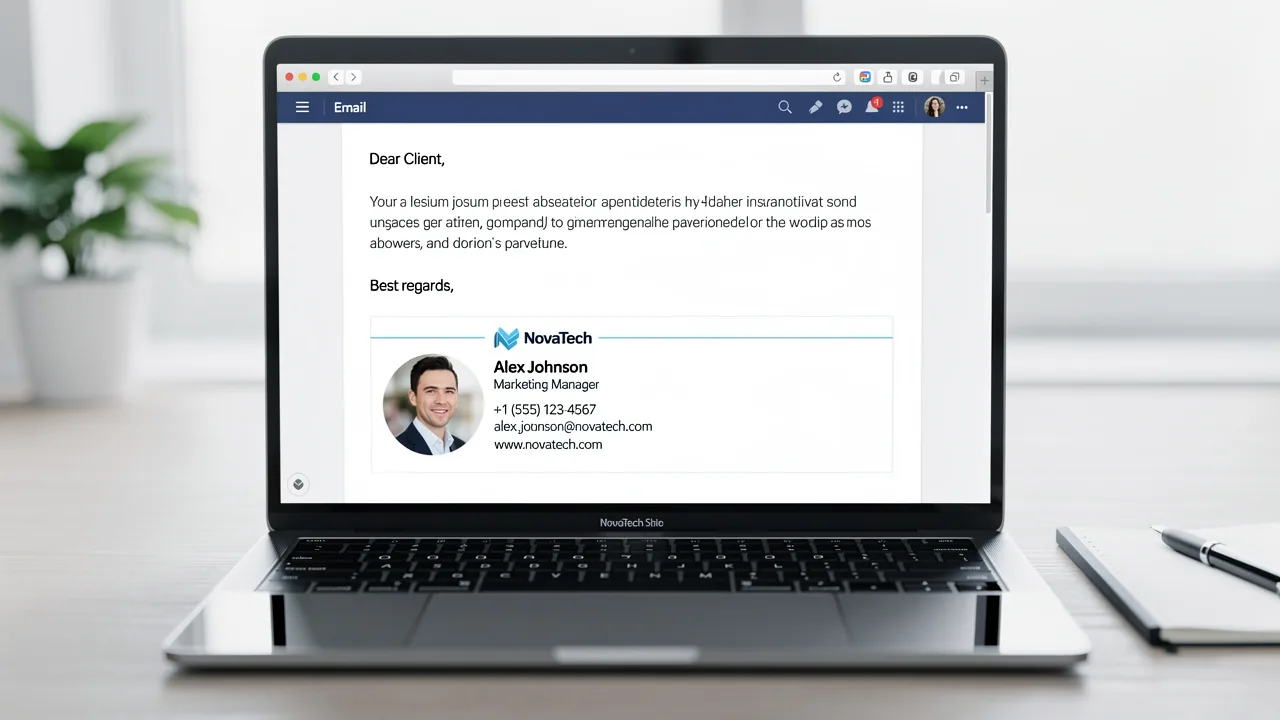
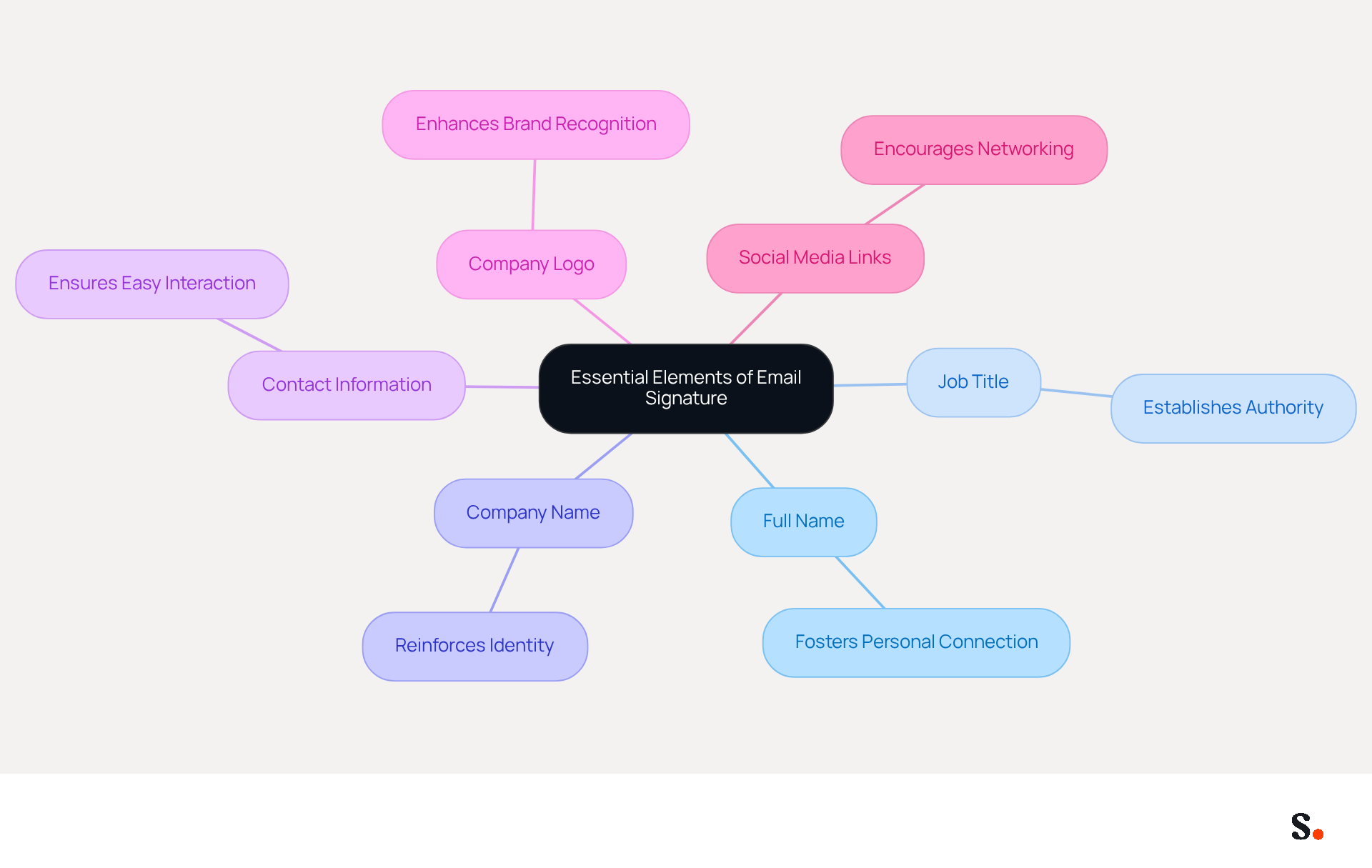
Crafting an effective email signature for executive assistants is crucial, as it directly impacts professional communication and engagement. An effective email signature should incorporate the following essential elements:
- Full Name: Clearly stating your full name fosters a personal connection with recipients.
- Job Title: Including your title establishes authority and provides context for your role.
- Company Name: This reinforces identity and enhances professionalism in interactions.
- Contact Information: Providing a direct phone number and email address ensures easy interaction and accessibility.
- Company Logo: Including a logo enhances brand recognition and adds visual appeal to your email.
- Social Media Links: If applicable, adding links to professional social media profiles encourages networking and engagement.
When executive assistants use an email signature for executive assistant roles that includes these elements, they not only project professionalism but also make communication more effective. Statistics show that companies utilizing branded messaging footers experience a 15% rise in website click-through rates, emphasizing the significance of a well-designed footer in enhancing engagement. Neglecting these essential elements could hinder your professional image and limit engagement opportunities.
Utilize Effective Design and Formatting Techniques
Creating a visually appealing email signature for executive assistant is crucial for effective communication. To achieve this, consider the following design and formatting techniques:
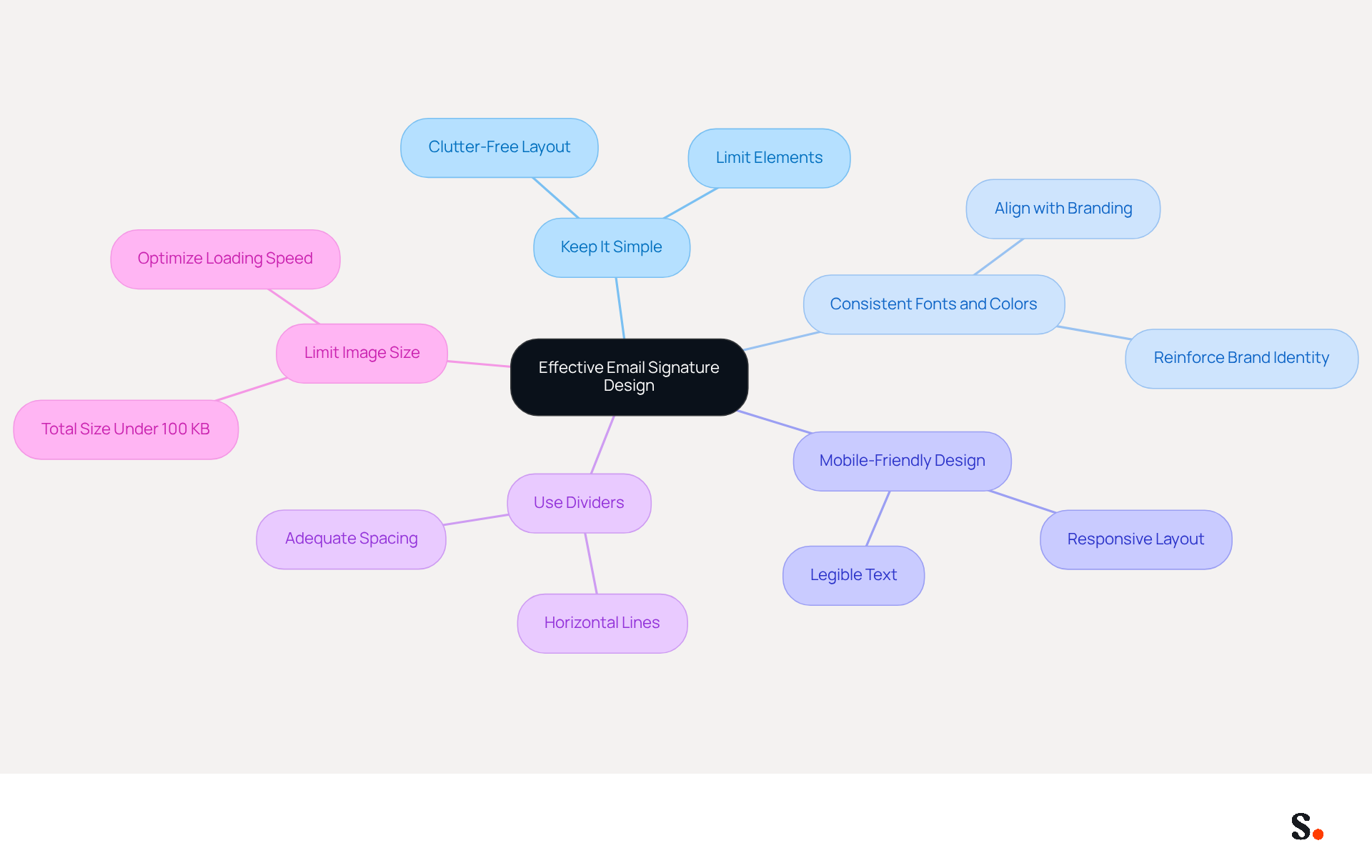
- Keep It Simple: A clutter-free layout is essential. Limit the number of elements to ensure clarity and focus on key information.
- Consistent Fonts and Colors: Align your Scribe's fonts and colors with your company’s branding. This consistency reinforces brand identity and enhances recognition.
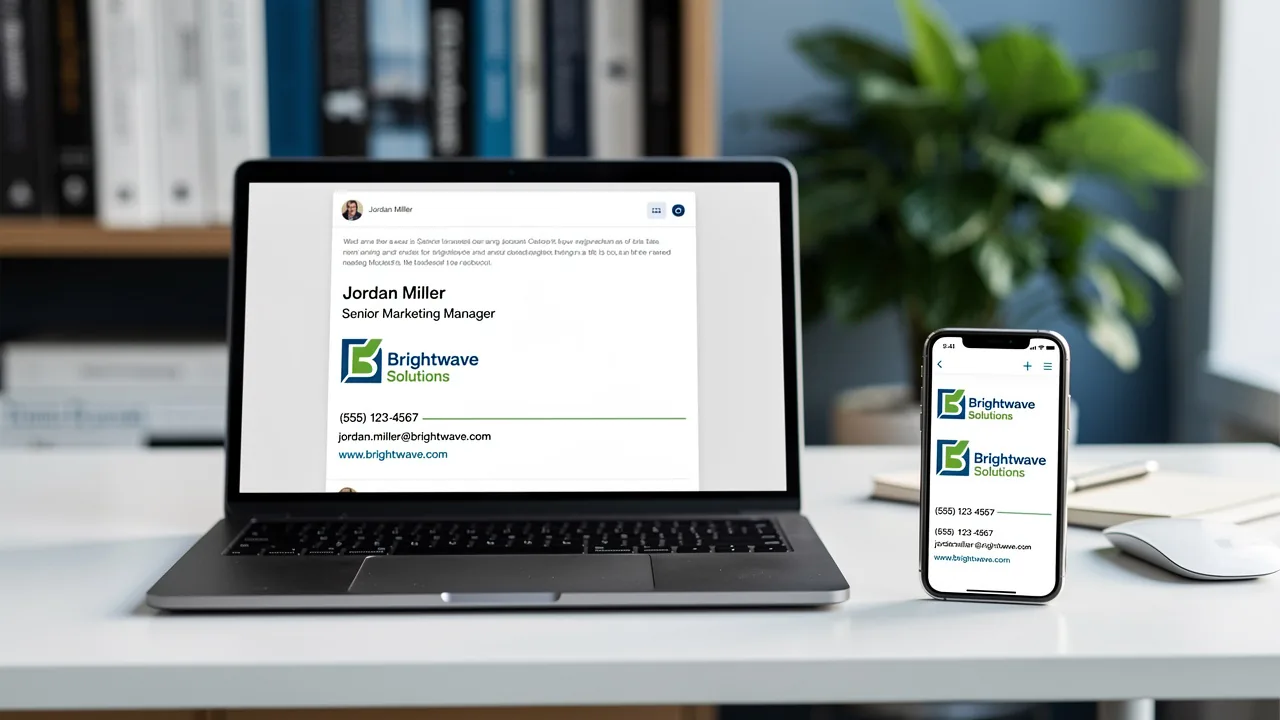
- Mobile-Friendly Design: Given that many emails are opened on mobile devices, it is essential to design your email footer to be responsive. Use single-column layouts and legible text to maintain readability across devices.
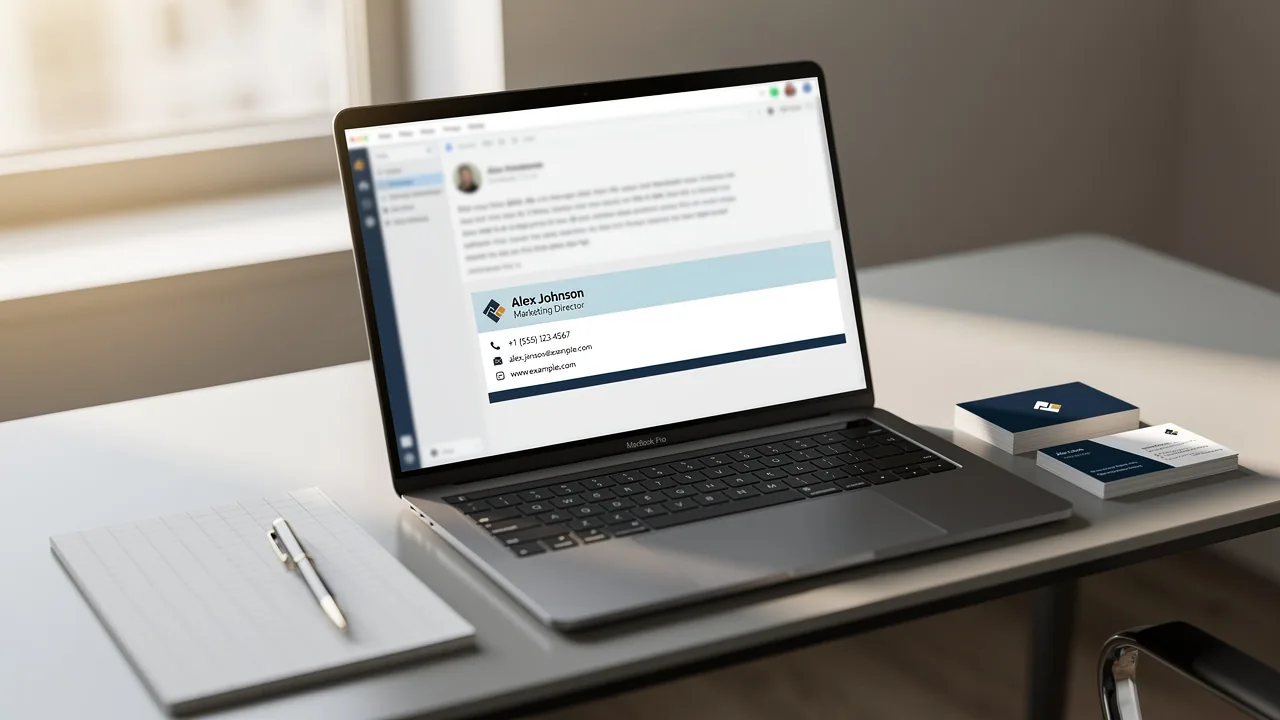
- Use Dividers: Incorporate horizontal lines or adequate spacing to separate different sections of the sign-off. This organization improves visual appeal and helps recipients quickly locate information.
- Limit Image Size: Ensure that the total file size of images does not exceed 100 KB to maintain optimal loading speed.
Moreover, Scribe ensures that any changes you make in your Aircall settings are automatically updated in your emails, enhancing brand consistency without the need for manual updates.
Implementing these techniques will not only create a professional email signature for executive assistant but also enhance the overall communication experience, making it more engaging for recipients. By implementing these design techniques, you can significantly improve how your brand is perceived in every email.
Leverage Email Signatures for Marketing Opportunities
Email footers represent an underutilized asset in marketing strategies, capable of driving significant engagement when optimized effectively. Here are key strategies to maximize their potential:
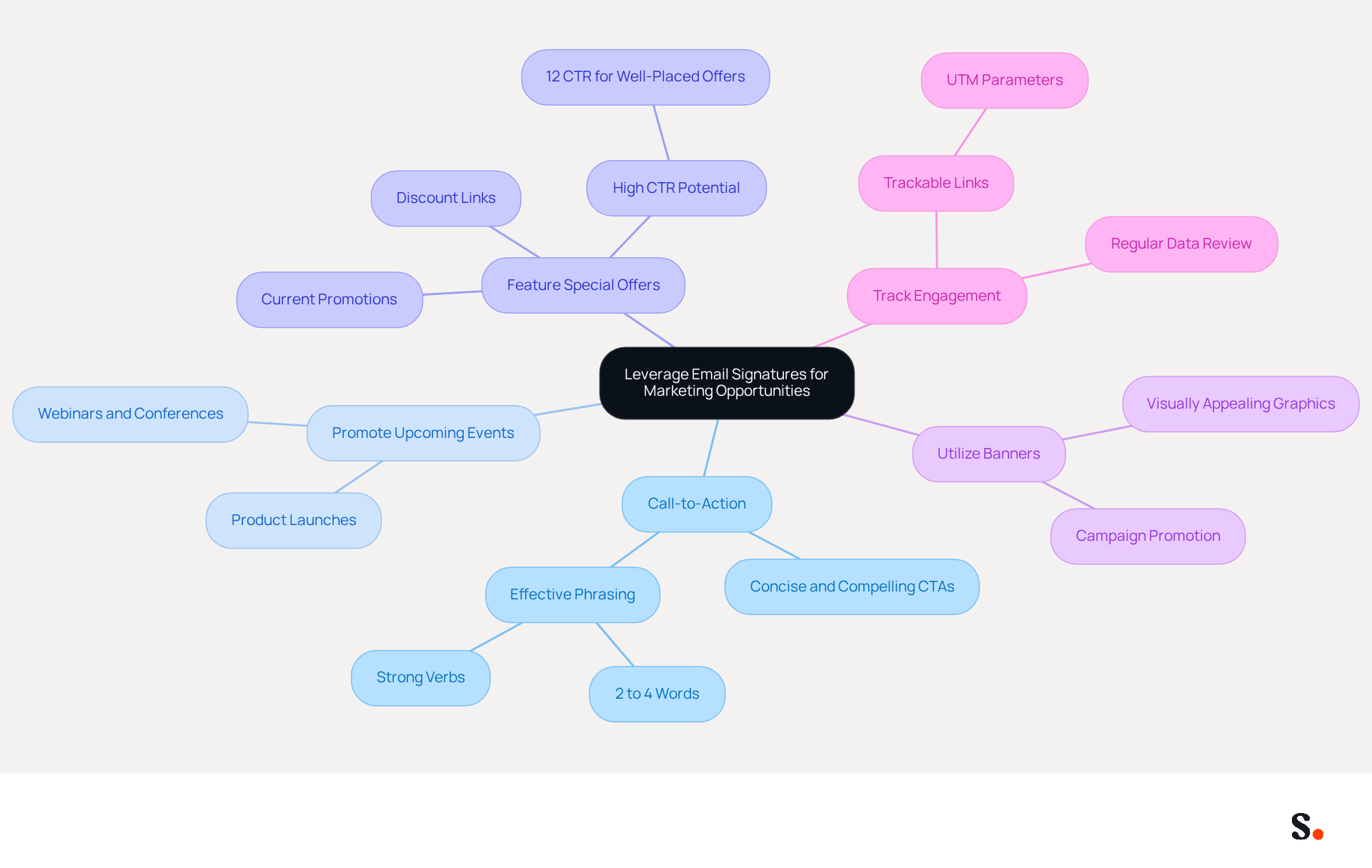
- Include a Call-to-Action (CTA): Incorporate a concise CTA that encourages recipients to take action, such as visiting a website or signing up for a newsletter. The best CTAs are usually just 2 to 4 words, making them clear and compelling.
- Promote Upcoming Events: Utilize the email footer to highlight upcoming webinars, conferences, or product launches. This not only informs recipients but also drives engagement and attendance.
- Feature Special Offers: Include links to current promotions or discounts to entice recipients. This strategy can significantly boost click-through rates, with well-placed offers achieving CTRs of up to 12%. Graphics in messages, like banners, lead to higher click-through rates. Scribe averages a 12% CTR, with personalized campaigns peaking at 7%.
- Utilize Banners: Incorporate visually appealing banners that promote specific campaigns or initiatives. Banners can enhance brand visibility and engagement, turning every message into a chance for promotion.
- Track Engagement: Utilize trackable links, such as UTM parameters, to assess the effectiveness of your marketing efforts through correspondence. Regularly reviewing data helps identify trends and areas for improvement, ensuring that your strategies remain effective. Regularly updating communication details is essential, as 44.4% of users fail to do so, which can hinder engagement.
Furthermore, with Scribe, every modification made in your Aircall setup will automatically be reflected in your digital identifiers, ensuring seamless synchronization and improved consistency. Scribe's SOC 2 Type II certification and compliance with GDPR and CCPA further enhance security and trust. By integrating these marketing elements, executive assistants can enhance the effectiveness of their communication, including their email signature for executive assistant, and contribute to broader marketing objectives, ultimately driving brand awareness and engagement. By leveraging these strategies, organizations can not only enhance their communication but also significantly impact their marketing outcomes.
Adapt Your Signature for Different Contexts
Customizing your email signature for executive assistant is not just a matter of preference; it can significantly influence how your message is perceived in various contexts. Here are some best practices to keep in mind:
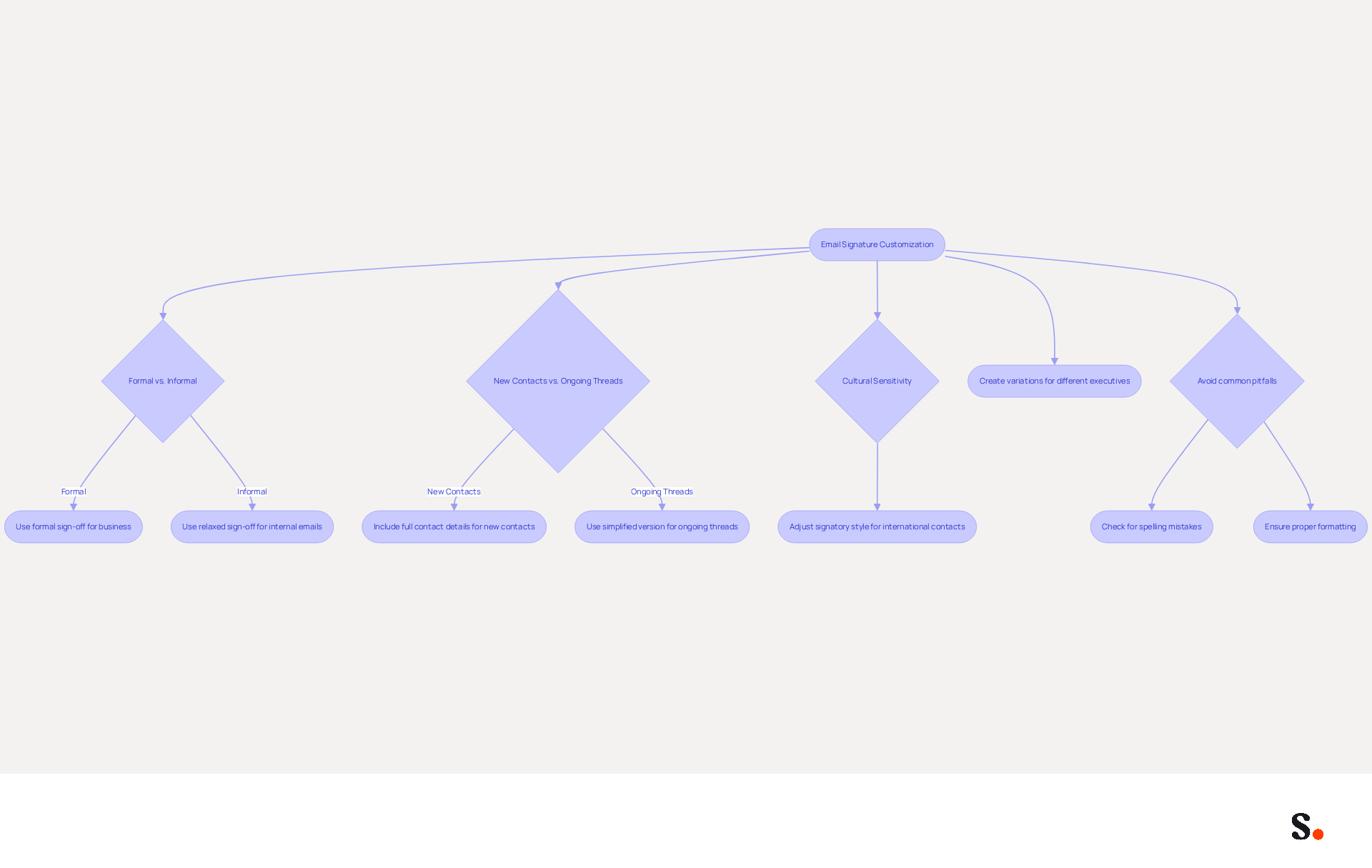
- Formal vs. Informal: Use a formal sign-off for business communications, while adopting a slightly relaxed version for internal emails. This distinction helps convey the appropriate tone for each interaction.
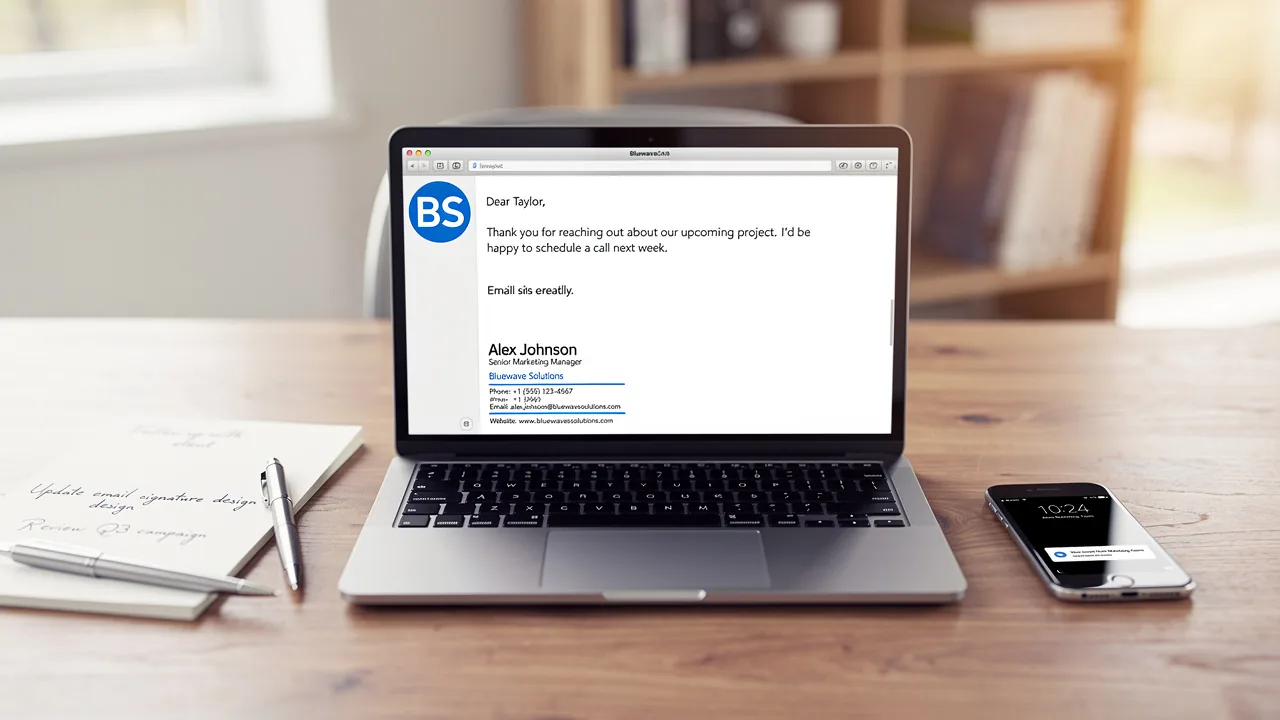
- New Contacts vs. Ongoing Threads: For initial interactions, include full contact details to establish credibility. In ongoing conversations, a simplified version suffices, streamlining the exchange without sacrificing professionalism.
- Cultural Sensitivity: Be mindful of cultural differences in communication styles. Adjust your signatory style accordingly when engaging with international contacts to foster respect and understanding.
Different roles mean that if you assist multiple executives, you should create variations of your email signature for executive assistant that reflect the specific executive you represent. This method clarifies roles and enhances the professional image of each executive.
Statistics indicate that 80% of participants believe that branded signatures are essential for identity, while 76% report heightened trust in messages featuring branded identifiers. Additionally, organizations using centralized management solutions like Scribe can see up to an 85% improvement in brand consistency. Scribe's one-click synchronization with Google Workspace enables automatic updates of teammate information, ensuring that any modifications in your provider are reflected in real-time. This feature not only saves time but also enhances branding and security compliance, as Scribe is SOC 2 Type II certified and compliant with GDPR and CCPA. A case study from Cognism demonstrates this: they employed email banner promotions to announce a new feature launch, resulting in 143,000 impressions and a conversion rate of 25% from webinar registration to business opportunity. By adjusting your personal mark to suit different situations, you can maintain professionalism and improve the effectiveness of your communication. Furthermore, be cautious of common pitfalls such as spelling mistakes and poor formatting, which can undermine your efforts. Metrics such as a 72% click-through rate and a 71% increase in website traffic can effectively gauge how well your tailored signatures perform.
Conclusion
Without a well-crafted email signature, executive assistants may struggle to convey professionalism and brand identity in their communications. By incorporating key elements such as full name, job title, company name, and contact information, executive assistants can enhance their credibility and foster meaningful connections with recipients. A well-designed email signature reflects professionalism and plays a crucial role in driving engagement and promoting brand identity.
The article highlights several best practices for creating impactful email signatures. These include:
- Utilizing effective design techniques to ensure clarity and visual appeal
- Leveraging email signatures for marketing opportunities through strategic calls-to-action
- Adapting signatures to suit different contexts
By following these guidelines, executive assistants can significantly improve their communication effectiveness and contribute to broader marketing objectives, ultimately enhancing brand awareness and engagement.
Neglecting to prioritize email signature development can lead to missed opportunities for engagement and brand visibility. Organizations should focus on developing professional email signatures that align with their branding and communication strategies. By doing so, they not only enhance their professional image but also unlock the potential for increased engagement and marketing success. Embracing these best practices will empower executive assistants to make a lasting impression and drive meaningful results through their email communications.
Frequently Asked Questions
Why is an effective email signature important for executive assistants?
An effective email signature is crucial for executive assistants as it directly impacts professional communication and engagement.
What essential elements should be included in an email signature?
An email signature should include the following essential elements: full name, job title, company name, contact information, company logo, and social media links.
How does including a full name in an email signature benefit communication?
Clearly stating your full name fosters a personal connection with recipients.
What role does a job title play in an email signature?
Including your job title establishes authority and provides context for your role.
Why is it important to include a company name in an email signature?
Including a company name reinforces identity and enhances professionalism in interactions.
What contact information should be provided in an email signature?
Providing a direct phone number and email address ensures easy interaction and accessibility.
How does a company logo contribute to an email signature?
Including a company logo enhances brand recognition and adds visual appeal to your email.
What is the benefit of adding social media links to an email signature?
Adding links to professional social media profiles encourages networking and engagement.
What impact can a well-designed email signature have on engagement?
Statistics show that companies utilizing branded messaging footers experience a 15% rise in website click-through rates, emphasizing the significance of a well-designed footer in enhancing engagement.
What could happen if essential elements are neglected in an email signature?
Neglecting these essential elements could hinder your professional image and limit engagement opportunities.
List of Sources
- Incorporate Essential Elements in Your Email Signature
- 20 Tips for Creating an Effective Email Signature — SitePoint (https://sitepoint.com/creating-an-effective-email-signature)
- Executive Assistant Email Signature Examples + Tips (https://executiveassistantinstitute.com/executive-assistant-email-signature-examples)
- Email signature statistics: Why every business should optimize their email signatures — Stripo.email (https://stripo.email/blog/email-signature-statistics-why-every-business-should-optimize-their-email-signatures)
- Best Practices for a Professional Formal Email Signature (https://scribe-mail.com/en-US/blog/best-practices-for-a-professional-formal-email-signature)
- Utilize Effective Design and Formatting Techniques
- Email Signature Best Practices Guide With Examples - MailerLite (https://mailerlite.com/blog/email-signature-best-practices)
- Email Signature Best Practices - NEWOLDSTAMP (https://newoldstamp.com/blog/email-signature-best-practices)
- Email signature design guide: elements, layout & tips (https://exclaimer.com/email-signature-handbook/email-signature-design)
- Best Practices Designing Email Signatures - Lynne Golodner (https://lynnegolodner.com/articles/best-practices-designing-email-signatures)
- 20 Tips for Creating an Effective Email Signature — SitePoint (https://sitepoint.com/creating-an-effective-email-signature)
- Leverage Email Signatures for Marketing Opportunities
- Using Email Signatures for Marketing | CloudM (https://cloudm.io/resources/blog/using-email-signatures-for-marketing-how-every-email-can-boost-your-brand)
- 12 clever ways to use your email signature to support your marketing campaigns (https://blog.hubspot.com/blog/tabid/6307/bid/31054/10-clever-ways-your-email-signature-can-support-your-marketing.aspx)
- 12 email signature marketing examples that drive clicks (2026) (https://signitic.com/en/resources/12-email-signature-marketing-examples-that-actually-drive-clicks)
- Maximize Marketing Impact with Effective Email Signature Banners (https://scribe-mail.com/en-US/blog/maximize-marketing-impact-with-effective-email-signature-banners)
- Adapt Your Signature for Different Contexts
- Research Recap: Branded Email Signatures Increase Company Recognition, Trust - B2BMX INSIGHTS (https://demandgenreport.com/industry-news/research-recap-branded-email-signatures-increase-company-recognition-trust/47252)
- 4 Best Practices for Email Signature Management for Undergraduates (https://scribe-mail.com/en-US/blog/4-best-practices-for-email-signature-management-for-undergraduates)
- 7 Reasons You Need Multiple Email Signatures (https://wisestamp.com/guides/why-you-need-multiple-versions-of-your-email-signature)
- Email signature statistics: Why every business should optimize their email signatures — Stripo.email (https://stripo.email/blog/email-signature-statistics-why-every-business-should-optimize-their-email-signatures)
- Email signature banner: the guide to transform your emails into campaigns (https://signitic.com/en/resources/campaign-banners-in-the-email-signature-the-marketing-guide)
Get started with Scribe
Manage signatures across your whole team
Free 14-day trial — no credit card.