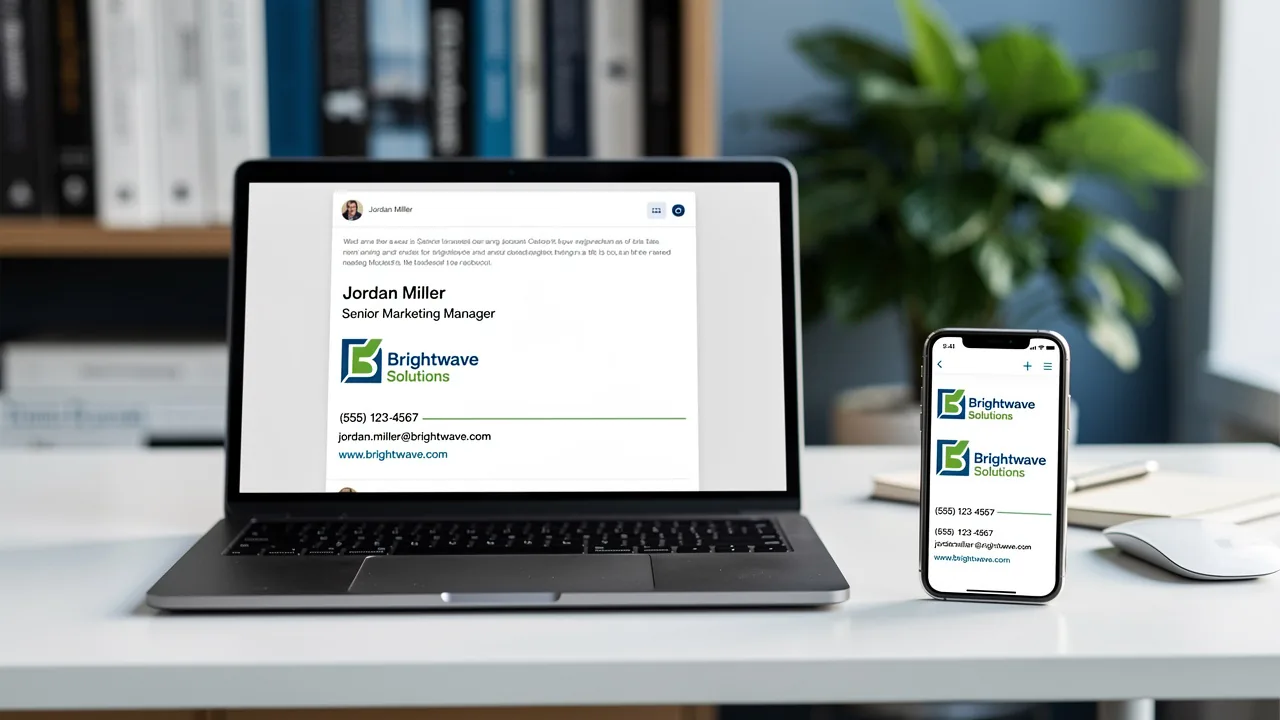
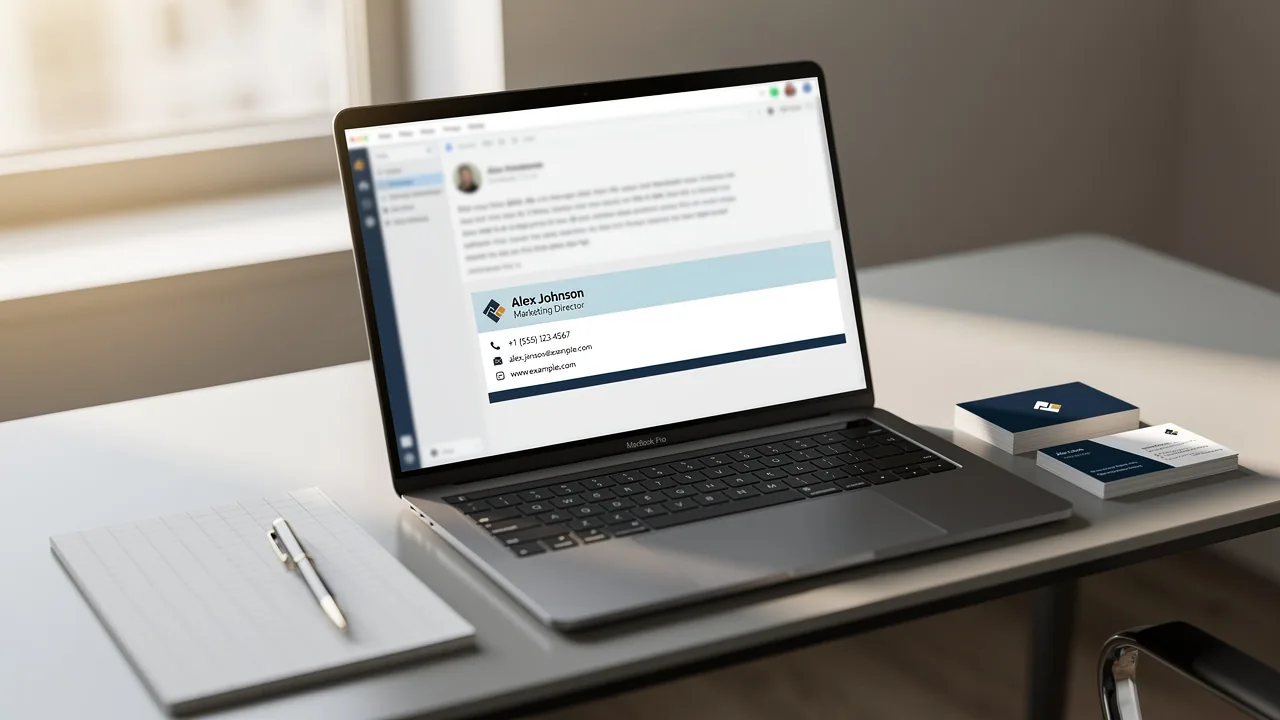
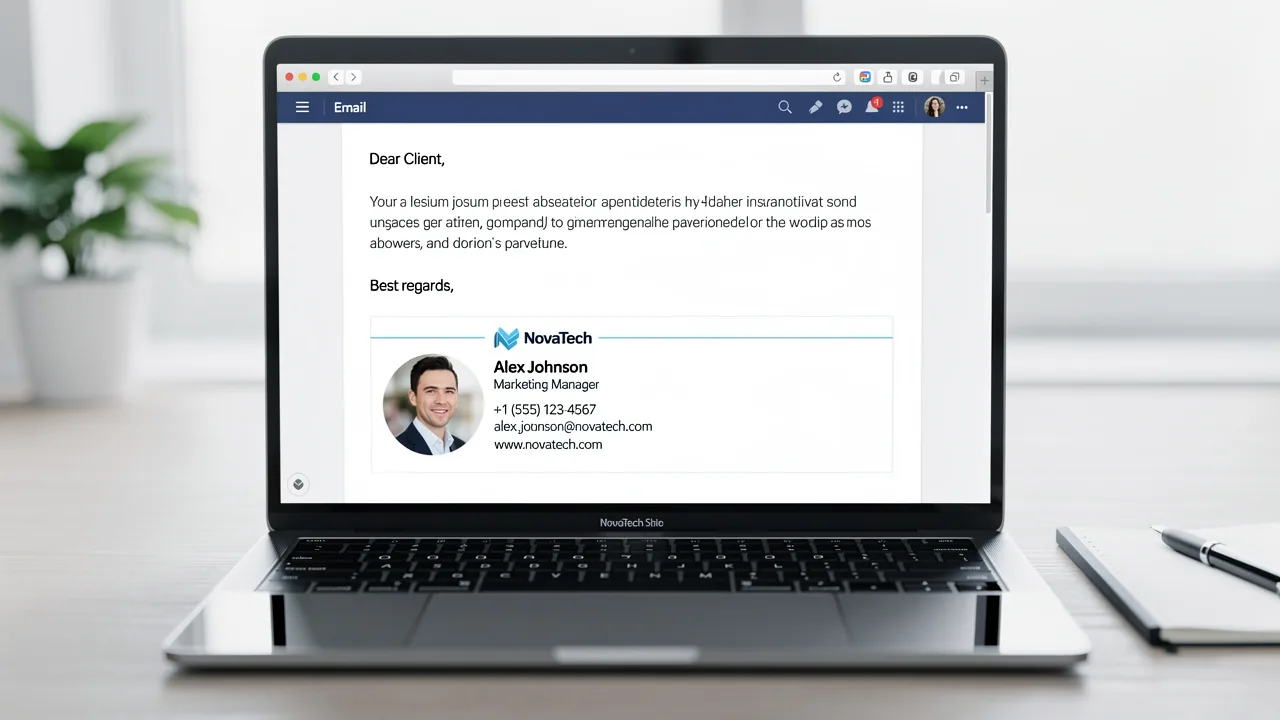
4 Best Practices for an Effective Freelance Email Signature
In a competitive market, the challenge of crafting an effective freelance email signature lies not just in aesthetics but in establishing professionalism and
Sophie Grant
Email Signature Specialist, Scribe

On this page
Introduction
In a competitive market, the challenge of crafting an effective freelance email signature lies not just in aesthetics but in establishing professionalism and credibility. By incorporating essential elements such as:
- Contact information
- Portfolio links
- Social media icons
freelancers can create a signature that reflects their personal brand while enhancing engagement with potential clients. Many freelancers struggle to create signatures that are both visually appealing and functional across different platforms. Striking the right balance between aesthetics and functionality can significantly enhance a freelancer's professional image and client engagement.
Get started with Scribe
Manage signatures across your whole team
Free 14-day trial — no credit card.
Identify Essential Elements for Your Freelance Email Signature
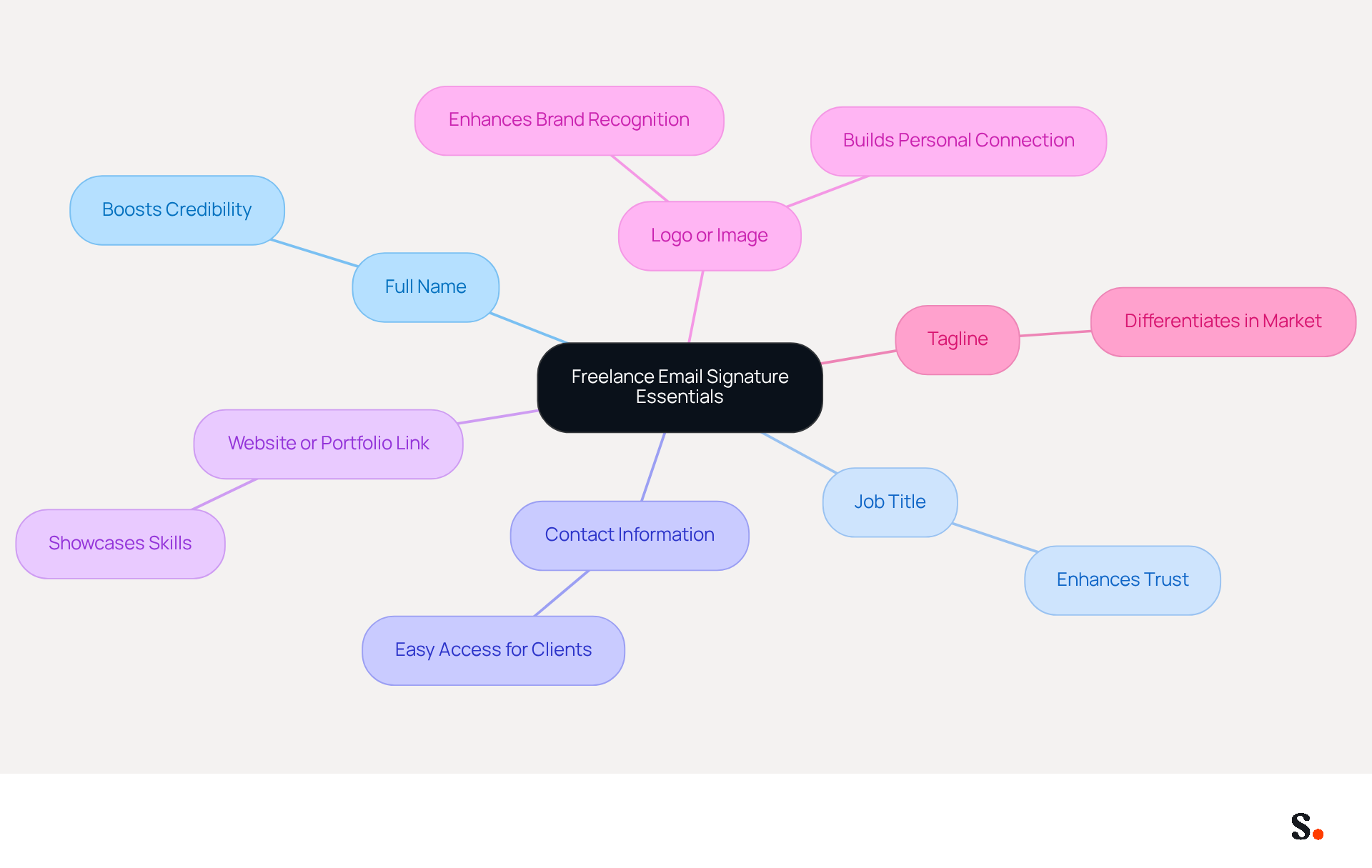
To create an effective freelance email signature, it is essential to incorporate key elements that enhance professionalism and credibility:
- Full Name: Clearly state your full name to personalize communication, fostering a connection with your audience. This is important because 70% of signature users feel that a formal signature boosts their credibility.
- Job Title: Including your professional title informs recipients of your expertise, enhancing trust and recognition.
- Contact Information: Provide your phone number and contact address for easy access, ensuring potential clients can reach you without hassle.
- Website or Portfolio Link: About 31.1% of users include a website link in their email signatures, which can effectively promote their work. This directs clients to your projects, showcasing your skills.
- Logo or Image: Adding a logo or a formal headshot can enhance brand recognition and personal connection. Having a professional photo can really help you come across as approachable, which is key to building rapport with clients.
- Tagline: A brief tagline summarizing your services or unique selling proposition makes your mark more memorable. This can help differentiate you in a crowded market.
Incorporating these elements not only ensures that a freelance email signature contains informative contact details but also reflects the freelancer's personal brand. Statistics show that messages with branded identifiers achieve a 22% higher response rate, and 62% of individuals utilize digital identifiers for marketing, emphasizing the potential of this tool. Additionally, 76% of users believe that branded digital identifiers increase trust in the sender. However, many freelancers struggle with ensuring their email signatures are both visually appealing and functional on mobile devices. A poorly designed signature can lead to missed opportunities with potential clients. A well-crafted email signature can be the difference between a missed opportunity and a successful client engagement.
Design a Professional and Eye-Catching Signature
Creating a professional freelance email signature requires careful consideration of design elements that enhance both functionality and brand representation.
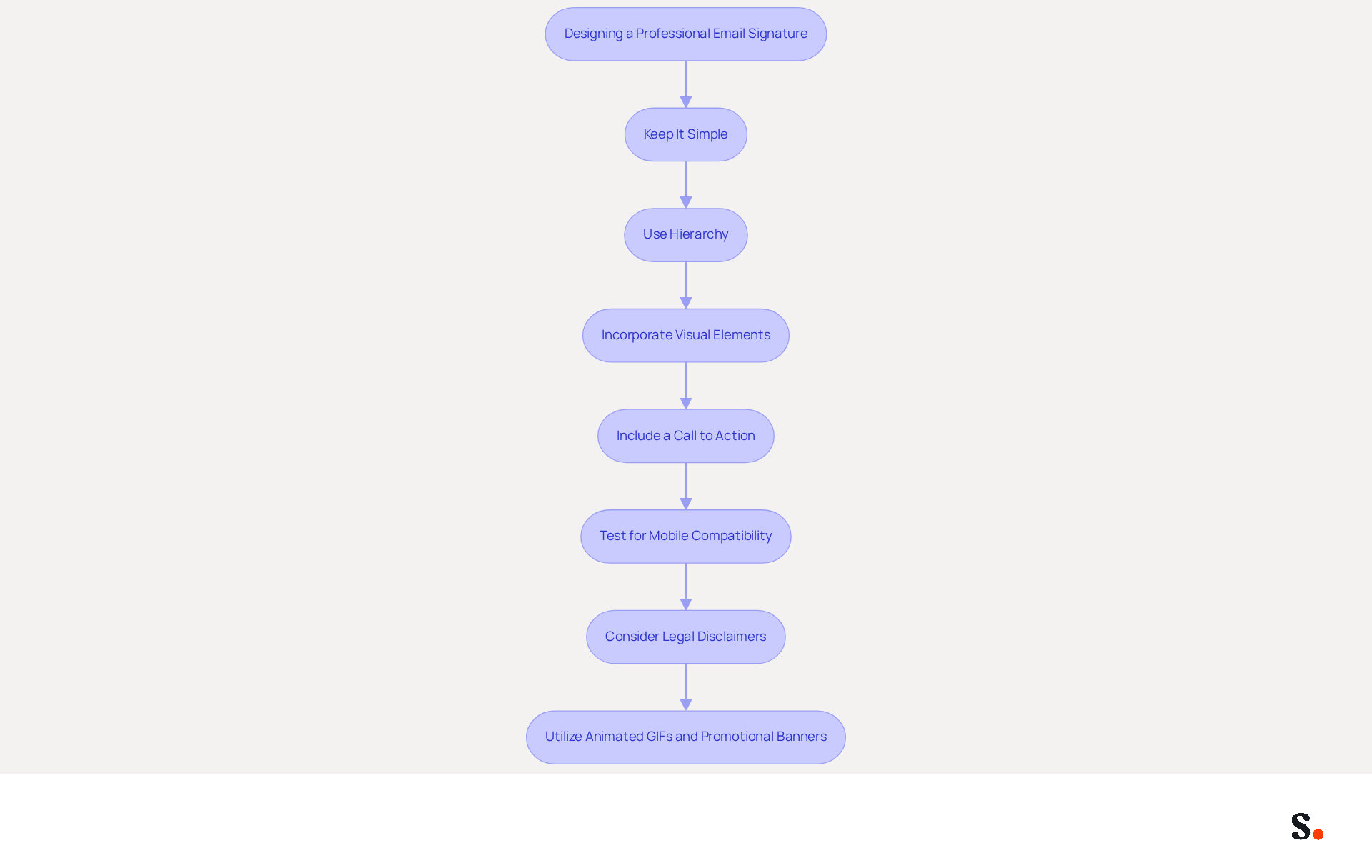
- Keep It Simple: Avoid clutter by limiting the number of colors and fonts. Stick to a maximum of two fonts and a cohesive color palette that aligns with your brand. This method not only improves readability but also preserves a polished appearance.
- Use Hierarchy: Organize information in a way that guides the reader's eye. Your name should be the most prominent, followed by your title and contact details. This structured layout helps recipients quickly identify key information.
- Incorporate Visual Elements: Use your logo or a high-quality photo to add a personal touch. Ensure images are optimized for quick loading and display correctly across devices. Research shows that visual elements can boost engagement rates. For instance, professional headshots can increase response rates by as much as 32%. Furthermore, messages with branded footers achieve a 22% higher response rate compared to those lacking, highlighting the significance of a well-crafted footer.
- Include a Call to Action: If applicable, add a call to action (CTA) such as a reference to your latest project or a newsletter signup to encourage engagement. Statistics indicate that message footers with strategic CTAs can convert 40% more effectively than generic links, making them a powerful tool for driving interactions.
- Test for Mobile Compatibility: Make sure your sign-off looks good on mobile devices since many people check their emails on their phones. Applying mobile-first design principles can improve user experience, making your identifier scannable and clickable on smaller screens.
- Consider Legal Disclaimers: Depending on your industry, it may be necessary to include legal disclaimers in your correspondence. This ensures compliance with regulations and protects your business.
- Utilize Animated GIFs and Promotional Banners: Consider incorporating animated GIFs and promotional banners in your email footer, as these elements are gaining popularity for their ability to attract attention and improve engagement, provided they are used thoughtfully and do not detract from the overall professionalism of your email.
Ultimately, a well-designed freelance email signature can serve as a powerful tool for enhancing your professional image and fostering meaningful connections.
Incorporate Social Media and Portfolio Links for Engagement
To maximize engagement through your email signature, it’s essential to incorporate social media and portfolio links effectively:
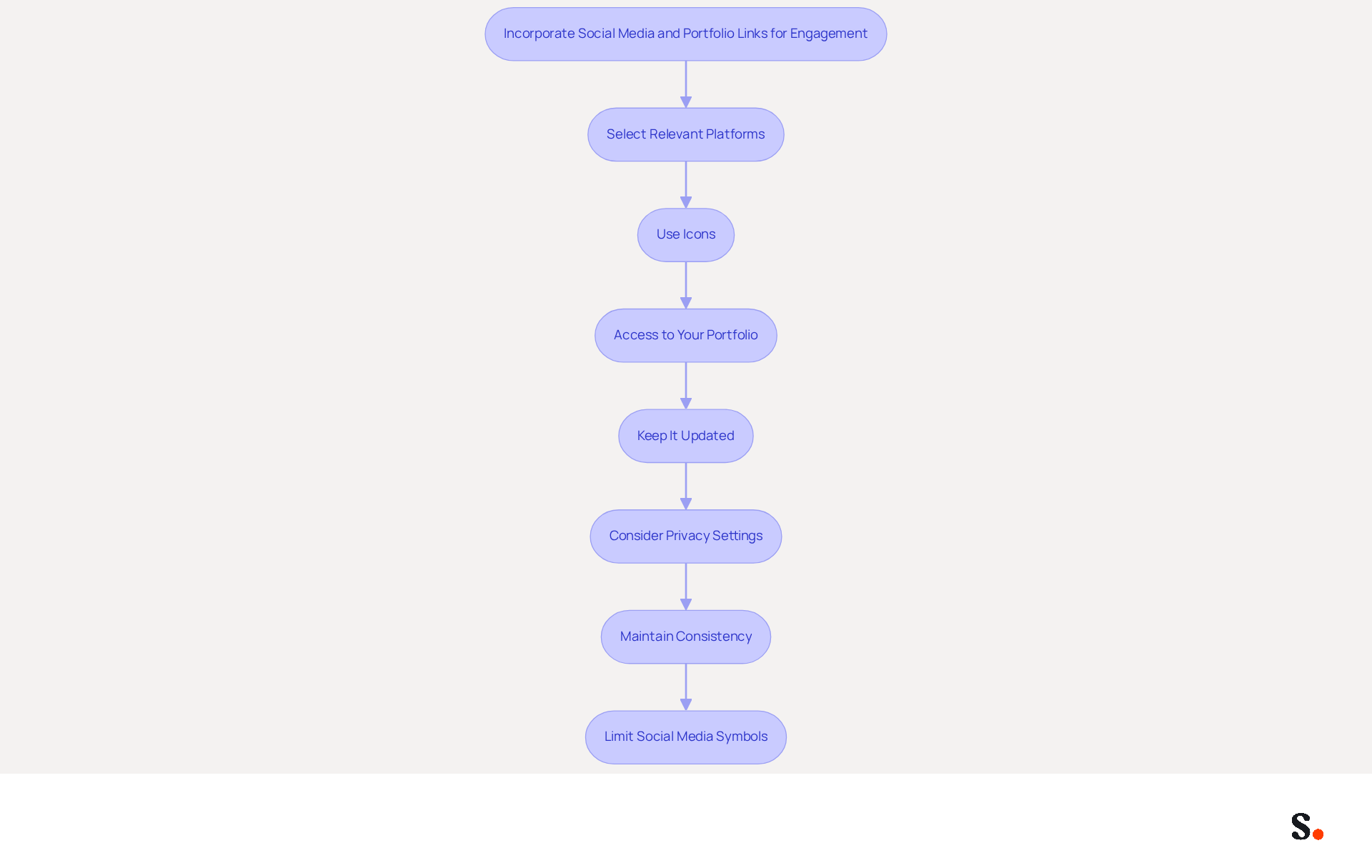
- Select Relevant Platforms: Choose social media platforms that resonate with your professional brand, such as LinkedIn, Instagram, or Twitter. These platforms should effectively showcase your work and expertise, enhancing your visibility.
- Use Icons: Opt for recognizable social media symbols instead of text references. This not only conserves space but also produces a visually appealing mark. Ensure these icons are clickable and lead directly to your profiles, facilitating easy access for potential clients.
- Access to Your Portfolio: Include a direct URL to your online portfolio or website. This allows potential clients to easily view your work and understand your capabilities, making it a crucial element of your signature.
- Keep It Updated: Regularly verify that all connections are functional and direct to the correct pages. If your links are outdated, it can frustrate potential clients and hurt your professional image. By syncing your Google Workspace with Scribe, you can automate updates to your email footer, ensuring that any changes in your team’s information, such as job positions or contact details, are reflected without manual input. This feature saves time and improves the accuracy of your communications.
- Consider Privacy Settings: Ensure that your social media profiles are set to public or that you are comfortable with the level of access potential clients will have. This transparency can foster trust and encourage engagement.
- Maintain Consistency: Ensure that your email footer aligns with your overall branding, including colors and fonts. Consistency across platforms showcases professionalism and strengthens your brand image.
- Limit Social Media Symbols: To avoid clutter, it’s recommended to use fewer than five social media symbols in your email footer. This keeps the design clean and focused.
By effectively incorporating these links into their freelance email signature, freelancers can significantly enhance their visibility and encourage further engagement with their audience. Research shows that messages with branded identifiers can lead to a 22% higher response rate and a 15% increase in website click-through rates, emphasizing the importance of a well-designed email signature. As Sophie Grant, a Digital Identity Specialist, states, 'A well-crafted digital identifier serves as a virtual business card, reflecting professionalism and credibility in every interaction.
Ensure Compatibility Across Email Platforms for Consistency
Inconsistent email signatures can undermine your professionalism and lead to miscommunication, making it essential to adhere to best practices for design. To ensure your email signature is compatible across various platforms, follow these best practices:
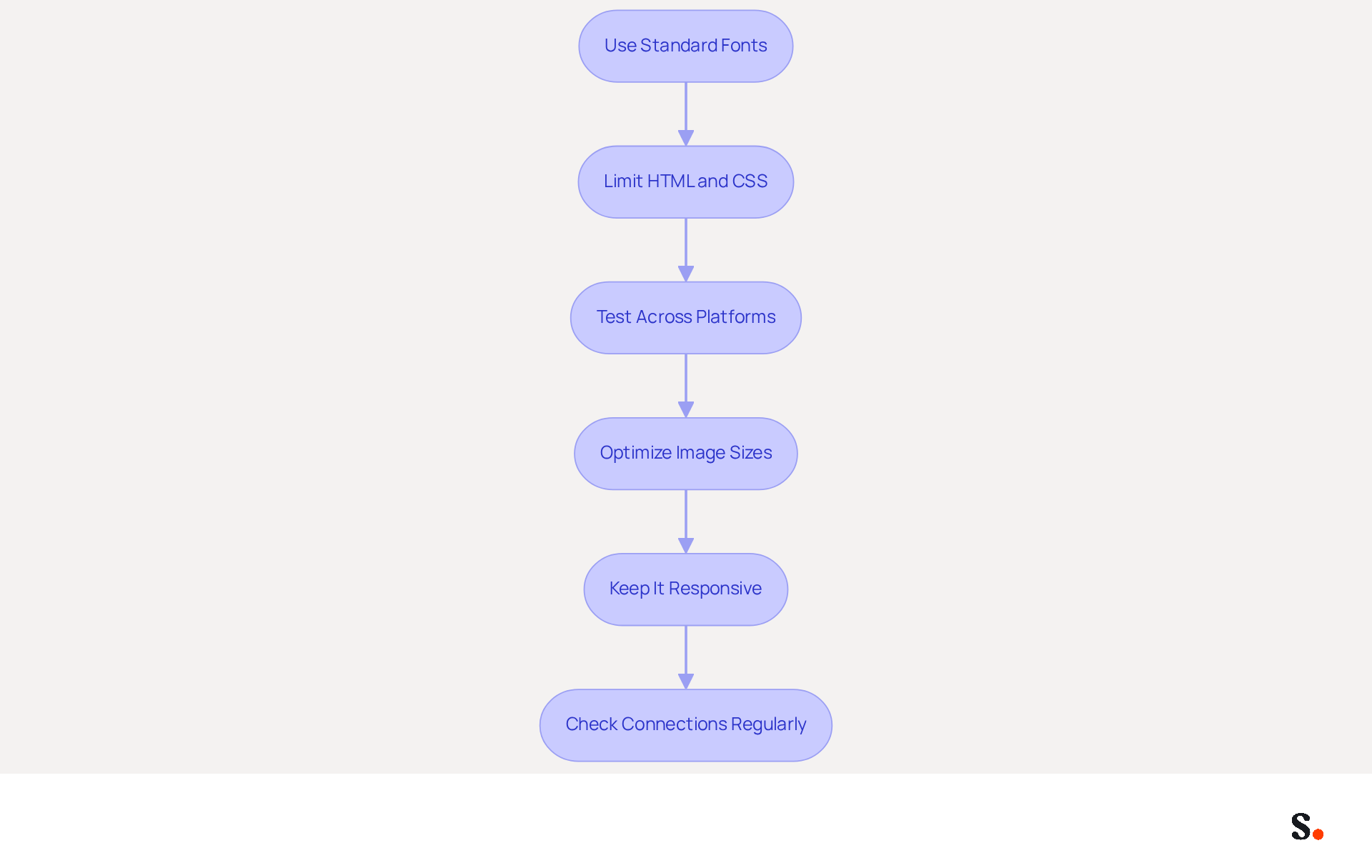
- Use Standard Fonts: Stick to web-safe fonts like Arial, Times New Roman, or Verdana. These fonts are universally supported and ensure your mark displays correctly on all devices, enhancing readability.
- Limit HTML and CSS: Avoid complex HTML and CSS styles that may not display correctly in all messaging clients. Simple formatting is more likely to be displayed consistently, reducing the risk of misalignment or missing elements.
- Test Across Platforms: Utilize tools like Litmus or Email on Acid to check how your identifier appears in different messaging clients, such as Gmail, Outlook, and Apple Mail. This proactive approach aids in identifying any issues before dispatching messages, ensuring a professional appearance.
- Optimize Image Sizes: Ensure that images are appropriately sized and compressed to prevent loading issues. Large images can cause delays or fail to display altogether, negatively impacting the recipient's experience.
- Keep It Responsive: Design your Scribe to be adaptable, meaning it adjusts well to different screen sizes. With over 60% of business emails opened on mobile devices, a mobile-friendly design is crucial for effective communication.
- Check Connections Regularly: Consistently confirm that all URLs in your identification are operational. It's recommended to check links monthly to ensure they direct recipients to the correct pages, maintaining professionalism and accessibility.
Following these guidelines helps freelancers craft a freelance email signature that not only looks polished across all platforms but also enhances their communication effectiveness. For example, a case analysis revealed that redesigning digital identifiers for a 50-person sales team led to 312 new CRM contacts acquired in only 30 days, illustrating the effect of well-crafted designs. Additionally, strategic CTAs in email signatures can convert 40% better than generic links, emphasizing the importance of thoughtful design in maximizing engagement.
Conclusion
In a competitive freelance market, a professional email signature can significantly influence client perceptions and communication effectiveness. By incorporating essential elements such as your full name, job title, contact information, and a link to your portfolio, freelancers can significantly boost their credibility and visibility. A well-crafted signature acts as a digital business card and showcases the freelancer's personal brand, making it essential in a competitive market.
Key insights from this article highlight the importance of:
- Design simplicity
- The strategic use of visual elements
- The inclusion of social media links to foster engagement
Ensuring compatibility across various email platforms is equally vital, as it guarantees that your signature maintains its professional appearance regardless of the recipient's email client. By following these best practices, freelancers can create polished signatures that enhance their professionalism and encourage client engagement.
A well-designed email signature can truly transform how freelancers are perceived by potential clients. By leveraging tools like Scribe, which allows for easy management and updates of email signatures, freelancers can ensure brand consistency and maximize their marketing ROI. By neglecting to optimize their email signatures, freelancers risk losing potential clients and opportunities.
Frequently Asked Questions
What are the essential elements to include in a freelance email signature?
The essential elements to include in a freelance email signature are your full name, job title, contact information, website or portfolio link, logo or image, and a brief tagline.
Why is it important to include your full name in your email signature?
Including your full name personalizes communication and fosters a connection with your audience, as 70% of signature users feel that a formal signature boosts their credibility.
How does including a job title in your email signature enhance communication?
Including your job title informs recipients of your expertise, which enhances trust and recognition.
What contact information should be provided in a freelance email signature?
You should provide your phone number and contact address to ensure potential clients can easily reach you.
How can a website or portfolio link in an email signature benefit freelancers?
Including a website link can effectively promote your work, as about 31.1% of users do this, directing clients to your projects and showcasing your skills.
What role does a logo or image play in a freelance email signature?
Adding a logo or a formal headshot enhances brand recognition and personal connection, making you appear more approachable and helping to build rapport with clients.
Why is a tagline important in an email signature?
A brief tagline summarizing your services or unique selling proposition makes your mark more memorable and helps differentiate you in a crowded market.
What are the benefits of having a well-crafted email signature?
A well-crafted email signature can lead to a 22% higher response rate for messages with branded identifiers and increase trust in the sender, as 76% of users believe branded digital identifiers enhance trust.
What challenges do freelancers face with email signatures?
Many freelancers struggle with ensuring their email signatures are visually appealing and functional on mobile devices, as a poorly designed signature can lead to missed opportunities with potential clients.
List of Sources
- Identify Essential Elements for Your Freelance Email Signature
- Email signature statistics and trends in 2024 (https://wisestamp.com/blog/email-signature-statistics)
- 20 best email signature design examples for 2026 — Stripo.email (https://stripo.email/blog/10-best-email-signature-design-examples)
- 4 Best Practices for an Effective Email Signature as a Freelancer (https://scribe-mail.com/en-US/blog/4-best-practices-for-an-effective-email-signature-as-a-freelancer)
- Email Signature Statistics: A Closer Look at Email Signatures in 2026 (https://mysignature.io/blog/email-signature-statistics)
- Professional Freelance Email Signature: Tips & Examples - NEWOLDSTAMP (https://newoldstamp.com/email-signature-examples/freelancer-email-signature)
- Design a Professional and Eye-Catching Signature
- Email Signature Statistics: A Closer Look at Email Signatures in 2026 (https://mysignature.io/blog/email-signature-statistics)
- Email Signature Trends 2026: What Designers Are Actually Using (https://markaplugin.com/blog/email-signature-trends-2026)
- Email Signature Best Practices for 2026 (+ 15 Pro Examples) (https://wavecnct.com/blogs/email-signature-best-practices-2026)
- Email signature statistics: Why every business should optimize their email signatures — Stripo.email (https://stripo.email/blog/email-signature-statistics-why-every-business-should-optimize-their-email-signatures)
- Incorporate Social Media and Portfolio Links for Engagement
- Email Signatures for Freelancers: 7 Tips to Make a Massive Impression on Clients - Gimmio (https://blog.gimm.io/email-signatures-for-freelancers-7-tips-to-make-a-massive-impression-on-clients)
- Email Signature for Content Creators: Personal Branding & Collaboration Tools (https://syncsignature.com/blog/email-signature-for-content-creators)
- 4 Best Practices for an Effective Email Signature as a Freelancer (https://scribe-mail.com/en-US/blog/4-best-practices-for-an-effective-email-signature-as-a-freelancer)
- Best Practices for Social Media Icon Email Signature Integration (https://scribe-mail.com/en-US/blog/best-practices-for-social-media-icon-email-signature-integration)
- Unlock the Power of Social Media in Your Email Signatures: Adding Facebook Icons Made Easy - The Good Ride (https://tgr-staging.thegoodride.com/unlock-the-power-of-social-media-in-your-email-signatures-adding-facebook-icons-made-easy)
- Ensure Compatibility Across Email Platforms for Consistency
- Email Signature Best Practices Guide With Examples - MailerLite (https://mailerlite.com/blog/email-signature-best-practices)
- Best Email Signature Management Software: Top 12 Tools (2026)
- NEWOLDSTAMP (https://newoldstamp.com/blog/email-signature-software)
- Email Signature Best Practices for 2026 (+ 15 Pro Examples) (https://wavecnct.com/blogs/email-signature-best-practices-2026)
- New in Microsoft Marketplace: April 7, 2026 | Microsoft Community Hub (https://techcommunity.microsoft.com/blog/marketplace-blog/new-in-microsoft-marketplace-april-7-2026/4499196)
Get started with Scribe
Manage signatures across your whole team
Free 14-day trial — no credit card.