4 Best Practices for Automated Email Signature with Office 365
For organizations, establishing a strong brand presence in every email is essential for professionalism and consistency. By automating email signatures in
Sophie Grant
Email Signature Specialist, Scribe
Introduction
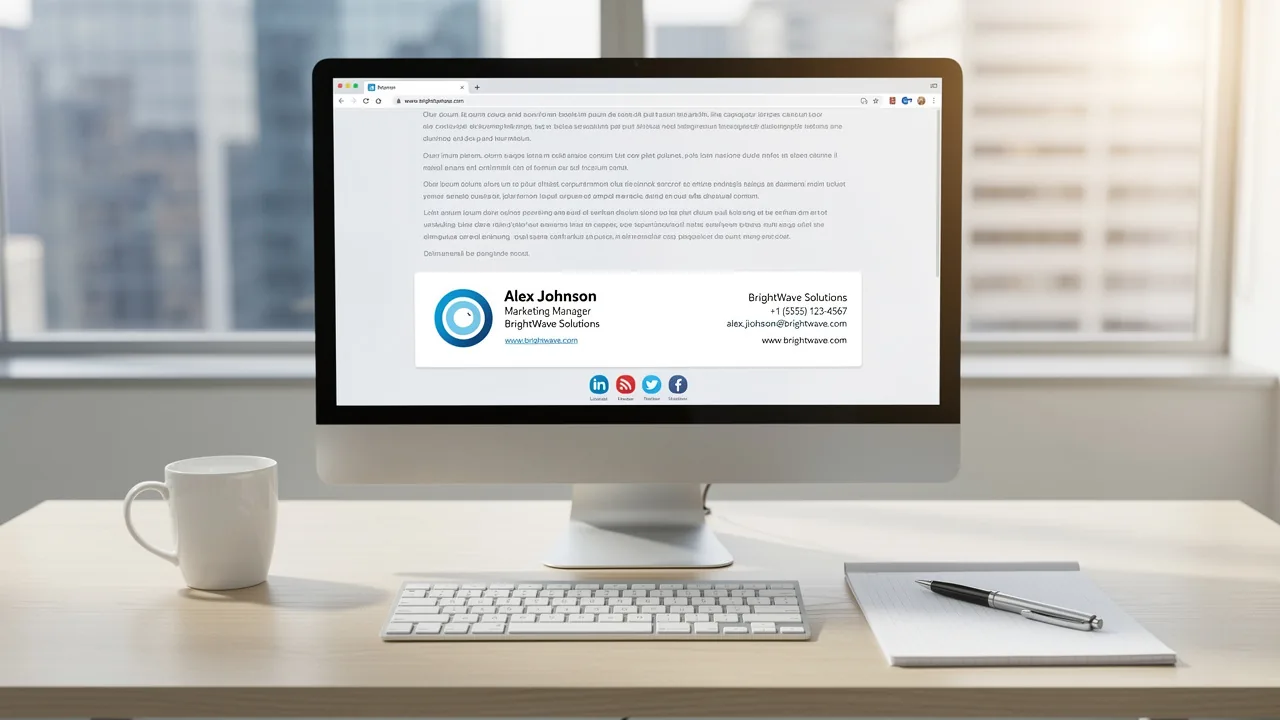
For organizations, establishing a strong brand presence in every email is essential for professionalism and consistency. By automating email signatures in Office 365, businesses can ensure that their branding remains uniform across all communications, enhancing their corporate image. Yet, organizations often struggle with the complexities of compliance and security when automating email signatures. By utilizing tools like Scribe, organizations can streamline this process and measure the impact of their email signature campaigns on overall marketing ROI.
Get started with Scribe
Manage signatures across your whole team
Free 14-day trial — no credit card.
Establish Brand Consistency with Office 365 Integration
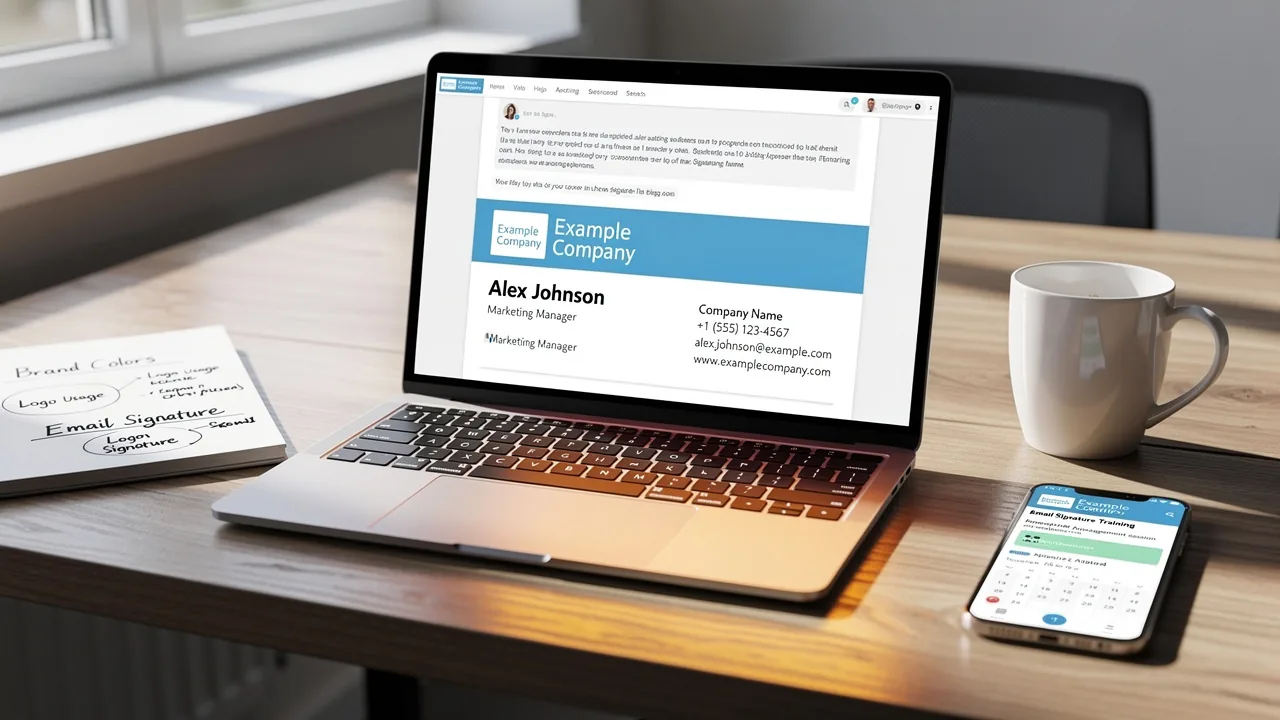
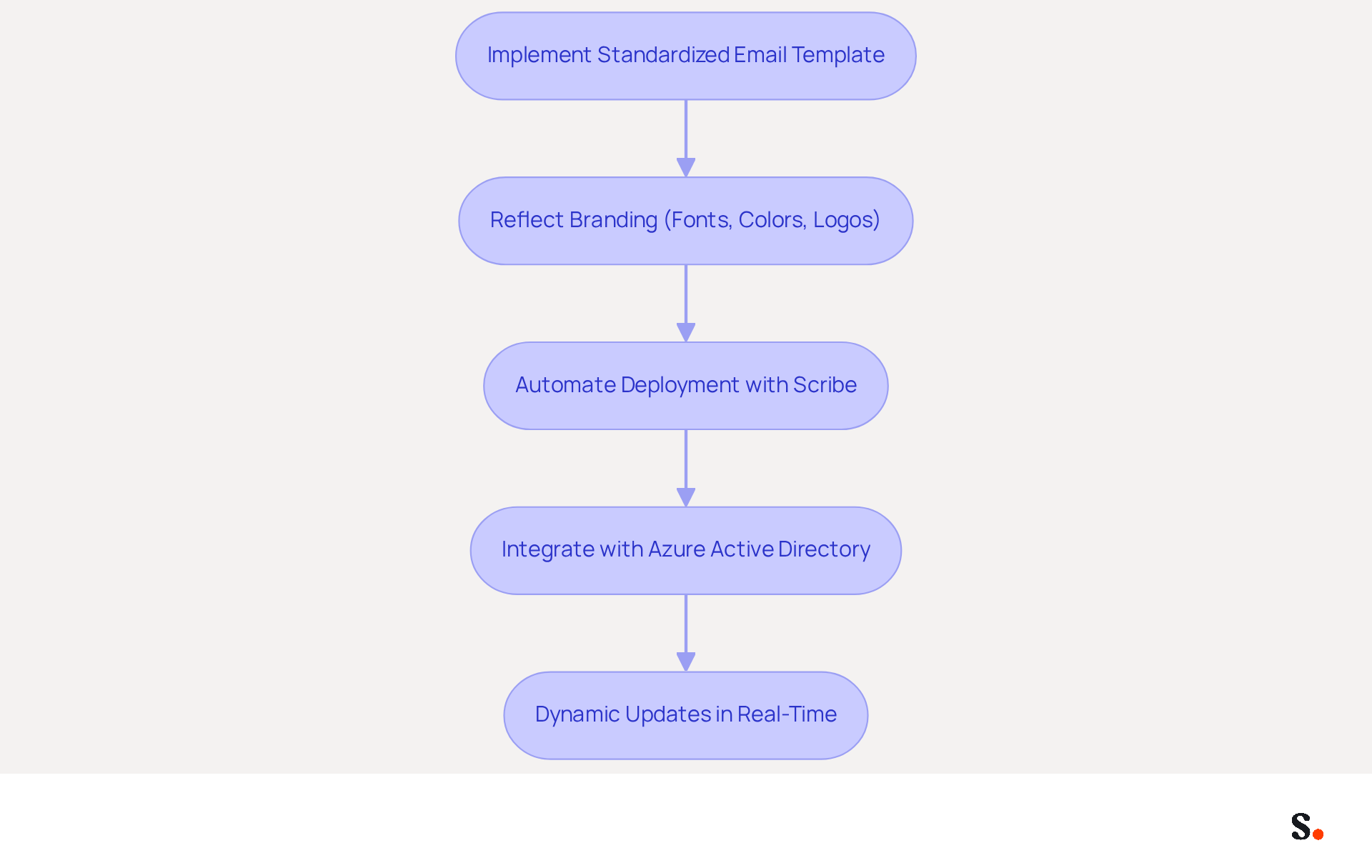
To ensure consistent branding, organizations must implement a standardized email template that reflects their identity. The template must consistently reflect the organization's branding through specific fonts, colors, and logos. Leveraging Scribe's features allows organizations to automate the deployment of these identifiers across all users in Office 365, ensuring that every email sent includes an automated email signature Office 365 to preserve corporate integrity. Furthermore, integrating with Azure Active Directory facilitates dynamic updates, allowing any modifications to employee information or branding to be reflected in real-time without manual intervention. This automation saves time and minimizes the risk of using outdated or inconsistent branding, ultimately enhancing the professional image of the organization.
Regular reviews and updates of these templates are essential to ensure compliance with brand guidelines and legal standards, reinforcing the brand's credibility and trustworthiness in every communication. This proactive approach not only strengthens brand integrity but also fosters trust in every communication.
Utilize Scribe's Features for Effective Automation
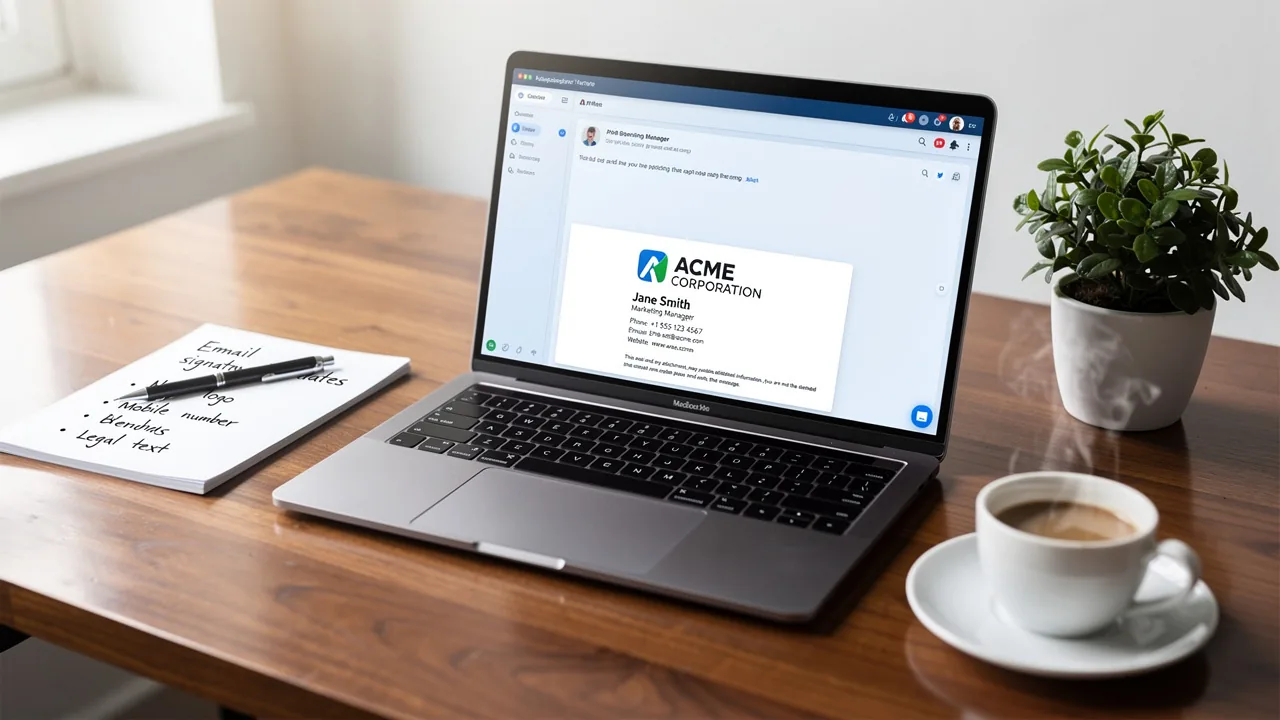
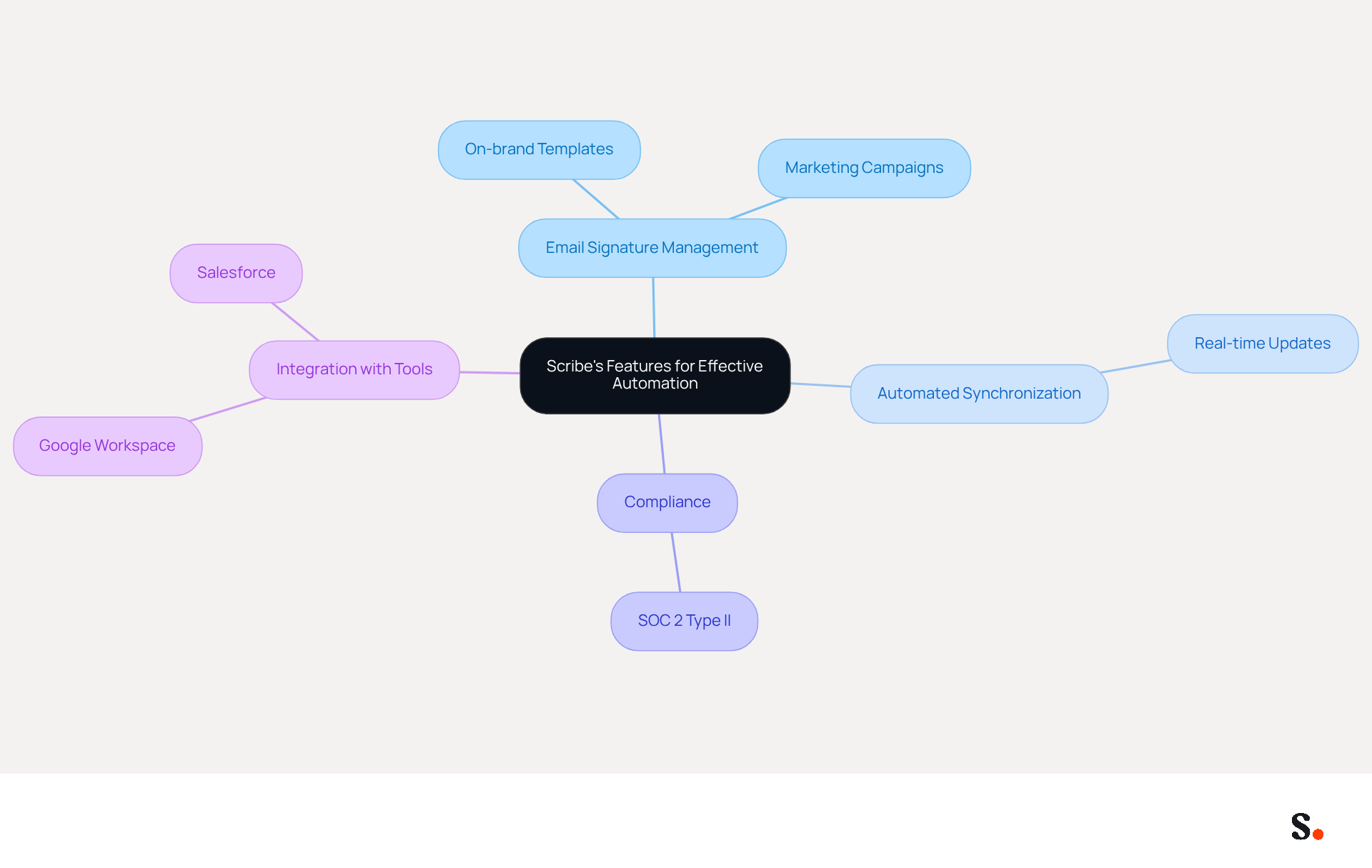
Organizations often face challenges in keeping email signatures current and compliant, which can impact brand consistency and communication effectiveness. This tool provides various features designed to streamline the automated email signature Office 365 process. Creating on-brand templates with essential information like the sender's name, job title, and contact details is crucial for effectively utilizing these features. This platform allows businesses to plan marketing campaigns directly within digital identifiers, promoting specific products or services effortlessly.
With Scribe's automated synchronization features, teammate information is always current, syncing directly from your business phone system and email provider. This ensures that any modifications are reflected in real-time without requiring action from your team. Moreover, Scribe's SOC 2 Type II compliance guarantees that your data stays secure during this entire process.
Integrating Scribe with popular tools like Google Workspace and Salesforce can further streamline the process, ensuring that approvals are updated automatically as employee information changes. Regularly reviewing and updating these templates will help maintain relevance and engagement with recipients, while also enhancing brand consistency and compliance with security standards.
Ultimately, leveraging Scribe not only enhances brand consistency but also fortifies data security and compliance, positioning organizations for success in their communications.
Measure ROI and Campaign Effectiveness
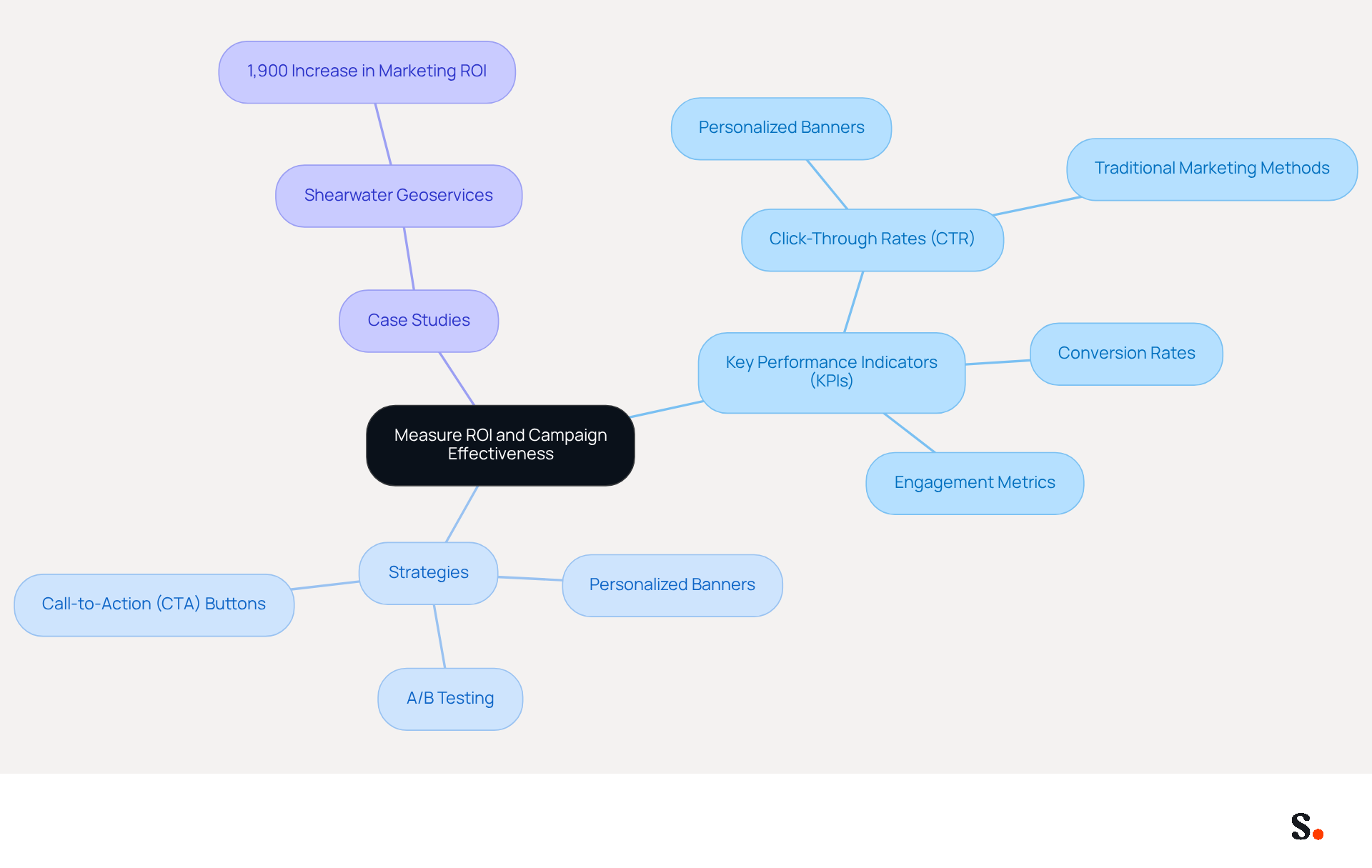
To maximize the effectiveness of digital signature campaigns, organizations must prioritize the measurement of key performance indicators (KPIs) like click-through rates (CTR), conversion rates, and overall engagement metrics. With Scribe's analytics tools, users can easily track these metrics in real-time, gaining valuable insights into how their campaigns are performing. For instance, adding call-to-action (CTA) buttons in digital identifiers enables businesses to directly evaluate recipient engagement with their promotions.
Statistics show that campaigns featuring personalized banners achieve an average click-through rate of 12%, which is significantly higher than traditional marketing methods. Additionally, organizations that implement personalized banner campaigns can see increased clicks and conversions, demonstrating the tangible benefits of these strategies, such as increased engagement and conversion rates.
A/B testing different design variations can further enhance understanding of which elements resonate most with the audience, leading to improved engagement. Regular examination of this data is essential for improving strategies and enhancing the effectiveness of marketing efforts related to electronic correspondence. Case studies, such as that of Shearwater Geoservices, illustrate the effectiveness of these strategies, reporting an impressive 1,900% increase in marketing ROI from their campaigns utilizing digital signatures. By neglecting to track these metrics, organizations may overlook opportunities to refine their marketing strategies and boost overall performance.
Implement Automated Signatures: Step-by-Step Guide
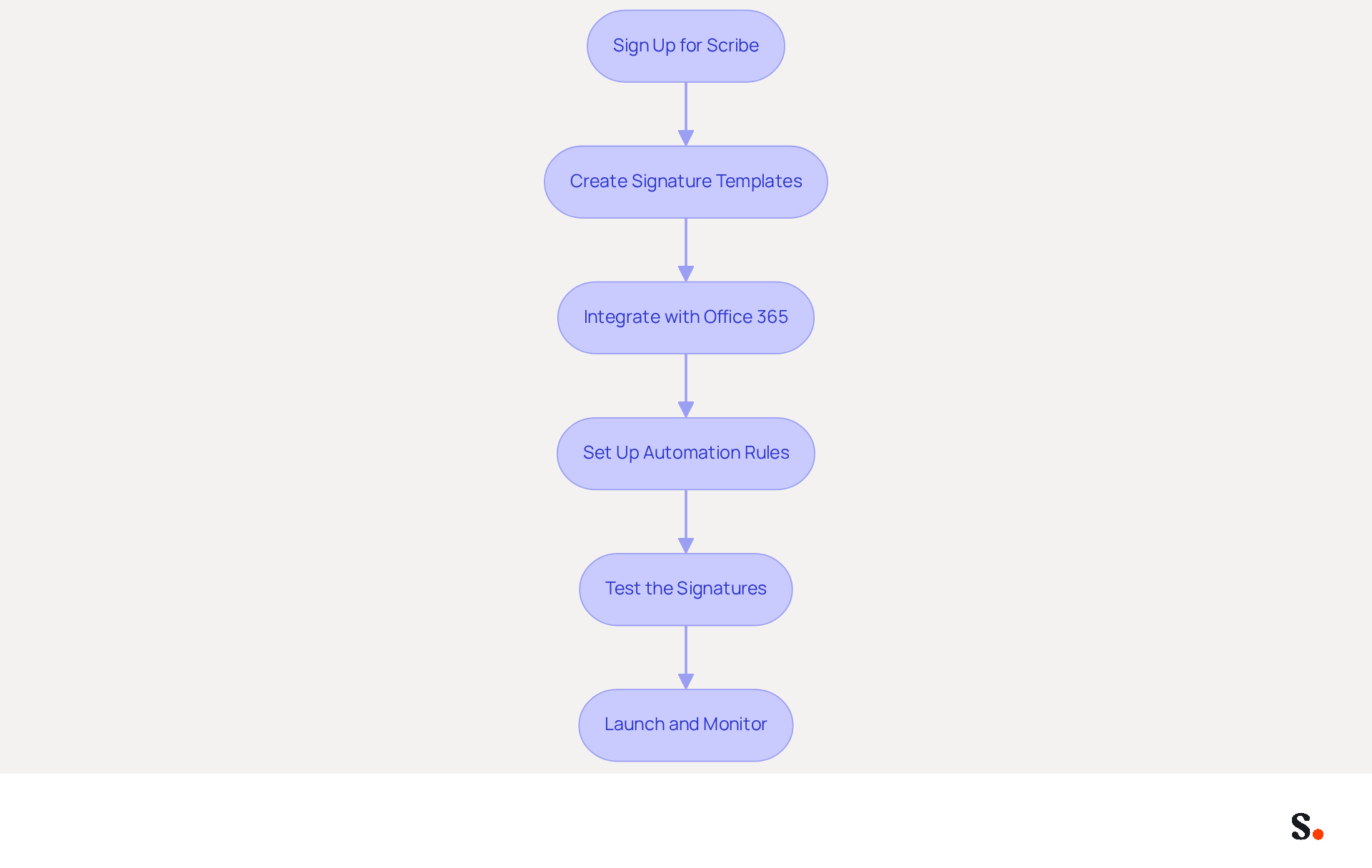
To effectively implement an automated email signature for Office 365, a systematic approach is essential:
- Sign Up for Scribe: Create an account and choose the plan that best suits your organization’s requirements.
- Create Signature Templates: Utilize Scribe's intuitive template editor to design signatures that reflect your brand guidelines, ensuring consistency across all communications.
- Integrate with Office 365: As a Super Admin, connect your Office 365 account for seamless synchronization of employee data, ensuring that any changes in your provider directory are automatically updated in the application, improving operational efficiency. Scribe keeps your teammate data up to date every day at your local time.
- Set Up Automation Rules: Establish guidelines for applying identifiers based on message types, such as differentiating between internal and external communications.
- Test the Signatures: Conduct tests by sending messages to various clients to verify that the identifiers display correctly across platforms, ensuring a professional appearance. Organizations that conduct thorough testing achieve fewer errors in email deployment.
- Launch and Monitor: Once satisfied with the setup, launch and monitor the deployment of the automated email signature organization-wide. Regularly review performance metrics through the analytics dashboard to evaluate effectiveness and make necessary adjustments. Branded signatures can drive a 22% lift in response rates, making it essential to monitor their performance.
By leveraging Scribe's capabilities, organizations can significantly enhance their email communication strategies and drive measurable results.
Conclusion
To maintain a competitive edge, organizations must implement automated email signatures in Office 365. Scribe's robust features help organizations ensure that every email reflects their brand identity and reinforces their professional image. The integration with Azure Active Directory allows for real-time updates, minimizing the risk of outdated information and ensuring compliance with brand guidelines.
Key practices discussed include:
- The importance of creating standardized templates
- Utilizing Scribe's automation capabilities for seamless synchronization
- Measuring the effectiveness of email signature campaigns through analytics
With an average click-through rate of 12% for personalized banners, organizations can expect increased engagement and conversion rates. Without regular reviews and updates, maintaining brand integrity can be challenging, impacting overall marketing success.
In a competitive landscape, failing to implement automated email signatures can hinder achieving brand consistency and measurable ROI. By adopting Scribe's solutions, businesses can streamline email communication, making every interaction professional and impactful. Taking action now is essential for organizations aiming to enhance their brand perception and achieve measurable marketing success.
Frequently Asked Questions
How can organizations ensure consistent branding in their emails?
Organizations can ensure consistent branding by implementing a standardized email template that reflects their identity, including specific fonts, colors, and logos.
What role does Scribe play in maintaining brand consistency?
Scribe allows organizations to automate the deployment of branding identifiers across all users in Office 365, ensuring that every email sent includes an automated email signature to preserve corporate integrity.
How does integrating with Azure Active Directory benefit branding efforts?
Integrating with Azure Active Directory facilitates dynamic updates, allowing any modifications to employee information or branding to be reflected in real-time without manual intervention.
What are the advantages of automating email branding?
Automating email branding saves time and minimizes the risk of using outdated or inconsistent branding, ultimately enhancing the professional image of the organization.
Why are regular reviews and updates of email templates important?
Regular reviews and updates of email templates are essential to ensure compliance with brand guidelines and legal standards, reinforcing the brand's credibility and trustworthiness in every communication.
How does a proactive approach to branding impact communication?
A proactive approach to branding strengthens brand integrity and fosters trust in every communication.
List of Sources
- Establish Brand Consistency with Office 365 Integration
- Branding statistics you need to know in 2026 (https://dash.app/blog/branding-statistics)
- The impact of email signatures on your branding (https://signitic.com/en/resources/the-impact-of-email-signatures-on-your-branding)
- The Best Way to Manage Email Signatures in Microsoft 365 | Rocketseed (https://rocketseed.com/blog/best-way-to-manage-email-signatures-in-microsoft-365)
- Master Managing Email Signatures in Office 365: A Step-by-Step Guide (https://scribe-mail.com/en-US/blog/master-managing-email-signatures-in-office-365-a-step-by-step-guide)
- Email Signature Branding: Consistency and Impact | Crossware365 (https://crossware365.com/blog/mastering-email-signature-branding-market-presence)
- Utilize Scribe's Features for Effective Automation
- Why Scribe is the Best Email Signature Management Tool for Marketers (https://scribe-mail.com/en-US/blog/why-scribe-is-the-best-email-signature-management-tool-for-marketers)
- 5 Best Practices for Your Email Signature Marketing Platform (https://scribe-mail.com/en-US/blog/5-best-practices-for-your-email-signature-marketing-platform)
- Email Signature Marketing 101: Run Campaigns That Drive ROI (https://wisestamp.com/guides/how-to-do-email-signature-marketing)
- Email Signature Statistics: A Closer Look at Email Signatures in 2026 (https://mysignature.io/blog/email-signature-statistics)
- 40+ Email Signature Statistics for 2026 (Data + Insights) (https://wavecnct.com/blogs/email-signature-statistics)
- Measure ROI and Campaign Effectiveness
- Boost Your Marketing ROI with Personalized Email Signatures (https://exclaimer.com/blog/maximizing-marketing-roi-personalized-email-signatures)
- Email Marketing ROI Calculator | Opensense (https://opensense.com/email-signature-marketing-roi-calculator)
- The ROI for Email Marketing: The Good News and the Bad News (https://litmus.com/blog/the-roi-for-email-marketing-the-good-news-and-the-bad-news)
- The ROI of Email Marketing [Infographic] (https://litmus.com/blog/infographic-the-roi-of-email-marketing)
- Email signature marketing ROI & CAC payback: 2026 B2B business case (https://signitic.com/en/resources/email-signature-marketing-roi-the-business-case-for-b2b-revenue-ops)
- Implement Automated Signatures: Step-by-Step Guide
- Company Email Signature Management (2026) (https://hubspot.com/email-signature-generator/email-signature-management)
- 40+ Email Signature Statistics for 2026 (Data + Insights) (https://wavecnct.com/blogs/email-signature-statistics)
- Email Signature Trends 2026: Centralized Control & Automation | SIGNandGO posted on the topic | LinkedIn (https://linkedin.com/posts/signngo_email-signature-trends-to-watch-in-2026-activity-7401523471786217473-zAVL)
- Best Practices for a Standard Email Signature That Boosts Marketing ROI (https://scribe-mail.com/en-US/blog/best-practices-for-a-standard-email-signature-that-boosts-marketing-roi)
Get started with Scribe
Manage signatures across your whole team
Free 14-day trial — no credit card.