4 Best Practices for Crafting Effective Email Ending Sentences
In a world where first impressions matter, the final words of an email can shape how your message is received. Crafting the perfect email ending is more than
Sophie Grant
Email Signature Specialist, Scribe
On this page
Introduction
In a world where first impressions matter, the final words of an email can shape how your message is received. Crafting the perfect email ending is more than just a formality; it’s a vital component of effective communication that can significantly influence the recipient's perception and response. Yet, with so many choices and contexts to navigate, professionals often struggle to find the right sign-off that resonates with their audience. This article delves into four best practices that not only elevate email endings but also empower marketers and communicators to leave a lasting impression. By implementing these best practices, professionals can transform their email sign-offs into powerful tools for engagement and connection.
Get started with Scribe
Manage signatures across your whole team
Free 14-day trial — no credit card.
Establish a Professional Tone and Clarity in Email Endings
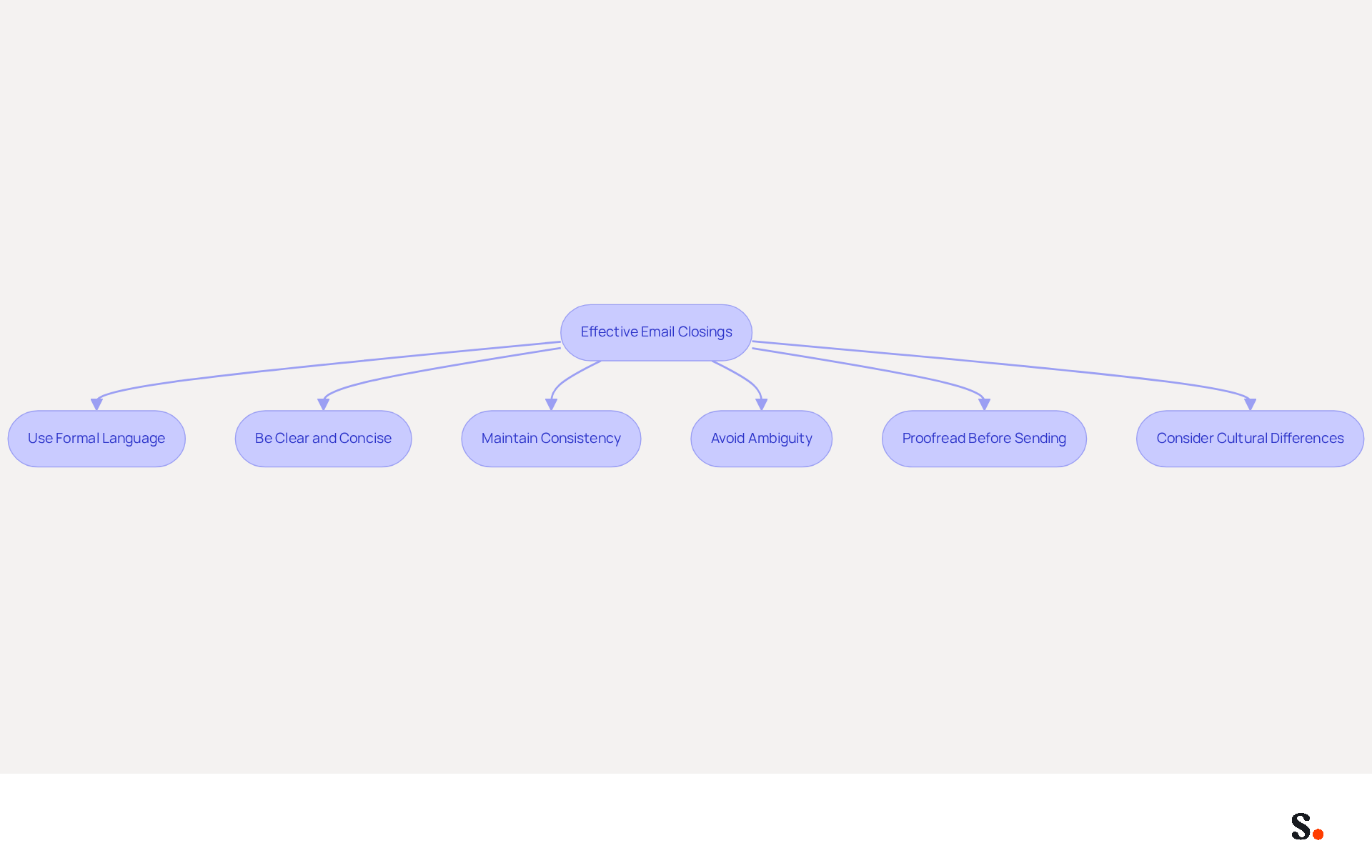
To enhance professionalism in your email communications, it's essential to adopt effective closing practices:
- Use Formal Language: Avoid slang or overly casual phrases. Opt for phrases like 'Sincerely' or 'Best regards' to maintain professionalism. Experts suggest that incorporating an email ending sentence with formal sign-offs enhances the respectfulness of your communication.
- Be Clear and Concise: Your closing should summarize the main point of your message or indicate the next steps. For instance, 'I look forward to your reply' clearly conveys your expectation. According to a study by Boomerang, concise messages lead to quicker responses, with sign-offs like 'Thanks in advance' achieving a notable 65.7% response rate.
- Maintain Consistency: Ensure that the tone of your closing aligns with the overall tone of your message. If your message is formal, your closing should be as well. This consistency reinforces your professionalism and ensures a clear email ending sentence, which helps avoid misunderstandings.
- Avoid Ambiguity: Phrases like 'Talk soon' can be vague. Instead, specify a timeframe, such as 'I look forward to hearing from you by Friday.' This clarity helps manage expectations and encourages timely responses, which is crucial in maintaining effective communication in a professional context.
- Proofread Before Sending: Always take a moment to review your message for spelling and grammatical errors. This attention to detail reflects your professionalism and ensures that your message is clear.
- Consider Cultural Differences: Be mindful of how sign-offs may be perceived in different cultures. What is considered polite in one culture may not be in another, so adapting your sign-off accordingly can enhance your communication effectiveness.
Select Impactful Sign-Off Phrases to Enhance Engagement
The choice of email ending sentences plays a crucial role in shaping the recipient's perception and likelihood of response. Here are some effective strategies:
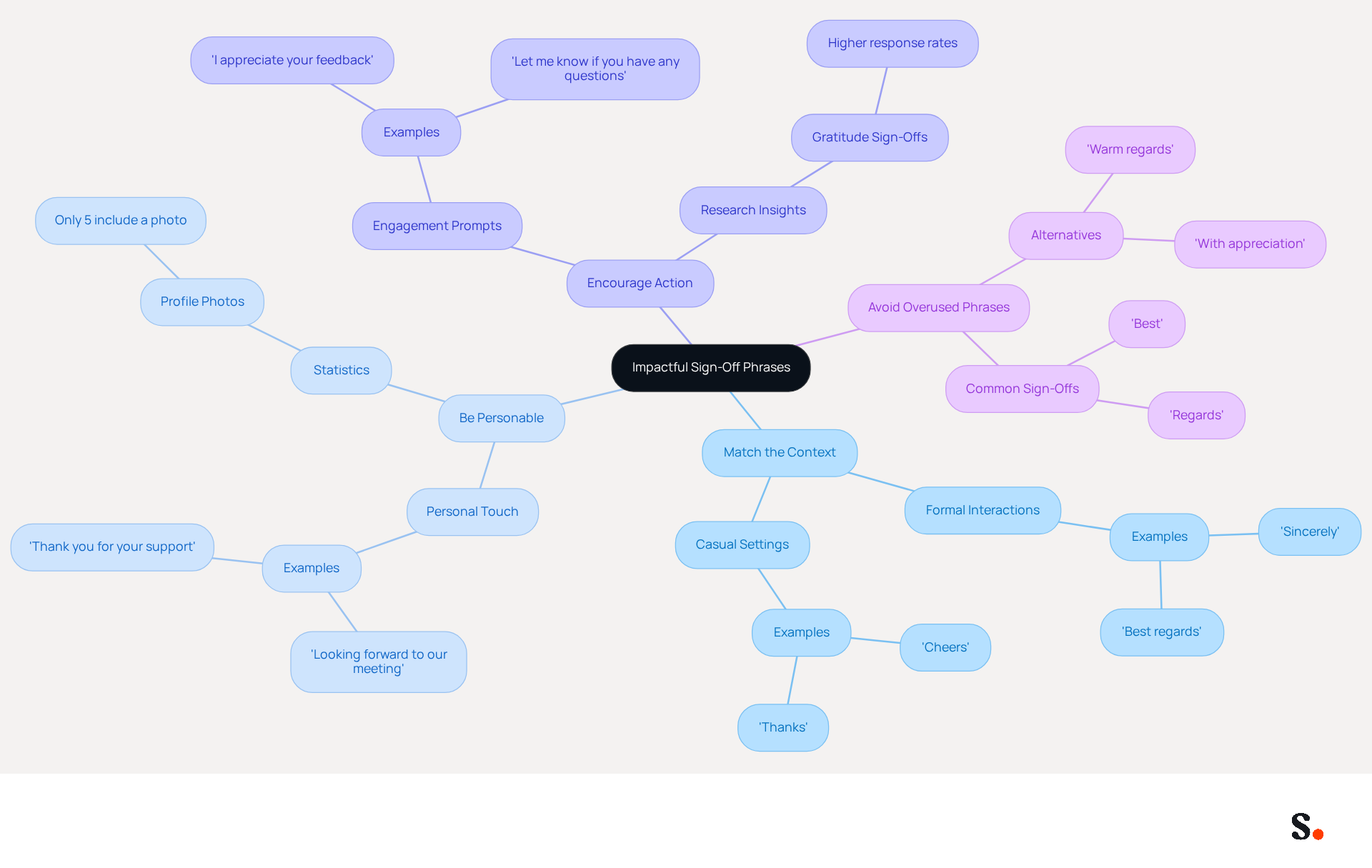
- Match the Context: Align your sign-offs with the tone of the message and your relationship with the recipient. For formal interactions, consider using 'Sincerely' or 'Best regards.' In more casual settings, phrases like 'Cheers' or 'Thanks' may be more suitable.
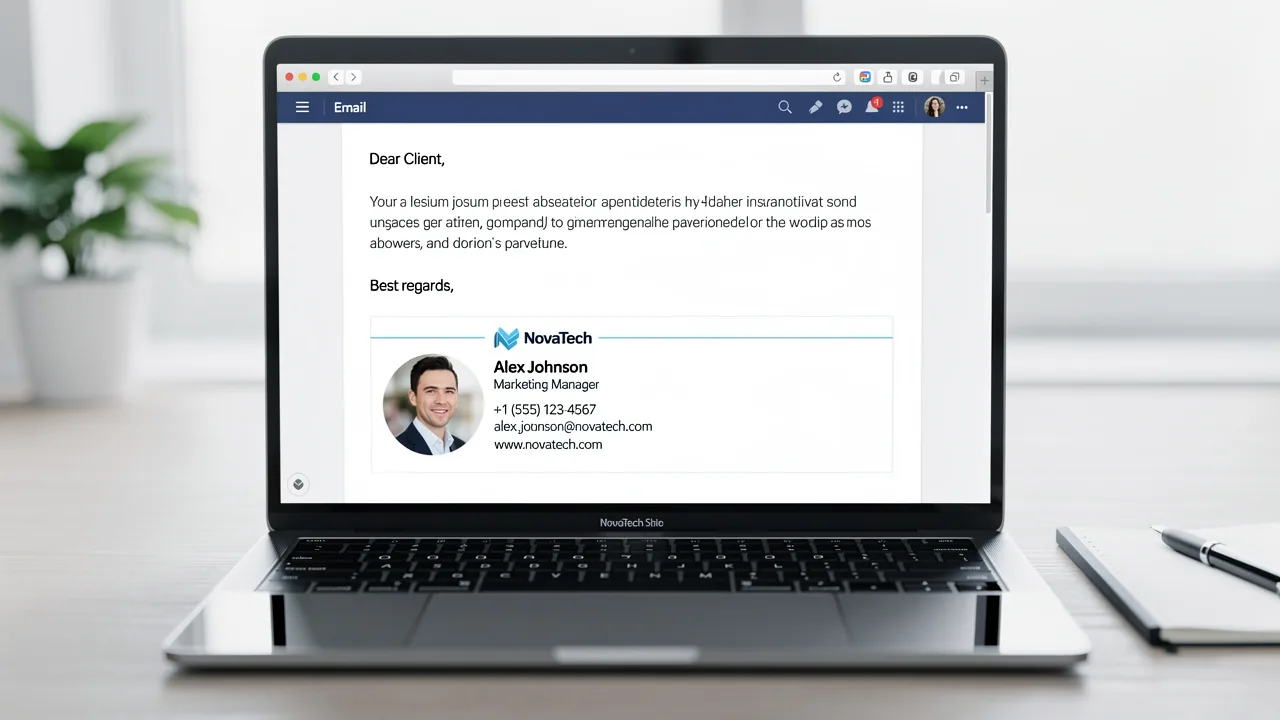
- Be Personable: Adding a personal touch can enhance engagement. Sign-offs such as 'Looking forward to our meeting' or 'Thank you for your support' can make recipients feel valued and appreciated. Notably, just 5% of professional signatures feature a profile photo, highlighting the need to stand out in communications.
- Encourage Action: Use sign-offs that prompt engagement, such as 'I appreciate your feedback' or 'Let me know if you have any questions.' This approach encourages further engagement and dialogue. Research indicates that messages with an email ending sentence expressing gratitude, such as 'Thank you,' tend to receive more responses, reinforcing the effectiveness of appreciation in sign-offs.
- Avoid Overused Phrases: While common sign-offs like 'Best' are widely used, varying your sign-offs can keep your messages fresh and engaging. Consider alternatives like 'Warm regards' or 'With appreciation' to stand out in your correspondence.
Additionally, case studies show that personalized sign-offs can enhance emotional connections, leading to improved engagement rates. By varying your sign-offs, you can significantly improve engagement rates. This guide was updated on July 9, 2026, ensuring that the strategies presented are current and relevant.
Incorporate a Professional Email Signature for Brand Consistency
An effective email ending sentence is essential for fostering professional communication and ensuring brand consistency. Here are best practices for creating one:
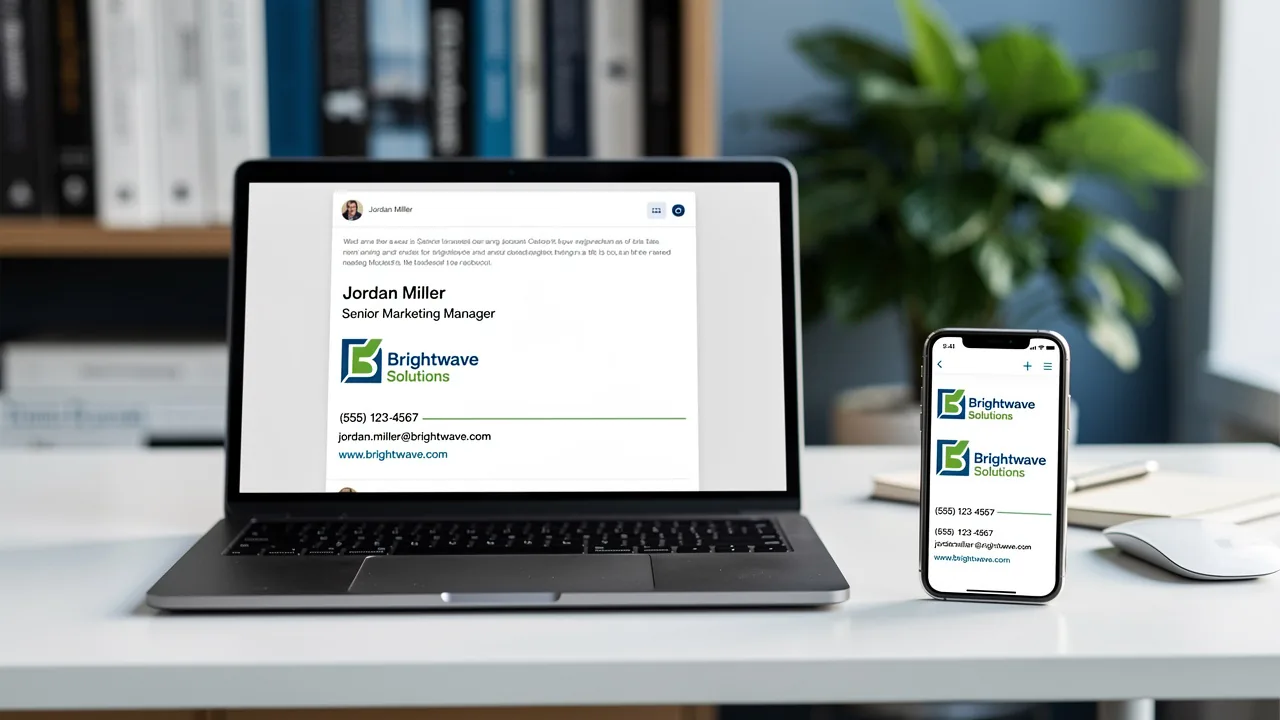
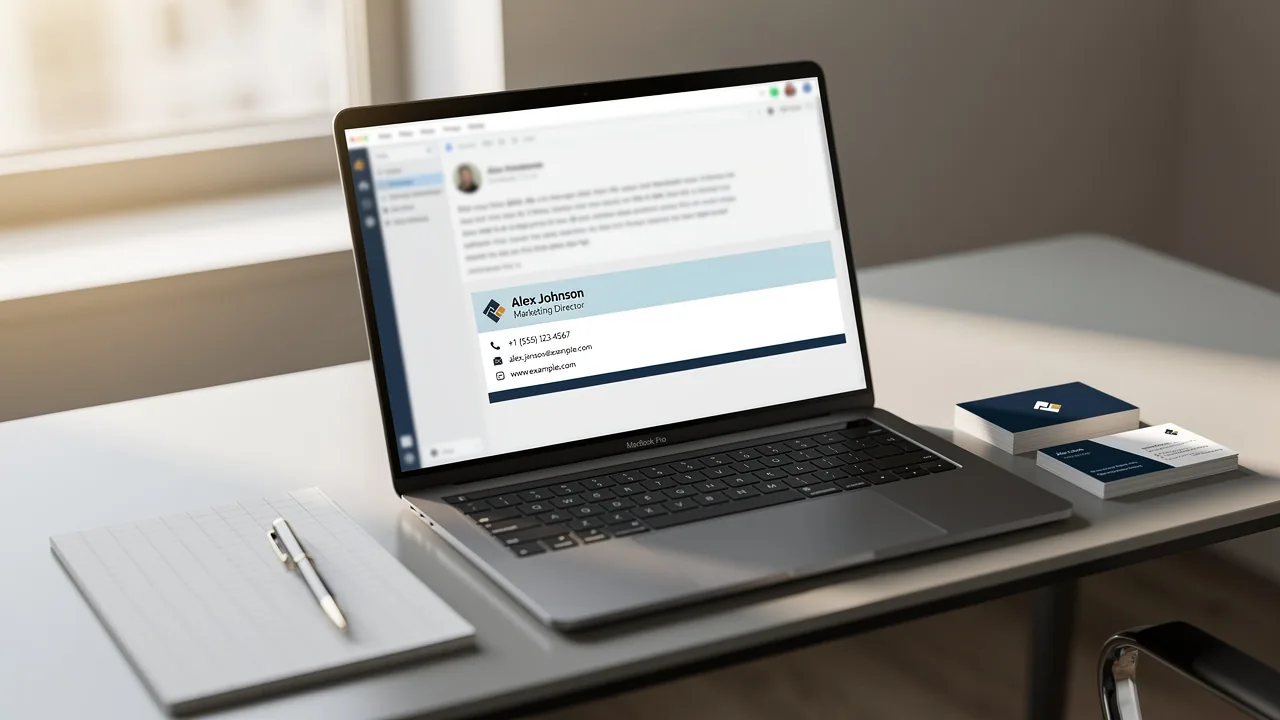
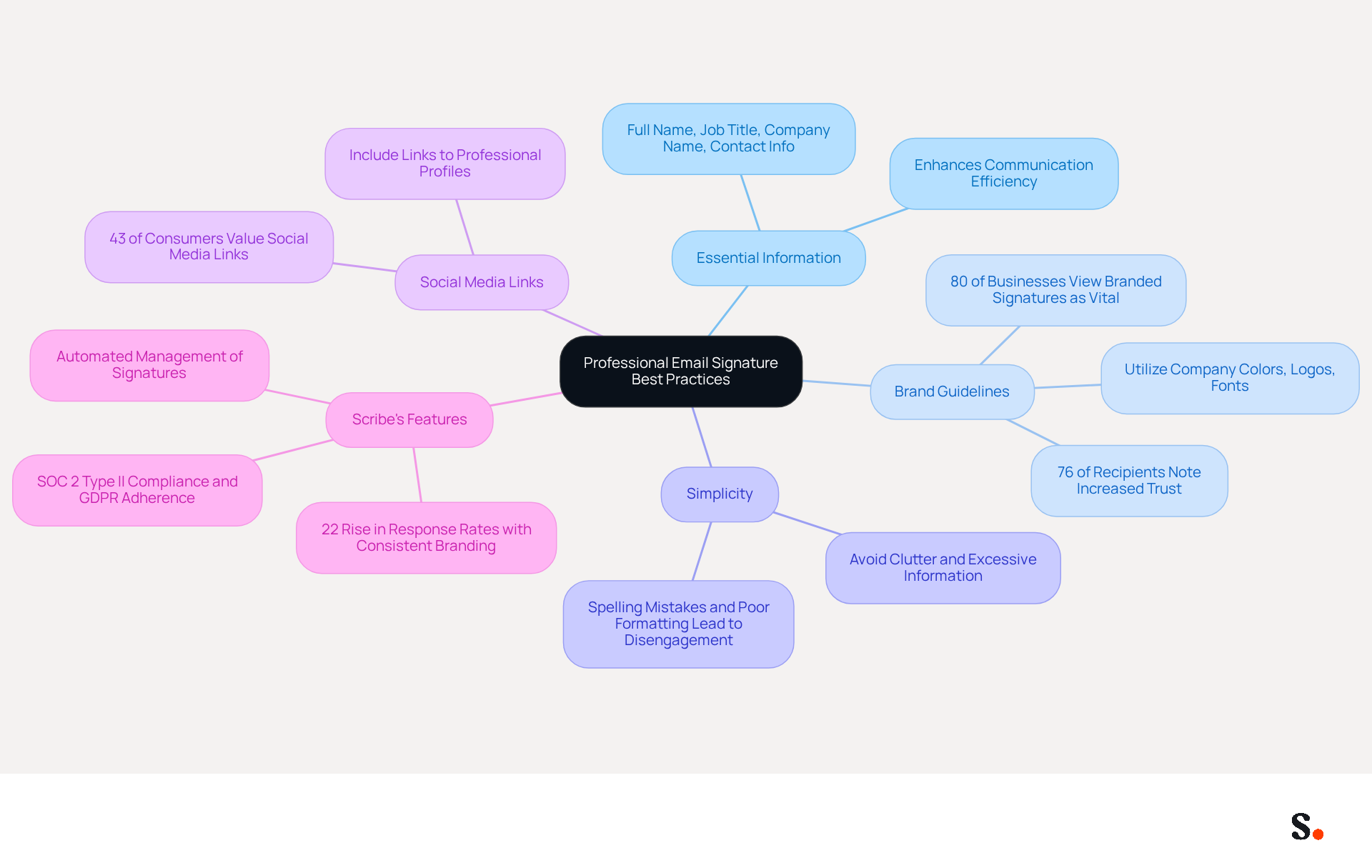
- Include Essential Information: Your signature should feature your full name, job title, company name, and contact information. This ensures recipients can easily reach you, enhancing communication efficiency.
- Align with Brand Guidelines: Utilize company colors, logos, and fonts to maintain brand consistency. This strengthens your brand identity, making your communications instantly recognizable and trustworthy. This is underscored by research indicating that 80% of businesses view branded email identifiers as vital for establishing brand identity, with 76% of recipients noting increased trust in the sender.
- Keep It Simple: Avoid cluttering your sign-off with excessive information or graphics. Keeping your signature clean and concise not only enhances effectiveness but also reflects professionalism. Studies show that spelling mistakes and poor formatting are leading reasons for disengagement, emphasizing the need for clarity.
- Add Social Media Links: If relevant, include links to your professional social media profiles. This can enhance your credibility and provide additional avenues for recipients to connect with you. Approximately 43% of consumers value social media links in digital correspondence, indicating their importance in contemporary communication.
- Utilize Scribe's Features: Leverage Scribe's automated management of electronic sign-offs to ensure that your sign-off is always current and consistent across your organization. Centralized management not only reduces human mistakes but also improves brand visibility and professionalism, resulting in a 22% rise in response rates for businesses that implement consistent branding. Scribe is also SOC 2 Type II compliant and adheres to GDPR and CCPA regulations, ensuring secure data handling. Furthermore, think about joining Scribe's Affiliate Program to earn a 50% commission while promoting brand consistency in digital formats, offering $30 credit on subscriptions to potential clients. With an average click-through rate of 12% on signature banners, Scribe provides measurable marketing ROI. Implementing these best practices can transform your email interactions and help you craft an effective email ending sentence that elevates your brand's presence in the digital landscape.
Tailor Email Endings to Context for Maximum Impact
To enhance the effectiveness of your email endings, implementing tailored strategies is essential:
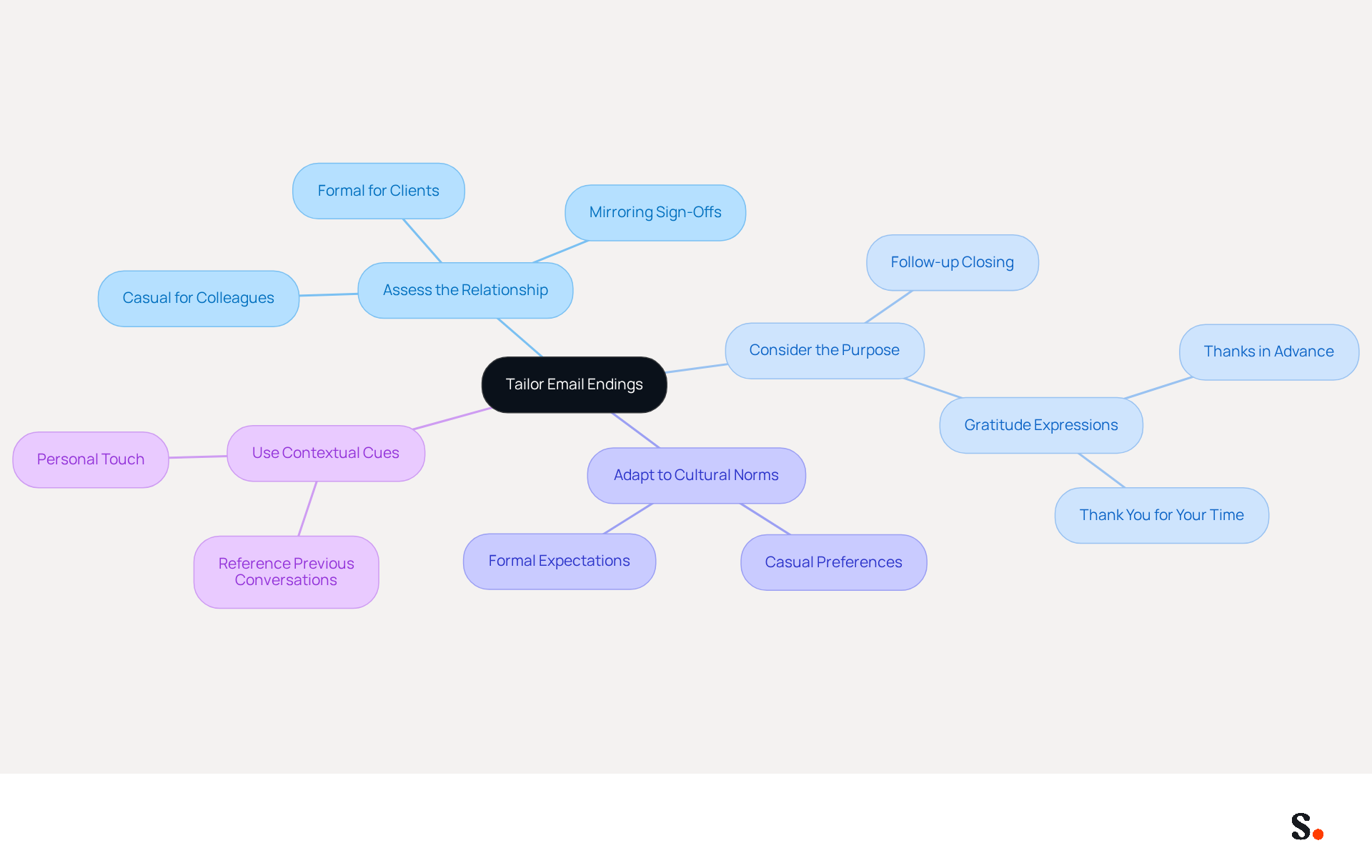
- Assess the Relationship: Tailor your closing based on your relationship with the recipient. For a colleague, a casual 'Best' may suffice, while a formal 'Sincerely' is better for a client. Research indicates that customizing your closing can lead to a 22% increase in interactions, highlighting the importance of considerate communication strategies and brand consistency with Scribe.
- Consider the Purpose of Your Message: If your correspondence is a follow-up, a closing like 'Looking forward to your thoughts' can prompt a reply. For informational messages, a simple 'Thank you for your time' may be more suitable. Emails that include an email ending sentence with expressions of gratitude, such as 'Thanks in advance', can lead to a response rate of 65.7%, while 'Thank you' can result in a response rate of 57.9%. With Scribe, all modifications made to your Calendly configuration automatically sync with your email layouts, ensuring consistent branding and secure data handling in compliance with SOC 2 Type II standards.
- Adapt to Cultural Norms: Be aware of cultural differences in interaction styles. In some cultures, formal sign-offs are expected, while others may prefer a more casual approach. Miscommunication can arise from cultural differences in email sign-offs. Adapting to these norms fosters stronger professional connections.
- Use Contextual Cues: Reference previous conversations or shared experiences in your closing to create a sense of continuity. For example, 'I enjoyed our discussion last week and look forward to continuing it.' Adding this personal touch often leads to better engagement, as messages that incorporate branded elements from Scribe achieve a 22% higher response rate, reinforcing the importance of intentional communication strategies. Additionally, Scribe's automated email signature management ensures effortless updates while maintaining SOC 2 Type II compliance for secure data handling.
Conclusion
Effective email endings are essential for professionalism and clear communication. Adopting best practices in your sign-offs enhances the impact of your messages and fosters stronger connections with recipients. The strategies outlined emphasize the importance of clarity, consistency, and context, all of which contribute to a more engaging and professional email experience.
Key insights include:
- The necessity of using formal language
- Being concise
- Tailoring your sign-offs to the relationship and purpose of your communication
Incorporating a professional email signature not only reinforces brand consistency but also enhances trust and recognition among recipients. Additionally, understanding cultural nuances and avoiding ambiguity in your closings can significantly improve response rates and overall engagement.
Ultimately, effective email conclusions lead to improved professional relationships. Implementing these strategies can transform your email communication, making every interaction more impactful.
Frequently Asked Questions
What is the importance of establishing a professional tone in email endings?
Establishing a professional tone in email endings enhances the respectfulness of your communication and reinforces professionalism.
What type of language should be used in email closings?
Formal language should be used in email closings, avoiding slang or overly casual phrases. Phrases like 'Sincerely' or 'Best regards' are recommended.
How can clarity and conciseness improve email responses?
A clear and concise closing summarizes the main point or indicates next steps, which can lead to quicker responses. For example, sign-offs like 'Thanks in advance' have a notable response rate.
Why is consistency important in email tone?
Consistency in tone ensures that the closing aligns with the overall message, reinforcing professionalism and helping to avoid misunderstandings.
What should be avoided to prevent ambiguity in email closings?
Avoid vague phrases like 'Talk soon.' Instead, specify a timeframe, such as 'I look forward to hearing from you by Friday,' to manage expectations.
Why is proofreading important before sending an email?
Proofreading helps catch spelling and grammatical errors, reflecting professionalism and ensuring that the message is clear.
How should cultural differences be considered in email sign-offs?
Be mindful that sign-offs may be perceived differently across cultures. Adapting your sign-off accordingly can enhance communication effectiveness.
List of Sources
- Establish a Professional Tone and Clarity in Email Endings
- Email Communication Best Practices for Professionals (https://linkedin.com/top-content/communication/follow-up-communication-tips/email-communication-best-practices-for-professionals)
- Email Etiquette in the Workplace (https://adminvc.ucla.edu/news/email-etiquette-workplace)
- Mastering email etiquette: The key to better communication (https://popl.co/blogs/all/mastering-email-etiquette-the-key-to-better-communication?srsltid=AfmBOoqSEljIEhbs9CTB-MMpDuYK0rpRMqLWSnHo7KVOW4w2PNYlcas-)
- How to Sign Off on an Email Correctly | Rocketseed (https://rocketseed.com/blog/correct-way-to-sign-off-emails)
- Mastering the Art of Professional Email Communication: A Guide to Writing with Purpose and Professionalism (https://community.esri.com/t5/esri-young-professionals-network-mentorship/mastering-the-art-of-professional-email/ba-p/1418234)
- Select Impactful Sign-Off Phrases to Enhance Engagement
- 100 Email Sign-Off Ideas (+10 Golden Rules for Marketing Pros) - MailerLite (https://mailerlite.com/blog/email-sign-offs)
- How to Sign Off on an Email Correctly | Rocketseed (https://rocketseed.com/blog/correct-way-to-sign-off-emails)
- Best Email Sign-Offs for Any Correspondence (https://wisestamp.com/examples/email-sign-offs)
- Email Sign Offs for Every Industry and Situation | Mailchimp (https://mailchimp.com/resources/email-sign-offs)
- Master the Take Care Email Sign-Off: Best Practices for Impact (https://scribe-mail.com/en-US/blog/master-the-take-care-email-sign-off-best-practices-for-impact)
- Incorporate a Professional Email Signature for Brand Consistency
- The impact of email signatures on your branding (https://signitic.com/en/resources/the-impact-of-email-signatures-on-your-branding)
- Research Recap: Branded Email Signatures Increase Company Recognition, Trust - B2BMX INSIGHTS (https://demandgenreport.com/industry-news/research-recap-branded-email-signatures-increase-company-recognition-trust/47252)
- Why Global Brands Are Rethinking Their Email Signature Strategy | Crossware365 (https://crossware365.com/blog/why-global-brands-are-rethinking-their-email-signature-strategy)
- Email signature statistics: Why every business should optimize their email signatures — Stripo.email (https://stripo.email/blog/email-signature-statistics-why-every-business-should-optimize-their-email-signatures)
- Tailor Email Endings to Context for Maximum Impact
- How to Sign Off on an Email Correctly | Rocketseed (https://rocketseed.com/blog/correct-way-to-sign-off-emails)
- Is 'Best' a Good Way to End an Email? Compare Sign-Offs Here (https://scribe-mail.com/en-US/blog/is-best-a-good-way-to-end-an-email-compare-sign-offs-here)
- 12 Email Sign-Offs That Get Responses [2026 Data] (https://lagrowthmachine.com/email-sign-offs-get-responses)
- The best ways to end an email professionally | Adobe Acrobat (https://adobe.com/acrobat/resources/how-to-end-an-email-professionally.html)
- The 37 best ways to close emails (https://signitic.com/en/resources/email-sign-offs)
Get started with Scribe
Manage signatures across your whole team
Free 14-day trial — no credit card.