4 Best Practices for Effective Reply Email Signatures
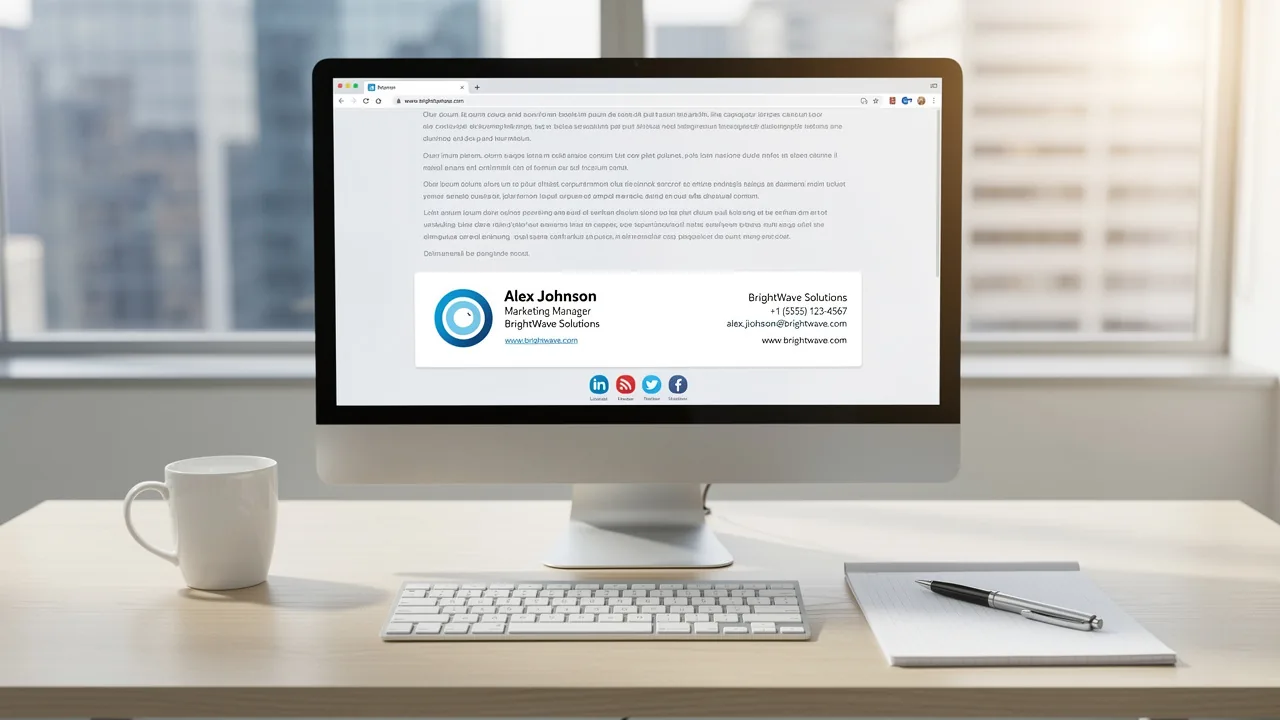
Creating a professional email signature presents challenges that extend beyond mere formality; it is a critical element that shapes brand perception
Sophie Grant
Email Signature Specialist, Scribe
Introduction
Creating a professional email signature presents challenges that extend beyond mere formality; it is a critical element that shapes brand perception. Implementing best practices in email signature design enhances clarity and consistency. This, in turn, fosters brand recognition and builds trust with clients and colleagues. Yet, with so many email clients to consider, how can businesses ensure their signatures look professional and work seamlessly across platforms? Let’s explore four best practices for crafting effective reply email signatures that enhance brand identity and improve communication efficiency.
- Keep it simple and concise.
- Use a professional font and color scheme.
- Include essential contact information.
- Test signatures across different email clients.
Get started with Scribe
Manage signatures across your whole team
Free 14-day trial — no credit card.
Establish Clarity and Consistency in Signature Design
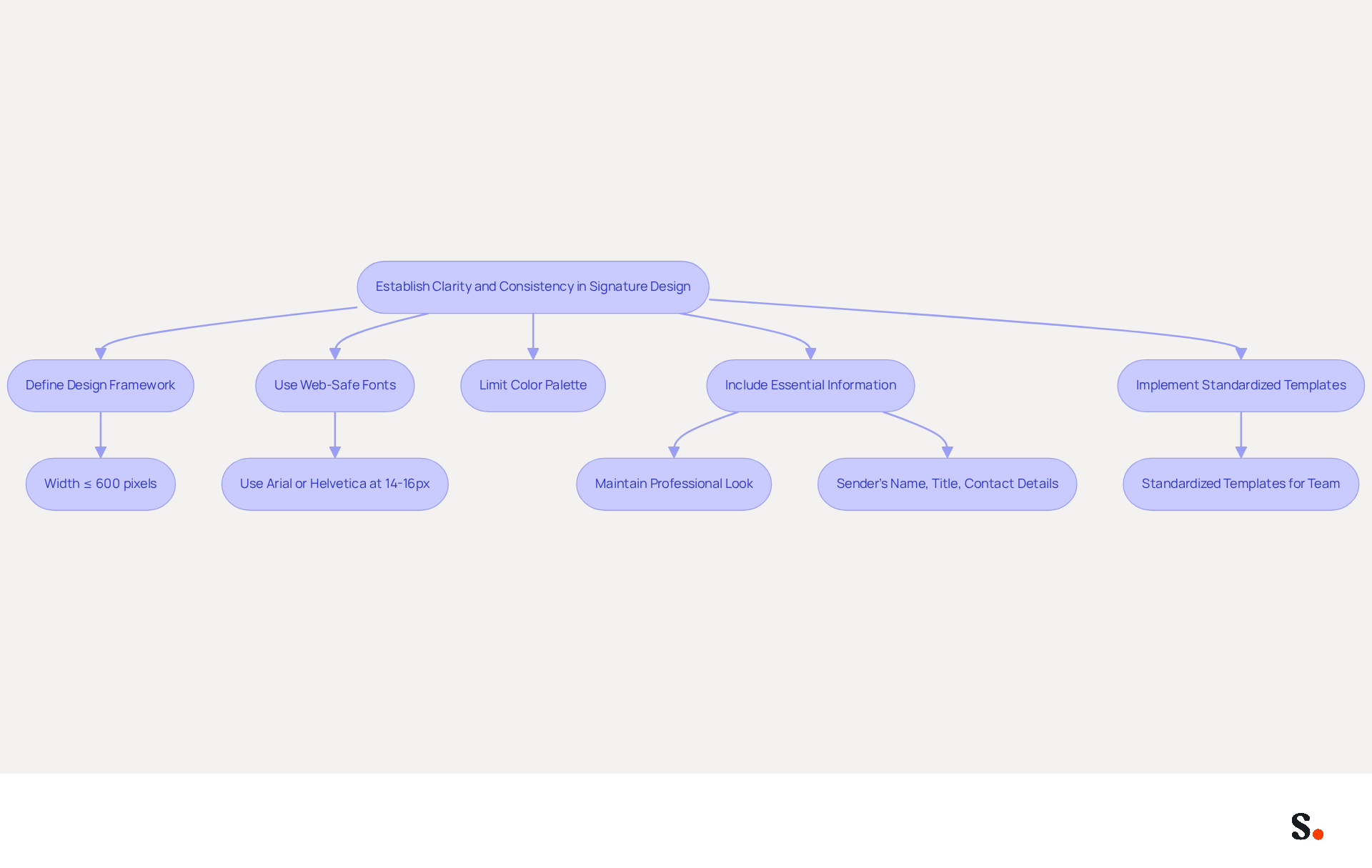
Establishing a clear and consistent design framework is essential for creating effective digital identifiers. To ensure compatibility with most email clients, keep the width to 600 pixels or less, use web-safe fonts, and stick to a limited color palette for a professional look.
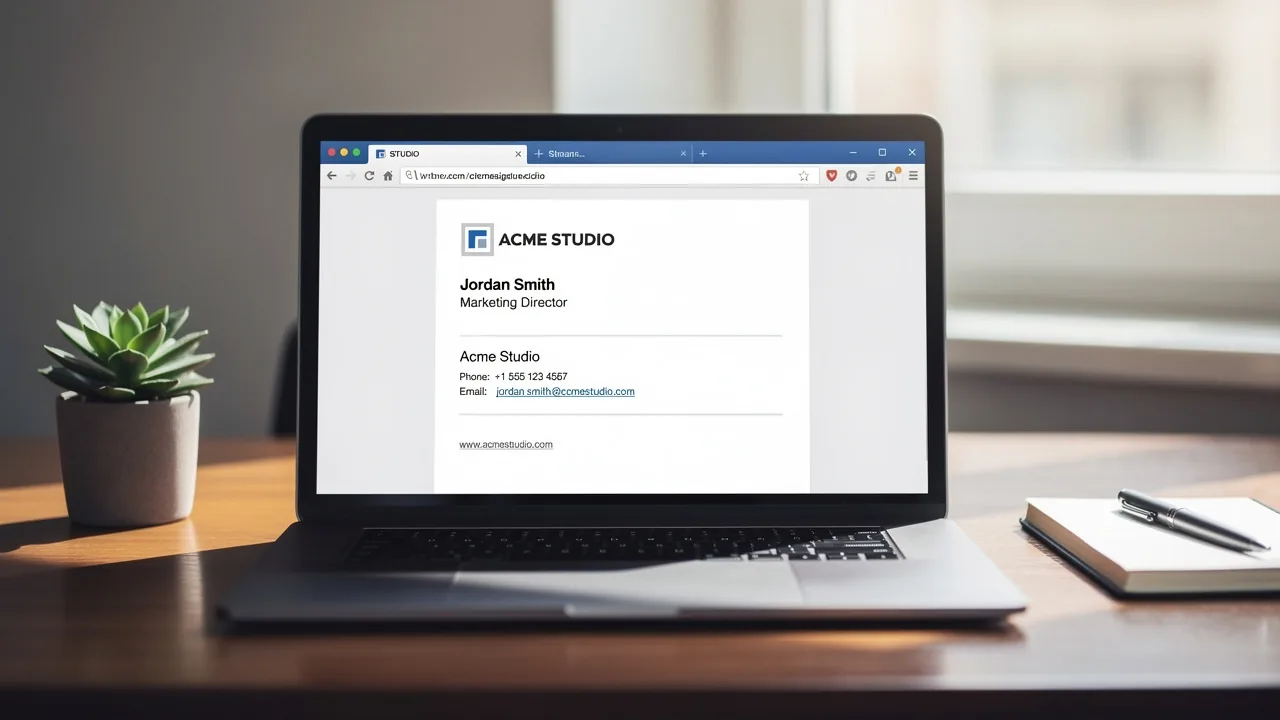
Including essential information such as the sender's name, title, and contact details in a straightforward manner enhances readability and strengthens corporate identity, particularly in a reply email signature. For example, Scribe has effectively implemented standardized templates that ensure every team member's endorsement aligns with the visual identity of the organization, leading to enhanced recognition and professionalism in communications.
This consistency can significantly enhance trust, with research indicating a 76% increase, and boost response rates by 22%. Furthermore, organizations that implement a uniform method for their digital identifiers can avoid the spread of unofficial variations, as demonstrated in studies where entities optimized their management processes, leading to improved cohesion and communication effectiveness.
Moreover, with features like automated data synchronization through Aircall, Scribe makes it easy to keep all identifiers current and in line with your company's identity. As Henna Ray, a professional logo designer, states, 'A reply email signature should maintain a recognizable visual and informational framework across company communications while allowing necessary employee-specific details to vary for consistency.'
By prioritizing consistency in digital identifiers, organizations can significantly enhance their professional image and communication effectiveness.
Incorporate Brand Elements for Recognition and Trust
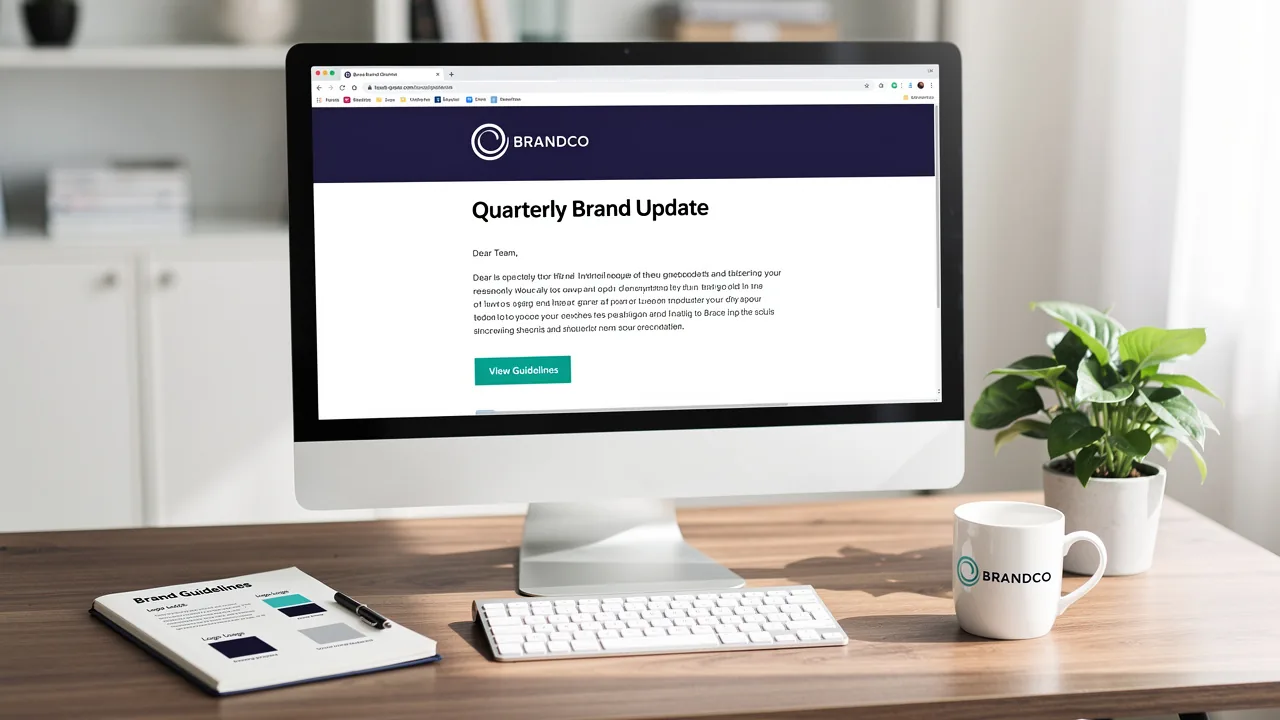
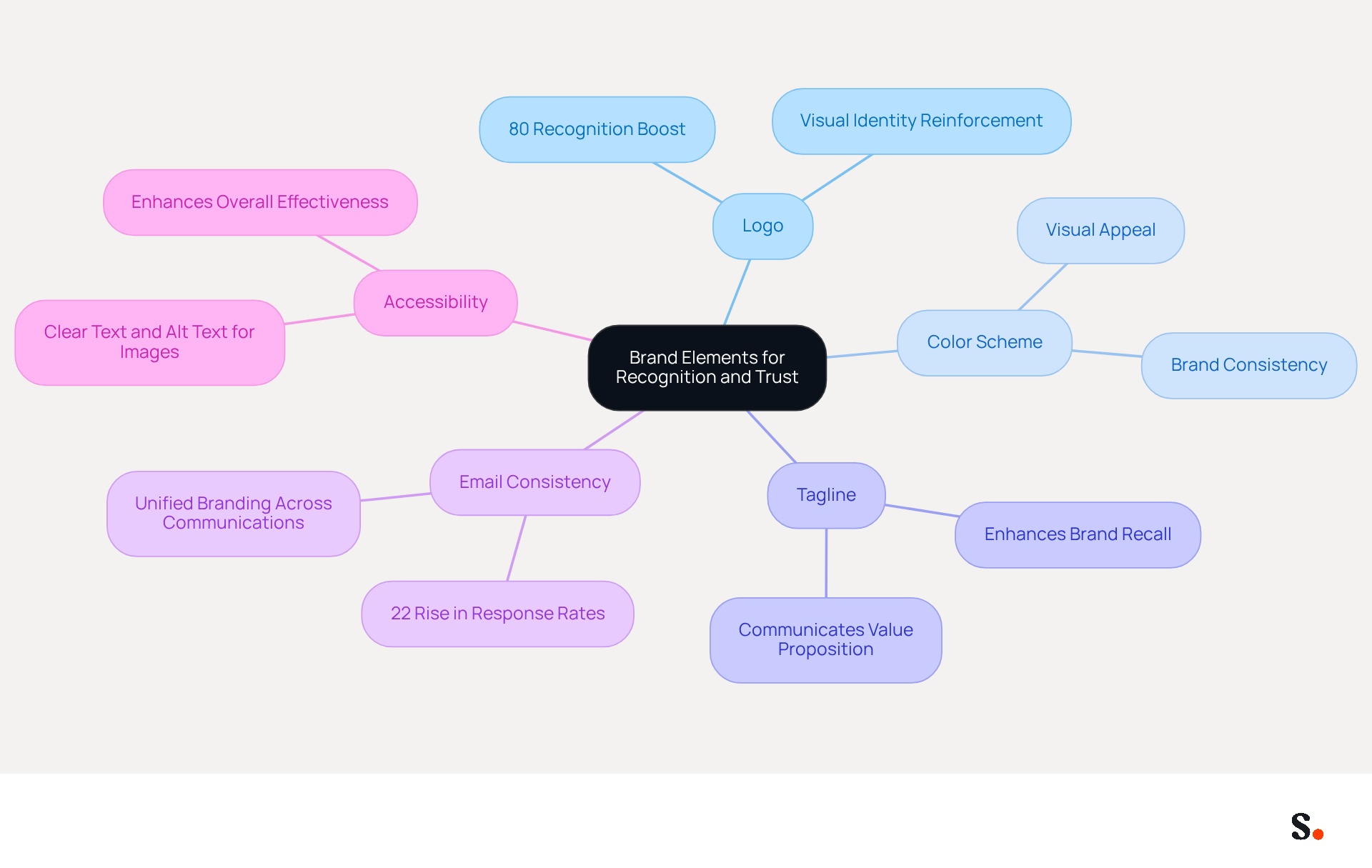
To truly stand out, your digital communications must incorporate key branding elements such as your logo, color scheme, and tagline. A well-placed logo can boost recognition by as much as 80%, making it essential to your brand identity. Furthermore, businesses that implement consistent email formats experience a 22% rise in email response rates, emphasizing the impact of unified branding.
Ensure that the logo is appropriately sized to maintain balance and does not overwhelm the overall design. Utilizing hues that correspond with your identity creates a visually appealing mark that resonates with recipients. For instance, the organization effectively employs its logo and color scheme in all employee reply email signatures, reinforcing identity and fostering trust with clients.
Additionally, changes in your Aircall setup will seamlessly update in your Scribe configurations, ensuring synchronization and improved consistency. This automated synchronization not only saves time but also guarantees that your branding remains consistent across all communications. Including a succinct tagline can further communicate your brand's value proposition.
Maintaining a clean design can be challenging, but simplicity often conveys professionalism and clarity more effectively. Furthermore, consider accessibility by ensuring that text is clear and images contain descriptive alt text, enhancing the overall effectiveness of your contact information.
Additionally, connecting with Calendly enables automatic updates to your contact information, ensuring that your availability is always accurately represented, further enhancing your professional image. This consistency not only elevates your brand's visibility but also fosters deeper trust with your clients.
Optimize Signature Functionality Across Email Clients
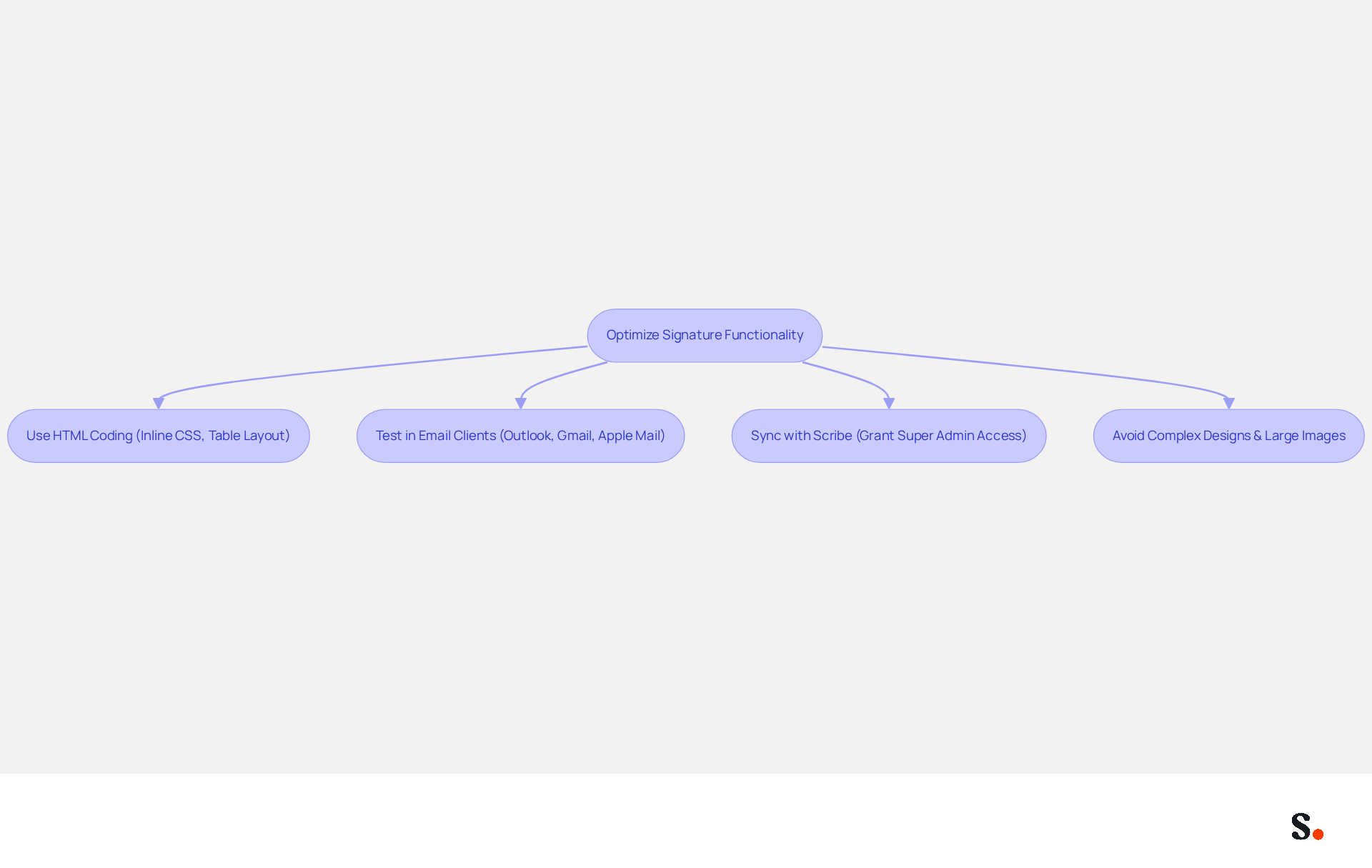
Ensuring your message identifiers function correctly across various communication clients is vital for maintaining professionalism. Utilize HTML coding that adheres to email-safe standards, such as inline CSS and table-based layouts, to enhance compatibility. Testing your identifiers in popular messaging clients like Outlook, Gmail, and Apple Mail is crucial for detecting any rendering problems. Without proper testing, identifiers may not display correctly, leading to potential miscommunication.
For example, Scribe's platform allows users to generate personalized marks that are automatically optimized for different messaging clients, ensuring a uniform appearance regardless of the recipient's service. To enable one-click synchronization, grant Scribe permission to connect with your service provider, which requires Super Admin access. By syncing your Google Workspace with Scribe, you can save time as your teammates' data is automatically updated, allowing for seamless auto-filling of information using Scribe's attribute feature.
Additionally, steering clear of complex designs and large images is essential, as they can cause display issues and slow loading times. Adding alt text to images not only boosts accessibility but also follows digital marketing best practices. By prioritizing functionality and following these best practices, you safeguard your brand's integrity and enhance communication effectiveness.
Leverage Automation for Efficient Signature Management
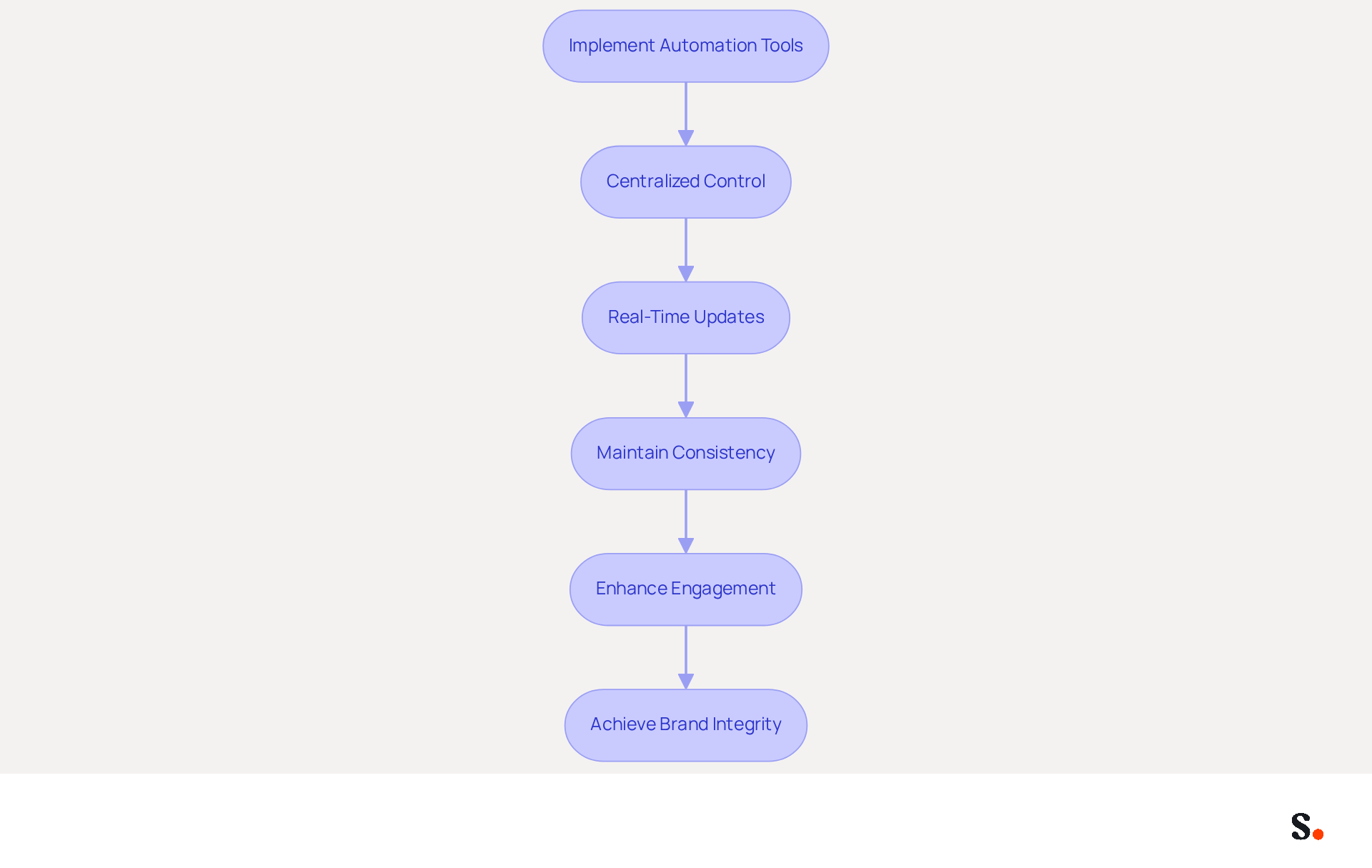
To effectively manage electronic identifiers, businesses must leverage automation tools that provide centralized control and updates. Platforms like Scribe empower organizations to create and manage email identifiers, including the reply email signature, for all employees from a single dashboard, ensuring that any changes to branding or compliance are implemented instantly across the organization. Outdated information can create confusion and miscommunication, leading to potential issues in professional settings. For instance, when a team member updates their contact details, automated systems can refresh their information in real-time, maintaining consistency and professionalism. Scribe's commitment to security is evident, as it holds SOC 2 Type II certification and complies with GDPR and CCPA, ensuring that data is handled securely and meets industry standards.
Furthermore, organizing marketing campaigns through digital identifiers can improve engagement without requiring manual updates. Statistics show that branded signatures can lead to a 15% increase in click-through rates to company websites and a 22% lift in response rates. By incorporating promotional elements, such as upcoming events or new product announcements, organizations can transform their footers into effective marketing channels. By utilizing this method, organizations can enhance engagement and reinforce their brand identity through effective communication. With the tool, marketing teams can manage their reply email signature independently after the initial IT setup, ensuring that they can respond quickly to changes and maintain 100% brand consistency. Additionally, Scribe's average click-through rate on signature banners is 12%, further demonstrating its effectiveness in driving engagement. Ultimately, embracing automation in reply email signature management can significantly enhance operational efficiency and brand integrity.
Conclusion
Effective reply email signatures are essential for elevating professional communication and solidifying brand identity. Focusing on clarity, consistency, and automation enables organizations to create digital identifiers that convey essential information while fostering trust and recognition. The integration of branding elements, such as logos and color schemes, plays a significant role in ensuring that email signatures resonate with the audience and maintain a cohesive corporate image.
Key practices discussed include:
- The importance of a clear design framework
- The incorporation of brand elements for recognition
- The optimization of signatures for various email clients
Using automation tools like Scribe helps manage email signatures efficiently, ensuring that updates are implemented seamlessly across the organization. This streamlines processes and boosts engagement, as evidenced by the notable increases in click-through and response rates associated with branded signatures.
In a crowded market, distinguishing your brand is increasingly challenging. Prioritizing effective email signature management can significantly impact an organization's communication strategy. By adopting these best practices, businesses can ensure 100% brand consistency, improve operational efficiency, and ultimately drive better engagement with their audience. By implementing these strategies, organizations can transform their email signatures into impactful marketing assets that resonate with their audience.
Frequently Asked Questions
Why is establishing clarity and consistency in signature design important?
Establishing clarity and consistency in signature design is essential for creating effective digital identifiers, enhancing readability, and strengthening corporate identity.
What are the recommended dimensions for email signatures?
To ensure compatibility with most email clients, it is recommended to keep the width of email signatures to 600 pixels or less.
What design elements should be used in email signatures?
It is advisable to use web-safe fonts and stick to a limited color palette for a professional look in email signatures.
What essential information should be included in an email signature?
An email signature should include the sender's name, title, and contact details presented in a straightforward manner.
How does Scribe implement signature design consistency?
Scribe has effectively implemented standardized templates that ensure every team member's endorsement aligns with the organization's visual identity, enhancing recognition and professionalism in communications.
What impact does consistency in digital identifiers have on trust and response rates?
Consistency can significantly enhance trust, with research indicating a 76% increase, and boost response rates by 22%.
How can organizations avoid unofficial variations in their digital identifiers?
Organizations can avoid the spread of unofficial variations by implementing a uniform method for their digital identifiers, which improves cohesion and communication effectiveness.
What feature does Scribe offer to keep identifiers current?
Scribe offers automated data synchronization through Aircall, making it easy to keep all identifiers current and aligned with the company's identity.
What does Henna Ray suggest about reply email signatures?
Henna Ray suggests that a reply email signature should maintain a recognizable visual and informational framework across company communications while allowing necessary employee-specific details to vary for consistency.
What overall benefits do organizations gain by prioritizing consistency in digital identifiers?
By prioritizing consistency in digital identifiers, organizations can significantly enhance their professional image and communication effectiveness.
List of Sources
- Establish Clarity and Consistency in Signature Design
- The impact of email signatures on your branding (https://signitic.com/en/resources/the-impact-of-email-signatures-on-your-branding)
- The Complete Email Signature Guide 2026: Best Practices and Policy (https://opensense.com/complete-email-signature-guide)
- Email Signatures and Brand Consistency: A Guide for Small Businesses (https://designhill.com/design-blog/email-signature-brand-consistency-guide)
- Email Signature Best Practices for 2026 (+ 15 Pro Examples) (https://wavecnct.com/blogs/email-signature-best-practices-2026)
- 40+ Email Signature Statistics for 2026 (Data + Insights) (https://wavecnct.com/blogs/email-signature-statistics)
- Incorporate Brand Elements for Recognition and Trust
- Why Are Email Signatures Key to Brand Awareness? | QuickMail (https://quickmail.com/role-of-email-signatures-in-brand-awareness)
- The impact of email signatures on your branding (https://signitic.com/en/resources/the-impact-of-email-signatures-on-your-branding)
- Why Team Email Signatures Matter More Than You Think: The Hidden Impact on Brand Trust and Customer Experience (https://getmailbird.com/why-team-email-signatures-matter-brand-trust)
- Research Recap: Branded Email Signatures Increase Company Recognition, Trust - Demand Gen Report (https://demandgenreport.com/industry-news/research-recap-branded-email-signatures-increase-company-recognition-trust/47252)
- Email Signature Inspiration: Compare Trends Across Industries (https://scribe-mail.com/en-US/blog/email-signature-inspiration-compare-trends-across-industries)
- Optimize Signature Functionality Across Email Clients
- What are the restrictions in email signature coding | Email Signature Rescue Blog (https://emailsignaturerescue.com/blog/what-are-the-restrictions-in-email-signature-coding)
- Mastering Apple Mail Signature HTML: Best Practices for Marketing Managers (https://scribe-mail.com/en-US/blog/mastering-apple-mail-signature-html-best-practices-for-marketing-managers)
- Why Email Signatures Must Be In Your 2026 Marketing Plan | Rocketseed (https://rocketseed.com/blog/what-are-the-biggest-email-trends-for-2026)
- Do Email Signatures Actually Matter in 2026? (https://community.constantcontact.com/faqs/post/do-email-signatures-actually-matter-in-2026-Ka01TMi6sBKzXMl)
- Leverage Automation for Efficient Signature Management
- 40+ Email Signature Statistics for 2026 (Data + Insights) (https://wavecnct.com/blogs/email-signature-statistics)
- How to Automate Email Signature Updates | Exclaimer (https://exclaimer.com/email-signature-handbook/automate-email-signature-updates)
- 4 Best Practices for Effective Email Signature Automation (https://scribe-mail.com/en-US/blog/4-best-practices-for-effective-email-signature-automation)
- How to combine automation and email signatures (https://signitic.com/en/resources/how-to-combine-automation-and-email-signatures)
- Email Signature Trends 2026: Centralized Control & Automation | SIGNandGO posted on the topic | LinkedIn (https://linkedin.com/posts/signngo_email-signature-trends-to-watch-in-2026-activity-7401523471786217473-zAVL)
Get started with Scribe
Manage signatures across your whole team
Free 14-day trial — no credit card.