4 Best Practices for Your Automatic Response Template for Emails
Crafting an effective automatic response template for emails presents a challenge that goes beyond mere courtesy; it’s a strategic move that can enhance
Sophie Grant
Email Signature Specialist, Scribe
Introduction
Crafting an effective automatic response template for emails presents a challenge that goes beyond mere courtesy; it’s a strategic move that can enhance professional relationships and streamline communication. By implementing best practices, organizations can ensure that their responses not only acknowledge receipt but also set clear expectations and provide valuable resources.
So, how can businesses find that sweet spot between automation and a personal touch to cater to their correspondents' varied needs? In this article, we’ll explore four essential practices that can turn automatic email replies into effective tools for engagement and efficiency.
Acknowledge Receipt of Emails Clearly
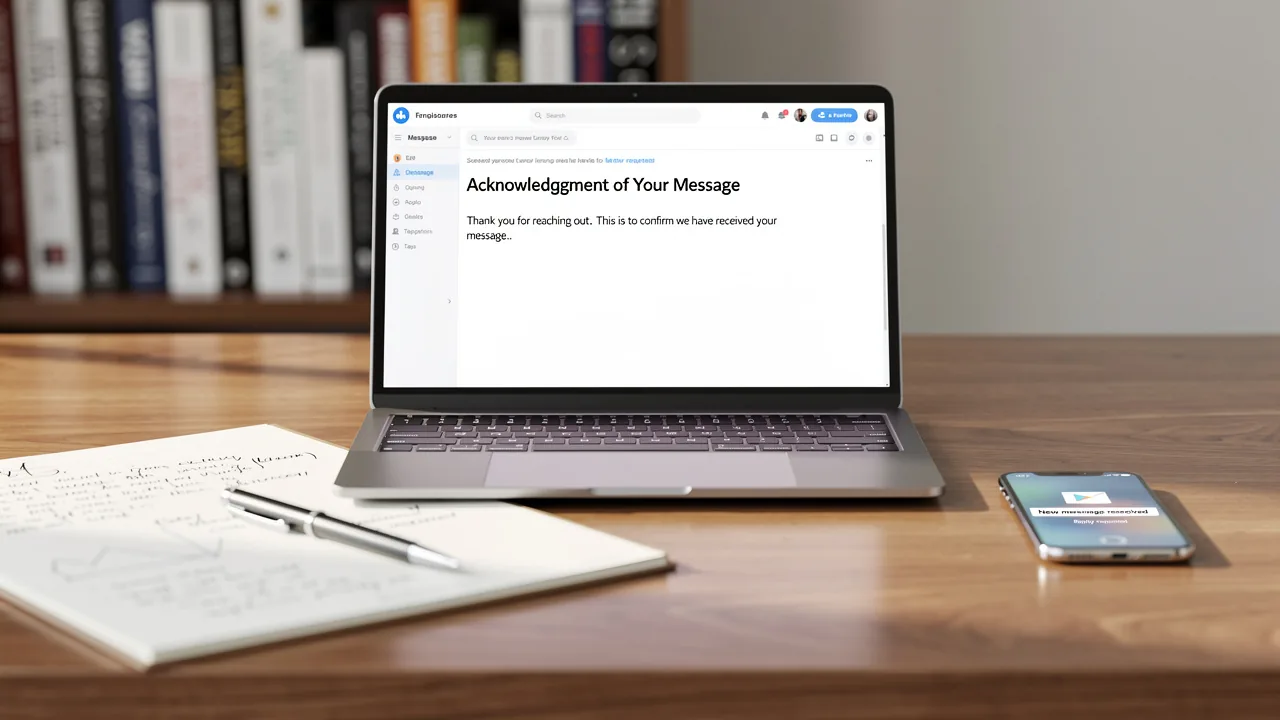
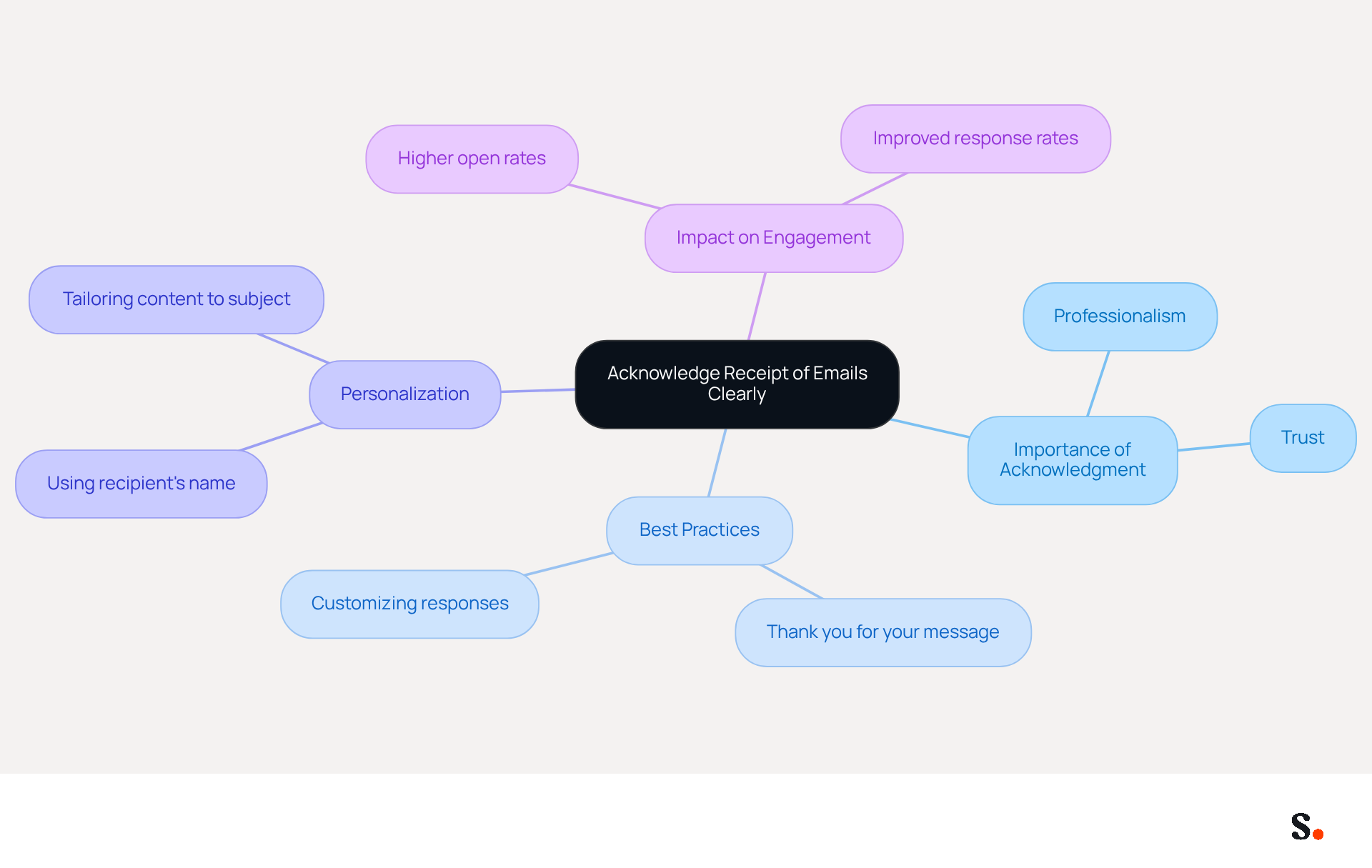
Acknowledging receipt of messages is crucial for establishing professionalism in communication. A straightforward remark such as, 'Thank you for your message.' or 'I have received your correspondence and will reply shortly,' assures the sender that their note has been acknowledged and sets a professional tone for future interactions. Customizing this communication with the sender's name or the topic of their correspondence can further boost engagement. For instance, 'Hi [Name], thank you for reaching out regarding [Subject]. I will get back to you as soon as possible.' This approach not only demonstrates attentiveness but also fosters professionalism, which is vital for maintaining strong business relationships.
Studies indicate that promptly acknowledging messages significantly improves the effectiveness of workplace interactions. In fact, 88% of individuals check their messages daily, with many doing so multiple times a day, primarily for important work communications. Responding to messages within 24-48 hours is advised to alleviate anxiety and uphold trust in professional relationships, as Jessica Miza emphasizes that timely responses are essential for fostering effective workplace interactions. Moreover, research indicates that effective acknowledgment of messages can confirm receipt of essential information, establish clear channels of interaction, and set appropriate expectations for follow-up.
By integrating these best practices into your automatic response template, you can elevate your communication strategy, ensuring that you not only manage your inbox efficiently but also build stronger connections with your correspondents. Furthermore, personalized messages can achieve a 26% higher open rate, emphasizing the significance of customizing your acknowledgment communications to the recipient. By implementing these strategies, you can significantly enhance your communication engagement and foster better professional relationships.
Set Realistic Response Time Expectations
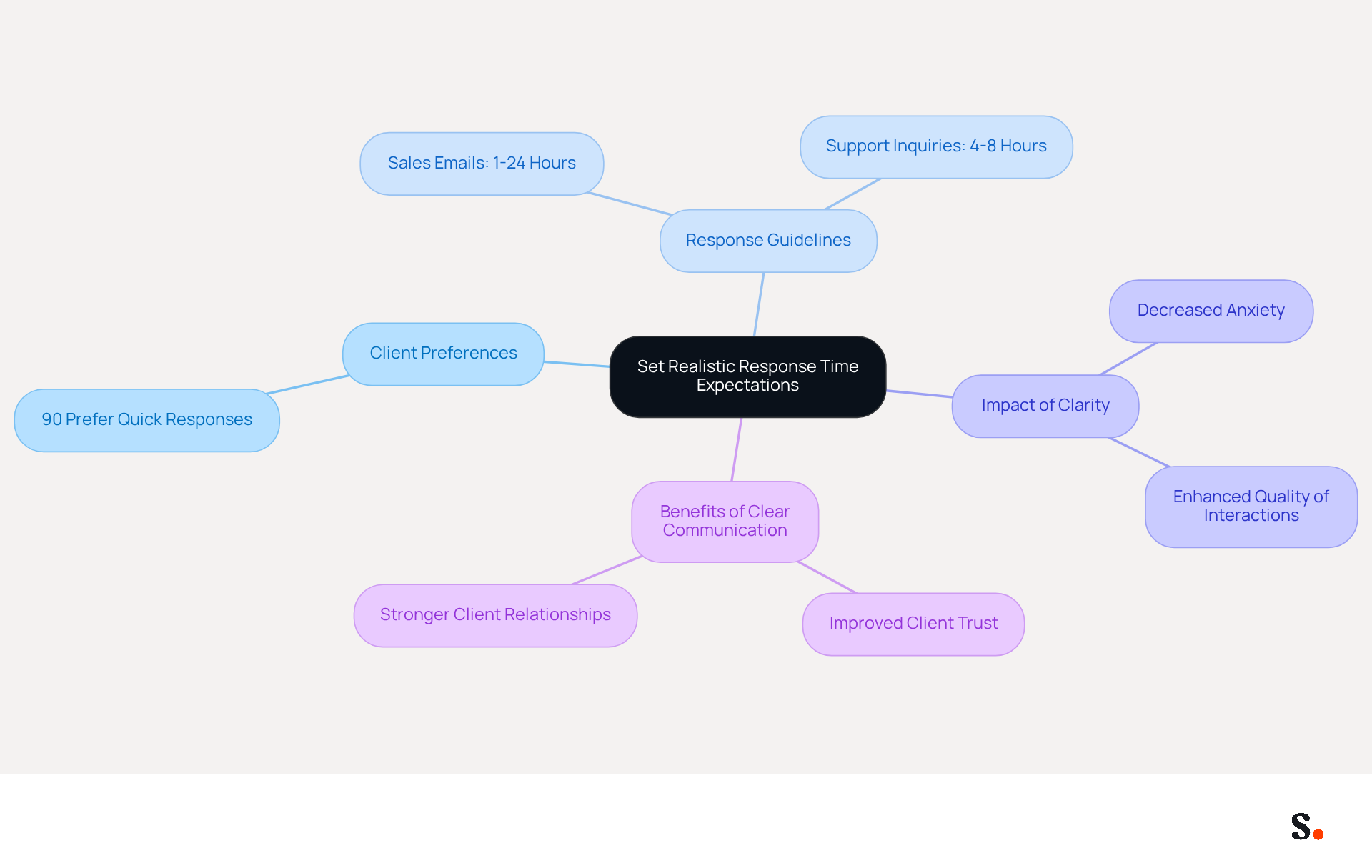
Establishing clear timelines for responses is essential in managing client expectations effectively. For instance, stating, 'I will respond to your message within 24 hours,' sets a clear expectation and helps manage the sender's anticipation. If you are out of the office for an extended duration, consider including a message like, 'I am currently out of the office and will respond to your correspondence upon my return on July 20, 2026.' Being transparent helps manage expectations and boosts your professional image.
Research shows that 90% of customers prefer a quick response to service inquiries, so it's important to set realistic timelines. Aim to reply to sales emails within 1-24 hours and support inquiries within 4-8 hours. By establishing these guidelines, you can foster a culture of thoughtful dialogue, which is vital for maintaining strong client relationships and ensuring a sustainable pace of business.
When timelines are unclear, clients often feel uncertain about response times, which can lead to frustration. Case studies indicate that organizations that establish clear time expectations observe enhanced quality of interactions and decreased anxiety among team members. For example, agreeing on reply times with executives can assist in managing workloads efficiently, ensuring that employees are not overwhelmed by constant communication demands. This clarity enhances client satisfaction and makes internal communication more efficient.
By prioritizing clear communication, you can significantly enhance client trust and satisfaction.
Offer Alternative Contact Channels for Urgent Matters
Including alternative contact methods in your automatic reply is essential for addressing urgent inquiries effectively. For instance, you might say, 'If your matter is urgent, please contact [Colleague's Name] at [Colleague's Email] or [Phone Number].' This approach not only provides the sender with immediate options but also demonstrates Scribe's commitment to hands-on customer support.
Ensure that the designated alternative contact is informed of their role in handling urgent matters and is prepared to assist. By doing this, you can make sure customers feel supported when they need help the most.
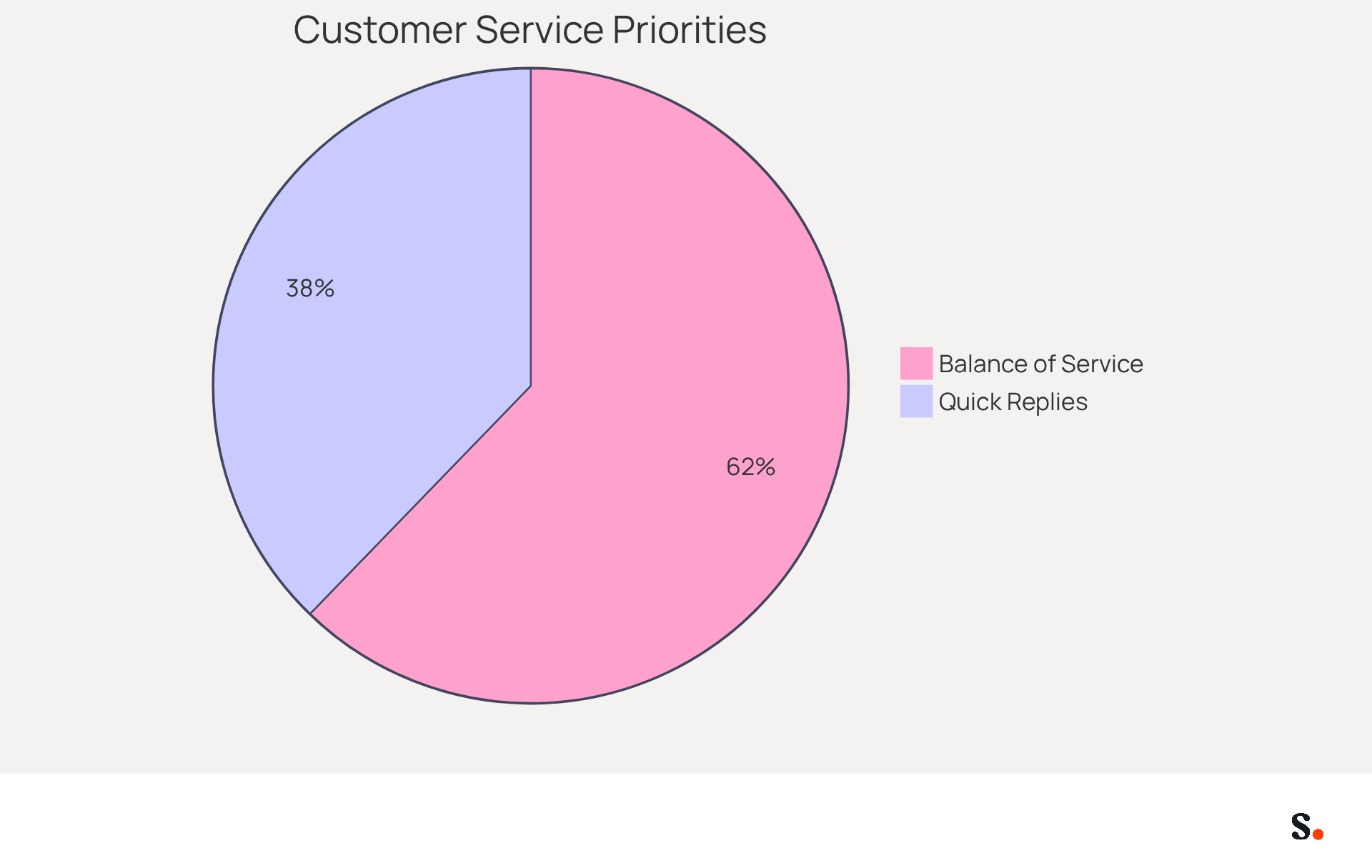
Research shows that 54% of consumers consider quick replies essential for choosing a brand, highlighting the need for clear contact options in your automated messages. Moreover, 89% of participants believe that positive customer service interactions require a balance between automation, AI, and human involvement, underscoring the importance of personalizing automated communications to meet customer expectations.
Ultimately, prioritizing clear communication in automated messages can lead to stronger customer relationships and increased brand loyalty.
Link to Self-Service Resources for Enhanced Support
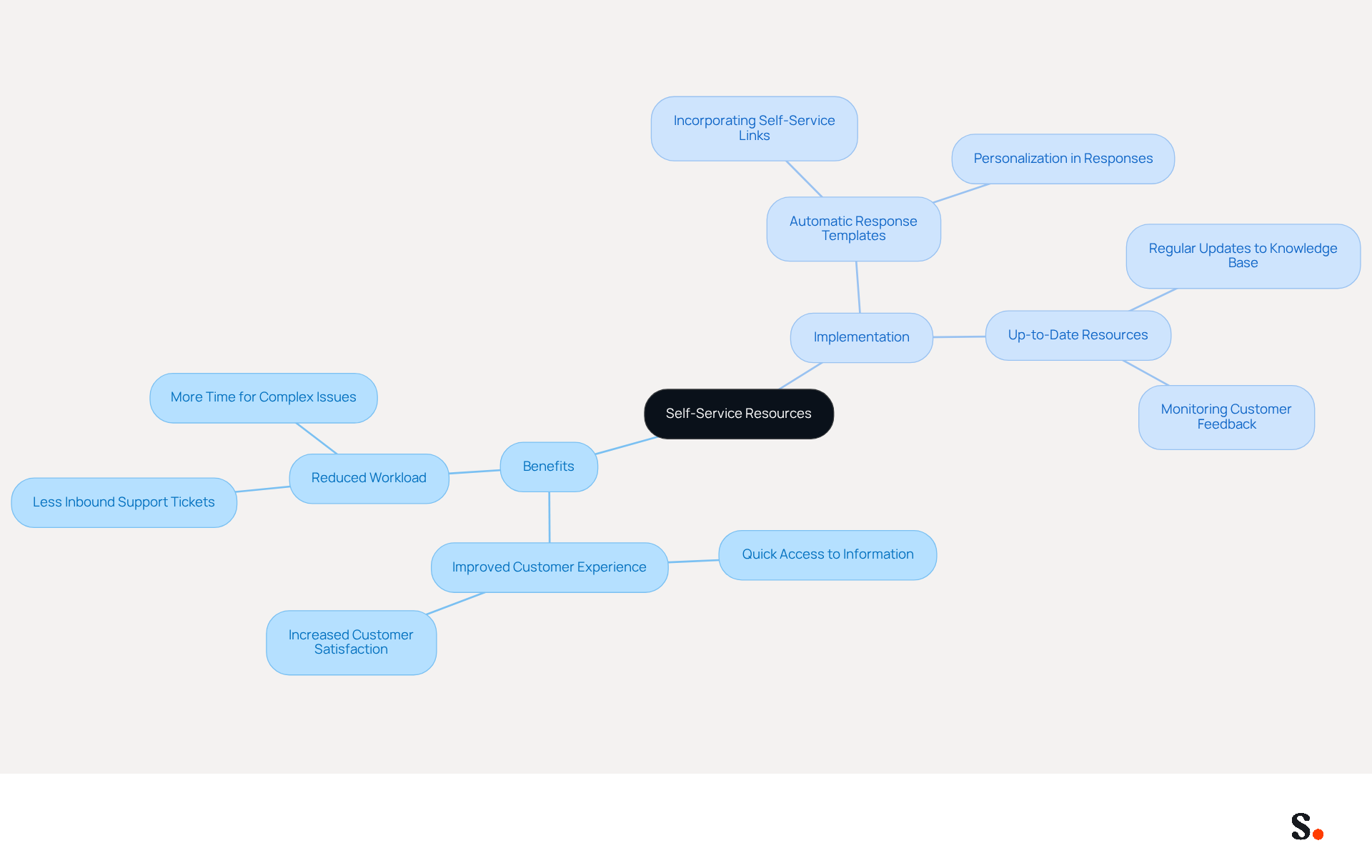
Providing customers with immediate access to self-service resources can significantly improve their experience and reduce support team workload. Incorporating links to relevant self-service resources in your automatic response template for emails is essential. For instance, you might say, 'For immediate assistance, please visit our FAQ page or check our knowledge base for helpful articles.' This approach gives senders quick access to information and encourages them to use available resources, leading to quicker resolutions.
Ensure that these resources are up-to-date and cover common inquiries to maximize their effectiveness. Promoting self-service options enhances customer satisfaction and reduces the workload on your support team.
Conclusion
Implementing effective automatic response templates is crucial for maintaining professionalism in email communication. Organizations can significantly improve their interactions with clients and colleagues by implementing best practices in automatic email responses. These include:
- Acknowledging receipt of emails
- Setting realistic response time expectations
- Offering alternative contact channels
- Linking to self-service resources
Key insights from the article highlight the importance of clear communication in establishing trust and satisfaction. Acknowledging messages promptly reassures senders, while setting realistic timelines helps manage expectations. Providing alternative contact options ensures urgent matters are addressed swiftly, and linking to self-service resources empowers customers to find solutions independently. These strategies streamline communication and foster stronger relationships.
Prioritizing these best practices in automatic email responses is essential for enhancing customer satisfaction and loyalty. By adopting these strategies, organizations can not only enhance their communication framework but also strengthen their brand reputation among clients and partners.
Frequently Asked Questions
Why is acknowledging receipt of emails important?
Acknowledging receipt of emails is crucial for establishing professionalism in communication and assures the sender that their message has been received.
What are some examples of how to acknowledge receipt of an email?
Simple remarks such as 'Thank you for your message' or 'I have received your correspondence and will reply shortly' are effective. Customizing the acknowledgment with the sender's name or the topic can enhance engagement, for example, 'Hi [Name], thank you for reaching out regarding [Subject].'
How does timely acknowledgment of messages impact workplace interactions?
Promptly acknowledging messages significantly improves the effectiveness of workplace interactions, alleviates anxiety, and upholds trust in professional relationships.
What is the recommended timeframe for responding to emails?
It is advised to respond to messages within 24-48 hours to maintain effective communication and trust.
What benefits come from personalizing acknowledgment messages?
Personalized messages can achieve a 26% higher open rate, which emphasizes the importance of customizing acknowledgment communications to the recipient.
How can integrating best practices into automatic response templates help?
By integrating best practices into automatic response templates, you can manage your inbox efficiently while building stronger connections with your correspondents.
List of Sources
- Acknowledge Receipt of Emails Clearly
- 49 Top Email Marketing Statistics (https://forbes.com/advisor/business/software/email-marketing-statistics-jul-26)
- Master Email Acknowledgment: 8 Essential Tips (https://atlas.org/blog/email-communication/master-email-acknowledgment-8-essential-tips)
- Employee E-mail Etiquette: The Importance of Acknowledgement (https://trainingmag.com/employee-e-mail-etiquette-the-importance-of-acknowledgement)
- 100 Compelling Email Statistics for 2026 | PGM Solutions (https://porchgroupmedia.com/blog/100-compelling-email-statistics-to-inform-your-strategy-in-2023)
- The Professional Email: The Importance of Confirming Receipt (https://linkedin.com/pulse/professional-email-importance-confirming-receipt-shirine-aouad-pmp-)
- Set Realistic Response Time Expectations
- How to Set the Perfect Email Reply Time Policy for Your Business | Email Management | Gmelius (https://gmelius.com/blog/email-reply-time-policy)
- Email Response Time Rule of Thumb (https://harbert.auburn.edu/blogs/school-of-accountancy/email-response-time-rule-thumb.html)
- Setting Realistic Expectations For Email Responses (https://linkedin.com/top-content/productivity/managing-email-overload-at-work/setting-realistic-expectations-for-email-responses)
- Set expectations to reduce email stress | Cornell Chronicle (https://news.cornell.edu/stories/2021/09/set-expectations-reduce-email-stress)
- Drowning in messages, email, Slack and more? How Executives Can Set Healthy Response Time Expectations — Dave Hill Jr. (https://davehilljr.com/blog/setting-response-time-expectations-for-communications-channels)
- Offer Alternative Contact Channels for Urgent Matters
- Automated Email Response: 7 Tips for Smarter Auto-Replies in Gmail | Qualtir Blog (https://qualtir.com/blog/automated-email-response-tips)
- How to elevate customer service through automated email responses (https://textmagic.com/blog/how-to-automate-email-responses)
- 11 automated reply messages examples for your business (https://crisp.chat/en/blog/auto-reply-message)
- 120+ Customer Service Statistics for 2026: Trends and Key Data (https://nextiva.com/blog/customer-service-statistics.html)
- Out of the Woods: Urgent Customer Communications Best Practices (https://brandtinfo.com/resources/out-of-the-woods-urgent-customer-communications-best-practices)
- Link to Self-Service Resources for Enhanced Support
- 11 automated reply messages examples for your business (https://crisp.chat/en/blog/auto-reply-message)
- Automated Email Responses: Best Practices (https://intercom.com/learning-center/automated-email-response)
- What is customer self-service? Definition + how to stand out (https://zendesk.com/blog/help-center/self-service/customer-self-service-guide-helping-customers-help)
- Scale your support with these auto-response sample messages | Pylon (https://usepylon.com/blog/auto-response-sample-messages)
- Auto-Reply Email for Customer Support: 20 B2B Templates (https://helply.com/blog/auto-reply-email-customer-support)
Get started with Scribe
Build a professional email signature
Free 14-day trial — no credit card.