Best Practices for a Correct Email Signature That Boosts Branding
In a world where digital communication is paramount, the email signature has evolved into a crucial branding asset that can shape perceptions and drive
Sophie Grant
Email Signature Specialist, Scribe
Introduction
In a world where digital communication is paramount, the email signature has evolved into a crucial branding asset that can shape perceptions and drive engagement. To create an effective email signature, it's essential to grasp its key components and the role of brand consistency in enhancing professional image and communication.
So, how can organizations strike the right balance between reflecting their brand identity and achieving measurable marketing outcomes with their email signatures? This article delves into best practices for creating email signatures that not only comply with branding standards but also leverage automation for efficiency and effectiveness.
Without a strategic approach to email signatures, organizations risk undermining their brand identity and missing key marketing opportunities.
Get started with Scribe
Manage signatures across your whole team
Free 14-day trial — no credit card.
Identify Essential Components of an Email Signature
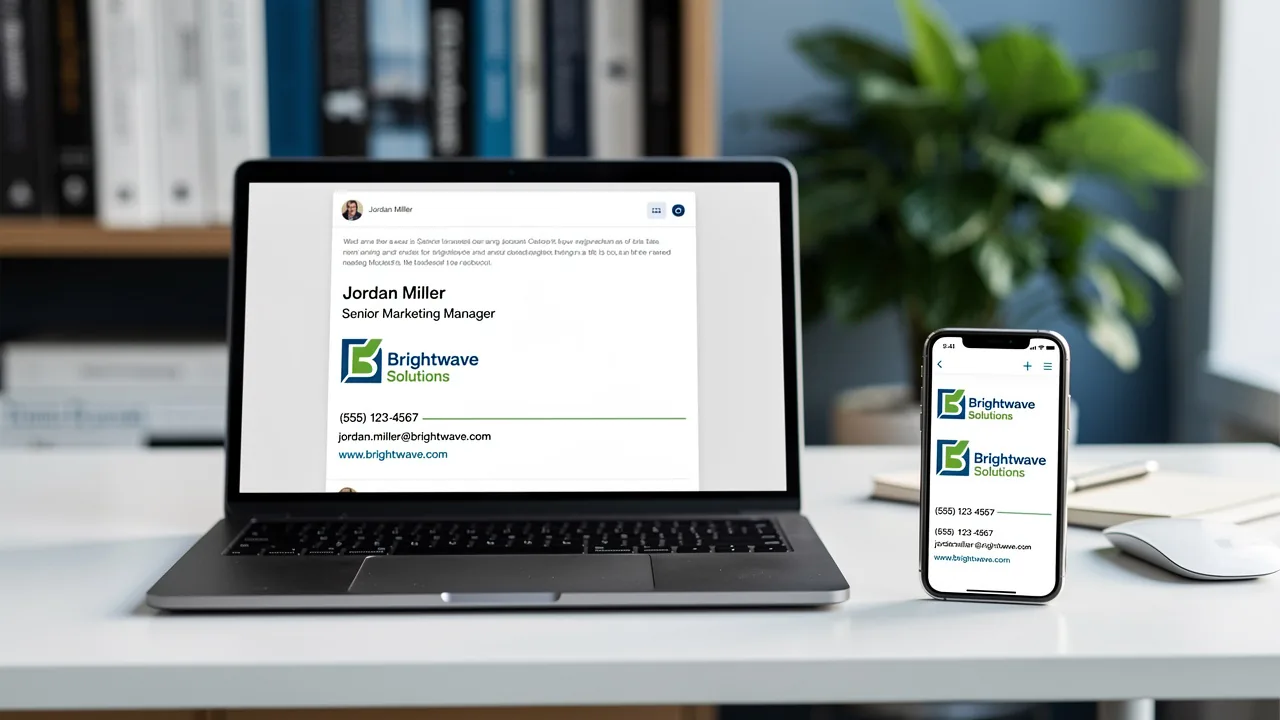
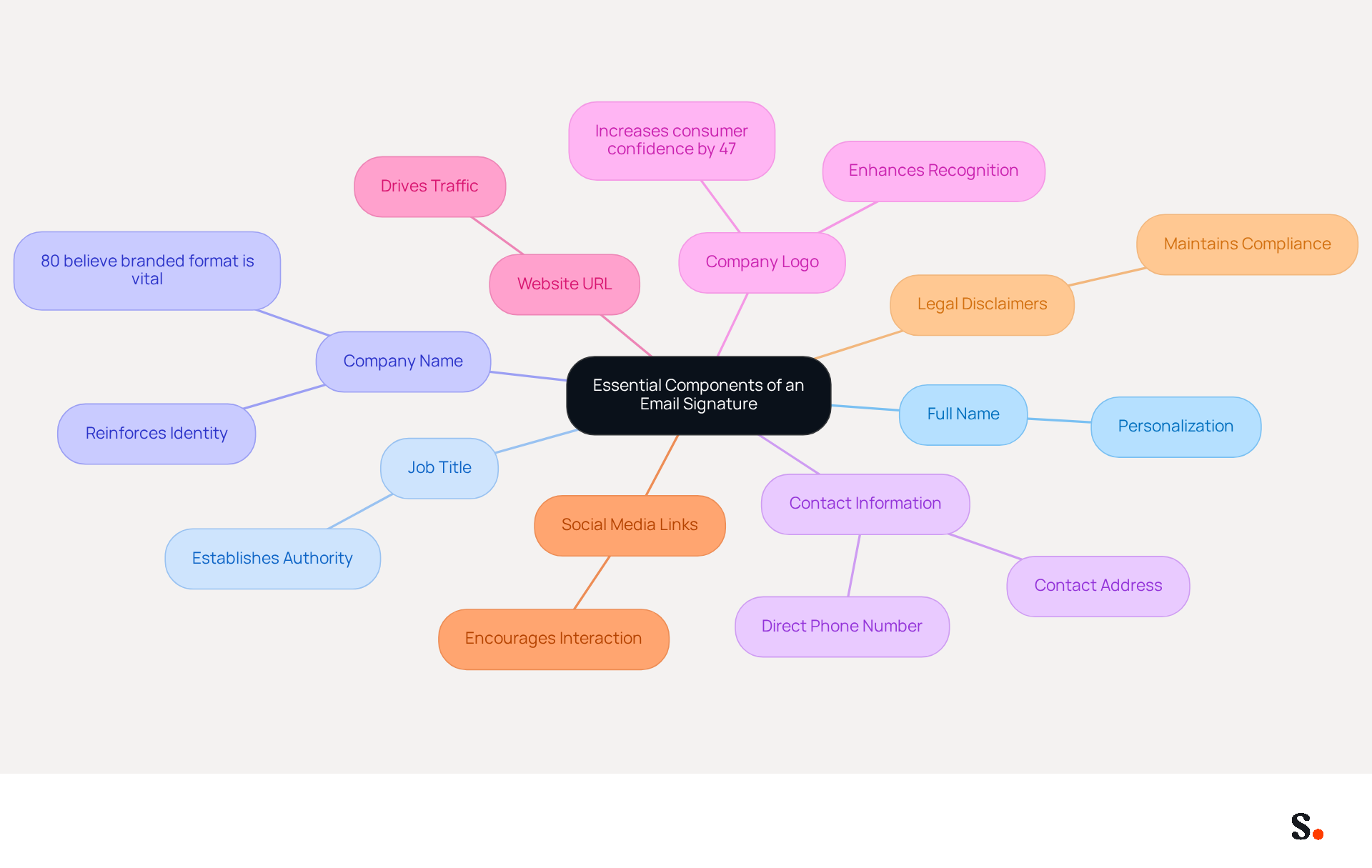
In today's digital landscape, having a correct email signature is not just a formality; it's a critical component of effective communication. A professional email signature should include the following essential components:
- Full Name: Clearly state your first and last name to personalize the communication.
- Job Title: Include your position to establish authority and context, helping recipients understand your role within the organization.
- Company Name: Mention your organization to reinforce identity; 80% of respondents believe a branded communication format is vital for a company's image.
- Contact Information: Provide a direct phone number and contact address for easy communication, ensuring that recipients can reach you without hassle.
- Company Logo: Incorporate your logo to enhance recognition; studies show that emails with customized endings increase consumer confidence by 47%.
- Website URL: Link to your company’s website to drive traffic and provide more information, facilitating further engagement with Scribe.
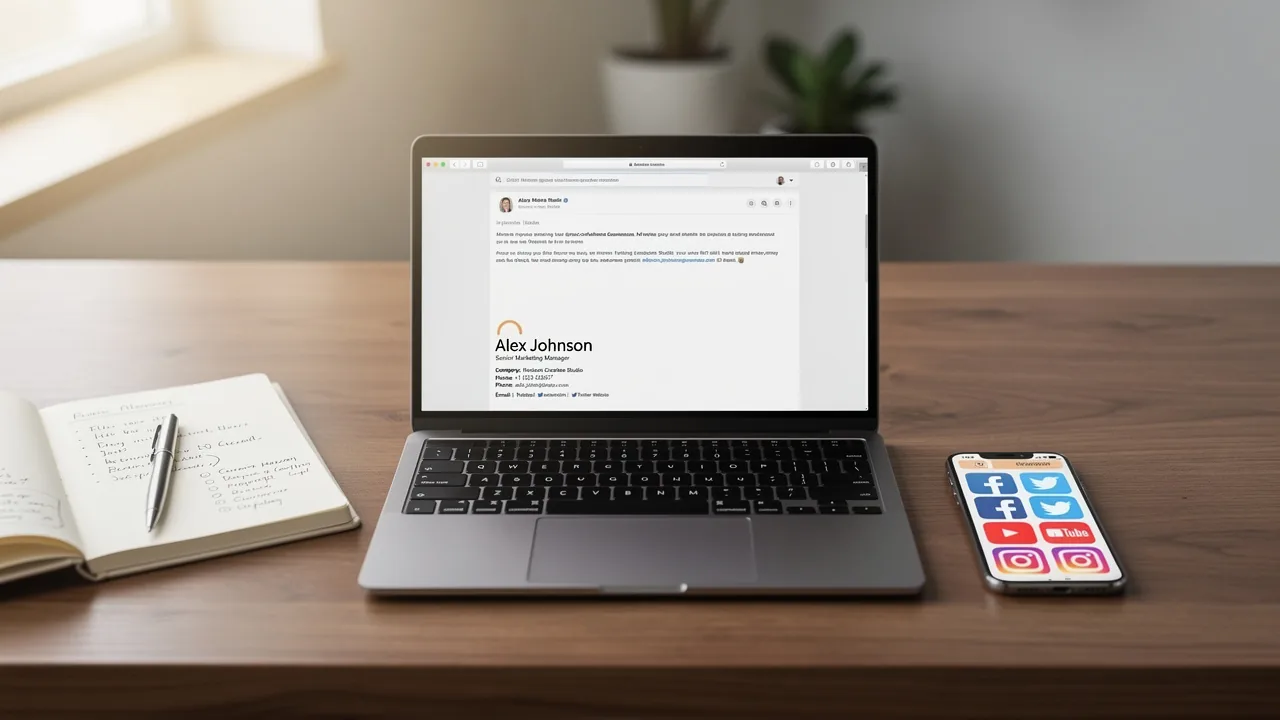
- Social Media Links: Include links to professional social media profiles to encourage further interaction, as this can strengthen your digital presence.
- Legal Disclaimers: If necessary, add any legal disclaimers relevant to your industry to maintain compliance and professionalism.
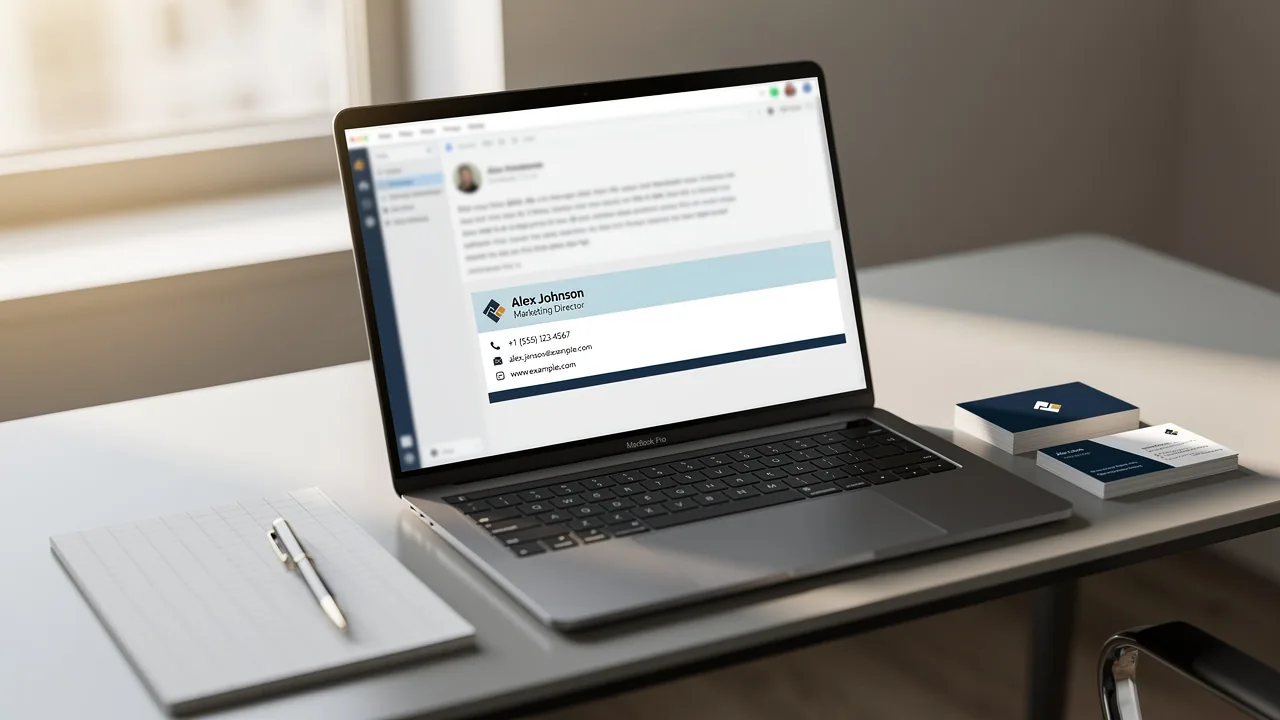
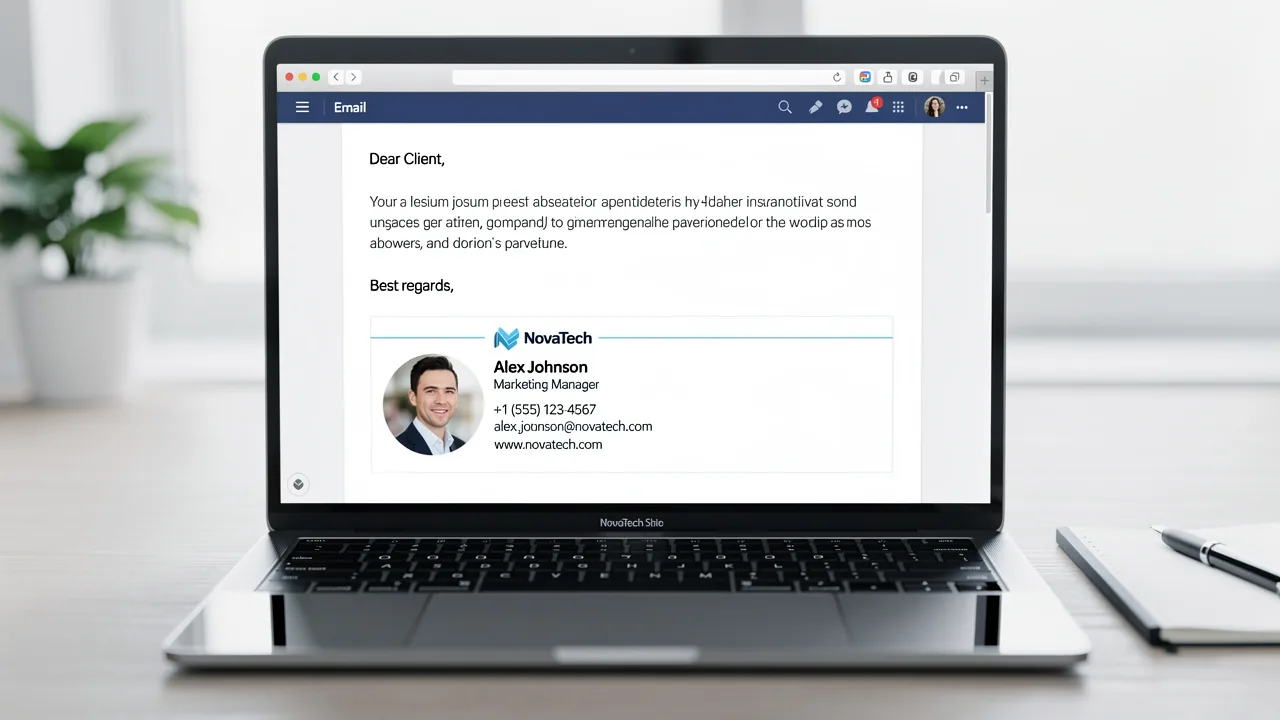
Incorporating these elements creates a digital business card that includes a correct email signature, enhancing your professional image and streamlining communication. Regular evaluations of digital identifiers are advised to ensure they stay up-to-date and effective, supporting integrity and communication standards.
Ensure Brand Consistency in Your Signature Design
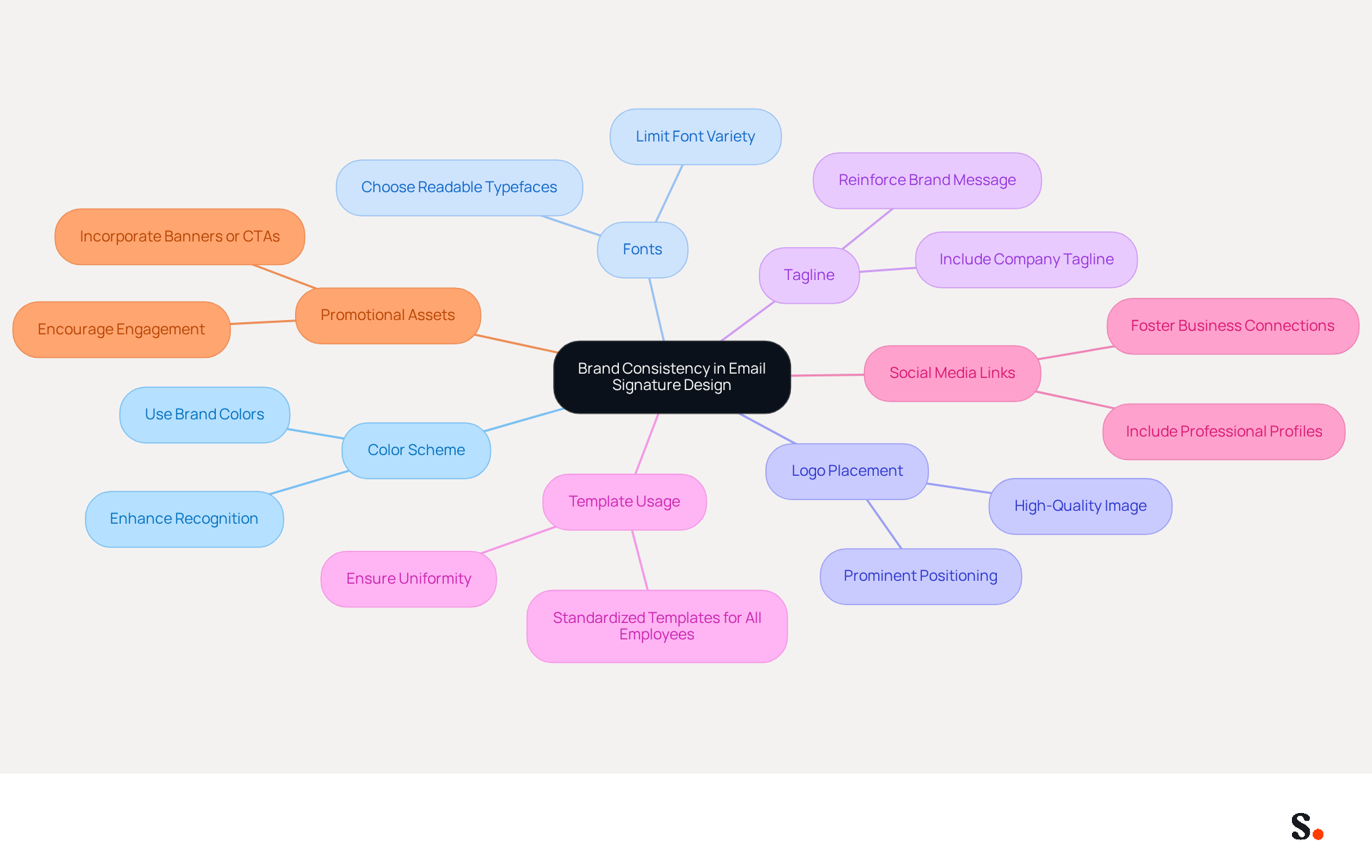
To ensure brand consistency in your email signature design, it is essential to follow established best practices:
- Color Scheme: Utilize colors that correspond with your identity. Consistent color usage aids in quick recognition among recipients.
- Fonts: Choose typefaces that reflect your identity while ensuring readability. Limit the number of different fonts to maintain a clean and professional appearance.
- Logo Placement: Position your logo prominently yet tastefully within the signature. Ensure it is high quality and appropriately sized to enhance visibility.
- Tagline: If applicable, include a company tagline that succinctly conveys your message, reinforcing your identity.
- Template Usage: Implement a standardized template for all employees to ensure uniformity across the organization, which is crucial for maintaining a cohesive identity experience.
- Social Media Links: Include links to your professional social media profiles to foster deeper business connections and enhance engagement.
- Promotional Assets: Consider incorporating promotional elements, such as banners or calls to action, to entice recipients to engage further with Scribe.
Following these guidelines helps ensure your correct email signature not only appears professional but also reinforces your brand identity with each message. Scribe simplifies the process by automatically updating your digital identifiers with any changes made in your Aircall setup, enhancing consistency effortlessly. Scribe ensures secure data handling for your organization, being SOC 2 Type II certified and compliant with GDPR and CCPA. Research shows that 70% of consumers feel frustration when companies fail to include a contact footer, emphasizing the importance of this frequently ignored marketing component. Moreover, organizations that standardize their correspondence identifiers can observe a 22% rise in response rates, illustrating the concrete advantages of a unified strategy for correspondence design. As branding expert John Doe noted, 'A well-designed footer can become a true asset in enhancing the image of your brand.' Implementing these strategies not only enhances your brand's professionalism but also significantly improves engagement with your audience.
Implement Design Best Practices and Effective Linking
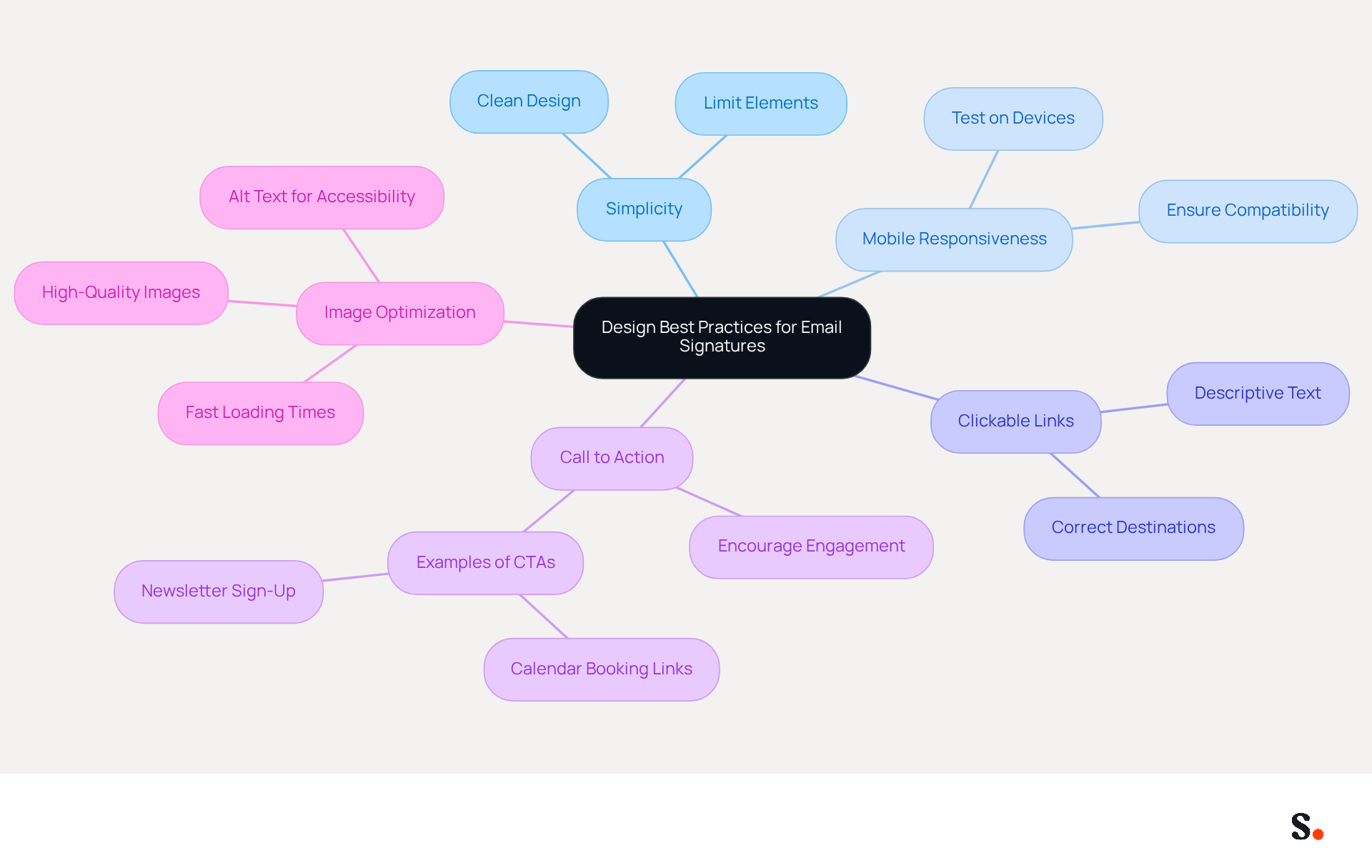
Creating a correct email signature requires careful consideration of design principles that enhance communication. Here are some best practices to follow:
- Simplicity: Maintain a clean and uncluttered design. Limiting the number of elements helps avoid overwhelming the recipient, ensuring that key information stands out.
- Mobile Responsiveness: With over half of all emails opened on mobile devices, it’s crucial to ensure your email footer looks good across various platforms. Testing on different devices confirms compatibility and enhances user experience.
- Clickable Links: Ensure all links, including those to your website and social media, are clickable and direct recipients to the correct destinations. Descriptive text for links is preferable to raw URLs, enhancing clarity and professionalism.
- Call to Action: Incorporate a clear call to action (CTA) when appropriate. Encouraging recipients to engage further - such as signing up for a newsletter or visiting a specific webpage - can significantly boost interaction rates. For instance, email footers featuring calendar booking links have shown a 26% click-through rate, according to case studies. Additionally, Scribe's distinctive banners have an average click-through rate of 12%, demonstrating how a strategic approach to digital signatures can enhance communication.
- Image Optimization: Use high-quality images that are optimized for web use to ensure fast loading times and avoid distortion. Images should be under 10KB in size and hosted on secure URLs to maintain professionalism and accessibility. Furthermore, adding alt text for images improves accessibility and guarantees that your branding remains effective even if images fail to load.
When you apply these design best practices, you’ll not only enhance your image but also encourage recipients to interact. A well-organized electronic communication footer that features a correct email signature can act as an effective marketing instrument, generating leads and strengthening identity. Organizations that employ centralized management of digital signatures, such as Scribe, have reported 85% improved brand consistency and three times greater campaign engagement, illustrating the effectiveness of a strategic approach to digital signatures. With Scribe, organizations can turn their email signatures into effective marketing tools, ensuring that any modifications made in your Google Workspace are automatically reflected in your contact details, saving time and keeping your information current.
Leverage Automation for Efficient Signature Management
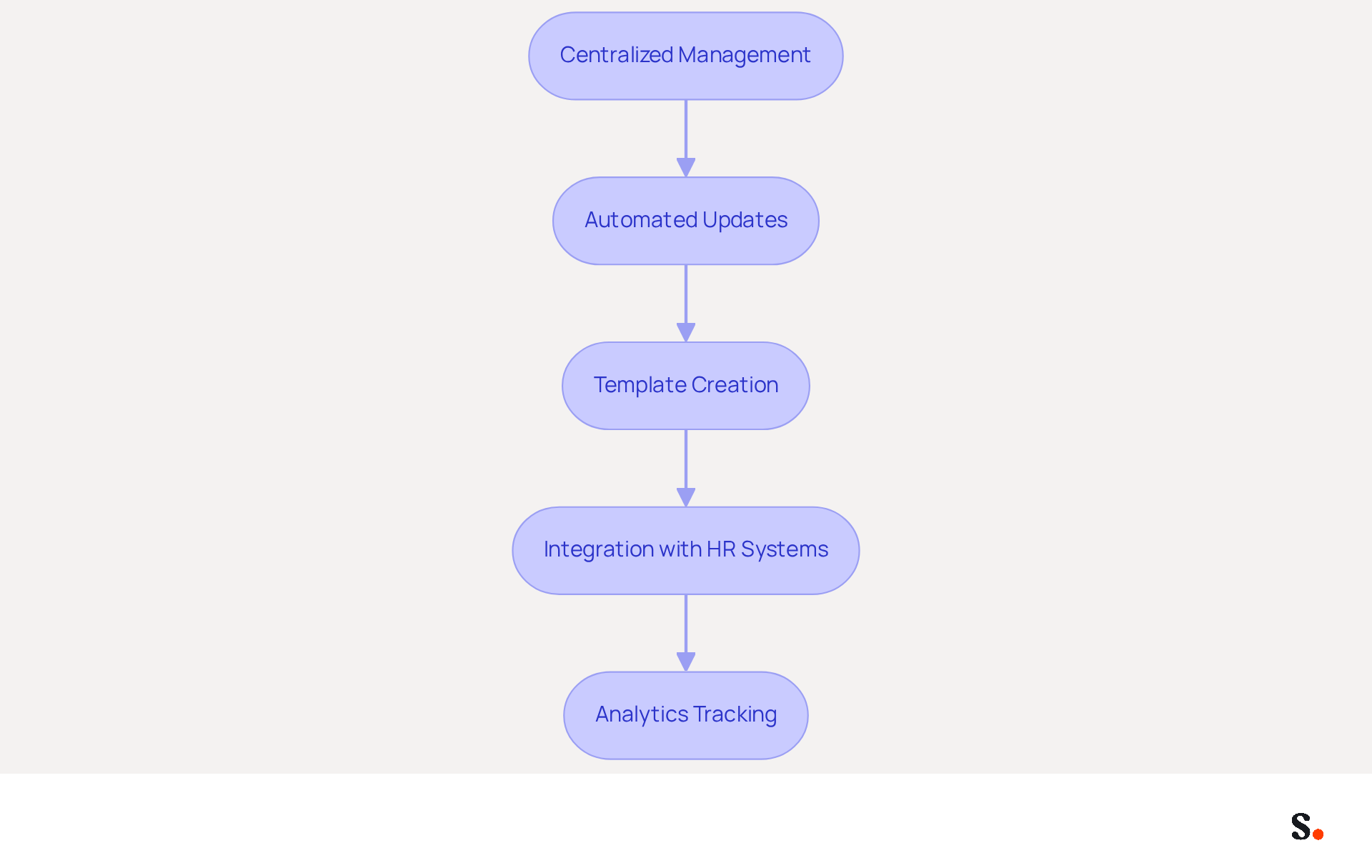
To enhance email signature management, implementing automation strategies is essential:
- Centralized Management: Utilize Scribe to manage all electronic identifiers from a single dashboard, enabling swift updates and changes organization-wide. This centralized approach ensures that every email reflects a consistent brand image, which is crucial for maintaining a correct email signature, as 42% of consumers feel negatively about businesses that lack branding.
- Automated Updates: Establish automated updates for employee information, ensuring that approvals are always current without requiring manual intervention. Each change made in your Aircall configuration will automatically be reflected in your Scribe profiles, as the data is synchronized from there. This not only conserves time but also minimizes the likelihood of mistakes, as organizations that automate their digital identifiers can implement updates instantly across all users.
- Template Creation: Develop standardized templates that can be easily customized for various departments or roles. This preserves brand consistency while permitting personalization, which is crucial since 76% of marketers think that a correct email signature enhances trust in the sender.
- Integration with HR Systems: Connect your management for identifiers with HR systems to automatically refresh them when employees join or leave Scribe. This integration simplifies the onboarding and offboarding process, ensuring that every employee's approval includes the correct email signature and meets company standards.
- Analytics Tracking: Utilize analytics to observe engagement with digital footers, allowing data-driven modifications to improve effectiveness. Companies that utilize analytics can identify which elements of their branding drive the most engagement, leading to higher engagement and better communication outcomes.
With Scribe, organizations can ensure their digital branding is not only consistent but also secure and compliant. Additionally, Scribe's SOC 2 Type II certification and compliance with GDPR and CCPA ensure secure data handling, making it a reliable choice for organizations seeking to enhance their email signature management.
Conclusion
Many organizations overlook the critical role of an effective email signature in shaping brand identity and professional communication. A well-designed signature serves as a digital business card and reinforces the organization's image with every email sent. By incorporating key elements like your full name, job title, company logo, and contact info, businesses can create a signature that truly resonates with recipients and promotes brand consistency.
Throughout the article, best practices for email signature design have been highlighted, including the importance of maintaining a cohesive color scheme, font selection, and the strategic placement of logos and social media links. Additionally, leveraging automation tools like Scribe can streamline the management of email signatures, ensuring that updates are made efficiently and consistently across the organization. This is supported by case studies showing that companies using centralized management have seen notable increases in engagement and brand recognition.
Ultimately, a well-designed email signature is more than just an aesthetic choice; it serves as a powerful marketing tool that drives engagement and fosters trust. Organizations are encouraged to adopt these best practices and consider automation solutions to optimize their email signature management. Embracing these best practices not only enhances brand consistency but also positions organizations for greater success in their digital communications.
Frequently Asked Questions
What are the essential components of a professional email signature?
A professional email signature should include your full name, job title, company name, contact information, company logo, website URL, social media links, and any necessary legal disclaimers.
Why is it important to include your full name in an email signature?
Including your full name personalizes the communication and helps recipients identify who you are.
How does including a job title in an email signature benefit communication?
Including your job title establishes authority and context, helping recipients understand your role within the organization.
What role does the company name play in an email signature?
Mentioning your company name reinforces identity and is important for a company's image, as 80% of respondents believe a branded communication format is vital.
Why should contact information be included in an email signature?
Providing direct contact information, such as a phone number and address, ensures that recipients can easily reach you without hassle.
How does incorporating a company logo in an email signature affect communication?
Including a company logo enhances recognition and studies show that emails with customized endings can increase consumer confidence by 47%.
What is the purpose of linking to a website URL in an email signature?
Linking to your company’s website drives traffic and provides more information, facilitating further engagement with Scribe.
Why should social media links be included in an email signature?
Including links to professional social media profiles encourages further interaction and strengthens your digital presence.
When should legal disclaimers be added to an email signature?
Legal disclaimers should be added if necessary, to maintain compliance and professionalism relevant to your industry.
How often should email signatures be evaluated?
Regular evaluations of digital identifiers, including email signatures, are advised to ensure they stay up-to-date and effective, supporting integrity and communication standards.
List of Sources
- Identify Essential Components of an Email Signature
- Email Signature Best Practices in 2026 | BrandaSign (https://brandasign.com/blog/email-signature-best-practices-2026)
- Email Signature Best Practices for 2026 (+ 15 Pro Examples) (https://wavecnct.com/blogs/email-signature-best-practices-2026)
- The ultimate guide to email signatures in 2026 (https://signitic.com/en/resources/email-signature)
- Research Recap: Branded Email Signatures Increase Company Recognition, Trust - B2BMX INSIGHTS (https://demandgenreport.com/industry-news/research-recap-branded-email-signatures-increase-company-recognition-trust/47252)
- Best Practices for Email Signatures for Business Owners (https://scribe-mail.com/en-US/blog/best-practices-for-email-signatures-for-business-owners)
- Ensure Brand Consistency in Your Signature Design
- Why Are Email Signatures Key to Brand Awareness? | QuickMail (https://quickmail.com/role-of-email-signatures-in-brand-awareness)
- Research Recap: Branded Email Signatures Increase Company Recognition, Trust - B2BMX INSIGHTS (https://demandgenreport.com/industry-news/research-recap-branded-email-signatures-increase-company-recognition-trust/47252)
- Is Your Customer Rebrand Stuck on Email Signatures? (https://wisestamp.com/blog/rebrand-email-signatures)
- Email Signature Branding: Consistency and Impact | Crossware365 (https://crossware365.com/blog/mastering-email-signature-branding-market-presence)
- The impact of email signatures on your branding (https://signitic.com/en/resources/the-impact-of-email-signatures-on-your-branding)
- Implement Design Best Practices and Effective Linking
- Email Signature Best Practices - NEWOLDSTAMP (https://newoldstamp.com/blog/email-signature-best-practices)
- 20 best email signature design examples for 2026 — Stripo.email (https://stripo.email/blog/10-best-email-signature-design-examples)
- The ultimate guide to email signatures in 2026 (https://signitic.com/en/resources/email-signature)
- Why Email Signatures Must Be In Your 2026 Marketing Plan | Rocketseed (https://rocketseed.com/blog/what-are-the-biggest-email-trends-for-2026)
- Email Signature Best Practices for 2026 (+ 15 Pro Examples) (https://wavecnct.com/blogs/email-signature-best-practices-2026)
- Leverage Automation for Efficient Signature Management
- Automating Email Signatures: How IT Teams Streamline Processes & Reduce Risk (https://exclaimer.com/blog/streamlining-it-processes-automated-email-signatures)
- 40+ Email Signature Statistics for 2026 (Data + Insights) (https://wavecnct.com/blogs/email-signature-statistics)
- Company-Wide Email Signature Management | CloudM (https://cloudm.io/resources/blog/optimize-your-process-with-company-wide-email-signature-management)
- Central and automatic email signatures for Office 365 (https://codetwo.com/email-signatures/central-and-automatic)
Get started with Scribe
Manage signatures across your whole team
Free 14-day trial — no credit card.