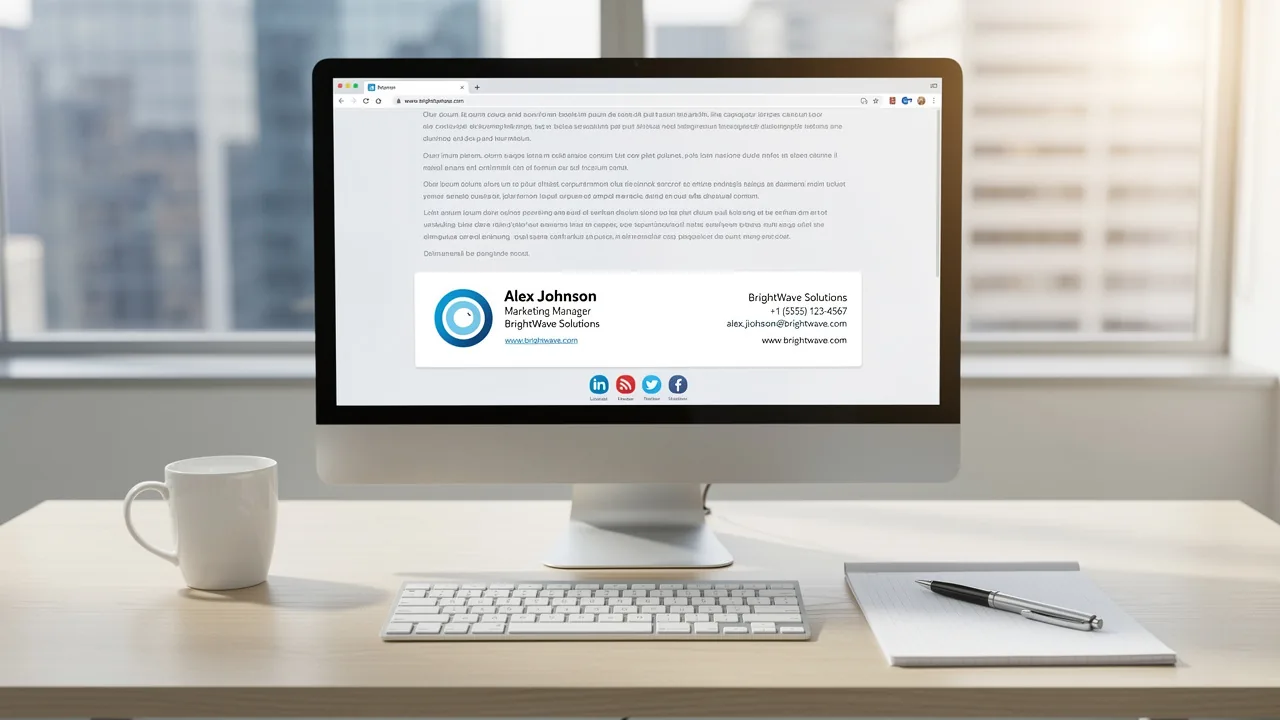
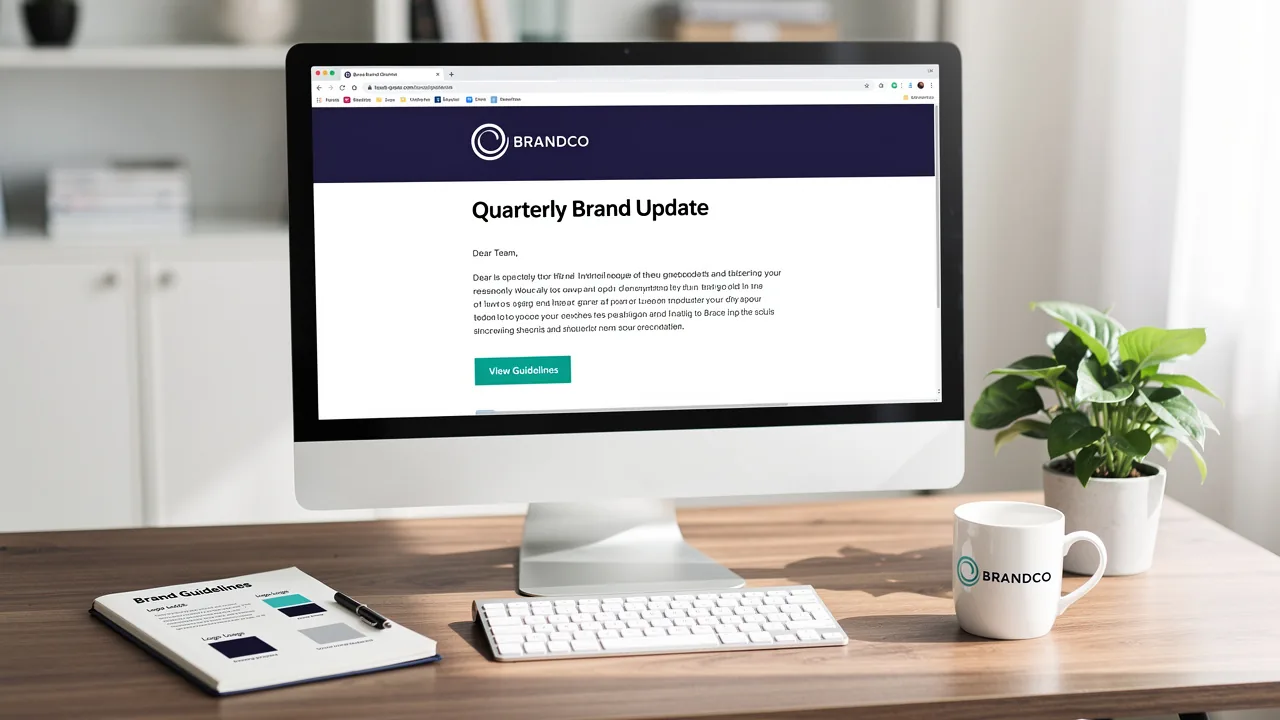
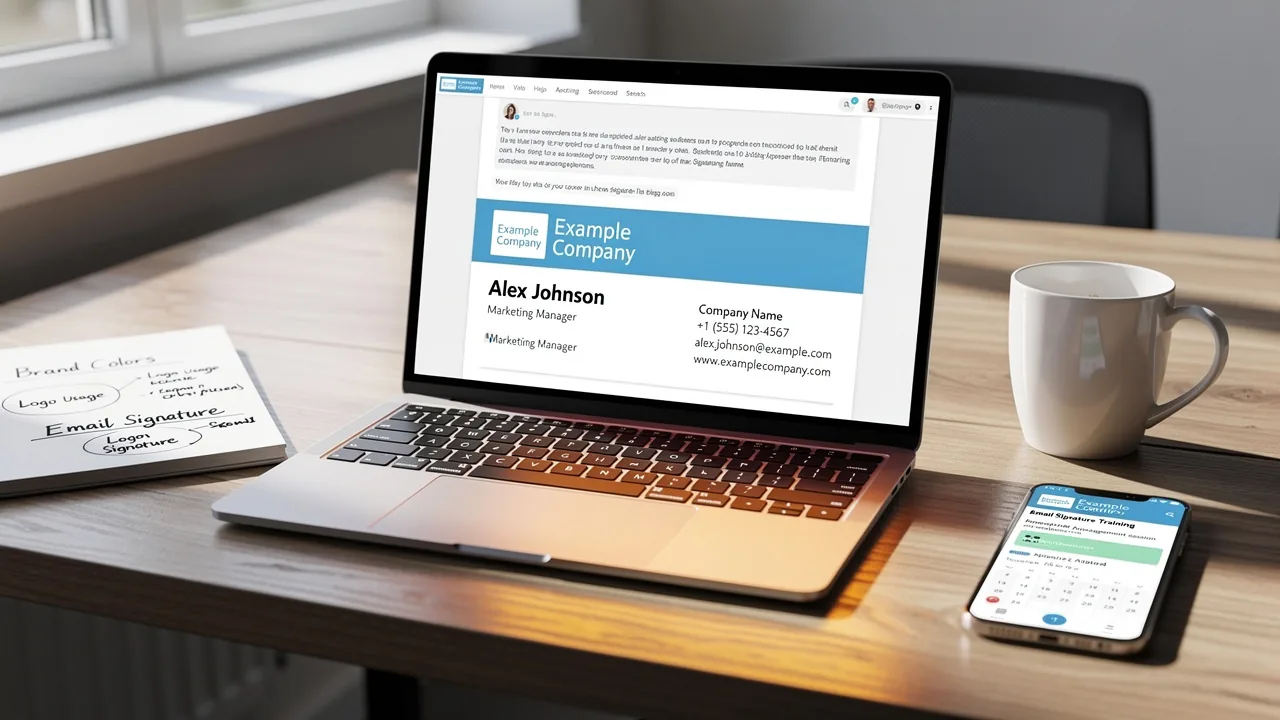
Best Practices for Crafting Effective HTML Email Footers
Crafting an effective HTML email footer presents a unique challenge for businesses aiming to enhance brand recognition and engagement. By implementing best
Sophie Grant
Email Signature Specialist, Scribe

Introduction
Crafting an effective HTML email footer presents a unique challenge for businesses aiming to enhance brand recognition and engagement. By implementing best practices in footer design, organizations can transform a simple sign-off into a powerful marketing tool that resonates with recipients. Yet, with various elements to consider, how can businesses ensure their email footers comply with regulations while also captivating their audience?
Get started with Scribe
Manage signatures across your whole team
Free 14-day trial — no credit card.
Establish Core Design Principles for HTML Email Footers
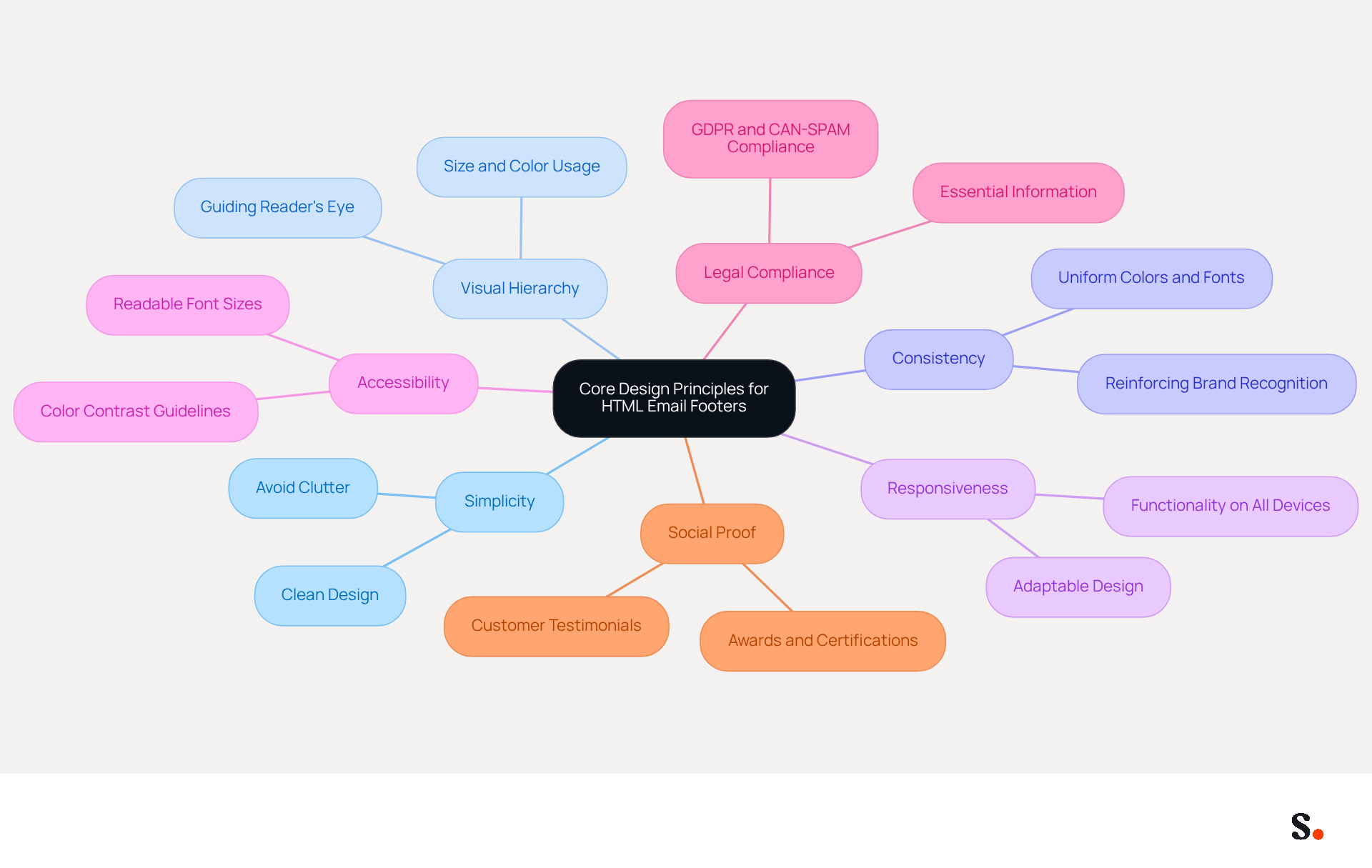
To create effective HTML email footers, it is essential to establish core design principles while also considering legal compliance and essential information that enhances professionalism and trustworthiness:
- Simplicity: Maintain a clean and uncluttered design. Avoid overwhelming readers with excessive information or visual elements, ensuring that the bottom section remains easy to navigate.
- Visual Hierarchy: Utilize size, color, and spacing to create a clear hierarchy. Important information should be prominent, guiding the reader's eye naturally to key details.
- Consistency: Align the bottom design with your overall identity, incorporating uniform colors, fonts, and logos. This reinforces brand recognition and trust among recipients.
- Responsiveness: Design sections that adapt seamlessly to various screen sizes. A responsive design ensures that your bottom section maintains its visual appeal and functionality on both desktop and mobile devices.
- Accessibility: Follow accessibility guidelines, such as suitable color contrast and font size, to ensure that all users can easily read and interact with your content.
- Legal Compliance: Include essential information such as contact details, company name, registration number, and unsubscribe links to comply with regulations like GDPR and CAN-SPAM. This not only protects your business from legal risks but also enhances your reputation as a responsible brand.
- Social Proof: Incorporate elements like customer testimonials or awards in your website's bottom section to build credibility and trust with your audience.
By adhering to these principles, you can create an HTML email footer that projects professionalism and enhances the effectiveness of your communications. Take TOMS, for instance; they’ve seamlessly integrated their logo and slogan into their signatures, which strengthens their brand image. Similarly, WeTransfer has organized its bottom content with a clear visual hierarchy, making it easy for subscribers to navigate and understand the company's offerings. Implementing these principles can significantly enhance your brand's credibility and engagement with recipients.
Incorporate Branding Elements to Enhance Recognition
To ensure your brand stands out in a crowded digital landscape, consider enhancing your email footer with strategic branding elements:
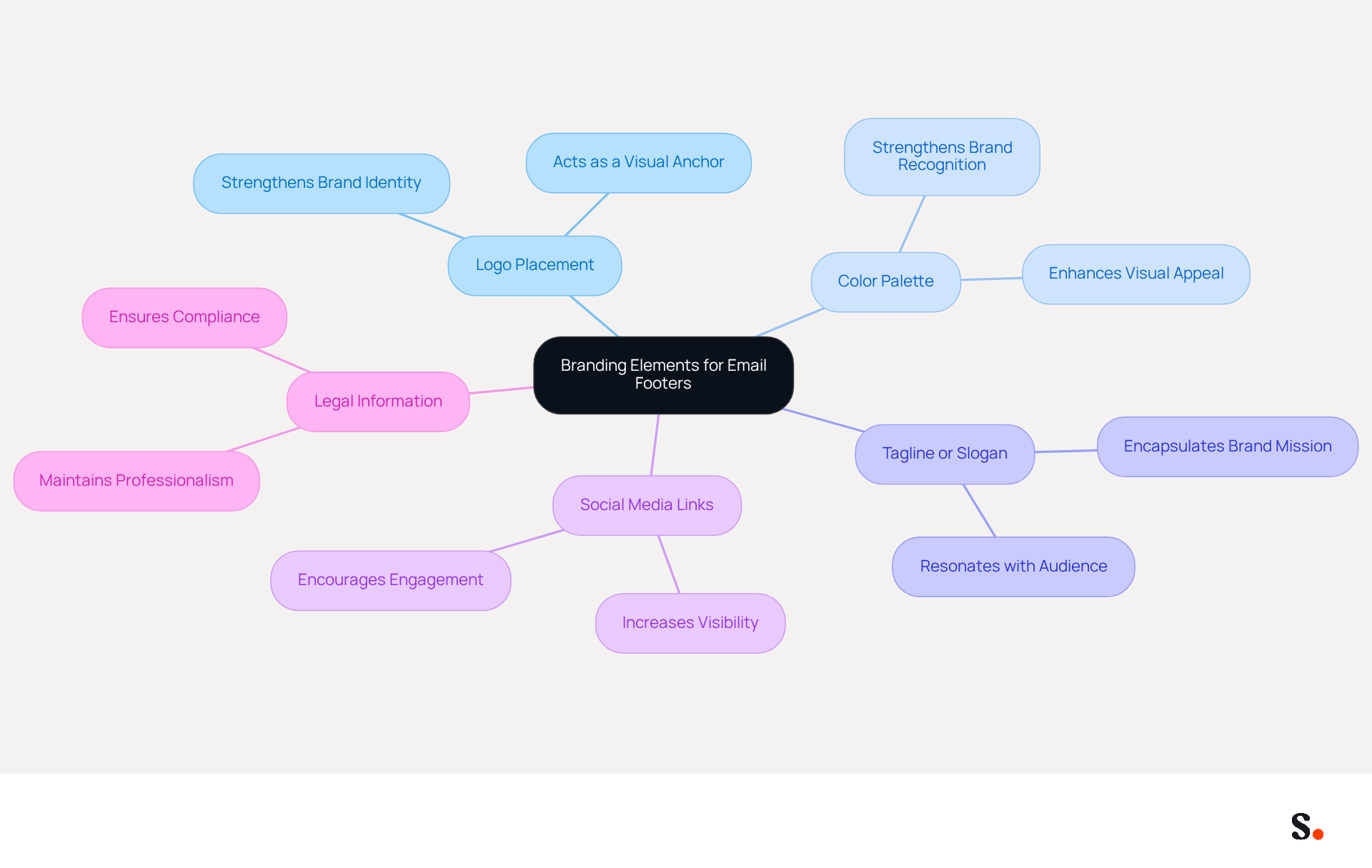
- Logo Placement: Prominently display your company logo in the bottom section. This strengthens your brand identity and acts as a visual anchor, helping recipients feel more familiar and trusting.
- Color Palette: Consistently apply your organization's color scheme in the footer design. This not only enhances visual appeal but also strengthens association, making your emails instantly recognizable.
- Tagline or Slogan: Include a tagline or slogan that encapsulates Scribe's mission or value proposition. This reinforces your message and can resonate with audiences, enhancing their connection to Scribe.
- Social Media Links: Incorporate icons linking to your social media profiles. This encourages recipients to engage with Scribe across multiple platforms, increasing overall visibility and interaction.
- Legal Information: Present any required legal disclaimers or information in a manner that aligns with your organization's tone and style. This keeps your communications professional and compliant with necessary regulations.
By thoughtfully integrating these branding elements, you can create an html email footer that is not only visually appealing but also serves as a powerful marketing tool. Studies indicate that 76% of recipients are more likely to trust senders who use professional email signatures, emphasizing the influence of well-crafted message signatures on brand perception. Furthermore, businesses with consistent branding see a 22% rise in response rates for their communications, illustrating the commercial value of effective signature management. Ultimately, a well-designed email signature can transform your communications into a compelling brand statement that resonates with your audience.
Integrate Actionable Components for Enhanced Engagement
To maximize engagement through your email footer, consider integrating actionable components that resonate with your audience:
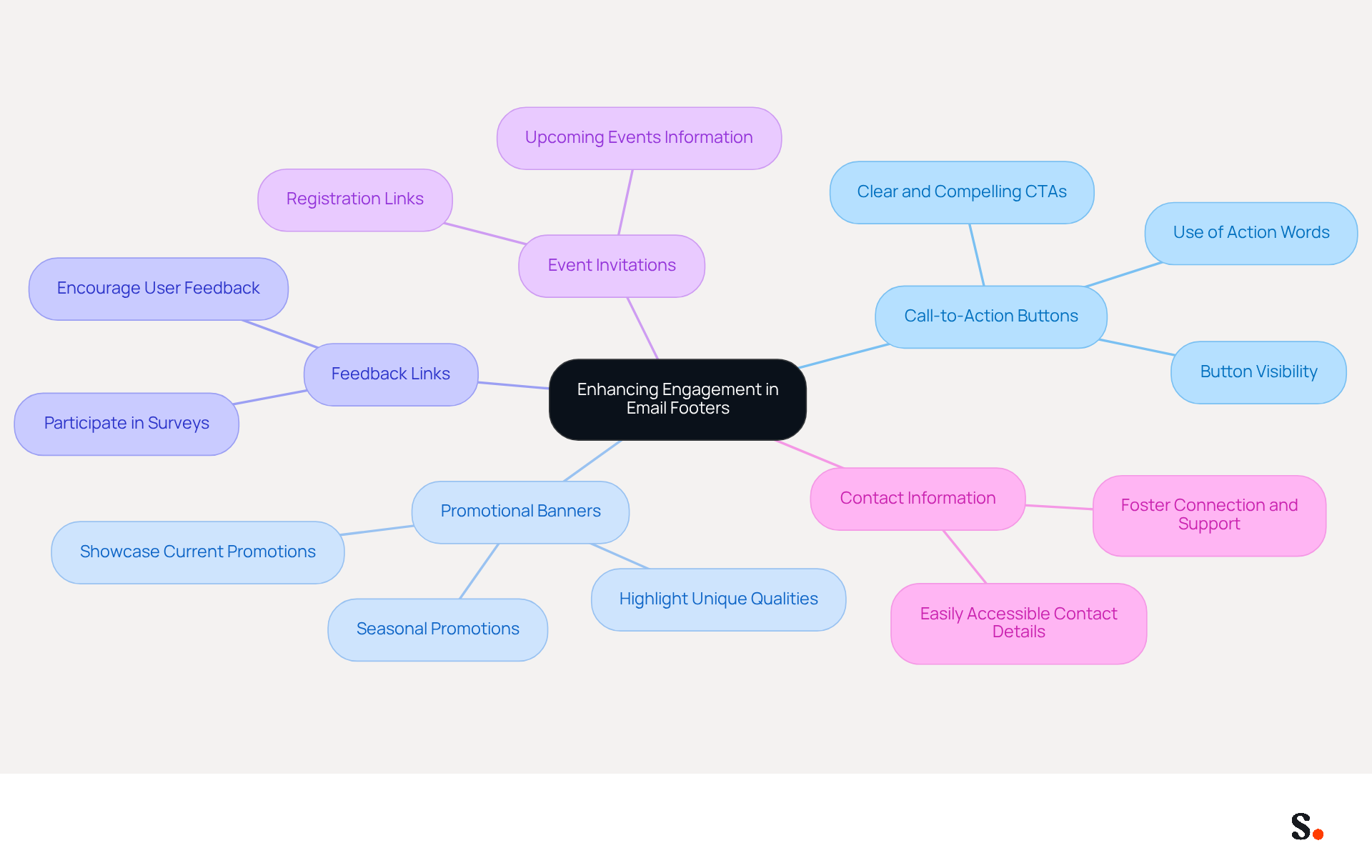
- Call-to-Action Buttons: Incorporate clear and compelling CTAs that motivate individuals to take specific actions, such as visiting your website, signing up for a newsletter, or downloading a resource.
- Promotional Banners: Consider using your footer to showcase current promotions or special offers that might catch your audience's eye, encouraging interaction with your Scribe and boosting conversion rates.
- Feedback Links: Provide links for users to give feedback or participate in surveys. This not only engages them but also yields valuable insights for your business.
- Event Invitations: If applicable, include information about upcoming events or webinars, along with registration links. This motivates individuals to participate and engage with your brand in real-time.
- Contact Information: Ensure that your contact information is easily accessible, allowing recipients to reach out with questions or inquiries, fostering a sense of connection and support.
By integrating these actionable components, you can transform your email signature into a dynamic space that features an html email footer, driving engagement and enhancing the overall effectiveness of your communications. Ultimately, these strategies can redefine how recipients interact with your communications, fostering deeper connections with your brand.
Test and Optimize for Consistency Across Platforms
To achieve consistency in your HTML email footers across various platforms, it is essential to adhere to best practices:
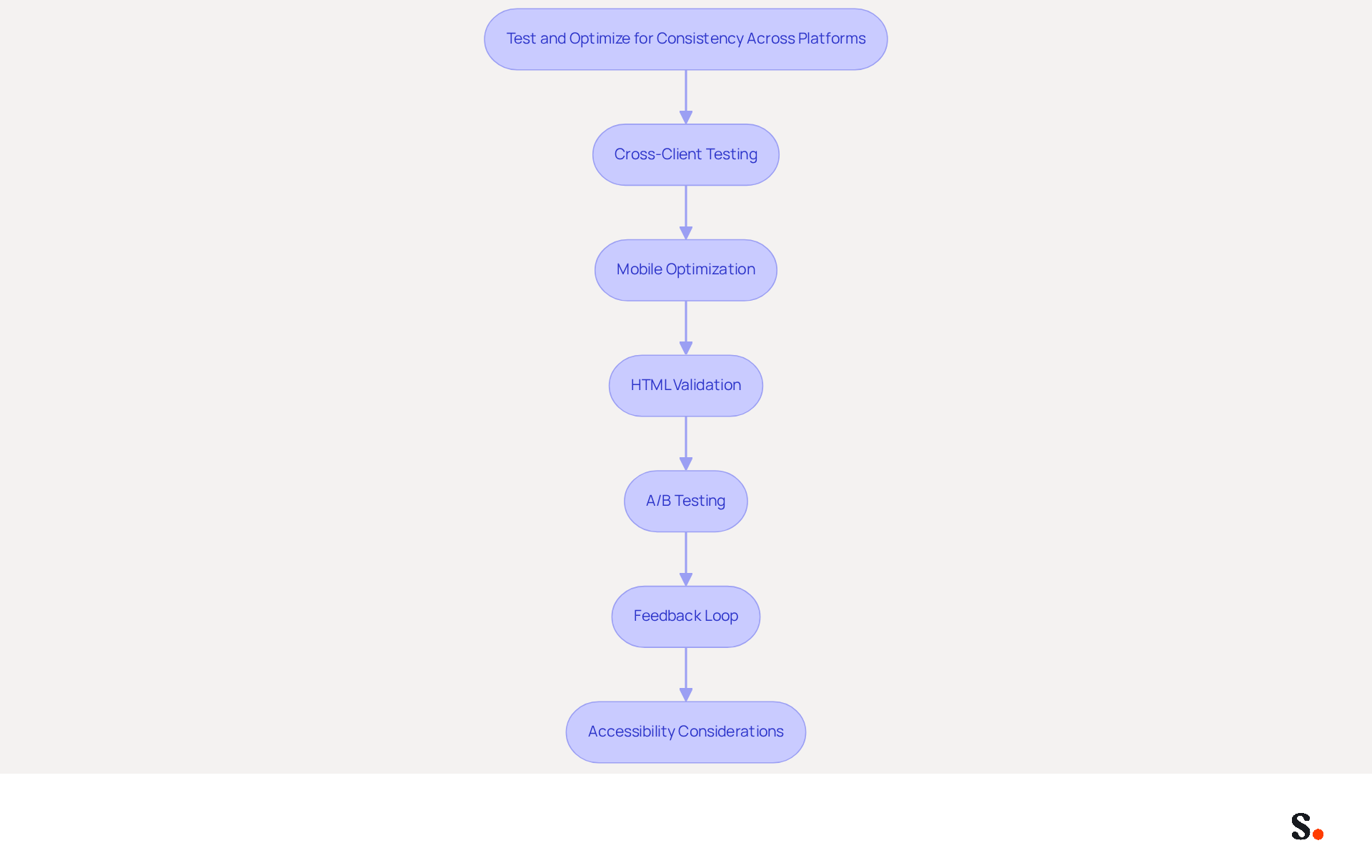
- Cross-Client Testing: Utilize tools like Litmus or Email on Acid to assess how your message's signature renders across various email clients, including Outlook, Gmail, and Apple Mail. This testing is vital for identifying rendering issues that may compromise user experience. As highlighted in the case study 'Testing HTML Emails Before Sending,' thorough testing of the html email footer across various clients is essential for ensuring proper rendering.
- Mobile Optimization: Verify the display of your footer on mobile devices. Given that iPhone accounts for 90.5% of all mobile message opens, ensuring that all elements are responsive and easy to navigate on smaller screens is essential for maintaining engagement. Neglecting mobile optimization can result in decreased engagement and lost opportunities.
- HTML Validation: Validate your HTML code to ensure compliance with standards. Proper validation can prevent rendering issues and enhance deliverability, which is vital for effective email marketing.
- A/B Testing: Implement A/B tests on different design elements or components to determine which versions yield better engagement. This data-driven approach can significantly inform future design decisions and improve overall effectiveness.
- Feedback Loop: Encourage user feedback regarding the bottom section's usability and appearance. Encouraging feedback helps us continuously improve the footer's effectiveness and align it with user preferences.
- Accessibility Considerations: Incorporate accessibility best practices in your message signatures, such as using alt text for images and ensuring sufficient color contrast. This aligns with the growing emphasis on inclusivity in digital marketing.
By adopting these testing and optimization strategies, you can ensure that your html email footer is not only professional but also consistent and effective across all platforms. Implementing these strategies not only enhances professionalism but also maximizes the effectiveness of your email communications.
Conclusion
Many organizations find it challenging to effectively engage their audience through digital communications, yet crafting effective HTML email footers can significantly enhance brand recognition. By focusing on core design principles, organizations can create footers that not only comply with legal standards but also project professionalism and trustworthiness. A well-designed footer serves as a powerful marketing tool, reinforcing brand identity and encouraging recipient interaction.
Key strategies discussed include:
- Establishing a clean visual hierarchy
- Incorporating branding elements like logos and color schemes
- Integrating actionable components such as call-to-action buttons and promotional banners
Additionally, testing and optimizing footers across various platforms ensures consistency and responsiveness, which are crucial for maintaining engagement, especially on mobile devices. These practices not only enhance the effectiveness of email communications but also contribute to a cohesive brand experience.
Failing to invest in effective email footers can lead to diminished brand perception and lost customer interactions, ultimately impacting marketing success. By implementing these best practices, organizations can transform their email footers into dynamic spaces that resonate with audiences, fostering deeper connections and driving measurable marketing results. Embrace these strategies to elevate your email communications and ensure your brand stands out in a crowded digital landscape.
Frequently Asked Questions
What are the core design principles for HTML email footers?
The core design principles for HTML email footers include simplicity, visual hierarchy, consistency, responsiveness, accessibility, legal compliance, and social proof.
Why is simplicity important in HTML email footers?
Simplicity is important because it maintains a clean and uncluttered design, preventing readers from feeling overwhelmed and ensuring easy navigation.
How can visual hierarchy be established in email footers?
Visual hierarchy can be established by utilizing size, color, and spacing to make important information prominent, guiding the reader's eye to key details.
What does consistency in email footer design entail?
Consistency entails aligning the footer design with the overall brand identity by using uniform colors, fonts, and logos, which reinforces brand recognition and trust.
Why is responsiveness crucial for email footers?
Responsiveness is crucial because it ensures that the footer design adapts seamlessly to various screen sizes, maintaining visual appeal and functionality on both desktop and mobile devices.
What accessibility guidelines should be followed for email footers?
Accessibility guidelines include ensuring suitable color contrast and font size so that all users can easily read and interact with the content.
What legal compliance information should be included in email footers?
Legal compliance information should include contact details, company name, registration number, and unsubscribe links to comply with regulations like GDPR and CAN-SPAM.
How can social proof be incorporated into email footers?
Social proof can be incorporated by including elements like customer testimonials or awards, which help build credibility and trust with the audience.
Can you provide examples of brands that effectively use these principles in their email footers?
Yes, TOMS effectively integrates their logo and slogan into their signatures, strengthening their brand image, while WeTransfer organizes its footer content with a clear visual hierarchy for easy navigation.
List of Sources
- Establish Core Design Principles for HTML Email Footers
- icegram.com (https://icegram.com/importance-of-email-footer)
- Why Is Email Footer Design Important In Email Marketing? (https://simplelists.com/blog/enhance/why-is-an-email-footer-important)
- The Importance of Email Footers: An Expert Guide (https://wisestamp.com/blog/email-footer)
- 12 Email Footer Design Best Practices (https://litmus.com/blog/email-footer-best-practices)
- What To Include in Your Email Footer Design (https://beefree.io/hub/html-email-creation/best-practices-email-footer-design)
- Incorporate Branding Elements to Enhance Recognition
- The impact of email signatures on your branding (https://signitic.com/en/resources/the-impact-of-email-signatures-on-your-branding)
- Why Email Signatures Are So Important (https://findlight.net/salesacademy/why-email-signatures-are-so-important)
- Research Recap: Branded Email Signatures Increase Company Recognition, Trust - Demand Gen Report (https://demandgenreport.com/industry-news/research-recap-branded-email-signatures-increase-company-recognition-trust/47252)
- Salesgenie® | Business & Consumer Data to Reach Your Audience (https://salesgenie.com/blog/brand-awareness-statistics)
- The benefits of a branded email signature (https://bybrand.io/blog/branded-email-signature)
- Integrate Actionable Components for Enhanced Engagement
- How to Incorporate Promotional Banners into Email Signatures Without Overwhelming the Design | Email Signature Rescue Blog (https://emailsignaturerescue.com/blog/how-to-incorporate-promotional-banners-into-email-signatures-without-overwhelming-the-design)
- 33 Great email signature banner examples (https://rocketseed.com/resources/email-banner-examples)
- The Ultimate Guide to Email Signature Call-to-Action - NEWOLDSTAMP (https://newoldstamp.com/blog/the-ultimate-guide-to-email-signature-call-to-action)
- Calls-to-Action, Buttons & Links (https://salesforce.ucm.iu.edu/creating-emails/best-practices/links-buttons.html)
- Email Signature Banners: Turn Every Email Into a Marketing Channel (https://bulksignature.com/blog/email-signature-banners-turn-every-email-into-a-marketing-channel)
- Test and Optimize for Consistency Across Platforms
- 12 Email Footer Design Best Practices (https://litmus.com/blog/email-footer-best-practices)
- HTML Email Best Practices 2026: Templates That Work in Every Client (https://markaplugin.com/blog/html-email-best-practices-2026)
- Email Template Compatibility 2026: Design Strategies (https://aurorasendcloud.com/blog/email-template-compatibility-design)
- Cross-Client Email Testing: What QA Across 50+ Email Clients Really Involves | Email Mavlers (https://emailmavlers.com/blog/cross-client-email-testing-qa-guide)
- The Top Email Marketing Trends for 2026 (https://litmus.com/blog/trends-in-email-marketing)
Get started with Scribe
Manage signatures across your whole team
Free 14-day trial — no credit card.