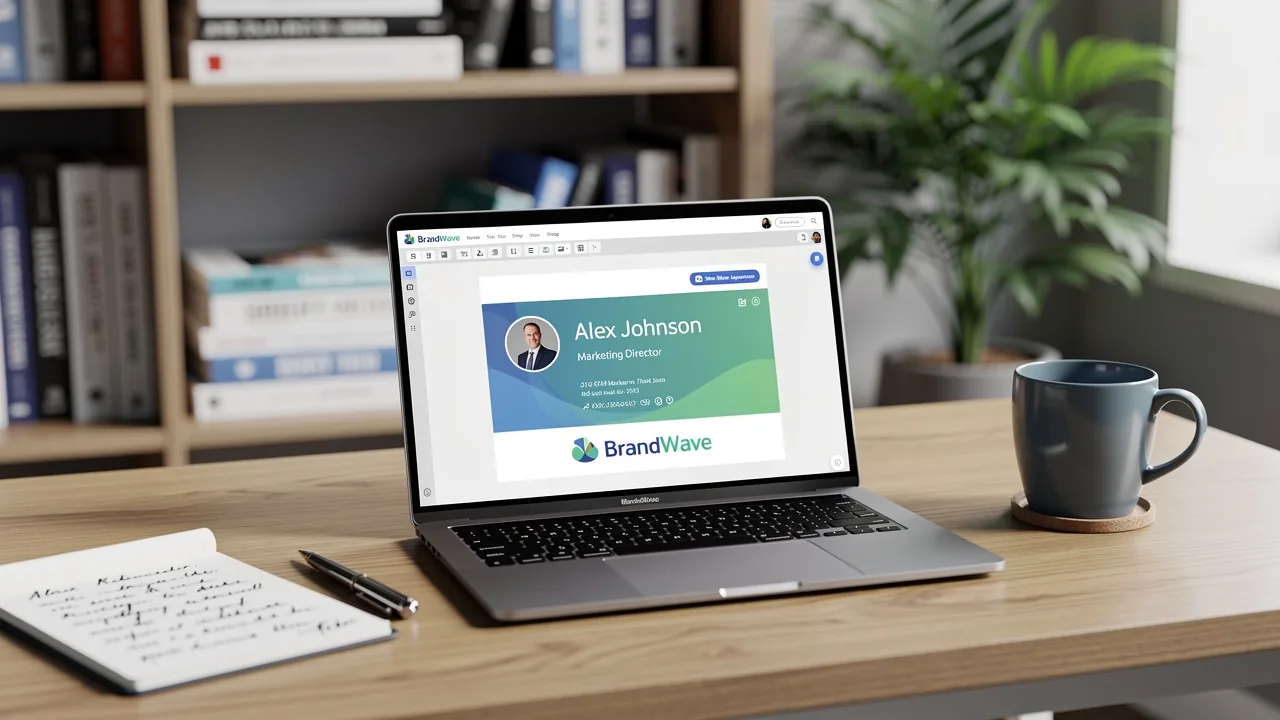
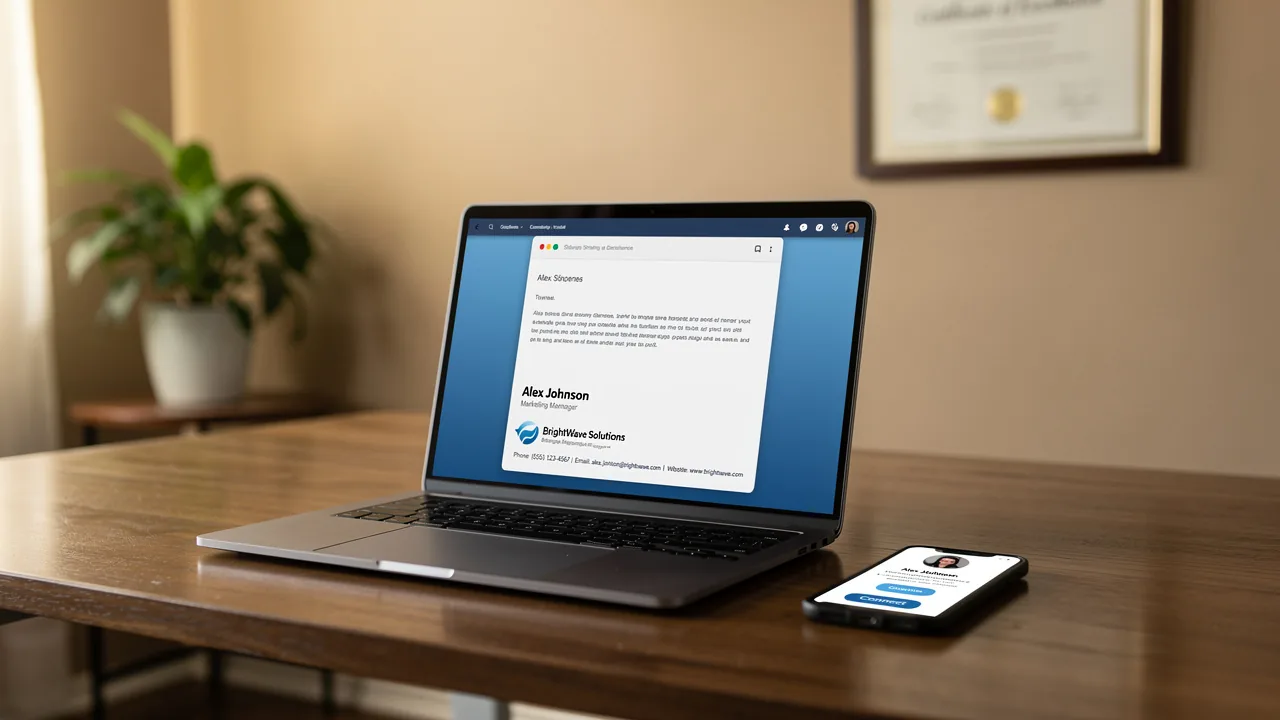
Best Practices for Your Office 365 Signature to Boost Engagement
Creating an email signature in Office 365 presents a unique challenge: how to balance professionalism with the need for brand engagement. With the right
Sophie Grant
Email Signature Specialist, Scribe
Introduction
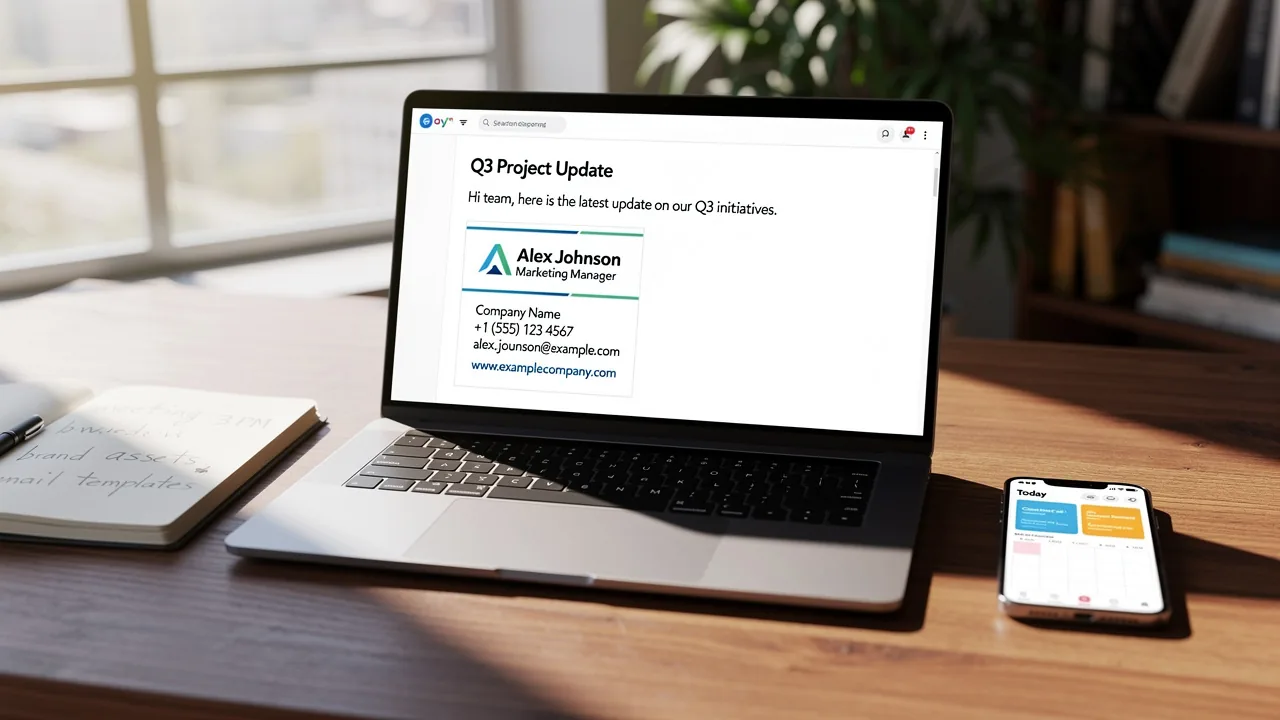
Creating an email signature in Office 365 presents a unique challenge: how to balance professionalism with the need for brand engagement. With the right practices in place, organizations can transform their email signatures into powerful marketing tools that not only maintain professionalism but also drive interaction with recipients.
Many organizations find it challenging to create email signatures that are both consistent with their brand and engaging for recipients. How can organizations effectively leverage their email signatures to maximize impact while ensuring compliance and professionalism?
By mastering the art of email signatures, organizations can unlock new avenues for engagement and brand visibility.
Establish Brand Consistency and Professionalism in Signatures
To maintain a professional image in Office 365 email signatures, organizations must follow established best practices:
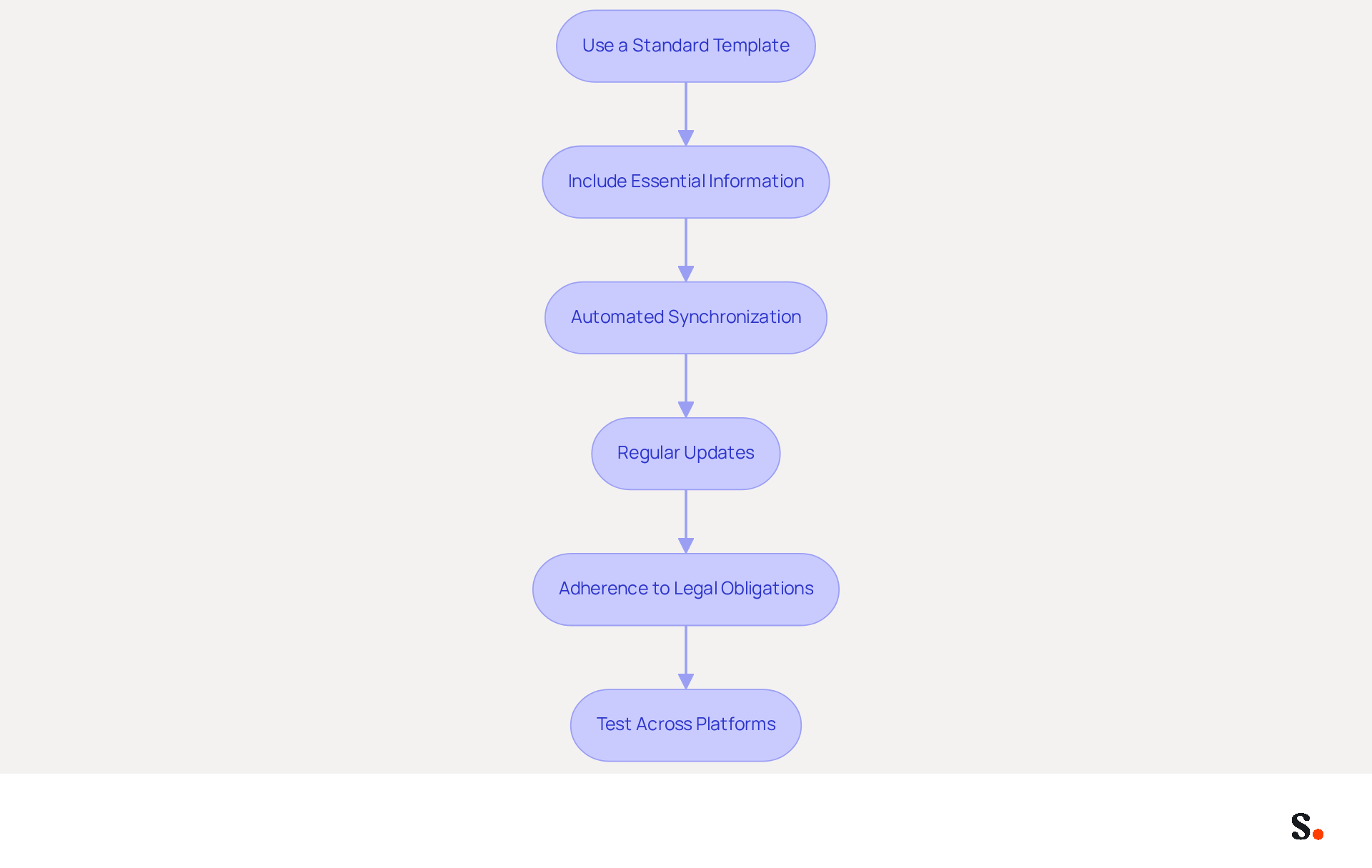
- Use a Standard Template: Develop a standardized email footer template that incorporates your company logo, colors, and fonts. This ensures that every employee's Office 365 signature aligns with the brand's visual identity, which builds recognition and trust with recipients.
- Include Essential Information: Each signature should feature key details such as the sender's name, job title, company name, and contact information. Research shows that 76% of recipients believe a well-crafted Office 365 signature enhances the sender's credibility, thereby improving clarity and professionalism.
- Automated Synchronization: Utilize Scribe's integration with Google Workspace to automatically update your team's identification information. This means that any updates in your Google Workspace - like job changes or group assignments - will automatically sync with Scribe, saving you time and keeping everything accurate. Furthermore, the attribute feature enables auto-filling of information, further enhancing the process.
- Regular Updates: Periodically review and refresh branding elements to reflect any changes, such as new logos or updated contact information. Failing to regularly update branding can lead to a dated appearance, while organizations that maintain consistent branding see a 22% increase in response rates.
- Adherence to Legal Obligations: Neglecting to include necessary legal disclaimers can expose your organization to risks, particularly in regulated industries like law and finance. This practice adds an additional layer of professionalism and protects the organization legally.
- Test Across Platforms: Before deploying the signature, test it across various messaging clients (Outlook, Gmail, etc.) to ensure it displays correctly. Compatibility testing is essential to avoid misrepresentation of identity due to formatting problems, as poorly designed elements can suggest a lack of professionalism.
By implementing these practices and utilizing Scribe's automated synchronization features, organizations can ensure that their communications, which include an Office 365 signature, reflect a consistent and professional brand image, enhancing trust and recognition among recipients. Ultimately, a well-executed email signature not only reflects professionalism but also fosters trust and engagement with every communication.
Design Engaging and On-Brand Email Signatures
To create effective email signatures that resonate with recipients, organizations should adhere to established design principles:
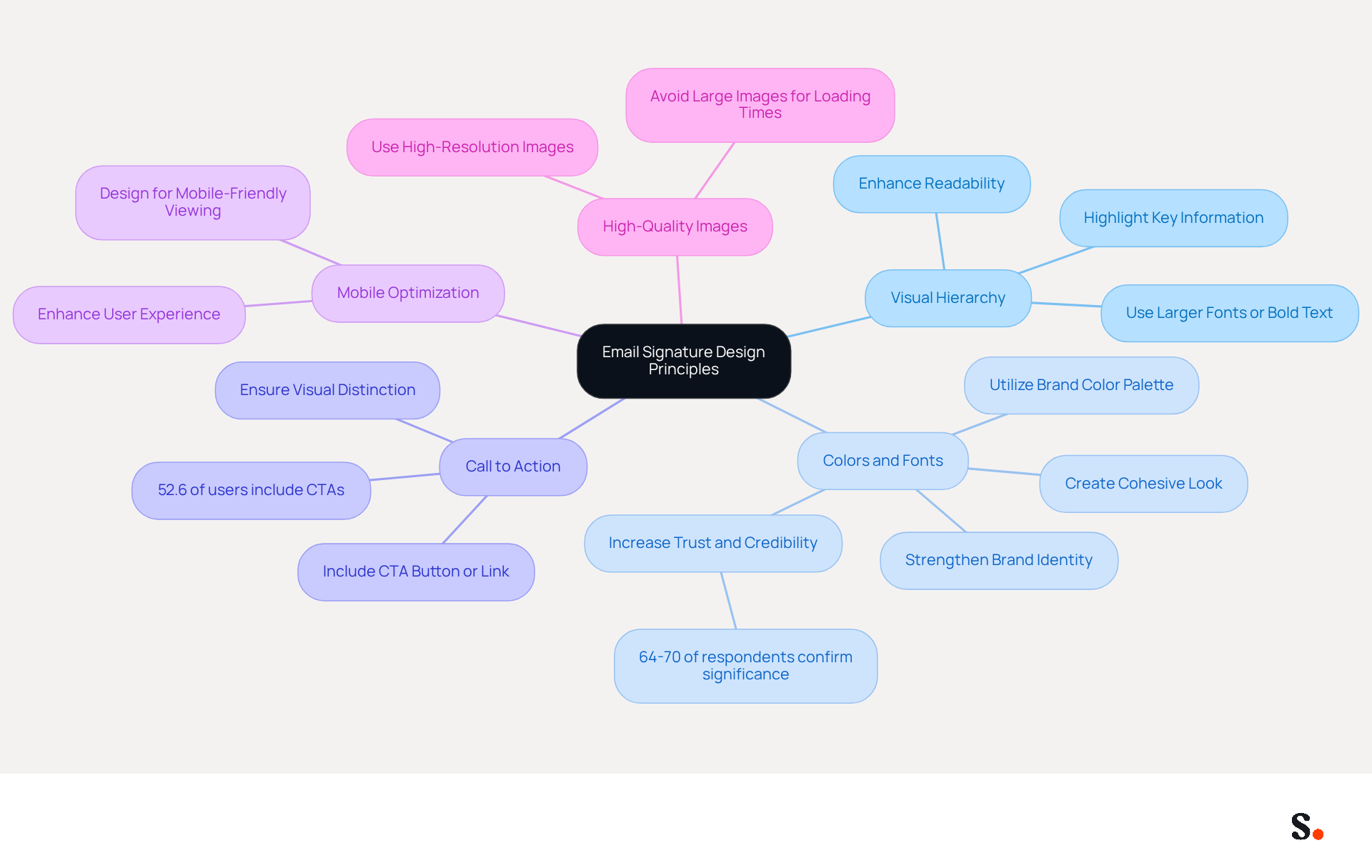
- Visual Hierarchy: Establish a clear visual hierarchy to guide the reader's eye. Highlight essential information, such as the sender's name and title, using larger fonts or bold text. This method enhances readability and highlights key details.
- Incorporate Colors and Fonts: Utilize your color palette and fonts to create a cohesive look. This strengthens brand identity and improves the visual attractiveness of the emblem, making it instantly recognizable to recipients. A professional branded communication footer can enhance trust and credibility, with 64-70% of participants confirming its significance.
- Add a Call to Action (CTA): Including a CTA button or link in your email encourages recipients to take specific actions, such as visiting your website or signing up for a newsletter. Ensure the CTA is visually distinct to capture attention effectively. Notably, over half of users (52.6%) incorporate CTAs in their profiles, reflecting a strong expectation for promotional elements.
- Mobile Optimization: Create your message footer to be mobile-friendly, as many recipients will view communications on their phones. Make sure your designs are flexible and easy to read on smaller screens, enhancing user experience and engagement.
- Use High-Quality Images: If including images like logos or banners, ensure they are high-resolution and appropriately sized. Avoid excessively large images that can hinder loading times, leading to a negative user experience, as this can detract from the overall professionalism of the footer.
By following these design principles, organizations can create a professional-looking Office 365 signature that not only engages recipients but also promotes interaction. Moreover, with Scribe's automated synchronization of communication identifiers with Aircall, any modifications made in your Aircall setup will be automatically reflected in your Scribe identifiers, ensuring brand consistency across all communications. Ultimately, the design of your email signature can significantly influence recipient engagement and response rates.
Leverage Signatures as Marketing Tools to Drive Engagement
To maximize the potential of email signatures as marketing tools, organizations must adopt strategic approaches that enhance engagement:
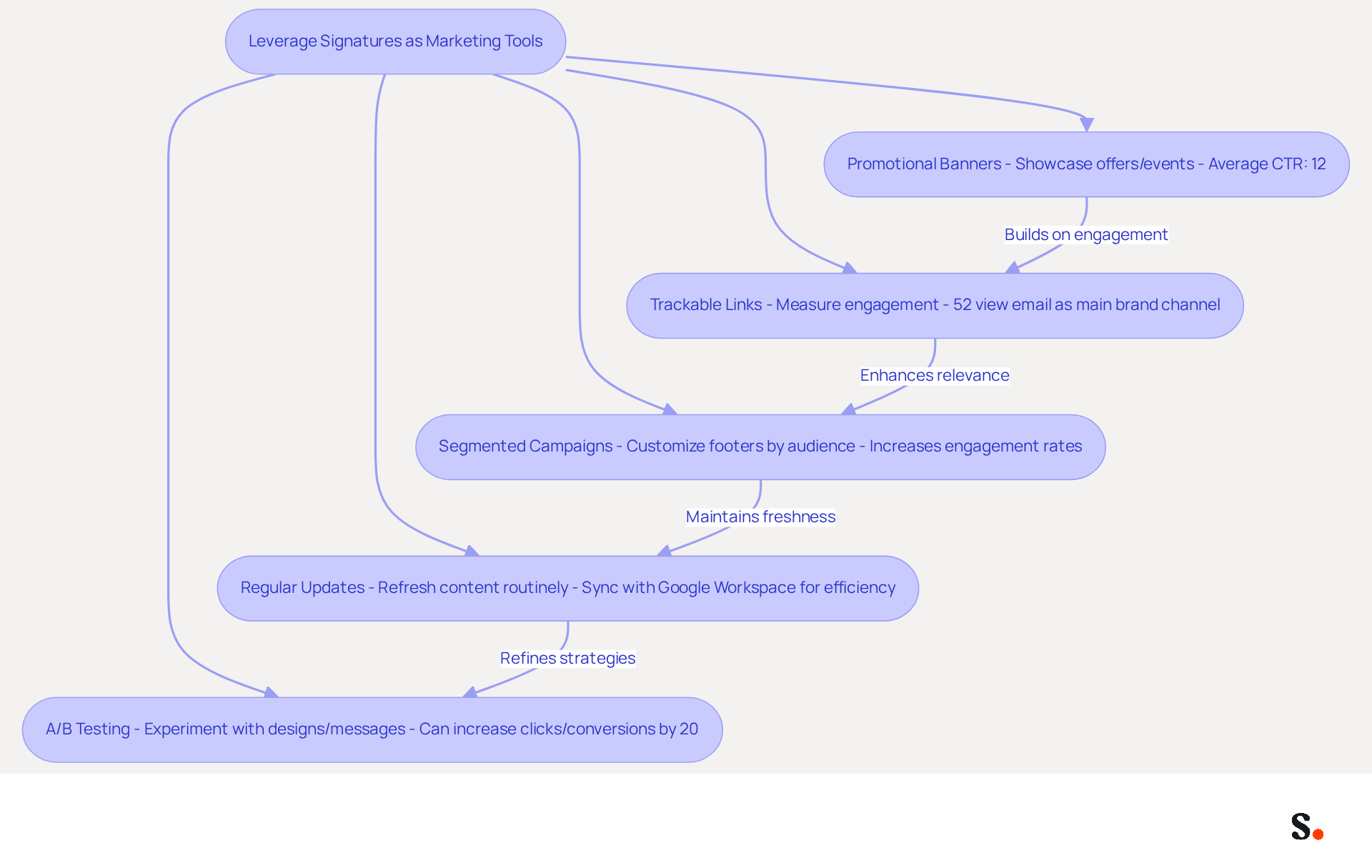
- Promotional Banners: Incorporate promotional banners in your correspondence to showcase current offers, events, or new products. This method grabs the recipient's attention and invites them to connect more with your brand. Studies indicate that using dynamic banners can lead to an average click-through rate of 12%. Yet, it's important to note that 42% of organizations fail to monitor the performance of their messaging branding, highlighting the need for evaluation to fully understand the impact of such strategies.
- Trackable Links: Utilize trackable links within your email footers to measure engagement accurately. This allows you to analyze the number of clicks on your links, providing valuable insights into the effectiveness of your marketing efforts. With 52% of prospects viewing messaging as the main brand channel, monitoring engagement through identifiers can greatly improve your marketing metrics. However, 42% of organizations still do not track this performance, indicating a missed opportunity.
- Segmented Campaigns: Customize your communication footers based on various audience segments. For instance, sales teams might include distinct calls to action (CTAs) compared to support teams, ensuring that the messaging is relevant and resonates with the recipient. This focused strategy can result in increased engagement rates, particularly as only 8.6% of professionals currently categorize their contact details, offering a notable chance for enhancement.
- Regular Updates: Keep your marketing messages fresh by routinely refreshing the content in your communication footers. Regular updates ensure that recipients encounter new information and promotions, keeping your brand top-of-mind. Significantly, 44.4% of users modify their contact details 2-4 times a year, while 31.6% change them only once every few years, suggesting that many users overlook this element. By syncing your Google Workspace with Scribe, you can save time and ensure that any changes, such as relocating teammates or updating their details, are automatically reflected in your email formats, enhancing consistency and efficiency. Scribe also complies with security standards like SOC 2 Type II, GDPR, and CCPA, ensuring that your data is handled securely.
- A/B Testing: Experiment with various design styles and messages to determine what resonates best with your audience. A/B testing can refine your approach and improve engagement rates. For example, a company increased clicks and conversions by 20% by testing various designs and colors for its call-to-action buttons, demonstrating the effectiveness of this strategy.
By incorporating these marketing tactics into communication footers, organizations can turn every message into a powerful promotional channel that boosts engagement and improves brand visibility. Case studies, such as those from The Fullerton Hotel and AutoCamp, illustrate the effectiveness of well-crafted digital identifiers in achieving impressive open and click-through rates, further validating the potential of this often-overlooked marketing tool.
Implement Automation for Efficient Signature Management
Effective email signature management is essential for maintaining brand integrity and compliance in today's digital landscape. To implement automation for efficient email signature management, consider the following best practices:
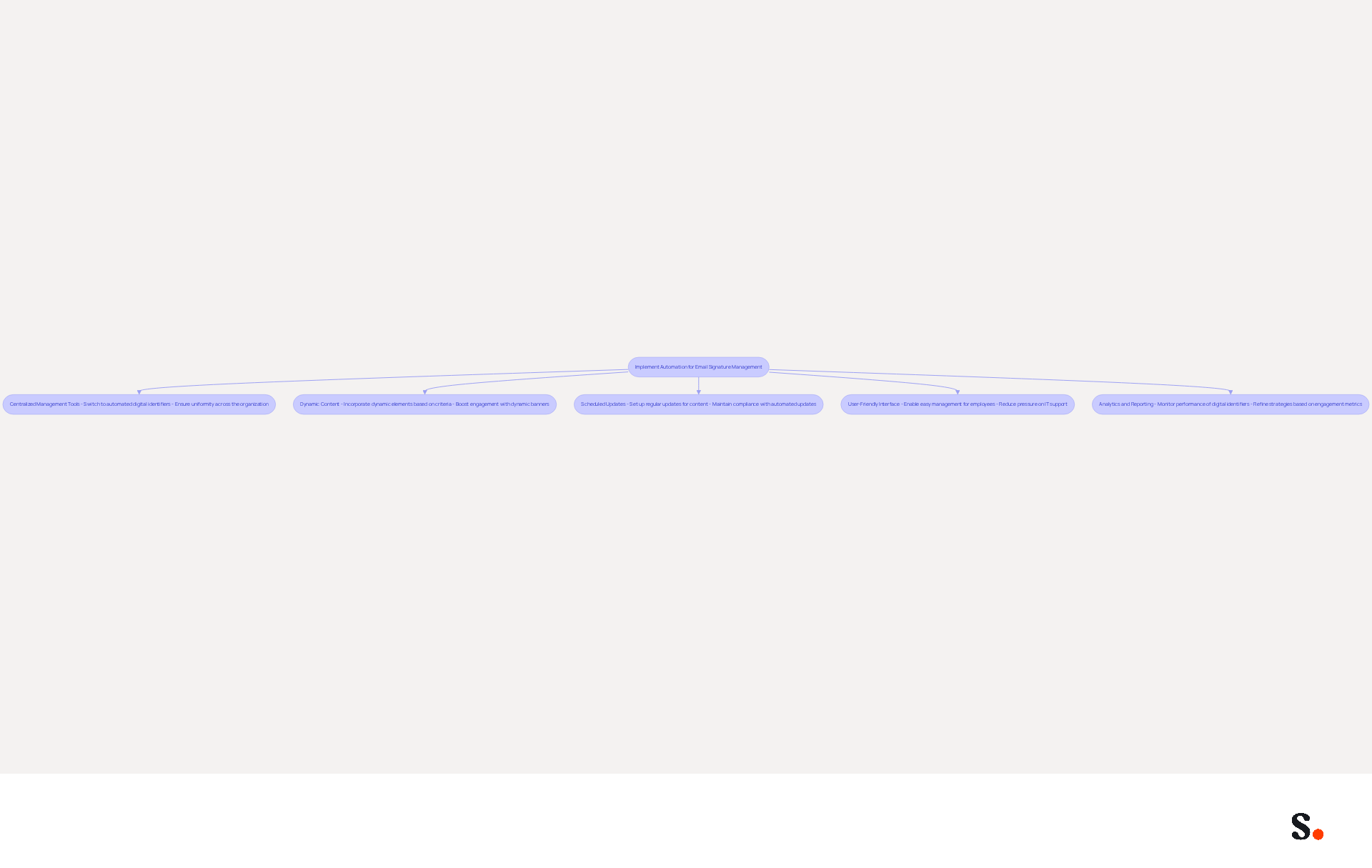
- Centralized Management Tools: You can switch to automated digital identifiers in less than an hour, making updates simple and ensuring uniformity across your organization, which boosts brand integrity. Utilize centralized management tools for digital signatures like Scribe that seamlessly integrate with the Office 365 signature. With Scribe, you can synchronize your provider directory, ensuring that all modifications are automatically reflected in your identifiers.
- Dynamic Content: Incorporate dynamic elements in your identifiers that adapt based on specific criteria, such as the recipient's location or the sender's department. Dynamic banners in digital correspondences can achieve click-through rates over 12%, significantly boosting engagement and relevance. Scribe's automated updates ensure that your essential content remains current without manual intervention.
- Scheduled Updates: Set up regular updates for your digital identifiers to automatically refresh content, including promotional banners or seasonal messages. Maintaining compliance in a rapidly changing regulatory environment can be challenging, but Scribe helps keep your signatures up-to-date while also addressing compliance-driven updates that are crucial. Scribe's daily coordination with your provider ensures that your identifiers are consistently current.
- User-Friendly Interface: Opt for tools like Scribe that provide a user-friendly interface, enabling employees to manage their initials effortlessly. This means less pressure on IT support and helps everyone stick to branding guidelines, letting IT teams tackle more important tasks. As Dave Willis, Senior Content Manager, states, "Automating digital identifiers helps IT teams remove manual updates, decrease support tickets, and uphold brand consistency across all users and devices."
- Analytics and Reporting: Utilize analytics features to monitor the performance of your digital identifiers. Comprehending engagement metrics is crucial, as 42.2% of users rank marketing through messages among the top three most effective promotional channels. This insight can help refine your strategies and enhance overall effectiveness. However, be cautious of excessively promotional elements that may activate spam filters, ensuring that your contact details remain effective and compliant. Scribe's adherence to SOC 2 Type II standards guarantees that your data remains secure while you monitor performance.
Ultimately, embracing automation in email signature management not only enhances brand consistency but also empowers organizations to focus on strategic initiatives.
Conclusion
Organizations often overlook the impact of email signatures on their brand image and engagement. Implementing best practices for Office 365 email signatures is crucial for organizations aiming to enhance their brand image and engagement. By establishing a consistent and professional signature format, companies can significantly improve their credibility and recognition among recipients. Tools like Scribe streamline signature management and keep them up-to-date and compliant with industry standards.
Key strategies discussed include:
- The importance of a standardized template
- The inclusion of essential information
- The use of engaging design elements
Additionally, leveraging email signatures as marketing tools through promotional banners and trackable links can drive engagement and improve response rates. The integration of automation tools like Scribe further simplifies the process, allowing for efficient updates and management while maintaining brand integrity.
This shift in approach can lead to measurable improvements in engagement and brand perception. By leveraging these strategies, organizations can redefine their communication and enhance their market presence. Embracing these strategies not only enhances professionalism but also fosters trust and connection with recipients, ultimately driving better marketing outcomes.
Frequently Asked Questions
Why is it important to maintain a professional image in Office 365 email signatures?
A professional image in email signatures helps build recognition and trust with recipients, enhancing the sender's credibility and improving clarity.
What should be included in an Office 365 email signature?
An Office 365 email signature should include the sender's name, job title, company name, and contact information.
How can organizations ensure brand consistency in email signatures?
Organizations can ensure brand consistency by developing a standardized email footer template that incorporates the company logo, colors, and fonts.
What is the benefit of using Scribe's integration with Google Workspace for email signatures?
Scribe's integration with Google Workspace allows for automated synchronization of team identification information, ensuring that updates like job changes are automatically reflected in email signatures.
How often should organizations update their email signatures?
Organizations should periodically review and refresh branding elements in their email signatures to reflect any changes, such as new logos or updated contact information.
What are the legal obligations related to email signatures?
Organizations must include necessary legal disclaimers in their email signatures to protect themselves from risks, especially in regulated industries like law and finance.
Why is it important to test email signatures across different platforms?
Testing email signatures across various messaging clients ensures they display correctly and avoids misrepresentation of identity due to formatting problems, which can affect professionalism.
What impact does maintaining consistent branding have on response rates?
Organizations that maintain consistent branding see a 22% increase in response rates.
List of Sources
- Establish Brand Consistency and Professionalism in Signatures
- The impact of email signatures on your branding (https://signitic.com/en/resources/the-impact-of-email-signatures-on-your-branding)
- Best practices for business email signatures in 2026 (https://bybrand.io/blog/best-practices)
- Streamlining Email Signature Management: Best Practices For Consistent Branding - Mutant Mail (https://blog.mutantmail.com/streamlining-email-signature-management-best-practices-for-consistent-branding)
- Top 10+ best practices for email signatures design in 2026 (https://mysignature.io/blog/email-signature-best-practices)
- Best Practices for a Correct Email Signature That Boosts Branding (https://scribe-mail.com/en-US/blog/best-practices-for-a-correct-email-signature-that-boosts-branding)
- Design Engaging and On-Brand Email Signatures
- 40+ Email Signature Statistics for 2026 (Data + Insights) (https://wavecnct.com/blogs/email-signature-statistics)
- Best Email Signature Quotes (2026) - HubSpot (https://hubspot.com/email-signature-generator/best-signature-quotes)
- Elevate Your Startup Email Communication with a Professional Signature | Bybrand posted on the topic | LinkedIn (https://linkedin.com/posts/bybrand_business-email-signatures-for-startups-examples-activity-7478931316596658176-73bb)
- Visual Hierarchy in Email Signatures | gSignature (https://gsignature.com/blog-post/visual-hierarchy-in-email-signatures---how-to-direct-the-recipients-attention)
- How to Use Email Signature Marketing to Optimize Your Advertising Campaign (https://thriveagency.com/news/how-to-use-email-signature-marketing-to-optimize-your-advertising-campaign)
- Leverage Signatures as Marketing Tools to Drive Engagement
- 40+ Email Signature Statistics for 2026 (Data + Insights) (https://wavecnct.com/blogs/email-signature-statistics)
- Examples of marketing campaigns to set up via your email signature (https://signitic.com/en/resources/examples-of-marketing-campaigns-to-set-up-via-your-email-signature)
- Email signature marketing: Triple your conversions with signature marketing (https://mailbutler.io/blog/email/signature-marketing)
- 2026 Marketing Trends: Email Signatures as a Marketing Tool (https://bluechiptt.com/blog/5-marketing-trends-for-2026-and-how-your-email-signature-fits-in)
- Why Email Signatures Must Be In Your 2026 Marketing Plan | Rocketseed (https://rocketseed.com/blog/what-are-the-biggest-email-trends-for-2026)
- Implement Automation for Efficient Signature Management
- Automating Email Signatures: How IT Teams Streamline Processes & Reduce Risk (https://exclaimer.com/blog/streamlining-it-processes-automated-email-signatures)
- Email Signature Statistics: A Closer Look at Email Signatures in 2026 (https://mysignature.io/blog/email-signature-statistics)
- WiseStamp Sets a New Standard for Email Signature Creation (https://prnewswire.com/news-releases/wisestamp-sets-a-new-standard-for-email-signature-creation-302689811.html)
- Email Signature Trends 2026: Centralized Control & Automation | SIGNandGO posted on the topic | LinkedIn (https://linkedin.com/posts/signngo_email-signature-trends-to-watch-in-2026-activity-7401523471786217473-zAVL)
- 40+ Email Signature Statistics for 2026 (Data + Insights) (https://wavecnct.com/blogs/email-signature-statistics)
Get started with Scribe
Manage signatures across your whole team
Free 14-day trial — no credit card.