Best Practices for Your Outlook Signature Business Card Management
A professional email signature is not merely a formality; it is a crucial element that influences brand perception and communication effectiveness. By
Sophie Grant
Email Signature Specialist, Scribe
Introduction
A professional email signature is not merely a formality; it is a crucial element that influences brand perception and communication effectiveness. By implementing best practices for Outlook signature management, organizations can ensure brand consistency, enhance engagement, and streamline communication processes. Many organizations struggle to keep their contact details current, leading to potential miscommunication. This article explores key strategies for creating and managing email signatures that reflect brand identity while utilizing automation for improved efficiency and compliance.
Establish Brand Consistency in Your Signature Design
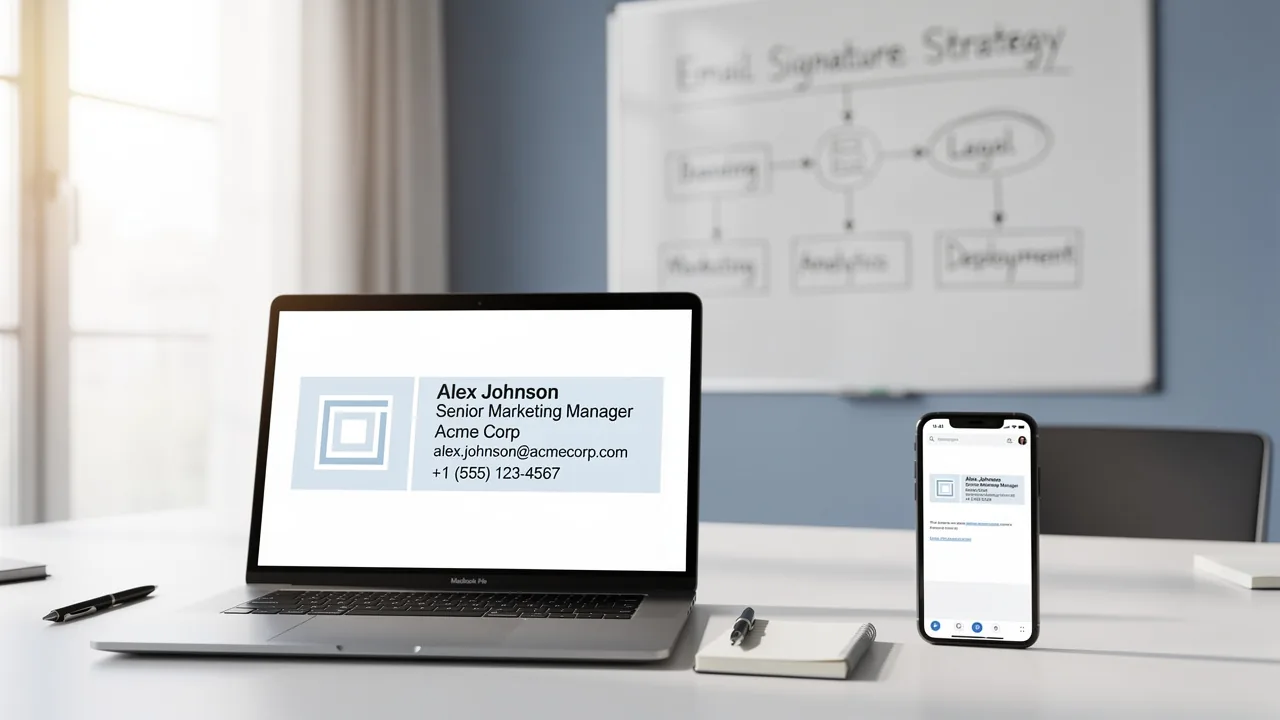
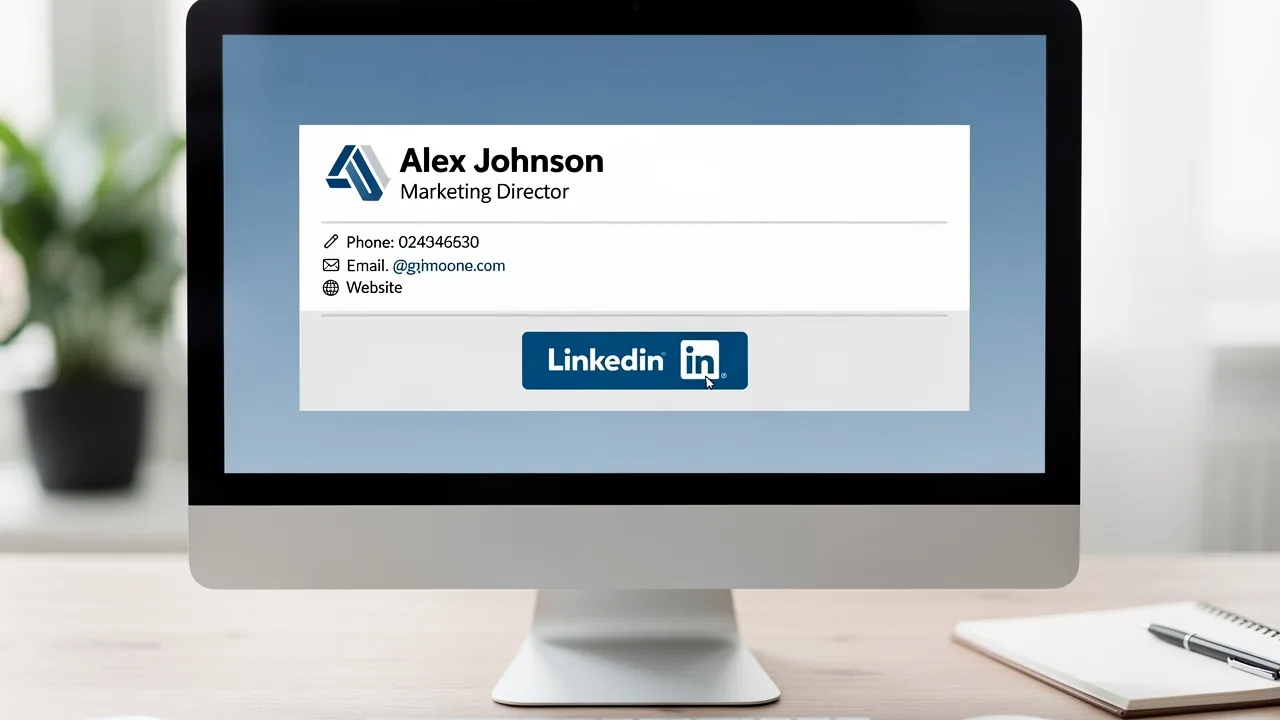
To ensure your brand stands out in every correspondence, establishing a standard template is crucial. Begin by defining a template that incorporates your company logo, colors, and fonts. Recommended practices suggest that electronic correspondences should be between 300-600 pixels wide and 150-200 pixels high, achieving a balance between visual attractiveness and clarity. Use high-quality images optimized for fast loading to enhance user experience. Essential elements such as your name, job title, and contact information must be presented in a clear, readable format.
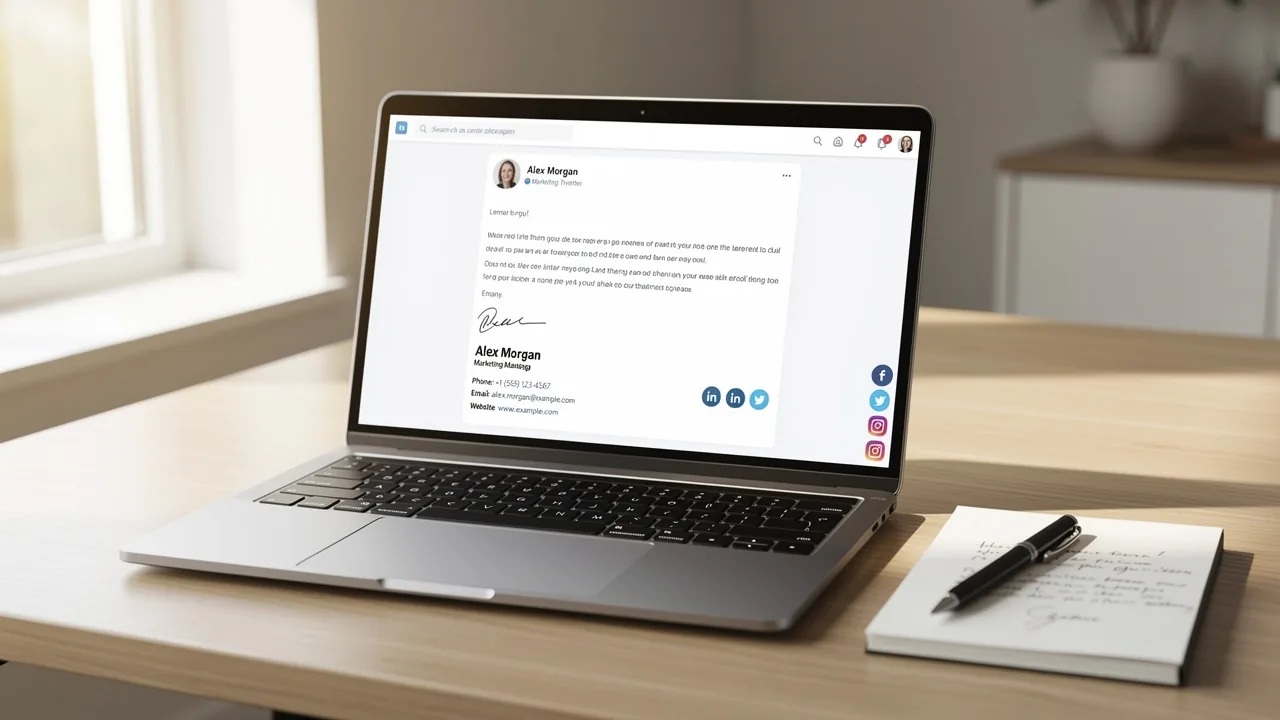
Adding social media icons that link to your company’s profiles boosts engagement and visibility. Additionally, it is advisable to limit the color palette to two colors to match your brand identity. Consistently reviewing contact details at least twice a year guarantees they stay effective and compliant. By maintaining a consistent design across all representations, you reinforce your brand identity and project a professional image in every communication.
Research shows that electronic identifiers function as digital contact cards, significantly aiding in sales processes, with 75.9% of professionals indicating that they help in progressing toward or finalizing a sale, emphasizing their importance in effective marketing strategies.
With Scribe, you can save time by automating the synchronization of email identifiers with your phone system, ensuring that any changes made in your Aircall configuration are automatically reflected in your identifiers. By using Scribe, you not only streamline your processes but also enhance your brand's reliability in communications. Furthermore, Scribe's SOC 2 Type II compliance ensures that your data is secure, meeting the highest standards for employee data management.

Integrate Your Electronic Business Card into Outlook
Integrating your electronic contact information into Outlook is a straightforward process that enhances your professional communication. Start by creating a contact entry in your Outlook contacts. After setting up your contact, navigate to the settings for your email by going to File > Options > Mail > and create your Outlook signature business card. In the Outlook signature business card editor, position your cursor where you want the contact information to appear. Then, click on 'Contact Information' and choose your connection from the list. This integration allows your contact information to appear in every email you send. As a result, recipients can easily save your details.
This feature makes communication smoother and keeps your contact details up to date, reflecting any changes in your role or contact information. Statistics show that digital networking tools can improve follow-up rates by 30% compared to traditional methods, making them a valuable asset in professional connections. Furthermore, digital calling cards cost around $0.08 per share, in contrast to $2.00 for paper alternatives, emphasizing their affordability.
For instance, one sales team experienced a notable increase in inbound LinkedIn connection requests after adopting digital identification tools, highlighting the effectiveness of this method in contemporary communication. Moreover, the digital networking market is anticipated to reach $680 million by 2035, signifying its increasing importance in professional connections.
However, you should be mindful of potential challenges, like ensuring your identifier displays correctly across different messaging platforms. Lastly, consider the environmental advantages of digital cards, which significantly reduce resource consumption and contribute to sustainability efforts by saving millions of trees annually.

Leverage Automation for Efficient Signature Management
To maximize efficiency in email management, leveraging a platform like Scribe is imperative. Scribe offers centralized management over design and deployment, enabling organizations to create a template that automatically updates across all user accounts. This means any changes to the template update instantly, greatly minimizing errors and inconsistencies from manual updates. Furthermore, Scribe's integration with business phone systems enables automatic syncing of teammates' details, ensuring that all information is up to date without necessitating action from users.
Moreover, automated signatures can seamlessly integrate with marketing campaigns, enabling the inclusion of promotional banners or calls to action. In fact, research shows that adding clear calls to action in email footers can increase clicks by 371% and sales by 1617%, turning each message into a marketing opportunity. By implementing automation, organizations can convert their digital identifiers into effective marketing tools, enhancing engagement and strengthening brand identity.
Scribe clearly shows its commitment to security with SOC 2 Type II compliance and GDPR standards, keeping your data safe while you manage digital identifiers. The trend towards automation in managing digital identifiers is expected to increase in 2026, with organizations acknowledging the necessity for efficiency and compliance. Automated solutions not only simplify the management process but also ensure that digital identifiers comply with legal standards, minimizing compliance risks. As the landscape of digital communication evolves, those who embrace automation will not only stay compliant but also gain a competitive edge. Regularly updating footer content every 4 to 8 weeks can further assist in maintaining engagement levels, ensuring that contact details remain relevant and effective.

Maintain and Update Your Signature for Continued Effectiveness
To maximize the impact of your electronic correspondence identifier, regular reviews are essential. Establish a routine for these reviews - ideally every six months or whenever significant changes occur within your organization or position. During these reviews, verify that all contact information is accurate and consider refreshing the design to align with any new branding guidelines.
Assessing the effectiveness of promotional elements in your email, such as banners or calls to action, can be challenging, yet it is essential for maximizing engagement. Studies indicate that well-designed digital identifiers can enhance engagement by as much as 40%. By keeping your personal mark current, you maintain its effectiveness as a marketing tool and a reliable source of information for your contacts.
Additionally, with Scribe's streamlined one-click synchronization with Google Workspace, you can save time by automatically syncing your teammates' data, ensuring that any changes - like job position updates - are reflected in real-time without manual input. To enable synchronization, grant Scribe permission to connect with your service provider, which requires Super Admin access.
This capability improves brand consistency and underscores the importance of an effective digital identifier. In fact, organizations that adopt centralized email signature management can achieve 85% better brand consistency, making Scribe an essential tool for marketing managers aiming for cohesive branding across all communications. Furthermore, Scribe is SOC 2 Type II compliant, ensuring the safety of your data.

Conclusion
A professional email signature is not just a digital formality; it is a strategic asset that shapes brand perception and communication effectiveness. By implementing best practices in signature design, integrating electronic business cards, and leveraging automation tools like Scribe, organizations can significantly improve their email correspondence. This approach streamlines signature management and reinforces brand consistency across communications.
The article emphasizes that a standard template reflecting your brand is essential for effective communication. Additionally, the ease of integrating electronic business cards into Outlook and the efficiency gained through automation are highlighted. Without regular updates, organizations risk miscommunication and missed opportunities. Scribe's capabilities, including SOC 2 Type II compliance and seamless integration with various platforms, not only safeguard sensitive information but also build trust with clients and partners.
In today's fast-paced digital world, it's crucial for organizations to focus on managing their email signatures effectively to remain competitive. Embracing automation and maintaining brand consistency not only improves engagement but also positions businesses for greater success in their marketing efforts. Ultimately, organizations that prioritize email signature management will find themselves better equipped to navigate the complexities of modern communication.
Frequently Asked Questions
Why is it important to establish a standard template for signature design?
Establishing a standard template for signature design is crucial to ensure your brand stands out in every correspondence and reinforces your brand identity.
What elements should be included in a signature design template?
A signature design template should include your company logo, colors, fonts, your name, job title, and contact information, all presented in a clear, readable format.
What are the recommended dimensions for electronic correspondences?
Recommended dimensions for electronic correspondences are between 300-600 pixels wide and 150-200 pixels high to achieve a balance between visual attractiveness and clarity.
How can social media icons enhance a signature design?
Adding social media icons that link to your company’s profiles boosts engagement and visibility, making it easier for recipients to connect with your brand.
How many colors should be used in a signature design to match brand identity?
It is advisable to limit the color palette to two colors to maintain consistency with your brand identity.
How often should contact details in a signature be reviewed?
Contact details should be reviewed at least twice a year to ensure they remain effective and compliant.
What role do electronic identifiers play in sales processes?
Electronic identifiers function as digital contact cards, significantly aiding in sales processes, with 75.9% of professionals indicating they help in progressing toward or finalizing a sale.
How does Scribe enhance the signature design process?
Scribe automates the synchronization of email identifiers with your phone system, ensuring that any changes made in your Aircall configuration are automatically reflected in your identifiers, streamlining processes and enhancing brand reliability.
What compliance standard does Scribe meet for data security?
Scribe is SOC 2 Type II compliant, ensuring that your data is secure and meets the highest standards for employee data management.
List of Sources
- Establish Brand Consistency in Your Signature Design
- The Complete Email Signature Guide 2026: Best Practices and Policy (https://opensense.com/complete-email-signature-guide)
- Email Signature Best Practices - NEWOLDSTAMP (https://newoldstamp.com/blog/email-signature-best-practices)
- Email Signature Best Practices for 2026 (+ 15 Pro Examples) (https://wavecnct.com/blogs/email-signature-best-practices-2026)
- Email Signature Design Trends in 2026: What Works and What to Drop (https://bulksignature.com/blog/email-signature-design-trends)
- Top 10+ best practices for email signatures design in 2026 (https://mysignature.io/blog/email-signature-best-practices)
- Integrate Your Electronic Business Card into Outlook
- How to Add a Digital Business Card to Your Email Signature (2026) (https://v1ce.co/blog/add-digital-business-card-to-email-signature)
- 30 Digital Business Card Statistics You Need to Know (2026) (https://wavecnct.com/blogs/digital-business-card-statistics)
- Add a Digital Business Card to Your Email Signature (2026) (https://wavecnct.com/blogs/adding-digital-business-cards-to-email-signatures)
- Include an Electronic Business Card in your e-mail signature | Microsoft Support (https://support.microsoft.com/en-us/outlook/include-an-electronic-business-card-in-your-e-mail-signature)
- Add a Digital Business Card to Your Email Signature (2026) - DBC (https://digitalbusinesscard.com/blog/digital-business-card-email-signature)
- Leverage Automation for Efficient Signature Management
- Email Signature Trends 2026: Centralized Control & Automation | SIGNandGO posted on the topic | LinkedIn (https://linkedin.com/posts/signngo_email-signature-trends-to-watch-in-2026-activity-7401523471786217473-zAVL)
- Automating Email Signatures: How IT Teams Streamline Processes & Reduce Risk (https://exclaimer.com/blog/streamlining-it-processes-automated-email-signatures)
- Best Email Signature Management Software: Top 12 Tools (2026)
- NEWOLDSTAMP (https://newoldstamp.com/blog/email-signature-software)
- 4 Best Practices for Your Outlook Signature Line in Marketing (https://scribe-mail.com/en-US/blog/4-best-practices-for-your-outlook-signature-line-in-marketing)
- Master Automatic Email Signatures: Boost Branding and Efficiency (https://scribe-mail.com/en-US/blog/master-automatic-email-signatures-boost-branding-and-efficiency)
- Maintain and Update Your Signature for Continued Effectiveness
- Email Signature Best Practices for 2026 (+ 15 Pro Examples) (https://wavecnct.com/blogs/email-signature-best-practices-2026)
- Exclaimer Research: 67% of Marketers Expect Email Signatures to Support With Lead Gen In 2023 (https://businesswire.com/news/home/20230612141095/en/Exclaimer-Research-67-of-Marketers-Expect-Email-Signatures-to-Support-With-Lead-Gen-In-2023)
- 4 Best Practices for a Professional Looking Email Signature (https://scribe-mail.com/en-US/blog/4-best-practices-for-a-professional-looking-email-signature)
- The impact of email signatures on your branding (https://signitic.com/en/resources/the-impact-of-email-signatures-on-your-branding)
- Email Signature Trends 2026: Centralized Control & Automation | SIGNandGO posted on the topic | LinkedIn (https://linkedin.com/posts/signngo_email-signature-trends-to-watch-in-2026-activity-7401523471786217473-zAVL)
Get started with Scribe
Create your signature in minutes
Free 14-day trial — no credit card.