Compare Email Signature Generators for Students: Key Features & Benefits
In an increasingly competitive academic and professional landscape, establishing a strong online identity is essential for students. Email signature generators
Sophie Grant
Email Signature Specialist, Scribe
Introduction
In an increasingly competitive academic and professional landscape, establishing a strong online identity is essential for students. Email signature generators serve as vital tools, enabling learners to craft personalized signatures that enhance their credibility and branding without requiring technical skills. Yet, with so many choices out there, how do students figure out which generator is right for them? This article will provide a detailed analysis of the key features and benefits of various email signature generators, empowering students to make informed choices and confidently enhance their professional image.
Understanding Email Signature Generators for Students
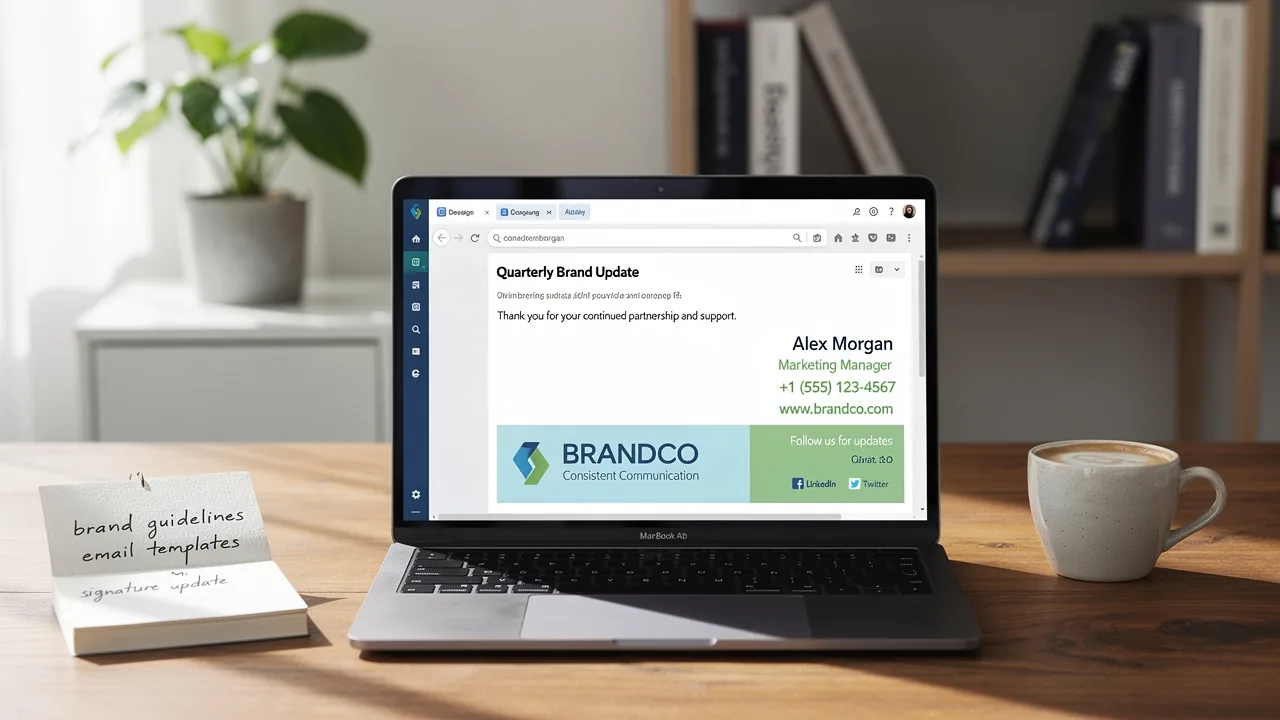
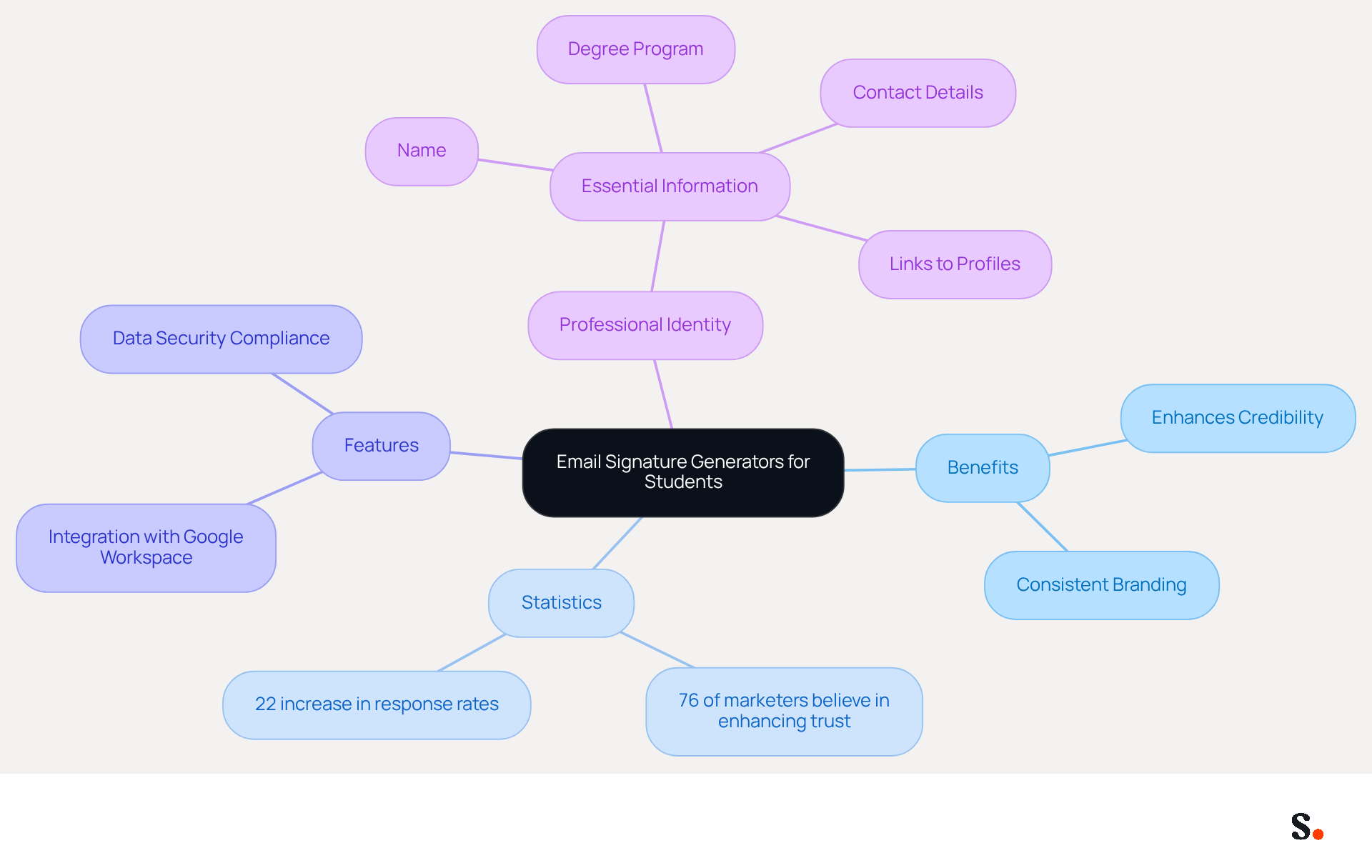
Creating a professional identity online can be a daunting task for many learners. These tools help learners create personalized identifiers without requiring design skills or programming knowledge. These generators play a crucial role in assisting individuals in establishing a professional identity in their communications with professors, potential employers, and peers. A well-crafted digital identifier typically contains essential information such as the individual's name, degree program, contact details, and links to professional profiles or portfolios. This not only enhances the student's credibility but also ensures consistent branding across various platforms.
Statistics indicate that 76% of marketers believe branded electronic identifiers enhance sender trust, making them essential for establishing a professional image. Moreover, companies employing consistent branded digital identifiers report over a 22% increase in response rates, demonstrating how effective this branding can be for students. In 2026, electronic mail continues to be the main communication method for 52% of prospects and customers, highlighting the significance of a professional electronic mail footer in every interaction.
By leveraging an email signature generator student like those offered by Scribe, students can ensure their signatures are not only visually appealing but also informative and professional. With Scribe's integration with Google Workspace, students can save time by automatically updating their information without manual entry. This approach significantly boosts their visibility and credibility in the academic and professional arenas, making it a valuable investment in their future careers. Additionally, Scribe's SOC 2 Type II certification and compliance with GDPR and CCPA ensure that user data is handled securely, further enhancing trust and reliability. As Helga Zabalkanska, CMO at MySignature, states, "A good sign-off is short, clear, and helpful," emphasizing the importance of clarity in establishing a professional presence. Ultimately, investing in an email signature generator student can significantly impact a student's career trajectory.
Key Features: Customization and Ease of Use
Selecting the right email signature generator student can significantly impact a student's professional image. When choosing an email signature generator, students should consider the following key features:
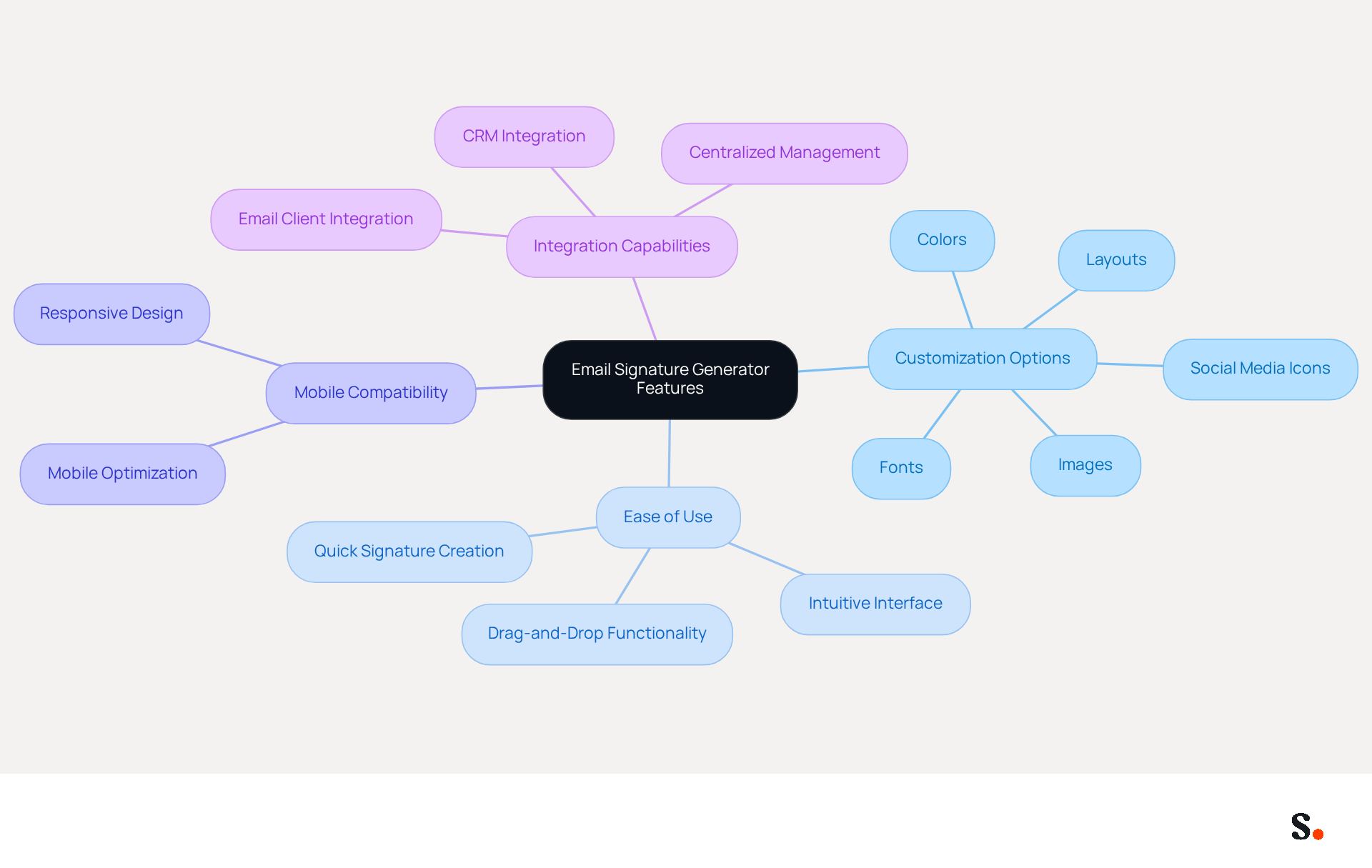
- With a range of customization options, the email signature generator student enables students to create signatures that truly reflect their personal style. The ability to personalize marks with various fonts, colors, and layouts is essential for designing visually appealing signatures.
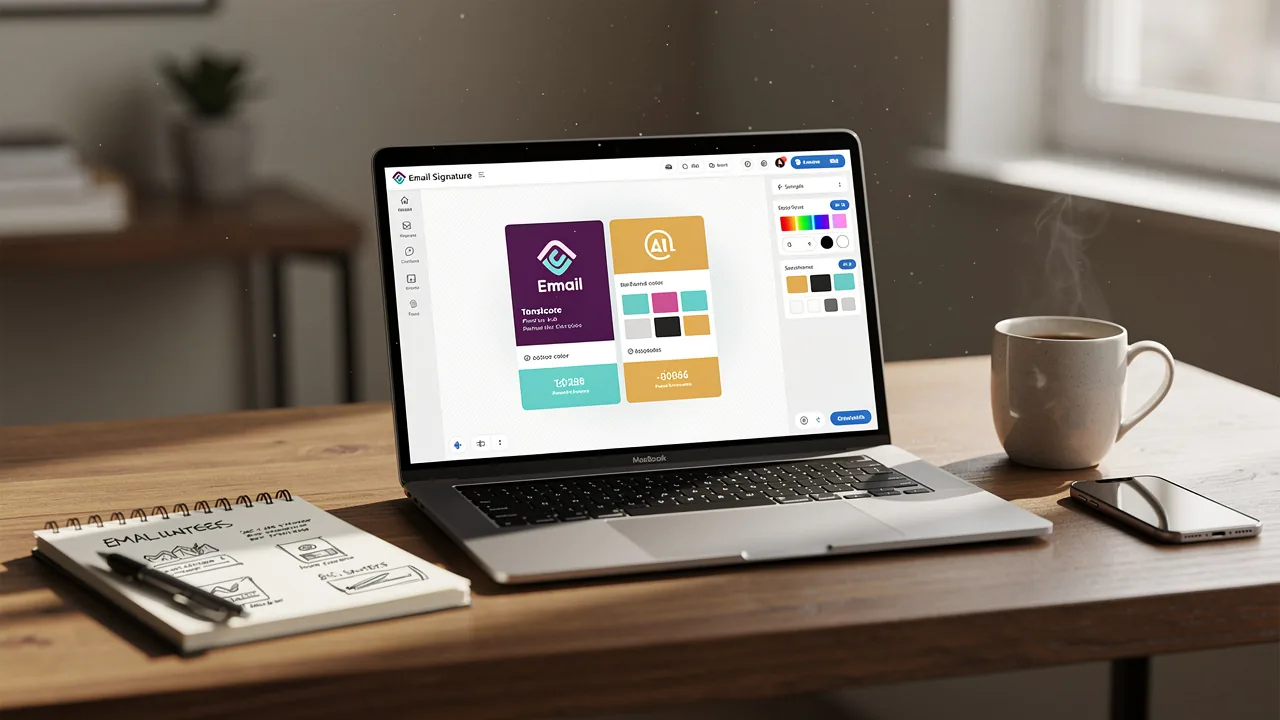
- The email signature generator student can create professional signatures for their emails. Many students find technology challenging, which can hinder their ability to create professional email signatures with an email signature generator student. A straightforward, intuitive interface is crucial for learners who may not be tech-savvy. The tool provides drag-and-drop functionality, making it simple to incorporate elements like social media icons and images.
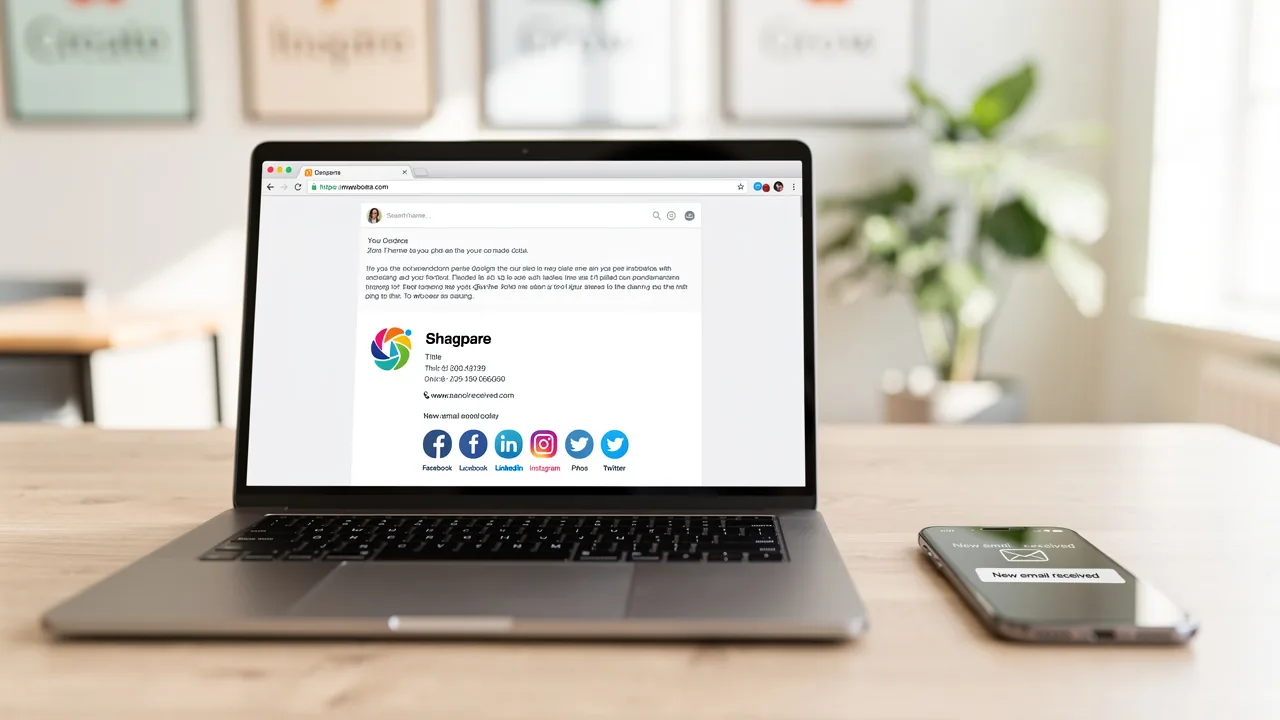
- Mobile Compatibility: Considering that numerous students access their messages on mobile devices, using an email signature generator student is essential to ensure that the footer appears well on all platforms. This tool automatically optimizes markings for mobile viewing, enhancing accessibility.
- Integration Capabilities: This tool integrates easily with email clients such as Gmail and Outlook, making it simple for students to use an email signature generator student to implement their email signature on various platforms. Furthermore, every modification made in your Aircall configuration will automatically be reflected in your branding, ensuring improved brand consistency and seamless updates. This feature is particularly beneficial for maintaining professionalism in communications while adhering to SOC Type II compliance for secure data handling.
Ultimately, the right features can empower students to present themselves confidently in their communications.
Comparative Analysis of Top Email Signature Generators
Choosing the right email signature generator student can significantly impact your professional branding efforts.
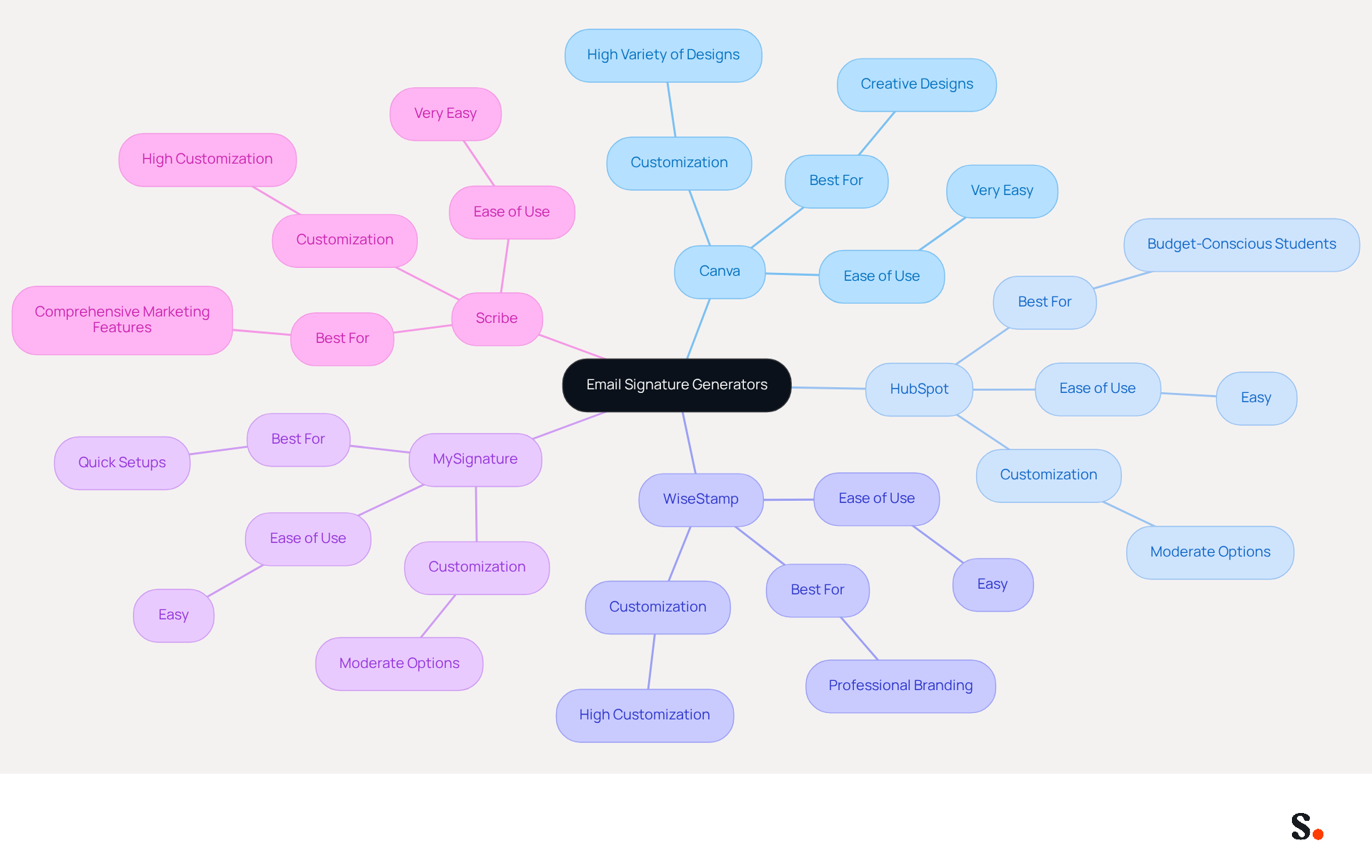
- Generator Name: Customization
- Ease of Use: Price
- Best For:
- Canva: High
- Very Easy: Free/Paid
- Creative designs:
- HubSpot: Moderate
- Easy: Free
- Budget-conscious students:
- WiseStamp: High
- Easy: Free/Paid
- Professional branding:
- MySignature: Moderate
- Easy: Free/Paid
- Quick setups:
- Scribe: High
- Very Easy: Paid
- Comprehensive marketing features:
Canva is renowned for its extensive design capabilities, enabling students to create highly customized signatures. Navigating Canva's extensive features can be time-consuming for some users.
HubSpot offers a free generator that is simple and efficient. This simplicity allows users to focus on their core tasks without distraction.
WiseStamp is an email signature generator student that strikes a balance between customization and ease of use, making it suitable for learners who desire a professional appearance without excessive complexity.
MySignature is user-friendly and enables quick setups, catering to individuals who need to create their marks swiftly.
Scribe offers advanced features that empower users to leverage their digital identifiers effectively for marketing goals. With automated synchronization of email branding with Aircall, the platform ensures enhanced brand consistency. Additionally, Scribe's SOC 2 Type II compliance ensures secure data handling, making it a wise investment for those aiming to enhance their professional presence. Notably, Scribe boasts a 12% average click-through rate on banners, providing measurable marketing ROI. Moreover, its ROI calculator tools and conversion tracking capabilities connect engagement directly to revenue, making it an invaluable resource for marketing managers. Investing in a robust solution like Scribe can lead to substantial improvements in your marketing effectiveness and brand visibility.
Practical Considerations for Student Users
For students aiming to project professionalism and facilitate communication, using an email signature generator is essential for crafting an effective email signature.
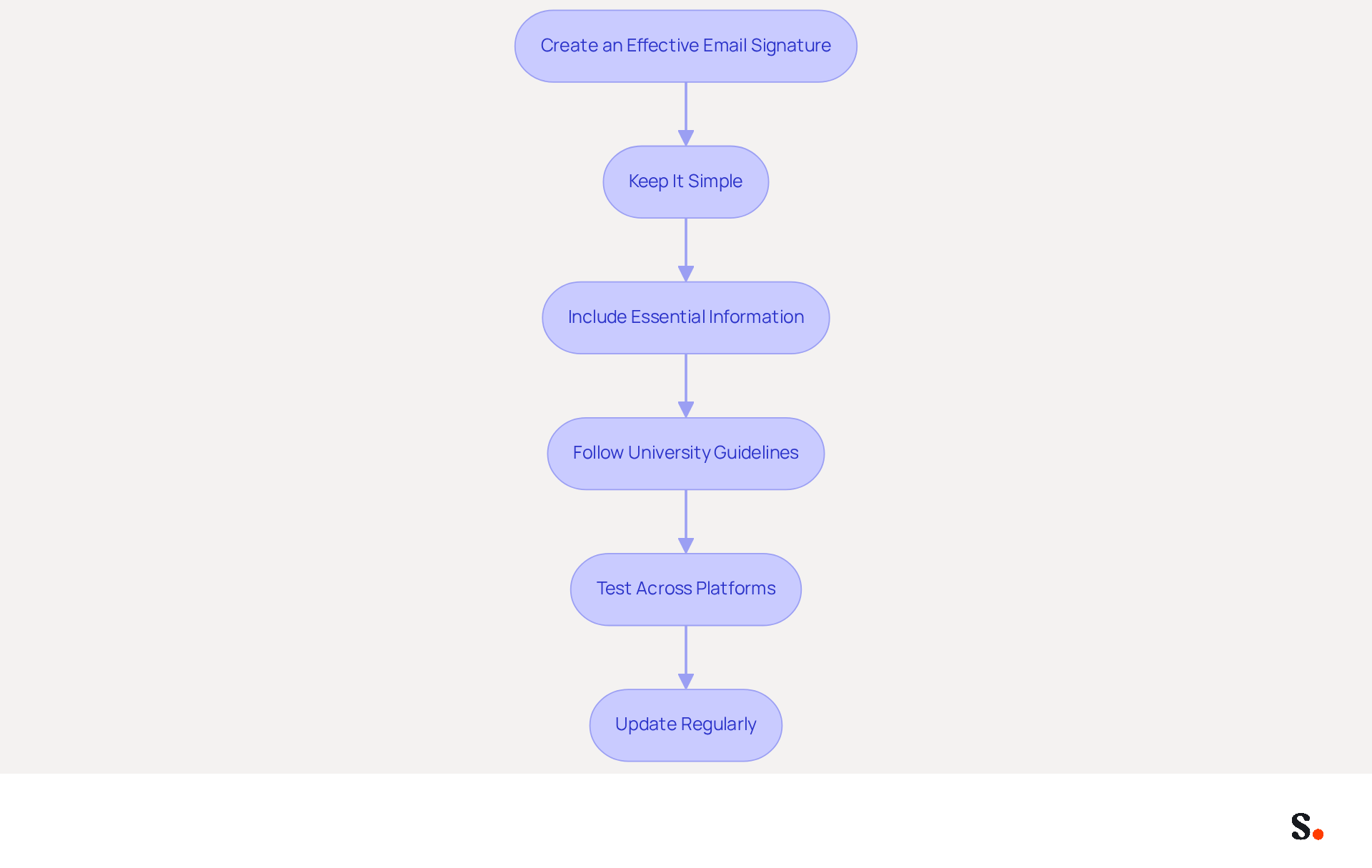
- Keep It Simple: A clean and concise sign-off is more effective and presents a professional image. Overloading your email signature with unnecessary details can confuse recipients and dilute your professional image.
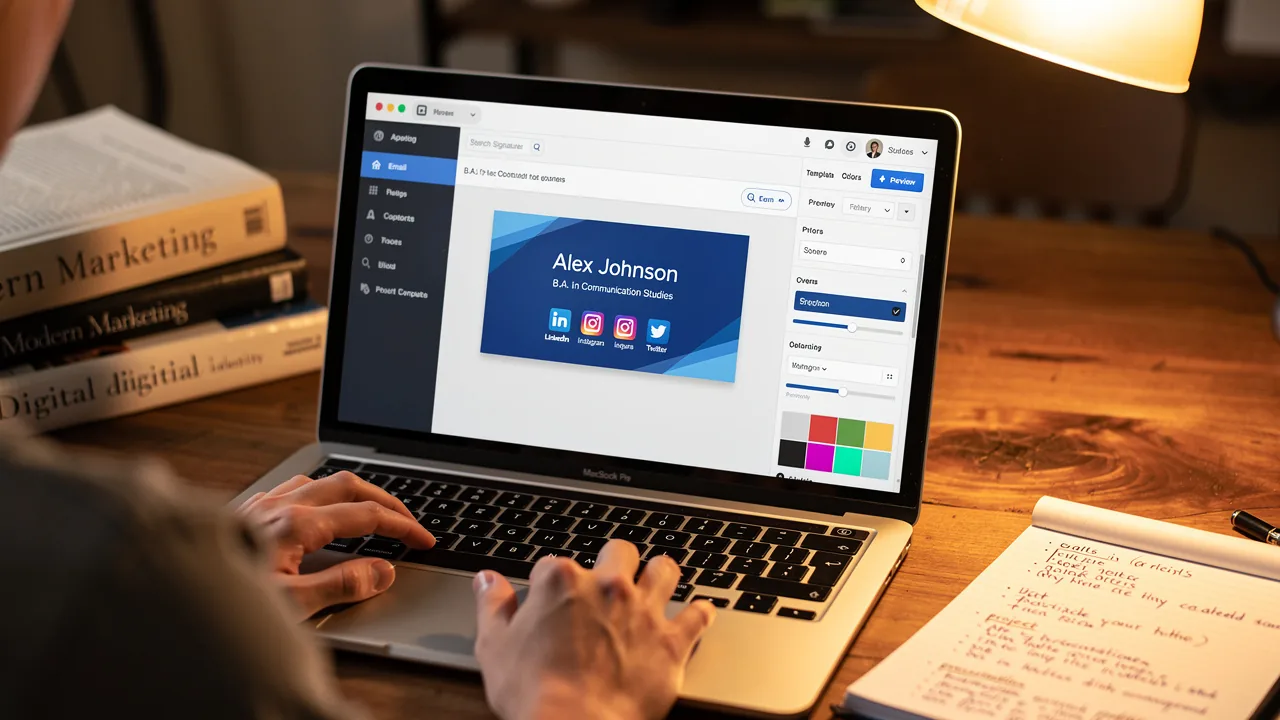
- Include Essential Information: Always incorporate your full name, degree program, contact information, and relevant links, such as your LinkedIn profile or portfolio, to facilitate easy communication.
- Follow University Guidelines: Many institutions provide specific instructions for electronic correspondence. Adhering to these standards is crucial for maintaining professionalism and brand consistency.
- Test Across Platforms: Before finalizing your mark, ensure it displays correctly across various messaging clients and devices. This step is vital for maintaining a polished appearance in all communications.
- Update Regularly: As learners progress in their academic journeys, they should consistently refresh their credentials to reflect new accomplishments, roles, or contact details. Keeping your signature updated helps you stay relevant in your communications.
By implementing these strategies, students can significantly enhance their email communication with the help of an email signature generator, paving the way for greater professional opportunities. For instance, students who utilize standardized templates and regularly update their signatures have reported an 85% improvement in brand consistency, which fosters trust among peers and potential employers. A polished email signature can set you apart and strengthen your professional identity.
Conclusion
For students navigating academic and career opportunities, establishing a professional identity is essential, and email signature generators play a pivotal role in this process. By utilizing these generators, students can create personalized and visually appealing signatures that enhance their credibility and ensure consistent branding across communications. This investment reflects professionalism and impacts students' perceptions among professors, potential employers, and peers.
The article highlights essential features to consider when selecting an email signature generator, such as:
- Customization options
- Ease of use
- Mobile compatibility
- Integration capabilities
Scribe, for instance, offers advanced marketing features and adheres to stringent security standards, making it a reliable choice for students who want to leverage their digital identifiers effectively. With a focus on user-friendly interfaces and seamless integration with platforms like Google Workspace, these generators empower students to present themselves confidently and professionally.
A well-crafted email signature distinguishes students and creates new opportunities. By adopting an email signature generator, students can enhance their communication, maintain brand consistency, and ultimately pave the way for greater success in their academic and professional journeys. Embracing this simple yet impactful tool is a step toward building a strong personal brand that resonates with peers and potential employers alike.
Frequently Asked Questions
What is the purpose of email signature generators for students?
Email signature generators help students create personalized digital identifiers that enhance their professional identity in communications with professors, potential employers, and peers.
What information is typically included in a well-crafted digital identifier?
A well-crafted digital identifier usually contains the individual's name, degree program, contact details, and links to professional profiles or portfolios.
How do branded electronic identifiers impact sender trust?
Statistics indicate that 76% of marketers believe branded electronic identifiers enhance sender trust, making them essential for establishing a professional image.
What benefits do companies experience from consistent branded digital identifiers?
Companies that employ consistent branded digital identifiers report over a 22% increase in response rates, demonstrating the effectiveness of this branding for students.
What is the significance of email communication for prospects and customers in 2026?
In 2026, electronic mail continues to be the main communication method for 52% of prospects and customers, highlighting the importance of a professional email footer in every interaction.
How does Scribe's email signature generator benefit students?
Scribe's email signature generator allows students to create visually appealing and informative signatures, and it integrates with Google Workspace to automatically update their information, saving time and boosting visibility.
What certifications does Scribe hold to ensure user data security?
Scribe holds SOC 2 Type II certification and complies with GDPR and CCPA, ensuring that user data is handled securely and enhancing trust and reliability.
What does Helga Zabalkanska, CMO at MySignature, say about effective email sign-offs?
Helga Zabalkanska emphasizes that 'A good sign-off is short, clear, and helpful,' highlighting the importance of clarity in establishing a professional presence.
How can investing in an email signature generator impact a student's career?
Investing in an email signature generator can significantly impact a student's career trajectory by enhancing their visibility and credibility in academic and professional arenas.
List of Sources
- Understanding Email Signature Generators for Students
- 40+ Email Signature Statistics for 2026 (Data + Insights) (https://wavecnct.com/blogs/email-signature-statistics)
- Email signatures for students in 2026: tips and real templates (https://mysignature.io/blog/why-do-students-need-personal-email-signatures)
- Email Signature Generator Now Includes Pronouns | Newsroom (https://news.ucmerced.edu/content/email-signature-generator-now-includes-pronouns)
- Brand Update: Email signature generator now available (https://isu.edu/news/2020-spring/brand-update-email-signature-generator-now-available.html)
- Student Email Signature Generator (https://unlv.edu/brand/email-signature/student)
- Key Features: Customization and Ease of Use
- I Tested 7 Email Signature Generators To Find the Best (https://emailtooltester.com/en/blog/best-email-signature-generator)
- Best Student Email Signature Generator Tools (https://bulksignature.com/blog/best-student-email-signature-generator-tools)
- 10 Best Email Signature Generators (2026) (https://wisestamp.com/guides/best-email-signature-generator)
- Top 5 Email Signature Generators in 2026 (https://mailwarm.com/blog/top-email-signature-generators)
- 10 Best Email Signature Generators in 2026 | MySigMail (https://mysigmail.com/blog/top-10-email-signature-generators-in-2026-complete-overview-and-comparison)
- Comparative Analysis of Top Email Signature Generators
- Top 5 Email Signature Generators in 2026 (https://mailwarm.com/blog/top-email-signature-generators)
- Best Student Email Signature Generator Tools (https://bulksignature.com/blog/best-student-email-signature-generator-tools)
- Best Email Signature Generators for Teams in 2026 (https://syncsignature.com/blog/best-email-signature-generators-for-teams)
- Compare the Best Email Signatures Generators for Your Marketing Needs (https://scribe-mail.com/en-US/blog/compare-the-best-email-signatures-generators-for-your-marketing-needs)
- 10 Best Email Signature Generators in 2026 | MySigMail (https://mysigmail.com/blog/top-10-email-signature-generators-in-2026-complete-overview-and-comparison)
- Practical Considerations for Student Users
- Email signatures for students in 2026: tips and real templates (https://mysignature.io/blog/why-do-students-need-personal-email-signatures)
- Email Signature Best Practices - NEWOLDSTAMP (https://newoldstamp.com/blog/email-signature-best-practices)
- Student Email Signature Examples & Best Practices (https://wisestamp.com/examples/student-email-signature)
- 4 Best Practices for Email Signature Management for Undergraduates (https://scribe-mail.com/en-US/blog/4-best-practices-for-email-signature-management-for-undergraduates)
- The best email signatures for students: get your own for free (https://mail-signatures.com/articles/student-email-signature)
Get started with Scribe
Signatures for every role on your team
Free 14-day trial — no credit card.