How to Change Your Signature Block in Gmail: 5 Easy Steps
Updating an email signature in Gmail presents a significant opportunity to enhance professional communication and reinforce brand identity. With over 1.8
Sophie Grant
Email Signature Specialist, Scribe
Introduction
Updating an email signature in Gmail presents a significant opportunity to enhance professional communication and reinforce brand identity. With over 1.8 billion users relying on Gmail, the importance of a polished digital footer cannot be overstated. This guide provides five straightforward steps to update your signature block, ensuring that every email sent reflects your brand's professionalism and consistency.
- Identify the key elements to include in your signature.
- Access the Gmail settings to locate the signature section.
- Create or edit your signature using the formatting tools available.
- Save your changes and test the signature by sending a test email.
- Regularly review and update your signature to keep it relevant.
What are the implications of a signature that fails to convey the intended message? How can one ensure that their digital identifier not only looks good but also drives engagement?
Access Gmail Settings to Change Your Signature
To ensure effective communication, it is crucial to understand how to change the signature block in Gmail to maintain a professional digital footer in your email.
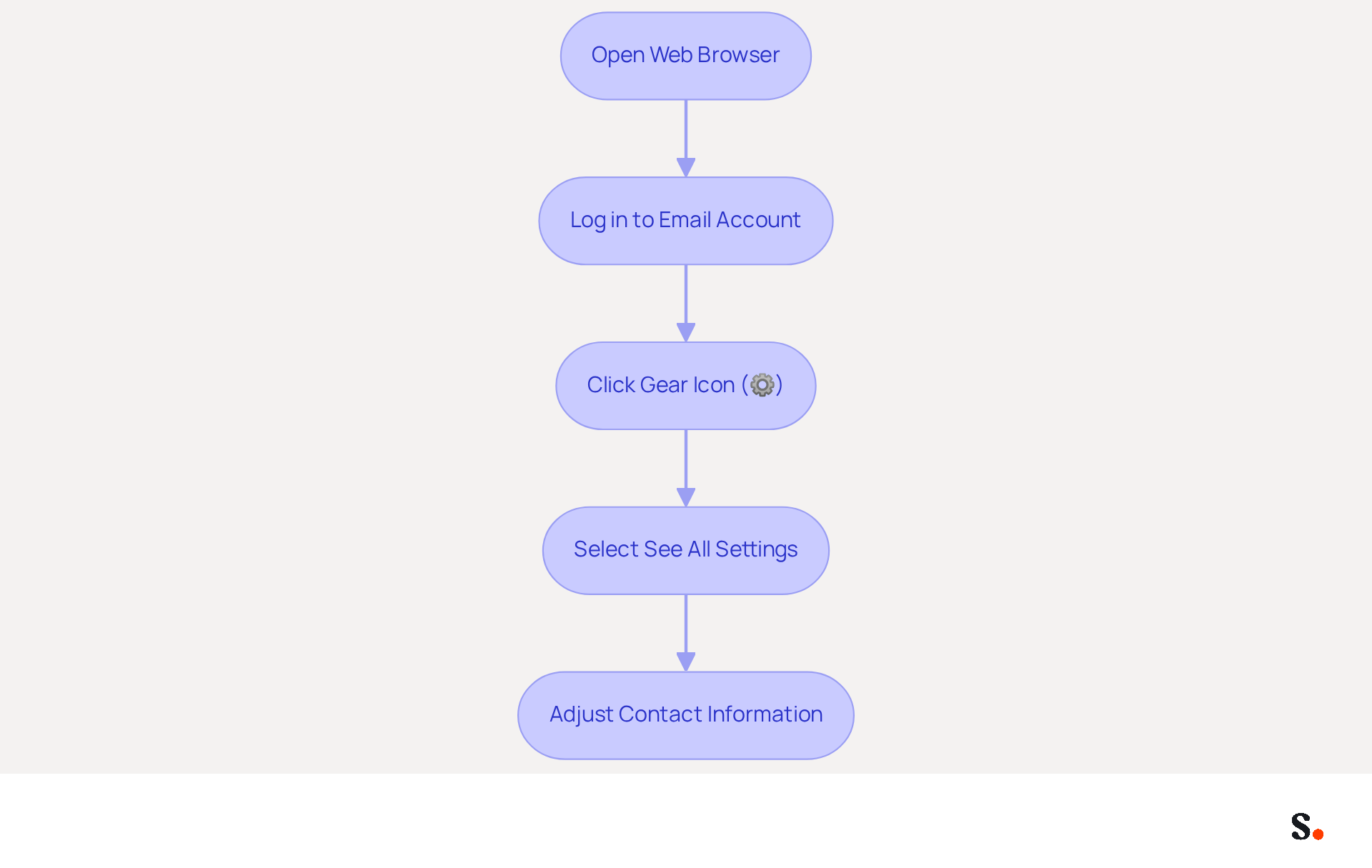
- Open your web browser and go to your email.
- Log in to your email account if you haven't done so already.
- In the top right corner of the email interface, click on the gear icon (⚙️) to access the settings menu.
- From the dropdown, select 'See all settings' to enter the full settings area.
- You are now in the settings section where you can adjust your contact information.
With over 1.8 billion active users, Gmail commands a substantial portion of the messaging market, representing about 30.01% of all communication exchanges. This widespread usage underscores the need for a professional digital footer, particularly in understanding how to change the signature block in Gmail, to boost brand consistency and engagement.
With Scribe, any modifications made in your Aircall configuration will automatically sync to your messages, ensuring consistent branding across all communications. This automated synchronization conserves time and strengthens your brand identity in every message sent.
Studies show that well-managed digital footers can significantly improve communication and marketing outcomes. Organizations employing well-designed email footers report higher engagement rates, with one service boasting a 75% open rate, significantly surpassing many rivals.
As Scribe evolves in 2026, keeping your closing statement updated and reflective of your brand is vital for optimizing marketing opportunities in every message. Scribe's SOC 2 Type II compliance ensures secure data management, making it a trustworthy option for handling your identifiers.
Locate the Signature Settings in Gmail
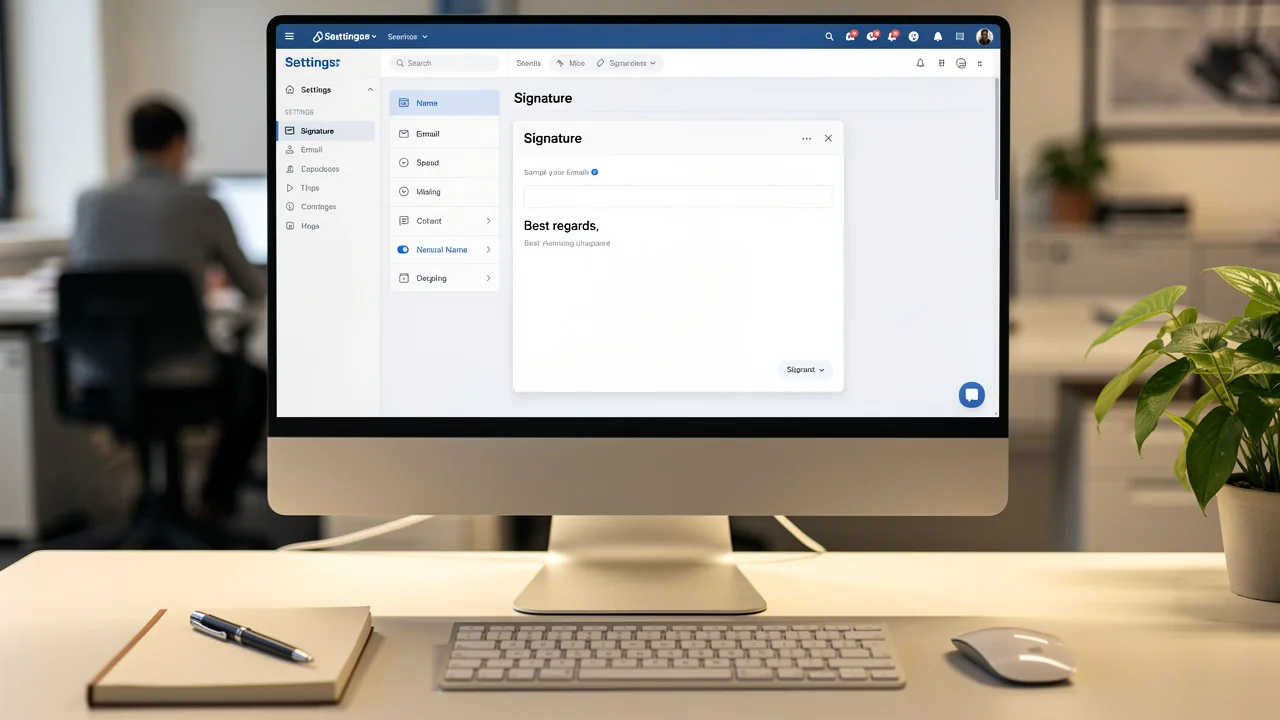
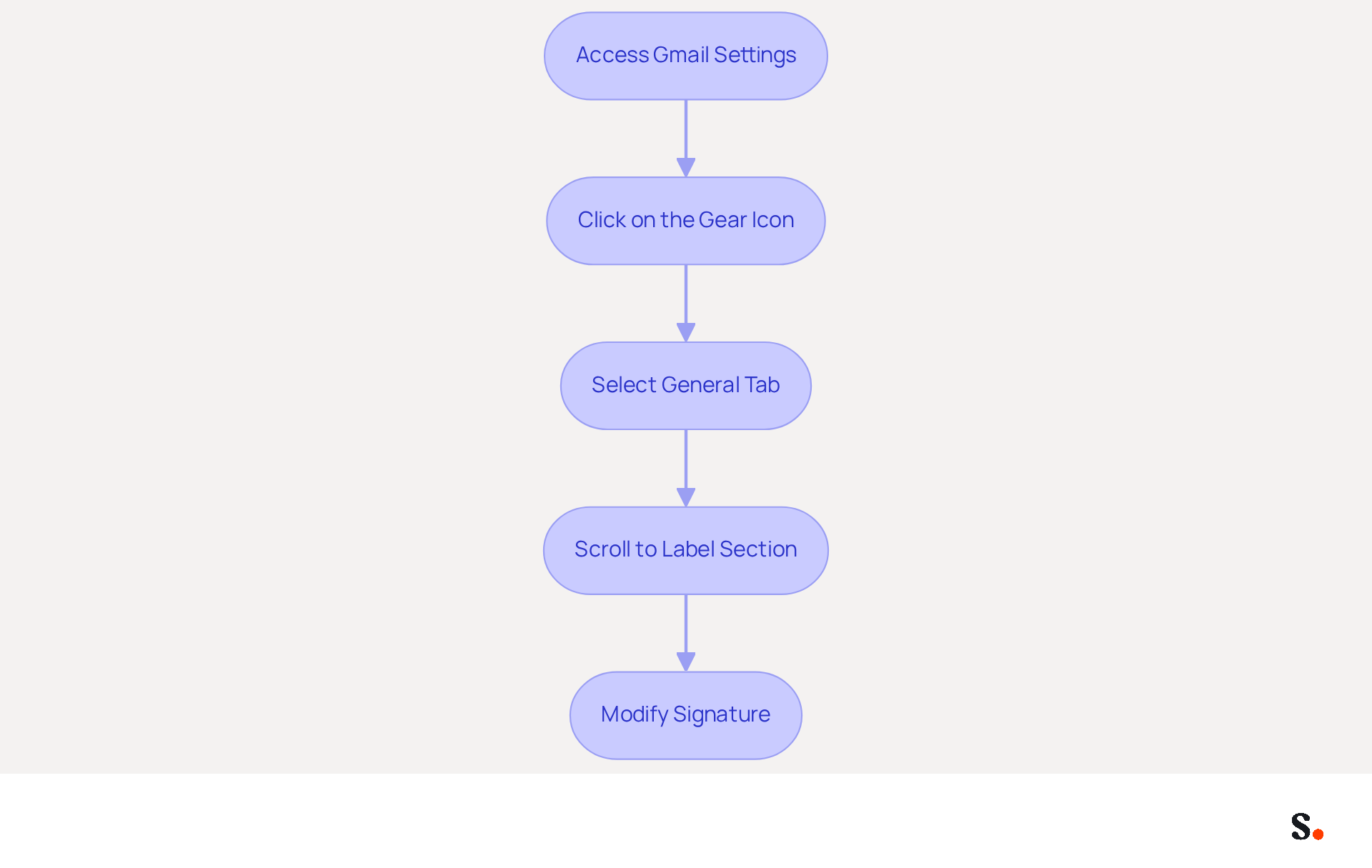
Navigating the Gmail settings can be straightforward, yet many users overlook how to change the signature block in Gmail to personalize their email signatures. To begin, access the settings menu by clicking on the gear icon in the upper right corner of your Gmail interface. Make sure you're on the 'General' tab, as this is usually the first view you see when you access settings.
Scroll down until you reach the 'Label' section, where you can manage your signatures. In this section, you will find instructions on how to change the signature block in Gmail, allowing you to create a new signature or modify an existing one to effectively personalize your branding.
If you have several addresses associated with your Gmail account, select the specific one for which you wish to modify the signature, ensuring consistency throughout your communications. By ensuring your signature reflects your brand, you enhance your professional image and communication effectiveness.
Create or Edit Your Email Signature
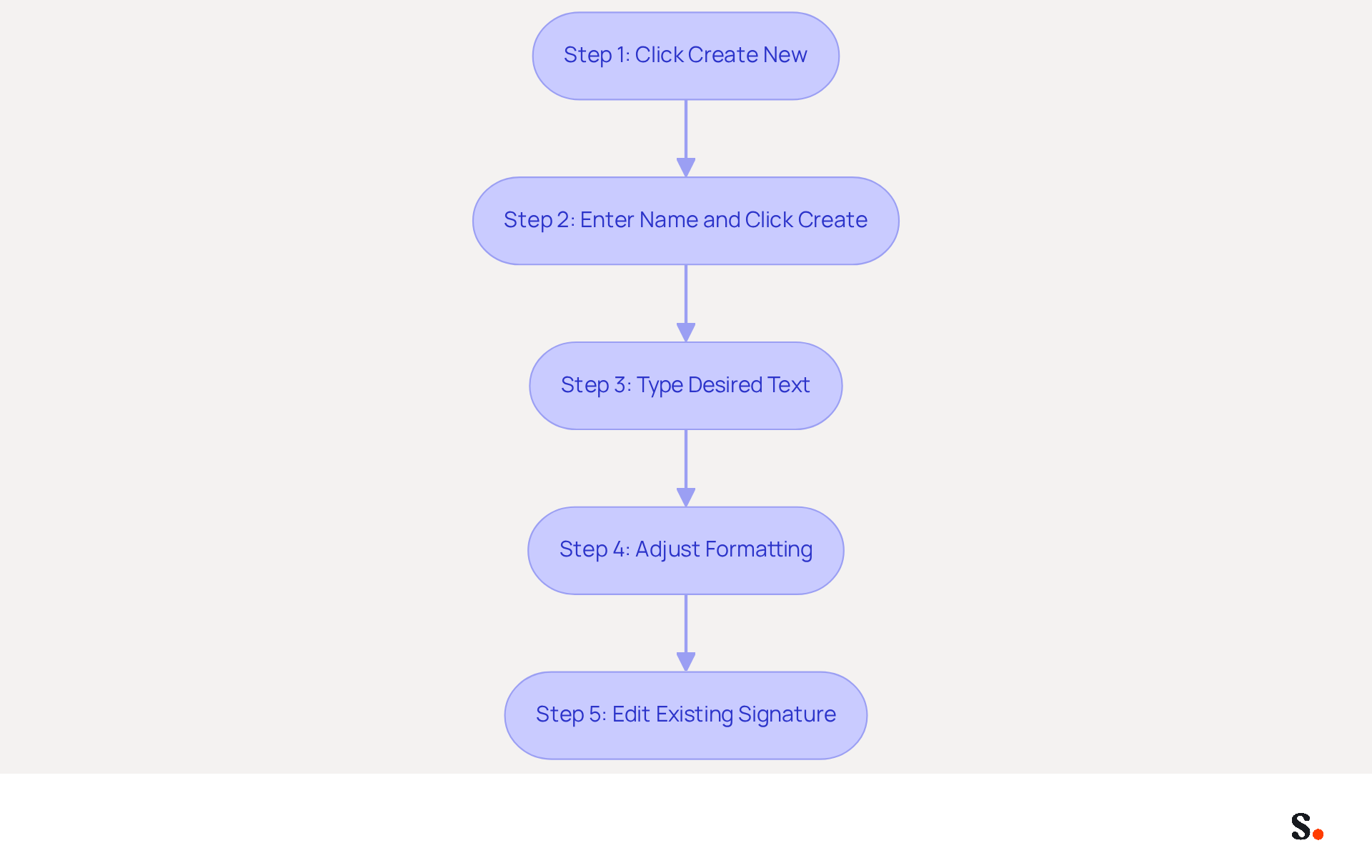
- In the 'Signature' section, to understand how to change signature block in gmail, start by clicking 'Create new.' This step is crucial because a well-crafted identifier enhances your professional image and strengthens brand awareness. In fact, 52% of professionals agree that a strong digital identifier is key to effective communication.
- In the pop-up window, enter a name for your mark and click 'Create.' Naming your unique identifier helps you manage different versions. Interestingly, 89.9% of people stick to one main identifier, but some have up to 10 variations for various situations.
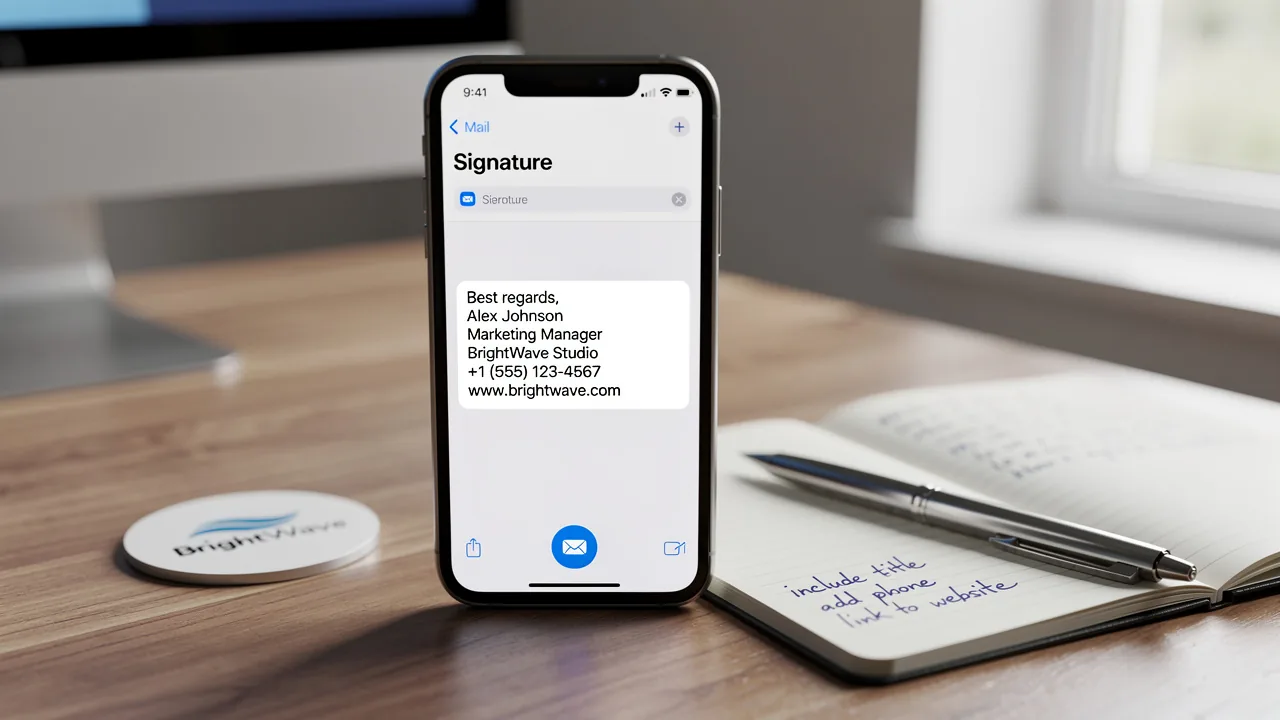
- In the editor, type your desired text for how to change signature block in gmail. Ensure to include essential elements such as your name, job title, company name, and contact information, as these components are fundamental for establishing trust and credibility.
- Use the formatting options to adjust the font, size, and color to match your branding. Consistent branding in your message footers can boost response rates by 22%. This makes it a powerful marketing tool in your daily communications.
- If you are editing an existing mark, simply click on the mark you wish to modify and follow the steps on how to change signature block in gmail. Regular updates are crucial; 44.4% of professionals refresh their email details 2-4 times a year to maintain current branding and contact information, ensuring effective communication. Neglecting to update your digital identifier could result in lost connections and opportunities in your professional network.
Enhance Your Signature with Images and Links
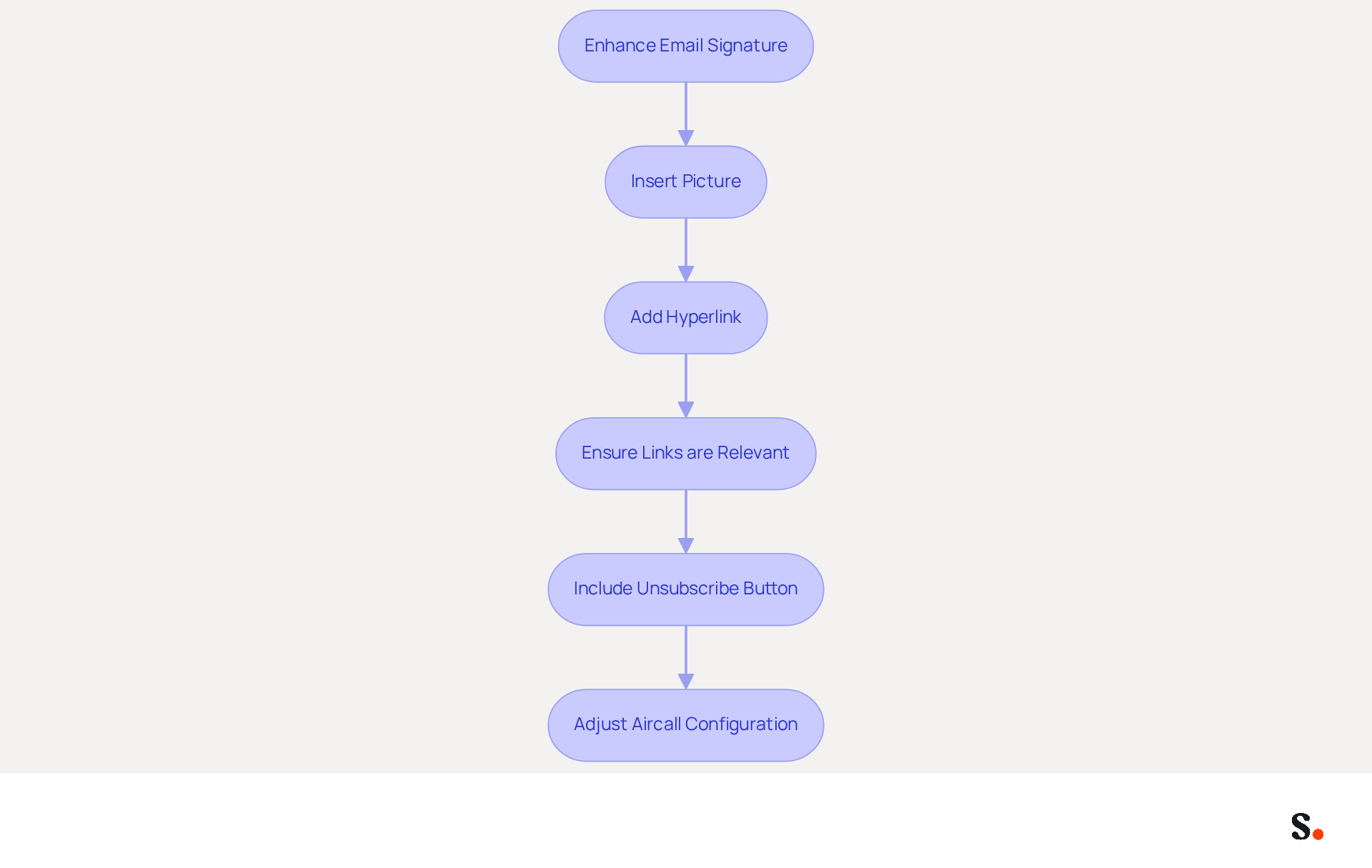
Enhancing your email signature with visuals and links is essential for maximizing engagement and brand visibility. Click the 'Insert picture' icon in the editor to add a picture. This step is vital for guiding recipients to your professional website or social media profiles. Highlight the text or graphic you wish to link to add a hyperlink. Incorporating links significantly boosts engagement; businesses using branded digital identifiers see a 15% increase in website click-through rates. Ensure that the links are relevant and lead to your professional website or social media profiles.
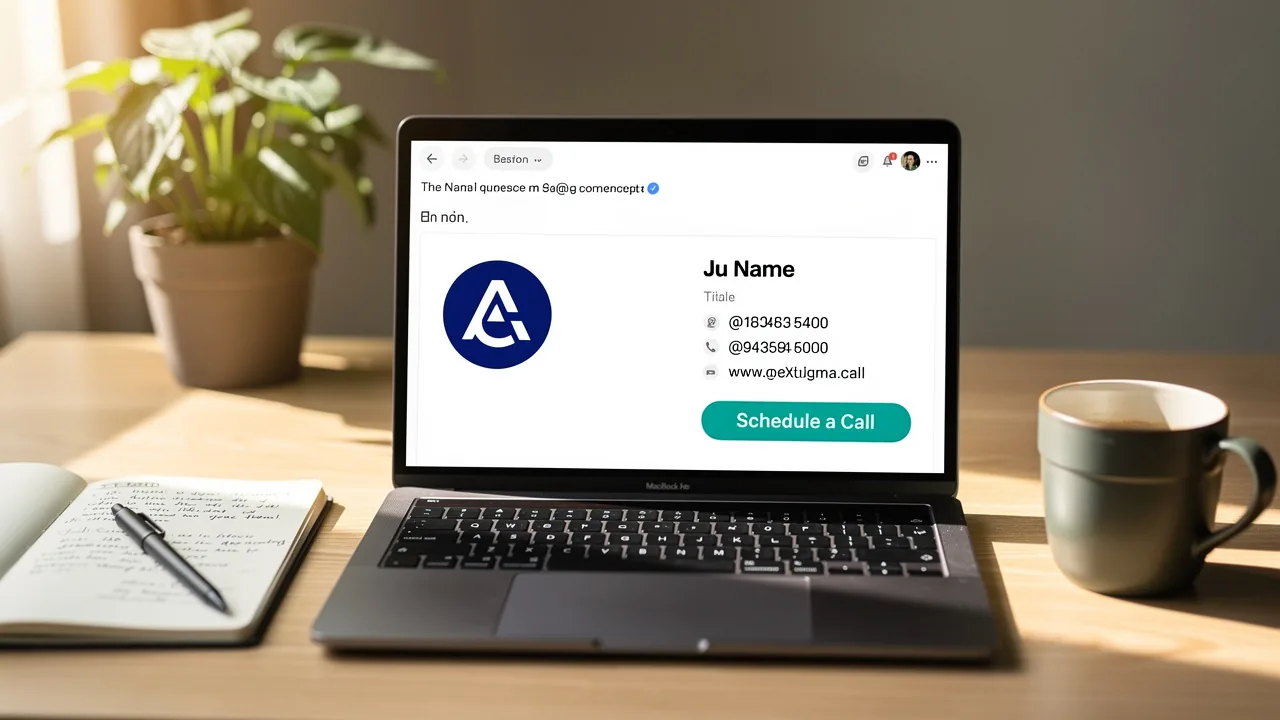
Additionally, remember to include a clear and visible unsubscribe button, as this is a general requirement in 2026. Customized digital identifiers with images and links enhance brand loyalty and lead generation, positioning them as valuable marketing assets. As Yuliia Savchuk observes, a well-thought-out design enables you to incorporate multiple buttons in your email, such as booking a meeting and opening a map.
Moreover, every adjustment made in your Aircall configuration will automatically be reflected in your Scribe profiles, allowing for seamless management of your profiles.
Finalize and Test Your New Signature
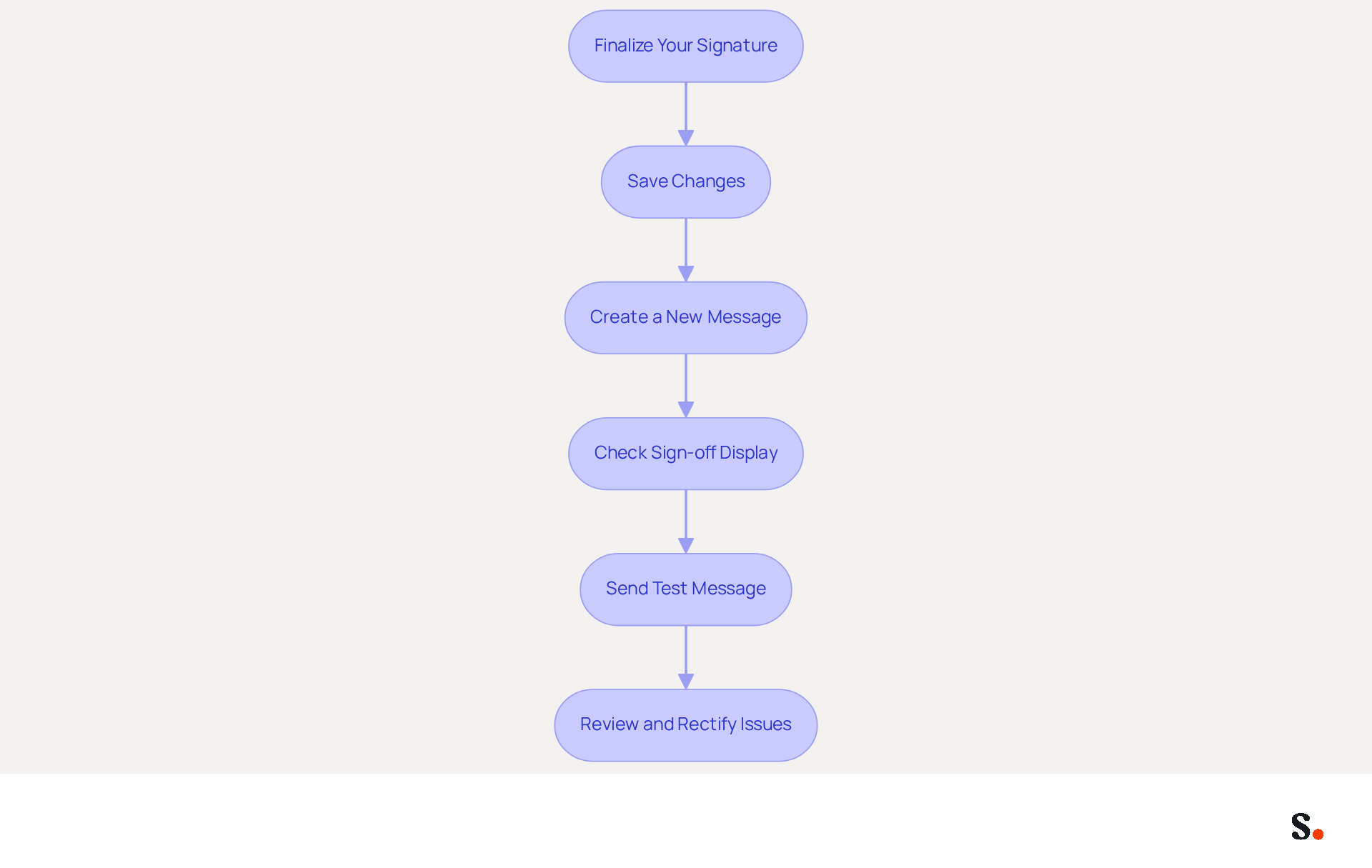
Ensuring your electronic correspondence identifier functions correctly is crucial for maximizing engagement with your audience. After creating or editing your personal mark, scroll to the bottom of the settings page and click 'Save Changes.' To test your new mark, create a new message. Confirm that the sign-off is displayed correctly at the bottom of your message. Send a test message to yourself or a colleague to ensure that all links and images function properly. If issues arise, revisit the settings to rectify them.
Research shows that effective identifiers can lead to a 22% increase in response rates compared to those without branding. Furthermore, businesses that employ branded digital identifiers attain an average click-through rate of 15% to their website. By ensuring your mark is functional and visually appealing, you enhance your communications and leverage every message as a marketing opportunity.
With Scribe, any changes you make to your communication footer will sync automatically, ensuring brand consistency across your organization. This automated management not only saves time by syncing your teammates' data from Google Workspace but also enhances compliance with SOC 2 Type II standards, providing secure data handling. With Scribe, you can effortlessly learn how to change signature block in gmail, allowing for quick updates and ensuring that your team’s information is always current. With Scribe, you not only streamline your email signature management but also enhance your brand's visibility and professionalism in every communication.
Conclusion
A professional email signature is crucial for establishing credibility in digital communications. By following the outlined steps, users can easily navigate Gmail's settings to create or update their email signatures, ensuring that their branding remains consistent and impactful. This process significantly boosts brand visibility and fosters stronger connections with your audience.
Throughout the guide, key insights were shared on the importance of a well-crafted email signature. From accessing the settings menu to enhancing signatures with images and links, each step is designed to empower users to take control of their digital identity. The integration of Scribe further streamlines this process, allowing for automatic synchronization and compliance with security standards, ensuring that brand consistency is maintained across all communications.
This investment not only enhances your brand visibility but also fosters stronger connections with your audience. As organizations strive for effective communication, leveraging tools like Scribe can enhance the management of email signatures, making it easier for marketing teams to maintain control and achieve measurable results. By refining your email signature, you position yourself for greater engagement and visibility in every interaction.
Frequently Asked Questions
Why is it important to change the signature block in Gmail?
Changing the signature block in Gmail is crucial for maintaining a professional digital footer in your emails, which enhances brand consistency and engagement.
How do I access the settings to change my Gmail signature?
To access the settings, open your web browser, log in to your Gmail account, click on the gear icon (⚙️) in the top right corner, and select 'See all settings' from the dropdown menu.
Where can I find the signature settings in Gmail?
The signature settings can be found in the 'General' tab of the settings menu. Scroll down to the 'Label' section to manage your signatures.
Can I customize my signature for different email addresses in Gmail?
Yes, if you have multiple addresses associated with your Gmail account, you can select the specific address for which you wish to modify the signature, ensuring consistency in your communications.
How does Scribe enhance the management of email signatures?
Scribe automatically syncs any modifications made in your Aircall configuration to your messages, ensuring consistent branding across all communications and saving time.
What impact do well-managed digital footers have on communication?
Well-managed digital footers can significantly improve communication and marketing outcomes, with organizations reporting higher engagement rates, such as a service boasting a 75% open rate.
Why is it important to keep your closing statement updated in emails?
Keeping your closing statement updated is vital for optimizing marketing opportunities in every message, especially as Scribe evolves in 2026.
Is Scribe a secure option for managing email signatures?
Yes, Scribe's SOC 2 Type II compliance ensures secure data management, making it a trustworthy option for handling your identifiers.
List of Sources
- Access Gmail Settings to Change Your Signature
- 35+ Gmail Statistics And User Trends [2026 Updated] (https://aboutchromebooks.com/gmail-statistics)
- Gmail Statistics 2026 – Visits Data & Market Share (https://demandsage.com/gmail-statistics)
- How to create custom Gmail signature (https://foxnews.com/tech/how-to-create-custom-gmail-signature)
- Locate the Signature Settings in Gmail
- Email Signature Trends in Numbers: Infographic [2026] (https://mailtrap.io/blog/email-signature-trends)
- Email Signature Statistics: A Closer Look at Email Signatures in 2026 (https://mysignature.io/blog/email-signature-statistics)
- Email signature statistics: Why every business should optimize their email signatures — Stripo.email (https://stripo.email/blog/email-signature-statistics-why-every-business-should-optimize-their-email-signatures)
- 40+ Email Signature Statistics for 2026 (Data + Insights) (https://wavecnct.com/blogs/email-signature-statistics)
- Create or Edit Your Email Signature
- How to create custom Gmail signature (https://foxnews.com/tech/how-to-create-custom-gmail-signature)
- Email Signature Statistics: A Closer Look at Email Signatures in 2026 (https://mysignature.io/blog/email-signature-statistics)
- Email signature statistics: Why every business should optimize their email signatures — Stripo.email (https://stripo.email/blog/email-signature-statistics-why-every-business-should-optimize-their-email-signatures)
- The impact of email signatures on your branding (https://signitic.com/en/resources/the-impact-of-email-signatures-on-your-branding)
- Enhance Your Signature with Images and Links
- Email Signature Trends 2026: What Designers Are Actually Using (https://markaplugin.com/blog/email-signature-trends-2026)
- Email signature statistics: Why every business should optimize their email signatures — Stripo.email (https://stripo.email/blog/email-signature-statistics-why-every-business-should-optimize-their-email-signatures)
- 40+ Email Signature Statistics for 2026 (Data + Insights) (https://wavecnct.com/blogs/email-signature-statistics)
- "Email Signature Trends for 2026: What's In, What's Out" | Crossware posted on the topic | LinkedIn (https://linkedin.com/posts/crossware-ltd_new-year-new-trends-even-for-your-email-activity-7394554686046908416-vD_O)
- Finalize and Test Your New Signature
- Email Signature Trends 2026: What Designers Are Actually Using (https://markaplugin.com/blog/email-signature-trends-2026)
- Do Email Signatures Actually Matter in 2026? (https://community.constantcontact.com/faqs/post/do-email-signatures-actually-matter-in-2026-Ka01TMi6sBKzXMl)
- How Email Signatures Impact Marketing Performance (https://letsignit.com/blog/how-email-signatures-impact-marketing-performance)
- Email signature statistics: Why every business should optimize their email signatures — Stripo.email (https://stripo.email/blog/email-signature-statistics-why-every-business-should-optimize-their-email-signatures)
- "Email Signature Trends for 2026: What's In, What's Out" | Crossware posted on the topic | LinkedIn (https://linkedin.com/posts/crossware-ltd_new-year-new-trends-even-for-your-email-activity-7394554686046908416-vD_O)
Get started with Scribe
Build a professional email signature
Free 14-day trial — no credit card.