Master Exchange Email Signature Group Policy for Effective Branding
In the digital age, email signatures are a critical yet often neglected aspect of effective branding. As organizations strive for consistency and
Sophie Grant
Email Signature Specialist, Scribe

On this page
Introduction
In the digital age, email signatures are a critical yet often neglected aspect of effective branding. As organizations strive for consistency and professionalism in their communications, mastering Exchange email signature group policies becomes essential. This article delves into best practices for establishing robust email signature policies that not only enhance brand identity but also streamline management processes.
Many organizations struggle to update their email signature practices. This can lead to a disconnect between their brand identity and customer expectations.
Get started with Scribe
Manage signatures across your whole team
Free 14-day trial — no credit card.
Understand Group Policy Fundamentals for Email Signatures
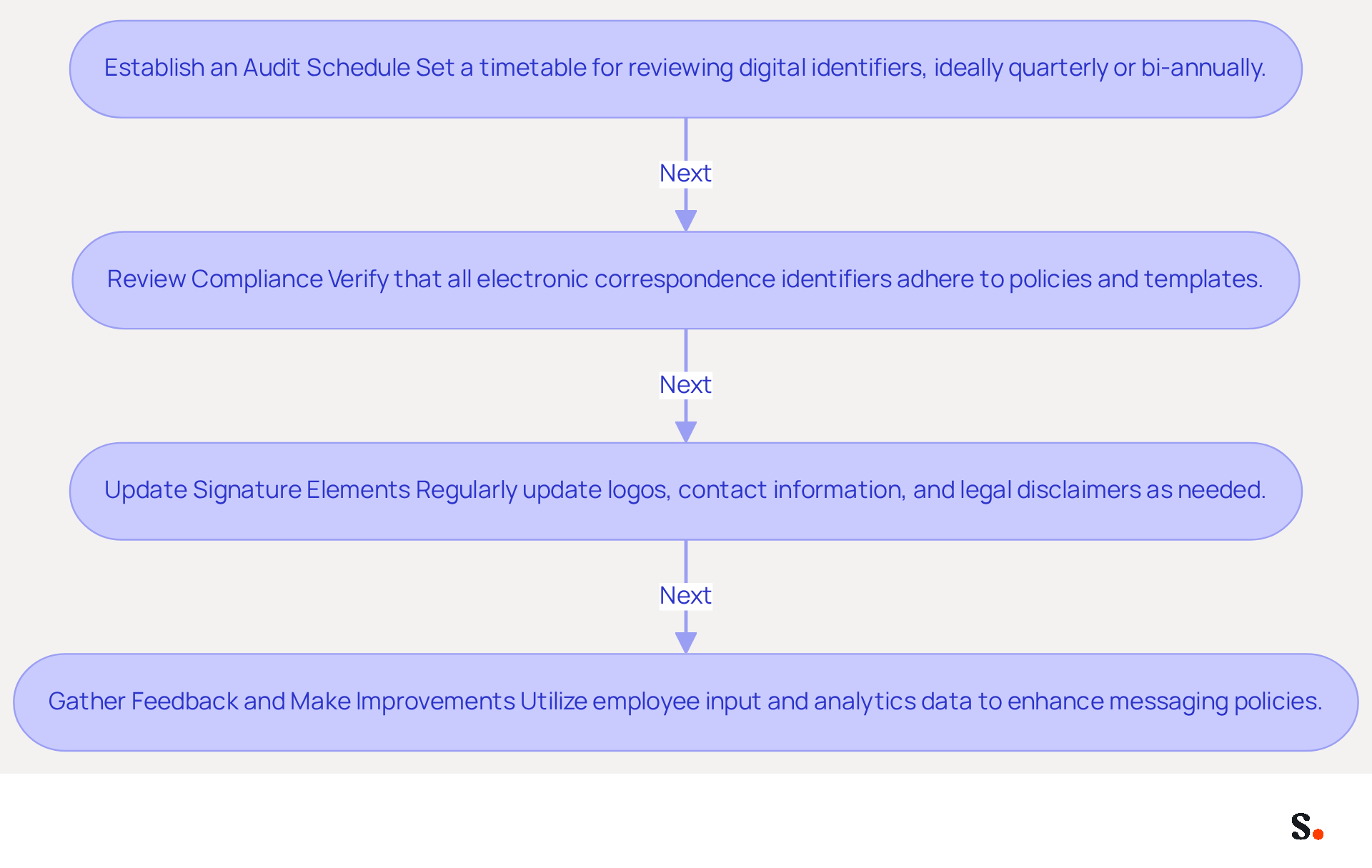
Effective email signature management hinges on understanding the management features within Microsoft Windows. This feature enables IT administrators to control settings and configurations for users and computers within an Active Directory environment, which is key to implementing an effective exchange email signature group policy organization-wide.
Centralized management of user and computer settings allows administrators to enforce specific configurations throughout the organization. This includes standardizing identifiers for messaging applications like Outlook, ensuring brand consistency across all communications.
How Administrative Settings Influence Exchange Email Signature Group Policy: By utilizing Configuration Objects (GPOs), administrators can automatically deploy email signatures to all users through the exchange email signature group policy. This ensures that every message sent from the organization maintains a uniform appearance, reinforcing brand identity and professionalism.
It's essential to be familiar with key elements like GPOs, Active Directory, and the Management Console (GPMC) when implementing exchange email signature group policy. Grasping these components will aid in effectively navigating the setup and management of digital identifiers.
The advantages of utilizing administrative settings, such as the exchange email signature group policy, include implementing messaging identifiers that not only conserve time but also reduce the likelihood of human mistakes. It ensures that all employees utilize the correct branding elements, legal disclaimers, and contact information, which is vital for maintaining a professional image. Research shows that 76-80% of marketers believe branded digital identifiers enhance trust in the sender, making them a vital asset for any organization.
Current Statistics on Usage of Policies: As of 2026, many organizations still depend on policies for managing digital identifiers, with 31.6% of users updating their identifiers only once every few years. Without a dynamic approach, organizations risk outdated identifiers that can undermine their branding efforts.
Case Studies on Management of Policies: Organizations that have implemented management for digital identifiers report significant improvements in brand consistency and reduced administrative overhead. For example, organizations utilizing specialized platforms alongside GPOs have experienced improved user satisfaction and prompt updates to identifiers, removing confusion caused by duplicate identifiers.
Expert Opinions on Group Policy Management: Specialists highlight that while Group Policy can effectively handle basic branding needs, organizations with more intricate requirements may gain from dedicated management solutions. By adopting dedicated management solutions, organizations can swiftly adapt to branding changes, ensuring their identifiers remain relevant. Organizations that fail to adapt their digital identifiers risk losing credibility and trust among their audience.
Establish Clear Policies and Templates for Email Signatures
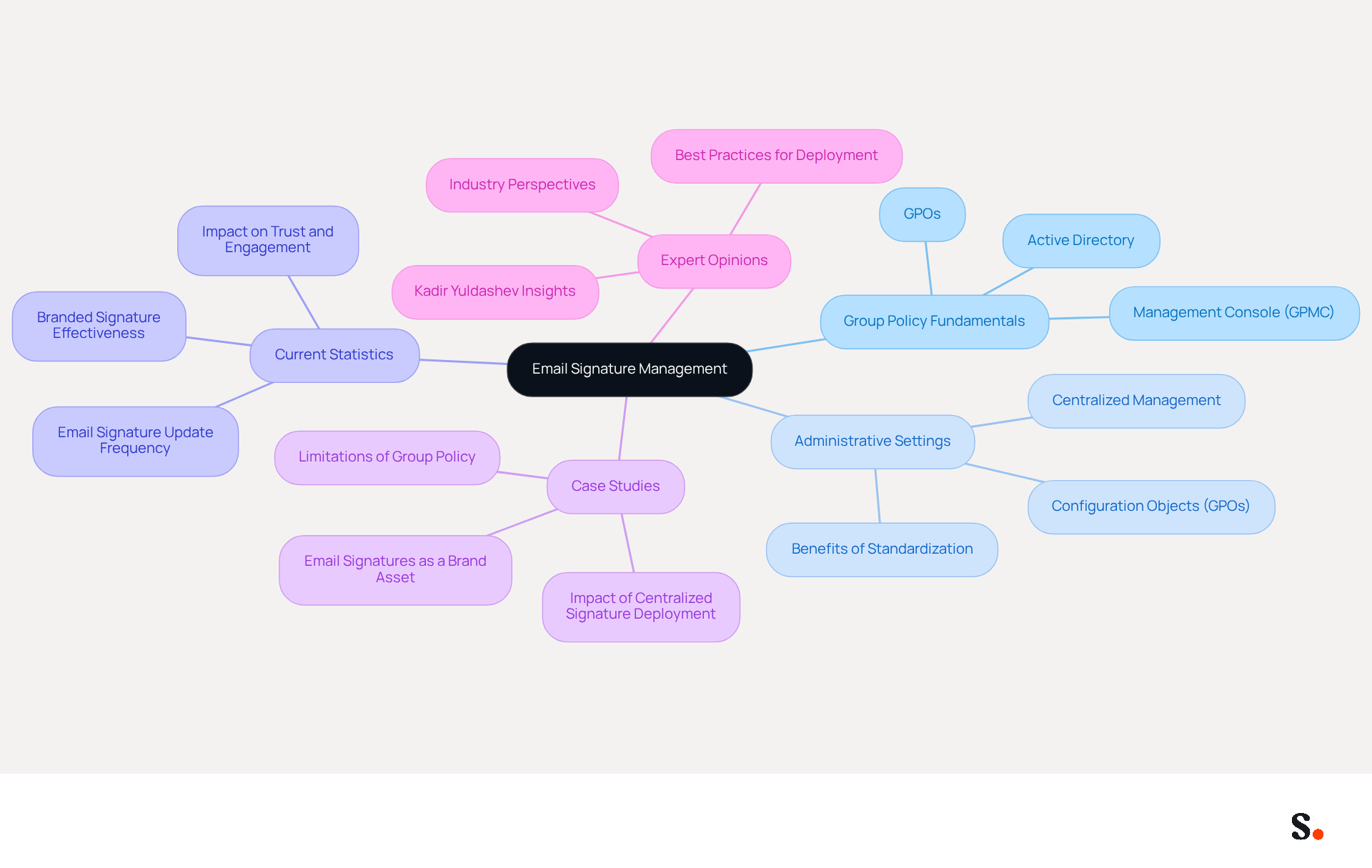
Establishing clear policies for digital correspondence is essential for maintaining a consistent brand image. Here are the steps to establish effective policies:
- Define Signature Elements: Identify the key components that should be included in every correspondence footer, such as the sender's full name, title, company logo, contact information, and necessary legal disclaimers. Align these elements with your brand guidelines to ensure a unified professional image.
- Create Signature Templates: Develop standardized templates that embody your brand's identity. Consistent use of fonts, colors, and layouts is crucial for a professional and cohesive appearance. Using platforms like Scribe simplifies this process and makes implementation straightforward across the organization. To enable one-click synchronization, ensure that you grant Scribe permission to connect with your service provider, requiring Super Admin access. This enables you to choose particular teammates for synchronization, ensuring that all modifications made in your provider directory are automatically reflected in your identifiers. Research shows that branded identifiers can improve response rates significantly, emphasizing their efficiency as marketing instruments.
- Miscommunication about electronic correspondence policies can lead to inconsistent branding. Provide training sessions or distribute written guidelines that emphasize the importance of using the correct identifier and offer instructions for implementation in their messaging clients.
- Incorporate Feedback Mechanisms: Encouraging employees to share their thoughts on the templates and policies can help spot issues and improve them, ensuring that the policies remain relevant and effective.
- Monitor Compliance and Effectiveness: Regularly review email formats to ensure adherence to the established policies. Monitoring metrics such as click-through rates can provide insights into the effectiveness of the branding as marketing tools, allowing for data-driven adjustments. Centralized approvals can reduce IT support overhead by minimizing ad-hoc, ticket-driven updates, further emphasizing the operational efficiency of implementing clear policies.
By following these steps, organizations can create a robust framework for managing electronic correspondence that enhances brand consistency and maximizes marketing opportunities. Ultimately, a well-defined approach to digital correspondence can transform how your brand is perceived in the marketplace. Scribe's SOC 2 Type II compliance ensures that your data remains secure while you focus on maintaining brand integrity.
Leverage Automation Tools for Efficient Signature Management
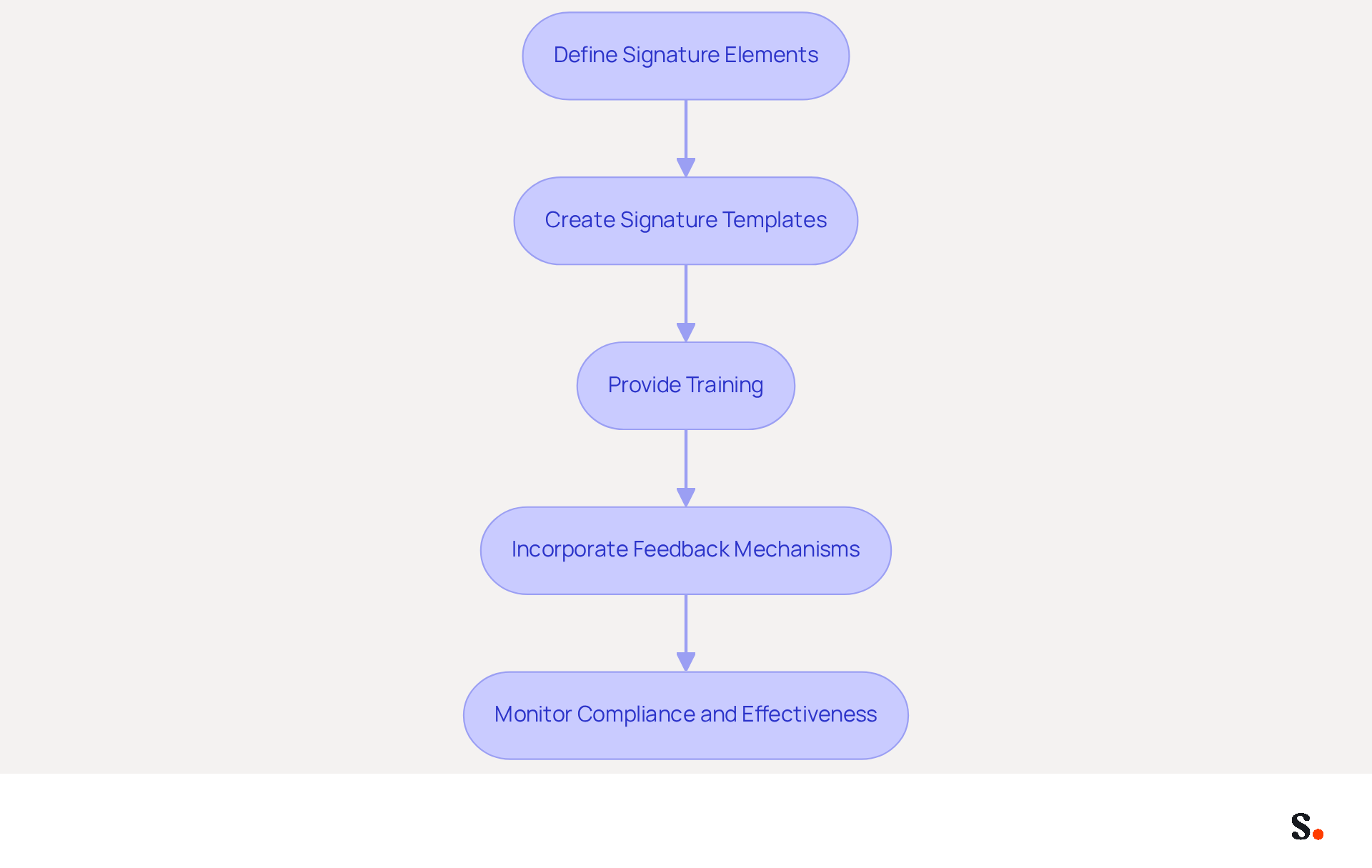
Effective management of digital identifiers is crucial for maintaining brand integrity and operational efficiency. Automation tools can greatly improve this management, streamlining processes and reducing errors. Here’s how to leverage these tools effectively:
- Choose the Right Automation Tool: Select a management solution for your message identifiers that integrates seamlessly with your platform, such as Microsoft 365 or Google Workspace. Scribe offers intuitive features that simplify the creation and management of email signature templates.
- Automate Branding Updates: Implement automation to ensure that any changes to branding or contact information are instantly reflected across all correspondence footers. Manual updates often lead to errors and outdated information, creating potential communication issues. Organizations that have implemented automated solutions report a 92% reduction in IT support tickets related to signing issues. This reduction in support tickets not only saves time but also enhances overall operational efficiency.
- Schedule Marketing Campaigns: Utilize automation tools to arrange marketing campaigns that include messaging identifiers. This encompasses seasonal promotions or announcements, ensuring that all outgoing communications align with current marketing efforts. For example, organizations have effectively utilized automated banners in their email footers to enhance engagement and drive traffic, resulting in a 38% increase in email-driven website visits.
- Monitor Performance: Utilize analytics features within your automation tool to track the performance of digital identifiers. Examining metrics such as click-through rates on embedded links or banners can offer insights into the effectiveness of your marketing efforts related to your branding. Research shows that companies with consistent branded digital identifiers experience over a 22% increase in response rates, highlighting the significance of monitoring and optimizing these elements.
Ultimately, embracing automation in digital signature management can transform communication strategies and drive measurable results.
Conduct Regular Audits and Updates of Signature Policies
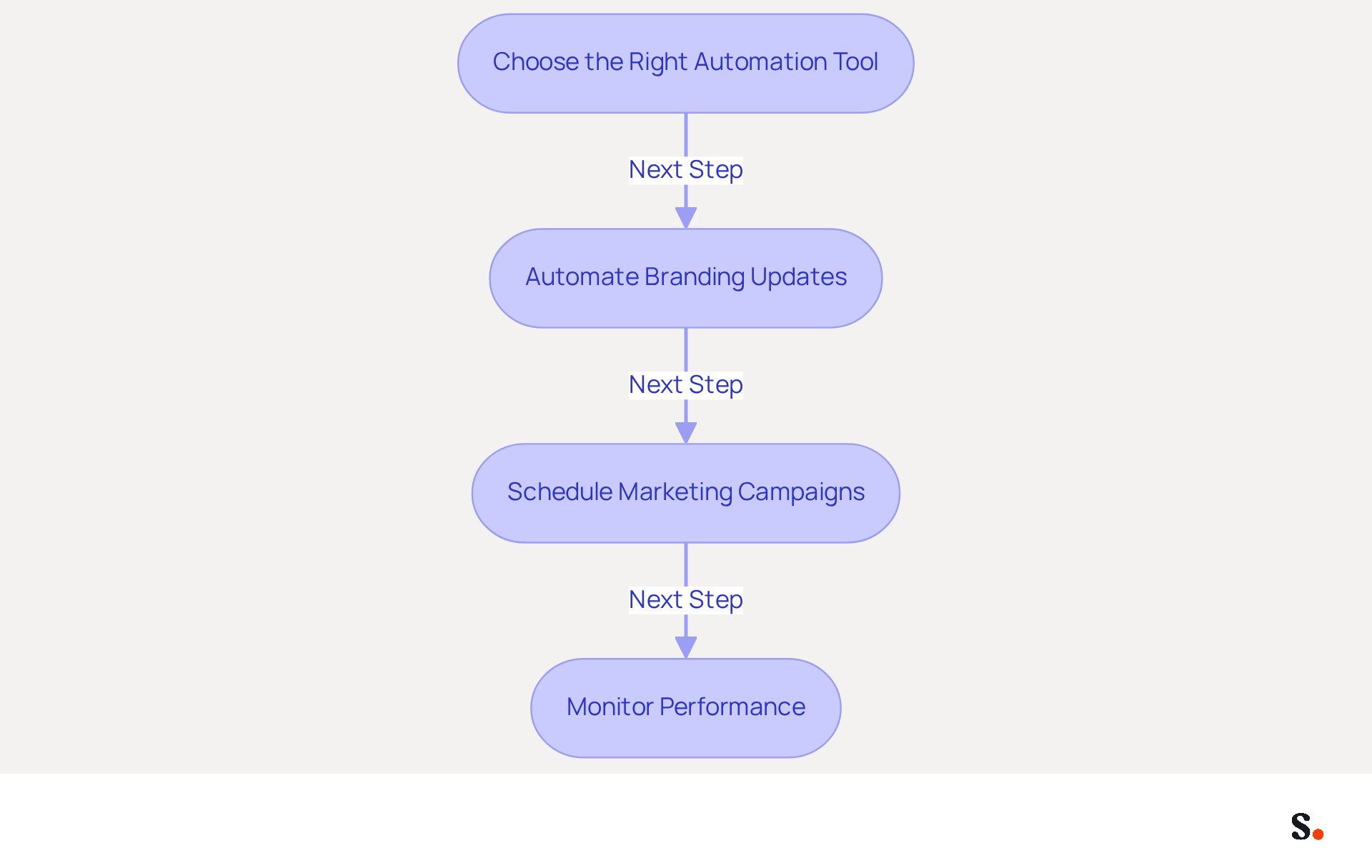
To maintain brand consistency and compliance, regular audits of messaging policies are not just beneficial; they are essential. Implementing an effective audit process involves several key steps:
- Establish an Audit Schedule: Set a regular timetable for reviewing digital identifiers, ideally quarterly or bi-annually. This practice ensures that endorsements are consistently reviewed and updated as necessary, helping to maintain a cohesive brand image.
- Review compliance with policies by verifying during audits that all electronic correspondence identifiers adhere to the exchange email signature group policy and established templates. Failure to identify discrepancies can lead to legal challenges and damage to brand integrity, including compliance with regulations such as GDPR. Scribe's SOC 2 Type II certification further ensures that your data remains secure during this process.
- Update Signature Elements: As your organization evolves, so should your signatures. Regularly update elements such as logos, contact information, and legal disclaimers to reflect any changes in branding or compliance requirements. To enable one-click synchronization, you must grant Scribe permission to connect with your service provider. This process requires Super Admin access to your service provider, allowing for seamless updates. With Scribe, any modifications made in your Google Workspace or Aircall setup will automatically sync, ensuring that your messages are always current without manual input. This adaptability is crucial for keeping communications relevant and minimizing risks associated with manual approvals, which can lead to inconsistencies.
- Gather Feedback and Make Improvements: Utilize input from employees and analytics data to identify areas for enhancement in your messaging policies. Gathering feedback helps ensure endorsements work effectively as marketing tools and fit seamlessly into your branding strategy. Incorporating analytics tools can assist in monitoring performance, improving engagement rates and click-through rates for messages. For instance, Scribe's average click-through rate on banners demonstrates the effectiveness of well-managed branding, standing at 12%.
Statistics show that organizations that perform regular audits of their communication footers can significantly enhance compliance and brand recognition. For example, implementing standardized elements can result in a 22% increase in response rates. Case studies have demonstrated that organizations that regularly assess their communication footers not only enhance customer trust but also streamline their branding efforts, reinforcing the significance of a structured audit process. By embracing a structured audit process, organizations can turn their email signatures into strategic marketing tools that drive engagement and trust, following the exchange email signature group policy.
Conclusion
Organizations often struggle to maintain a consistent brand image through their email communications. Mastering the Exchange email signature group policy is crucial for organizations aiming to enhance their branding and maintain a professional image. Implementing effective policies and automation tools helps businesses ensure their email signatures reflect their brand identity while reducing administrative burdens. This alignment can lead to measurable improvements in customer engagement and brand perception.
Key insights from the article highlight the importance of:
- Understanding Group Policy fundamentals
- Establishing clear signature templates
- Leveraging automation for efficient management
Without regular audits, organizations risk misalignment with their branding guidelines. Organizations that adopt these best practices can significantly improve their marketing performance, which can lead to higher customer engagement and fewer IT issues.
A structured approach to email signature management can really turn your digital correspondence into a strong branding tool. By prioritizing brand consistency and operational efficiency, organizations can leverage their email signatures to drive engagement and reinforce their market presence. Implementing these strategies now will not only enhance brand integrity but also create a competitive advantage in the marketplace.
Frequently Asked Questions
What is the importance of understanding Group Policy for email signatures?
Understanding Group Policy is crucial for effective email signature management as it allows IT administrators to control settings and configurations for users and computers within an Active Directory environment, enabling organization-wide implementation of email signature policies.
How do administrative settings influence the exchange email signature group policy?
Administrative settings, through Configuration Objects (GPOs), enable administrators to automatically deploy email signatures to all users, ensuring a uniform appearance for all messages sent from the organization, which reinforces brand identity and professionalism.
What are the key components to be familiar with when implementing exchange email signature group policy?
Key components include Group Policy Objects (GPOs), Active Directory, and the Management Console (GPMC), which are essential for navigating the setup and management of digital identifiers.
What are the advantages of using the exchange email signature group policy?
Advantages include saving time, reducing human errors, and ensuring that all employees use the correct branding elements, legal disclaimers, and contact information, which is vital for maintaining a professional image.
What do statistics say about the usage of policies for managing digital identifiers?
As of 2026, 31.6% of users update their digital identifiers only once every few years, indicating that many organizations still rely on policies, which can lead to outdated identifiers that undermine branding efforts.
What improvements have organizations reported after implementing management for digital identifiers?
Organizations that have implemented management for digital identifiers report significant improvements in brand consistency and reduced administrative overhead, along with enhanced user satisfaction and prompt updates to identifiers.
What do experts say about the effectiveness of Group Policy management?
Experts suggest that while Group Policy can handle basic branding needs, organizations with more complex requirements may benefit from dedicated management solutions to swiftly adapt to branding changes and maintain relevant identifiers.
List of Sources
- Understand Group Policy Fundamentals for Email Signatures
- How to Deploy Email Signatures Across Your Entire Organization (2026 Guide) (https://bulksignature.com/blog/deploy-email-signatures-organization)
- 40+ Email Signature Statistics for 2026 (Data + Insights) (https://wavecnct.com/blogs/email-signature-statistics)
- How to Manage Signatures using Group Policy | Slipstick Systems (https://slipstick.com/exchange/how-to-manage-signatures-using-group-policy)
- How to Configure Group Policy Outlook Signature (Step-by-Step) (https://wisestamp.com/guides/how-to-configure-group-policy-outlook-signature)
- Establish Clear Policies and Templates for Email Signatures
- Email Signature Branding: Consistency and Impact | Crossware365 (https://crossware365.com/blog/mastering-email-signature-branding-market-presence)
- Why Team Email Signatures Matter More Than You Think: The Hidden Impact on Brand Trust and Customer Experience (https://getmailbird.com/why-team-email-signatures-matter-brand-trust)
- 4 Best Practices for Brand Consistency in Email Signatures (https://scribe-mail.com/en-US/blog/4-best-practices-for-brand-consistency-in-email-signatures)
- Why Email Signatures Must Be In Your 2026 Marketing Plan | Rocketseed (https://rocketseed.com/blog/what-are-the-biggest-email-trends-for-2026)
- The impact of email signatures on your branding (https://signitic.com/en/resources/the-impact-of-email-signatures-on-your-branding)
- Leverage Automation Tools for Efficient Signature Management
- Automating Email Signatures: How IT Teams Streamline Processes & Reduce Risk (https://exclaimer.com/blog/streamlining-it-processes-automated-email-signatures)
- 40+ Email Signature Statistics for 2026 (Data + Insights) (https://wavecnct.com/blogs/email-signature-statistics)
- Signature Automation for Large Enterprises: Scaling to 10,000+ Users Without Chaos | Crossware365 (https://crossware365.com/blog/signature-automation-for-large-enterprises-scaling-to-10-000-users-without-chaos)
- Email Signature Automation with Azure and Intune | Xpand (https://xpandsoftware.com/knowledge-hub/news/250706-from-manual-to-autonomous-the-evolution-of-signature-updates)
- Conduct Regular Audits and Updates of Signature Policies
- The Complete Email Signature Guide 2026: Best Practices and Policy (https://opensense.com/complete-email-signature-guide)
- 4 Best Practices for Email Signature Management for Enterprises (https://scribe-mail.com/en-US/blog/4-best-practices-for-email-signature-management-for-enterprises)
- Why Email Signatures Must Be In Your 2026 Marketing Plan | Rocketseed (https://rocketseed.com/blog/what-are-the-biggest-email-trends-for-2026)
- Why Team Email Signatures Matter More Than You Think: The Hidden Impact on Brand Trust and Customer Experience (https://getmailbird.com/why-team-email-signatures-matter-brand-trust)
- Ensuring Email Signature Compliance: Legal Requirements | Crossware365 (https://crossware365.com/blog/ensuring-email-signature-compliance-legal-requirements)
Get started with Scribe
Manage signatures across your whole team
Free 14-day trial — no credit card.