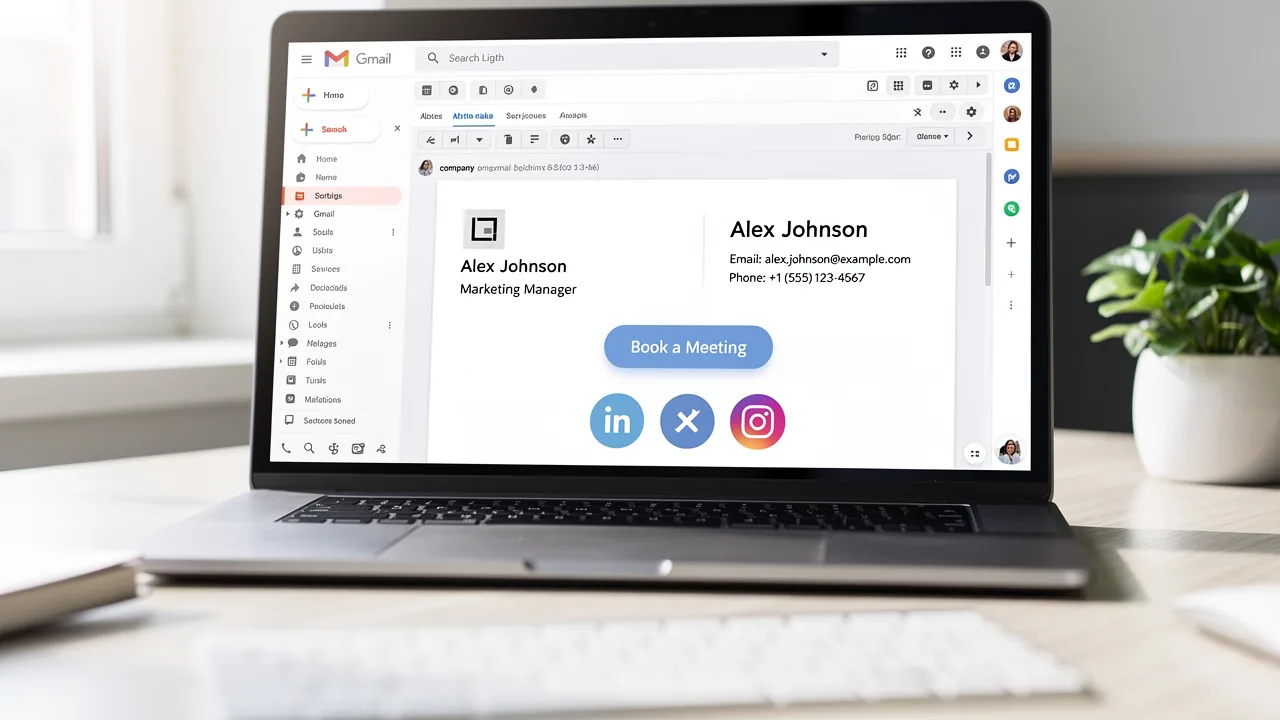
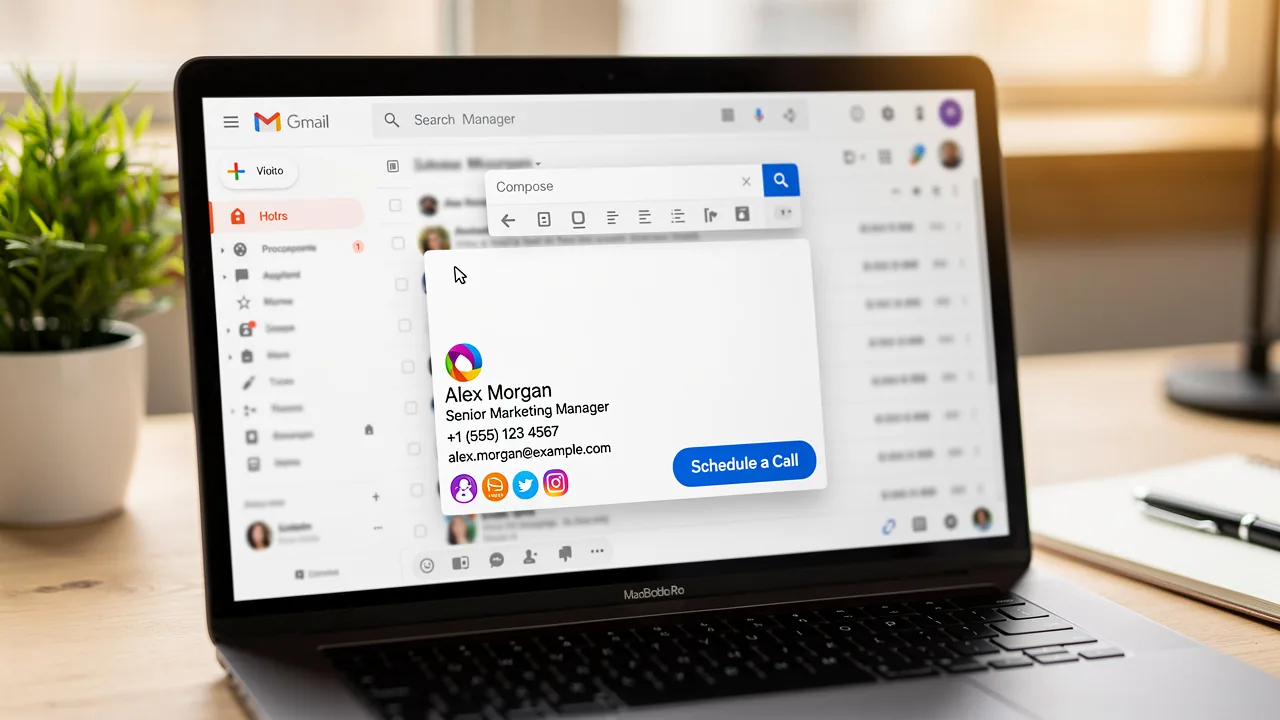
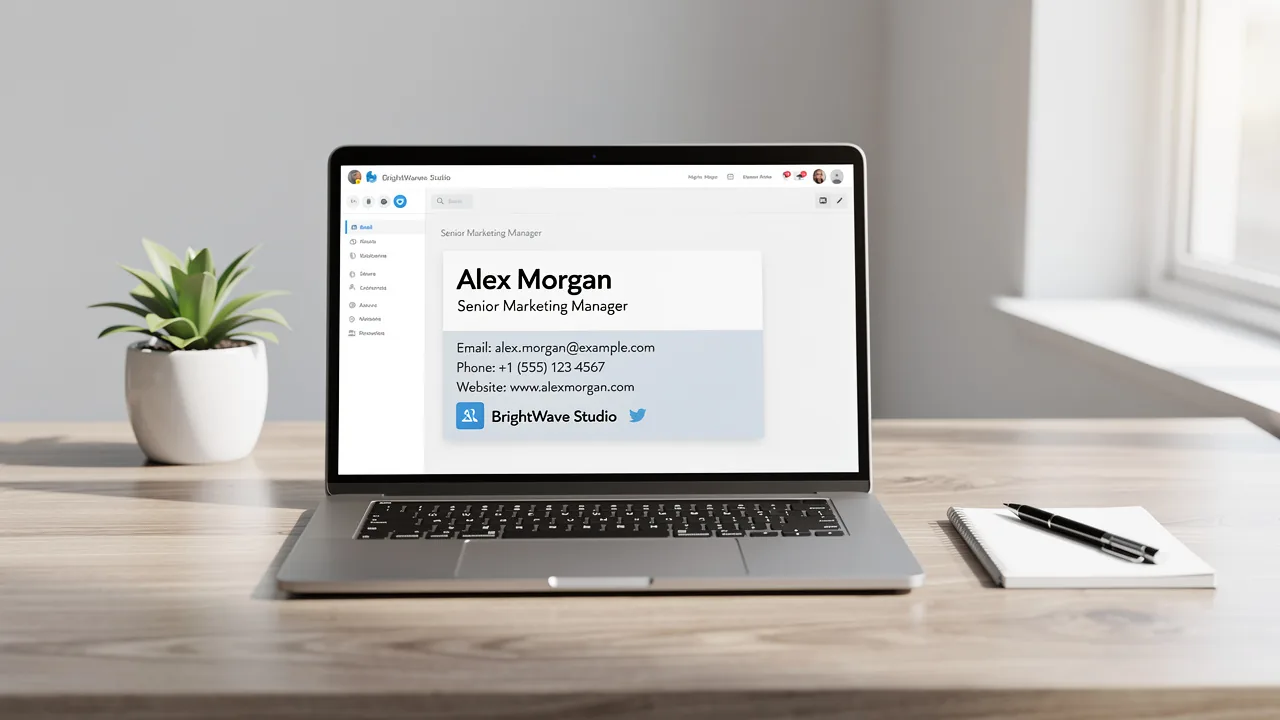
Master Mail Signature on iPhone: Key Practices for Marketing Success
Despite their potential, many professionals underestimate the impact of a well-crafted email signature on brand perception and engagement. Creating a
Sophie Grant
Email Signature Specialist, Scribe
On this page
- Introduction
- Understand Key Design Principles for Email Signatures
- Implement Effective Techniques for Signature Creation on iPhone
- Leverage Email Signatures as Marketing Tools to Enhance Brand Visibility
- Troubleshoot Common Issues and Optimize Your Email Signatures
- Conclusion
- Frequently Asked Questions
- List of Sources
Introduction
Despite their potential, many professionals underestimate the impact of a well-crafted email signature on brand perception and engagement. Creating a compelling email signature on an iPhone is more than just a digital sign-off; it’s a strategic marketing tool that can enhance brand visibility and engagement. By mastering key design principles and implementing effective techniques, professionals can transform their signatures into powerful assets that resonate with recipients. Yet, many professionals fail to recognize how impactful a well-designed email signature can be in their communication strategy.
What are the best practices that can elevate an email signature from mundane to memorable, and how can organizations ensure their branding remains consistent across all communications?
Understand Key Design Principles for Email Signatures
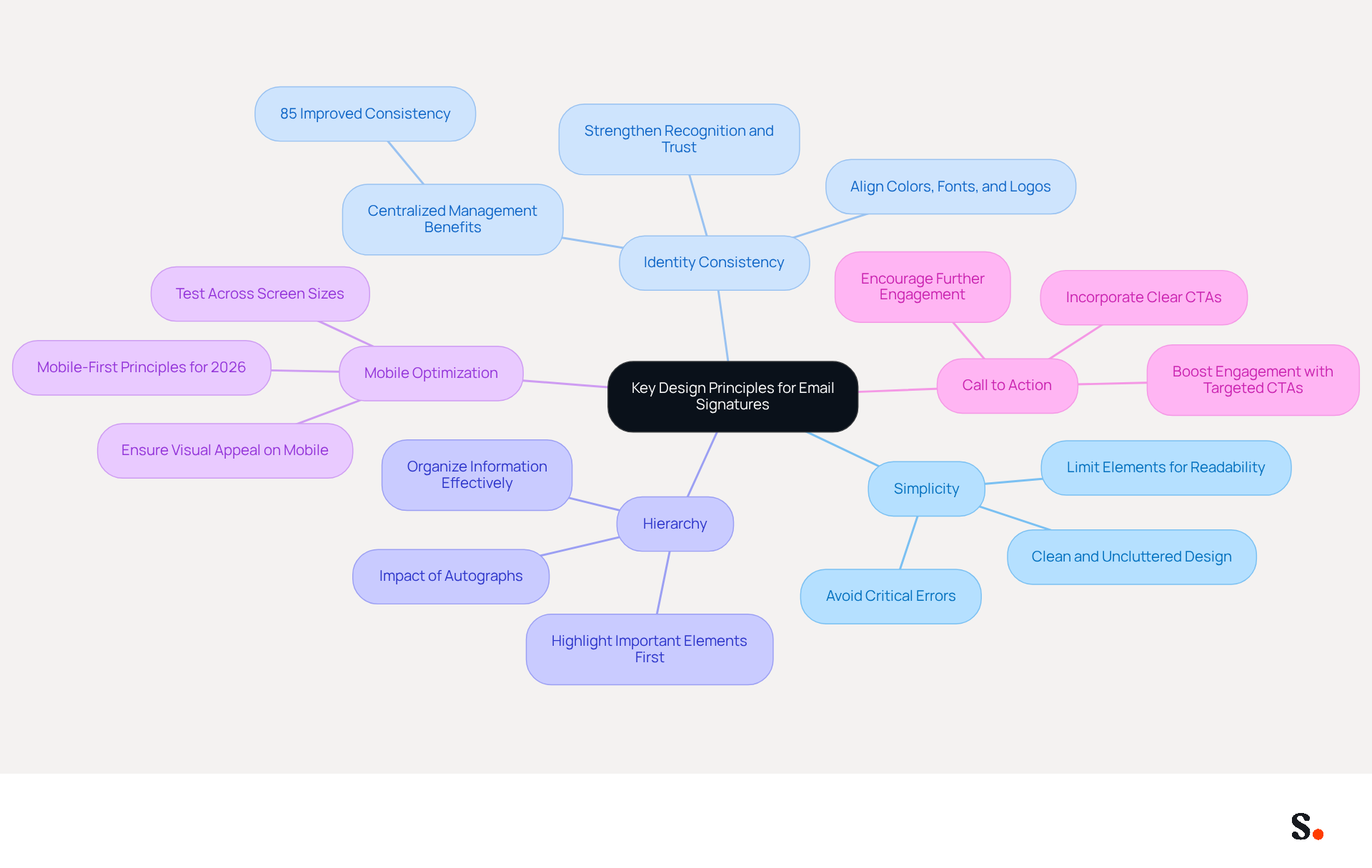
Creating an effective message footer begins with understanding key design principles. Here are some essential guidelines:
- Simplicity: Keep your mark clean and uncluttered. Limiting the number of elements prevents overwhelming the recipient, enhancing readability and professionalism. A simple design is essential; many email signatures fail to engage due to critical errors.
- Identity Consistency: Utilize colors, fonts, and logos that align with your identity. This consistency strengthens recognition and fosters trust among recipients. Teams utilizing centralized management for their digital identifiers experience 85% improved consistency in their identity, emphasizing the significance of upholding a cohesive image. With Scribe, every modification made in your Aircall configuration will automatically be reflected in your email branding, ensuring that your brand remains consistent across all communications.
- Hierarchy: Organize information to highlight the most important elements first, such as your name and title, followed by contact details and social media links. This way, recipients can easily find the information they’re looking for. Remember, treating autographs as more than an afterthought can significantly impact engagement.
- Mobile Optimization: Ensure your email footer is visually appealing and legible on mobile devices. Testing across various screen sizes is crucial for maintaining a professional appearance. In 2026, efficient messaging identifiers must be created with mobile-first principles in mind, as many users access messages on their phones.
- Call to Action: Incorporate a clear call to action (CTA) that encourages recipients to engage further, whether it’s visiting your website, scheduling a meeting, or following your social media accounts. Using targeted CTAs can boost engagement significantly, making your messages more effective.
By applying these principles, you can transform your mail signature iPhone into a powerful marketing tool that drives engagement. Indeed, marketing identifiers with resource downloads can produce five times more marketing qualified leads (MQLs) than generic calls to action, highlighting the significance of strategic design in digital communications.
Implement Effective Techniques for Signature Creation on iPhone
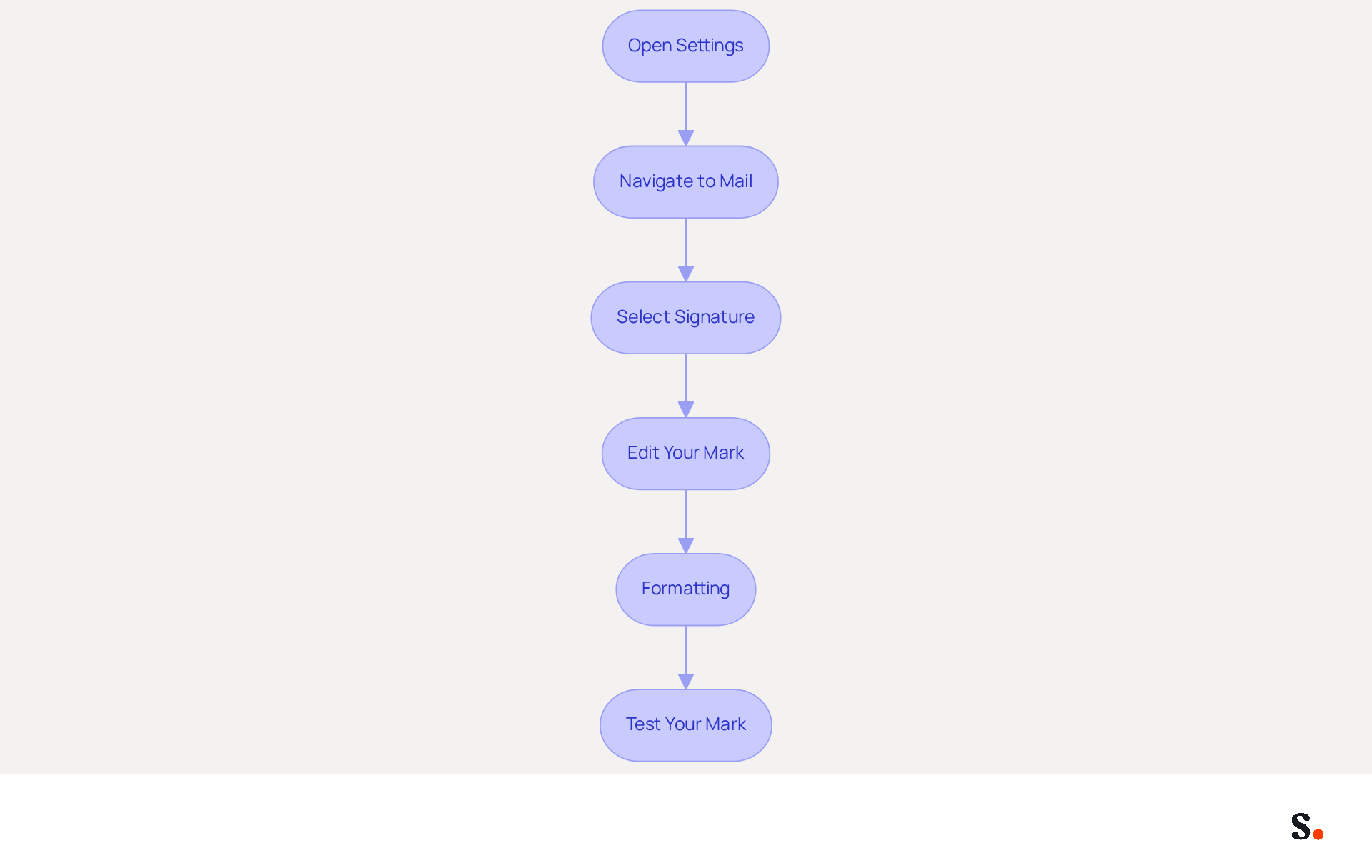
Setting up a mail signature on iPhone is essential for enhancing your professional communication. Follow these steps to set up your signature effectively:
- Open Settings: Start by tapping the Settings app on your iPhone.
- Navigate to Mail: Scroll down and select 'Mail'.
- Select Signature: Tap on 'Signature' under the 'Composing' section.
- Edit Your Mark: In the text field, enter your desired mark. Aim for a concise format, ideally between three to five lines, including your name, title, and contact information. Conciseness is key; 52% of users agree that a strong digital identifier is vital for effective communication. Furthermore, adding a website link can improve your email footer's functionality, as 31.1% of users do so.
- Formatting: While the iPhone Mail app has limitations on formatting, you can still use basic text formatting. Formatting options are limited, which can make it challenging to create a visually appealing signature. Avoid images, as they may not display correctly across all devices, potentially detracting from your professional appearance. Notably, 89.9% of professionals stick to a single electronic identifier for consistency.
- Test Your Mark: Send a test message to yourself to see how the mark appears. Make adjustments as necessary to ensure it looks professional. Neglecting to test your signature could lead to miscommunication and a lack of professionalism. Remember, branded digital identifiers can enhance response rates by 22%, making them a valuable asset in your marketing strategy.
Ultimately, a well-crafted mail signature on iPhone can significantly enhance your professional image and communication effectiveness.
Leverage Email Signatures as Marketing Tools to Enhance Brand Visibility
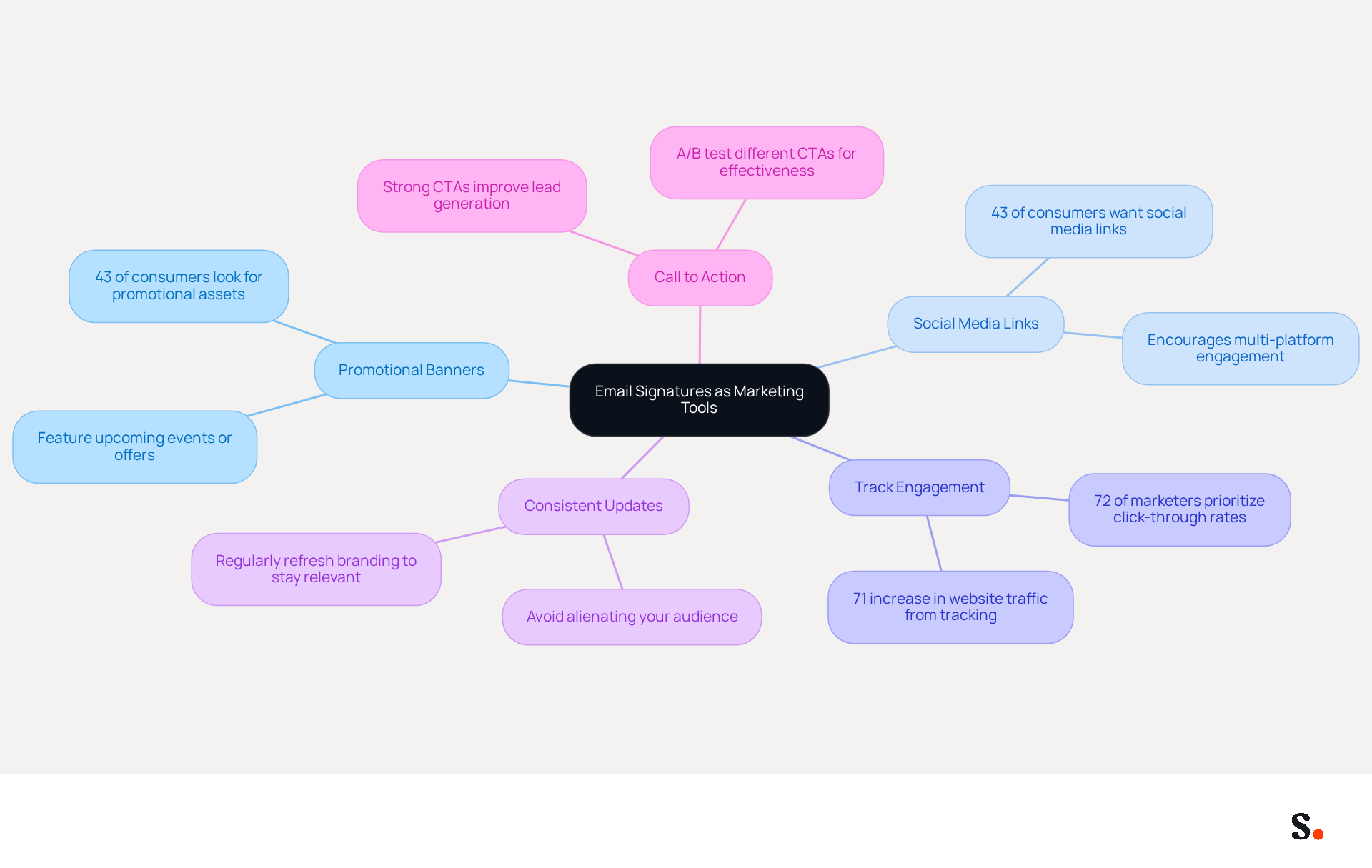
Email footers represent an often-overlooked opportunity for strategic marketing that can significantly enhance brand visibility. Here are ways to leverage them effectively:
- Include Promotional Banners: Use your personal mark to feature promotional banners for upcoming events, product launches, or special offers. This drives traffic and engagement from your messages, leveraging the 43% of consumers who look for promotional assets in footers.
- Social Media Links: Add icons linking to your social media profiles. This encourages recipients to connect with your brand on multiple platforms, increasing overall visibility. Significantly, 43% of consumers want social media links in their correspondence, making this an essential component of your strategy.
- Track Engagement: Utilize tracking links in your email to measure engagement. This data can assist you in understanding which campaigns are most effective, as 72% of marketers prioritize click-through rates as a key metric for engagement. Additionally, tracking engagement can lead to a 71% increase in website traffic, emphasizing the importance of this strategy.
- Consistent Updates: Failing to update your branding can lead to missed opportunities and disengagement from your audience. Regularly refreshing your branding to reflect current promotions or changes in your business keeps your communication relevant. Without consistent updates, you risk alienating your audience and diminishing your brand's impact.
- Call to Action: Incorporate a strong CTA that prompts recipients to take action, such as visiting your website or signing up for a newsletter. A targeted call to action can greatly improve lead generation efforts, as strong message endings can enhance trust and elevate campaign performance. Consider A/B testing different CTAs to determine which resonates best with your audience.
Incorporating these strategies into your email footers can transform them into effective marketing tools that enhance your overall visibility. Ultimately, neglecting the potential of email footers may hinder your brand's growth and visibility in a competitive market.
Troubleshoot Common Issues and Optimize Your Email Signatures
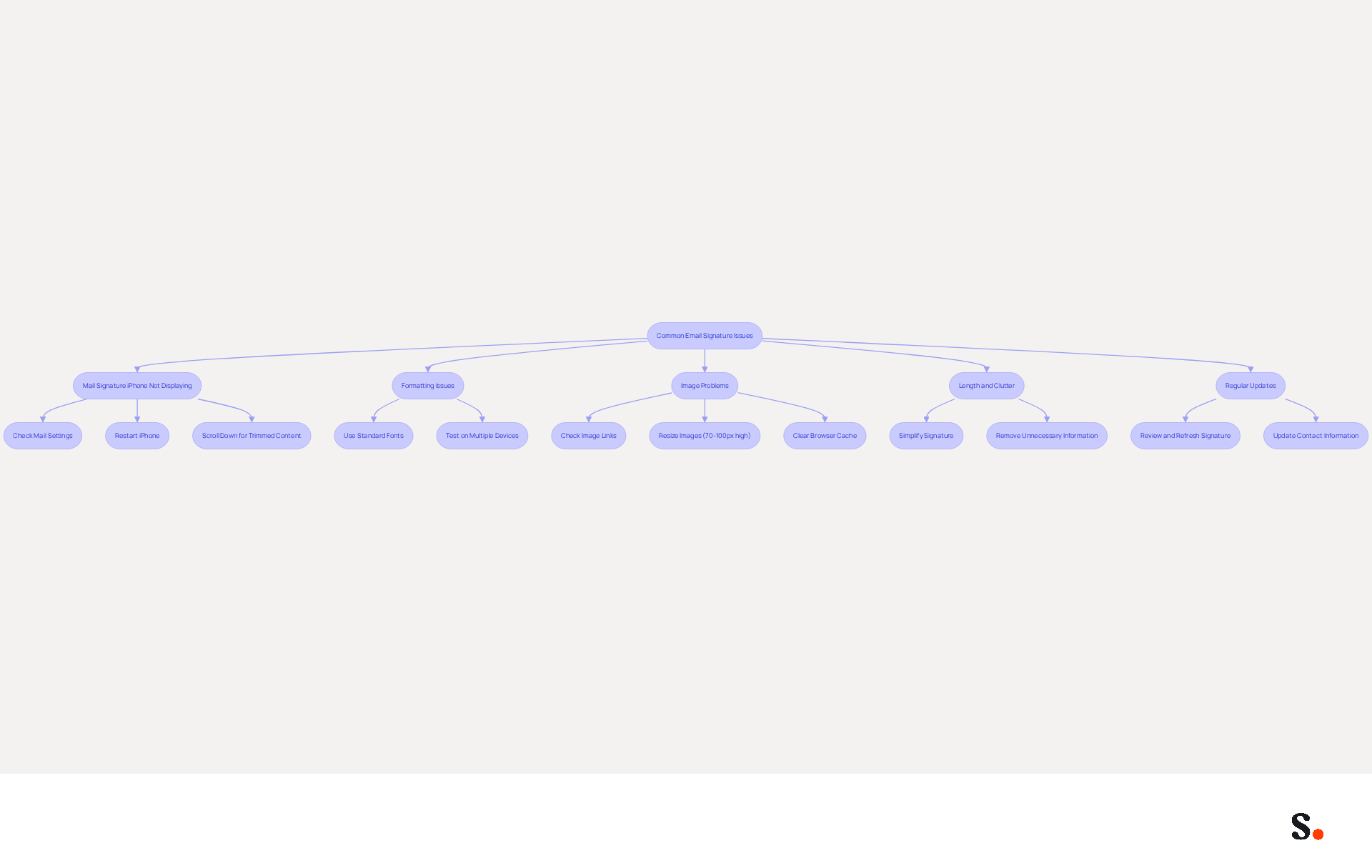
Even the best-designed digital identifiers can encounter issues that hinder effective communication. Here are common problems and how to troubleshoot them:
- Mail Signature iPhone Not Displaying: If your mail signature iPhone isn’t showing up in emails, first check your Mail settings to confirm it’s enabled. Restarting your iPhone can also resolve temporary glitches. In some cases, names may be hidden beneath the message body, requiring users to scroll down and click 'Show trimmed content' to view them.
- Formatting Issues: If your mark appears differently on various devices, ensure you’re using standard fonts and avoid complex formatting. Some versions of email clients may not support certain formatting options, leading to extra characters in email footers. Testing your mark on multiple devices can confirm consistency and help identify any discrepancies.
- Image Problems: If images in your email footer aren’t showing up, make sure they’re hosted on a reliable server and that the links are accurate. Images should be resized appropriately, ideally between 70-100 pixels high and 300-400 pixels wide, to avoid display issues. Using plain text or basic graphics can improve compatibility across various email clients. Additionally, clearing your browser cache and cookies may resolve persistent image upload issues.
- Length and Clutter: A cluttered signature can confuse recipients and dilute your message. Simplify it by removing unnecessary information. Aim for a concise sign-off that conveys essential details without overwhelming the recipient. A clear mail signature iphone can enhance usability and trust, making communication more impactful.
- Regular Updates: Failing to update your signature can lead to miscommunication and missed opportunities. Periodically review and refresh your personal mark to reflect any changes in your contact information or branding. Statistics indicate that 44.4% of professionals refresh their electronic correspondence identifier 2-4 times annually, and messages with branded identifiers receive a 22% higher response rate than those lacking, highlighting the necessity for effective identifier management.
By syncing your Google Workspace with Scribe, you can streamline this process significantly. This integration saves time by automatically updating your teammates' information, ensuring that any changes-like job positions or group assignments-are reflected in Scribe without manual input. This not only improves the effectiveness of managing digital identifiers but also guarantees uniformity throughout your organization. By proactively managing your email signatures, you not only enhance your professional image but also foster stronger connections with your audience.
Conclusion
Many professionals underestimate the potential of email signatures as a marketing tool. Creating an impactful email signature on iPhone goes beyond aesthetics; it serves as a strategic asset that can significantly enhance brand visibility and communication effectiveness. By applying key design principles such as simplicity and consistency, professionals can ensure their email signatures are visually appealing, functional, and aligned with their brand identity.
This article highlights essential practices, including the importance of incorporating clear calls to action and tracking engagement to maximize the effectiveness of email signatures. Additionally, troubleshooting common issues and regularly updating signatures are crucial for maintaining professionalism and avoiding miscommunication.
When used effectively, email signatures can become powerful assets that engage audiences and elevate brand visibility. By adopting these best practices, organizations can ensure their email communications are not only professional but also strategically aligned with their marketing goals. By embracing tools like Scribe, organizations can ensure their email signatures not only reflect professionalism but also strategically contribute to their marketing objectives.
Frequently Asked Questions
What are the key design principles for creating effective email signatures?
The key design principles include simplicity, identity consistency, hierarchy, mobile optimization, and incorporating a clear call to action (CTA).
Why is simplicity important in email signature design?
Simplicity is important because it keeps the signature clean and uncluttered, preventing overwhelming the recipient and enhancing readability and professionalism.
How does identity consistency contribute to email signature effectiveness?
Identity consistency strengthens recognition and fosters trust among recipients by utilizing colors, fonts, and logos that align with your brand identity.
What is the significance of hierarchy in an email signature?
Hierarchy helps organize information to highlight the most important elements first, making it easier for recipients to find key details like your name, title, and contact information.
Why is mobile optimization crucial for email signatures?
Mobile optimization ensures that the email footer is visually appealing and legible on mobile devices, which is essential as many users access emails on their phones.
What role does a call to action (CTA) play in email signatures?
A clear call to action encourages recipients to engage further, such as visiting a website or following social media accounts, which can significantly boost engagement.
How can applying these design principles impact marketing efforts?
By applying these principles, email signatures can become powerful marketing tools that drive engagement, with strategic designs potentially producing five times more marketing qualified leads (MQLs) than generic calls to action.
List of Sources
- Understand Key Design Principles for Email Signatures
- Email Signature Best Practices for 2026 (+ 15 Pro Examples) (https://wavecnct.com/blogs/email-signature-best-practices-2026)
- Exclaimer Research: 67% of Marketers Expect Email Signatures to Support With Lead Gen In 2023 (https://businesswire.com/news/home/20230612141095/en/Exclaimer-Research-67-of-Marketers-Expect-Email-Signatures-to-Support-With-Lead-Gen-In-2023)
- Why Email Signatures Must Be In Your 2026 Marketing Plan | Rocketseed (https://rocketseed.com/blog/what-are-the-biggest-email-trends-for-2026)
- Email Signature Trends 2026: What Designers Are Actually Using (https://markaplugin.com/blog/email-signature-trends-2026)
- Why Are Email Signatures Key to Brand Awareness? | QuickMail (https://quickmail.com/role-of-email-signatures-in-brand-awareness)
- Implement Effective Techniques for Signature Creation on iPhone
- Email Signature Statistics: A Closer Look at Email Signatures in 2026 (https://mysignature.io/blog/email-signature-statistics)
- 40+ Email Signature Statistics for 2026 (Data + Insights) (https://wavecnct.com/blogs/email-signature-statistics)
- Email signature statistics: Why every business should optimize their email signatures — Stripo.email (https://stripo.email/blog/email-signature-statistics-why-every-business-should-optimize-their-email-signatures)
- How to choose the perfect email signature quote: tips and examples — Stripo.email (https://stripo.email/blog/how-to-choose-the-perfect-email-signature-quote-tips-and-examples)
- How to change your email signature on iPhone (step-by-step guide) | Jotform Blog (https://jotform.com/ai/agents/how-to-change-email-signature-on-iphone)
- Leverage Email Signatures as Marketing Tools to Enhance Brand Visibility
- 12 clever ways to use your email signature to support your marketing campaigns (https://blog.hubspot.com/blog/tabid/6307/bid/31054/10-clever-ways-your-email-signature-can-support-your-marketing.aspx)
- How email signatures can drive brand awareness and organic traffic - NEWOLDSTAMP (https://newoldstamp.com/blog/email-signature-brand-awareness)
- Research Recap: Branded Email Signatures Increase Company Recognition, Trust - Demand Gen Report (https://demandgenreport.com/industry-news/research-recap-branded-email-signatures-increase-company-recognition-trust/47252)
- Why Email Signatures Must Be In Your 2026 Marketing Plan | Rocketseed (https://rocketseed.com/blog/what-are-the-biggest-email-trends-for-2026)
- 6 Ways to Use Email Signature to Support Marketing Campaigns (https://clearout.io/blog/use-email-signature-to-support-marketing-campaigns)
- Troubleshoot Common Issues and Optimize Your Email Signatures
- Email signature statistics: Why every business should optimize their email signatures — Stripo.email (https://stripo.email/blog/email-signature-statistics-why-every-business-should-optimize-their-email-signatures)
- Troubleshoot issues with Gmail signatures - Gmail Help (https://support.google.com/mail/answer/11468381?hl=en)
- How to solve problems with email signatures in Microsoft 365? (https://mail-signatures.com/articles/problems-email-signatures-office-365)
- Email Signature Troubleshooting - Problems & Solutions - Gimmio (https://blog.gimm.io/email-signature-troubleshooting)
- 40+ Email Signature Statistics for 2026 (Data + Insights) (https://wavecnct.com/blogs/email-signature-statistics)
Get started with Scribe
Signatures for every role on your team
Free 14-day trial — no credit card.