Mastering Apple Mail Signature HTML: Best Practices for Marketing Managers
While many overlook the importance of email signatures, they play a crucial role in shaping a brand's identity and marketing strategy. For marketing managers
Sophie Grant
Email Signature Specialist, Scribe
On this page
- Introduction
- Establish Essential Requirements for HTML Signatures
- Incorporate Branding and Visual Elements Effectively
- Implement HTML Signature in Apple Mail
- Expert Tips for HTML Signature Implementation
- Case Studies on HTML Signature Implementation
- Statistics on Email Signatures
- Troubleshoot Common HTML Signature Issues
- Conclusion
- Frequently Asked Questions
- List of Sources
Introduction
While many overlook the importance of email signatures, they play a crucial role in shaping a brand's identity and marketing strategy. For marketing managers, mastering HTML signatures in Apple Mail can significantly enhance communication effectiveness and brand consistency. We will explore best practices for crafting impactful HTML email signatures, examining essential elements, troubleshooting common issues, and highlighting the importance of maintaining a polished digital presence. Marketing professionals must ensure their email signatures reflect their brand while driving engagement and trust among recipients.
Establish Essential Requirements for HTML Signatures
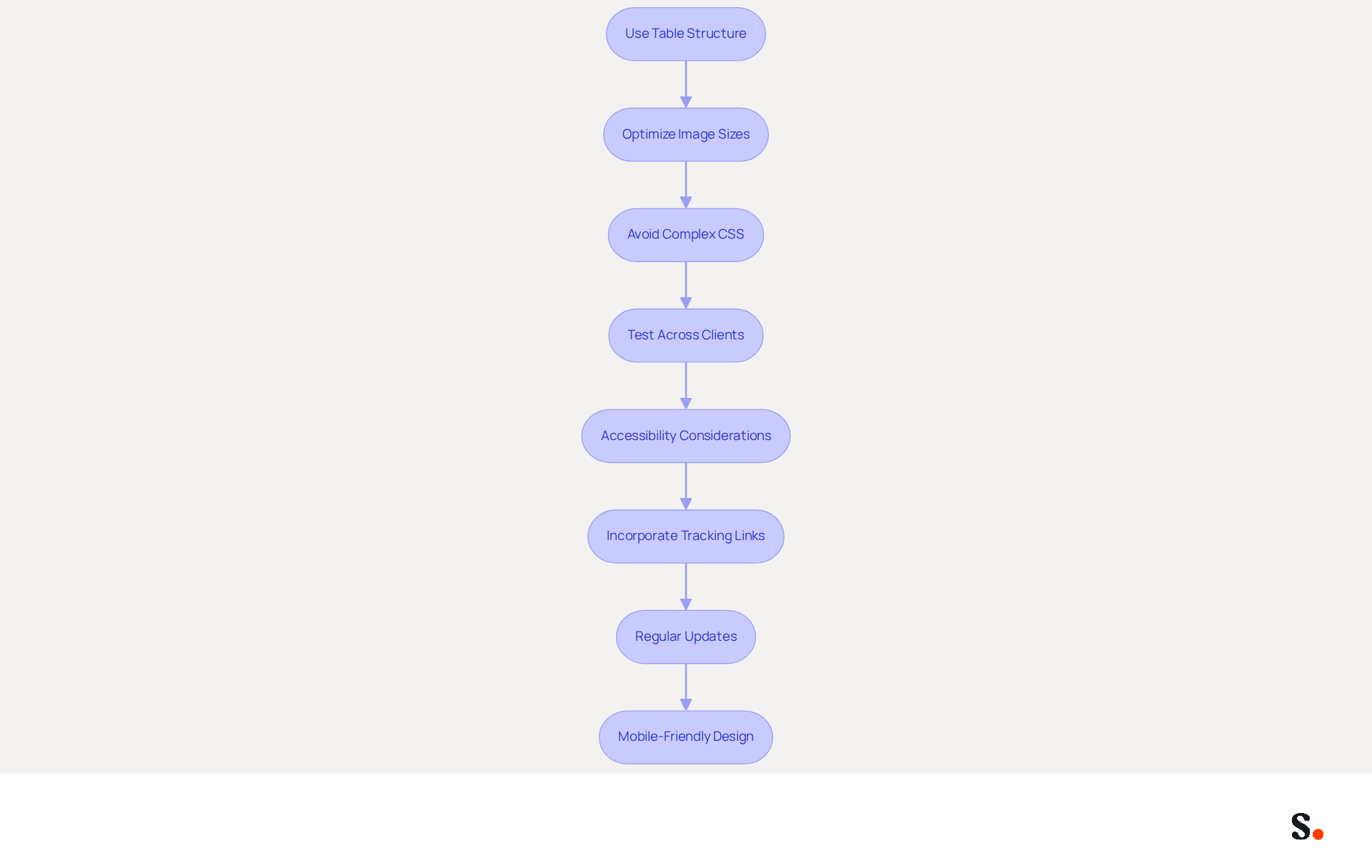
To create effective HTML email signatures, marketing managers must navigate several critical requirements that ensure professionalism and functionality:
- Use Table Structure: Implement a table structure in your HTML code to ensure consistent formatting across different email clients. This approach helps keep the layout and alignment of key elements consistent, especially when creating an apple mail signature html, following industry best practices.
- Optimize Image Sizes: Ensure that images used in signatures are optimized for web use, ideally under 100 KB. This decreases loading times and enhances the performance of messages. Define image dimensions using HTML attributes to maintain clarity and prevent distortion.
- Avoid Complex CSS: Stick to inline CSS for styling, as many messaging applications do not support external stylesheets or advanced CSS features. This guarantees that your mark appears as intended regardless of the recipient's messaging platform.
- Test Across Clients: Before finalizing your mark, test it across various messaging clients, such as those that support apple mail signature html, to ensure compatibility and proper rendering. Regular testing is crucial; without it, you risk sending emails that appear unprofessional or incomplete.
- Accessibility Considerations: Include alt text for images to enhance accessibility for recipients using screen readers. This practice not only improves user experience but also aligns with best practices in digital marketing.
- Incorporate Tracking Links: Add tracking links or UTM parameters to your CTAs to analyze performance and optimize strategies. Well-optimized digital identifiers with strategic CTAs can drive up to 40% higher engagement than generic sign-offs.
- Regular Updates: Review and refresh contact details quarterly or promptly for job changes to ensure they remain up-to-date and effective. By syncing your Google Workspace with Scribe, any updates in your team’s information will be automatically reflected in your branding, saving time and reinforcing brand consistency. Furthermore, Scribe's integration with Aircall guarantees that any updates in your communication tools are effortlessly reflected in your correspondence.
- Mobile-Friendly Design: Create designs with mobile users in mind, as over 60% of messages are accessed on mobile devices. Ensure that your marks are optimized for mobile viewing to enhance user experience.
By neglecting these essential practices, marketing managers may inadvertently compromise their brand's professionalism and effectiveness in communication. With Scribe's automated synchronization features and strict adherence to security standards like SOC 2 Type II, GDPR, and CCPA, marketing managers can effectively manage their messaging branding, keeping their communications consistent and professional.
Incorporate Branding and Visual Elements Effectively
To effectively incorporate branding and visual elements into HTML email signatures, consider the following best practices:
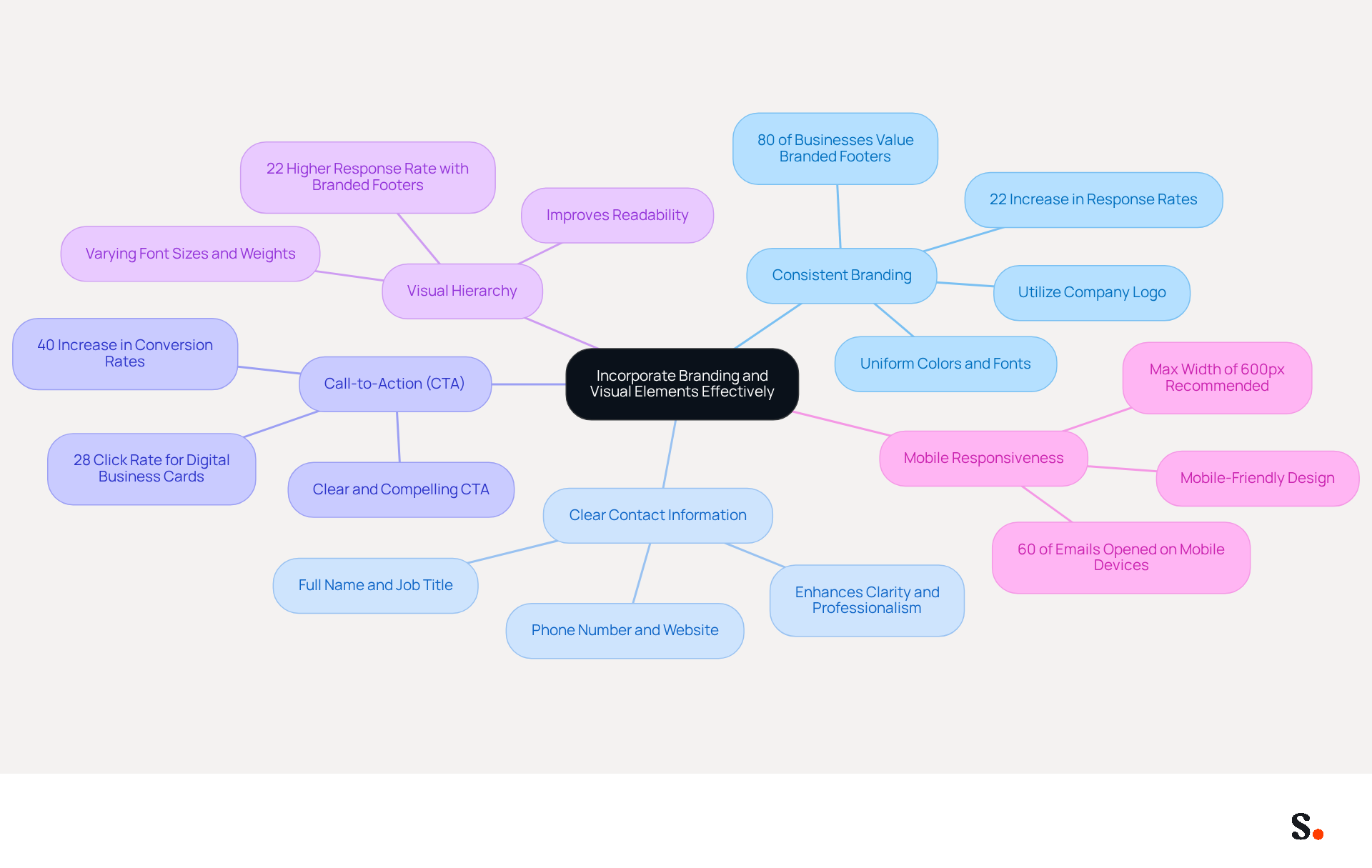
- Consistent Branding: Utilize your company’s logo, colors, and fonts uniformly in the email footer. This practice strengthens brand identity and ensures that every message sent reflects Scribe’s image. Studies indicate that 80% of businesses view branded footers as vital for their branding efforts, leading to a 22% increase in response rates.
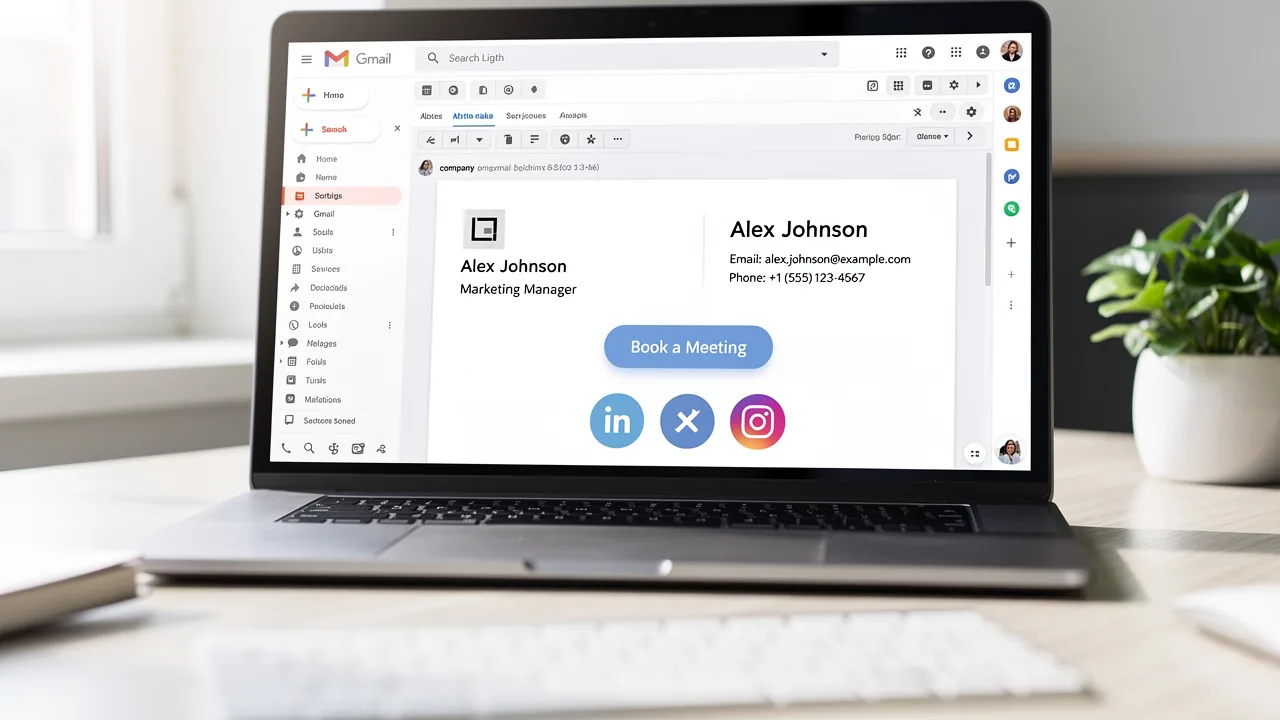
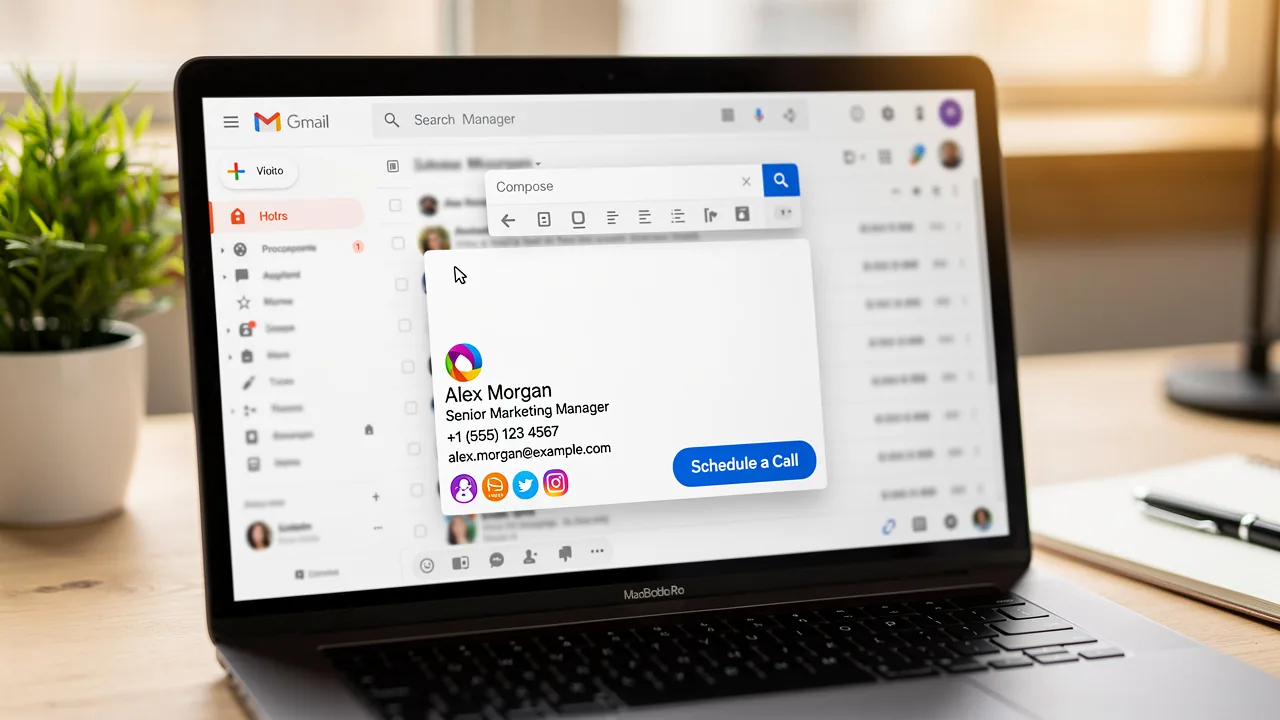
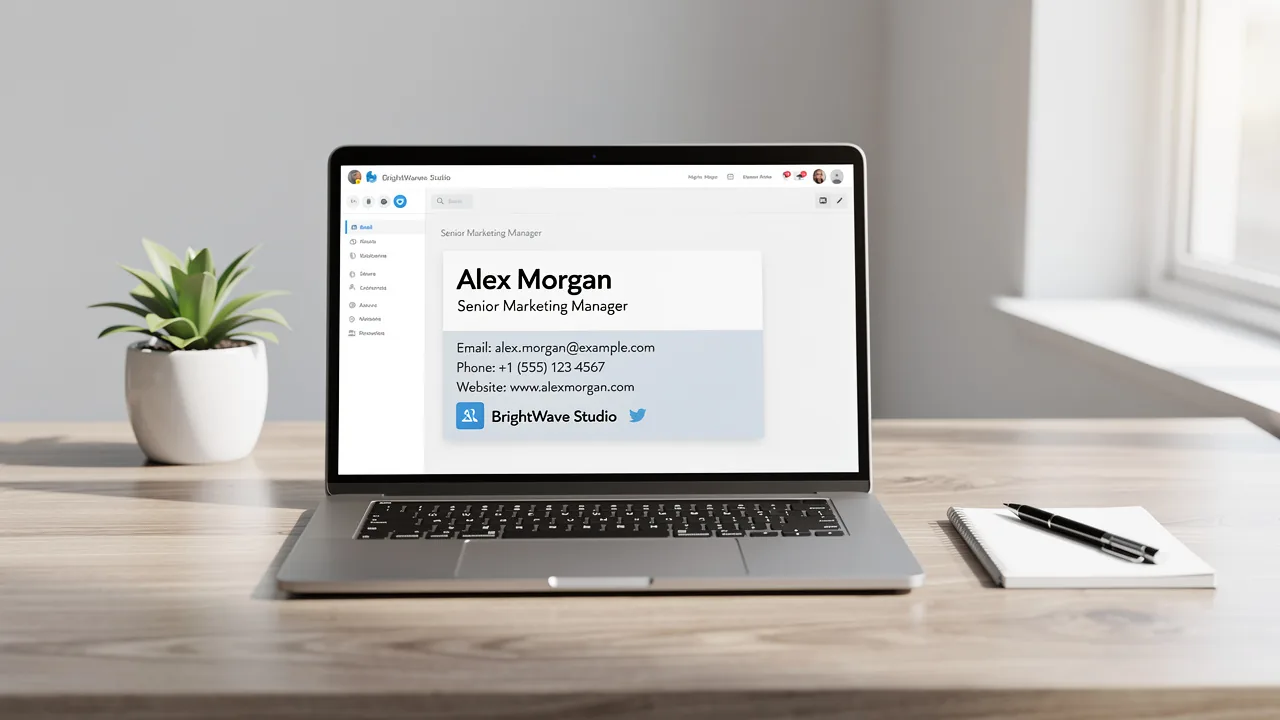
- Clear Contact Information: Include essential contact details such as your full name, job title, phone number, and website. This information should be easily readable and accessible, allowing recipients to connect with you effortlessly. A well-crafted apple mail signature html can transform ordinary emails into meaningful interactions, enhancing clarity and professionalism.
- Call-to-Action (CTA): Incorporate a clear and compelling CTA, such as a link to a current promotion or a newsletter signup. Effective CTAs can increase conversion rates by up to 40%, driving traffic to your website or landing pages. For example, strategic CTAs in digital correspondence have been shown to convert 40% better than generic links, with specific actions like digital business card links achieving a 28% click rate.
- Visual Hierarchy: Arrange elements in a way that guides the recipient’s eye. Use varying font sizes and weights to create a hierarchy, making the most important information stand out. This approach not only improves readability but also enhances engagement, as messages with branded footers receive a 22% higher response rate compared to those lacking one.
- Mobile Responsiveness: Ensure that your email footer is mobile-friendly. With a significant portion of emails being read on mobile devices, businesses face the challenge of ensuring their email signatures are effective across all platforms. By prioritizing mobile-friendly designs, businesses can enhance their communication effectiveness and reach a broader audience.
Implement HTML Signature in Apple Mail
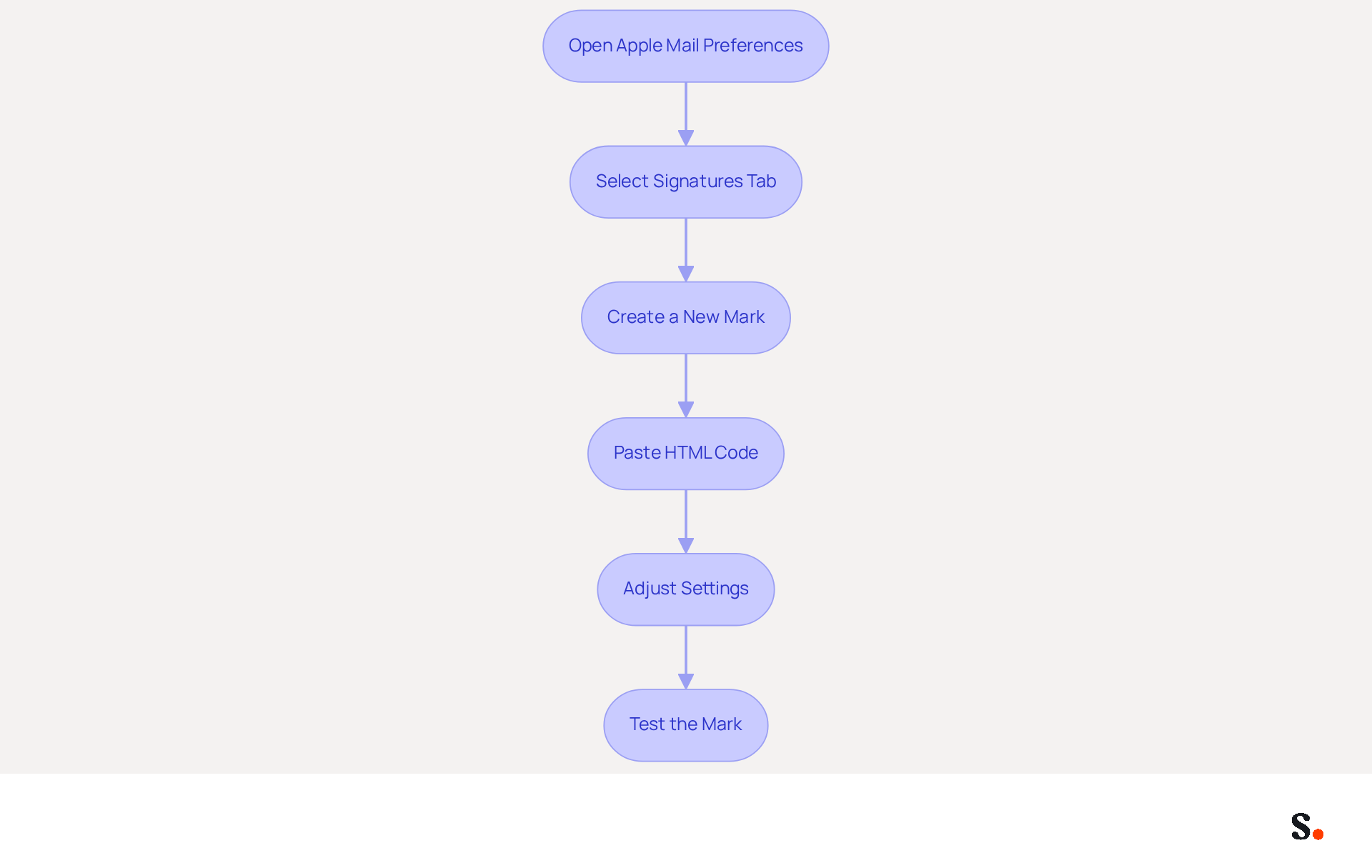
Implementing an HTML signature in Apple Mail requires careful attention to detail to ensure professional presentation:
- Open Apple Mail Preferences: Launch Apple Mail and navigate to
Mail > Preferencesfrom the top menu. - Select Signatures Tab: Click on the
Signaturestab to manage your email templates. - Create a New Mark: Click the
+button to create a new mark. Name it appropriately for easy identification. - Paste HTML Code: Open the HTML file in a text editor, copy the entire HTML code, and insert it into the field in Apple Mail. Ensure that you are pasting the code directly into the designated box, not into a new message.
- Adjust Settings: Ensure to choose the account you wish to link the sign-off with. You can also set this mark as the default for new messages and responses.
- Test the Mark: Ensuring your signature appears correctly across different clients can be challenging. Send a test message to yourself and check how the mark appears in various messaging clients. Verifying the mark's appearance across these clients is crucial to maintaining its formatting and ensuring a professional presentation.
By syncing your Google Workspace with Scribe, streamlining the management of your messaging identifiers enhances efficiency. This integration allows for automatic updates, meaning any changes in your Google Workspace-such as moving teammates or updating their information-will be reflected in Scribe without manual input. This feature not only improves efficiency but also ensures that your signatures remain consistent and current across your organization.
Expert Tips for HTML Signature Implementation
- Use Web-Safe Fonts: Apple Mail supports only web-safe fonts like Arial and Helvetica. Custom fonts will default to system alternatives on recipients' devices.
- Optimize Images: Host images online and reference them with absolute HTTPS URLs to avoid attachment issues. This ensures that images display correctly across various messaging platforms.
- Test Across Clients: Since messaging clients can display code differently, verifying your branding in various clients is crucial for upholding a professional look.
Case Studies on HTML Signature Implementation
- Creating a Customized HTML Email Signature: Users successfully enhanced their email branding by implementing a professional-looking HTML signature, reinforcing their brand identity.
- Steps to Install Email Markup in Apple Mail: A comprehensive guide assisted users in navigating the installation procedure, ensuring their email markups were correctly integrated.
Statistics on Email Signatures
A report from February 2026 indicates that Apple email clients accounted for 45.51% of observed opens across over 1.1 billion opens, highlighting the importance of well-designed HTML signatures for effective branding. Moreover, 80% of participants view a branded communication footer as essential for corporate identity, and 76% think it enhances trust in the sender. A well-executed email signature not only enhances your brand's image but also fosters trust and professionalism in your communications.
Troubleshoot Common HTML Signature Issues
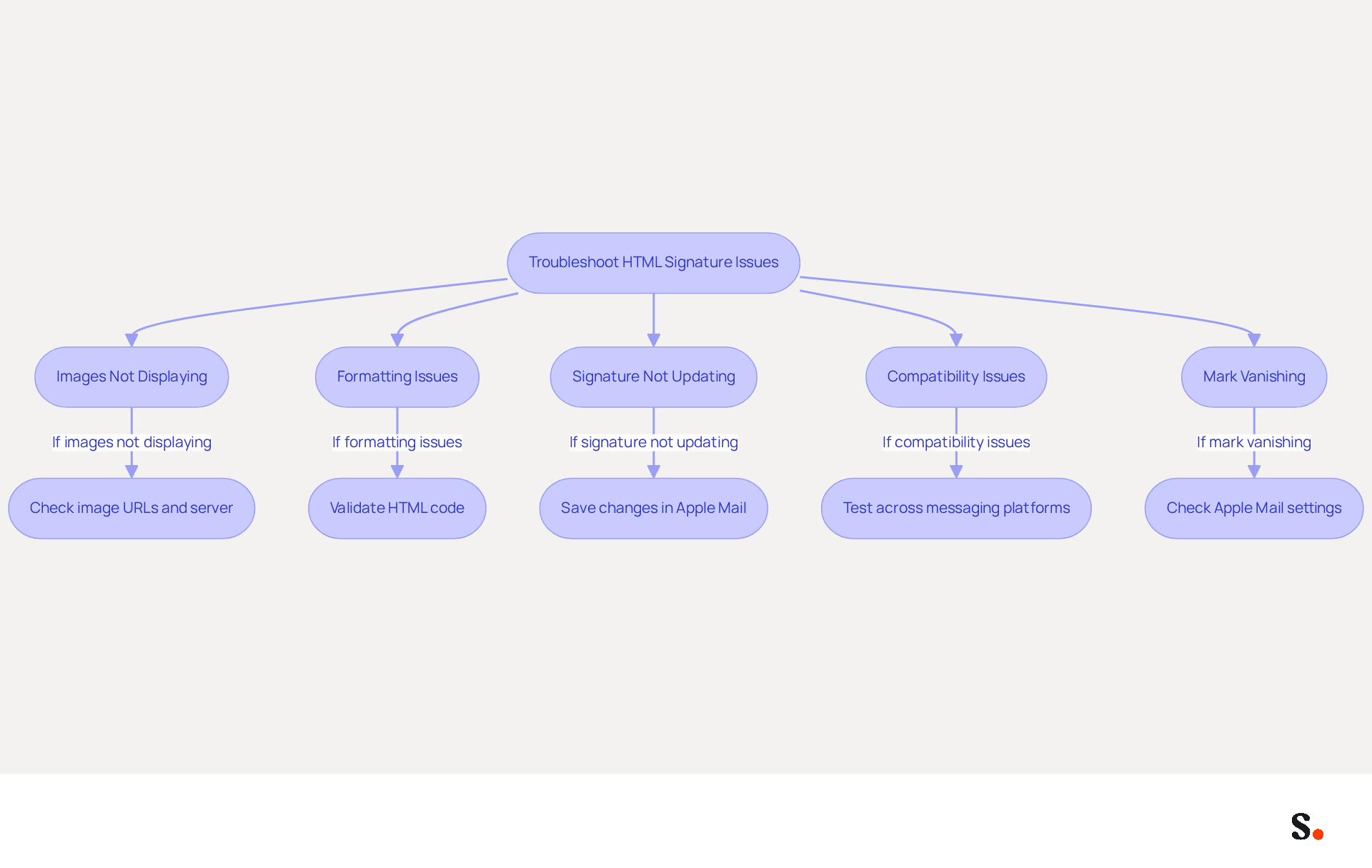
Marketing managers often face challenges when implementing HTML email designs, which can hinder effective communication and branding. Here’s how to troubleshoot them:
- Images Not Displaying: If images are not appearing in your email footer, ensure that the image URLs are correct and accessible. Hosting images on a reliable server is recommended to avoid broken links. Notably, images sent as hidden attachments can increase email size, which may affect deliverability.
- Formatting Issues: If the sign-off appears misaligned or distorted, check the HTML code for errors. Use a validator tool to identify and fix any coding issues that may affect rendering. Complex designs with multiple columns are particularly vulnerable to formatting issues when replied to or forwarded, often resulting in a loss of design integrity.
- Signature Not Updating: Many marketing managers struggle with ensuring their email signatures reflect the latest updates, leading to potential miscommunication. If modifications to the sign-off are not reflected in messages, ensure that you have saved the changes in Apple Mail and that the correct apple mail signature html is selected for the account. A common issue arises when registry settings or organizational policies prevent updates to the certificates. However, syncing your Google Workspace with Scribe saves time by automatically updating your teammates' information, ensuring your contact details are always current. This automated synchronization not only enhances efficiency but also supports compliance with SOC 2 Type II standards.
- Compatibility Issues: Test the mark across various messaging platforms to identify compatibility challenges. If the signatory appears different across various clients, consider simplifying the HTML code or using inline styles to improve compatibility. Without universal standards for email rendering, inconsistencies can arise across different platforms.
- Mark Vanishing: If the mark vanishes after sending or receiving messages, check the settings in Apple Mail to ensure that the mark is assigned correctly to the account and that there are no conflicting settings. Problems with disappearing identifiers can often be traced back to settings not syncing correctly across devices or applications.
Addressing these common issues not only enhances brand consistency but also significantly boosts engagement metrics. Moreover, businesses utilizing branded identifiers experience an average click-through rate (CTR) of 12% to their website, further highlighting the importance of addressing these concerns. By leveraging Scribe's automated synchronization capabilities, marketing managers can ensure brand consistency and compliance while streamlining their email signature management.
Conclusion
For marketing managers, mastering HTML email signatures in Apple Mail is not just beneficial; it is essential for enhancing brand professionalism and communication effectiveness. Organizations can enhance their email signatures by following best practices like:
- Using a table structure
- Optimizing images
- Ensuring mobile responsiveness
Key insights from this article highlight the importance of:
- Consistent branding
- Clear contact information
- Effective CTAs in email signatures
Research indicates that branded footers can increase response rates by as much as 22%. However, many marketing managers face challenges with formatting errors and image display issues that can detract from professionalism. Troubleshooting these common issues is crucial for maintaining a polished appearance in all communications.
It's clear that well-crafted HTML email signatures play a crucial role in effective communication. By leveraging Scribe's capabilities for automated synchronization and compliance with security standards like SOC 2 Type II, GDPR, and CCPA, marketing managers can ensure their email signatures remain consistent, professional, and effective in driving engagement. This improvement in engagement can translate into higher conversion rates and overall marketing success, making it a vital aspect of any marketing strategy.
Frequently Asked Questions
What is the importance of using a table structure in HTML email signatures?
A table structure ensures consistent formatting across different email clients, helping to maintain the layout and alignment of key elements in the signature.
How should images be handled in HTML email signatures?
Images should be optimized for web use, ideally under 100 KB, to decrease loading times. Additionally, defining image dimensions using HTML attributes helps maintain clarity and prevent distortion.
Why is it recommended to avoid complex CSS in HTML email signatures?
Many messaging applications do not support external stylesheets or advanced CSS features, so using inline CSS ensures that the signature appears as intended across different platforms.
What is the significance of testing HTML email signatures across various clients?
Testing ensures compatibility and proper rendering of the signature in different messaging clients, preventing the risk of sending emails that appear unprofessional or incomplete.
How can accessibility be improved in HTML email signatures?
Including alt text for images enhances accessibility for recipients using screen readers, improving user experience and aligning with best practices in digital marketing.
What role do tracking links play in HTML email signatures?
Tracking links or UTM parameters can be added to CTAs to analyze performance and optimize strategies, potentially driving up to 40% higher engagement compared to generic sign-offs.
How often should contact details in HTML email signatures be updated?
Contact details should be reviewed and refreshed quarterly or promptly after job changes to ensure they remain up-to-date and effective.
What features does Scribe offer to help manage email signature updates?
Scribe syncs with Google Workspace to automatically reflect updates in team information, and its integration with Aircall ensures that changes in communication tools are also reflected in correspondence.
Why is mobile-friendly design important for HTML email signatures?
With over 60% of messages accessed on mobile devices, optimizing signatures for mobile viewing enhances user experience and ensures effective communication.
What security standards does Scribe adhere to for managing messaging branding?
Scribe adheres to security standards like SOC 2 Type II, GDPR, and CCPA, ensuring that marketing managers can manage their messaging branding consistently and professionally.
List of Sources
- Establish Essential Requirements for HTML Signatures
- Best practices for business email signatures in 2026 (https://bybrand.io/blog/best-practices)
- Email Signature Best Practices for 2026 (+ 15 Pro Examples) (https://wavecnct.com/blogs/email-signature-best-practices-2026)
- Email Signature Design Trends in 2026: What Works and What to Drop (https://bulksignature.com/blog/email-signature-design-trends)
- Top 10+ best practices for email signatures design in 2026 (https://mysignature.io/blog/email-signature-best-practices)
- HTML Email Best Practices 2026: Templates That Work in Every Client (https://markaplugin.com/blog/html-email-best-practices-2026)
- Incorporate Branding and Visual Elements Effectively
- 4 Best Practices for an Effective HTML Signature Template (https://scribe-mail.com/en-US/blog/4-best-practices-for-an-effective-html-signature-template)
- Email Signature Best Practices for 2026 (+ 15 Pro Examples) (https://wavecnct.com/blogs/email-signature-best-practices-2026)
- The impact of email signatures on your branding (https://signitic.com/en/resources/the-impact-of-email-signatures-on-your-branding)
- Email signature statistics: Why every business should optimize their email signatures — Stripo.email (https://stripo.email/blog/email-signature-statistics-why-every-business-should-optimize-their-email-signatures)
- Best practices for business email signatures in 2026 (https://bybrand.io/blog/best-practices)
- Implement HTML Signature in Apple Mail
- Apple Mail HTML Signature Tutorial: Signature to Apple Mail (https://mailjerry.com/create-and-add-a-html-signature-to-apple-mail)
- How To Add HTML Signature To Apple Mail (2026) (https://hubspot.com/email-signature-generator/add-html-signature-mail-mac)
- Adding HTML signature in Apple Mail for M… - Apple Community (https://discussions.apple.com/thread/256045136)
- The Hidden History Behind an Email Signature in Apple Mail (https://hoeijmakers.net/apple-mail-signature)
- Troubleshoot Common HTML Signature Issues
- 40+ Email Signature Statistics for 2026 (Data + Insights) (https://wavecnct.com/blogs/email-signature-statistics)
- Why HTML Email Signatures Break When People Reply | IT Support Essex | Trichromic LLP (https://trichromic.co.uk/news/why-html-email-signatures-break-when-people-reply)
- How to solve problems with email signatures in Microsoft 365? (https://mail-signatures.com/articles/problems-email-signatures-office-365)
- How Email Signatures Impact Marketing Performance (https://letsignit.com/blog/how-email-signatures-impact-marketing-performance)
- 4 Steps to Fix Your Outlook Signature Not Showing Issues (https://scribe-mail.com/en-US/blog/4-steps-to-fix-your-outlook-signature-not-showing-issues)
Get started with Scribe
Signatures for every role on your team
Free 14-day trial — no credit card.