4 Best Practices for Effective Professional Email Closings
Crafting a professional email closing is essential for effective communication and can greatly influence how recipients perceive your message. By mastering the
Sophie Grant
Email Signature Specialist, Scribe
Introduction
Crafting a professional email closing is essential for effective communication and can greatly influence how recipients perceive your message. By mastering the art of email closings, professionals can enhance their credibility, foster stronger relationships, and ensure their messages resonate. Navigating the complexities of email closings can be challenging for many professionals. This article will provide actionable insights into best practices for crafting effective professional email closings, equipping readers with the tools to elevate their communication game.
Define Key Components of Professional Email Closings
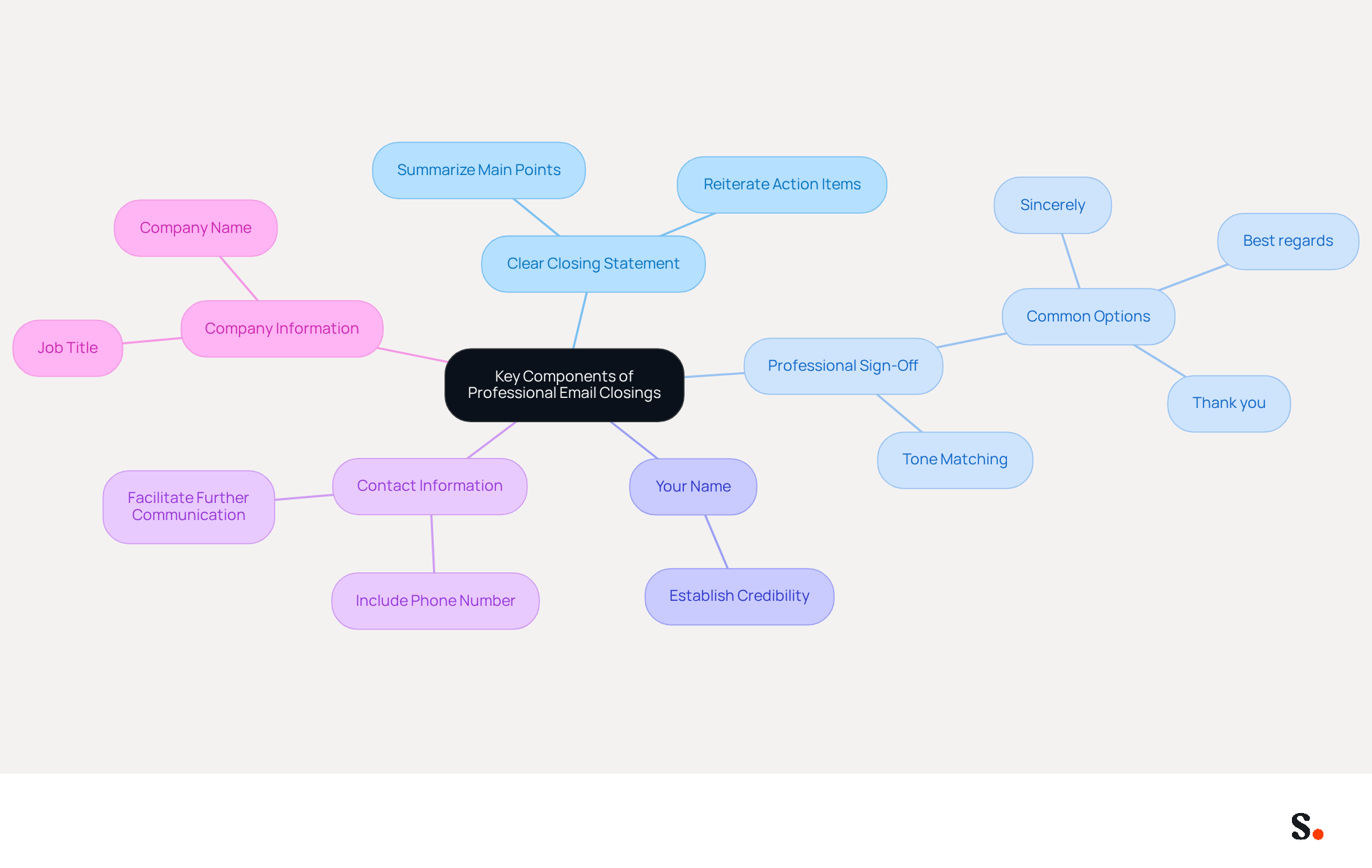
Crafting professional email closings is crucial for effective communication and relationship building. To achieve this, consider the following key components:
- Clear Closing Statement: Summarize the main point of your message or reiterate any action items. For instance, stating 'I look forward to your feedback on the proposal' clarifies expectations and encourages a response.
- Professional Sign-Off: Choose a sign-off that matches the tone of your message. Common options include 'Sincerely,' 'Best regards,' and 'Thank you.' These choices help maintain professionalism and can positively influence the recipient's perception.
- Your Name: Always include your full name, as this is vital for establishing credibility and building trust with the recipient.
- Contact Information: Depending on the context, including your phone number or other relevant contact details can facilitate further communication. This is especially significant in workplace environments where prompt replies are appreciated.
- Company Information: If applicable, include your job title and company name to reinforce your career identity. This not only provides context but also enhances the recipient's understanding of your role.
Integrating these components is essential. Research shows that messages featuring formal identifiers can lead to a 22% increase in response rates, highlighting the importance of professionalism in communication. Moreover, failing to use branded identifiers can lead to a negative perception among 42% of consumers, which may hinder business opportunities. By ensuring your professional email closings are well-structured and clear, you enhance the likelihood of a positive response and strengthen professional relationships.
With Scribe's automated signature management, you can save time by auto-filling your teammates' signatures, ensuring they are always synced with your business phone system. This real-time synchronization means that any changes in your connected source will be automatically updated in Scribe, all while maintaining SOC 2 Type II compliance to keep your data safe.
Select Appropriate Sign-Offs for Different Contexts
Choosing the right professional email closings is crucial, as it can significantly impact the tone and effectiveness of your message. Here are some guidelines:
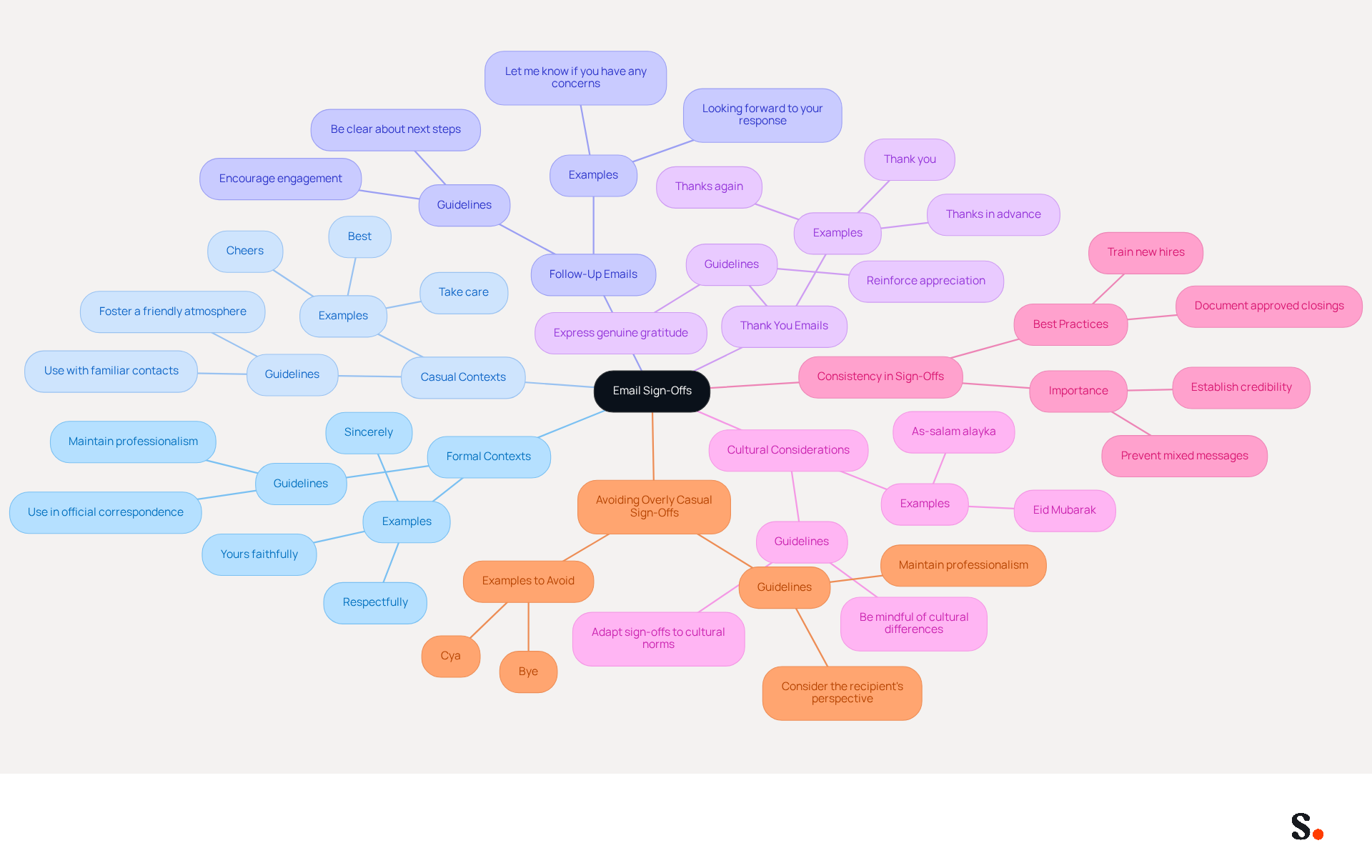
- Formal Contexts: Use sign-offs like 'Sincerely' or 'Respectfully' when communicating with clients, superiors, or in formal situations. These convey professionalism and respect, which is crucial in maintaining a positive impression.
- Casual Contexts: For colleagues or familiar contacts, consider using 'Best,' 'Cheers,' or 'Thanks.' These friendly sign-offs keep things professional while creating a relaxed atmosphere, which can improve team dynamics, as seen in case studies.
- Follow-Up Emails: If you are following up on a previous conversation, a sign-off like 'Looking forward to your response' can encourage engagement. Studies show that such phrases can significantly boost response rates, making them effective tools in workplace correspondence.
- Thank You Emails: When expressing gratitude, use 'Thank you' or 'Thanks again' to reinforce your appreciation. Studies show that gratitude-focused sign-offs, like 'Thanks in advance,' can lead to significantly higher response rates, emphasizing the significance of expressing appreciation in workplace interactions.
- Cultural Considerations: Be mindful of cultural differences in interaction styles. For instance, some cultures may prefer more formal sign-offs, while others may embrace casualness. Understanding these nuances can prevent misunderstandings and foster better relationships.
- Consistency in Sign-Offs: Maintaining consistency in your email sign-offs is crucial for establishing a credible image. Inconsistent sign-offs can confuse recipients and weaken your brand's perceived reliability.
- Avoiding Overly Casual Sign-Offs: While informal sign-offs can enhance rapport, be cautious not to use excessively casual phrases in formal settings, as they may undermine the seriousness of your message.
Many professionals find it challenging to choose the right sign-off, which can impact their communication effectiveness. Ultimately, selecting the appropriate professional email closings can significantly enhance your professional image and communication effectiveness.
Incorporate a Professional Email Signature
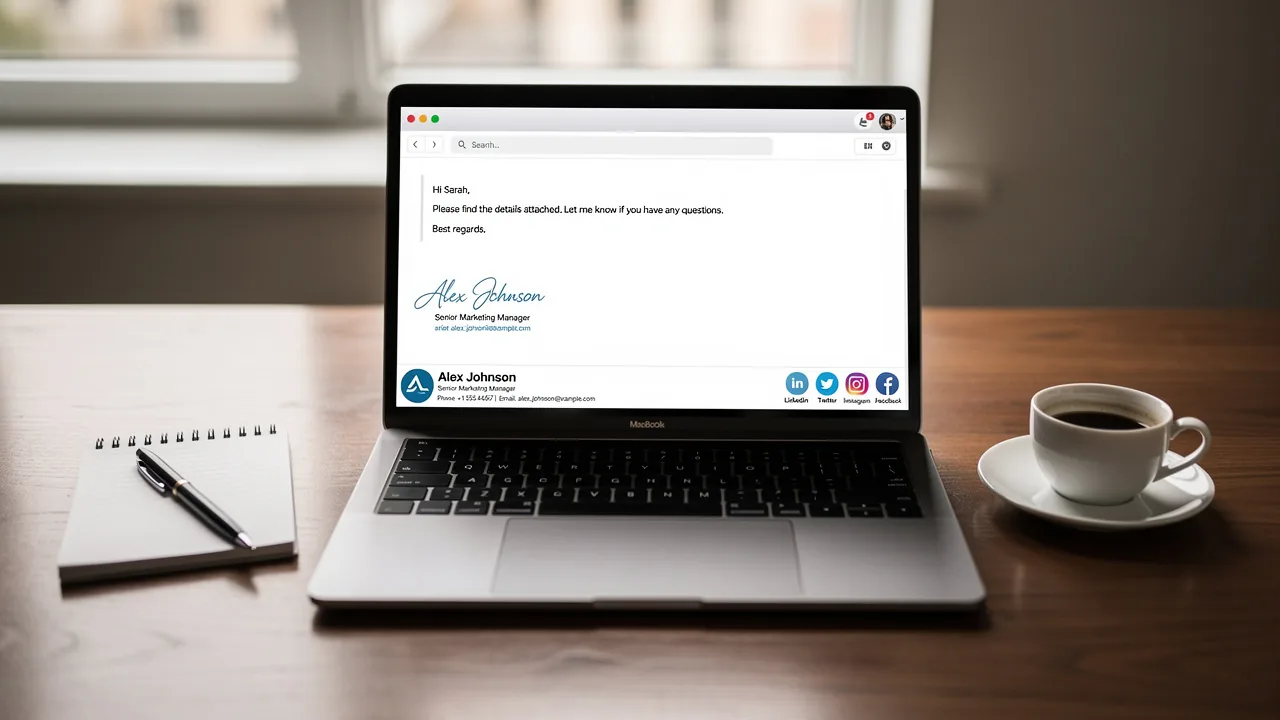
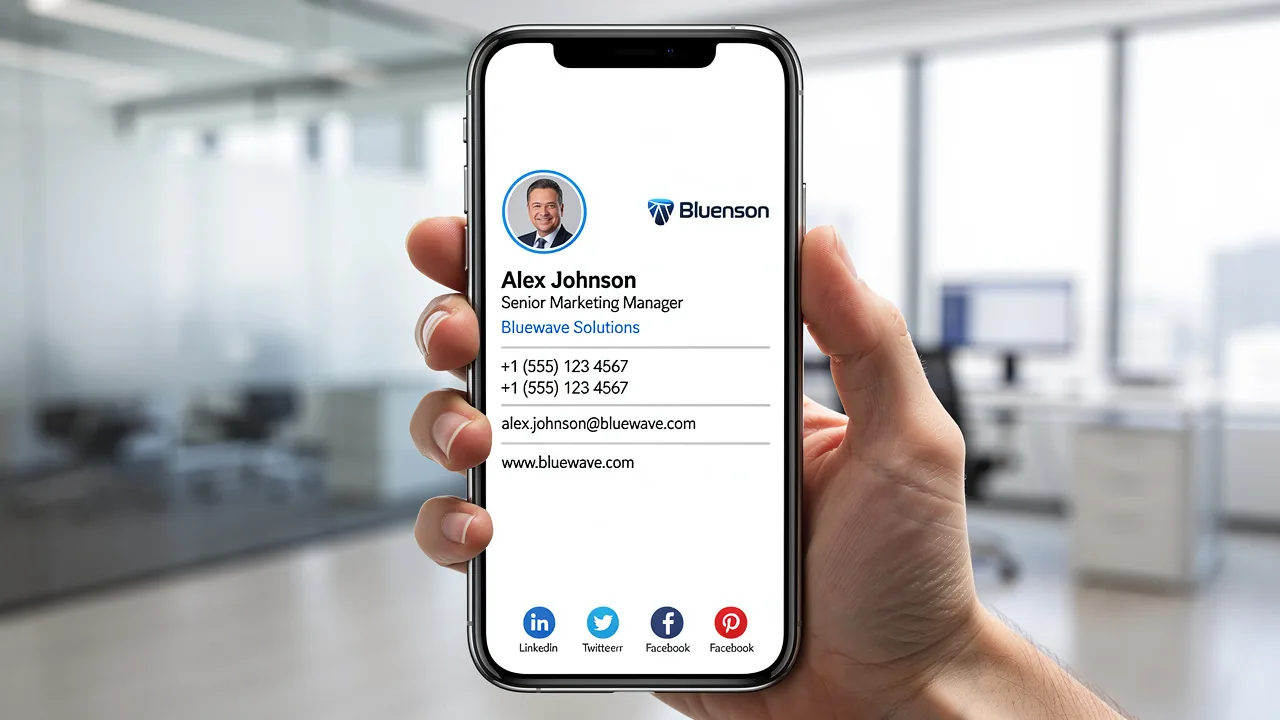
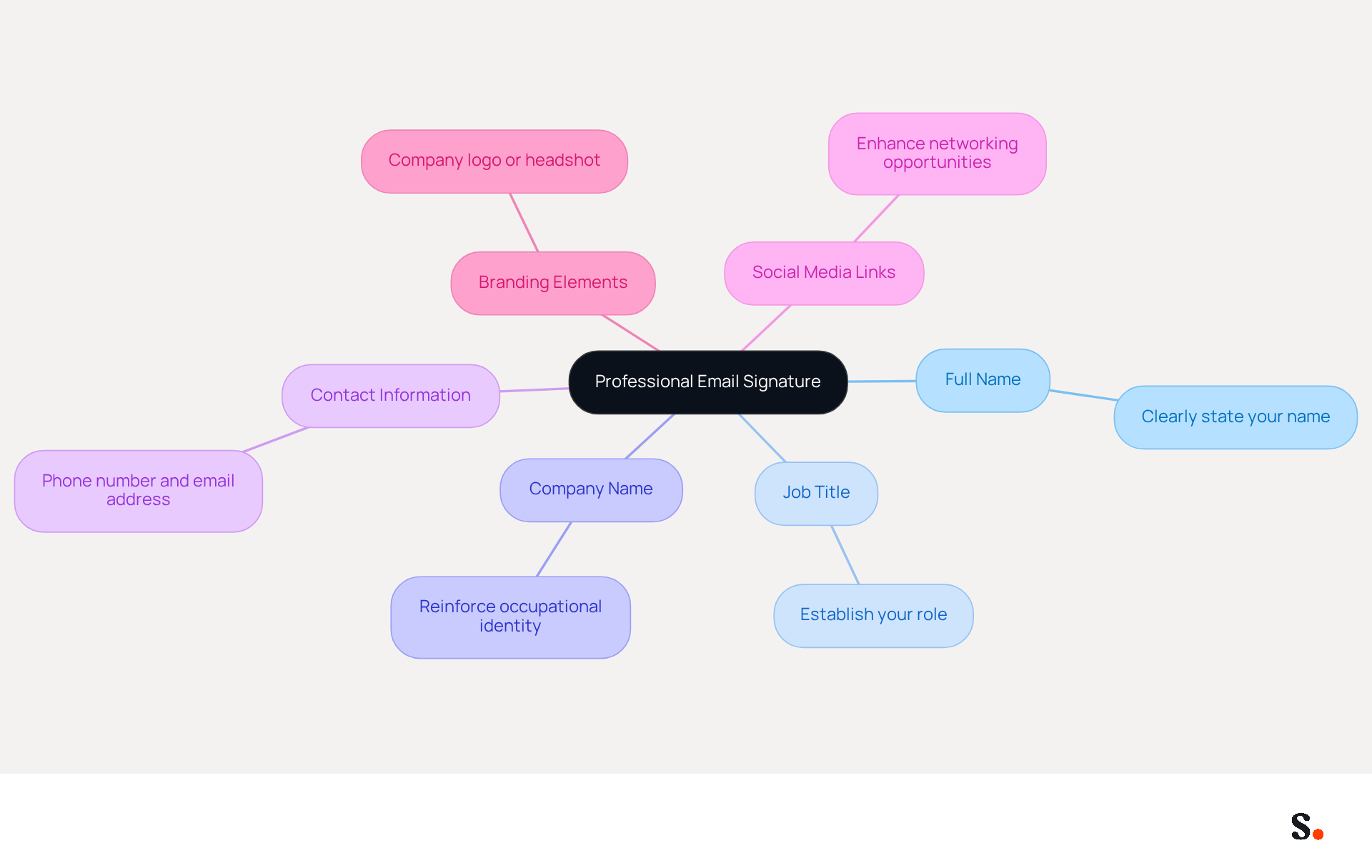
A well-crafted business signature is essential for effective branding and communication. Here are key elements to include:
- Full Name: Clearly state your name to ensure the recipient knows who you are.
- Job Title: Include your position to establish your role within the organization, conveying authority and professionalism.
- Company Name: This reinforces your occupational identity and affiliation, enhancing brand recognition.
- Contact Information: Provide your phone number and email address for easy follow-up, ensuring accessibility for recipients.
- Social Media Links: If applicable, include links to relevant social media profiles, such as LinkedIn, to enhance networking opportunities and broaden your reach.
- Branding Elements: Consider adding your company logo or a high-quality headshot to personalize your signature and reinforce brand identity.
By including these elements, you can turn your digital correspondence into a vital asset for your professional branding and communication efforts. Studies indicate that many consumers express frustration when they cannot easily find contact information, which can hinder effective communication. Moreover, a well-designed message footer can boost trust, with 57% of consumers indicating that branded footers enhance their confidence in the sender. By ensuring consistency and professionalism in your contact details, you not only enhance efficiency in interactions but also foster stronger connections with your audience. Scribe ensures that any changes you make in your Aircall settings will seamlessly update your communication identifiers, maintaining brand consistency across all interactions. Additionally, by joining Scribe's Affiliate Program, you can earn a 50% commission and offer a $30 credit to those you refer, while promoting this essential aspect of brand management. Remember, Scribe is compliant with SOC 2 Type II, GDPR, and CCPA, ensuring that your management of digital identifiers is secure and trustworthy.
Avoid Common Mistakes in Email Closings
To enhance the effectiveness of your email closings, it is crucial to avoid several common mistakes:
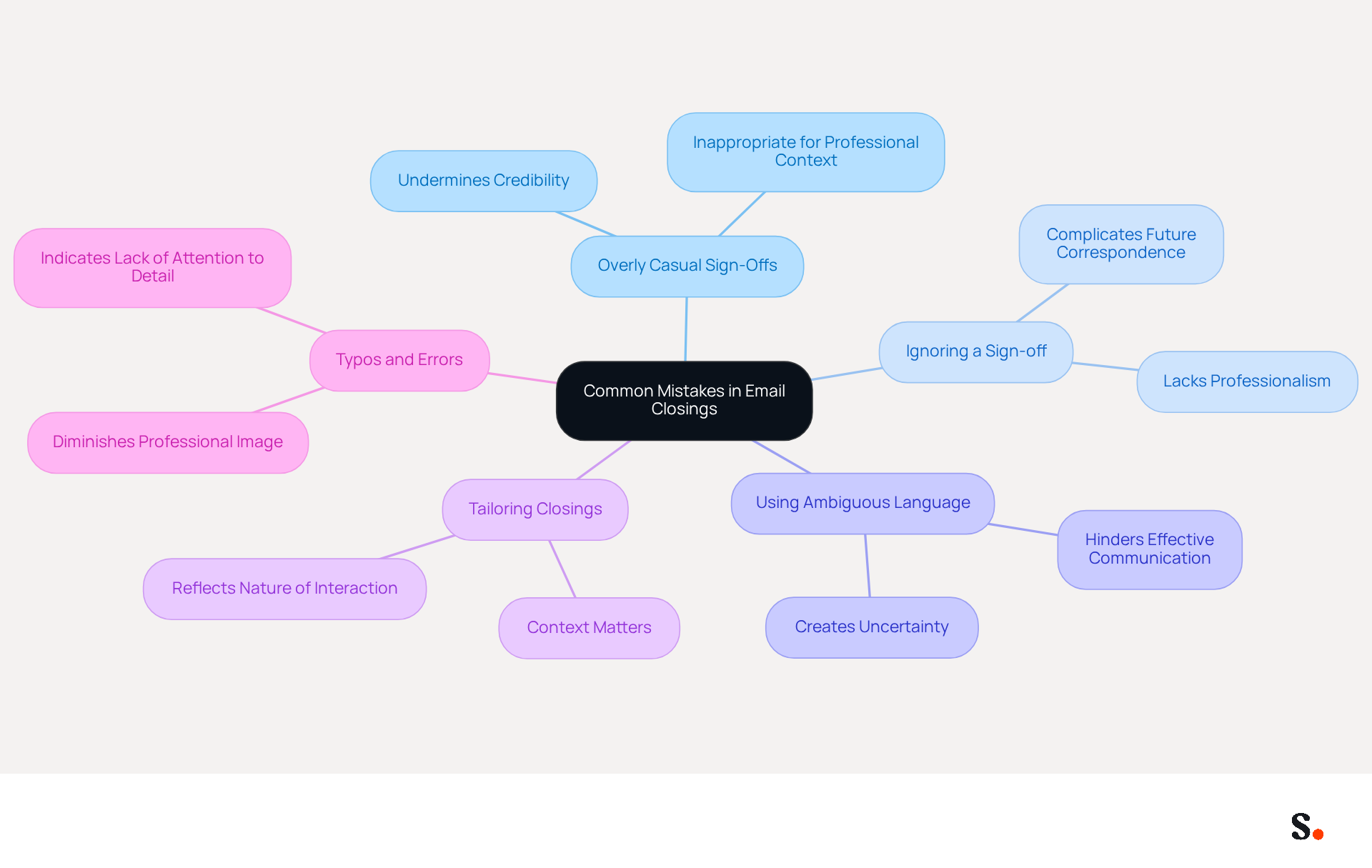
- Overly Casual Sign-Offs: Informal sign-offs like 'Cheers' or 'Later' can undermine your credibility. When using professional email closings, stick to formal options unless you have an established rapport with the recipient.
- Ignoring a Sign-off: Without a proper sign-off, recipients may struggle to reach you, complicating future correspondence. A clean, consistent signature is essential for professionalism and trust in professional email closings.
- Using Ambiguous Language: Vague phrases such as 'Talk soon' or 'Catch you later' can create uncertainty about your availability or intentions. Effective communication relies on clear language, especially in professional email closings.
- Tailor your professional email closings to fit the context of the message. For instance, a follow-up message should convey a different tone than a thank-you note, reflecting the nature of the interaction.
- Typos and Errors: Always proofread your message before sending. Typos in your closing can detract from your professionalism and attention to detail, potentially harming your image.
By being aware of these common pitfalls, you help improve your communication and uphold a professional image, especially with the use of professional email closings. Research shows that emails featuring a single, clear call-to-action can increase sales by 1,617% compared to those with multiple calls-to-action, highlighting the need for clarity and professionalism in your email closings.
Conclusion
Effective email closings are crucial for clear communication and relationship building in professional settings. Focusing on key components like a clear closing statement, appropriate sign-offs, and a well-structured signature enhances email correspondence and leaves a lasting impression.
Throughout the article, various best practices have been highlighted, including the importance of selecting context-appropriate sign-offs, incorporating essential elements in email signatures, and avoiding common mistakes that can undermine professionalism. When you emphasize clarity and consistency, you not only boost response rates but also strengthen your credibility and brand identity.
In a landscape where effective communication is paramount, mastering the art of professional email closings can significantly impact business interactions. Ineffective email closings can lead to confusion and weaken professional relationships. However, mastering email closings can transform how recipients perceive your professionalism. Implementing these strategies can redefine your professional image and strengthen your connections in the business world.
Frequently Asked Questions
What are the key components of professional email closings?
The key components include a clear closing statement, a professional sign-off, your full name, contact information, and company information.
Why is a clear closing statement important in an email?
A clear closing statement summarizes the main point of your message or reiterates action items, clarifying expectations and encouraging a response.
What are some examples of professional sign-offs?
Common professional sign-offs include "Sincerely," "Best regards," and "Thank you."
Why should I include my full name in an email closing?
Including your full name is vital for establishing credibility and building trust with the recipient.
When should I include contact information in my email closing?
You should include contact information, such as your phone number, when it facilitates further communication, especially in workplace environments where prompt replies are appreciated.
How does including company information in an email closing benefit the recipient?
Including your job title and company name provides context and enhances the recipient's understanding of your role.
What impact do formal identifiers in email closings have on response rates?
Research shows that messages featuring formal identifiers can lead to a 22% increase in response rates.
What negative perception can arise from failing to use branded identifiers in emails?
Failing to use branded identifiers can lead to a negative perception among 42% of consumers, potentially hindering business opportunities.
How can Scribe assist with professional email signatures?
Scribe's automated signature management saves time by auto-filling teammates' signatures and ensuring they are always synced with the business phone system, while maintaining data safety through SOC 2 Type II compliance.
List of Sources
- Define Key Components of Professional Email Closings
- How to End an Email Professionally (With Examples) (https://iconnect.isenberg.umass.edu/blog/2024/07/10/how-to-end-an-email-professionally-with-examples)
- How to end an email: Best sign-offs for every business situation | Proton (https://proton.me/business/blog/how-to-end-an-email)
- 40+ Email Signature Statistics for 2026 (Data + Insights) (https://wavecnct.com/blogs/email-signature-statistics)
- Mastering Professional Email Sign-Offs in 2026 (https://linkedin.com/pulse/mastering-professional-email-sign-offs-2026-bulksignature-qsr4e)
- Professional Email Guide (https://boisestate.edu/writingcenter/professional-email-guide)
- Select Appropriate Sign-Offs for Different Contexts
- Email Sign Offs Professional: Best Practices for Business Emails (https://mailwarm.com/blog/professional-email-sign-offs-best-practices)
- email sign-offs (https://wisestamp.com/signature-examples/email-sign-offs)
- Best Email Sign-Offs: 15 Examples for Every Situation (https://beanstalkconsulting.co/blogs/best-email-sign-offs)
- 110 Best Ways to Sign Off an Email Correctly - Warmup Inbox (https://warmupinbox.com/blog/email-marketing/email-sign-offs)
- 50 Best Email Sign-Offs to End an Email Properly in [year] (https://elementor.com/blog/best-email-sign-offs)
- Incorporate a Professional Email Signature
- The Importance Of Email Signatures | Email Marketing Blog | Mail Blaze (https://mailblaze.com/thinking/email-signatures-in-email-marketing)
- Why Are Email Signatures Key to Brand Awareness? | QuickMail (https://quickmail.com/role-of-email-signatures-in-brand-awareness)
- Research Recap: Branded Email Signatures Increase Company Recognition, Trust - Demand Gen Report (https://demandgenreport.com/industry-news/research-recap-branded-email-signatures-increase-company-recognition-trust/47252)
- The benefits of a branded email signature (https://bybrand.io/blog/branded-email-signature)
- Crafting the Perfect Email Signature: Tips, Types, and Best Practices for Today's Professionals - Frey Design (https://freydesigngroup.com/blog/crafting-the-perfect-email-signature)
- Avoid Common Mistakes in Email Closings
- Email Etiquette in the Workplace (https://adminvc.ucla.edu/news/email-etiquette-workplace)
- How to end an email: Best sign-offs for every business situation | Proton (https://proton.me/business/blog/how-to-end-an-email)
- The 12 Most Common Email Mistakes Professionals Make (https://businessinsider.com/common-email-mistakes-professionals-make-2014-7)
- 11 Common Email Mistakes Everyone Makes (https://linkedin.com/pulse/11-common-email-mistakes-everyone-makes-betty-liu)
- 5 Common Email Closing Mistakes and How to Avoid Them (https://intentamplify.com/blog/5-common-email-closing-mistakes-and-how-to-avoid-them)
Get started with Scribe
Manage signatures across your whole team
Free 14-day trial — no credit card.