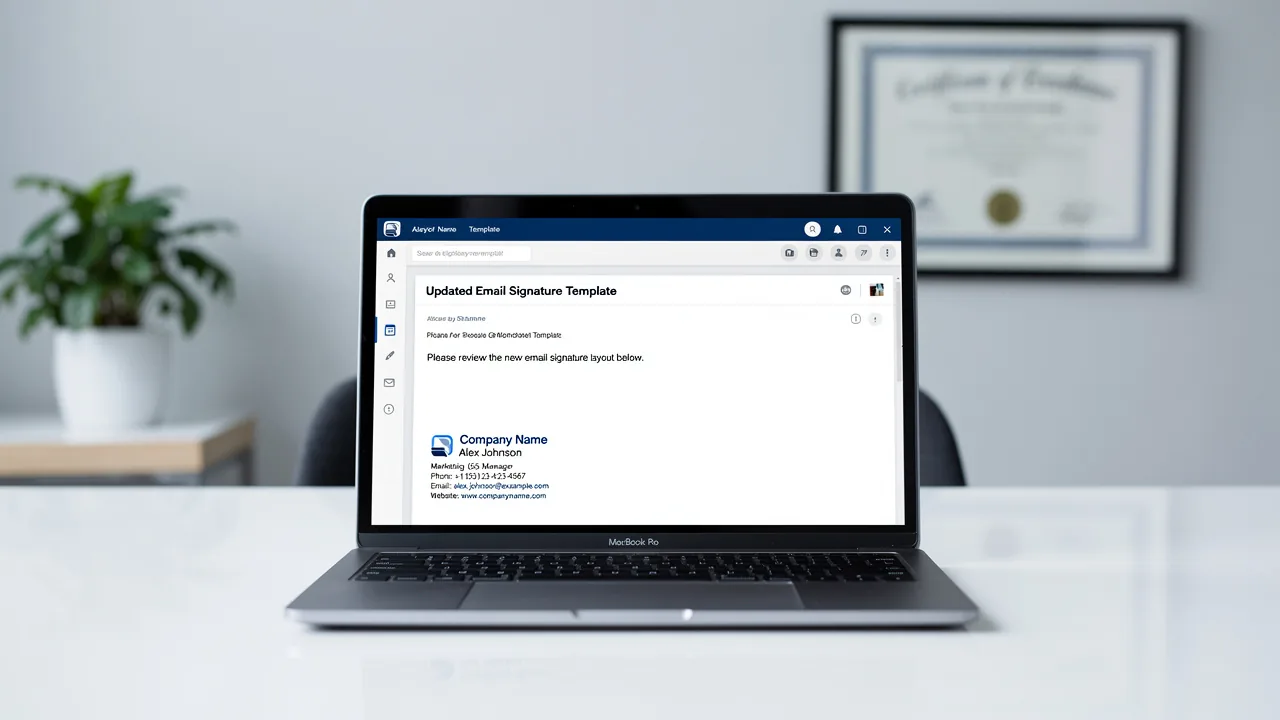
Best Practices for Office 365 Mobile Signature Success
Many businesses underestimate the potential of Office 365 mobile signatures, viewing them merely as functional tools rather than powerful branding assets
Sophie Grant
Email Signature Specialist, Scribe
Introduction
Many businesses underestimate the potential of Office 365 mobile signatures, viewing them merely as functional tools rather than powerful branding assets. These digital identifiers not only convey essential contact information but also serve as effective marketing tools that enhance brand visibility and customer engagement.
To truly leverage mobile signatures, businesses must focus on creating designs that resonate with their brand identity and engage recipients effectively. This article explores best practices for crafting on-brand mobile signatures in Office 365, highlighting strategies that turn every email into a marketing opportunity and build trust with recipients.
Get started with Scribe
Manage signatures across your whole team
Free 14-day trial — no credit card.
Understand the Importance of Office 365 Mobile Signatures
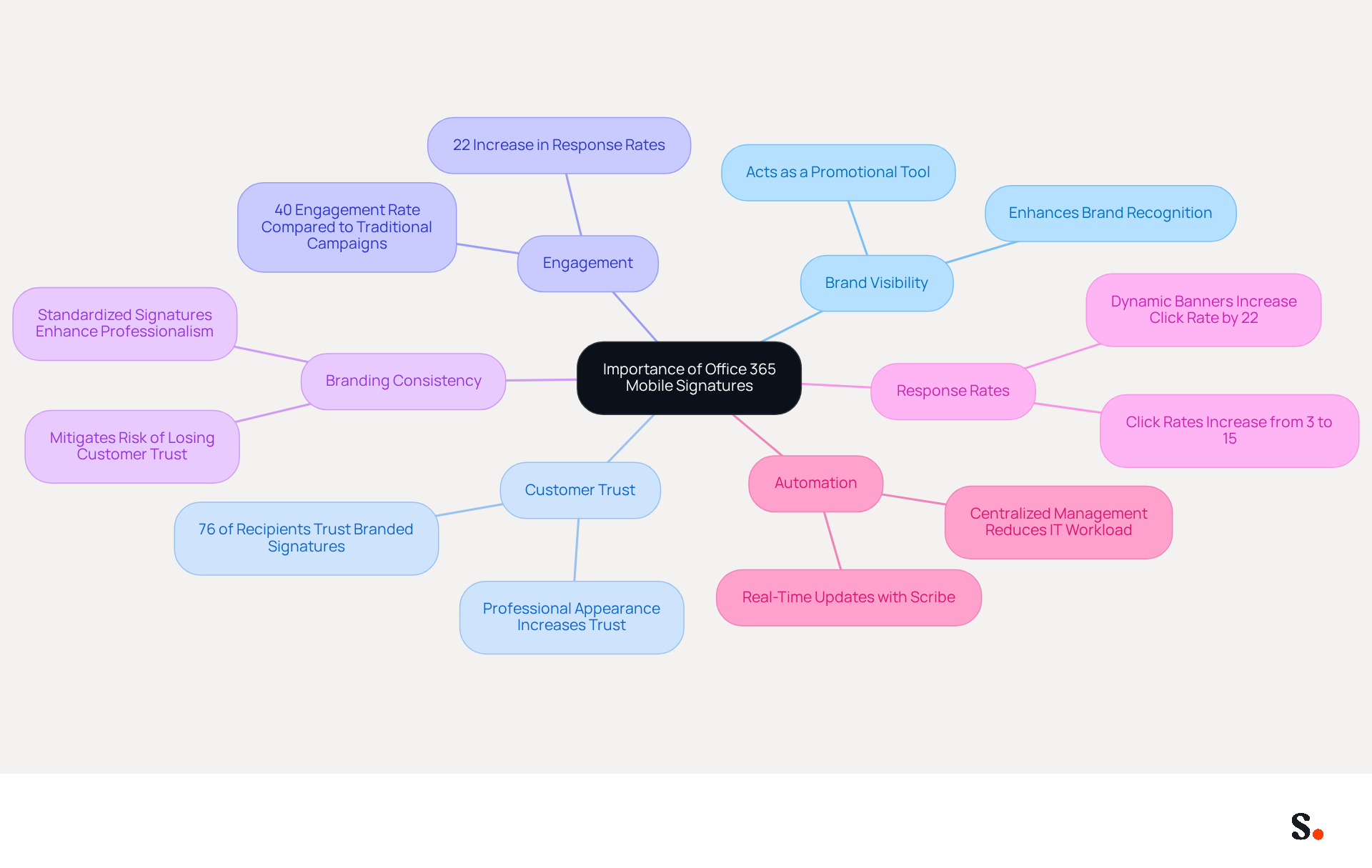
In an era where business communication is increasingly mobile, the need for effective branding through an Office 365 mobile signature has never been more critical. A well-crafted digital identifier provides key contact information and acts as a promotional tool that enhances brand visibility.
Studies reveal that consistent branding across communication channels can increase customer trust and engagement significantly. Businesses that maintain branding consistency, regardless of the device used to send messages, mitigate the risk of losing customer trust and engagement. This results in increased customer engagement and loyalty.
Interestingly, studies indicate that adding branded message footers can boost response rates by 22%, underscoring their importance in fostering trust with recipients.
Scribe allows managers to automate the synchronization of email identifiers with business phone systems like Aircall, ensuring real-time updates without requiring team members to take action.
As the demand for mobile communication grows, businesses that prioritize the Office 365 mobile signature will likely see enhanced brand loyalty and customer engagement.
Create On-Brand Mobile Signatures for Office 365
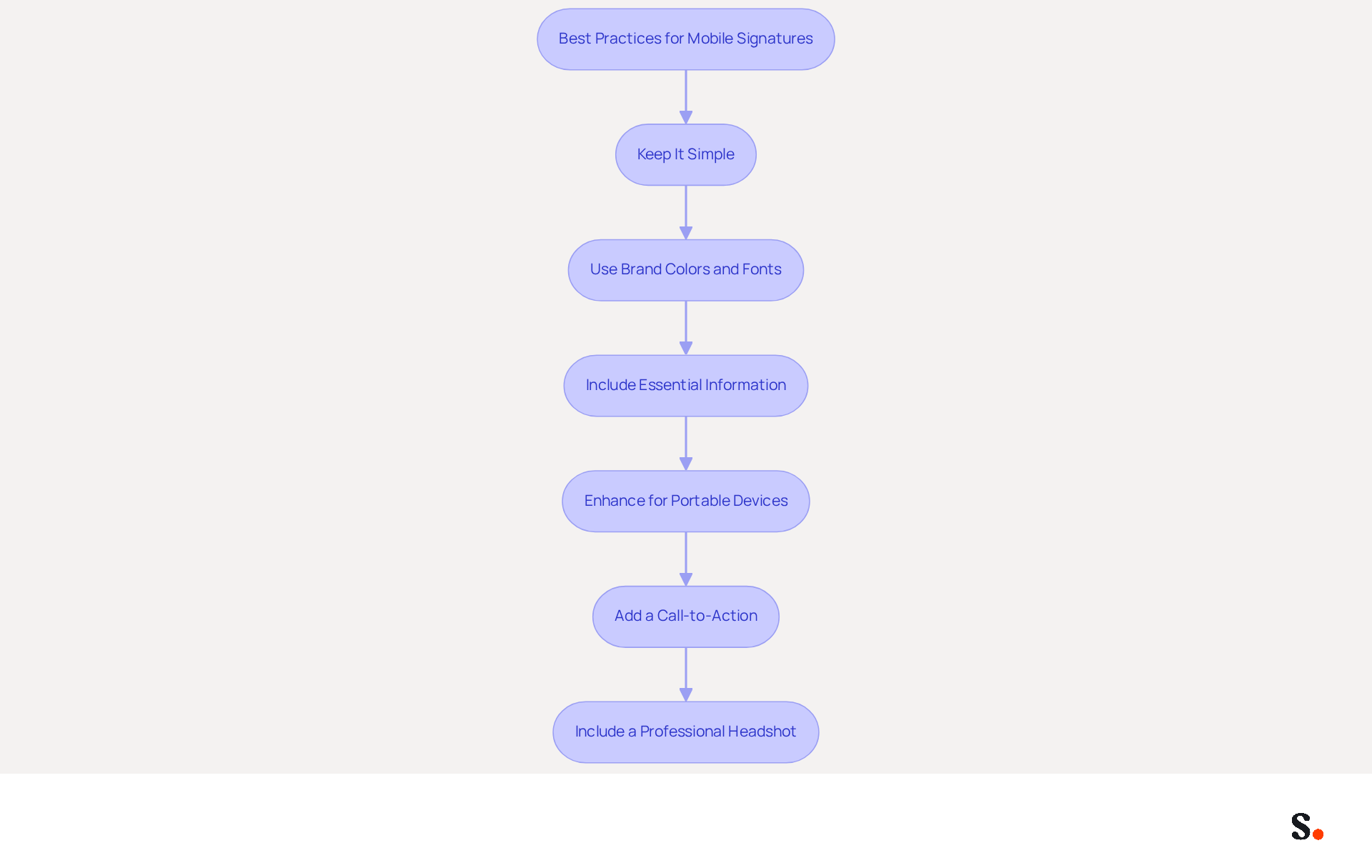
To maximize the effectiveness of mobile signatures for Office 365, businesses must follow key best practices:
- Keep It Simple: Creating effective signatures can be challenging due to the limited space on mobile screens. Sign-offs should be concise and easy to read. Avoid cluttering the sign-off with excessive information, as this can overwhelm recipients and dilute the message.
- Use Brand Colors and Fonts: Incorporate your brand's colors and fonts to ensure consistency. This strengthens brand identity and makes the emblem recognizable, which enhances trust and professionalism.
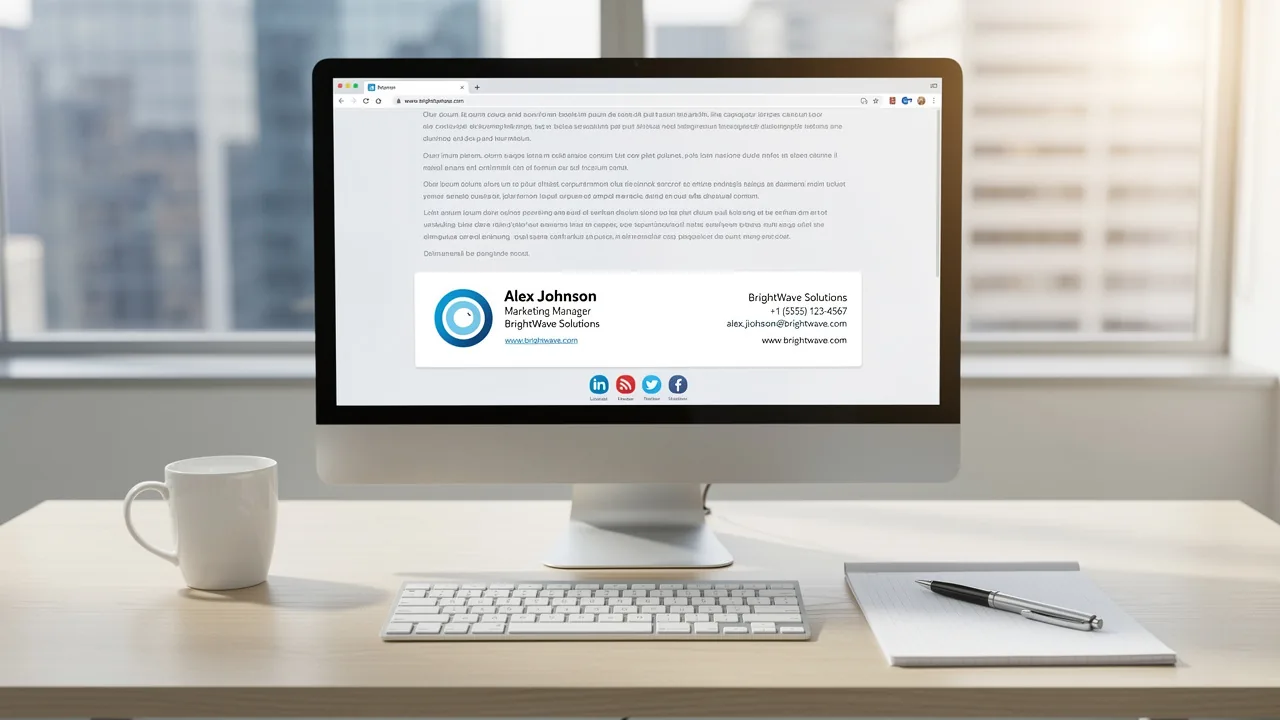
- Include Essential Information: Ensure that the sign-off contains key details such as the sender's name, title, company name, phone number, and contact address. Including links to social media profiles or the company website can further enhance engagement, but limit these to 1-2 relevant platforms to avoid clutter.
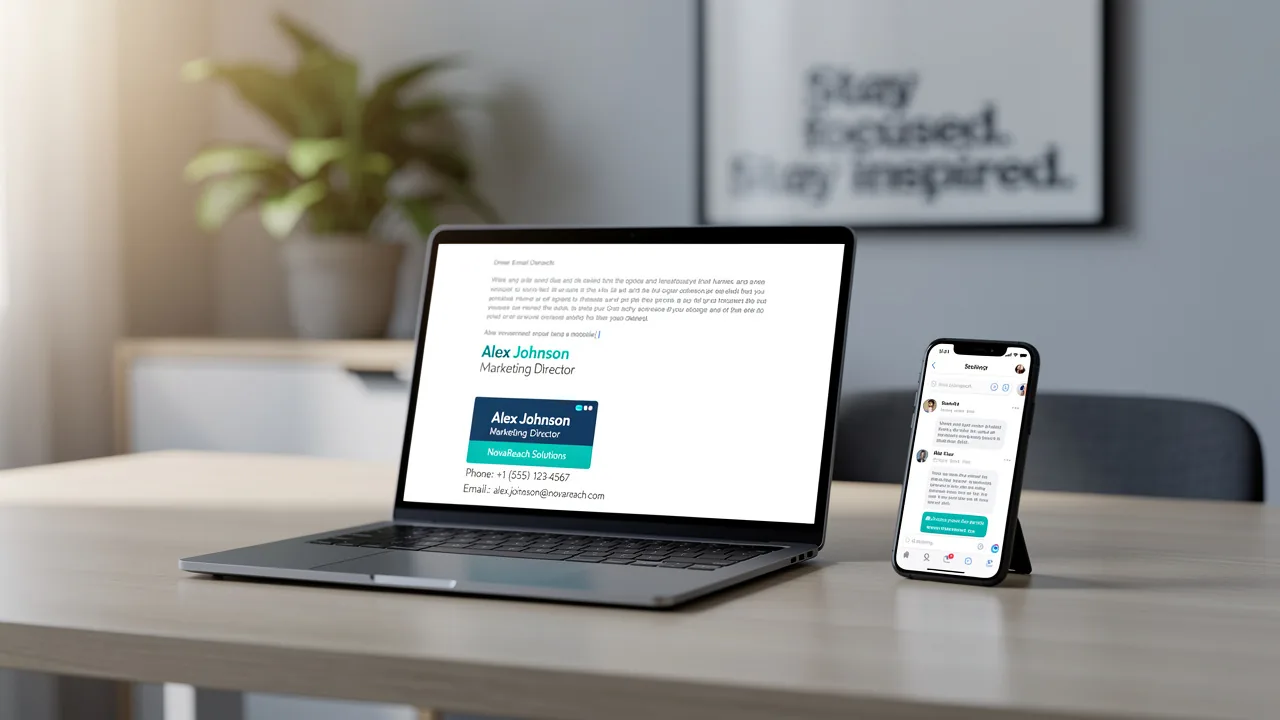
- Enhance for Portable Devices: Create designs that are adaptable and visually attractive across different handheld devices. Testing the mark on various screen sizes is essential to ensure it appears correctly, as 60% of business correspondence is now accessed on mobile devices. Additionally, the marks should have a maximum width of 600px to ensure they are mobile-friendly.
- Add a Call-to-Action: Include a strategic call-to-action (CTA) to encourage recipients to engage further, such as visiting the company website or signing up for a newsletter. Signatures with effective CTAs can drive 40% more meeting bookings than those without. For example, a recent analysis revealed that a 200-person tech firm saw a 180% rise in webinar registrations after modifying their contact details to include registration links.
- Include a Professional Headshot: Adding a professional headshot can significantly increase response rates, with studies indicating a 32% boost in engagement when recipients see a professional image.
By following these best practices, businesses can significantly enhance their engagement rates using Office 365 mobile signature. When businesses follow these guidelines and use Scribe's automated synchronization with Aircall, they ensure that any modifications made in their Aircall configuration are automatically reflected in their email footers. This feature enhances brand consistency and allows for seamless updates, ultimately improving engagement and response rates. Ultimately, these practices not only enhance professionalism but also foster stronger connections with clients.
Integrate Mobile Signatures into Marketing Campaigns
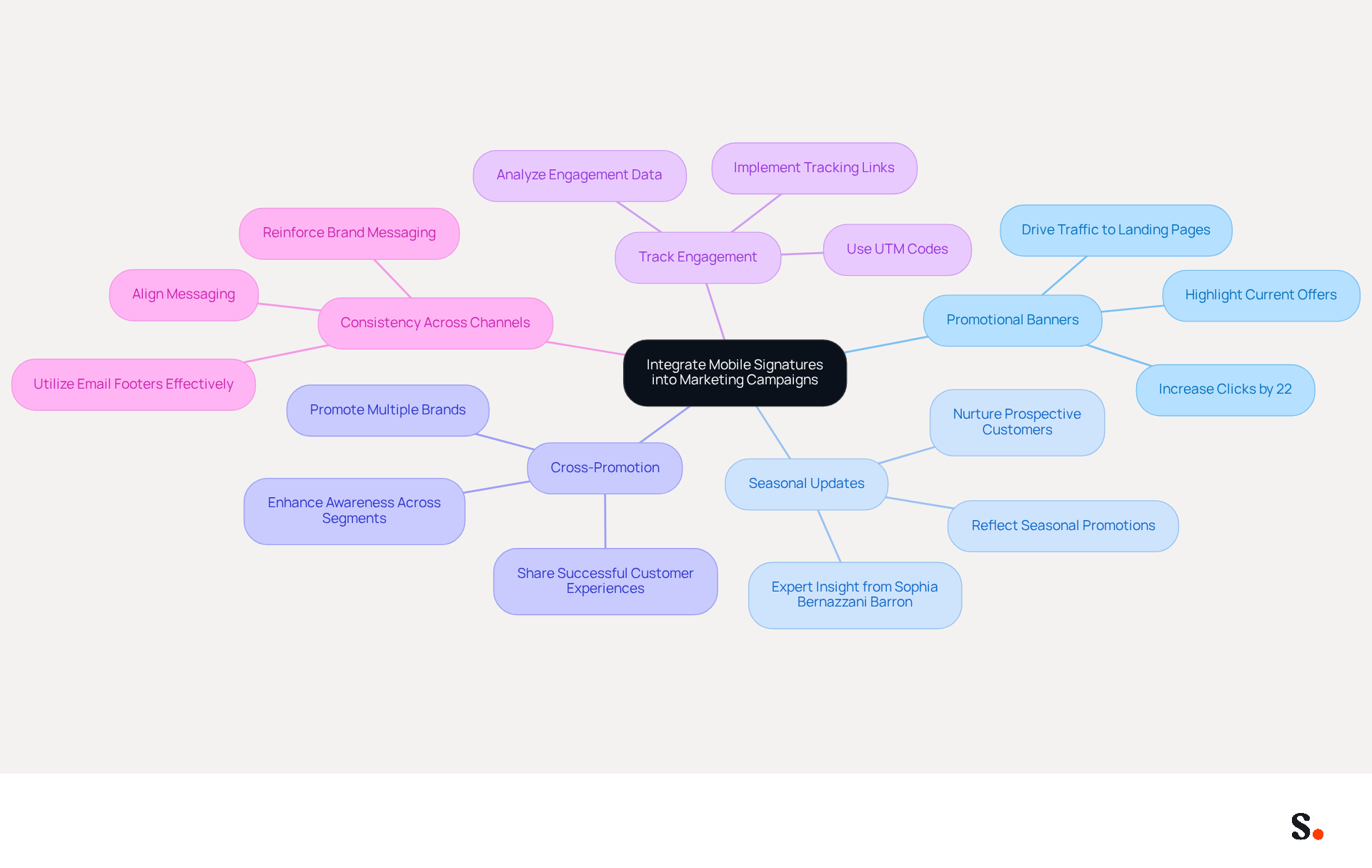
Incorporating mobile endorsements into campaigns can significantly enhance promotional effectiveness. Here are effective strategies to consider:
- Promotional Banners: Utilize mobile identifiers to showcase promotional banners that highlight current offers or events. This approach can drive traffic to specific landing pages, significantly increasing conversions. Studies show that email branding can increase clicks by 22% and leads by 15%, highlighting the effectiveness of this strategy.
- Seasonal Updates: Regularly refreshing branding elements to reflect seasonal promotions or campaigns is crucial. Failing to update branding can lead to disengagement from your audience. Expert Sophia Bernazzani Barron emphasizes that updating identifiers to reflect active campaigns is one of the simplest ways to nurture prospective customers without additional effort.
- Cross-Promotion: If your organization includes multiple brands or services, utilize email footers to promote them together. This strategy can enhance awareness and engagement across various audience segments. Emphasizing successful customer experiences in your email footers can effectively persuade potential clients by demonstrating the value of your offerings.
- Track Engagement: Implement tracking links within your email footers to measure campaign effectiveness. Utilizing UTM codes for performance tracking is crucial for comprehending how effectively your identifiers operate as promotional tools. Analyzing this data provides valuable insights into engagement and conversion rates.
- Consistency Across Channels: Ensure that the messaging in your digital communications aligns with other promotional channels. This consistency reinforces brand messaging and enhances overall campaign effectiveness. Email footers are among the few promotional touchpoints that appear in every one-to-one conversation without being intrusive, creating a distinctive chance for brand visibility.
By integrating these components into digital identifiers, businesses can turn every message into a promotional opportunity, enhancing outreach and engagement. This approach not only maximizes engagement but also transforms every communication into a strategic marketing opportunity.
Maintain and Automate Updates for Mobile Signatures
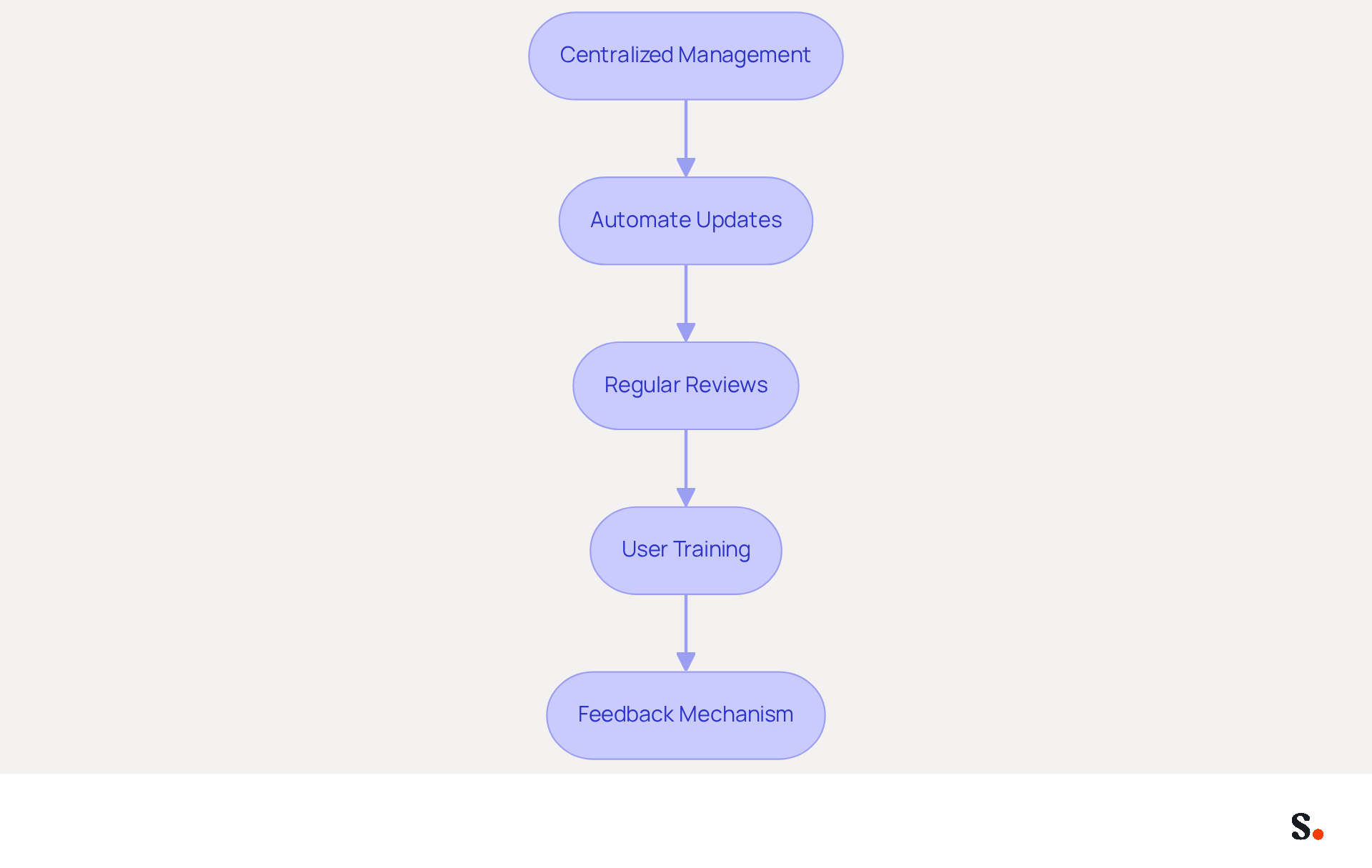
To maintain the effectiveness and relevance of mobile signatures, businesses must prioritize best practices in maintenance and automation:
- Centralized Management: Utilize a centralized email branding management tool like Scribe that facilitates easy updates across all devices. This method ensures that any changes are promptly reflected in all branding elements, enhancing brand consistency.
- Automate Updates: Scribe automatically reflects any changes made in your Google Workspace, whether it's moving teammates or updating their information, without requiring manual input. This ensures that contact information and branding elements are perpetually current, reducing the risk of outdated details.
- Regular Reviews: Conduct periodic evaluations of messaging formats to ensure alignment with current branding and marketing strategies. Regular assessments help identify outdated information or design elements that require refreshing, maintaining a professional appearance.
- User Training: Provide comprehensive training for employees on effectively using Scribe's email management tool. This helps minimize errors and highlights why it's crucial to keep branding consistent across the board.
- Feedback Mechanism: Establish a feedback system for employees to report any issues with their approvals. This proactive approach enables swift identification and resolution of issues, ensuring that all approvals function correctly.
Implementing these practices can streamline management processes for communications, ensuring that all correspondences are professional and consistent. According to Signitic, centralized management of digital signatures can lead to a 22% increase in response rates, highlighting the significance of maintaining a unified identity in communications. Additionally, companies utilizing this strategy have observed engagement rates increase by 40% (Source: Sophie Grant, Email Signature Specialist), showcasing the effectiveness of integrating marketing elements into email signatures. With Scribe's SOC 2 Type II compliance, businesses can also trust that their data is secure while enhancing their branding efforts. Ultimately, a strategic approach to email signature management not only enhances brand consistency but also drives measurable engagement improvements.
Conclusion
In today's competitive landscape, effective mobile signatures are crucial for businesses seeking to enhance brand visibility and customer engagement. An effective mobile signature conveys essential contact information and acts as a strong marketing tool, enhancing customer trust and loyalty. Prioritizing mobile signatures allows organizations to maintain consistent branding across all communication platforms, ultimately fostering stronger connections with clients.
Key best practices for creating impactful mobile signatures include:
- Maintaining simplicity
- Utilizing brand colors and fonts
- Including essential information
Additionally, integrating mobile signatures into marketing campaigns through promotional banners and seasonal updates can further amplify engagement. The ability to track engagement metrics and ensure consistency across all channels is crucial for maximizing the effectiveness of these digital identifiers.
By utilizing Scribe's automated synchronization and centralized management, businesses can effortlessly maintain brand consistency and enhance their marketing initiatives. By adopting these strategies, organizations can transform every email into a strategic opportunity for engagement, driving measurable results and reinforcing their brand identity in a competitive landscape. By embracing these strategies, businesses can not only enhance their professionalism but also secure a competitive edge in a mobile-centric market.
Frequently Asked Questions
Why are Office 365 mobile signatures important for businesses?
Office 365 mobile signatures are important because they provide key contact information and act as a promotional tool that enhances brand visibility, which is critical in an era of mobile communication.
How does consistent branding across communication channels affect customer trust?
Consistent branding across communication channels can significantly increase customer trust and engagement, helping businesses maintain customer loyalty and mitigate the risk of losing trust.
What impact do branded message footers have on response rates?
Studies indicate that adding branded message footers can boost response rates by 22%, highlighting their importance in fostering trust with recipients.
How does Scribe assist in managing email signatures?
Scribe allows managers to automate the synchronization of email identifiers with business phone systems like Aircall, ensuring real-time updates without requiring team members to take action.
What benefits can businesses expect by prioritizing Office 365 mobile signatures?
Businesses that prioritize Office 365 mobile signatures are likely to see enhanced brand loyalty and increased customer engagement as mobile communication demands grow.
List of Sources
- Understand the Importance of Office 365 Mobile Signatures
- 40+ Email Signature Statistics for 2026 (Data + Insights) (https://wavecnct.com/blogs/email-signature-statistics)
- Why Team Email Signatures Matter More Than You Think: The Hidden Impact on Brand Trust and Customer Experience (https://getmailbird.com/why-team-email-signatures-matter-brand-trust)
- The impact of email signatures on your branding (https://signitic.com/en/resources/the-impact-of-email-signatures-on-your-branding)
- Exclaimer Research: 67% of Marketers Expect Email Signatures to Support With Lead Gen In 2023 (https://businesswire.com/news/home/20230612141095/en/Exclaimer-Research-67-of-Marketers-Expect-Email-Signatures-to-Support-With-Lead-Gen-In-2023)
- All you need to know about mobile email signatures (https://mail-signatures.com/articles/mobile-email-signatures)
- Create On-Brand Mobile Signatures for Office 365
- 40+ Email Signature Statistics for 2026 (Data + Insights) (https://wavecnct.com/blogs/email-signature-statistics)
- Email Signature Best Practices for 2026 (+ 15 Pro Examples) (https://wavecnct.com/blogs/email-signature-best-practices-2026)
- Email Signature Best Practices - NEWOLDSTAMP (https://newoldstamp.com/blog/email-signature-best-practices)
- 4 Best Practices for Your Company Outlook Signature Management (https://scribe-mail.com/en-US/blog/4-best-practices-for-your-company-outlook-signature-management)
- Integrate Mobile Signatures into Marketing Campaigns
- Email Signature Marketing: A Guide to Drive Sales (https://smartrmail.com/blog/email-signature-marketing)
- 12 clever ways to use your email signature to support your marketing campaigns (https://blog.hubspot.com/blog/tabid/6307/bid/31054/10-clever-ways-your-email-signature-can-support-your-marketing.aspx)
- 10 ideas for marketing campaigns in email signatures (https://signitic.com/en/resources/10-ideas-for-marketing-campaigns-in-email-signatures)
- 40+ Email Signature Statistics for 2026 (Data + Insights) (https://wavecnct.com/blogs/email-signature-statistics)
- Maintain and Automate Updates for Mobile Signatures
- Why Email Signature Management Matters for Your Business (https://vectorchoice.com/blog/why-email-signature-management-is-more-important-than-you-think)
- Implement Centralized Email Signature Management in 6 Simple Steps (https://scribe-mail.com/en-US/blog/implement-centralized-email-signature-management-in-6-simple-steps)
- 4 Best Practices for Enterprise Email Signature Management (https://scribe-mail.com/en-US/blog/4-best-practices-for-enterprise-email-signature-management)
- 5 Benefits of Using Centrally Managed Email Signatures | Crossware365 (https://crossware365.com/blog/5-benefits-of-using-centrally-managed-email-signatures)
- 40+ Email Signature Statistics for 2026 (Data + Insights) (https://wavecnct.com/blogs/email-signature-statistics)
Get started with Scribe
Manage signatures across your whole team
Free 14-day trial — no credit card.