Best Practices to Generate Signature Templates for Marketing Success
Effective email signatures serve as more than mere formalities; they represent strategic opportunities for enhancing brand visibility and engagement. By
Sophie Grant
Email Signature Specialist, Scribe

Introduction
Effective email signatures serve as more than mere formalities; they represent strategic opportunities for enhancing brand visibility and engagement. By implementing best practices for signature templates, businesses can transform a simple sign-off into a powerful marketing tool that resonates with recipients.
Many businesses find it challenging to adapt their email signatures to the fast-paced changes in digital communication. As digital communication evolves rapidly, organizations must find ways to keep their email signatures relevant and impactful.
This article delves into essential strategies for crafting on-brand email signatures that not only reflect corporate identity but also incorporate key marketing elements to maximize effectiveness. Without a strategic approach, organizations risk losing valuable engagement opportunities through their email communications.
Design On-Brand Signature Templates
Creating on-brand signature templates is crucial for enhancing brand visibility and professionalism in email communications:
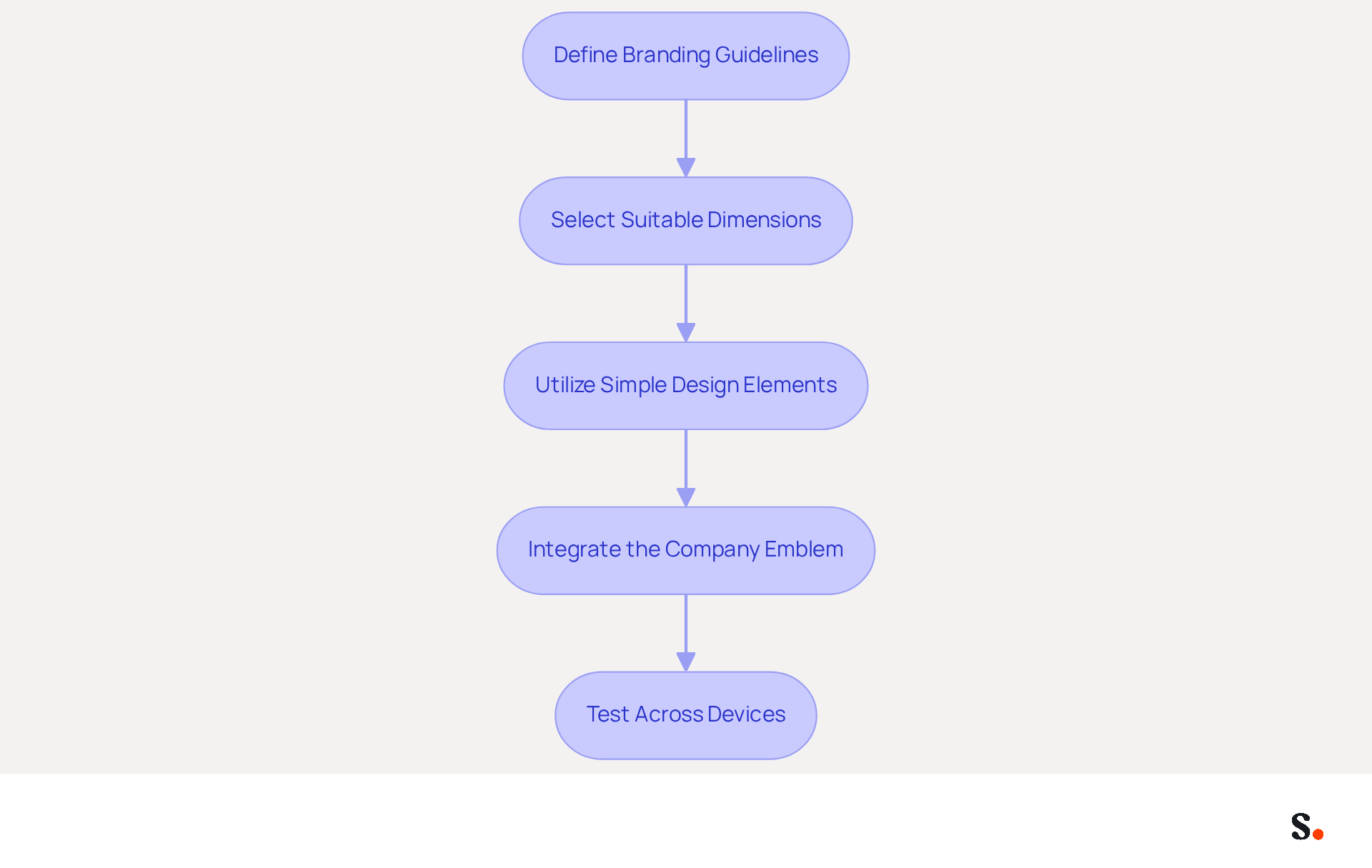
- Define Branding Guidelines: Establish clear guidelines that encompass color palettes, fonts, and logo usage. This step ensures that all elements are visually cohesive and accurately represent the brand, which is crucial since 25.1% of organizations rely on digital identifiers for consistent communication.
- Select Suitable Dimensions: The ideal width for a digital correspondence footer usually varies from 300 to 600 pixels and 150 to 200 pixels in height. This sizing ensures visibility without overwhelming the content, aligning with the industry standard for desktop banners.
- Utilize Simple Design Elements: Maintain a clean and uncluttered design by using a maximum of two to three colors and one or two fonts. This approach enhances readability and professionalism, as complex designs often lead to confusion, undermining the intended message. Well-designed digital identifiers can lead to 40% greater engagement through thoughtful design decisions.
- Integrate the Company Emblem: Adding a high-quality company logo in the footer strengthens corporate identity. The logo must be suitably sized to fit within the branding without overpowering the overall design, as logos enhance brand recognition with each message sent.
- Test Across Devices: Before completing the sign-off, conduct tests across different messaging platforms and devices to ensure proper display. This step is essential, considering that 60% of business correspondence is now accessed on mobile devices, and sign-offs must be readable and quick to load across all platforms.
Following these best practices allows companies to generate signature templates that enhance brand visibility and customer perception while looking professional in every email.
Incorporate Marketing Elements in Signatures
To maximize the impact of email signatures, businesses must strategically incorporate marketing elements that enhance engagement:
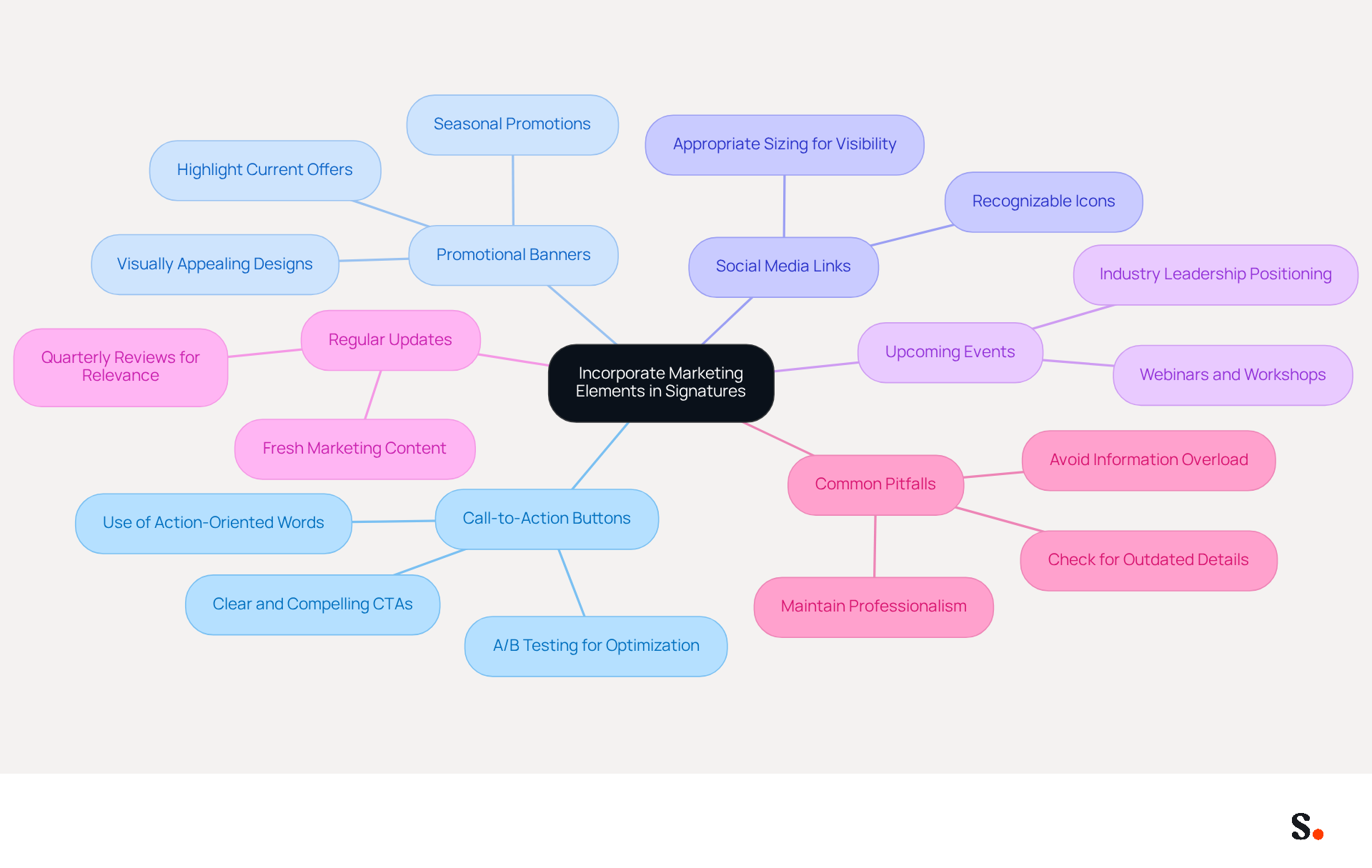
- Add Call-to-Action (CTA) Buttons: A clear and compelling CTA can significantly drive engagement, prompting recipients to visit a website, sign up for a newsletter, or download resources. Make sure the CTA stands out visually to grab attention. Studies show that messages with banners get five times more clicks than plain-text ones, highlighting the importance of effective CTAs.
- Utilize Promotional Banners: Incorporate visually appealing promotional banners that showcase current offers, events, or new products. Align these banners with the overall design of the logo to maintain identity consistency. For instance, a 200-person tech company increased webinar signups by 180% by updating email signatures with registration links, showing how this approach works.
- Link to Social Media Profiles: Including recognizable icons that connect to social media profiles motivates recipients to interact with the company across various platforms. Ensure these icons are appropriately sized for visibility.
- Highlight Upcoming Events or Webinars: Including information about upcoming events or webinars positions the brand as an industry leader and informs recipients about opportunities to engage further.
- Regularly Update Marketing Content: Keep marketing elements fresh by updating them based on current campaigns or seasonal promotions. This practice ensures that the mark remains relevant and engaging, maximizing its impact. Continuous A/B testing of CTAs and banners is recommended to optimize performance and engagement.
- Be Aware of Common Pitfalls: Avoid information overload by keeping the document concise and focused. Many companies struggle with cluttered email signatures that dilute their message. Regularly check for outdated contact details to maintain professionalism and effectiveness.
Ultimately, a well-crafted email signature can generate a signature that transforms a simple communication tool into a powerful marketing asset.
Integrate Signature Management with Existing Tools
To enhance operational efficiency and brand consistency, organizations must integrate signature management with existing tools effectively:
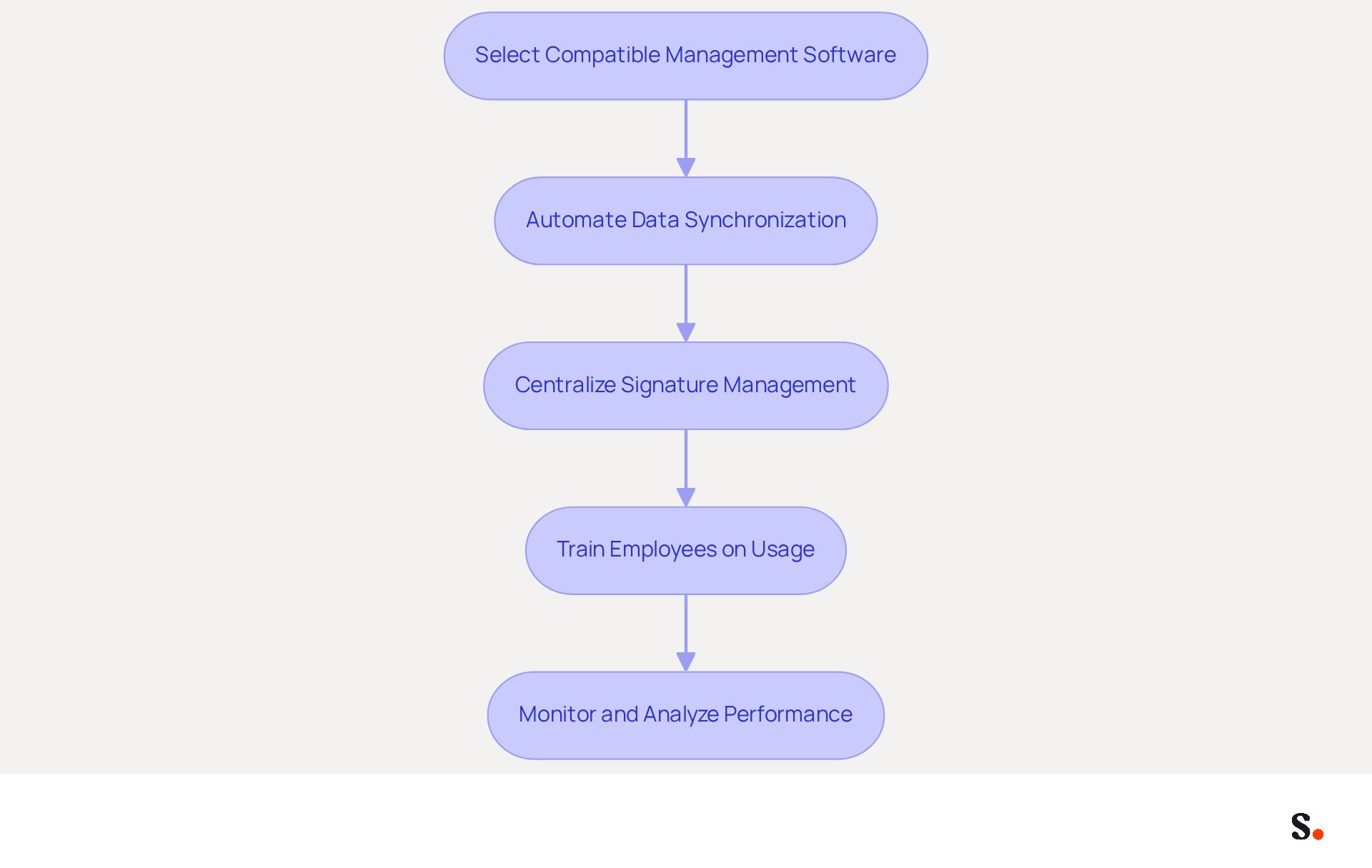
- Select Compatible Management Software for Signatures: Opt for a management tool that integrates seamlessly with your email platforms, such as Google Workspace or Microsoft 365. This compatibility simplifies implementation and reduces disruptions.
- Automate Data Synchronization: Leverage tools that facilitate automated data synchronization with HR and identity management systems. This approach guarantees that employee information remains up-to-date, significantly reducing the need for manual updates and enhancing operational efficiency. Without automated synchronization, organizations risk outdated employee information, leading to inefficiencies.
- Centralize Signature Management: Establish a centralized system for overseeing sign-offs across the organization. This enables simple updates and guarantees that all employees can generate signature using the most recent version of the template, promoting brand consistency.
- Train Employees on Usage: Provide comprehensive training for employees on effectively using the tool for managing signatures. This training should address best practices for integrating sign-offs into their correspondence, ensuring that all team members are aligned in their branding efforts.
- Monitor and Analyze Performance: Utilize analytics tools to track the performance of digital identifiers, focusing on engagement and conversion rates. Analyzing this data can inform future revisions and improvements, maximizing the effect of messaging.
Failing to integrate signature management with existing tools can result in operational inefficiencies and diluted brand messaging.
Regularly Update Signature Templates
To maintain the effectiveness of email signatures, businesses must prioritize regular updates to generate signature quality.
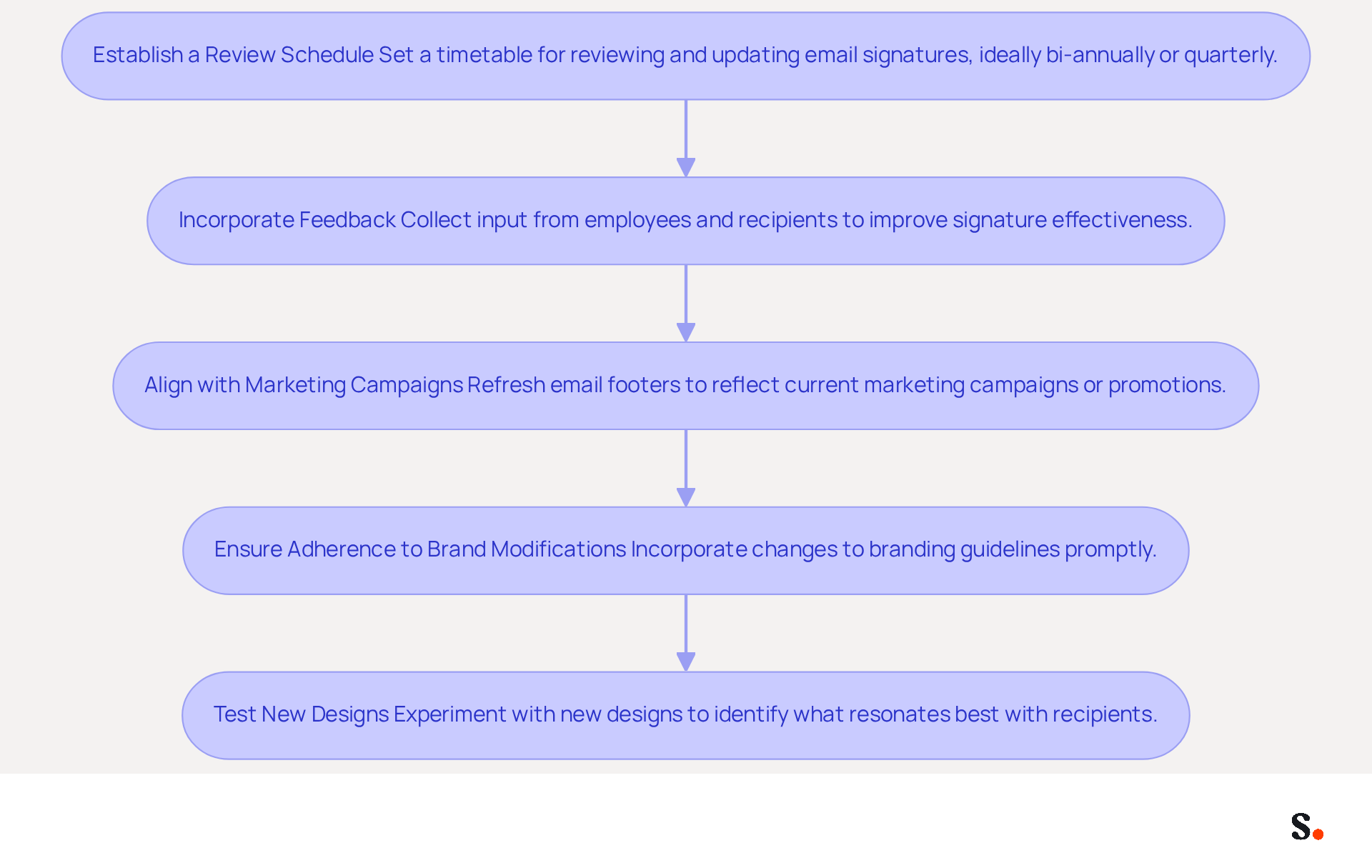
- Establish a Review Schedule: Set a regular timetable for reviewing and updating email identifiers, ideally bi-annually or quarterly. This practice ensures that endorsements are regularly reviewed for relevance and effectiveness, as 44.4% of professionals update theirs multiple times a year.
- Incorporate Feedback: Actively collect input from employees and recipients regarding the effectiveness of the endorsements. Given that 52% of professionals believe a strong email signature is crucial for building trust, this feedback is vital for making informed updates that improve engagement.
- Align with Marketing Campaigns: Regularly refresh email footers to reflect current marketing campaigns or seasonal promotions. This keeps the content fresh and pertinent, supporting the finding that firms utilizing branded digital identifiers observe a 15% rise in website click-through rates.
- Ensure Adherence to Brand Modifications: Quickly incorporate any alterations to branding guidelines, such as logo updates or color adjustments, in the communication identifiers. This is crucial for upholding brand consistency, which 28.7% of companies emphasize in their email branding strategies.
- Test New Designs: Experiment with new designs or elements in the branding to identify what resonates best with recipients. A/B testing can effectively determine which identifiers yield higher engagement, as left-aligned, single-column designs have shown to achieve 3x higher click rates compared to multi-column layouts.
By regularly updating their processes to generate signature templates, businesses can maintain a professional image, enhance brand visibility, and ensure that their email communications remain effective. Regular updates not only enhance engagement but also foster trust among recipients.
Conclusion
Many businesses overlook the potential of email signatures, missing out on a key marketing opportunity. Creating effective email signature templates is crucial for maximizing marketing success and enhancing brand visibility. By following design best practices, using strategic marketing elements, and integrating with existing tools, businesses can transform their email signatures into powerful communication assets that resonate with recipients.
Key insights from the article emphasize the importance of:
- Establishing clear branding guidelines
- Utilizing simple design elements
- Incorporating compelling call-to-action buttons
Additionally, integrating social media links and regularly updating marketing content can significantly enhance engagement. The article also highlights the necessity of automating signature management and centralizing oversight to maintain brand consistency across all communications.
In the end, effective email signatures can showcase professionalism and strengthen brand identity, all while engaging the audience. Keeping these templates updated not only refreshes the content but also builds trust and connection with your audience. By prioritizing these practices, organizations can ensure their email signatures not only reflect their brand identity but also actively contribute to their marketing goals.
Frequently Asked Questions
Why are on-brand signature templates important?
On-brand signature templates enhance brand visibility and professionalism in email communications, ensuring consistent representation of the brand.
What should be included in branding guidelines for signature templates?
Branding guidelines should include color palettes, fonts, and logo usage to ensure all elements are visually cohesive and accurately represent the brand.
What are the recommended dimensions for a digital correspondence footer?
The ideal width for a digital correspondence footer is between 300 to 600 pixels, and the height should be between 150 to 200 pixels.
How many colors and fonts should be used in the design of signature templates?
It is recommended to use a maximum of two to three colors and one or two fonts to maintain a clean and uncluttered design that enhances readability and professionalism.
Why is it important to integrate the company emblem in the signature template?
Adding a high-quality company logo strengthens corporate identity and enhances brand recognition with each message sent.
What should be done to ensure the signature template displays correctly?
It is essential to test the signature template across different messaging platforms and devices to ensure proper display, as 60% of business correspondence is accessed on mobile devices.
What are the benefits of following best practices in creating signature templates?
Following best practices allows companies to generate signature templates that enhance brand visibility and customer perception while maintaining a professional appearance in every email.
List of Sources
- Design On-Brand Signature Templates
- Why Email Signatures Must Be In Your 2026 Marketing Plan | Rocketseed (https://rocketseed.com/blog/what-are-the-biggest-email-trends-for-2026)
- Email Signature Best Practices Guide With Examples - MailerLite (https://mailerlite.com/blog/email-signature-best-practices)
- Email Signature Best Practices - NEWOLDSTAMP (https://newoldstamp.com/blog/email-signature-best-practices-creative-ideas-beautiful-examples-design-hints-and-free-tools-to-use-now)
- Email Signature Best Practices for 2026 (+ 15 Pro Examples) (https://wavecnct.com/blogs/email-signature-best-practices-2026)
- Email signature statistics: Why every business should optimize their email signatures — Stripo.email (https://stripo.email/blog/email-signature-statistics-why-every-business-should-optimize-their-email-signatures)
- Incorporate Marketing Elements in Signatures
- The Ultimate Guide to Email Signature Call-to-Action - NEWOLDSTAMP (https://newoldstamp.com/blog/the-ultimate-guide-to-email-signature-call-to-action)
- Email Signature Best Practices for 2026 (+ 15 Pro Examples) (https://wavecnct.com/blogs/email-signature-best-practices-2026)
- 33 Great email signature banner examples (https://rocketseed.com/resources/email-banner-examples)
- How to Incorporate Promotional Banners into Email Signatures Without Overwhelming the Design | Email Signature Rescue Blog (https://emailsignaturerescue.com/blog/how-to-incorporate-promotional-banners-into-email-signatures-without-overwhelming-the-design)
- Top Email signature banner examples & tips - NEWOLDSTAMP
- NEWOLDSTAMP (https://newoldstamp.com/blog/7-perfect-moments-to-use-email-signature-banner-to-boost-your-business)
- Integrate Signature Management with Existing Tools
- Top Rated Email Signature Software with Business intelligence 2026 (https://getapp.com/it-communications-software/email-signature/f/business-intelligence)
- Google Workspace vs. Microsoft 365: Which Has The Best Email Signature Functionality? - NEWOLDSTAMP (https://newoldstamp.com/blog/google-workspace-vs-microsoft365)
- Best Email Signature Management Software for Teams [2026] (https://syncsignature.com/blog/best-email-signature-management-software)
- 10 Best Email Signature Software Reviewed In 2026 (https://thecmo.com/tools/best-email-signature-software)
- Research Recap: Branded Email Signatures Increase Company Recognition, Trust - Demand Gen Report (https://demandgenreport.com/industry-news/research-recap-branded-email-signatures-increase-company-recognition-trust/47252)
- Regularly Update Signature Templates
- Top 10+ best practices for email signatures design in 2026 (https://mysignature.io/blog/email-signature-best-practices)
- Email Signature Best Practices for 2026 (+ 15 Pro Examples) (https://wavecnct.com/blogs/email-signature-best-practices-2026)
- Email signature statistics: Why every business should optimize their email signatures — Stripo.email (https://stripo.email/blog/email-signature-statistics-why-every-business-should-optimize-their-email-signatures)
- Email Signature Surveys: Collect & Measure Customer Satisfaction (https://zonkafeedback.com/blog/measure-customer-satisfaction-with-email-signature-surveys)
- Why Email Signatures Must Be In Your 2026 Marketing Plan | Rocketseed (https://rocketseed.com/blog/what-are-the-biggest-email-trends-for-2026)
Get started with Scribe
Signatures for every role on your team
Free 14-day trial — no credit card.