Create a Professional Email Signature in Outlook with Scribe
Crafting an email signature in Outlook is often underestimated, yet it plays a crucial role in shaping brand perception and communication effectiveness. By
Sophie Grant
Email Signature Specialist, Scribe

Introduction
Crafting an email signature in Outlook is often underestimated, yet it plays a crucial role in shaping brand perception and communication effectiveness. By leveraging Scribe's capabilities, users can design visually appealing signatures while ensuring consistency and compliance across their organization. However, balancing aesthetics, functionality, and brand identity in email signatures can be challenging.
In this guide, we’ll break down the key components, best practices, and troubleshooting tips to help you create an email signature that truly resonates with your audience and strengthens your brand.
Identify Essential Components of Your Email Signature
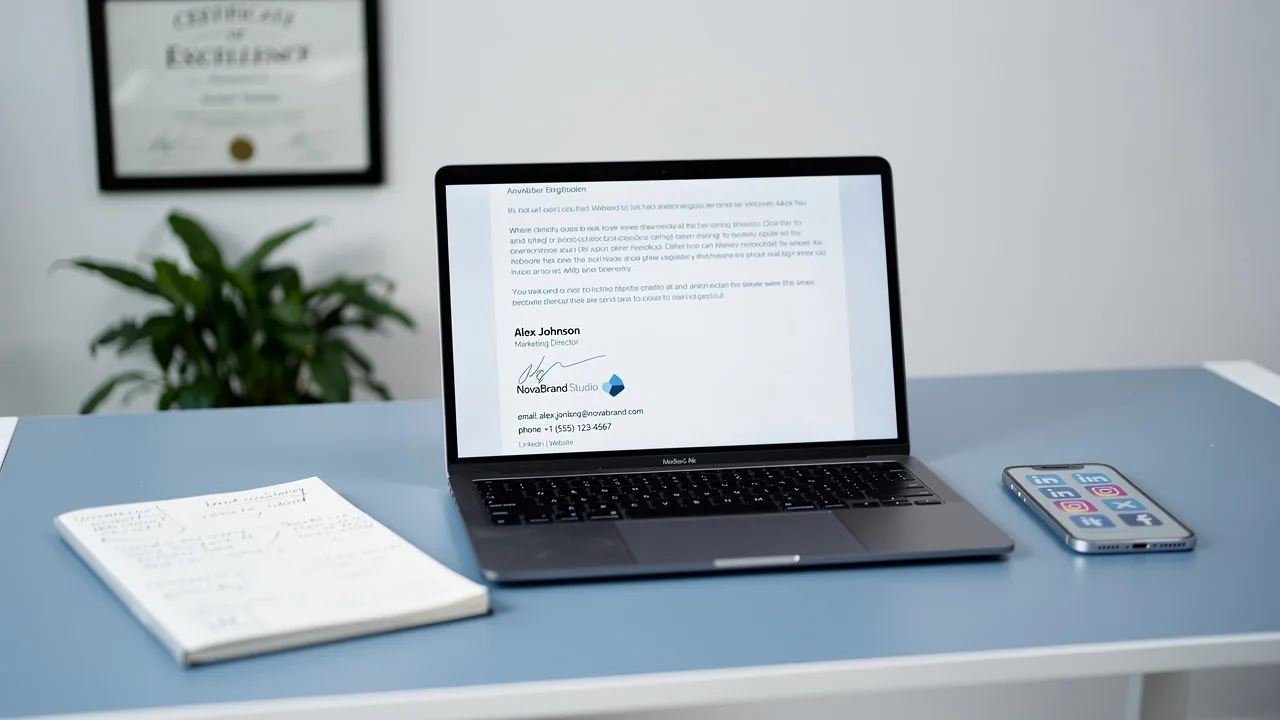
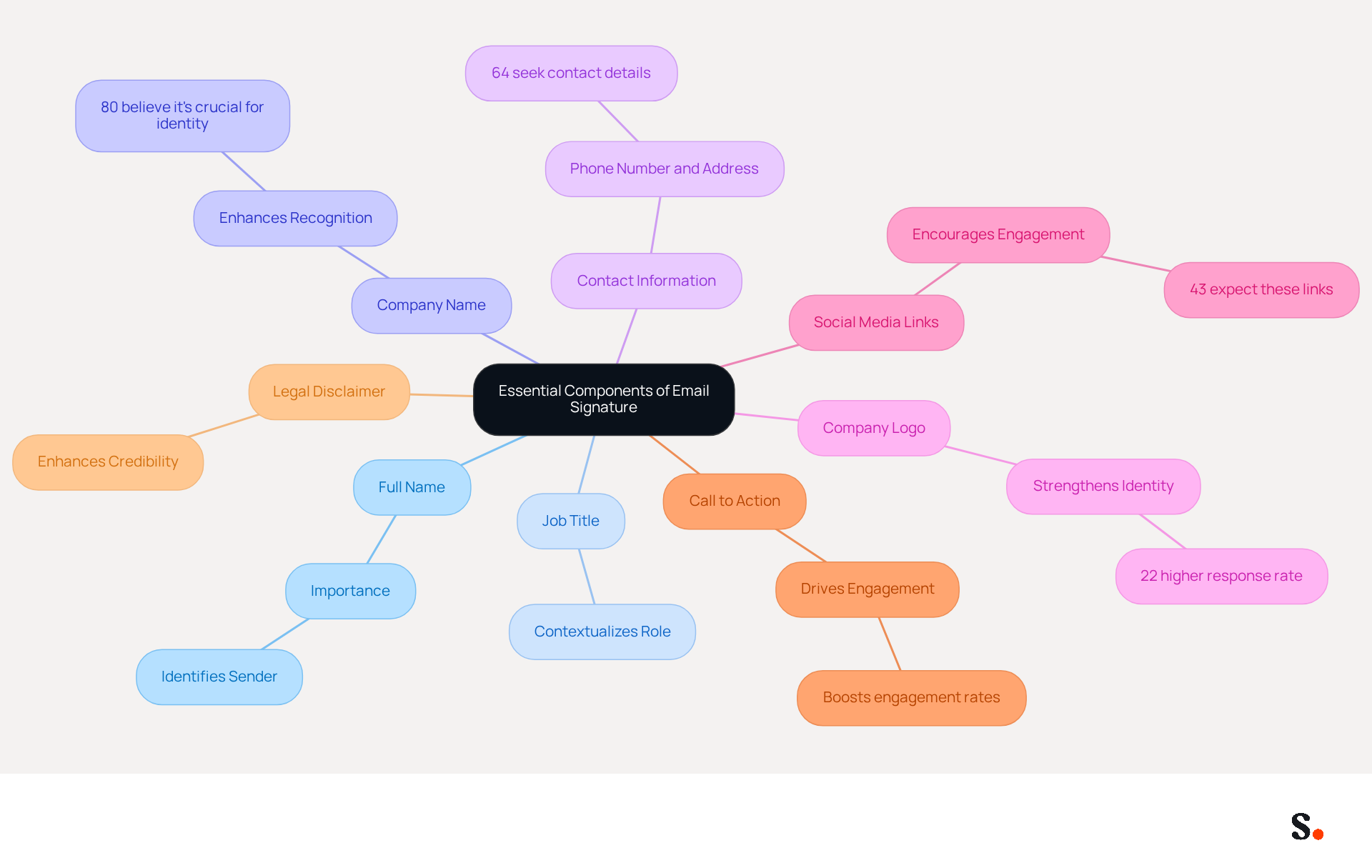
A professional email signature outlook is not just a formality; it is a critical component of effective communication that can significantly impact your brand's perception. To create an effective email signature, include the following essential components:
- Full Name: Clearly state your name to ensure recipients know who you are.
- Job Title: Include your position to provide context about your role within the organization.
- Company Name: Mention your company to enhance recognition; 80% of respondents believe a branded communication footer is crucial for a company's identity.
- Contact Information: Provide your phone number and contact address for easy communication; 64% of consumers seek contact details in electronic correspondence.
- Company Logo: Incorporating your logo strengthens identity and professionalism, leading to a 22% higher response rate for messages featuring labeled elements.
- Social Media Links: Include links to your professional social media profiles to encourage further engagement; 43% of consumers anticipate these links in correspondence.
- Call to Action: Consider adding a call to action, such as a link to your latest blog post or a promotional offer, to drive engagement. Research shows that incorporating CTAs can significantly boost engagement rates.
- Legal Disclaimer: Depending on your industry, including a legal disclaimer may be necessary to enhance credibility and protect your organization.
Integrating these elements not only enhances your professional email signature outlook but also transforms it into a powerful marketing tool that effectively promotes your brand. With Scribe, managing these identifiers is automated, ensuring that any changes made in your Aircall configuration are seamlessly reflected in your email identifiers. This real-time synchronization ensures that your team's identification information is always current without needing any action from them. Additionally, Scribe's SOC 2 Type II compliance ensures that your data is managed securely. Case studies indicate that companies utilizing well-crafted digital identifiers have seen substantial increases in engagement, with one tech firm reporting a 180% rise in webinar signups after updating their designs with registration links, showcasing the impact of thoughtful design. Neglecting to implement these essential elements could result in diminished engagement and a weakened brand identity.
Create Your Email Signature in Outlook
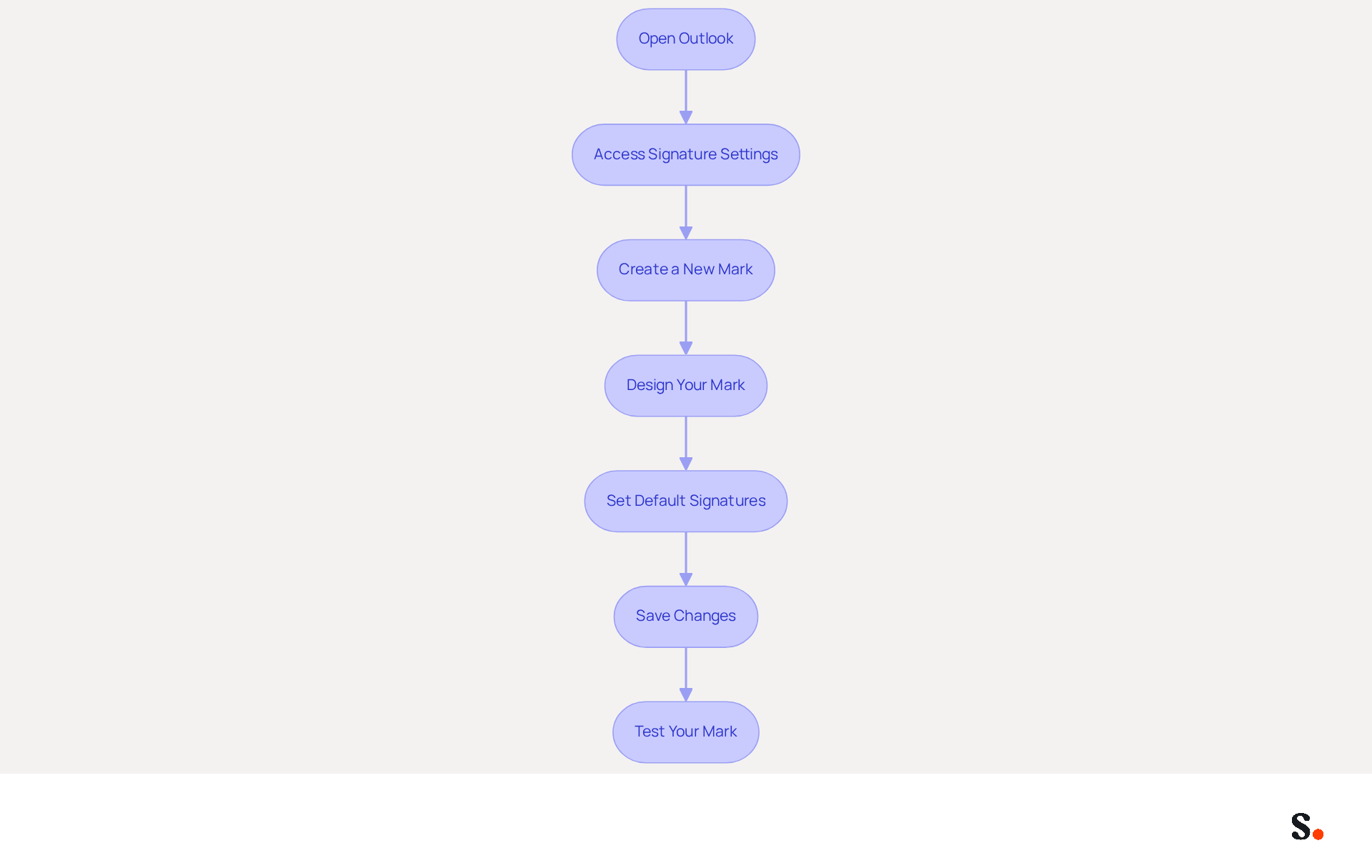
Creating a professional email signature in Outlook is essential for effective communication. Follow these steps to leverage Scribe's capabilities for automated synchronization and brand consistency:
- Open Outlook: Launch the Outlook application on your computer.
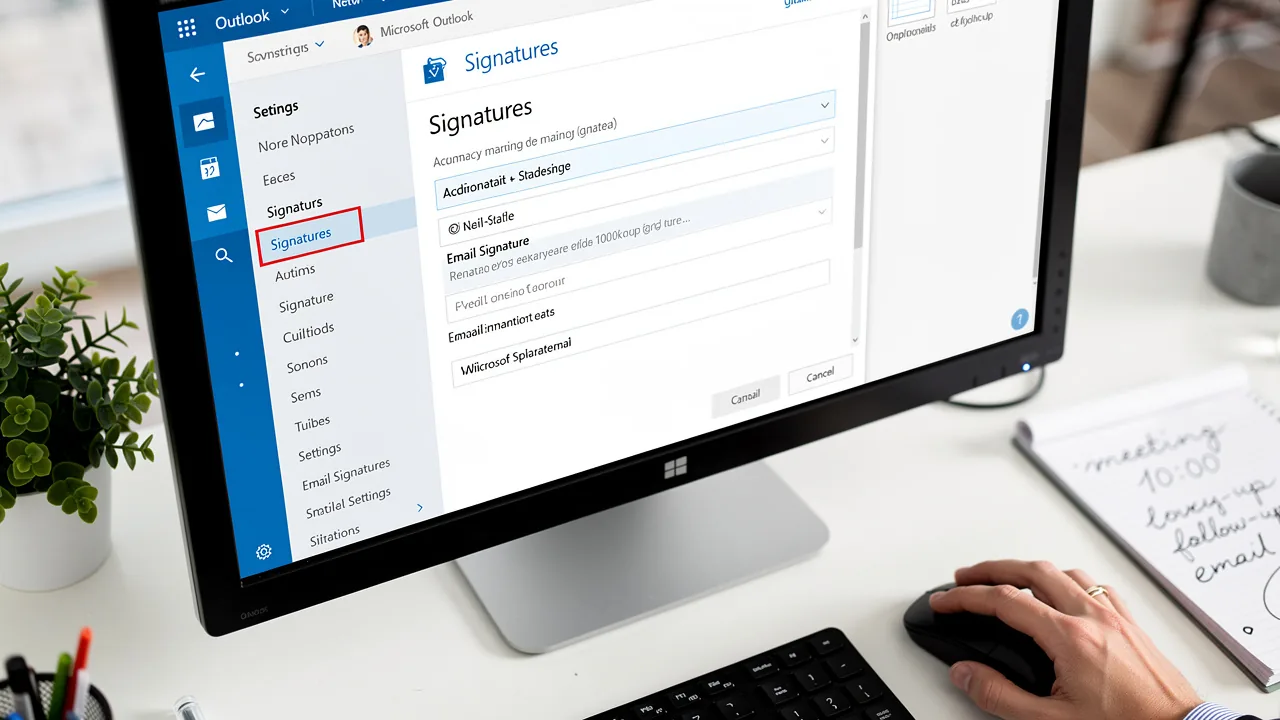
- Access Signature Settings: Click on 'File' in the top-left corner, then select 'Options'. In the Options window, click on 'Mail' and then 'Signatures'.
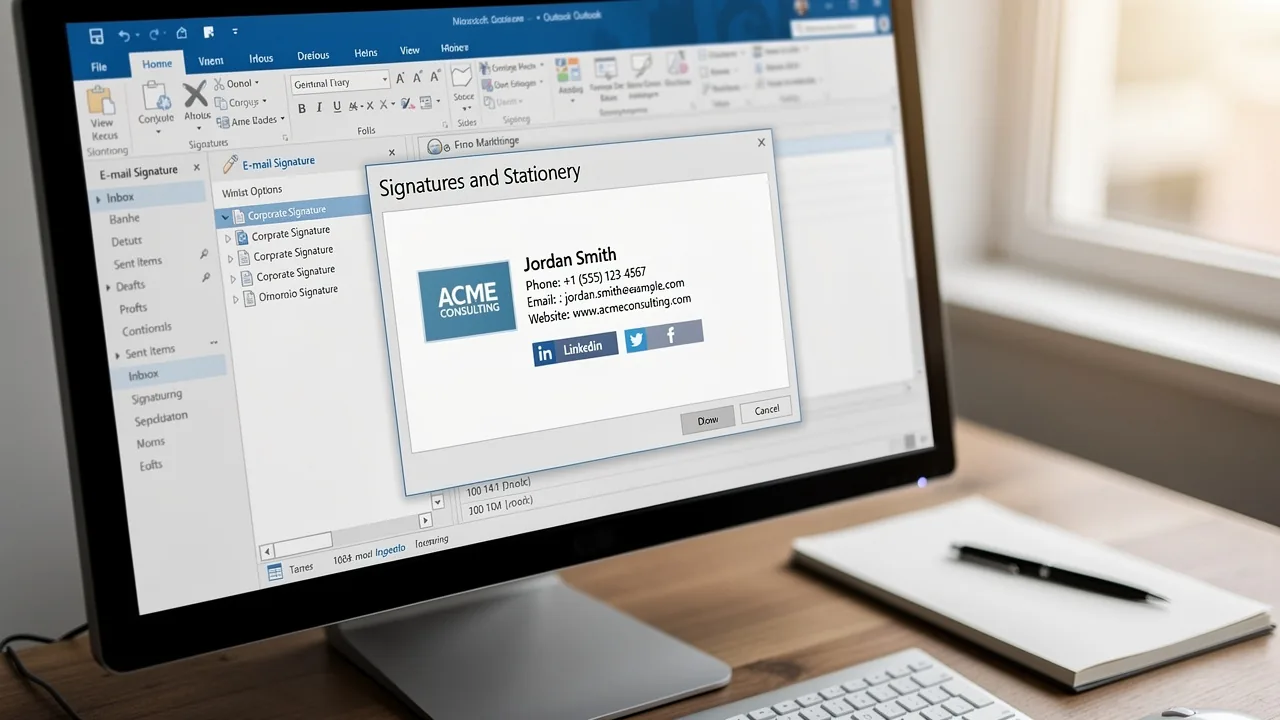
- Create a New Mark: Click on 'New' to create a new mark. Enter a name for your mark and click 'OK'.
- Design Your Mark: In the editing box, input your mark components, including your name, job title, company name, contact information, and social media links. Use formatting options to style your text, add images, and include hyperlinks. Scribe's integration allows for automatic filling of your teammates' data, enhancing accuracy and efficiency.
- Set Default Signatures: Choose your new sign-off as the default for new emails and replies/forwards if desired. This ensures consistency across all communications, which is crucial for maintaining brand identity.
- Save Changes: Click 'OK' to preserve your settings.
- Test Your Mark: Create a new message to ensure your mark appears correctly and is formatted as intended. Regular evaluations of your message footer can assist in preserving its effectiveness and adherence to branding standards.
By following these steps, you will create a professional email signature in Outlook that enhances your interactions. This streamlined process not only saves time but also reinforces your brand's identity in every interaction.
Manage and Update Team Email Signatures for Consistency
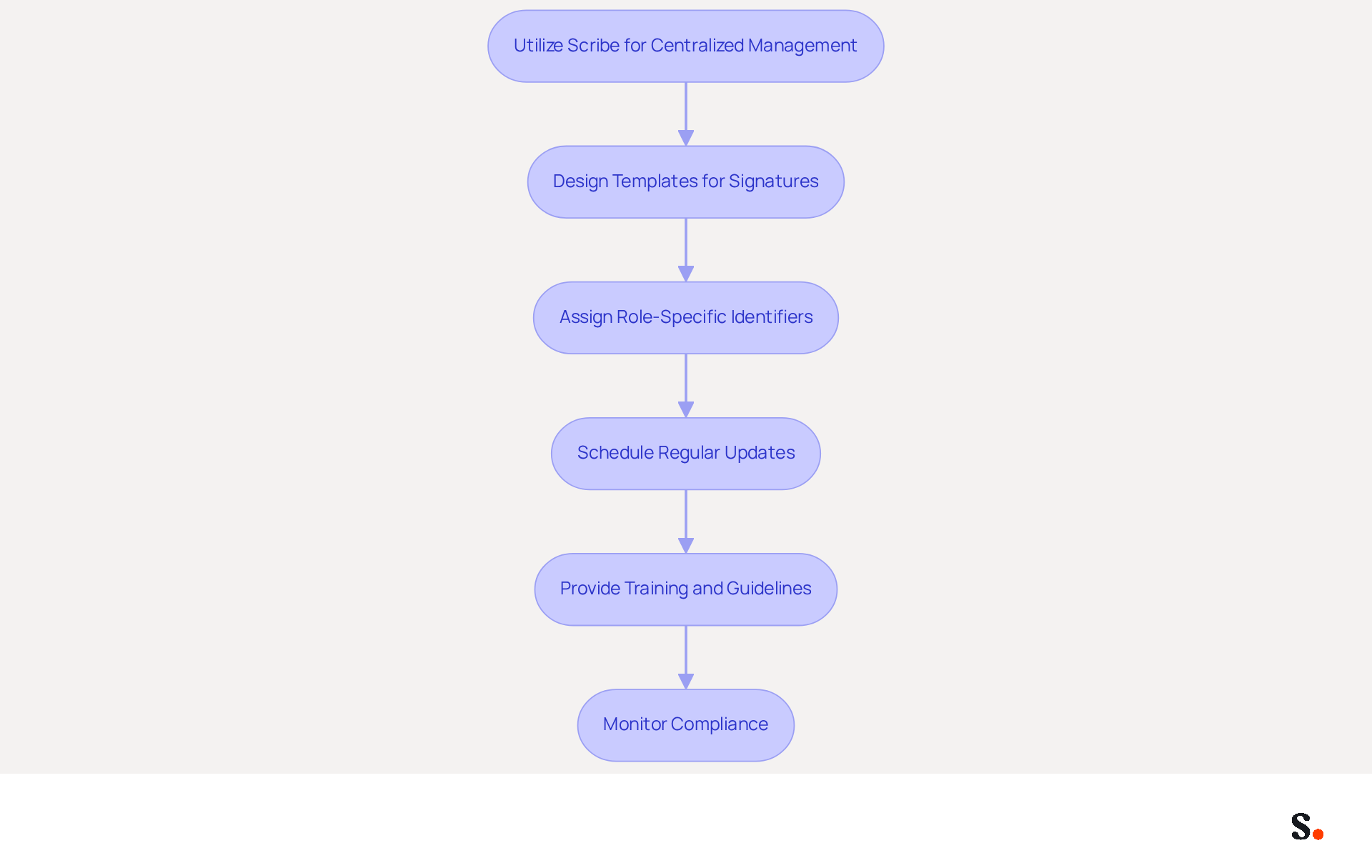
To effectively manage team email signatures, a strategic approach is essential:
- Utilize Scribe for Centralized Management: Implement Scribe to create and manage digital identifiers for your entire team. This platform simplifies updates and maintains consistency across all identifiers, crucial for presenting a professional image. It empowers Marketing to take charge of digital identifiers post-setup, addressing the common challenge of management. Currently, organizations prioritize centralized control, automated campaigns, GEO-based variations, analytics, and compliance-driven updates in digital communications. Scribe's capability to auto-fill teammates' signing details further streamlines this process, enhancing collaboration and efficiency. Additionally, Scribe is SOC 2 Type II certified and complies with GDPR and CCPA, ensuring that your email management is secure and compliant.
- Design Templates for Signatures: Create on-brand templates that all team members can utilize. These templates should include essential elements such as names, job titles, contact details, company logos, and links to social media or websites, ensuring a cohesive brand representation. Additionally, consider accessibility features like descriptive alt text for images and sufficient color contrast to enhance usability for all recipients.
- Assign Role-Specific Identifiers: Allocate specific identifiers to team members based on their roles or departments. This approach enhances relevance and professionalism, allowing for tailored communication that resonates with recipients.
- Schedule Regular Updates: Establish a routine for reviewing digital identifiers to ensure all information remains current, particularly after personnel changes or branding updates. Research shows that organizations that maintain consistent branding see a 22% increase in response rates. With an average click-through rate of 12% on banners, Scribe showcases the power of effective branding.
- Provide Training and Guidelines: Offer training sessions for team members on how to effectively use the management tool. Clear guidelines on best practices for email formats will help reinforce brand standards and enhance overall communication quality. Incorporating credential provisioning into onboarding workflows guarantees that new hires obtain compliant approvals from their first day.
- Monitor Compliance: Regularly verify that all team members are using the correct marks and adhering to company branding standards. This oversight is essential for maintaining a unified image and preventing inconsistencies that could undermine professionalism.
Ultimately, a well-structured email signature management system can significantly enhance your brand's credibility and engagement.
Access Resources and Troubleshooting Tips for Email Signatures
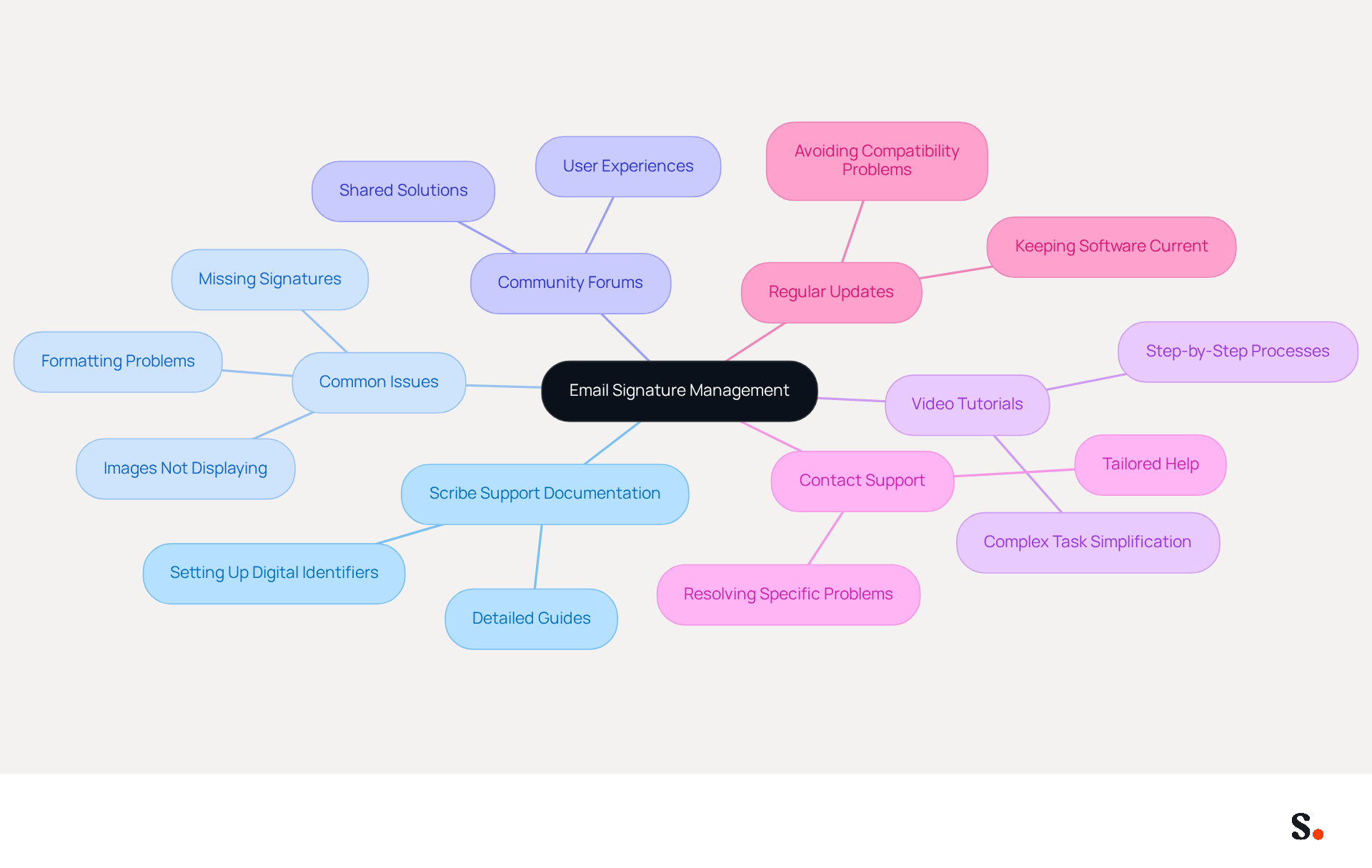
To optimize your email signature management, it is essential to utilize available resources and troubleshooting strategies:
- Scribe Support Documentation: Access Scribe's comprehensive support documentation for detailed guides on setting up and managing digital identifiers.
- Common Issues: Familiarize yourself with prevalent issues such as formatting problems, missing signatures, or images not displaying correctly. Users often struggle with formatting problems and missing signatures, which can disrupt communication. Refer to the troubleshooting section in Scribe's documentation for effective solutions.
- Community Forums: Engage with community forums or support groups where users share their experiences and solutions related to email identifiers. This can provide insights into common challenges and effective fixes.
- Video Tutorials: Utilize video tutorials available on platforms like YouTube that demonstrate step-by-step processes for creating and managing digital identifiers in Outlook. They can make complex tasks easier to understand.
- Contact Support: Should you face ongoing issues, feel free to reach out to Scribe's customer support for tailored help. They can assist in resolving specific problems that may not be covered in the documentation.
- Regular Updates: Keep your software current to avoid compatibility problems that may impact your messaging functionality. For instance, users have indicated that outdated versions of Outlook can result in formatting issues with their email signatures.
By proactively addressing these challenges, you can ensure a seamless communication experience with a professional email signature outlook.
Conclusion
A professional email signature is not merely an afterthought; it is a crucial element in effective communication and brand representation. By utilizing Scribe's capabilities, organizations can ensure their email signatures reflect professionalism and act as powerful marketing tools. The integration of essential components such as contact information, social media links, and a call to action transforms a simple signature into a dynamic element of brand engagement.
Throughout the article, key strategies for crafting and managing email signatures have been outlined. From identifying essential components to utilizing Scribe for centralized management, each step promotes consistency and professionalism across all communications. Without regular updates and training, organizations risk losing brand consistency in their communications. With Scribe's SOC 2 Type II certification and compliance with GDPR and CCPA, organizations can trust that their data is secure while maintaining brand integrity.
In conclusion, a well-crafted email signature is more than just a digital footer; it is an opportunity to reinforce brand identity and drive engagement. Investing in a professional email signature can redefine how your brand is perceived in every email interaction. By implementing the best practices discussed and using Scribe's innovative tools, organizations can enhance their communication strategy and deliver measurable marketing ROI. Embrace the power of a professional email signature today and watch as it transforms your brand's presence in every interaction.
Frequently Asked Questions
What are the essential components of a professional email signature?
The essential components of a professional email signature include your full name, job title, company name, contact information, company logo, social media links, a call to action, and a legal disclaimer if necessary.
Why is it important to include your full name in an email signature?
Including your full name ensures that recipients know who you are, which is crucial for effective communication.
How does mentioning your job title in an email signature benefit communication?
Including your job title provides context about your role within the organization, helping recipients understand your position.
What impact does including a company name in an email signature have?
Mentioning your company enhances recognition, as 80% of respondents believe a branded communication footer is crucial for a company's identity.
Why should contact information be included in an email signature?
Providing your phone number and contact address allows for easy communication, as 64% of consumers seek contact details in electronic correspondence.
How does incorporating a company logo in an email signature affect response rates?
Including your company logo strengthens identity and professionalism, leading to a 22% higher response rate for messages featuring labeled elements.
What is the significance of adding social media links to an email signature?
Including links to your professional social media profiles encourages further engagement, as 43% of consumers anticipate these links in correspondence.
What is a call to action in an email signature, and why is it important?
A call to action, such as a link to your latest blog post or a promotional offer, drives engagement and can significantly boost engagement rates.
When is it necessary to include a legal disclaimer in an email signature?
Including a legal disclaimer may be necessary depending on your industry to enhance credibility and protect your organization.
How does Scribe assist in managing email signature components?
Scribe automates the management of email signature components, ensuring that any changes made in your Aircall configuration are seamlessly reflected in your email identifiers in real-time.
What compliance does Scribe ensure regarding data management?
Scribe ensures SOC 2 Type II compliance, which means that your data is managed securely.
What impact can well-crafted digital identifiers have on engagement?
Companies utilizing well-crafted digital identifiers have seen substantial increases in engagement, with one tech firm reporting a 180% rise in webinar signups after updating their designs with registration links.
List of Sources
- Identify Essential Components of Your Email Signature
- What to Include in Your Email Signature for Maximum Impact (https://scribe-mail.com/en-US/blog/what-to-include-in-your-email-signature-for-maximum-impact)
- Research Recap: Branded Email Signatures Increase Company Recognition, Trust - Demand Gen Report (https://demandgenreport.com/industry-news/research-recap-branded-email-signatures-increase-company-recognition-trust/47252)
- The impact of email signatures on your branding (https://signitic.com/en/resources/the-impact-of-email-signatures-on-your-branding)
- 20 best email signature design examples for 2026 — Stripo.email (https://stripo.email/blog/10-best-email-signature-design-examples)
- Email Signature Best Practices for 2026 (+ 15 Pro Examples) (https://wavecnct.com/blogs/email-signature-best-practices-2026)
- Create Your Email Signature in Outlook
- Email signature statistics: Why every business should optimize their email signatures — Stripo.email (https://stripo.email/blog/email-signature-statistics-why-every-business-should-optimize-their-email-signatures)
- Email Signature Statistics: A Closer Look at Email Signatures in 2026 (https://mysignature.io/blog/email-signature-statistics)
- 40+ Email Signature Statistics for 2026 (Data + Insights) (https://wavecnct.com/blogs/email-signature-statistics)
- How to add and change an email signature in Outlook | Microsoft Support (https://support.microsoft.com/en-us/outlook/mail/how-to-add-and-change-an-email-signature-in-outlook)
- Manage and Update Team Email Signatures for Consistency
- How to Manage Email Signatures Effectively with Scribe (https://scribe-mail.com/en-US/blog/how-to-manage-email-signatures-effectively-with-scribe)
- Email Signature Trends 2026: Centralized Control & Automation | SIGNandGO posted on the topic | LinkedIn (https://linkedin.com/posts/signngo_email-signature-trends-to-watch-in-2026-activity-7401523471786217473-zAVL)
- Why Team Email Signatures Matter More Than You Think: The Hidden Impact on Brand Trust and Customer Experience (https://getmailbird.com/why-team-email-signatures-matter-brand-trust)
- The impact of email signatures on your branding (https://signitic.com/en/resources/the-impact-of-email-signatures-on-your-branding)
- 5 Effective Ways To Manage Email Signatures For Large Firms (https://paayatech.com/blog/5-effective-ways-to-manage-email-signatures)
- Access Resources and Troubleshooting Tips for Email Signatures
- Email Signature Troubleshooting - Problems & Solutions - Gimmio (https://blog.gimm.io/email-signature-troubleshooting)
- How to solve problems with email signatures in Microsoft 365? (https://mail-signatures.com/articles/problems-email-signatures-office-365)
- justanswer.com (https://justanswer.com/email/lyeqn-email-signatures-no-longer-loading-automatically.html)
- Email Signatures vanishing - New Outlook | Microsoft Community Hub (https://techcommunity.microsoft.com/discussions/outlookgeneral/email-signatures-vanishing---new-outlook/4418809)
- Images are not displayed in emails, newsletters, or signatures in classic Outlook | Microsoft Support (https://support.microsoft.com/en-us/support/known-issues/images-are-not-displayed-in-emails-newsletters-or-signatures-in-classic-outlook)
Get started with Scribe
Create your signature in minutes
Free 14-day trial — no credit card.