How to Change Your Google Email Signature in 5 Simple Steps
A well-crafted email signature is essential for effective professional communication, embodying a brand's identity and values in every message sent. By
Sophie Grant
Email Signature Specialist, Scribe
Introduction
A well-crafted email signature is essential for effective professional communication, embodying a brand's identity and values in every message sent. By understanding the significance of a well-crafted signature, professionals can use this tool to enhance professionalism, reinforce branding, and create marketing opportunities. This often leads to outdated signatures that fail to represent their brand accurately, undermining trust and professionalism in communications.
What are the steps to effectively update a Google email signature to reflect your brand's essence?
Understand the Importance of Your Email Signature
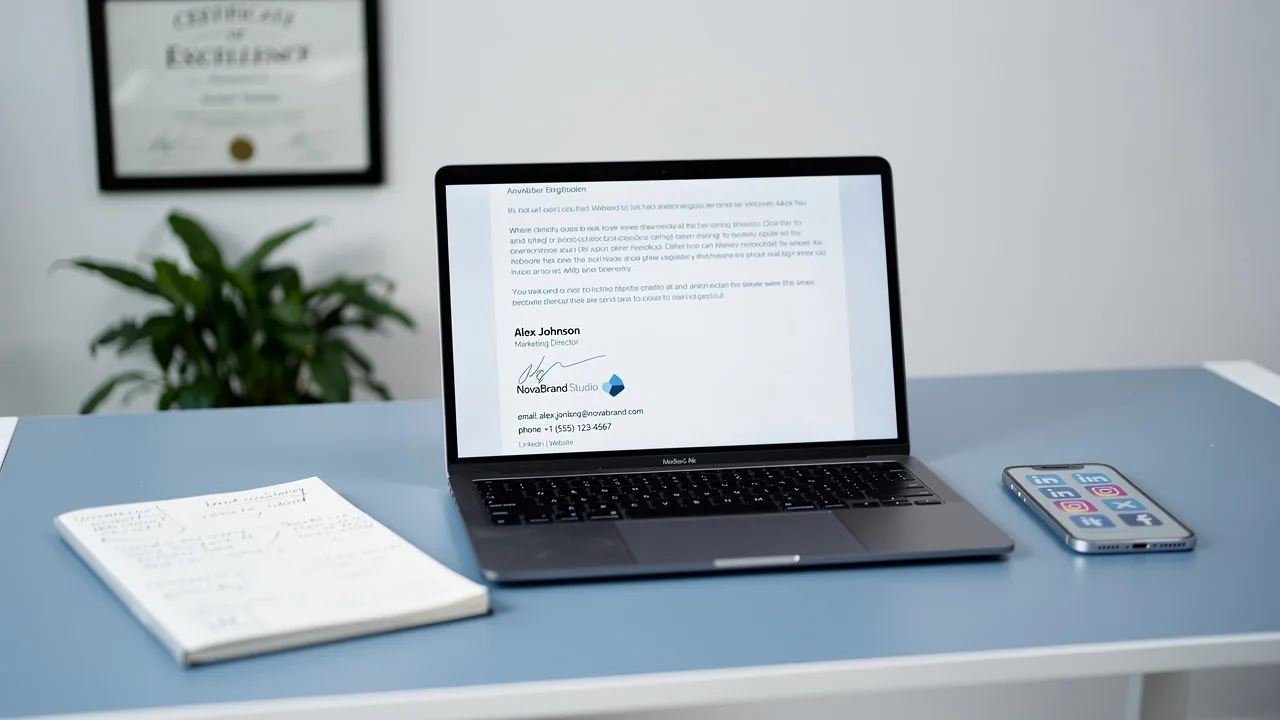
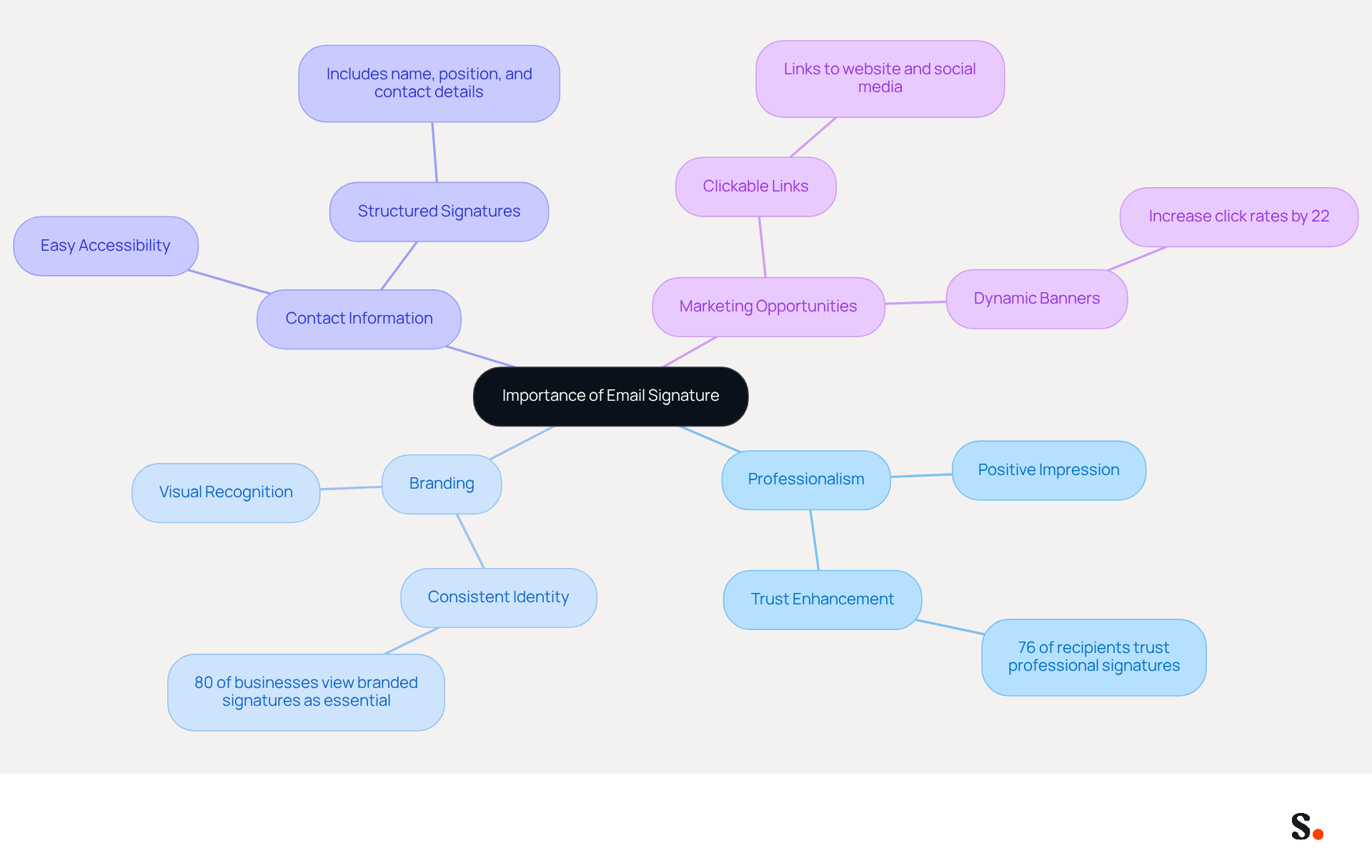
An email signature is more than just a sign-off; it serves as a digital business card that encapsulates your brand's identity in every correspondence. Here are key reasons why your email signature is crucial:
- Professionalism: A well-designed signature shows you care about professionalism and details, leaving a positive impression on those who receive your emails. Studies indicate that 76% of recipients feel greater trust towards senders with professional credentials, enhancing your credibility.
- Branding: Consistent application of logos, colors, and fonts reinforces your brand identity, aiding recipients in recognizing your messages. In fact, 80% of businesses consider branded email footers essential for establishing trust.
- Contact Information: Including vital contact details ensures recipients can easily reach you, facilitating effective communication. A well-organized sign-off provides all necessary information, making it easier for clients and prospects to connect.
- Marketing Opportunities: Your sign-off can incorporate links to your website, social media, or promotional campaigns, transforming every message into a marketing opportunity. Dynamic banners in digital communications can boost click rates by 22%, highlighting their potential as strategic marketing tools.
Understanding these elements underscores the need to regularly update your contact information to maximize its impact on branding and communication.
Access Your Gmail Signature Settings
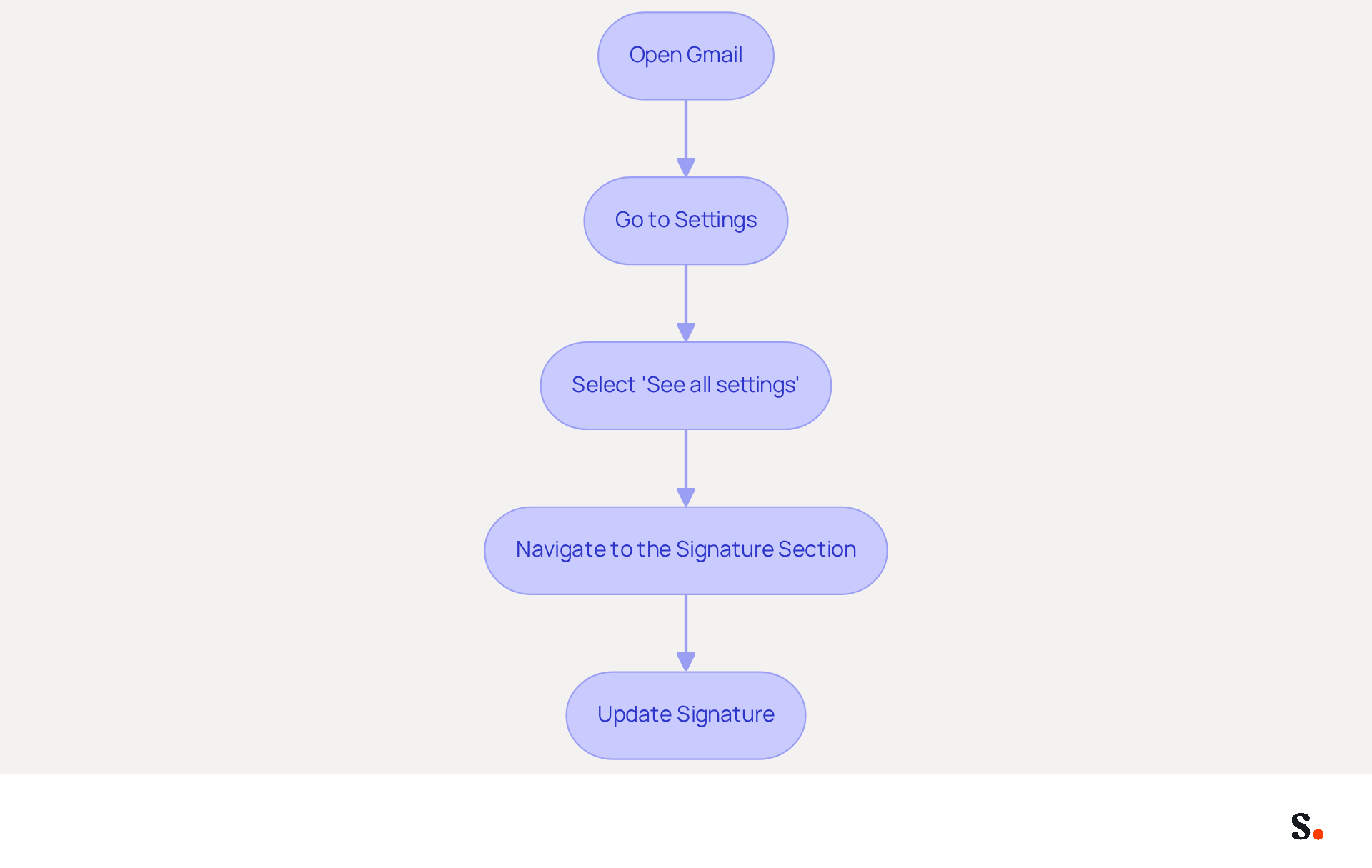
To ensure your email signature reflects your brand effectively, follow these straightforward steps to update it in Gmail:
- Open Gmail: Launch your web browser and log into your Gmail account.
- Go to Settings: Click on the gear icon located in the top right corner of the Gmail interface.
- Select 'See all settings': From the dropdown menu, choose 'See all settings' to access the full settings menu.
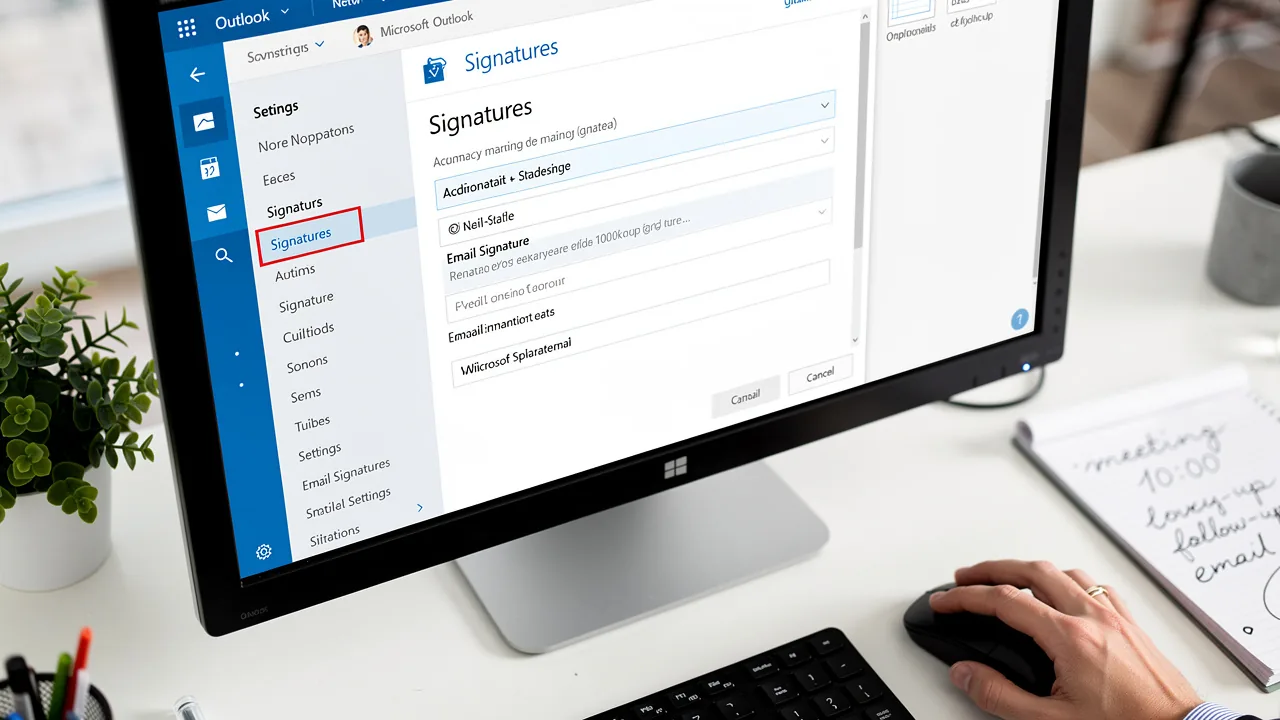
- Navigate to the Signature Section: Under the 'General' tab, scroll down until you find the 'Signature' section. Here, you will find options to create or modify your personal mark.
In 2026, 52% of customers prefer messages as their main way to communicate with brands, highlighting the need for a well-designed email footer. Organizations that maintain consistent branded communication footers report over a 22% increase in response rates, underscoring the importance of this feature.
Using Scribe means your email footer updates automatically with your business phone system and Calendly, so your team always has the latest information. This integration saves your team time and ensures that your brand remains consistent in every interaction. Plus, with Scribe's SOC 2 Type II compliance, you can trust that your data is handled securely.
For expert advice, consider rotating your key content quarterly to keep it fresh and engaging. Additionally, incorporating call-to-action buttons can enhance engagement, as 32.3% of users already do.
Case studies reveal that organizations effectively utilize these settings to align their branding and marketing strategies. For example, organizations that frequently refresh their identifiers not only enhance professionalism but also utilize their communications as effective marketing instruments. By following these steps, you will be prepared to understand how to change google email signature, ensuring it reflects your brand's identity and maximizes marketing opportunities. By implementing these strategies, you can significantly enhance your brand's visibility and engagement through email communications.
Create or Edit Your Email Signature
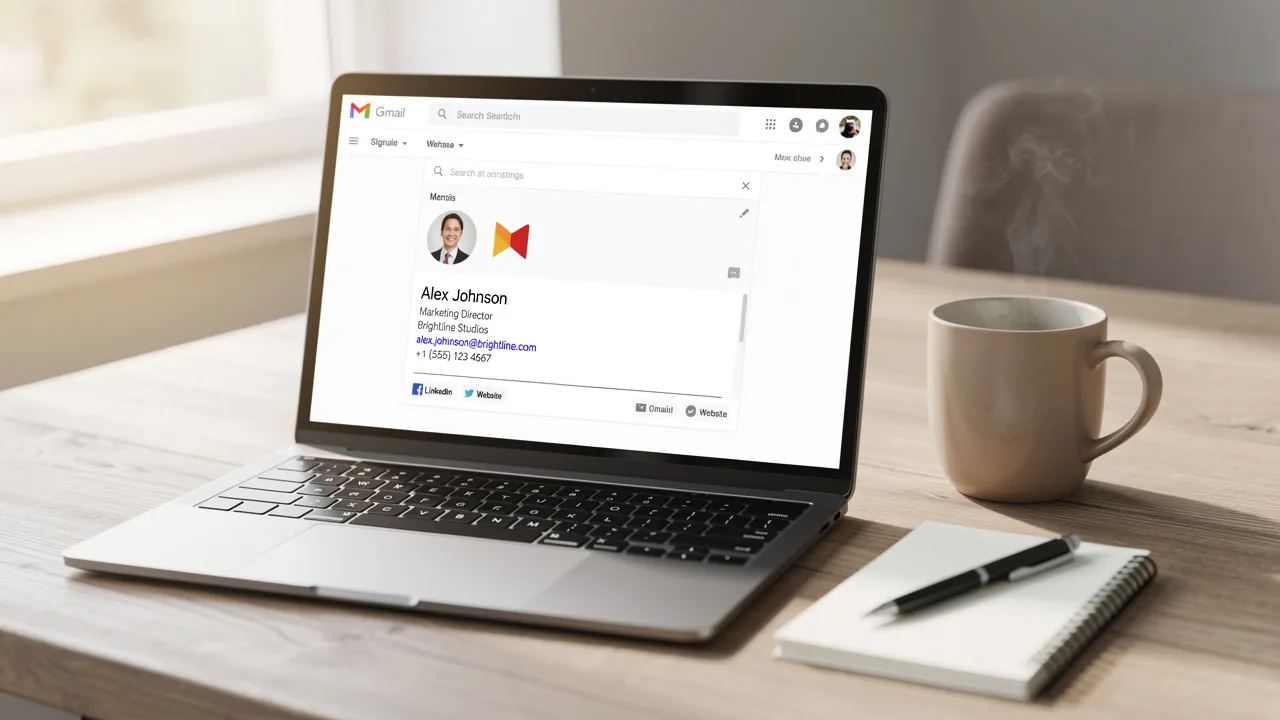
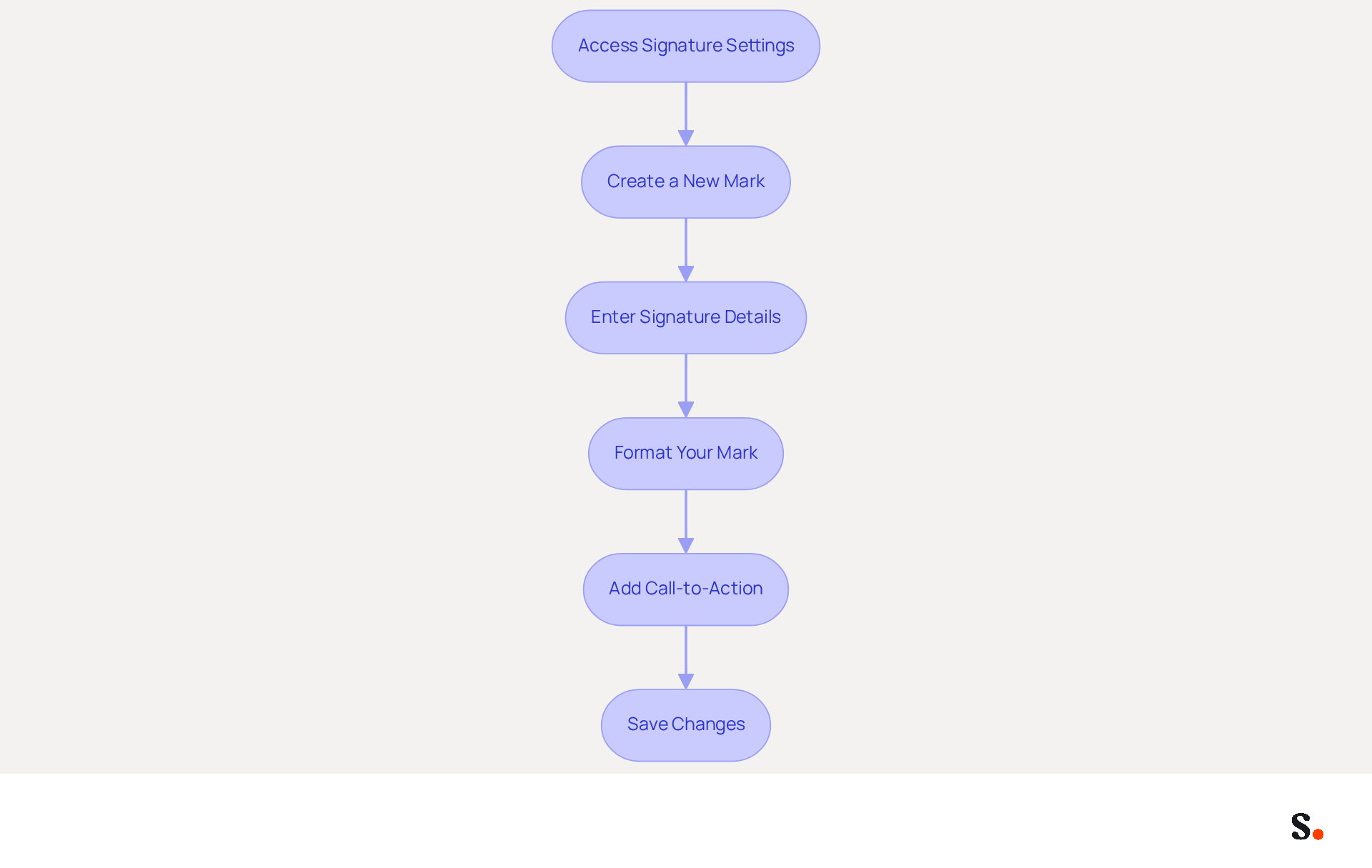
Creating a professional email signature is crucial for establishing a strong brand identity. Once you have accessed the signature settings, you can create or edit your email signature:
- Create a New Mark: Click on the '+ Create New' button to initiate a new mark. You will be prompted to name your identifier for easy recognition.
- Enter Signature Details: In the text box, input your desired content. Include essential information such as your name, title, company name, and any relevant contact details. Research indicates that 80% of respondents consider a branded digital mark essential for a company's brand identity.
- Format Your Mark: Utilize the formatting options available to customize your mark. Change the font style, size, and color. It is advisable to include links and images for enhanced engagement. Including a professional photo can increase response rates by 32%, so opt for a high-quality headshot.
- Add Call-to-Action: Incorporate a call-to-action (CTA) to enhance engagement. Statistics indicate that 52.6% of users incorporate a CTA in their correspondence, which can greatly enhance response rates.
- Save Changes: After finalizing your autograph, scroll down and click 'Save Changes' at the bottom of the settings page.
To enable one-click synchronization, ensure you grant Scribe permission to connect with your service provider. This step is essential for the automatic updates of your message identifiers. Following these steps will enable you to learn how to change google email signature, creating a personalized electronic identifier that enhances your professional image and adheres to effective communication practices. Regularly reviewing and updating your personal mark is important, as many users neglect to update their marks, leading to outdated representations of their professional identity. Furthermore, with Scribe's one-click synchronization, any modifications made in your provider will be automatically reflected in your branding, ensuring brand consistency and compliance with SOC 2 Type II standards for secure data handling. By ensuring your signature is current, you reinforce your professional image and enhance communication effectiveness.
Utilize Advanced Signature Features
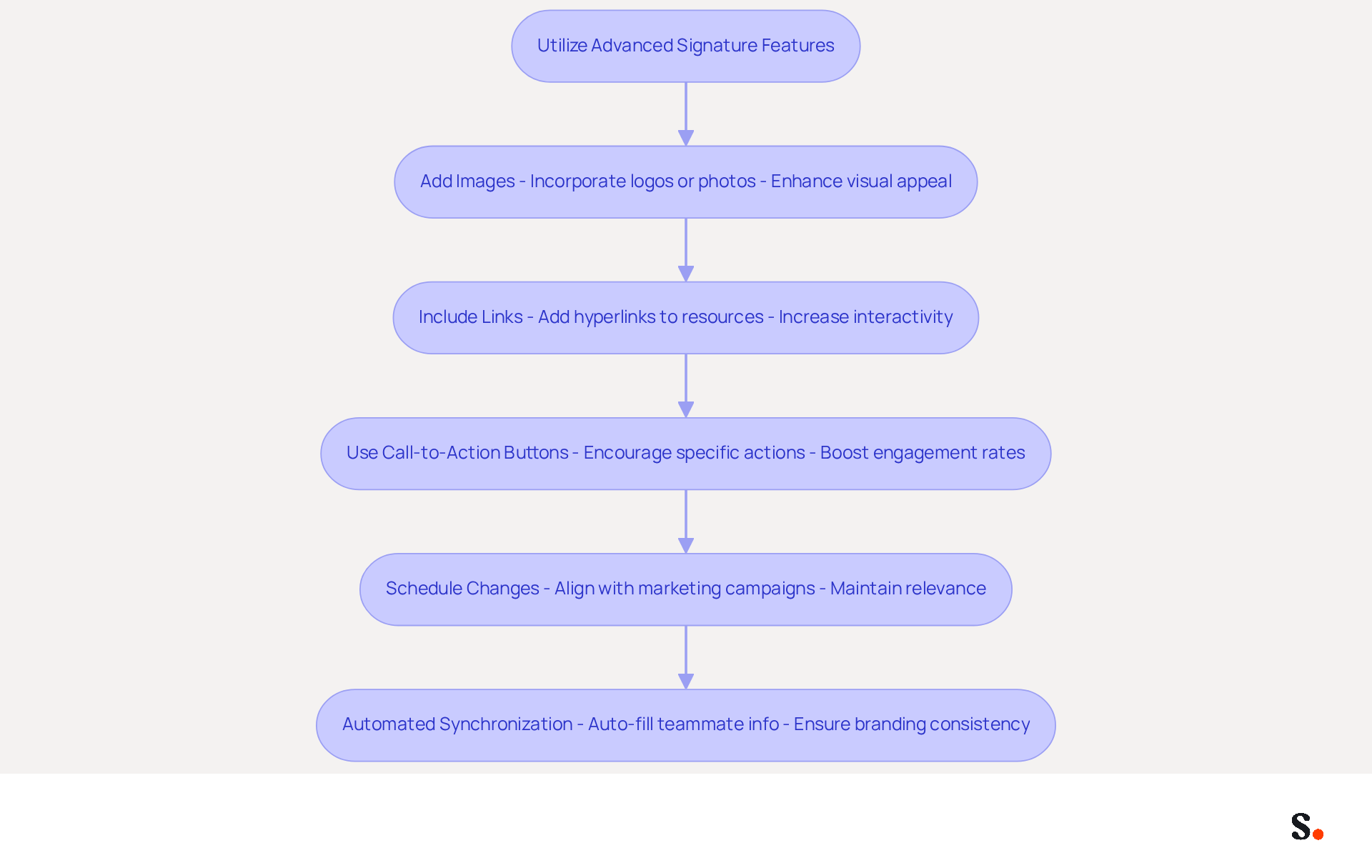
To maximize the impact of your email signature, consider leveraging advanced features that enhance both aesthetics and functionality:
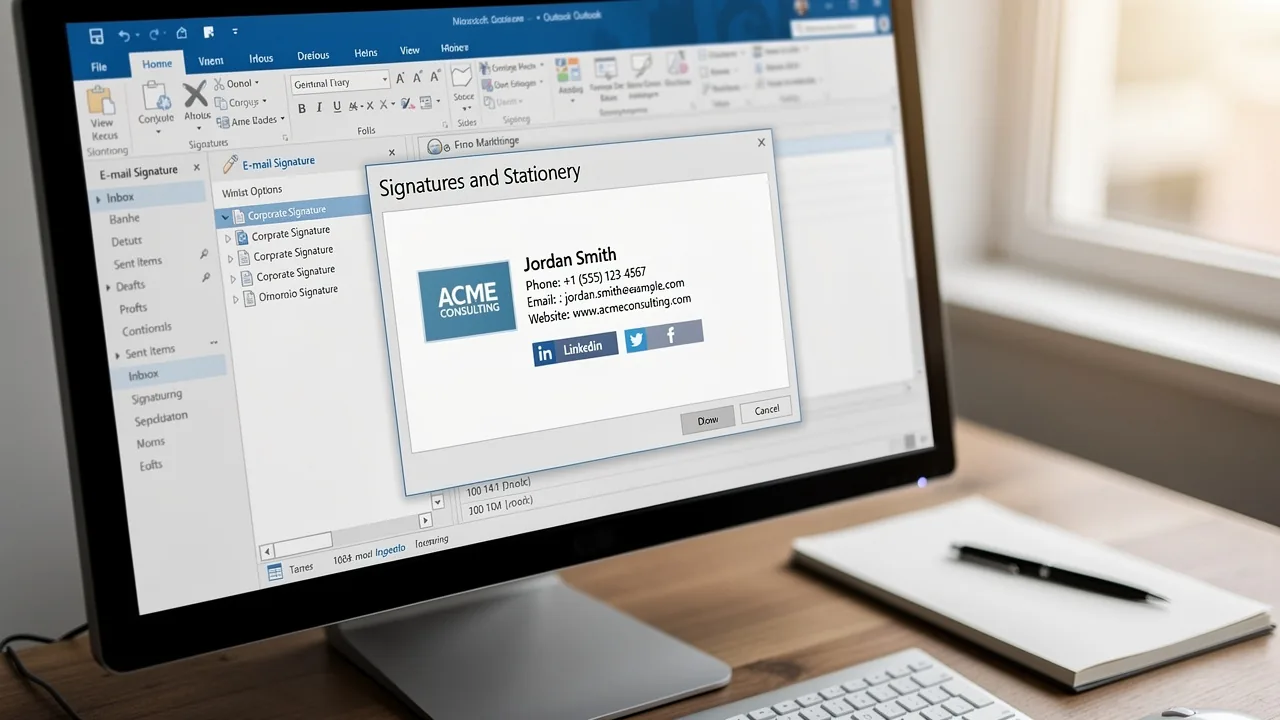
- Add Images: Incorporate your company logo or a professional photo to create a visually appealing email footer. Use the image icon in the editor to upload an image from your computer or insert a URL.
- Include Links: Make your email footer interactive by adding hyperlinks to your website, social media profiles, or promotional content. Highlight the desired text, click the link icon, and enter the URL to connect recipients directly to your resources.
- Use Call-to-Action Buttons: Encourage specific actions by adding buttons that link to landing pages or special offers. You can create these using HTML or third-party tools, which makes it simple for recipients to interact with your content. Data shows that 52.6% of users include a call-to-action in their communication footers, which significantly boosts engagement rates.
- Schedule Changes to Your Signature Block: Align your contact information with marketing campaigns by planning modifications. However, many professionals struggle with how to change google email signature to ensure it aligns with ongoing marketing efforts. Statistics indicate that 44.4% of professionals refresh their email details 2-4 times annually, emphasizing the importance of knowing how to change google email signature to maintain relevance and effectiveness.
- Automated Synchronization: With Scribe, you can save time by auto-filling your teammates' identifiers using your business phone system as a data source. This means your teammates' information stays up-to-date without them having to lift a finger. Changes in your connected source will be automatically updated in Scribe, enhancing branding consistency and compliance with SOC 2 Type II standards. Furthermore, to enable one-click synchronization, you must grant Scribe permission to connect with your service provider, streamlining the process further.
By utilizing these advanced features, you can transform your electronic correspondence footer into a powerful tool that not only conveys essential information but also actively engages recipients and drives desired actions. Companies employing branded digital identifiers see a 22% rise in response rates, while maintaining uniform branding boosts brand identity and enhances trust by 76%. Ultimately, a well-crafted email signature not only conveys professionalism but also significantly influences recipient engagement and perception.
Troubleshoot Common Signature Issues
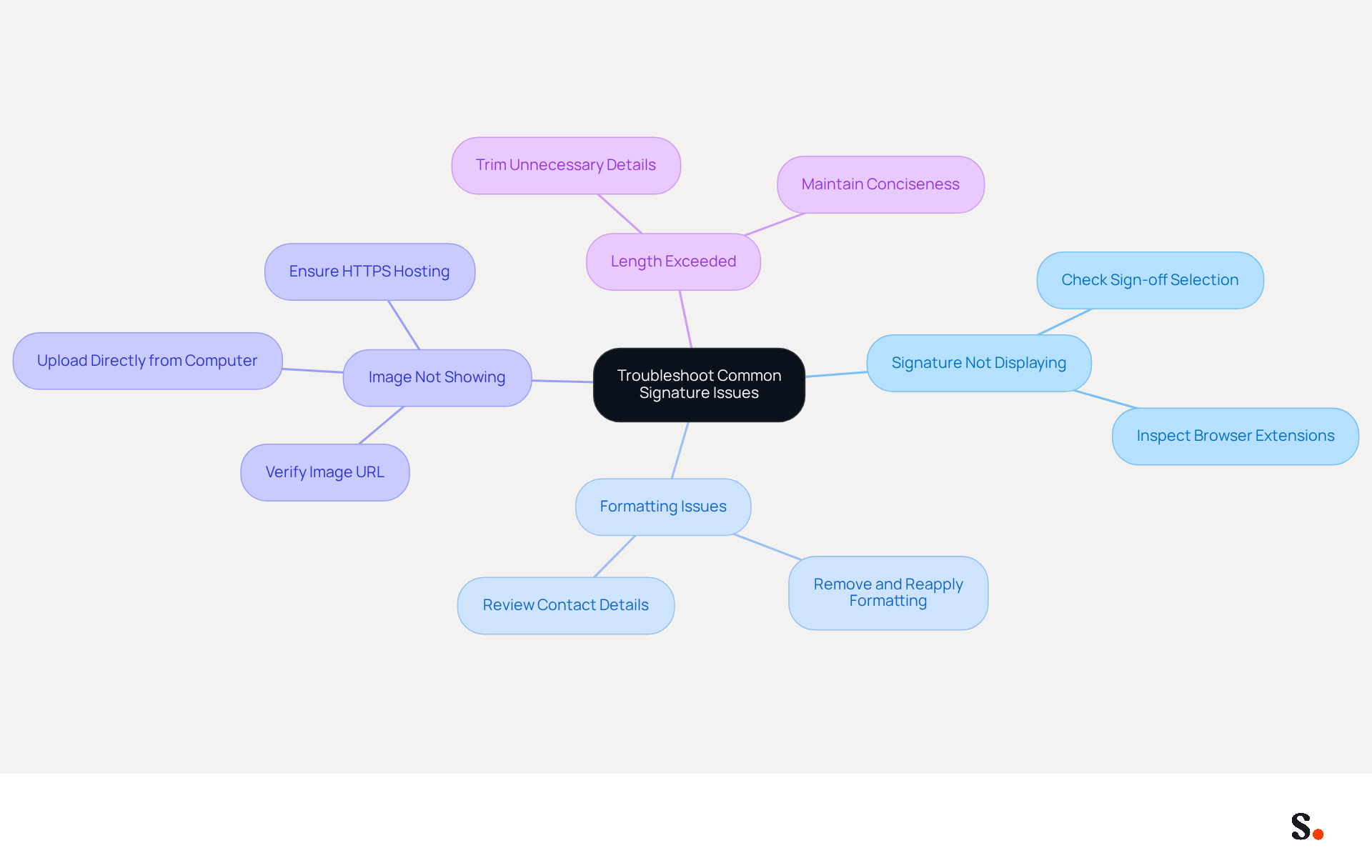
Managing email signatures can often present challenges that require careful attention to detail. Here are some common problems and their solutions:
- Signature Not Displaying: Ensure that you have selected the correct sign-off in the settings. If the 'No signature' option is chosen, your name will not be displayed. Additionally, check for any browser extensions that may interfere with Gmail's formatting.
- Formatting Issues: If your sign-off looks off, start by removing all formatting and then reapply it carefully. Copying and pasting from other sources can introduce unwanted formatting that disrupts the appearance. Regularly review your contact details and branding elements to maintain professionalism.
- Image Not Showing: If your email footer images aren't showing up, check the image URL or try uploading the image directly from your computer. Ensure that the image is hosted on a secure server (HTTPS) and is publicly accessible if using a URL.
- Length Exceeded: Managing email signatures can be challenging, especially when errors arise. If you see an error message, try trimming down your sign-off by removing unnecessary details. A 100-employee company can generate 60,000-80,000 branded impressions per month, making it essential to keep them concise and effective.
Following these troubleshooting tips can help you tackle common issues and ensure your email footer looks just right. Furthermore, research shows that using branded digital identifiers can boost response rates by 22%, reinforcing the need for a professional appearance. Remember, 42% of consumers report feeling negatively toward a business when they receive an email lacking a branded closing, highlighting the need for consistent branding. Additionally, syncing your Google Workspace with Scribe allows for effortless updates, ensuring that any changes in your team’s information are automatically reflected in their signatures, saving you time and enhancing brand consistency. Scribe also adheres to SOC 2 Type II compliance, ensuring secure data handling and privacy for your organization.
Conclusion
Many professionals underestimate the impact of their email signatures on their brand's perception. An effective email signature plays a crucial role in professional communication. It acts as a digital business card that reflects your brand identity. Recognizing its significance allows individuals and organizations to use their email signatures to boost professionalism and brand visibility. The steps outlined in this guide provide a clear pathway to updating and customizing your Gmail signature, ensuring it accurately and effectively represents your brand.
Key insights discussed include:
- The significance of maintaining a professional appearance
- The benefits of incorporating advanced features like images and links
- The importance of troubleshooting common issues
Utilizing tools like Scribe can streamline the process, ensuring that email signatures remain consistent and up-to-date across teams while adhering to security standards such as SOC 2 Type II compliance. Regularly refreshing your email signature not only enhances communication but also maximizes engagement and response rates.
This oversight can lead to missed opportunities for engagement and brand reinforcement. A well-crafted email signature isn't just a sign-off; it can actually shape how recipients view your brand. By taking the time to invest in a professional email signature, organizations can foster trust, improve communication, and drive engagement. Taking the time to invest in a professional email signature can redefine your brand's perception in every interaction.
Frequently Asked Questions
What is the importance of an email signature?
An email signature serves as a digital business card, showcasing professionalism, reinforcing brand identity, providing contact information, and offering marketing opportunities. A well-designed signature can enhance credibility and trust among recipients.
How does a professional email signature impact trust?
Studies indicate that 76% of recipients feel greater trust towards senders with professional credentials, which enhances the sender's credibility.
Why is branding important in an email signature?
Consistent use of logos, colors, and fonts in an email signature helps reinforce brand identity, making it easier for recipients to recognize messages. About 80% of businesses consider branded email footers essential for establishing trust.
What contact information should be included in an email signature?
A well-organized email signature should include vital contact details, such as your name, position, company name, phone number, and any other relevant information to facilitate effective communication.
How can an email signature serve as a marketing tool?
An email signature can include links to your website, social media, or promotional campaigns, turning every message into a marketing opportunity. Dynamic banners can boost click rates by 22%, highlighting their potential as strategic marketing tools.
How can I access and update my email signature in Gmail?
To update your email signature in Gmail, log into your account, click on the gear icon for settings, select 'See all settings', and navigate to the 'Signature' section under the 'General' tab to create or modify your signature.
What are the benefits of using Scribe for email signatures?
Using Scribe ensures that your email footer updates automatically with your business phone system and Calendly, keeping your information current and consistent across communications. Scribe also offers SOC 2 Type II compliance for secure data handling.
How often should I update my email signature content?
It is advisable to rotate key content quarterly to keep it fresh and engaging. Incorporating call-to-action buttons can also enhance user engagement.
What impact does a well-designed email footer have on response rates?
Organizations that maintain consistent branded communication footers report over a 22% increase in response rates, emphasizing the importance of a well-designed email signature.
List of Sources
- Understand the Importance of Your Email Signature
- The impact of email signatures on your branding (https://signitic.com/en/resources/the-impact-of-email-signatures-on-your-branding)
- Research Recap: Branded Email Signatures Increase Company Recognition, Trust - Demand Gen Report (https://demandgenreport.com/industry-news/research-recap-branded-email-signatures-increase-company-recognition-trust/47252)
- Why Email Signatures Must Be In Your 2026 Marketing Plan | Rocketseed (https://rocketseed.com/blog/2026-marketing-plan-email-signatures)
- What to Include in Your Email Signature for Maximum Impact (https://scribe-mail.com/en-US/blog/what-to-include-in-your-email-signature-for-maximum-impact)
- The effectiveness of the email signature as a “point of contact” (https://signitic.com/en/resources/the-effectiveness-of-the-email-signature-as-a--point-of-contact)
- Access Your Gmail Signature Settings
- 40+ Email Signature Statistics for 2026 (Data + Insights) (https://wavecnct.com/blogs/email-signature-statistics)
- 100 Professional Email Signature Quotes: Best Ideas - NEWOLDSTAMP (https://newoldstamp.com/blog/email-signature-quotes)
- Email Signature Statistics: A Closer Look at Email Signatures in 2026 (https://mysignature.io/blog/email-signature-statistics)
- How to Add a Quote to your Email Signature in 2024 [Step by Step] (https://rightinbox.com/blog/add-quote-to-email-signature)
- Gmail Statistics: What Google Has Actually Published (2026) (https://dragapp.com/blog/gmail-stats)
- Create or Edit Your Email Signature
- 40+ Email Signature Statistics for 2026 (Data + Insights) (https://wavecnct.com/blogs/email-signature-statistics)
- Email Signature Trends 2026: Centralized Control & Automation | SIGNandGO posted on the topic | LinkedIn (https://linkedin.com/posts/signngo_email-signature-trends-to-watch-in-2026-activity-7401523471786217473-zAVL)
- Email Signature Best Practices for 2026 (+ 15 Pro Examples) (https://wavecnct.com/blogs/email-signature-best-practices-2026)
- Why Email Signatures Must Be In Your 2026 Marketing Plan | Rocketseed (https://rocketseed.com/blog/what-are-the-biggest-email-trends-for-2026)
- Email Signature Statistics: A Closer Look at Email Signatures in 2026 (https://mysignature.io/blog/email-signature-statistics)
- Utilize Advanced Signature Features
- Email signature statistics: Why every business should optimize their email signatures — Stripo.email (https://stripo.email/blog/email-signature-statistics-why-every-business-should-optimize-their-email-signatures)
- Email Signature Best Practices for 2026 (+ 15 Pro Examples) (https://wavecnct.com/blogs/email-signature-best-practices-2026)
- Why Email Signatures Must Be In Your 2026 Marketing Plan | Rocketseed (https://rocketseed.com/blog/what-are-the-biggest-email-trends-for-2026)
- 40+ Email Signature Statistics for 2026 (Data + Insights) (https://wavecnct.com/blogs/email-signature-statistics)
- Troubleshoot Common Signature Issues
- Solving a Gmail signature problem (https://signitic.com/en/guides/solving-a-gmail-signature-problem)
- Fix Your Missing Gmail Signature: 8 Troubleshooting Steps & Best Practices | Newoldstamp - NEWOLDSTAMP (https://newoldstamp.com/blog/gmail-signature-not-showing-up)
- 40+ Email Signature Statistics for 2026 (Data + Insights) (https://wavecnct.com/blogs/email-signature-statistics)
- Email Signature Troubleshooting - Problems & Solutions - Gimmio (https://blog.gimm.io/email-signature-troubleshooting)
- Troubleshoot issues with Gmail signatures - Gmail Help (https://support.google.com/mail/answer/11468381?hl=en)
Get started with Scribe
Create your signature in minutes
Free 14-day trial — no credit card.