Enhance Your Email Signatures with Christmas Lights for Engagement
During the festive season, a well-crafted email signature can significantly boost engagement and enhance brand visibility. By incorporating elements like
Sophie Grant
Email Signature Specialist, Scribe

On this page
- Introduction
- Incorporate Essential Design Elements for Christmas Signatures
- Utilize Festive Imagery and Animations to Boost Engagement
- Leverage Automation Tools for Consistent Signature Management
- Measure Engagement and ROI of Christmas Email Signatures
- Conclusion
- Frequently Asked Questions
- List of Sources
Introduction
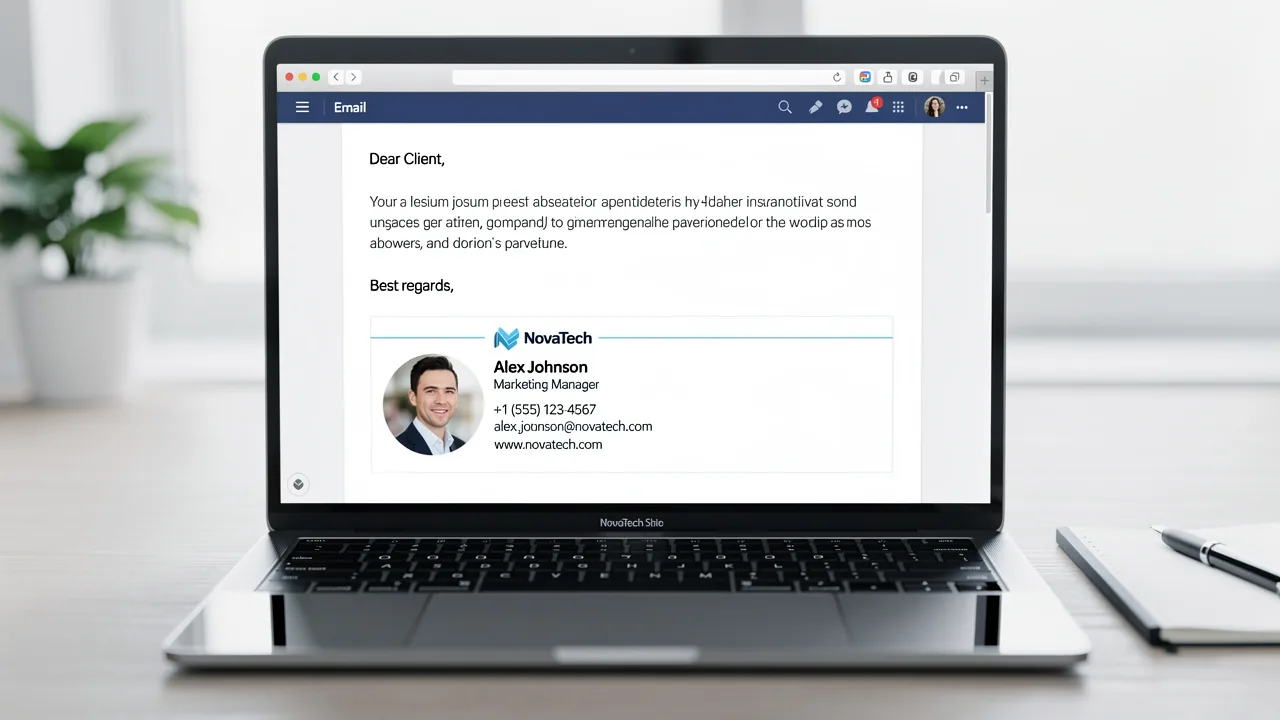
During the festive season, a well-crafted email signature can significantly boost engagement and enhance brand visibility. By incorporating elements like Christmas lights and festive imagery, organizations can transform their digital communications into vibrant holiday greetings that resonate with recipients.
Businesses often struggle to maintain professionalism while adding festive elements. How can businesses effectively design and manage these seasonal signatures to maximize impact and engagement? Finding the right balance is crucial, as missteps can undermine brand integrity.
Get started with Scribe
Manage signatures across your whole team
Free 14-day trial — no credit card.
Incorporate Essential Design Elements for Christmas Signatures
Creating an engaging Christmas email footer that incorporates Christmas lights for email signature requires a careful balance of festive design elements and brand consistency. Here are some key aspects to consider:
- Color Scheme: Utilize traditional Christmas colors such as red, green, and gold. These colors evoke holiday emotions and can enhance the visual appeal of your personal mark.
- Fonts: Choose fonts that are easy to read but also convey a celebratory tone. Consider using a combination of a playful font for greetings and a professional font for contact information.
- Layout: Ensure that the layout is clean and organized. A cluttered signature can detract from the message. Use spacing effectively to separate different elements.
- Branding: Include your company logo in a way that complements the festive design. This strengthens brand identity while celebrating the festive season.
By concentrating on these design aspects, you can create a mark that draws attention and improves your communications during the festive season by using Christmas lights for email signature. Neglecting these design principles may result in a missed opportunity to connect meaningfully with your audience during the holiday season.

Utilize Festive Imagery and Animations to Boost Engagement
Incorporating festive imagery and animations into your email signature with Christmas lights for email signature can enhance engagement significantly. Here are some strategies to effectively use these elements:
- Festive Images: Use high-quality images that represent the holiday spirit, such as Christmas trees, snowflakes, or ornaments. Ensure these images are optimized for messaging to avoid slow loading times, especially since mobile clients account for approximately 40% of opens. Without proper optimization, engagement may falter, especially on mobile devices. Research indicates that mobile devices lead in seasonal message openings.
- Animated Elements: Incorporate subtle animations, such as twinkling lights or falling snowflakes. These can draw attention without being overly distracting. Tools like GIFs can be effective for this purpose, but it's important to ensure that the first frame appears visually appealing, as this is essential for email applications that may not support animations.
- Personalized Messages: Pair images with personalized holiday greetings. A simple "Happy Holidays from [Your Name]" can make the signature feel more personal and engaging, enhancing the connection with recipients.
- Call-to-Action (CTA): Incorporate a cheerful CTA button, such as "Shop Holiday Deals" or "Join Our Holiday Celebration." This motivates recipients to take action while maintaining the celebratory theme.
Incorporating these visual components creates a design that is both celebratory and engaging. Furthermore, assessing the effectiveness of your holiday digital identifiers is essential; studies show that well-designed online markers can result in a 15% rise in click-through rates, making these tactics especially beneficial during the holiday period. For instance, Exclaimer's seasonal campaign for digital branding demonstrated a 5% rise in engagement, highlighting the potential effect of festive messaging. Implementing these strategies can lead to measurable improvements in your holiday marketing effectiveness, including the use of Christmas lights for email signature.

Leverage Automation Tools for Consistent Signature Management
To effectively manage Christmas digital identifiers, organizations must prioritize automation tools like Scribe. Here are some best practices:
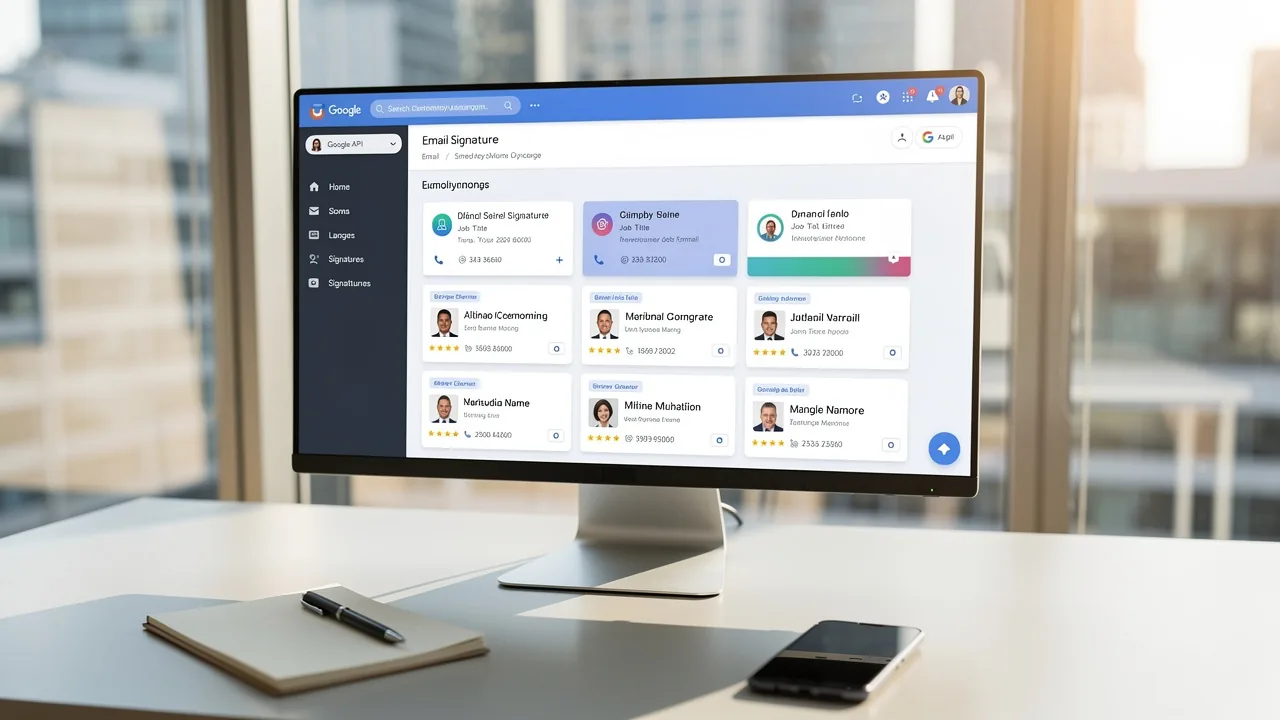
- Centralized Management: Utilize Scribe to manage email signatures across your organization. This approach simplifies updates and ensures all identifiers showcase the latest branding and festive touches. In fact, 76% of respondents say branded email identifiers increase their trust in the sender, making centralized management crucial for maintaining a professional image. With Scribe, you can auto-fill your teammates' identification details, saving time and ensuring accuracy.
Scheduled updates: Plan and arrange your Christmas lights for email signature greetings in advance. This ensures that all team members have the festive emblem ready, including christmas lights for email signature, at the start of the holiday season. Scribe's integration with Google Workspace ensures that any changes in your team’s information will be automatically reflected in their identifiers, eliminating the hassle of manual updates. - Integration with Email Clients: Ensure that your automation tool integrates seamlessly with popular email clients like Google Workspace and Microsoft 365. This simplifies the process of deploying approvals across different platforms, allowing for a streamlined one-click synchronization process that enhances team collaboration.
- Real-Time Changes: Use tools that allow for real-time modifications to identifiers. Organizations utilizing AI-driven digital solutions report a 20% increase in click-through rates, emphasizing the significance of being able to implement last-minute updates swiftly without necessitating individual modifications from each team member. With Scribe, any modifications made in Google Workspace are automatically synchronized, ensuring your communication identifiers are always current.
By implementing these automation strategies, you not only keep your brand consistent but also free up valuable time during the hectic holiday season. Centralized management of Scribe can transform a tedious task into a powerful marketing asset, enhancing engagement and reinforcing brand identity with every message sent. Additionally, avoiding common pitfalls such as outdated information or inconsistent branding will further strengthen your communications, all while ensuring compliance with SOC 2 Type II standards.

Measure Engagement and ROI of Christmas Email Signatures
Many marketers struggle to quantify the impact of their festive campaigns. To effectively assess the influence of your Christmas message identifiers, it is essential to gauge engagement and return on investment (ROI). Here are several strategies to enhance your assessment:
- Track Click-Through Rates (CTR): Implement UTM parameters to monitor clicks on links within your email signatures. This will provide insights into how many recipients are interacting with your calls to action (CTAs). For example, during a recent campaign, 3,460 clicks were generated from 74,925 messages sent, resulting in a 5% engagement rate.
- Analyze Open Rates: Compare the open rates of messages featuring festive designs against those with standard designs. This comparison will clarify if festive designs are more effective at engaging recipients.
- Calculate ROI: Determine the ROI of your campaigns by contrasting the revenue generated from clicks with the costs incurred in creating and managing the designs. Tools like Scribe can facilitate this calculation effectively.
- Feedback and Surveys: Consider distributing questionnaires to evaluate recipient reactions to your Christmas correspondence. This qualitative feedback can yield valuable insights into how your audience perceives your festive branding. A case study showed that organizations using consistent branded digital identifiers reported significant increases in response rates.
Using these strategies will help you understand how well your Christmas lights for email signature perform and guide improvements for next time.

Conclusion
Enhancing festive spirit through engaging email signatures can also serve as a strategic marketing advantage. By carefully combining design elements, high-quality festive imagery, and automation, organizations can significantly boost engagement while maintaining brand consistency during the holiday season.
Key strategies discussed include:
- The importance of a cohesive color scheme
- The use of high-quality festive images
- The incorporation of subtle animations to capture attention
Additionally, leveraging automation tools like Scribe ensures that email signatures remain updated and consistent across the organization, freeing up valuable time for marketing teams. However, many organizations struggle to quantify the impact of their email signatures. The ability to measure engagement through click-through rates and ROI calculations further emphasizes the effectiveness of these festive email signatures.
This shift not only celebrates the season but also drives measurable results. By adopting these best practices, organizations can turn their email signatures into effective marketing tools that truly connect with their audience. As the holiday season approaches, organizations are encouraged to implement these strategies to enhance their overall marketing effectiveness. Implementing these strategies can lead to significant improvements in audience engagement and brand loyalty.
Frequently Asked Questions
What are the essential design elements for creating a Christmas email signature?
The essential design elements include a suitable color scheme, appropriate fonts, a clean layout, and effective branding.
What color scheme is recommended for a Christmas email signature?
Traditional Christmas colors such as red, green, and gold are recommended as they evoke holiday emotions and enhance visual appeal.
How should fonts be chosen for a Christmas email signature?
Fonts should be easy to read and convey a celebratory tone, ideally using a playful font for greetings and a professional font for contact information.
Why is layout important in a Christmas email signature?
A clean and organized layout is important because a cluttered signature can detract from the message. Effective spacing helps separate different elements.
How can branding be incorporated into a Christmas email signature?
Including your company logo in a way that complements the festive design strengthens brand identity while celebrating the festive season.
What is the overall goal of incorporating these design elements into a Christmas email signature?
The goal is to create an engaging signature that draws attention and improves communications during the festive season, enhancing the connection with the audience.
List of Sources
- Incorporate Essential Design Elements for Christmas Signatures
- Free Christmas email signatures with animated elements (https://mail-signatures.com/articles/animated-christmas-signatures)
- Boost Engagement with Outlook Signature Christmas Best Practices (https://scribe-mail.com/en-US/blog/boost-engagement-with-outlook-signature-christmas-best-practices)
- Professional Christmas and Holiday Email Signatures for Business – cloudHQ (https://blog.cloudhq.net/professional-christmas-and-holiday-email-signatures-for-business)
- 5 Steps To Christmas Email Signature Success | Rocketseed (https://rocketseed.com/blog/5-steps-to-christmas-email-signature-success)
- The Power of Color Psychology in Holiday Marketing - Sociallybuzz (https://sociallybuzz.com/color-psychology-holiday-marketing)
- Utilize Festive Imagery and Animations to Boost Engagement
- Professional Christmas and Holiday Email Signatures for Business – cloudHQ (https://blog.cloudhq.net/professional-christmas-and-holiday-email-signatures-for-business)
- Free Christmas email signatures with animated elements (https://mail-signatures.com/articles/animated-christmas-signatures)
- How Email Engagement Shifts During the Holidays (https://litmus.com/blog/holiday-email-insights)
- Boost Engagement with Small Happy Holidays Images for Email Signatures (https://scribe-mail.com/en-US/blog/boost-engagement-with-small-happy-holidays-images-for-email-signatures)
- How to Use Seasonal Email Signatures to Power Your Next Campaign (https://exclaimer.com/email-signature-handbook/seasonal-email-signatures-marketing-campaigns)
- Leverage Automation Tools for Consistent Signature Management
- Email Signature Trends 2026: Centralized Control & Automation | SIGNandGO posted on the topic | LinkedIn (https://linkedin.com/posts/signngo_email-signature-trends-to-watch-in-2026-activity-7401523471786217473-zAVL)
- Company-Wide Email Signature Management | CloudM (https://cloudm.io/blog/optimize-your-process-with-company-wide-email-signature-management)
- 40+ Email Signature Statistics for 2026 (Data + Insights) (https://wavecnct.com/blogs/email-signature-statistics)
- Email signature statistics and trends in 2024 (https://wisestamp.com/blog/email-signature-statistics)
- WiseStamp Launches the Industry's First AI-Powered Email Signature Platform, Eliminating the Gap Between Brand Design and Instant Deployment (https://prnewswire.com/news-releases/wisestamp-launches-the-industrys-first-ai-powered-email-signature-platform-eliminating-the-gap-between-brand-design-and-instant-deployment-302774232.html)
- Measure Engagement and ROI of Christmas Email Signatures
- Exclaimer Seasonal Email Signatures Boost Engagement by 5% (https://exclaimer.com/blog/seasonal-email-signatures-boost-email-engagement)
- Engagement window shortens for holiday email marketing, study finds (https://marketingdive.com/news/engagement-window-shortens-for-holiday-email-marketing-study-finds/567314)
- How to Track Clicks & Impressions in Email Signature Marketing (https://linkedin.com/pulse/how-track-clicks-impressions-email-signature-marketing-mbhre)
- The 5 key metrics to analyze your email signatures (https://signitic.com/en/resources/the-5-key-metrics-to-analyze-your-email-signatures)
- Boost Engagement with Small Happy Holidays Images for Email Signatures (https://scribe-mail.com/en-US/blog/boost-engagement-with-small-happy-holidays-images-for-email-signatures)
Get started with Scribe
Manage signatures across your whole team
Free 14-day trial — no credit card.