How to Change Your Default Signature in Outlook: A Step-by-Step Guide
While email signatures in Outlook are essential for brand identity, many users find the setup process confusing and frustrating. With a staggering 80% of
Sophie Grant
Email Signature Specialist, Scribe
Introduction
While email signatures in Outlook are essential for brand identity, many users find the setup process confusing and frustrating. With a staggering 80% of marketers recognizing the importance of a branded footer, the potential for engagement and professionalism is immense.
Despite their importance, many users find the process of setting up email signatures in Outlook to be daunting. How can one navigate the often-confusing settings of Outlook to ensure their email signature not only reflects their brand but also maximizes engagement?
This guide will provide clear, step-by-step instructions to simplify the process, empowering users to take control of their email branding effortlessly.
Understand Email Signatures in Outlook
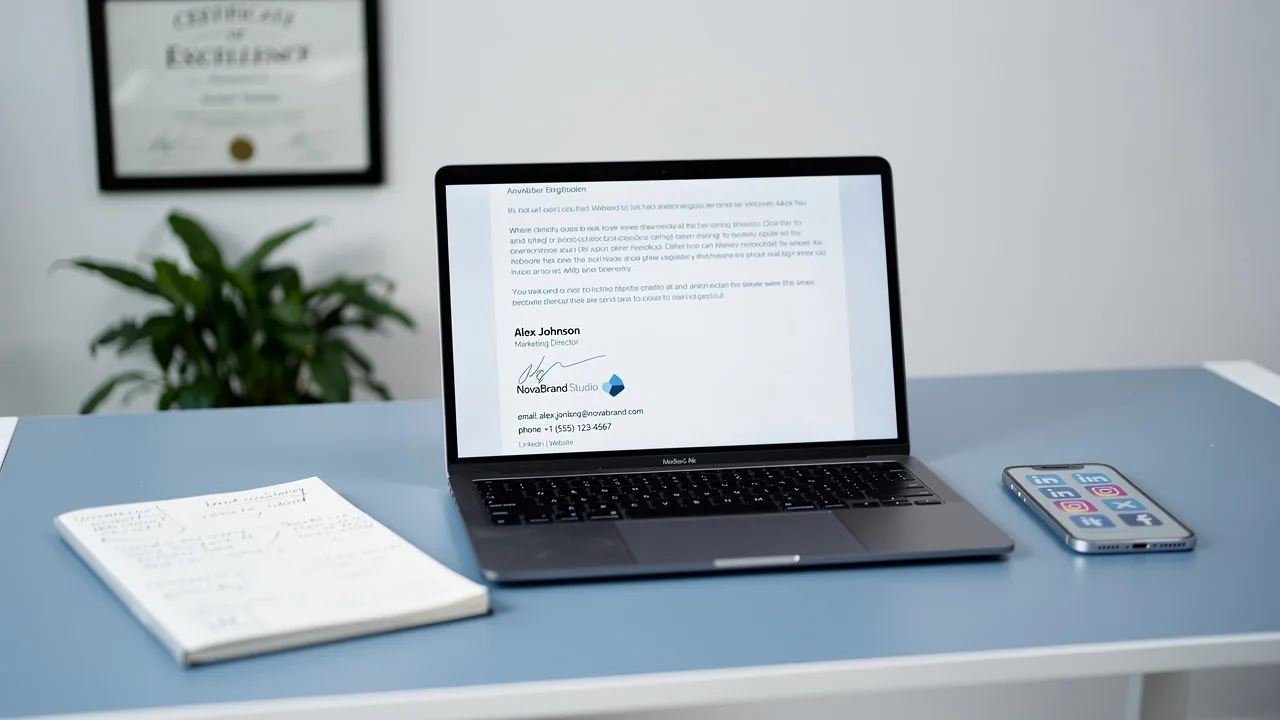
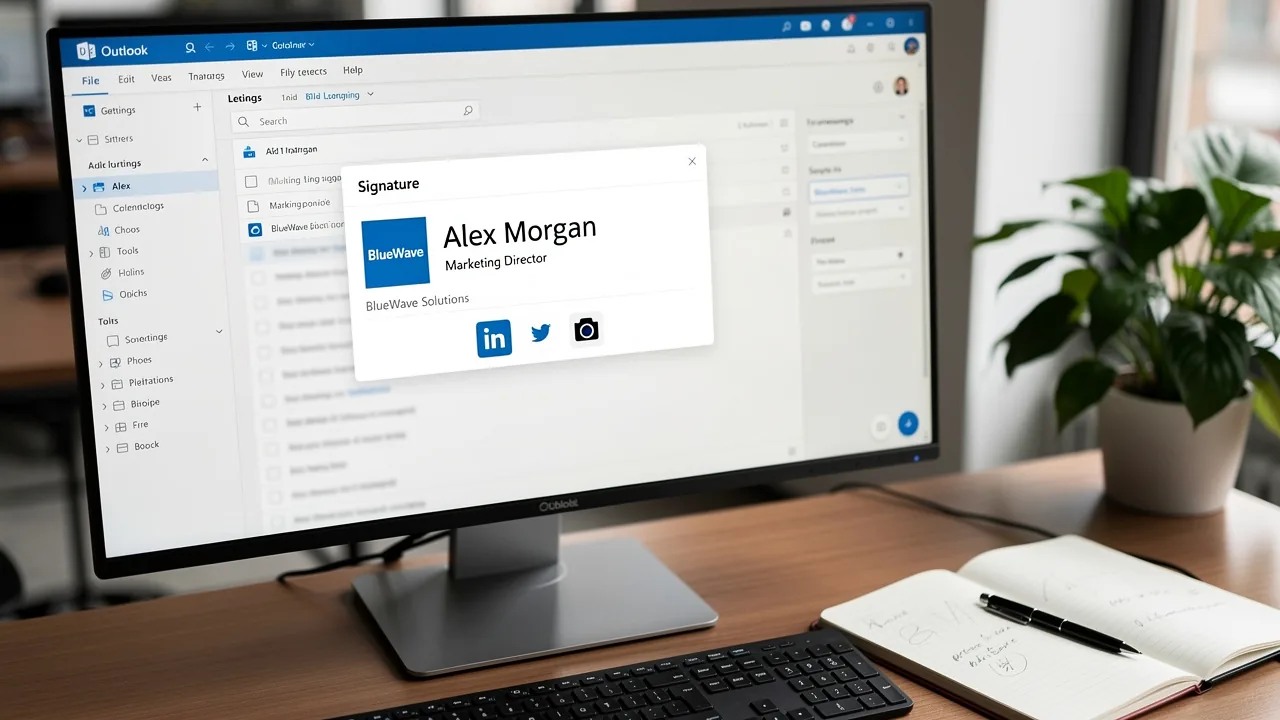
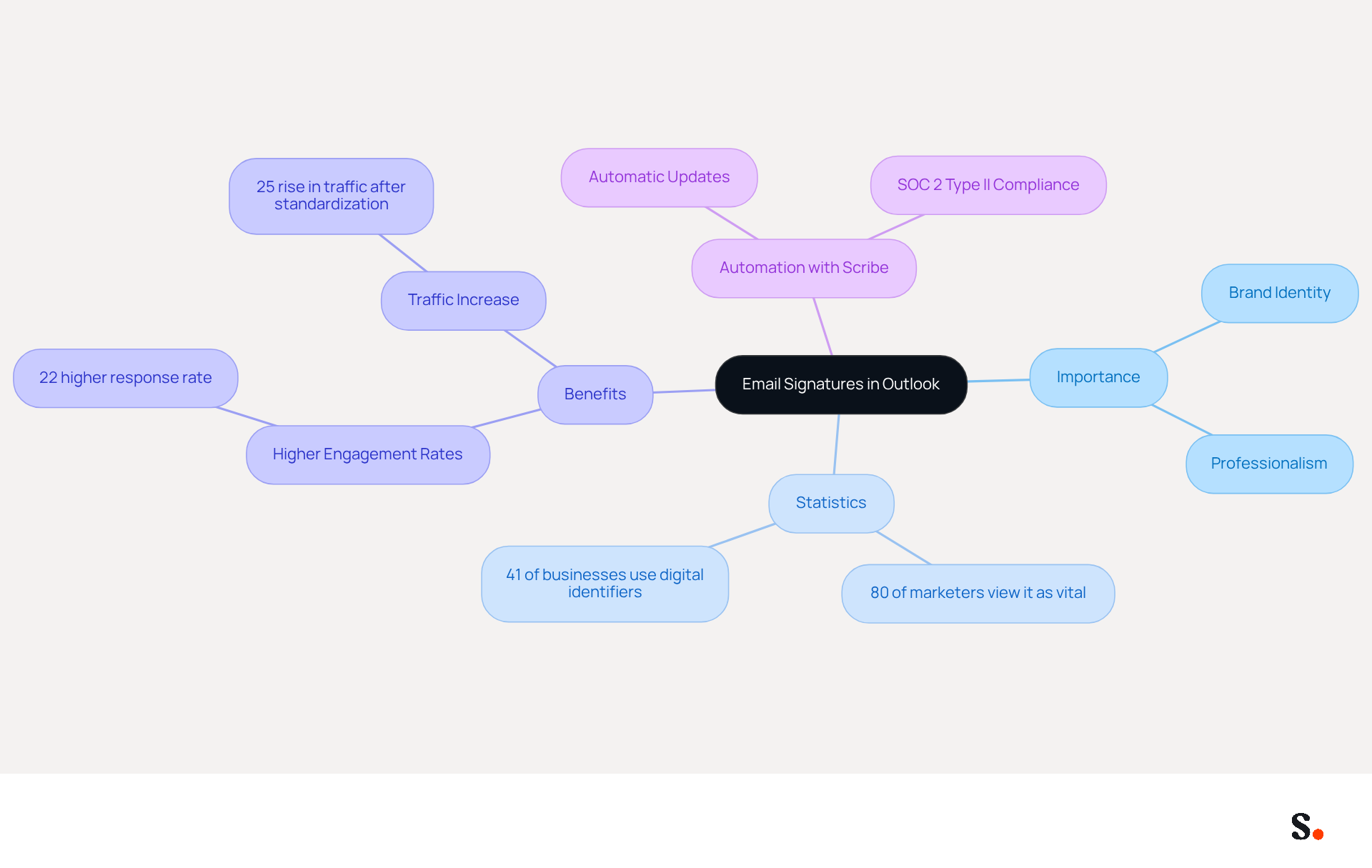
Email identifiers in Outlook are not just digital business cards; they are essential tools for enhancing brand identity and facilitating effective communication. A well-crafted sign-off can include your name, title, company logo, and links to social media profiles or your website. This enhances the professionalism of your correspondence and ensures recipients have all the information they need to reach out. Indeed, 80% of marketers view a branded electronic communication footer as a vital element of a company's brand identity, emphasizing its significance in professional correspondence.
Furthermore, data indicates that 41% of businesses consistently employ digital identifiers for branding, with 62% of marketers considering electronic communication as a vital channel for business interaction. This underscores how effectively leveraging digital identifiers can transform branding efforts. For example, a multinational corporation saw a 25% rise in traffic to particular landing pages after standardizing its digital identifiers, showcasing the concrete advantages of uniform branding.
In Outlook, personalizations can be tailored to reflect individual or corporate branding, making them powerful tools for marketing and communication. By incorporating elements such as dynamic banners and calls to action, businesses can significantly enhance engagement rates. In fact, emails with professionally branded footers see a 22% higher response rate than those without, demonstrating that investing in professional branding can lead to measurable improvements in engagement.
With Scribe, imagine saving time as it automatically fills in your teammates' initials using your business phone system as a source of information. This ensures that identification information is consistently synced, and any modifications made in your connected source will be automatically updated in the application, requiring no action from your teammates. This automated synchronization not only improves brand consistency but also guarantees that your digital identifiers are always current. Furthermore, Scribe is compliant with SOC 2 Type II, ensuring that your information is managed securely while you handle your messaging branding effortlessly.
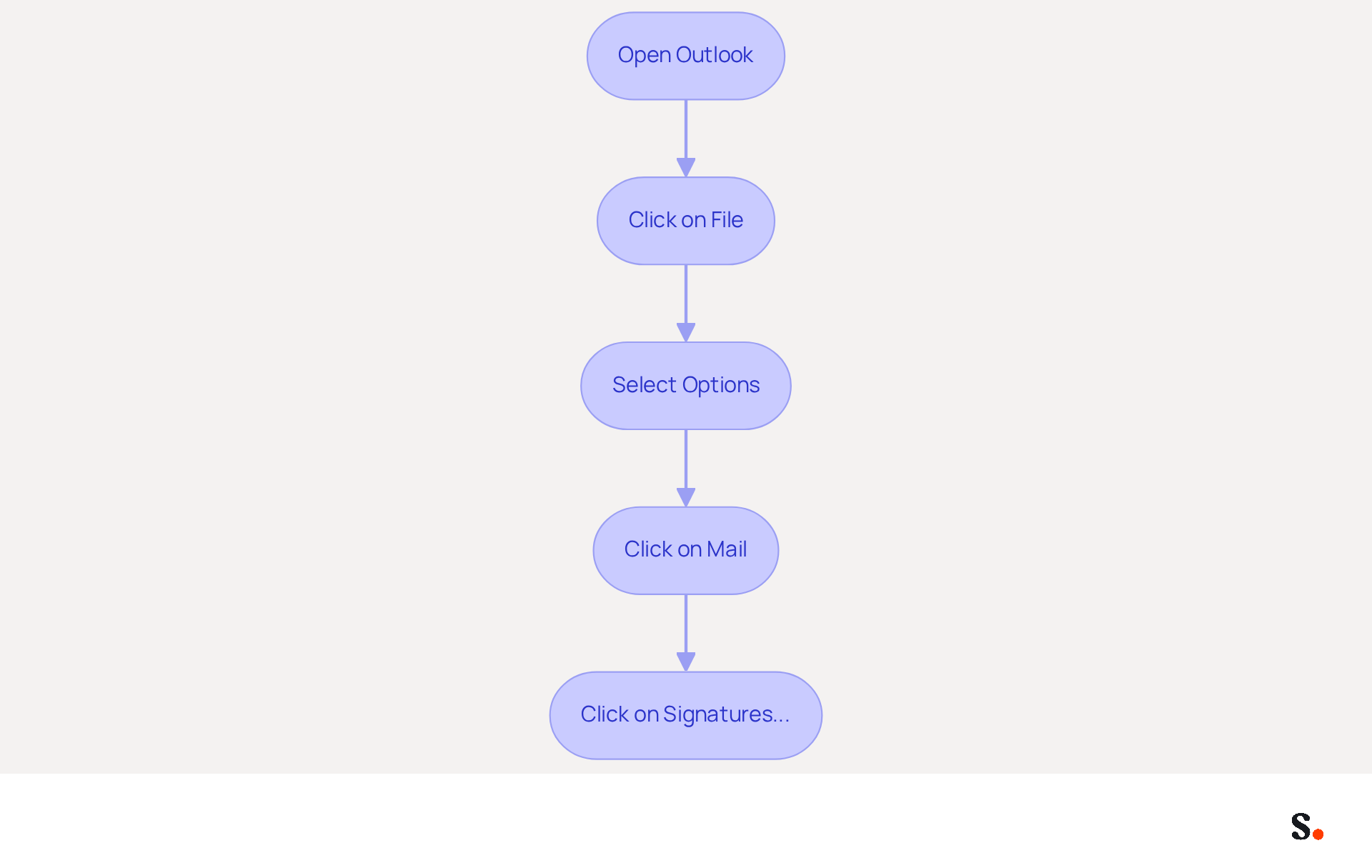
Access Signature Settings in Outlook
While many users find accessing the signature settings in Outlook straightforward, they often face challenges when learning how to change default signature in Outlook. To leverage Scribe's automated email signature management, follow these steps:
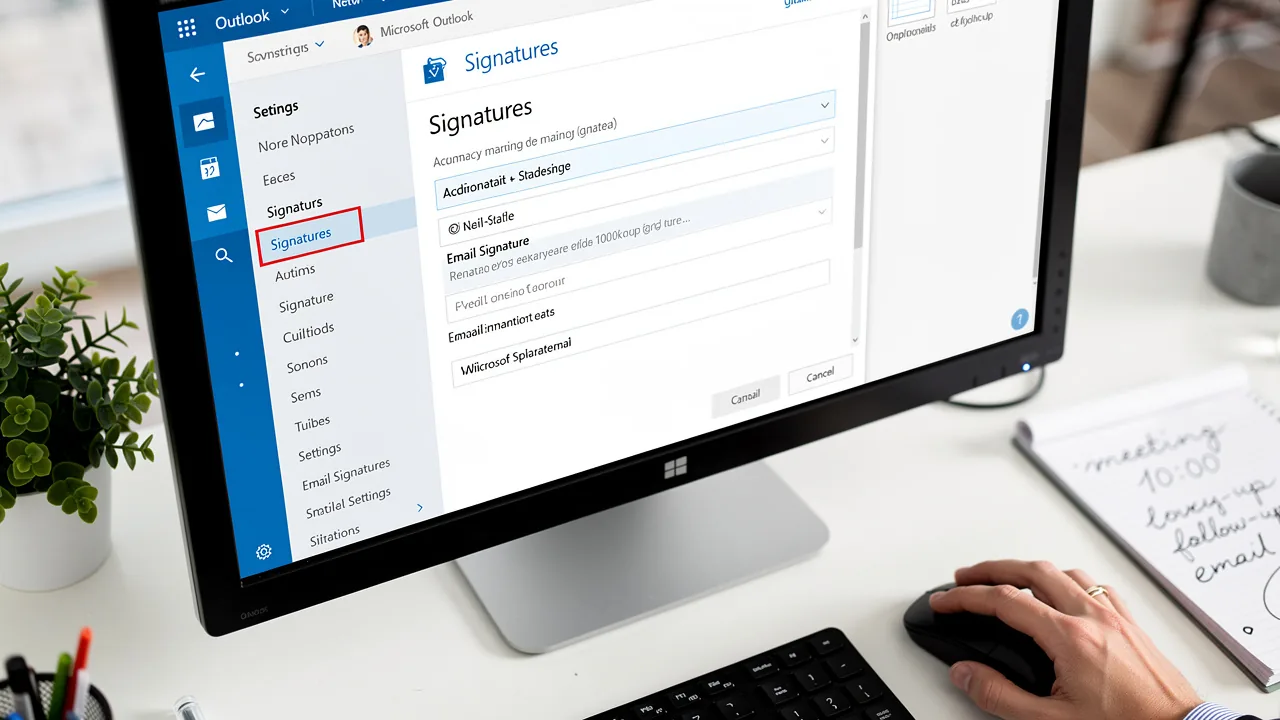
- Open the email application and click on the 'File' tab located in the top-left corner.
- From the menu, select 'Options' to open the Outlook Options window.
- In the left pane, click on 'Mail'.
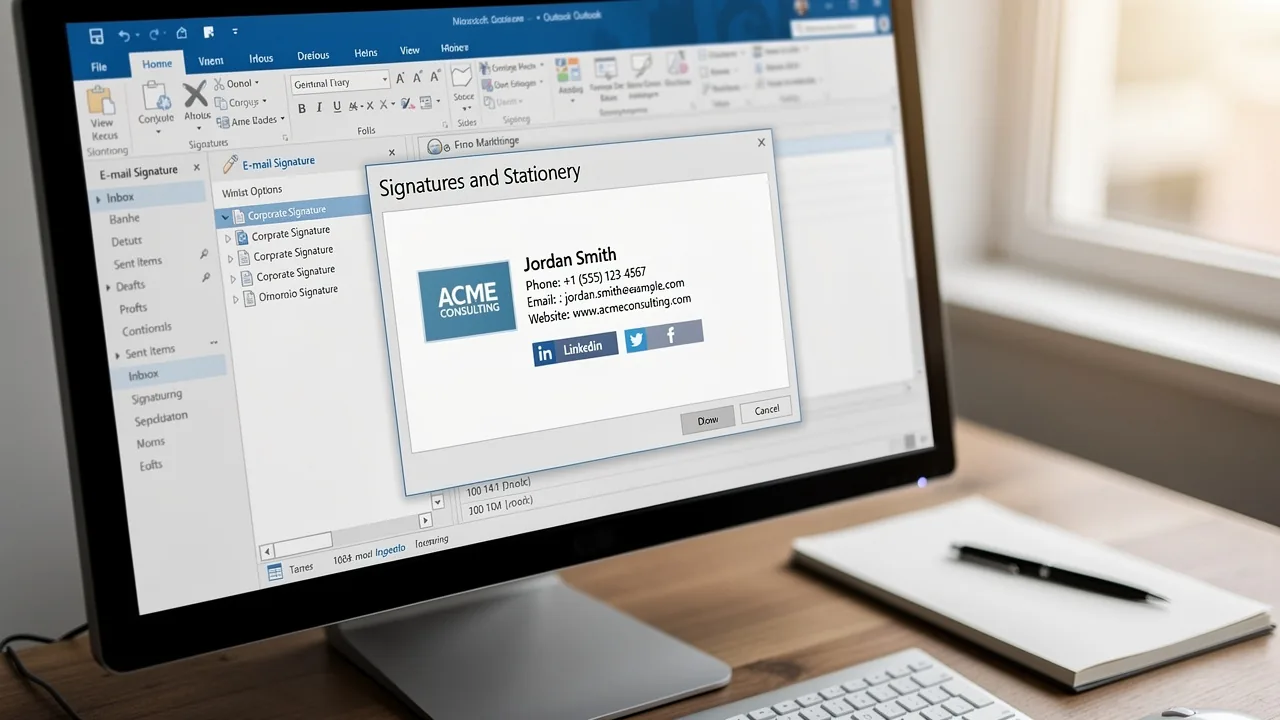
- Scroll down to find the 'Signatures...' button and click on it. This will open the Signatures and Stationery dialog box where you can find out how to change default signature in Outlook and manage your email identifiers.
Integrating this tool with Google Workspace not only saves you time but also keeps your teammates' signing information up to date effortlessly. Scribe's SOC 2 Type II compliance guarantees that your data is handled securely, allowing for effortless updates and consistent branding across your organization.
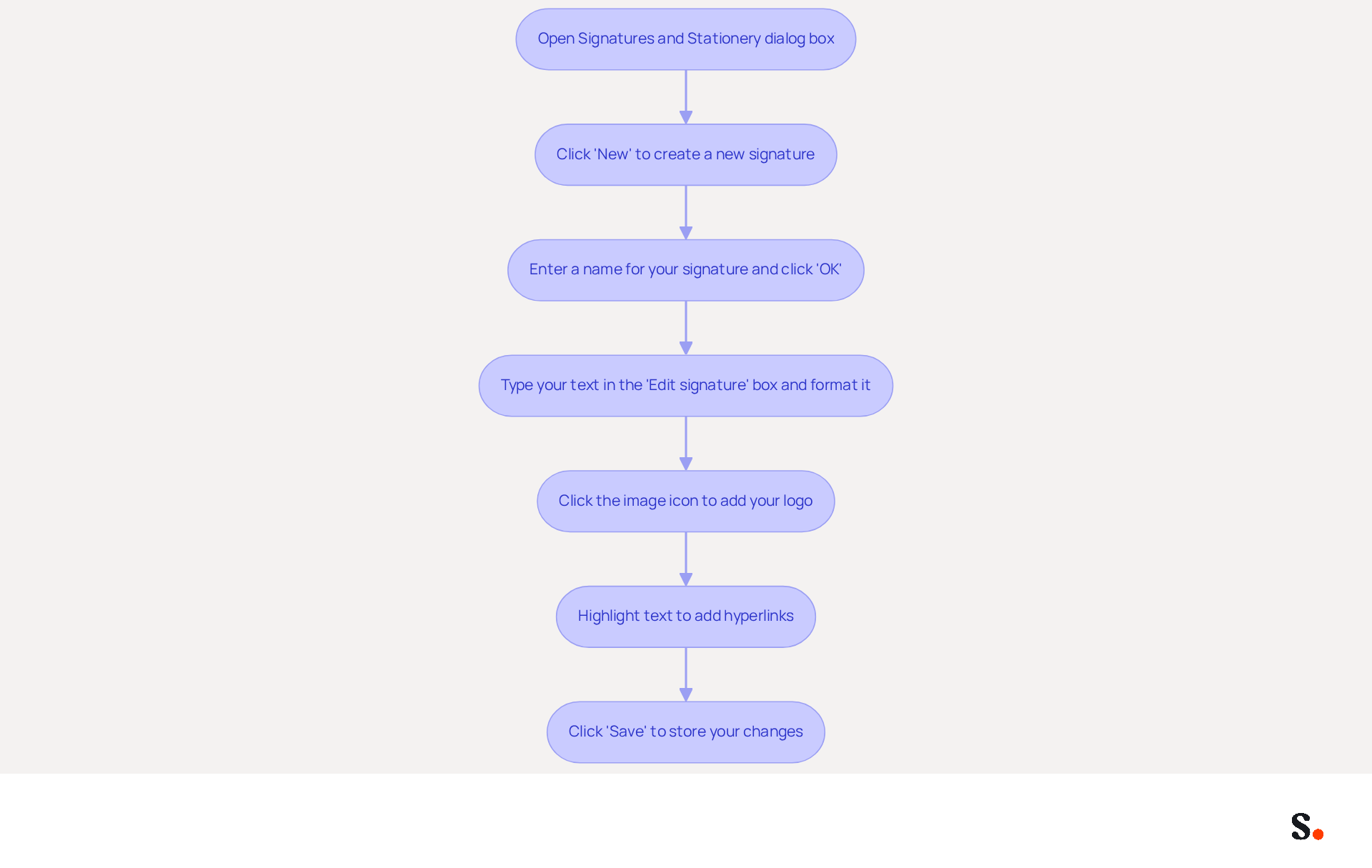
Create and Customize Your Email Signature
To enhance brand visibility and engagement, it's essential to know how to change default signature in Outlook when creating a professional email signature. To create and customize your email signature, follow these steps:
- To understand how to change default signature in Outlook, open the Signatures and Stationery dialog box and click on 'New' to create a new entry.
- Enter a name for your mark and click 'OK' to proceed.
- In the 'Edit signature' box, type your text. Utilize formatting options to adjust the font, size, color, and style to align with your branding.
- To incorporate images, such as your company logo, click on the image icon and select the desired image file from your computer.
- You can also add hyperlinks by highlighting the text you wish to link, clicking on the hyperlink icon, and entering the corresponding URL.
- Once you are satisfied with your mark, click 'Save' to learn how to change default signature in Outlook and store your changes.
A personalized message footer enhances your brand's visibility and serves as a powerful marketing tool. Research indicates that companies with well-crafted digital identifiers see an average click-through rate of 12% on banner links, which can greatly enhance engagement. Moreover, a professional correspondence footer can boost response rates by 22%, emphasizing the significance of aligning your footer with your brand identity. By following these steps, you can ensure that your message effectively conveys your brand's personality and values. Using Scribe means that any changes you make in your Aircall settings will automatically update your email signatures, keeping your brand consistent in every interaction. This automated synchronization streamlines the management of digital identifiers, enabling Marketing teams to retain control and ensure adherence to SOC 2 Type II standards, as well as GDPR and CCPA for secure data handling. By neglecting this aspect of your communication, you risk missing out on significant engagement opportunities.
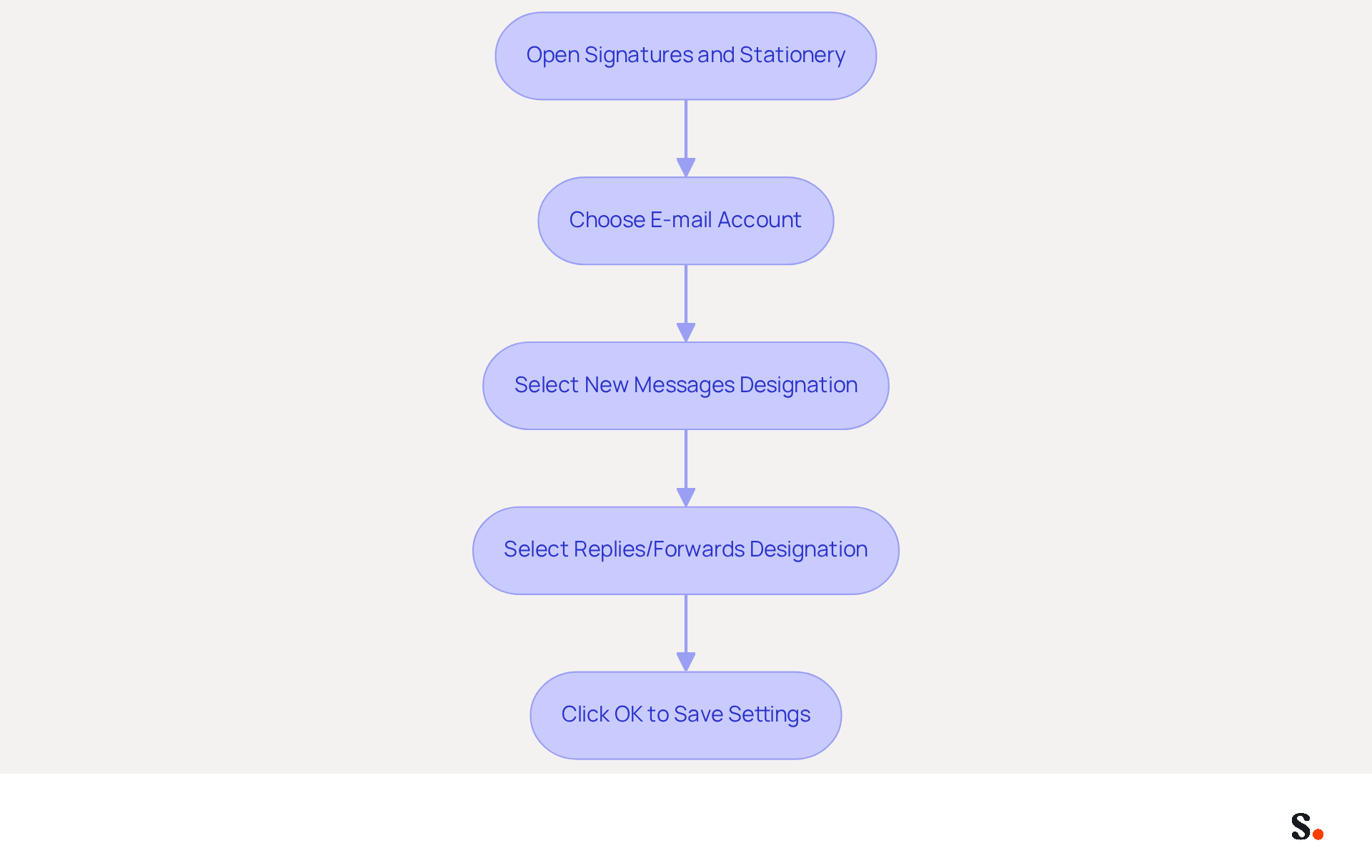
Set Default Signature Preferences
It is crucial for maintaining consistent branding across communications to understand how to change default signature in Outlook. To set your default email signature preferences in Outlook, follow these steps:
- Open the Signatures and Stationery dialog box and locate the 'Choose default option' section.
- Under 'E-mail account', choose the account for which you want to set the default sign-off, particularly if you handle multiple accounts.
- In the 'New messages' dropdown, select the designation you wish to use for new correspondence.
- If you prefer a different sign-off for replies and forwards, select it from the 'Replies/forwards' dropdown.
- Click 'OK' to save your settings. You will learn how to change the default signature in Outlook so that it is automatically included in your messages according to your preferences.
Did you know that 89.9% of users stick to a single email format? This can lead to missed marketing opportunities if you don’t optimize your signatures. Regular updates are essential; 44.4% of professionals refresh their branding elements 2-4 times a year, highlighting the importance of consistency in branding. Emails with branded footers receive a 22% higher response rate than those without, underscoring the value of a well-crafted footer. Additionally, incorporating social media links and calls to action in signatures can further drive engagement, with 52.6% of users including CTAs in their signatures.
Syncing your Google Workspace with Scribe simplifies the management of your email signatures, ensuring consistency and efficiency. To enable one-click synchronization, you must grant permission for Scribe to connect with your service provider, requiring Super Admin access. This feature allows for seamless updates across all your email signatures with just one click, ensuring that any modifications made in your Google Workspace, such as updates to teammate details or job roles, are automatically reflected in your correspondence without manual input. This not only saves time but also enhances your branding consistency across all communications. Moreover, Scribe's SOC 2 Type II compliance ensures that your data stays protected, making it a strategic decision to enhance your configuration settings in the application.
Troubleshoot Common Signature Issues
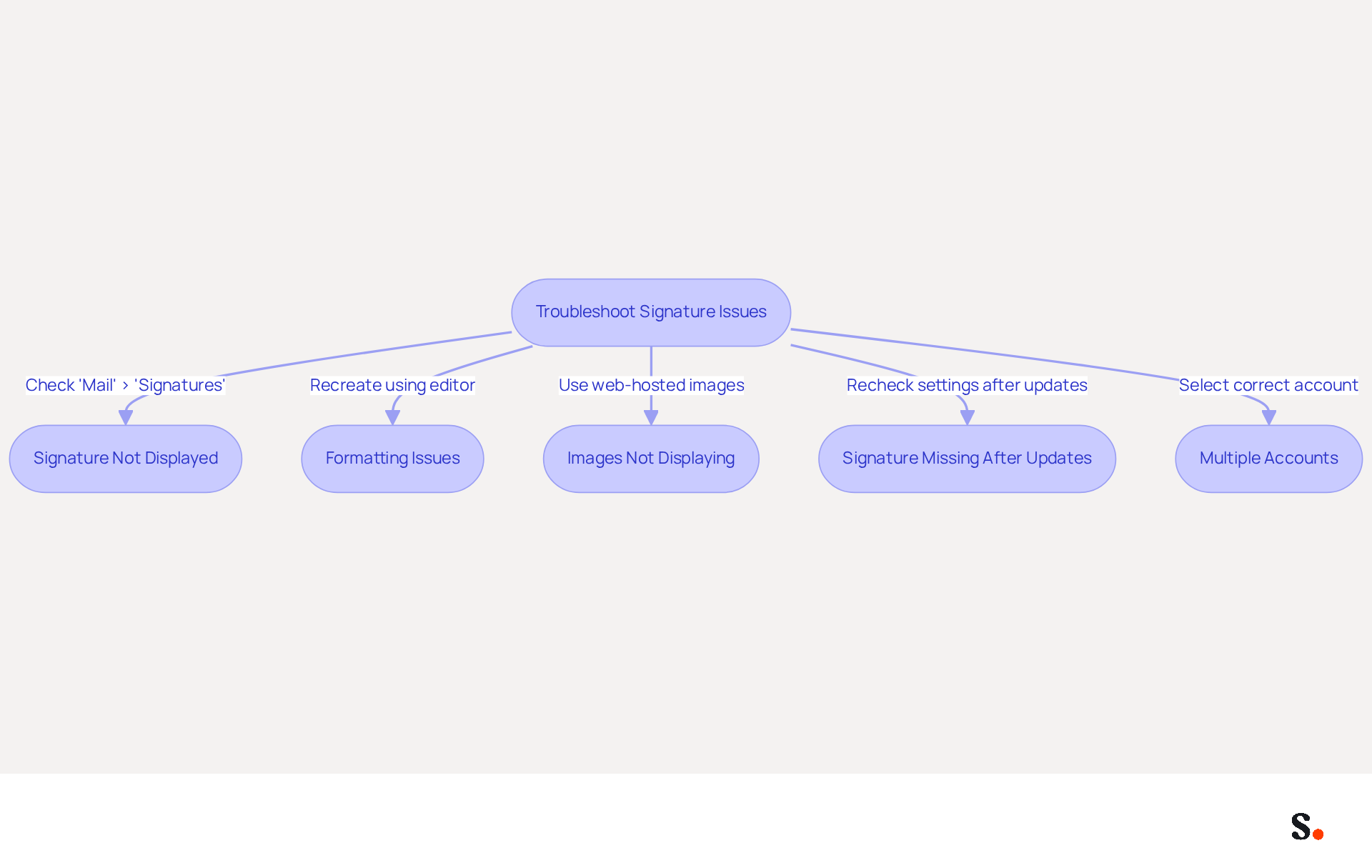
Experiencing issues with how to change default signature in Outlook can negatively impact your professional communications. Consider the following troubleshooting tips:
- Signature Not Displayed: Ensure that you understand how to change default signature in Outlook under 'Mail' > 'Signatures'. If it’s not set, your mark won’t appear automatically. Regular checks of digital identifiers help maintain consistency and ensure all staff have the correct settings.
- Formatting Issues: If your mark appears different than expected, try recreating it using the editor to ensure proper formatting. Avoid using pasted content from Word or HTML editors, as this can lead to rendering issues. Keeping layouts simple and using inline images can enhance reliability.
- Images Not Displaying: Make sure the images in your email footer are accessible and not blocked by email clients. Consider using web-hosted images for better reliability, as this can prevent issues with images not displaying correctly.
- Signature Missing After Updates: Sometimes, Outlook updates can reset settings. Recheck your settings to ensure they are still configured correctly. Many users have reported losing their signatures after updates, highlighting the need for vigilance.
- Multiple Accounts: If you possess several accounts, ensure you have chosen the correct one when setting your default sign-off. This is essential, as authentication marks are frequently handled separately across various accounts, resulting in confusion if not correctly set up.
By following these tips on how to change default signature in Outlook, you can effectively troubleshoot common email signature issues, ensuring that your communications remain professional and consistent. Addressing these issues promptly can safeguard your professional image in all communications.
Conclusion
Changing your default signature in Outlook presents both a challenge and an opportunity for enhancing brand professionalism. It is a strategic move that ensures consistency in every email communication. By following the outlined steps, users can easily navigate the signature settings, create personalized signatures, and ensure that their branding is consistently represented across all correspondence.
This guide highlights the critical role of well-crafted email signatures in boosting engagement rates and emphasizes the need for regular updates to keep the brand relevant. The integration of tools like Scribe further simplifies this process, allowing for automated synchronization and compliance with security standards such as SOC 2 Type II, GDPR, and CCPA. This ensures that organizations can manage their email signatures efficiently while safeguarding sensitive information.
By prioritizing email signature optimization, businesses can not only improve their communication but also strengthen their overall brand presence in the market. Embrace the opportunity to enhance your email communications and drive engagement by implementing these best practices today.
Frequently Asked Questions
What is the purpose of email signatures in Outlook?
Email signatures in Outlook serve as digital business cards that enhance brand identity and facilitate effective communication. They can include your name, title, company logo, and links to social media profiles or your website.
How important are branded email signatures for businesses?
Branded email signatures are considered vital for a company's brand identity, with 80% of marketers viewing them as essential. Additionally, 41% of businesses consistently use digital identifiers for branding.
What impact can standardized digital identifiers have on a business?
Standardizing digital identifiers can lead to significant benefits, such as a 25% increase in traffic to specific landing pages, demonstrating the advantages of uniform branding.
How can personalizations in email signatures enhance engagement?
Personalizations, such as dynamic banners and calls to action, can significantly improve engagement rates, with emails featuring professionally branded footers seeing a 22% higher response rate.
What features does Scribe offer for managing email signatures?
Scribe automates the filling in of teammates' initials using information from the business phone system, ensuring consistent and current identification information without requiring action from teammates.
How does Scribe ensure data security?
Scribe is compliant with SOC 2 Type II, which ensures that your information is managed securely while you handle your messaging branding effortlessly.
How can users access signature settings in Outlook?
To access signature settings in Outlook, open the email application, click on the 'File' tab, select 'Options', click on 'Mail' in the left pane, and then click on the 'Signatures...' button to manage email identifiers.
What benefits does integrating Scribe with Google Workspace provide?
Integrating Scribe with Google Workspace saves time and keeps teammates' signing information up to date effortlessly, ensuring consistent branding across the organization.
List of Sources
- Understand Email Signatures in Outlook
- Email Signatures Are Widely Used By Businesses: Study (https://mediapost.com/publications/article/352529/email-signatures-are-widely-used-by-businesses-st.html)
- Research Recap: Branded Email Signatures Increase Company Recognition, Trust - Demand Gen Report (https://demandgenreport.com/industry-news/research-recap-branded-email-signatures-increase-company-recognition-trust/47252)
- The impact of email signatures on your branding (https://signitic.com/en/resources/the-impact-of-email-signatures-on-your-branding)
- Exclaimer Research: 67% of Marketers Expect Email Signatures to Support With Lead Gen In 2023 (https://businesswire.com/news/home/20230612141095/en/Exclaimer-Research-67-of-Marketers-Expect-Email-Signatures-to-Support-With-Lead-Gen-In-2023)
- Email signature statistics: Why every business should optimize their email signatures — Stripo.email (https://stripo.email/blog/email-signature-statistics-why-every-business-should-optimize-their-email-signatures)
- Access Signature Settings in Outlook
- Email signature statistics and trends in 2024 (https://wisestamp.com/blog/email-signature-statistics)
- Email Signature Statistics: A Closer Look at Email Signatures in 2026 (https://mysignature.io/blog/email-signature-statistics)
- 100 Professional Email Signature Quotes: Best Ideas - NEWOLDSTAMP (https://newoldstamp.com/blog/email-signature-quotes)
- Get the perfect email signature quote | Signitic (https://signitic.com/en/resources/email-signature-quote)
- 40+ Email Signature Statistics for 2026 (Data + Insights) (https://wavecnct.com/blogs/email-signature-statistics)
- Create and Customize Your Email Signature
- 40+ Email Signature Statistics for 2026 (Data + Insights) (https://wavecnct.com/blogs/email-signature-statistics)
- Maximize Your Microsoft Office 365 Outlook Signature for Marketing Success (https://scribe-mail.com/en-US/blog/maximize-your-microsoft-office-365-outlook-signature-for-marketing-success)
- Make Your Emails Shine: Update Your Outlook Signature (https://brandly.com/blog/how-to-add-change-email-signature-outlook)
- How Email Signatures Impact Marketing Performance (https://letsignit.com/blog/how-email-signatures-impact-marketing-performance)
- Email Signature Best Practices Guide With Examples - MailerLite (https://mailerlite.com/blog/email-signature-best-practices)
- Set Default Signature Preferences
- Email Signature Statistics: A Closer Look at Email Signatures in 2026 (https://mysignature.io/blog/email-signature-statistics)
- Email signature statistics and trends in 2024 (https://wisestamp.com/blog/email-signature-statistics)
- Email Signature Essentials: Key Statistics to Know for 2023 (https://blog.hubspot.com/marketing/email-signature-statistics)
- 40+ Email Signature Statistics for 2026 (Data + Insights) (https://wavecnct.com/blogs/email-signature-statistics)
- Email signature statistics: Why every business should optimize their email signatures — Stripo.email (https://stripo.email/blog/email-signature-statistics-why-every-business-should-optimize-their-email-signatures)
- Troubleshoot Common Signature Issues
- Email signature statistics: Why every business should optimize their email signatures — Stripo.email (https://stripo.email/blog/email-signature-statistics-why-every-business-should-optimize-their-email-signatures)
- Email Signatures vanishing - New Outlook | Microsoft Community Hub (https://techcommunity.microsoft.com/discussions/outlookgeneral/email-signatures-vanishing---new-outlook/4418809)
- 4 Steps to Fix Your Outlook Signature Not Showing Issues (https://scribe-mail.com/en-US/blog/4-steps-to-fix-your-outlook-signature-not-showing-issues)
- Outlook Signature Not Working in Office 365: Causes & Fixes (https://exclaimer.com/email-signature-handbook/outlook-signature-not-working-in-office-365)
- 40+ Email Signature Statistics for 2026 (Data + Insights) (https://wavecnct.com/blogs/email-signature-statistics)
Get started with Scribe
Create your signature in minutes
Free 14-day trial — no credit card.