Master Gmail Signature Formatting for Effective Brand Marketing
A professional Gmail signature is not merely a digital sign-off; it is a crucial branding asset that can elevate an organization's visibility and credibility
Sophie Grant
Email Signature Specialist, Scribe
Introduction
A professional Gmail signature is not merely a digital sign-off; it is a crucial branding asset that can elevate an organization's visibility and credibility. Incorporating key elements such as:
- Contact information
- Logos
- Social media links
helps businesses create a consistent brand identity that truly resonates with their audience. Many professionals find themselves overwhelmed by the intricacies of Gmail signature formatting, which can hinder their branding efforts. What strategies can organizations employ to master Gmail signature formatting and enhance their marketing success?
Design a Professional Gmail Signature
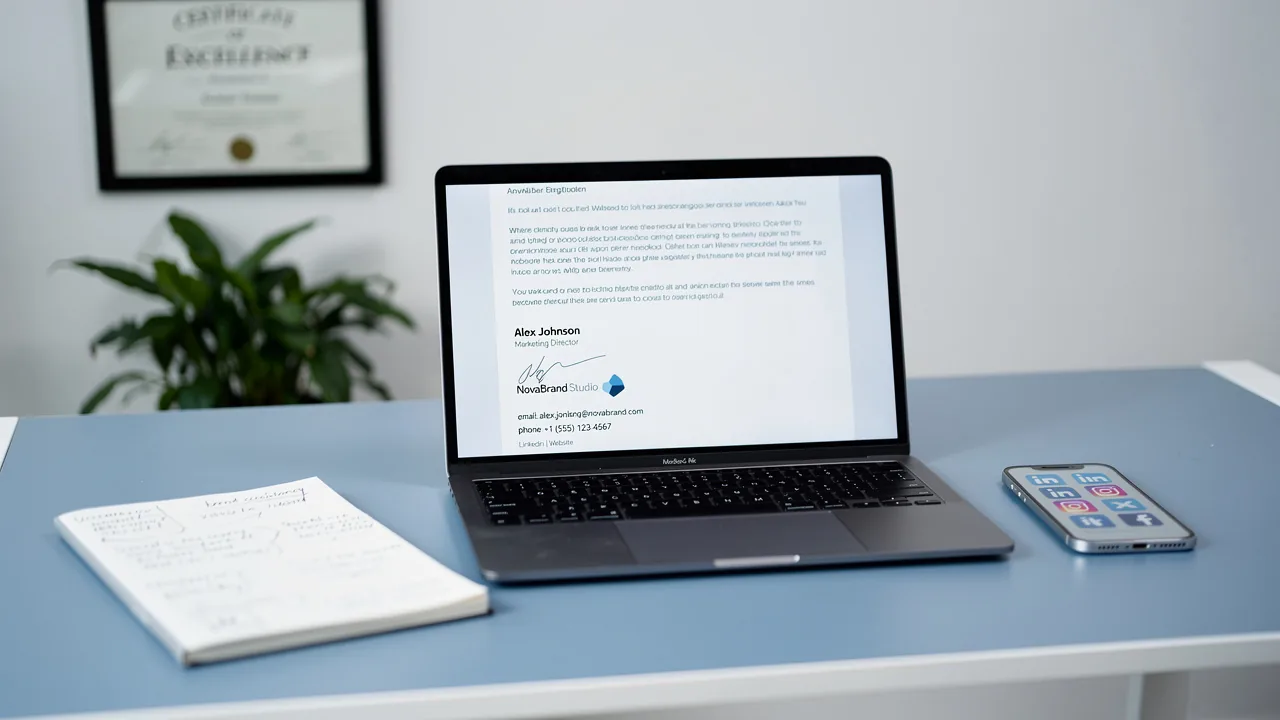
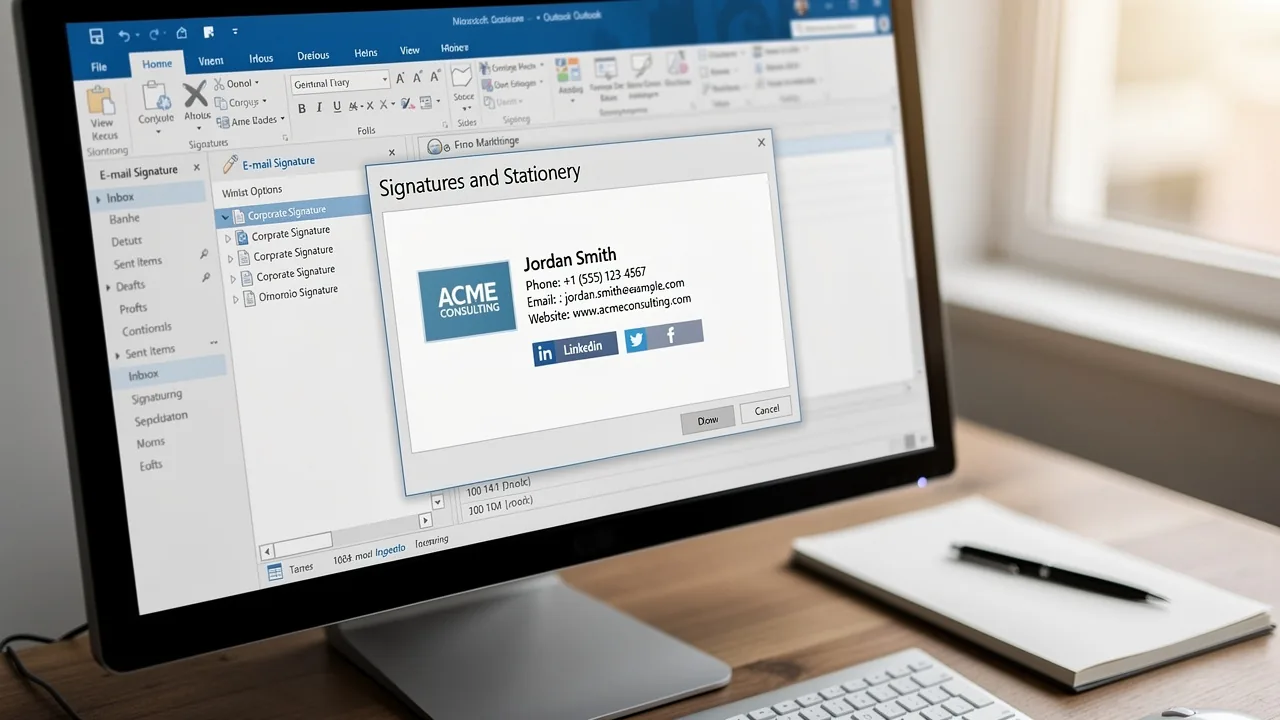
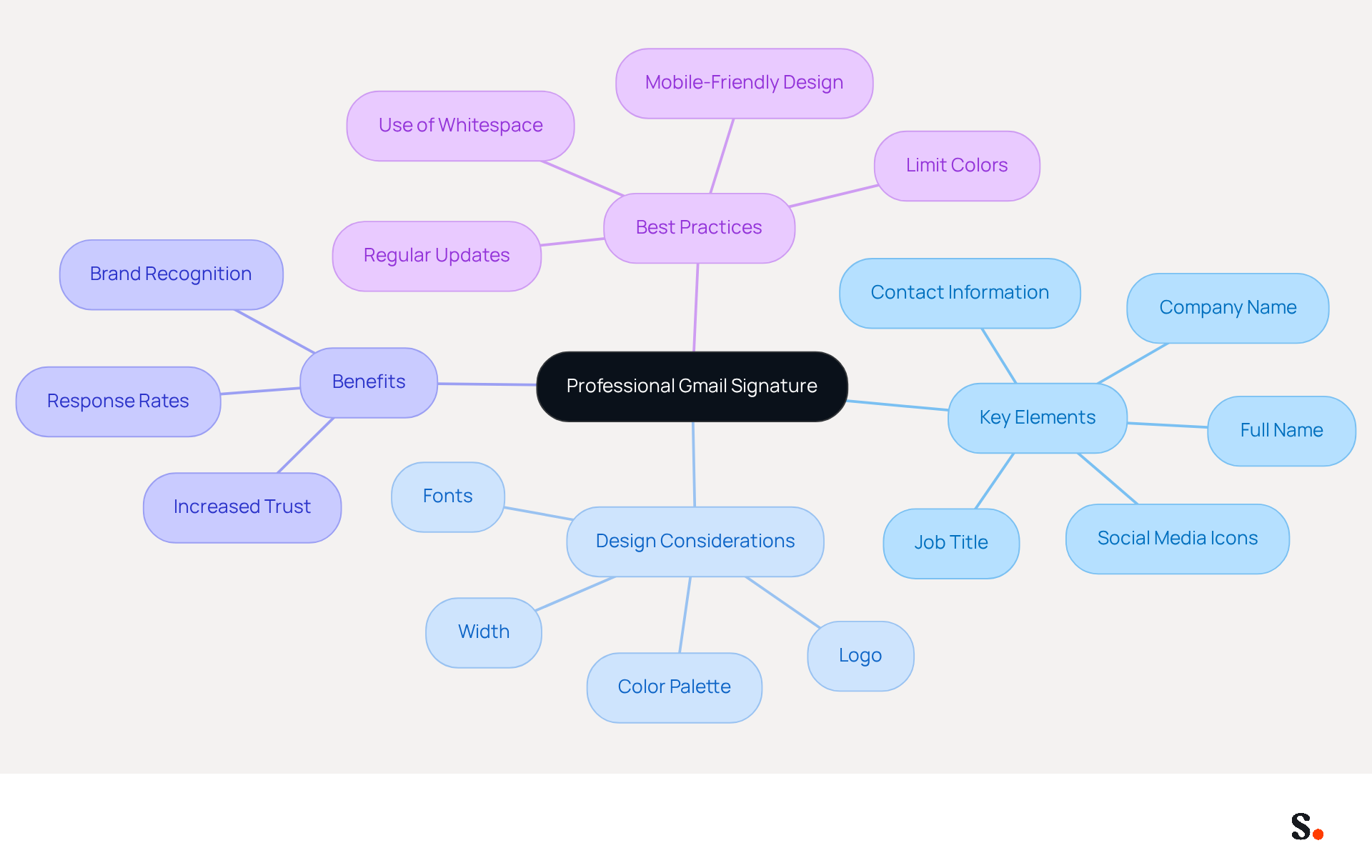
Creating a professional gmail signature formatting is crucial for establishing a strong brand presence in your communications. Begin by including key elements such as your full name, job title, company name, and contact information. A clean layout is vital; keep the width to a maximum of 600 pixels to ensure compatibility across devices. Stick to a color palette that represents your identity, limiting the use of fonts to two types for consistency and readability. Incorporating your company logo can significantly enhance recognition, but ensure it is optimized for web use to prevent loading issues. Additionally, consider adding social media icons that link to your professional profiles, as this can enhance your online presence and foster professional connections.
With Scribe, every modification made in your Aircall configuration will automatically be reflected in your email branding, ensuring that your identity remains consistent across all communications. With this automated sync, you save time and keep your identity consistent, avoiding the mix-ups that can happen with manual updates.
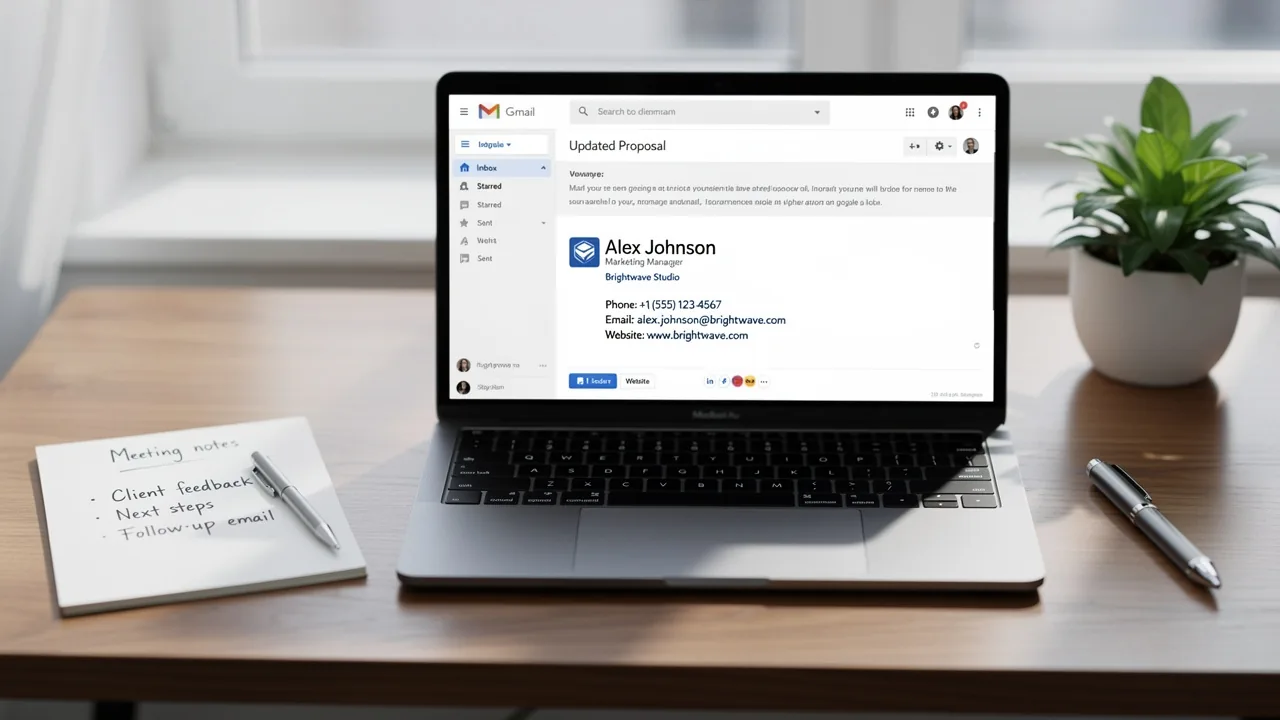
For instance, a well-structured signature might look like this:
John Doe
Marketing Manager
Scribe
📞 (123) 456-7890
🌐 www.scribe-mail.com
LinkedIn | Twitter
This design not only conveys essential information but also reinforces brand identity through consistent use of colors and logos. Statistics indicate that a professional email footer can increase trust and credibility, with 64-70% of consumers believing that a branded mark enhances these qualities. Moreover, maintaining a brand that adheres to best practices can lead to a 22% increase in response rates, making it a vital component of your marketing strategy. Additionally, ensure that your gmail signature formatting is mobile-friendly and regularly updated to reflect current branding.
By prioritizing a professional email signature, you not only enhance your credibility but also foster stronger connections with your audience.
Implement and Customize Your Signature in Gmail
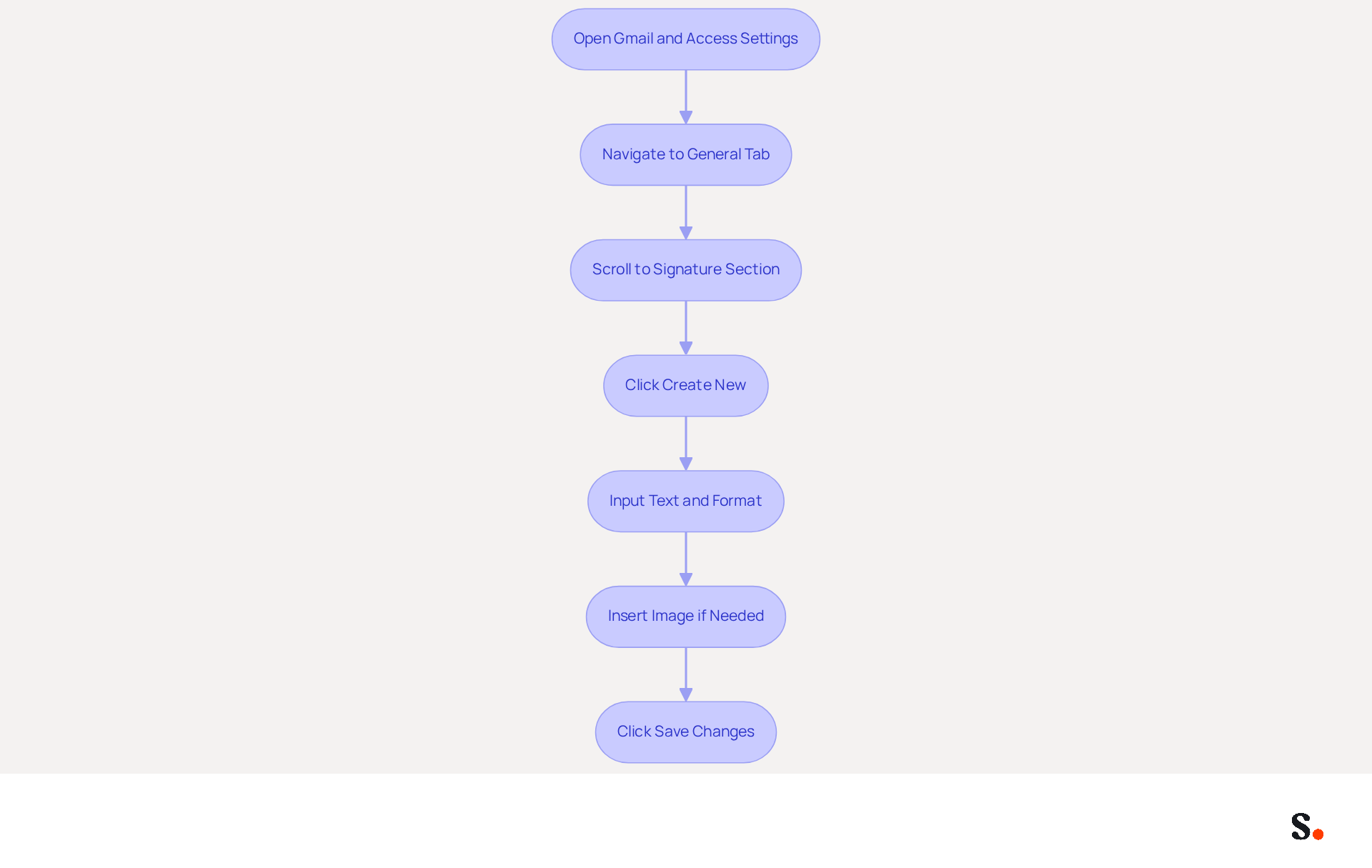
Implementing a professional Gmail signature formatting is essential for enhancing brand identity and communication effectiveness. To implement your signature in Gmail, follow these steps:
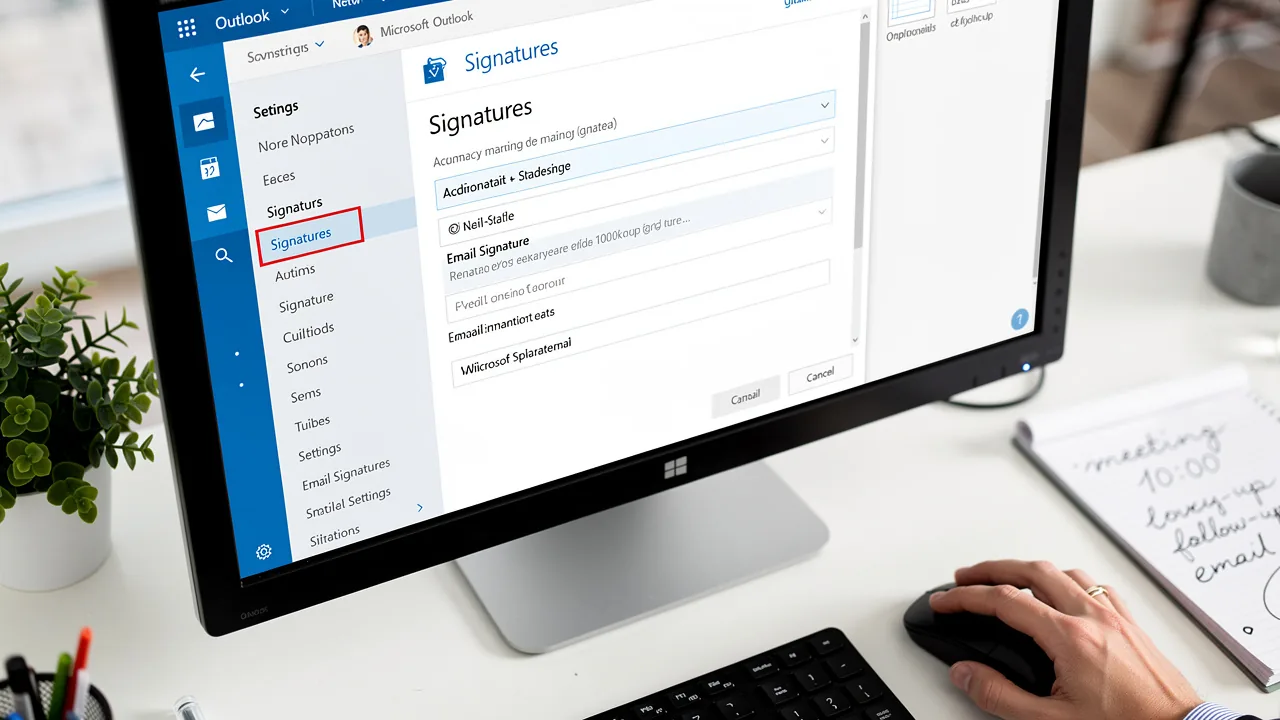
- Open Gmail and click on the gear icon in the top right corner to access 'Settings'.
- Navigate to the 'General' tab and scroll down to the 'Signature' section.
- Click on 'Create new' and input your text in the provided box. You can use Gmail signature formatting to format the text using the toolbar options.
- If you have images (like your logo), click on the 'Insert image' icon to upload it from your computer or link it from the web.
- Once your autograph is established, scroll down and click 'Save Changes'.
To enhance the visual appeal of your design, use tables to align text and images effectively. For instance, a two-column layout with your logo on one side and your contact details on the other can ensure a professional and organized appearance.
Research indicates that 42% of consumers view businesses without a branded mark negatively, emphasizing the vital significance of a well-designed communication footer for brand image. Moreover, 76% of participants have greater trust in senders when messages include branded identifiers, enhancing the credibility that a professional mark can offer.
Managing digital identifiers manually can lead to significant challenges, particularly for larger organizations. To address these challenges, ensure you have Super Admin permissions to connect Scribe with your service provider for synchronization. By utilizing Scribe, organizations can streamline the management of digital identifiers, reducing risks and ensuring compliance. This not only saves time but also enhances security, as Scribe is SOC 2 Type II compliant, ensuring the safety of your data. By leveraging Scribe, organizations can ensure their digital identifiers are consistently managed, reinforcing their brand image and trustworthiness.
Leverage Signatures for Brand Consistency and Marketing
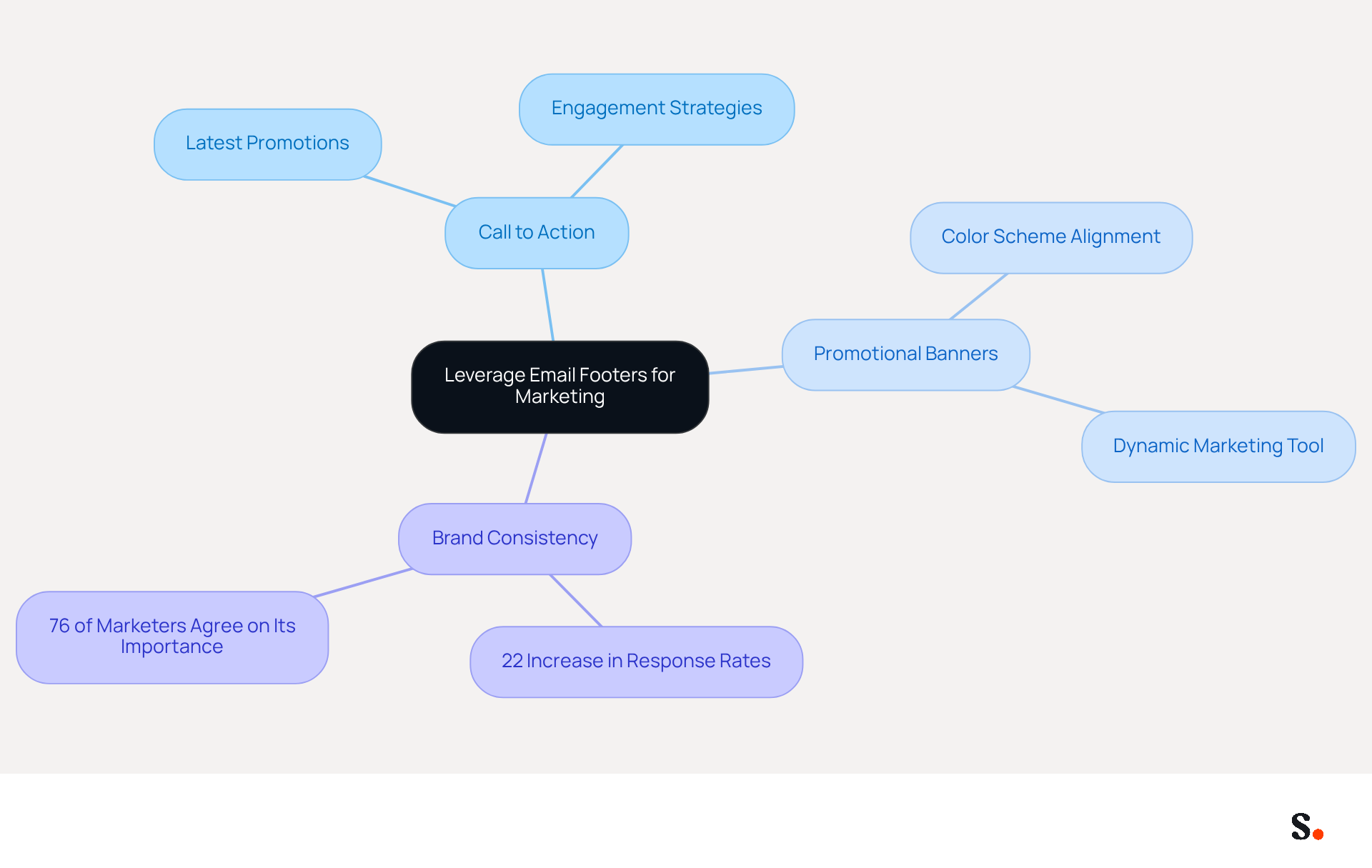
To maximize the impact of your email communications, it's crucial to leverage your email footer as a strategic marketing tool. Start by including a clear call to action (CTA) that guides recipients to your latest promotions, blog posts, or social media channels. For instance, a simple line like 'Check out our latest webinar!' with a hyperlink can drive engagement.
Additionally, consider integrating promotional banners within your email footer. These banners should align with your color scheme and can significantly enhance click-through rates. A strategically placed banner, such as one stating 'Get 20% off your first purchase!' with a clickable link to your website, can turn your email footer into a dynamic marketing tool. This reinforces your brand identity and encourages recipients to engage with your marketing efforts.
Thanks to Scribe's automated sync with Aircall, any changes you make in Aircall will automatically update in your emails. This ensures that your branding remains consistent across all communications, enhancing your marketing efforts.
Notably, businesses that maintain consistent messaging see a 22% increase in response rates, while 76% of marketers believe that such messaging positively influences engagement rates. Case studies show that organizations using visually appealing graphics and interactive elements in their correspondence see higher click-through rates and enhanced audience engagement. By optimizing your email footers for marketing, you can transform each email into a potent lead generation opportunity.
Troubleshoot Common Gmail Signature Issues
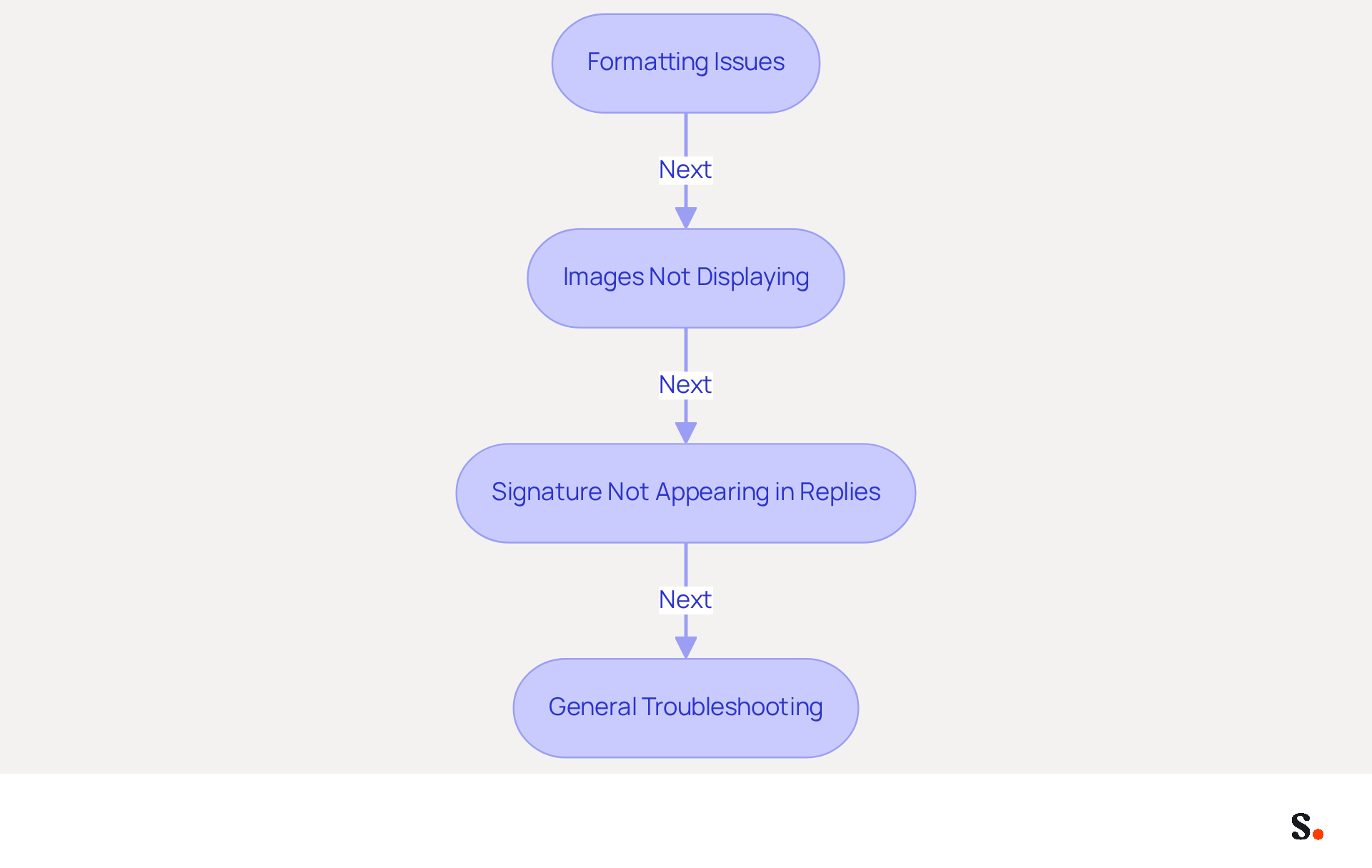
Discrepancies in gmail signature formatting and image display issues can significantly impact your email professionalism. Here are some effective troubleshooting tips:
- Formatting Issues: If your name appears differently when sent, ensure you are using standard fonts and avoid excessive HTML formatting. To maintain consistency across various email clients, stick to basic gmail signature formatting. Studies show that 76% of recipients trust senders more when they see consistent branding, so keeping things uniform is key.
- Images Not Displaying: Many users struggle with images not displaying in their emails, which can undermine professionalism. If images in your email are not visible, verify that they are hosted on a publicly accessible server. Ensure the image URL is correct and that the image dimensions are appropriate, ideally between 70-100 pixels in height and 300-400 pixels in width. Images that are too large can cause display issues.
- Signature Not Appearing in Replies: To ensure your identifier appears in replies, navigate to 'Settings', scroll to the 'Identifier' section, and check the box that says 'Insert this identifier before quoted text in replies and remove the '--' line that precedes it'. This adjustment is crucial for maintaining brand consistency in all communications, particularly in gmail signature formatting.
- General Troubleshooting: Regularly clearing your browser cache and cookies can resolve many display issues. If issues continue, consider recreating your mark from scratch to remove any hidden formatting errors. Failing to maintain a branded identity can lead to negative consumer perceptions, impacting trust and engagement.
Addressing these common issues is essential for maintaining a strong brand presence in your communications.
Conclusion
While often overlooked, a professional Gmail signature is essential for establishing brand identity and effective communication. By implementing best practices in signature formatting, organizations that adopt these strategies often see a marked improvement in professionalism and consistency in their communications, ultimately fostering trust and engagement with recipients.
Key insights from this article highlight the importance of a well-structured signature that includes essential information, utilizes a cohesive color palette, and incorporates branding elements like logos and social media links. Additionally, leveraging email signatures as marketing tools - through calls to action and promotional banners - can significantly boost engagement rates. With Scribe's automated synchronization capabilities, maintaining brand consistency across communications becomes seamless, allowing marketing teams to focus on strategy rather than manual updates.
In today's digital landscape, many still underestimate how crucial a well-crafted email signature can be. Organizations are encouraged to prioritize this often-overlooked aspect of branding, as neglecting this crucial element can result in lost credibility and potential leads. By prioritizing email signatures, organizations can unlock new avenues for engagement and lead generation.
Frequently Asked Questions
Why is a professional Gmail signature important?
A professional Gmail signature is crucial for establishing a strong brand presence in communications, enhancing credibility, and fostering stronger connections with your audience.
What key elements should be included in a Gmail signature?
Key elements to include are your full name, job title, company name, and contact information.
What is the recommended width for a Gmail signature?
The recommended width for a Gmail signature is a maximum of 600 pixels to ensure compatibility across devices.
How many fonts should be used in a Gmail signature?
It is advisable to limit the use of fonts to two types for consistency and readability.
How can incorporating a company logo benefit a Gmail signature?
Incorporating a company logo can significantly enhance recognition, but it should be optimized for web use to prevent loading issues.
Should social media icons be included in a Gmail signature?
Yes, adding social media icons that link to your professional profiles can enhance your online presence and foster professional connections.
How does Scribe help with email branding?
With Scribe, every modification made in your Aircall configuration will automatically be reflected in your email branding, ensuring consistent identity across all communications.
What are the benefits of a well-structured email signature?
A well-structured email signature conveys essential information and reinforces brand identity, which can increase trust and credibility among consumers.
What statistics support the importance of a professional email signature?
Statistics indicate that 64-70% of consumers believe that a branded mark enhances trust and credibility, and maintaining a brand that adheres to best practices can lead to a 22% increase in response rates.
How can I ensure my Gmail signature is mobile-friendly?
To ensure your Gmail signature is mobile-friendly, design it with a clean layout and regularly update it to reflect current branding.
List of Sources
- Design a Professional Gmail Signature
- Email Signature Best Practices - NEWOLDSTAMP (https://newoldstamp.com/blog/email-signature-best-practices)
- Best Practices Designing Email Signatures - Lynne Golodner (https://lynnegolodner.com/articles/best-practices-designing-email-signatures)
- Email Signature Best Practices Guide With Examples - MailerLite (https://mailerlite.com/blog/email-signature-best-practices)
- 4 Best Practices for Your Google Email Signature Template (https://scribe-mail.com/en-US/blog/4-best-practices-for-your-google-email-signature-template)
- signitic.com (https://signitic.com/en/resources/professional-signature-best-practices-the-guide-to-signing-your-corporate-emails)
- Implement and Customize Your Signature in Gmail
- Email Signature Statistics: A Closer Look at Email Signatures in 2026 (https://mysignature.io/blog/email-signature-statistics)
- 40+ Email Signature Statistics for 2026 (Data + Insights) (https://wavecnct.com/blogs/email-signature-statistics)
- How to create and customize email signatures in Gmail (https://revolgy.com/insights/blog/how-to-create-and-customize-email-signatures-in-gmail)
- How to create custom Gmail signature (https://foxnews.com/tech/how-to-create-custom-gmail-signature)
- Leverage Signatures for Brand Consistency and Marketing
- The impact of email signatures on your branding (https://signitic.com/en/resources/the-impact-of-email-signatures-on-your-branding)
- Email signature marketing: everything you need to know (https://templafy.com/email-signature-marketing-everything-you-need-to-know)
- 6 Ways to Use Email Signature to Support Marketing Campaigns (https://clearout.io/blog/use-email-signature-to-support-marketing-campaigns)
- Exclaimer Research: 67% of Marketers Expect Email Signatures to Support With Lead Gen In 2023 (https://businesswire.com/news/home/20230612141095/en/Exclaimer-Research-67-of-Marketers-Expect-Email-Signatures-to-Support-With-Lead-Gen-In-2023)
- Troubleshoot Common Gmail Signature Issues
- Gmail Signature Troubleshooting | WiseStamp Help Center (https://support.wisestamp.com/en/articles/13366705-gmail-signature-troubleshooting)
- Why Is My Gmail Signature Not Showing Up? Common Causes Explained (https://scribe-mail.com/en-US/blog/why-is-my-gmail-signature-not-showing-up-common-causes-explained)
- Troubleshoot issues with Gmail signatures - Gmail Help (https://support.google.com/mail/answer/11468381?hl=en)
- Fix Your Missing Gmail Signature: 8 Troubleshooting Steps & Best Practices | Newoldstamp - NEWOLDSTAMP (https://newoldstamp.com/blog/gmail-signature-not-showing-up)
- What To Do When Your Gmail Signature is Not Showing Up (https://appointlet.com/blog/gmail-signature-not-showing-up)
Get started with Scribe
Create your signature in minutes
Free 14-day trial — no credit card.