Master Gmail Signature Settings for Effective Marketing Strategies
Crafting an effective Gmail signature presents a challenge that many companies overlook, yet it holds significant potential for enhancing marketing strategies
Sophie Grant
Email Signature Specialist, Scribe
Introduction
Crafting an effective Gmail signature presents a challenge that many companies overlook, yet it holds significant potential for enhancing marketing strategies. With the right approach, email signatures can enhance brand visibility, drive engagement, and ensure consistency across communications. This struggle often leads to missed opportunities for effective marketing. By addressing this challenge, companies can unlock the full potential of their email signatures.
Design a Clear and Concise Gmail Signature
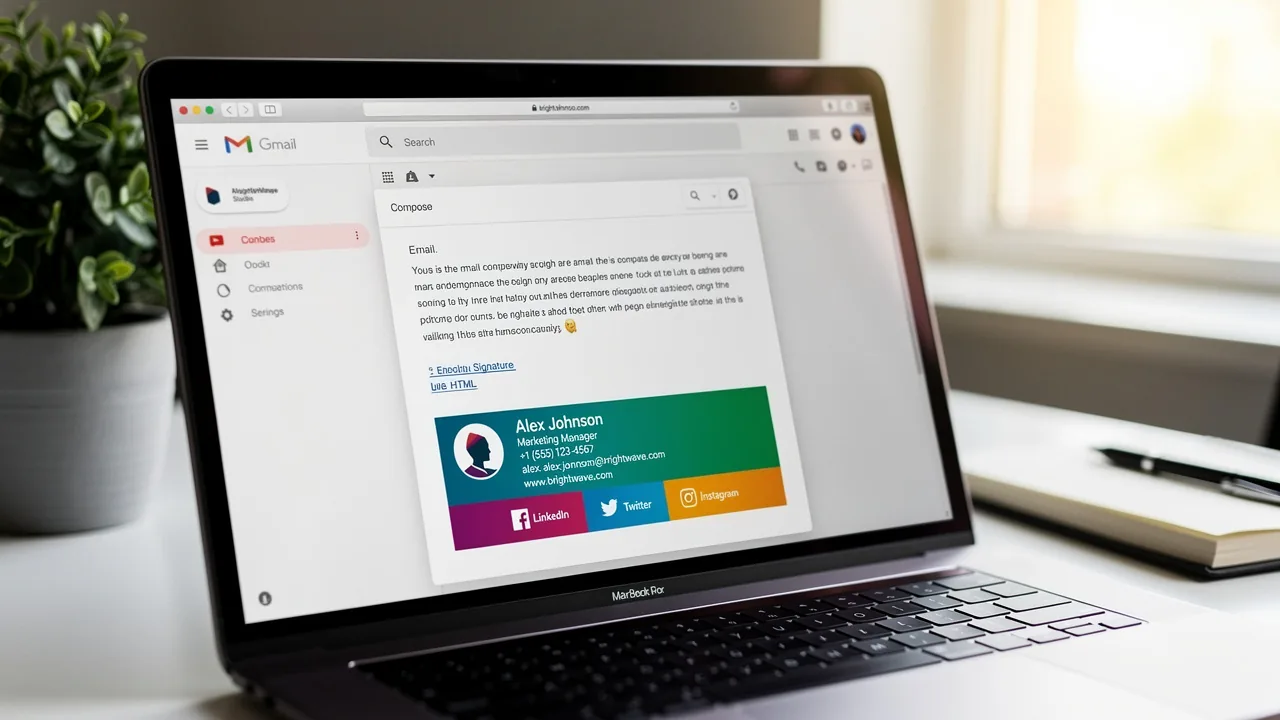
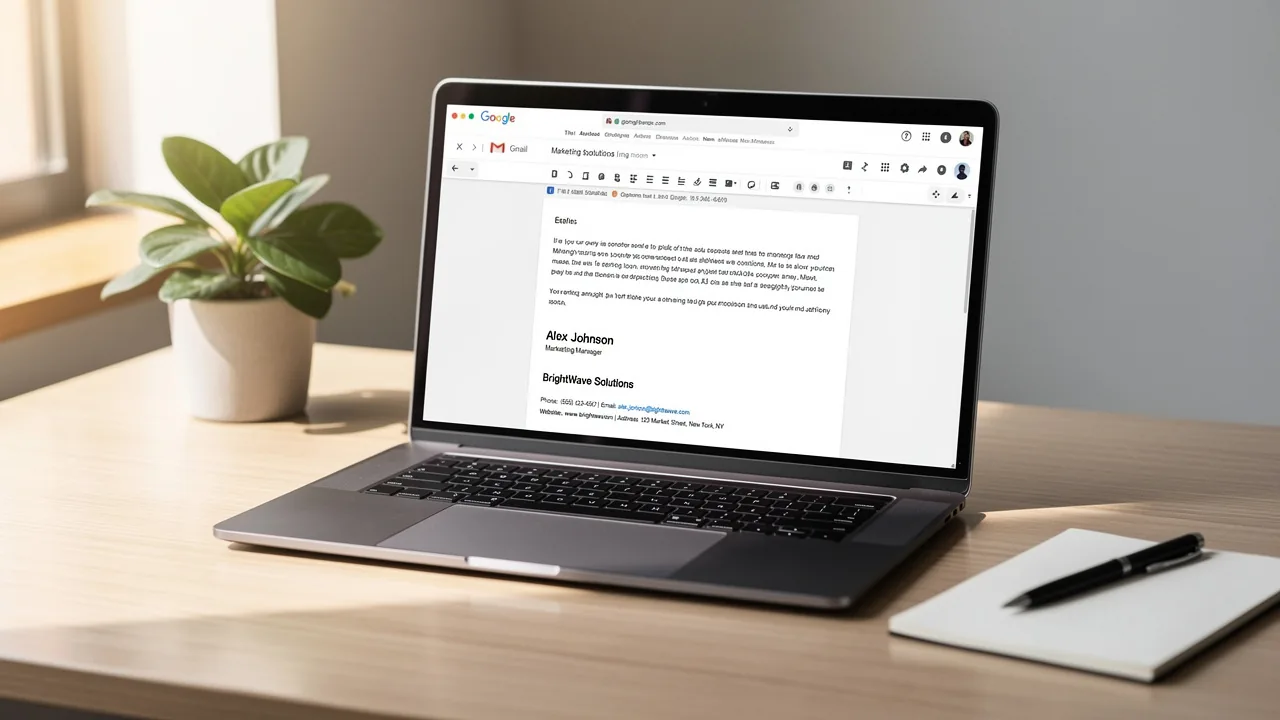
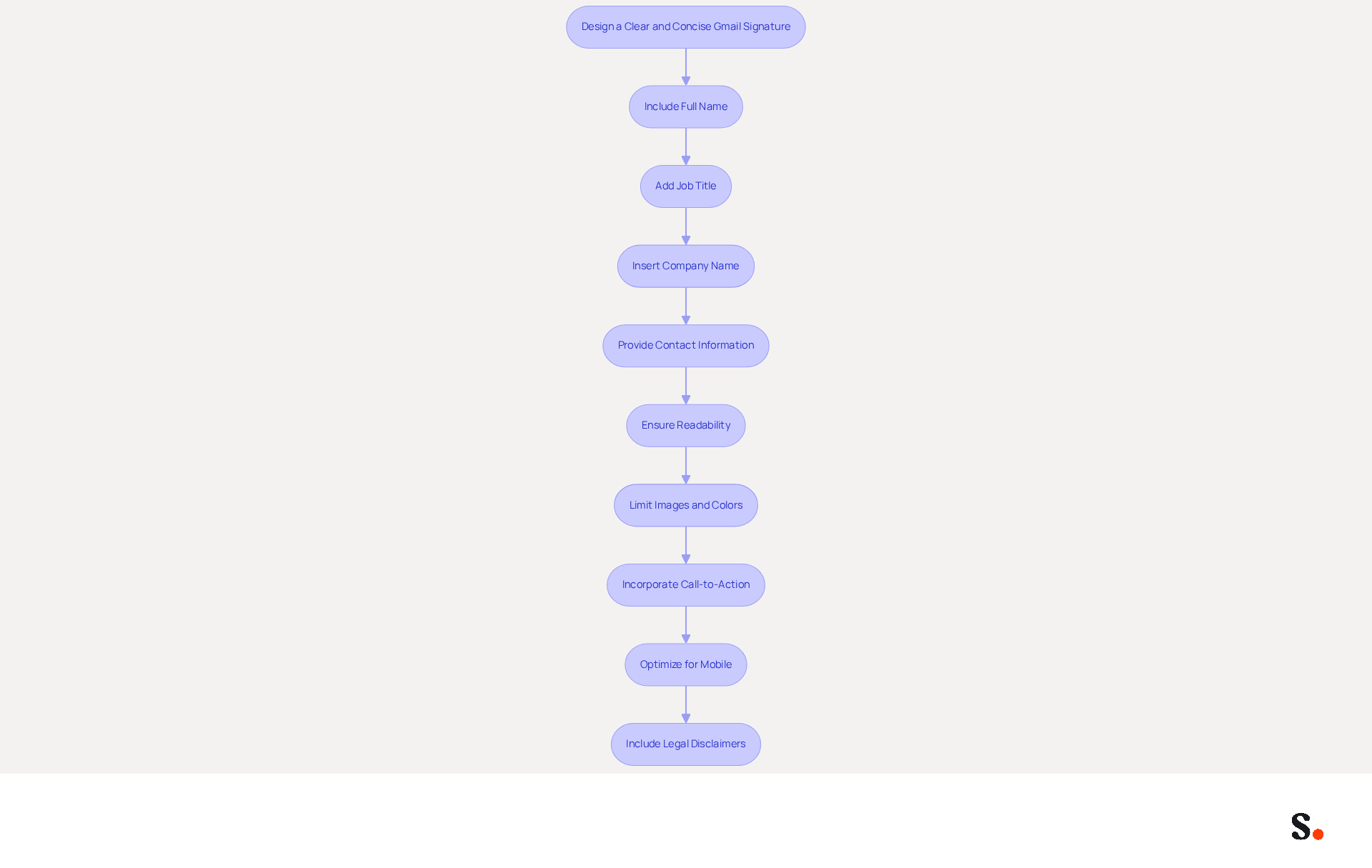
Crafting an effective Gmail signature settings requires careful consideration of essential elements to convey professionalism. Begin by including your full name, job title, company name, and contact information. A clear layout and appropriately sized font are essential for ensuring readability. Aim for a professional appearance that represents your identity while avoiding clutter; limit the use of images and colors. For instance, a well-structured signature might look like this:
John Doe
Digital Marketing Specialist
Scribe
Phone: (123) 456-7890
Email: john.doe@scribe.com
Website: www.scribe.com
Incorporating a call-to-action, such as a link to your latest blog post or a promotional offer, can lead to higher engagement rates, as evidenced by studies showing increased click-through rates. This approach not only facilitates easy contact for recipients but also reinforces your brand identity. However, many struggle to manage their Gmail signature settings to keep their signatures concise while ensuring all necessary information is included. An effective message footer should ideally not exceed seven lines to maintain a clean and professional appearance. Furthermore, with over 80% of messages viewed on mobile devices, ensure your branding is optimized for mobile, following the suggested dimensions of 150px-200px in height and 300px-600px in width. It's also essential to include legal disclaimers, such as confidentiality notices or compliance statements, in your Gmail signature settings to adhere to regulations and to regularly update your Gmail signature settings to reflect current campaigns and organizational changes.
With Scribe, you can simplify this process through one-click synchronization with your service provider. To enable this feature, you must grant Scribe permission to connect with your service provider, which requires Super Admin access. You can choose which teammates to sync, ensuring that not all Google Workspace accounts need to be included. This synchronization ensures that all modifications made in your contact directory are automatically reflected in your branding elements, saving you time and keeping your brand consistent. Scribe's SOC 2 Type II compliance guarantees that your data is managed securely, providing you with peace of mind as you oversee your email branding. By leveraging Scribe's features, you not only streamline your email signature management but also elevate your brand's professionalism.
Implement Effective Signature Setup Procedures
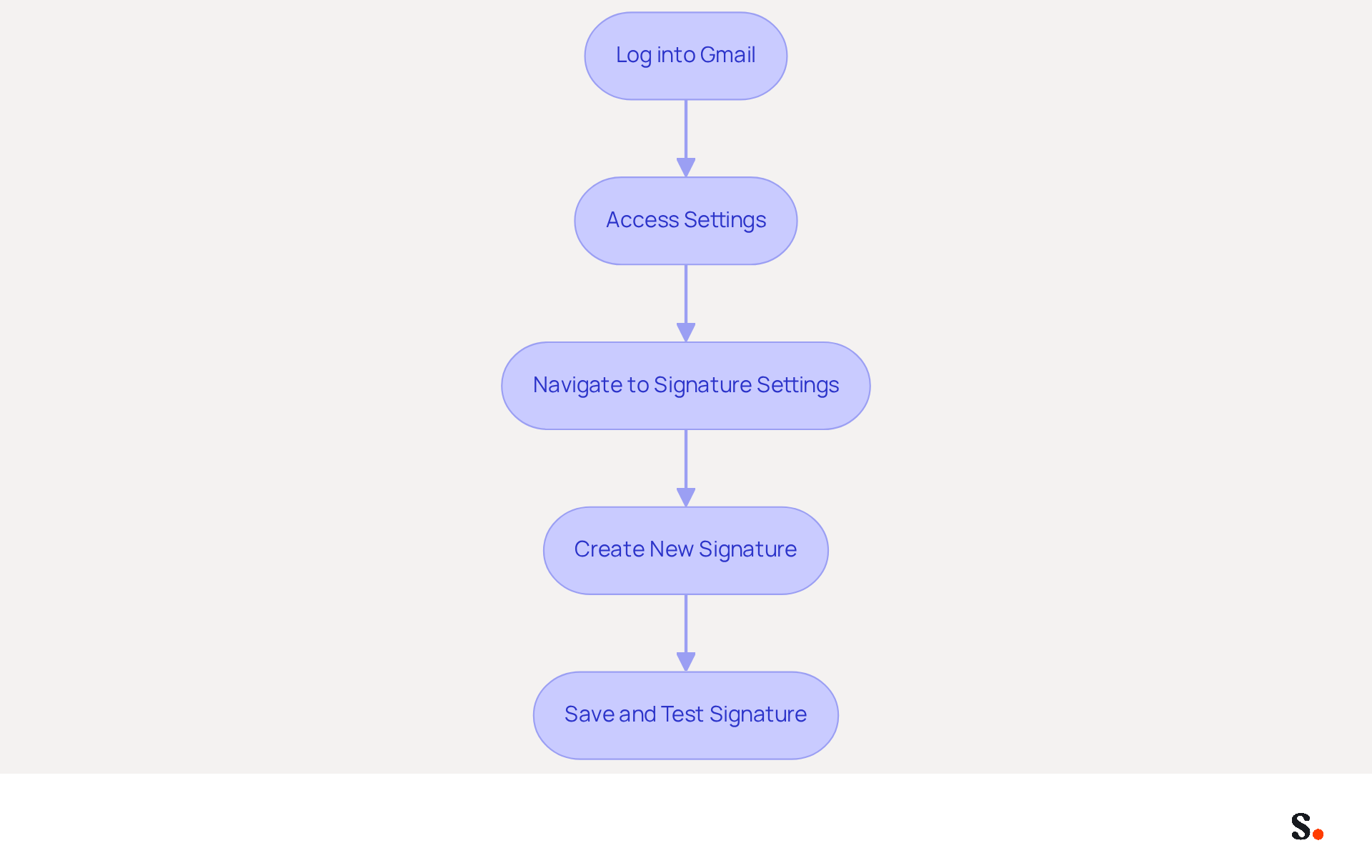
To ensure brand consistency in email communications, it is essential to implement effective setup procedures. Begin by creating a standardized template that all employees can utilize. This template should include placeholders for personal information, ensuring brand consistency across all sign-offs. Follow these steps to access Gmail settings and add the signature:
- Log into Gmail and click on the gear icon to access settings.
- Navigate to the 'General' tab and scroll down to the Gmail signature settings section.
- Click 'Create New' and enter the signing details using the standardized template.
- Save modifications and test the mark by sending a trial message.
Standardized email formats significantly enhance brand identity. They ensure that every communication aligns with the company's image, as 80% of respondents believe a professional branded format is crucial for a company's image. Furthermore, organizations that maintain consistent branding report a 22% increase in response rates. To streamline this process, organizations should implement Scribe, which automates management of approvals, allowing for easy updates and ensuring compliance with branding guidelines. This not only enhances brand perception but also fosters trust among clients and partners.
Leverage Signatures as Marketing Tools
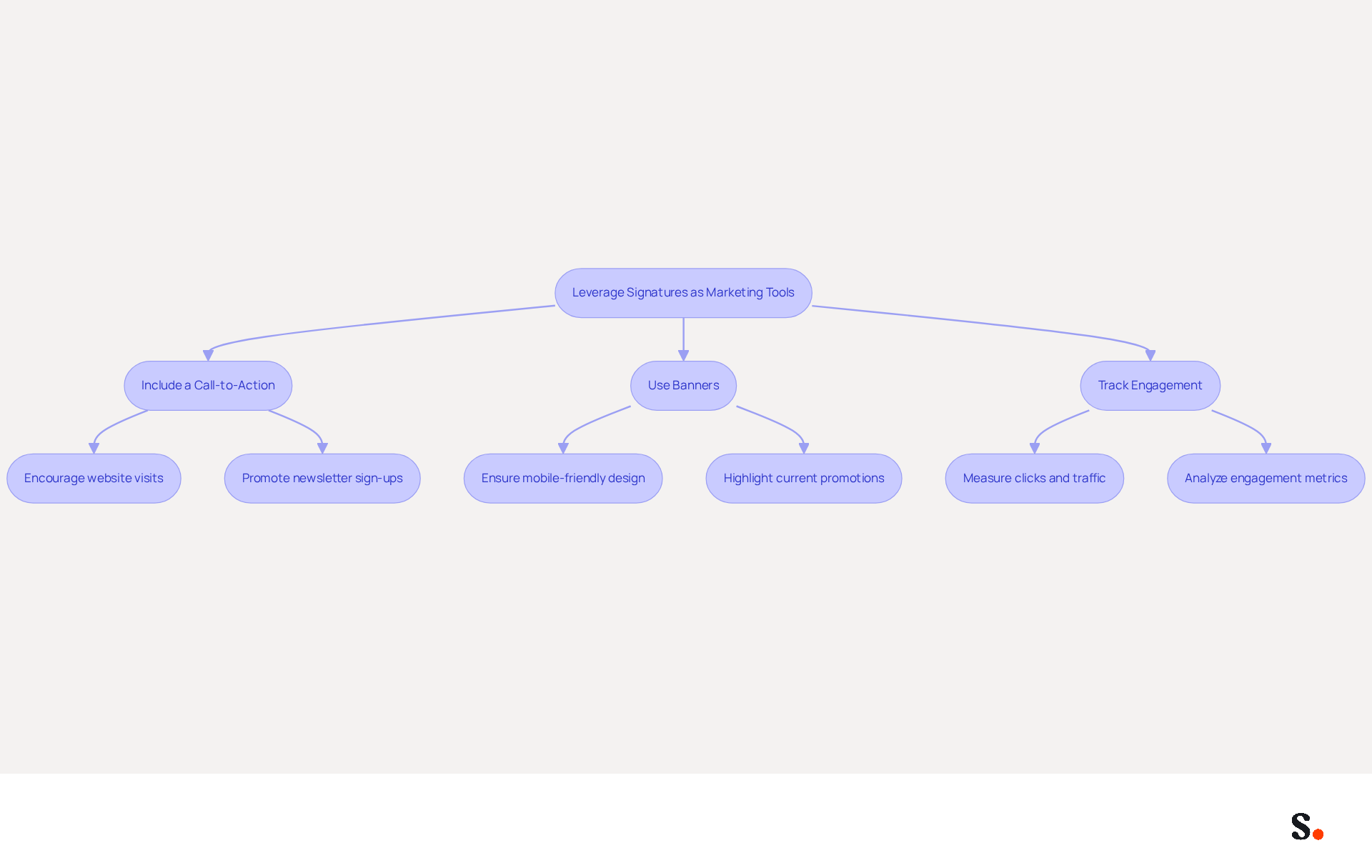
Email footers serve as powerful marketing tools when they incorporate promotional elements like banners and calls-to-action. For instance, adding a banner promoting an upcoming webinar or a link to a recent case study can greatly improve interaction rates. Here’s how to effectively leverage your signature:
- Include a Call-to-Action: Encourage recipients to visit your website or sign up for a newsletter by including a clear call-to-action in your signature. This method can attract visitors and boost conversions, as 34% of users concentrate on lead generation through their digital footers. With the average office worker getting 77 emails a day, your promotional efforts can have a significant impact.
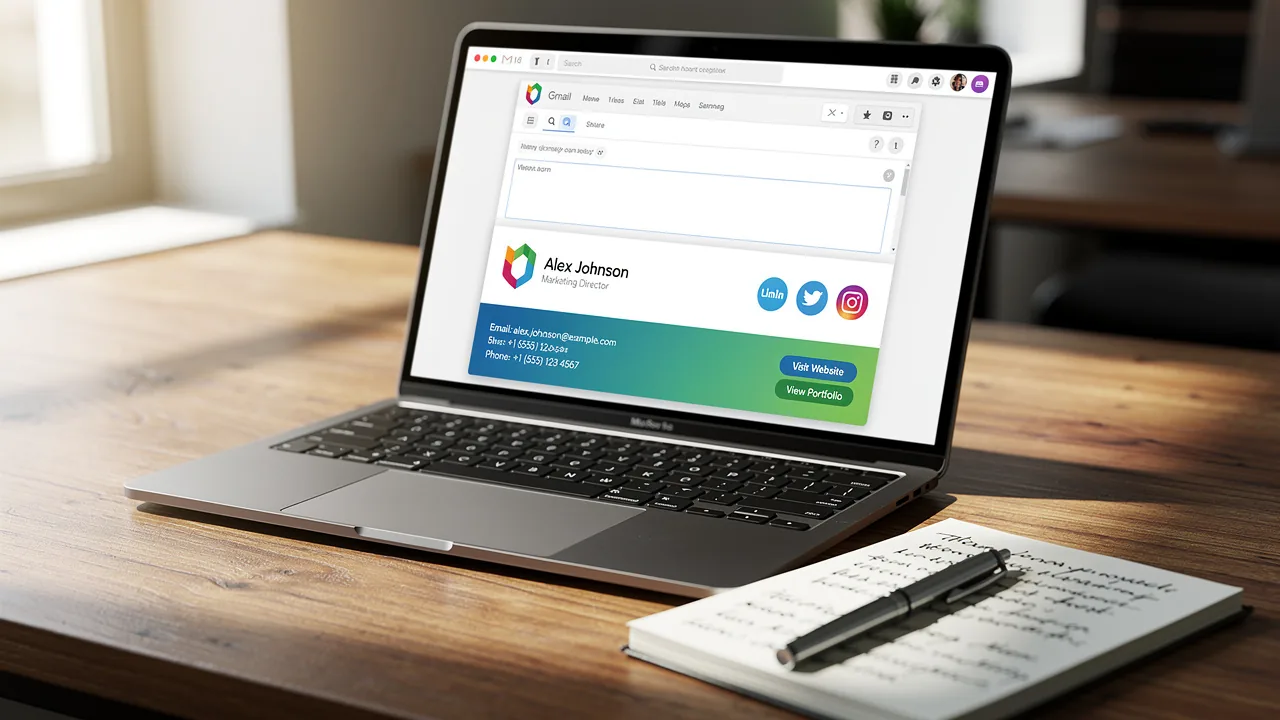
- Use Banners: Incorporate visually appealing banners that highlight current promotions or events. Ensure these banners are mobile-friendly and do not exceed recommended dimensions, typically 600 pixels wide and under 200 pixels in height. Banners can enhance interaction by promoting events, offers, or products, with research indicating that footer promotion leads to 22% greater overall engagement. Notably, 62% of participants use electronic identifiers for promotional purposes, highlighting their effectiveness.
- Track Engagement: Use tracking links to measure the effectiveness of your distinctive marketing efforts. Metrics such as clicks (79%), messages sent (40%), and website traffic (30%) can provide valuable insights into campaign performance. This information can assist in enhancing future campaigns and boosting engagement rates, ensuring that your correspondence identifiers are optimized for maximum impact. Failing to utilize digital identifiers can lead to missed opportunities for engagement and visibility, emphasizing the significance of this frequently neglected channel.
By treating your email footer as a strategic marketing asset, you can unlock significant promotional potential and drive engagement. Organizations that effectively utilize digital identifiers can transform their marketing strategies and enhance their outreach.
Ensure Brand Consistency in Email Signatures
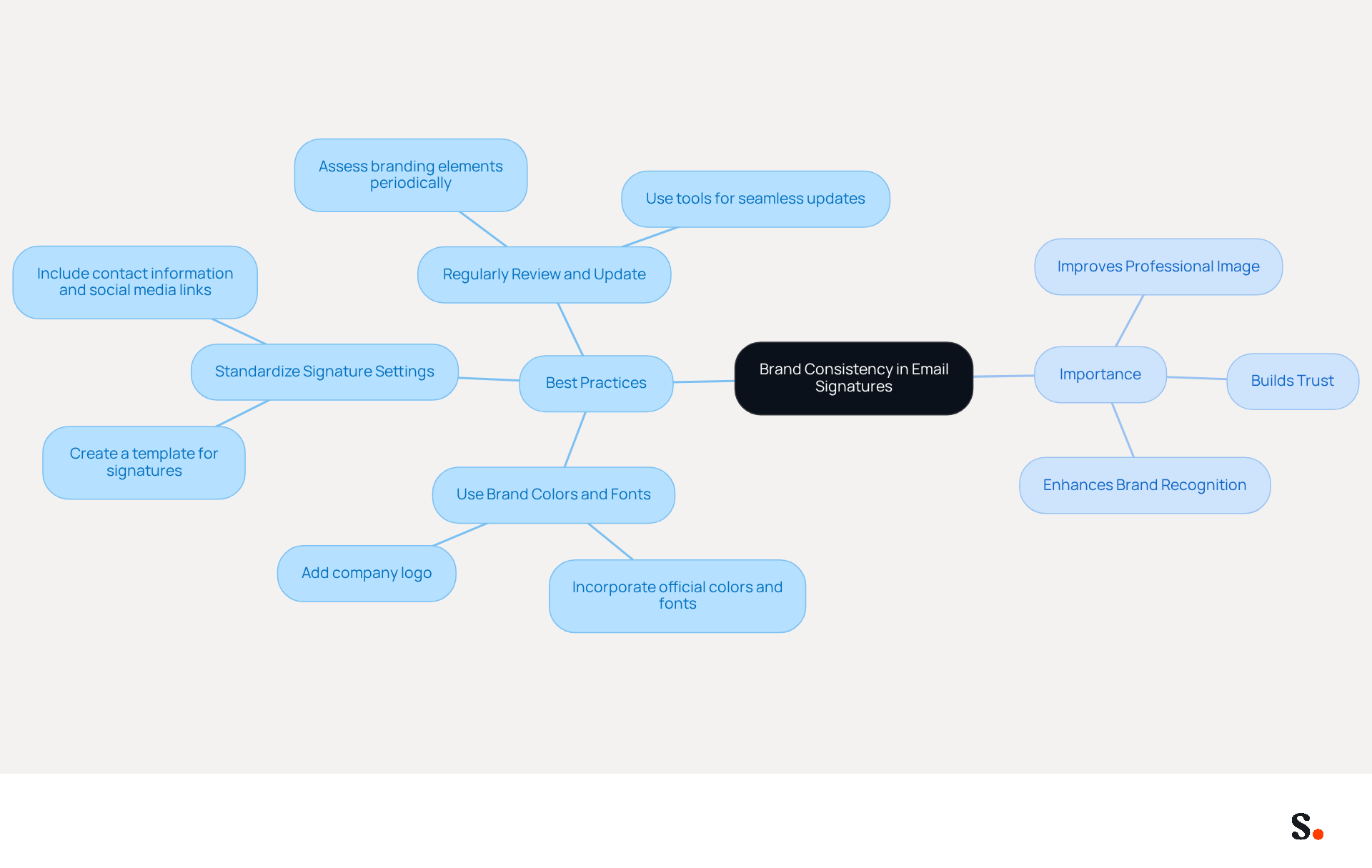
Establishing clear guidelines for gmail signature settings is crucial for maintaining brand consistency. Here are some best practices:
- Use Brand Colors and Fonts: Incorporate your company’s official colors and fonts in the signature design to maintain visual consistency with other marketing materials. This alignment not only strengthens your brand identity but also enhances recognition in all communications. Incorporate your company logo in the email footer, ensuring proper size and positioning. This practice not only strengthens recognition but also adds to a refined and professional appearance. Standardize the gmail signature settings by creating a template that includes all necessary elements, such as contact information and social media links, ensuring that every employee's sign-off aligns with Scribe's identity. Standardization helps eliminate discrepancies and maintains a unified professional image.
- Regularly Review and Update: Periodically assess branding elements to ensure they remain compliant with any updates or changes in company information. Without regular updates, branding can quickly become outdated, leading to inconsistencies. Regular updates can be facilitated through tools like Scribe, which facilitate seamless updates throughout the organization.
Emphasizing brand consistency in digital communications not only improves a business's professional image but also builds trust with its audience. A cohesive email signature not only reinforces branding but also fosters trust with clients and partners. Studies indicate that 52% of organizational communication is conducted through email, highlighting its significance in business operations.
Conclusion
Effective management of Gmail signature settings is crucial for organizations seeking to enhance their marketing strategies and uphold brand integrity. By implementing clear guidelines and utilizing tools like Scribe, businesses can ensure that their email signatures convey professionalism while serving as powerful marketing assets. This method empowers marketing teams to take charge of their signatures, ensuring every email reflects the company's image and goals.
Throughout the article, key strategies have been highlighted, including:
- The importance of a clear and concise signature design
- The implementation of standardized templates
- The effective use of promotional elements
By incorporating calls-to-action and visually appealing banners, organizations can significantly boost engagement rates. Additionally, maintaining brand consistency through regular updates and adherence to brand guidelines fosters trust and recognition among clients and partners.
By prioritizing Gmail signatures, organizations can transform their email communications into strategic marketing tools that drive measurable results. Organizations that prioritize this often see improved engagement and response rates, turning their email footers into valuable assets. Embracing these practices ensures that every email interaction contributes to their marketing success and strengthens their brand presence.
Frequently Asked Questions
What are the essential elements to include in a Gmail signature?
A Gmail signature should include your full name, job title, company name, and contact information, presented in a clear layout with an appropriately sized font for readability.
How can I make my Gmail signature look professional?
To achieve a professional appearance, avoid clutter by limiting the use of images and colors, and aim for a structured format that represents your identity.
What is an example of a well-structured Gmail signature?
A well-structured signature might look like this: John Doe Digital Marketing Specialist Scribe Phone: (123) 456-7890 Email: john.doe@scribe.com Website: www.scribe.com
How can a call-to-action in my Gmail signature benefit me?
Incorporating a call-to-action, such as a link to your latest blog post or promotional offer, can lead to higher engagement rates and increased click-through rates.
What is the recommended length for a Gmail signature?
An effective Gmail signature should ideally not exceed seven lines to maintain a clean and professional appearance.
Why is it important to optimize my Gmail signature for mobile devices?
Over 80% of messages are viewed on mobile devices, so optimizing your signature ensures it displays correctly and maintains branding consistency on smaller screens.
What are the suggested dimensions for a mobile-optimized Gmail signature?
The suggested dimensions for a mobile-optimized Gmail signature are 150px-200px in height and 300px-600px in width.
Should I include legal disclaimers in my Gmail signature?
Yes, including legal disclaimers, such as confidentiality notices or compliance statements, is essential to adhere to regulations.
How often should I update my Gmail signature?
You should regularly update your Gmail signature to reflect current campaigns and organizational changes.
How does Scribe help with managing Gmail signatures?
Scribe simplifies the process through one-click synchronization with your service provider, allowing for automatic updates to branding elements based on modifications in your contact directory.
What permissions are needed to enable Scribe's synchronization feature?
To enable synchronization, you must grant Scribe permission to connect with your service provider, which requires Super Admin access.
Can I choose which teammates to sync with Scribe?
Yes, you can choose which teammates to sync, ensuring that not all Google Workspace accounts need to be included.
How does Scribe ensure data security?
Scribe's SOC 2 Type II compliance guarantees that your data is managed securely, providing peace of mind regarding email branding management.
List of Sources
- Design a Clear and Concise Gmail Signature
- Email Signature Best Practices (https://uschamber.com/co/grow/thrive/email-signature-best-practices)
- Email Signature Best Practices Guide With Examples - MailerLite (https://mailerlite.com/blog/email-signature-best-practices)
- Email signature marketing: everything you need to know (https://templafy.com/email-signature-marketing-everything-you-need-to-know)
- Email Signature Best Practices - NEWOLDSTAMP (https://newoldstamp.com/blog/email-signature-best-practices)
- Best Practices Designing Email Signatures - Lynne Golodner (https://lynnegolodner.com/articles/best-practices-designing-email-signatures)
- Implement Effective Signature Setup Procedures
- Company-Wide Email Signature Management | CloudM (https://cloudm.io/resources/blog/optimize-your-process-with-company-wide-email-signature-management)
- 40+ Email Signature Statistics for 2026 (Data + Insights) (https://wavecnct.com/blogs/email-signature-statistics)
- Email signature statistics: Why every business should optimize their email signatures — Stripo.email (https://stripo.email/blog/email-signature-statistics-why-every-business-should-optimize-their-email-signatures)
- Best Email Signature Quotes (2026) - HubSpot (https://hubspot.com/email-signature-generator/best-signature-quotes)
- WiseStamp Sets a New Standard for Email Signature Creation (https://prnewswire.com/news-releases/wisestamp-sets-a-new-standard-for-email-signature-creation-302689811.html)
- Leverage Signatures as Marketing Tools
- Email signature marketing: everything you need to know (https://templafy.com/email-signature-marketing-everything-you-need-to-know)
- Using Email Signatures as a Marketing Tool: Ideas for Generating Leads and Promoting Business (https://blog.ringostat.com/en/using-email-signatures-as-a-marketing-tool-ideas-for-generating-leads-and-promoting-business)
- Brands Turn To Email Signatures For Marketing: Study (https://mediapost.com/publications/article/350372/brands-turn-to-email-signatures-for-marketing-stu.html?edition=118089)
- Email Signature Marketing 101: Run Campaigns That Drive ROI (https://wisestamp.com/guides/how-to-do-email-signature-marketing)
- Email signature statistics: Why every business should optimize their email signatures — Stripo.email (https://stripo.email/blog/email-signature-statistics-why-every-business-should-optimize-their-email-signatures)
- Ensure Brand Consistency in Email Signatures
- Email Signature Statistics: A Closer Look at Email Signatures in 2026 (https://mysignature.io/blog/email-signature-statistics)
- Email Signature Branding: Consistency and Impact | Crossware365 (https://crossware365.com/blog/mastering-email-signature-branding-market-presence)
- Exclaimer Research: 67% of Marketers Expect Email Signatures to Support With Lead Gen In 2023 (https://businesswire.com/news/home/20230612141095/en/Exclaimer-Research-67-of-Marketers-Expect-Email-Signatures-to-Support-With-Lead-Gen-In-2023)
- Consistently Branded Email Signatures at Scale (https://exclaimer.com/solutions/enhance-brand-consistency)
Get started with Scribe
Create your signature in minutes
Free 14-day trial — no credit card.