How to Choose a Professional Email Closing That Fits the Moment
Match your email sign-off to the message and relationship, then format the closing, name, and signature so each has a clear place.
Sophie Grant
Email Signature Specialist, Scribe

On this page
- Separate the sign-off from the rest of the email ending
- Format the sign-off and the lines that follow
- Choose wording that fits the recipient
- Format the sign-off and position your name
- Check the ending against the recipient and message
- Practical questions about professional email closings
- What are good closings for professional emails?
- Should I put a thank-you in the sign-off or the closing sentence?
- How should I format a professional email sign-off?
- What should I change if my email ending feels repetitive?
- Sources
Separate the sign-off from the rest of the email ending
“Sincerely” and “Best regards” are examples of sign-offs.
Your final sentence belongs to the message itself: it can finish a point, express thanks, or make a next step clear. The sign-off follows that sentence and gives the message a courteous ending. Your name follows the sign-off, and an email signature may follow as well. Keeping the parts distinct lets you edit the message’s meaning without confusing it with the phrase that closes the email.
The sign-off is usually the part you need to choose. If your email already says what you need it to say, you do not need another sentence just to lead into the sign-off. If you still need to thank someone or clarify a next step, put that thought in the message first. Then choose a short sign-off that fits its tone.
Your last lines should read in a clear order: the message’s final thought, the sign-off, your name, and any email signature. Read the final thought and sign-off as separate lines. If the sign-off repeats the message or sounds like the start of another sentence, revise one of them rather than adding more wording.
Format the sign-off and the lines that follow
Proofreading focuses on capitalization, punctuation, spacing, and the information that follows.
The message’s formality gives you a useful starting point. A carefully worded proposal, a sensitive business update, or a first note to a new contact may call for an ending that does not suddenly become casual. A brief internal message may support a lighter tone if the rest of your email already has that feel. Read the whole message, not only its last line: a relaxed sign-off can feel out of place after formal wording, while a very formal one can jar after a familiar, conversational exchange.
Your relationship with the recipient adds context, but it does not replace the tone of the particular message. A colleague you know well may receive a routine note written casually, while a formal request to that same colleague may call for a more restrained ending. A client relationship can also feel familiar; the sign-off still needs to suit what you are writing now. Rocketseed’s examples suggest “Best regards” for clients and “Cheers” for colleagues, alongside the broader advice to consider both formality and relationship.
When familiarity and formality point in different directions, let the purpose of your current email guide the choice. If you know the recipient well but are making a formal request, choose an ending that fits the request. If your message is routine and your exchange is relaxed, a warmer sign-off may fit. When you are unsure about the relationship, avoid a phrase that assumes more familiarity than the exchange has established.
If your answers point in different directions, give more weight to the purpose and wording of the current message. Your sign-off should complete that message, not introduce a new tone.
A quick comparison can help when you are editing. Imagine that you have written a formal request to a close colleague. Your relationship may be familiar, but the request sets the tone for this particular email. Now imagine a routine note to the same person: if the wording is conversational, a less formal sign-off may fit. In both cases, compare the closing with the message you wrote rather than choosing from the relationship alone.

Choose wording that fits the recipient
Professional sign-off examples are starting points, not universal rules. Rocketseed suggests “Best regards” for clients and “Cheers” for colleagues; weigh those suggestions against the message’s formality and your relationship with the recipient. A phrase that suits one exchange may not suit another.
“Best regards” is one option Rocketseed recommends for a client. For example, you might use it after a formal follow-up or a message that closes a work discussion. Keep the rest of the email at a similar level of formality; the sign-off cannot change the tone of the message that comes before it.
“Cheers” is an option Rocketseed recommends for colleagues. It may fit a routine note when your exchange is relaxed. If you are writing a formal request or a serious update to a colleague, choose wording that matches that message rather than relying only on how well you know the person.
“Best wishes” offers another possibility when you want a respectful closing. Rocketseed says the phrase works across various cultures and generations. Treat that as a suggestion, not a guarantee that the wording will fit every person or situation; your message and relationship still matter.
A short example makes the distinction concrete. For a formal client follow-up, you might end the message with “Thank you for your time,” and then use “Best regards” as the separate sign-off. For a relaxed note to a colleague, “Thanks for taking a look” can finish the message before “Cheers.” In either case, the sentence carries the specific meaning; the sign-off supplies the closing phrase. Instantly reports that research analyzing over 350,000 email threads found response rates of 62% for emails with “thanks” variations and 46% for emails without gratitude-based closings. Treat this as a reported comparison, not a promise that a particular closing will produce a reply or a reason to force thanks into a message. Read the figures narrowly: they group emails with “thanks” variations against emails without gratitude-based closings. They do not compare “Best regards” with “Cheers,” show which particular thank-you wording performed best, or establish from the reported comparison alone that adding gratitude caused the difference. So the statistic cannot choose a sign-off for an individual message or settle whether a thank-you belongs in its final sentence. Use it only as context when you have a genuine reason to express thanks; do not treat the percentages as a ranking of closing phrases or a formula for every work email. The comparison says nothing about capitalization, commas, or where the sender’s name appears. For the actual choice, decide whether the message has something specific to acknowledge, then keep that thought in its own sentence and select the sign-off separately to match the exchange.
A familiar phrase is not a shortcut around considering the exchange. If “Cheers” feels too casual for the email you have written, use a more restrained option even if you know the recipient well. If “Best regards” feels more formal than the rest of an established, relaxed conversation, a warmer choice may fit better. Read the final sentence and sign-off together, then keep the wording that fits both the message and your relationship.
Format the sign-off and position your name
Sign-off capitalization follows a simple distinction: capitalize the first word of a multiword phrase, and capitalize a single-word close. Write “Best regards,” not “Best Regards,” and write “Regards,” or “Sincerely,” with an initial capital. The cited guides recommend this convention for closing expressions.
A comma after the sign-off is the punctuation convention Indeed advises. Put the phrase and comma on one line, then place your name beneath it. Keep the comma with the sign-off rather than moving it to the name line. As a final copyedit, check the spelling of the chosen phrase too; the cited guidance recommends checking spelling as well as punctuation.
The space before your typed name is part of the layout. Indeed advises leaving two lines between the complimentary close and your name. Apply that spacing consistently in the message format you use, then check that your name still reads as part of the email’s ending. That blank space acts as a visual separator: it distinguishes the closing phrase from the sender details while keeping their order clear.
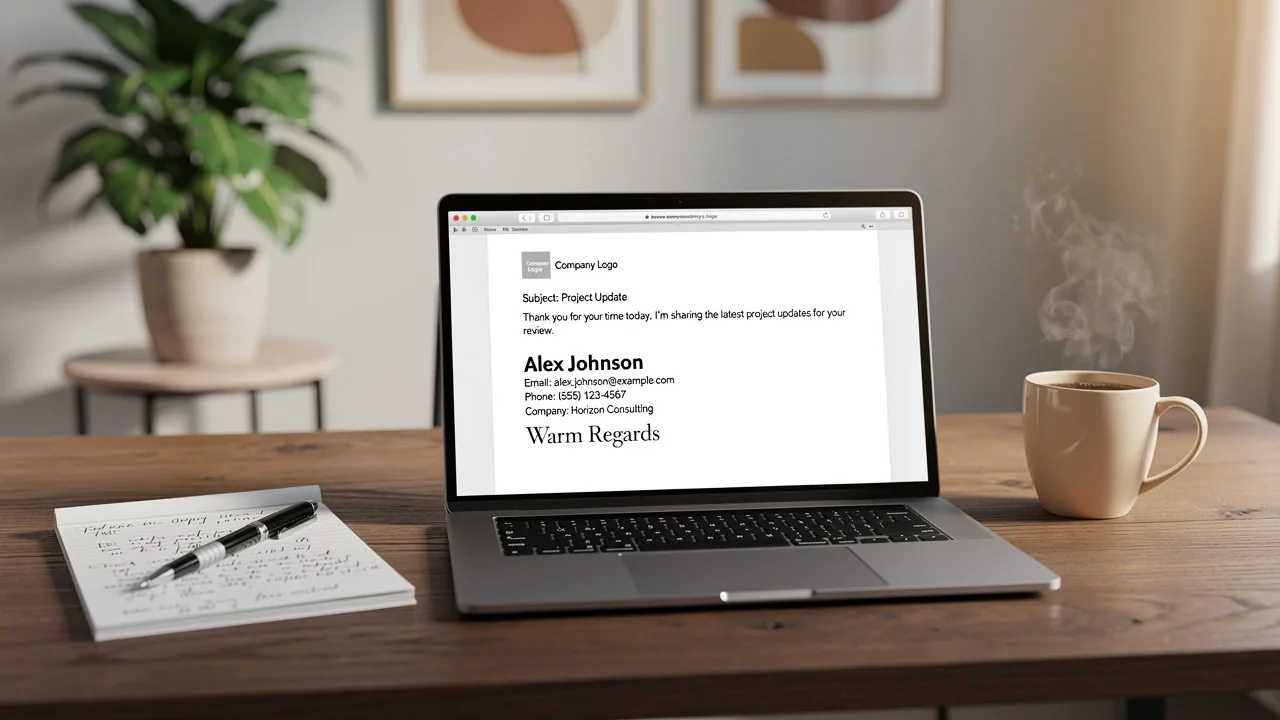
The amount of identifying detail can depend on how formal the message is. For a formal message, Indeed advises following the close with a signature, your first and last name, job title, and contact details. For an informal message to a close colleague or friend, Indeed says using only your first name after the close is acceptable. These are different formats for different situations.
Your sign-off and email signature are separate parts of the ending. The sign-off is the phrase before your name; a signature can follow as identifying information. When you use both, keep the sign-off, name, and signature in a readable order. A signature block does not replace the phrase you chose to close the message.
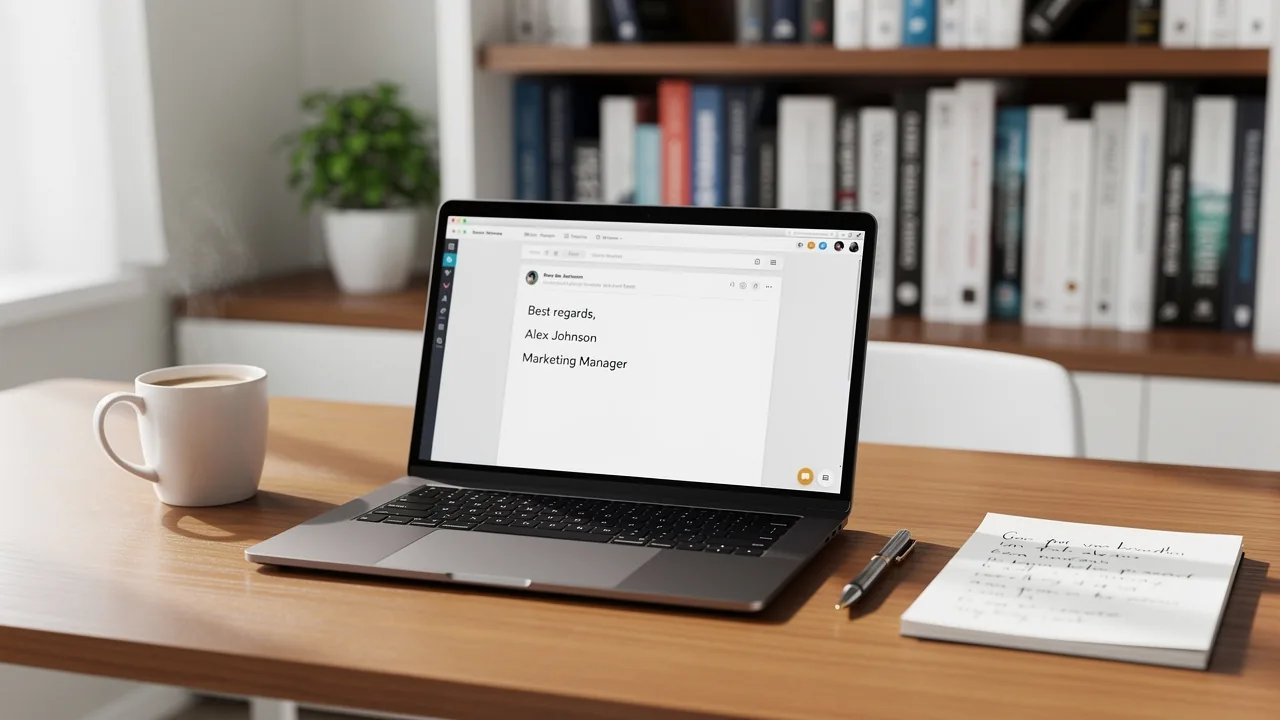
A formatted ending might look like this:
Thank you for your time.
Best regards,
Your name
Your job title and contact details, if appropriate for the message
The example keeps the message’s final sentence separate from the sign-off and the identifying details that follow. Use the amount of detail that fits the formality of your message.
Compare it with an informal note to a close colleague:
Thanks for checking this.
Cheers,
Your first name
The two layouts illustrate how the identifying lines can vary with the formality of the message. In the second example, “Thanks for checking this” is the message’s final sentence; “Cheers” is the sign-off; and the first name follows it. Indeed says a first name is acceptable after the close in an informal message to a close colleague or friend, while its guidance for formal messages includes a signature, first and last name, job title, and contact details. Treat these as context-specific formats, not competing rules. When proofreading your own ending, check that the phrase remains distinct from both the message sentence and the name that follows. Then include the identifying details appropriate to that message rather than copying every line from a formal example into an informal note.
Check the ending against the recipient and message
Your final read can be brief. Match the sign-off to the formality of the message and your relationship with the recipient, then read the closing sentence, sign-off, name, and any signature in order. Each part should have a clear role: the sentence finishes the message, the sign-off provides the closing phrase, and the remaining lines identify you.
Before you send, ask:
- Does the sign-off fit both this message and this relationship?
- Is the phrase capitalized and punctuated consistently?
- Does your name follow the sign-off with spacing and detail suited to the message?
- If you use an email signature, is it distinct from the sign-off?
If you can answer yes, the ending is clear and consistent with the exchange.
A professional email closing does not need elaborate wording. Choose a sign-off that fits the exchange, keep it distinct from the message and your identifying details, and format the final lines so each part is easy to recognize. When your relationship and the message call for different levels of formality, let the purpose of the email guide your choice.
Practical questions about professional email closings
What are good closings for professional emails?
Choose a phrase that fits the message’s formality and your relationship with the recipient. “Best regards” may suit a client follow-up; “Cheers” may fit a relaxed note to a colleague. If you are unsure how familiar to sound, use a more restrained phrase.
Should I put a thank-you in the sign-off or the closing sentence?
Put the specific thanks in the message’s final sentence, then use the sign-off as a separate courteous ending. For example: “Thank you for your time.” followed by “Best regards,” and your name.
How should I format a professional email sign-off?
Capitalize the first word of a multiword phrase, such as “Best regards,” and capitalize a single-word close, such as “Regards,”. Put a comma after the phrase, then place your name beneath it.
What should I change if my email ending feels repetitive?
Read the final sentence and sign-off together. If they repeat the same thought or the sign-off sounds like another sentence, revise one of them so the message’s final thought and the closing phrase have separate roles.
Get started with Scribe
Build a professional email signature
Free 14-day trial — no credit card.